
 15
15presentation
Flying Saucer History Lesson Deck
Build an engaging World UFO Day session with this flying saucer history lesson deck, featuring retro green-and-brown slides for PowerPoint and Google Slides.
Google SlidesPowerPoint
presentation · English
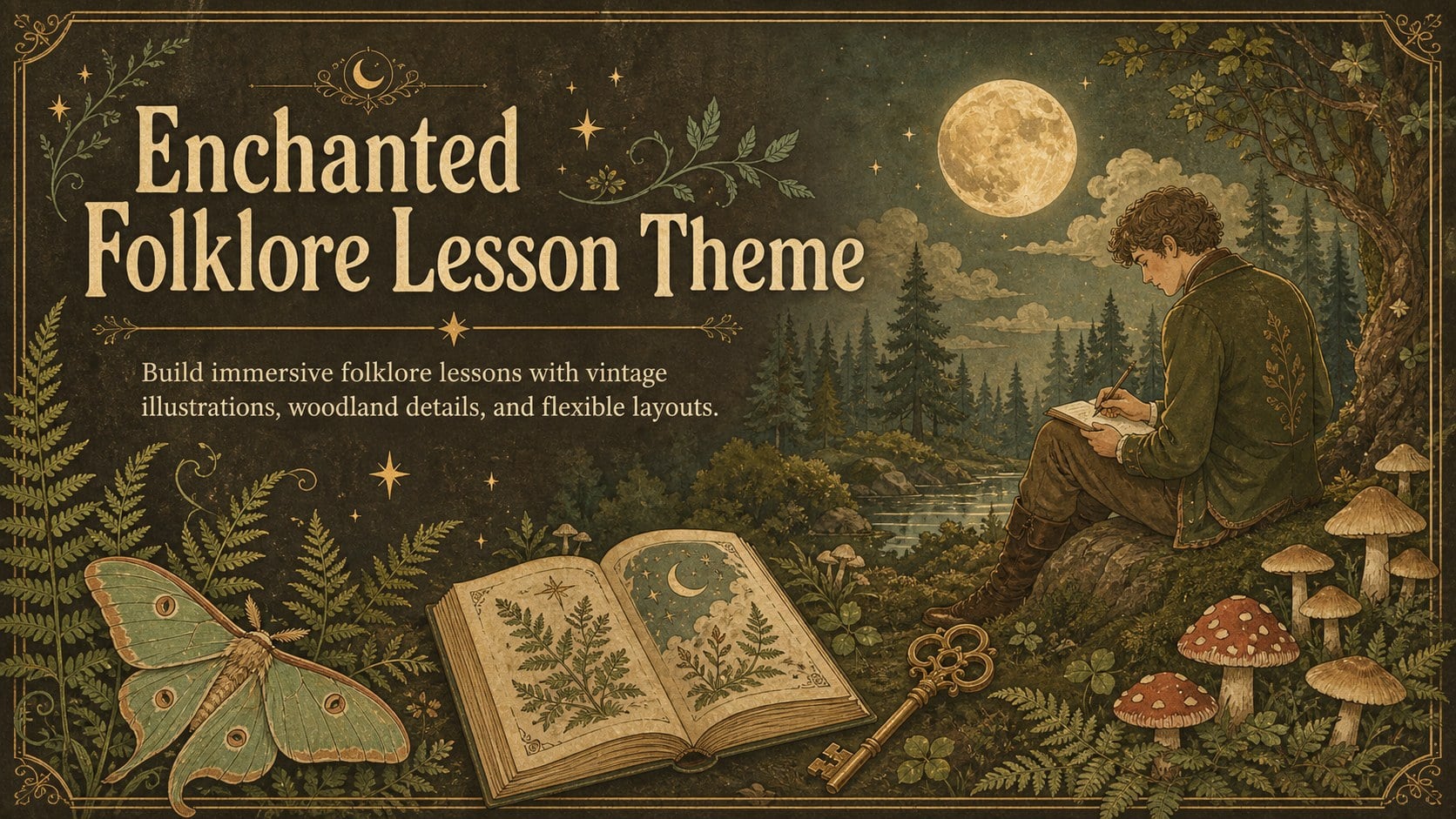
Shape memorable lessons and story sessions with an enchanted folklore lesson theme featuring editable vintage art for PowerPoint and Google Slides.
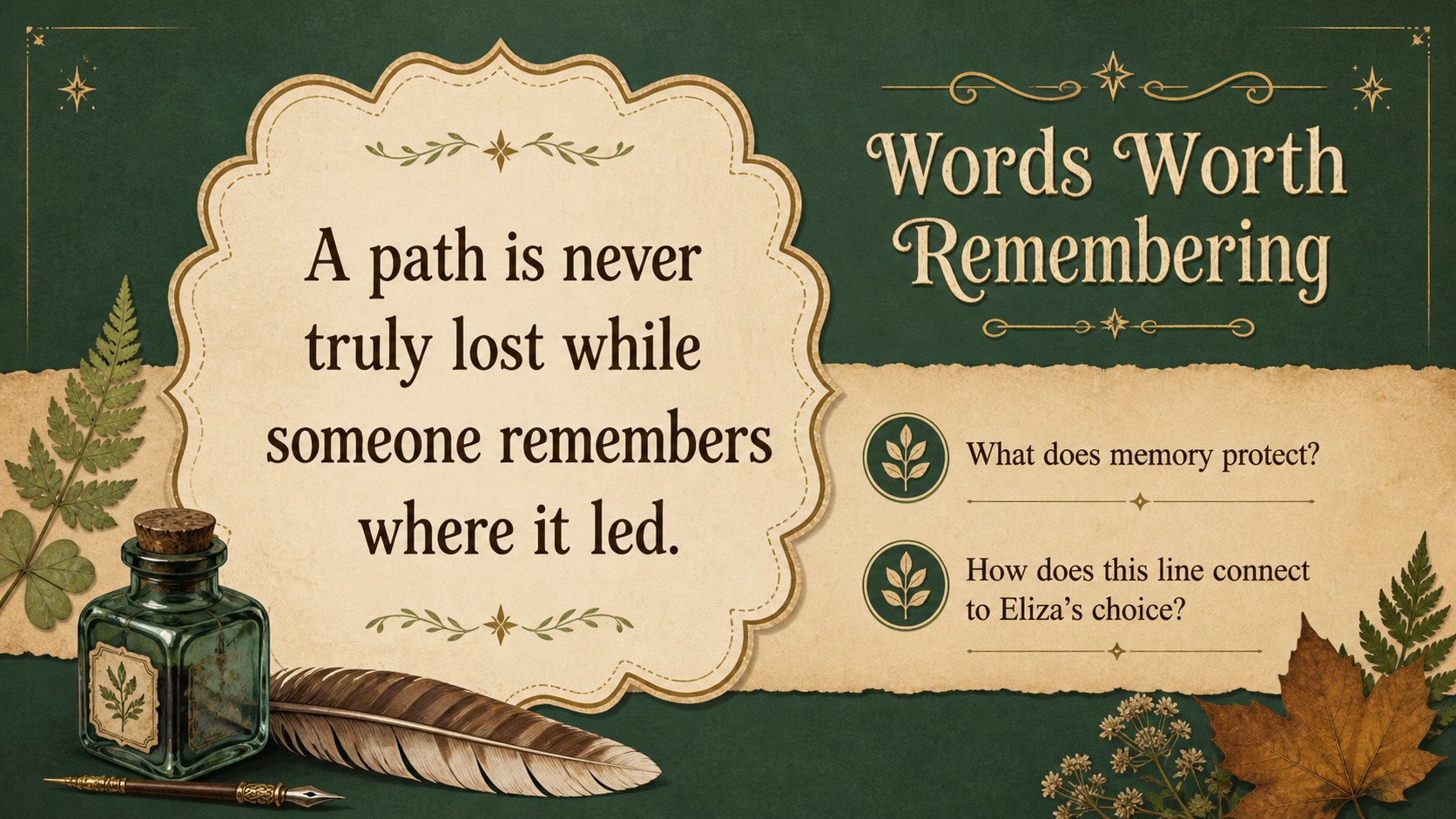
Design notes
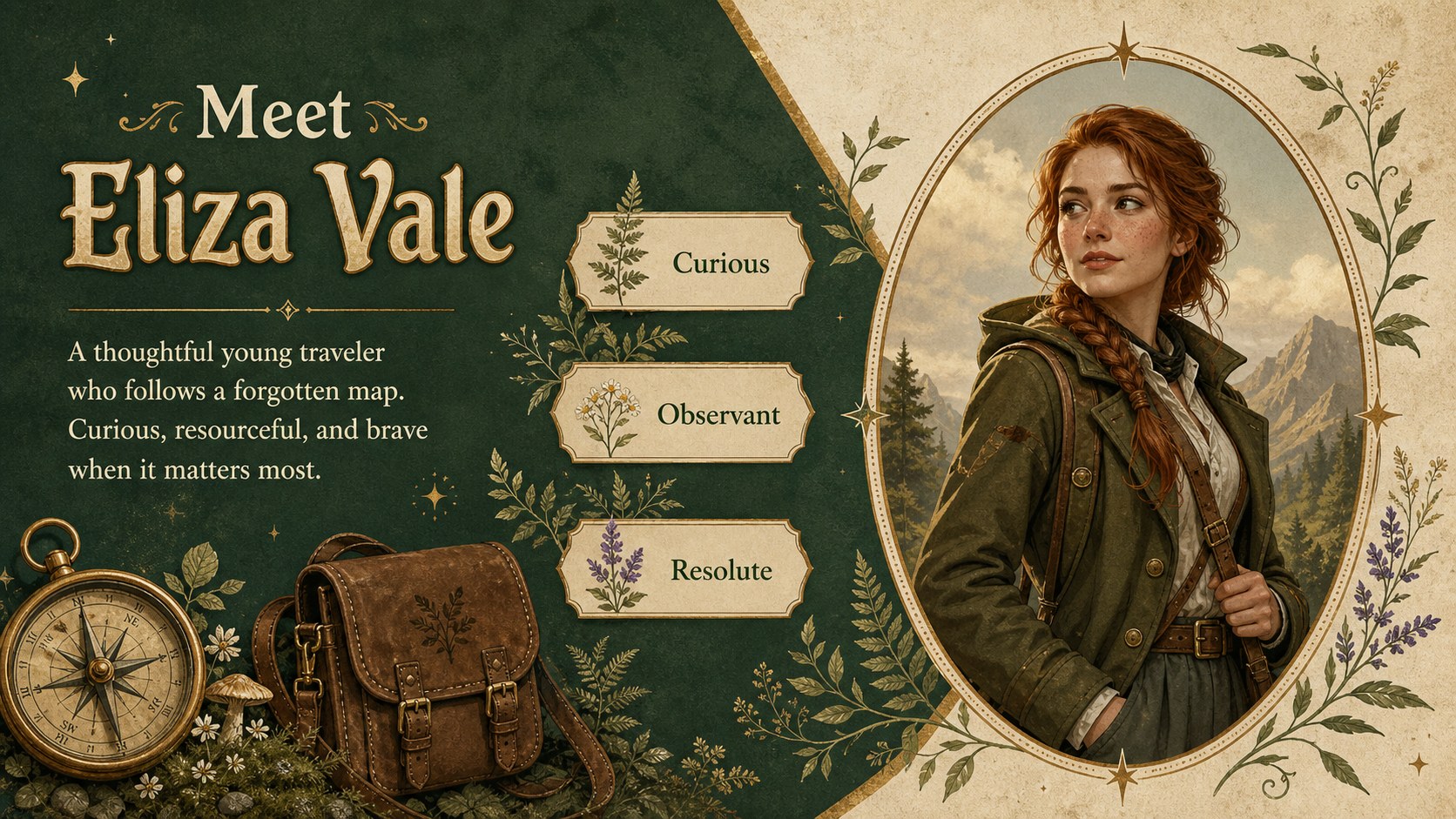
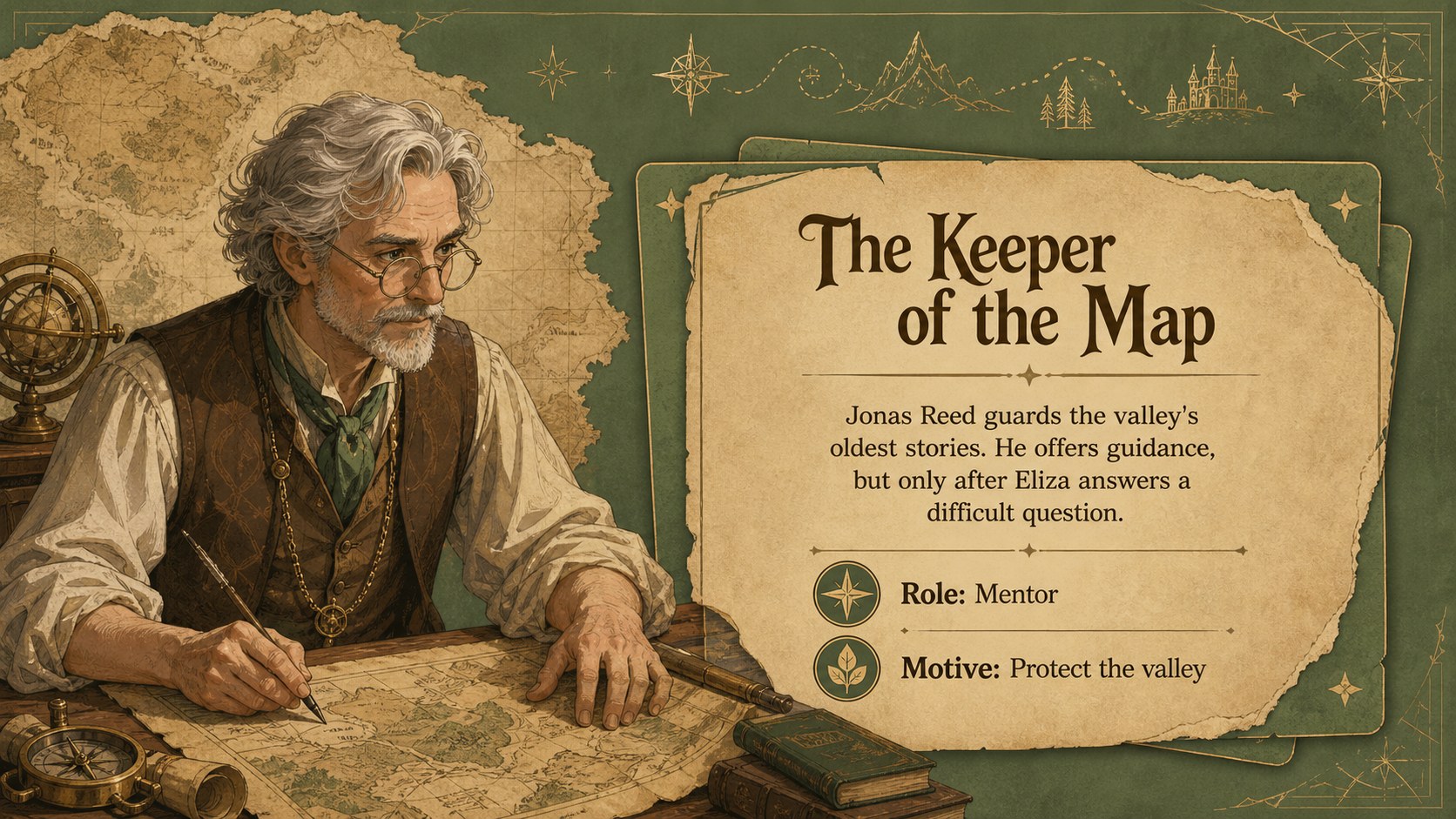
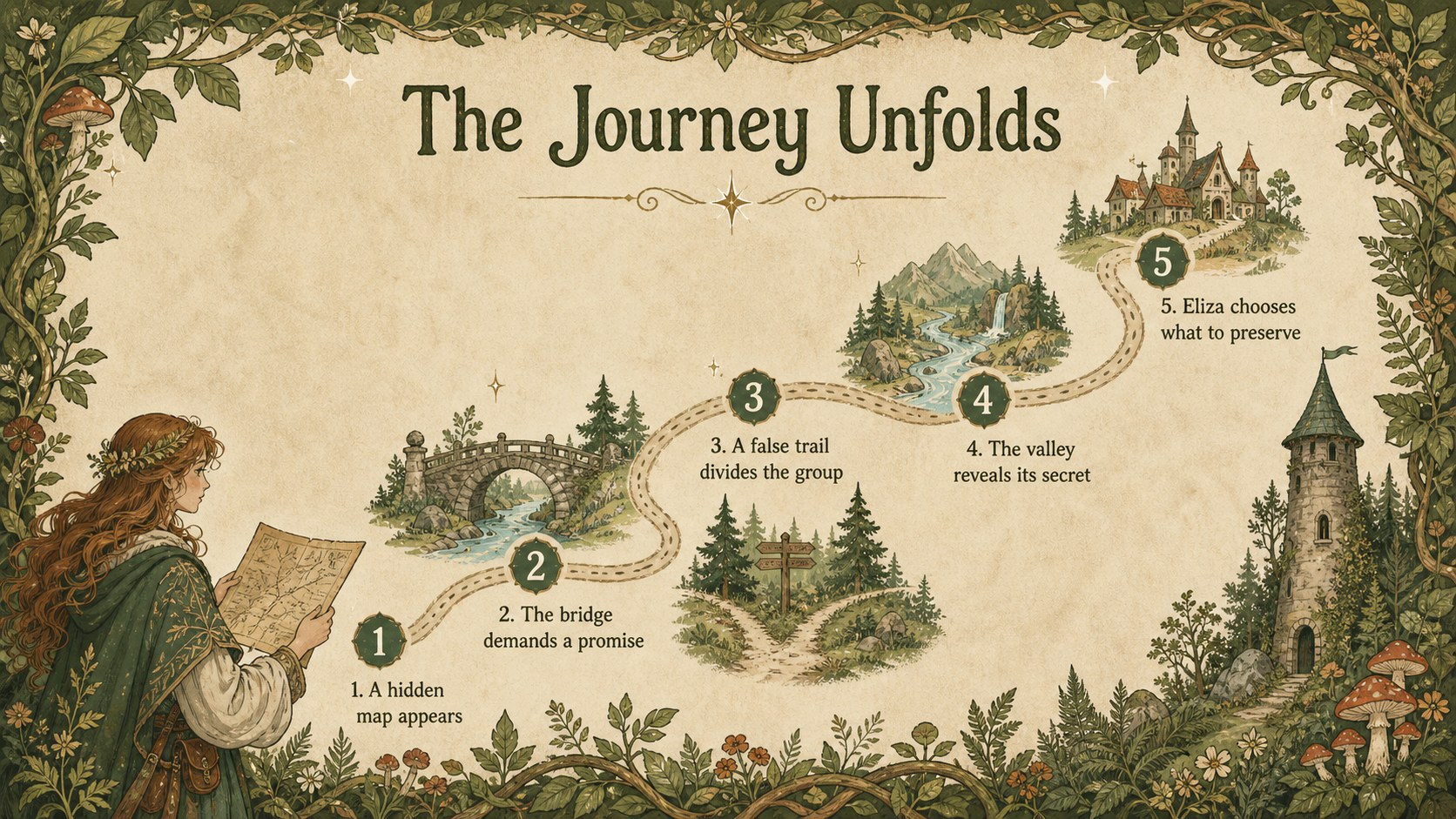
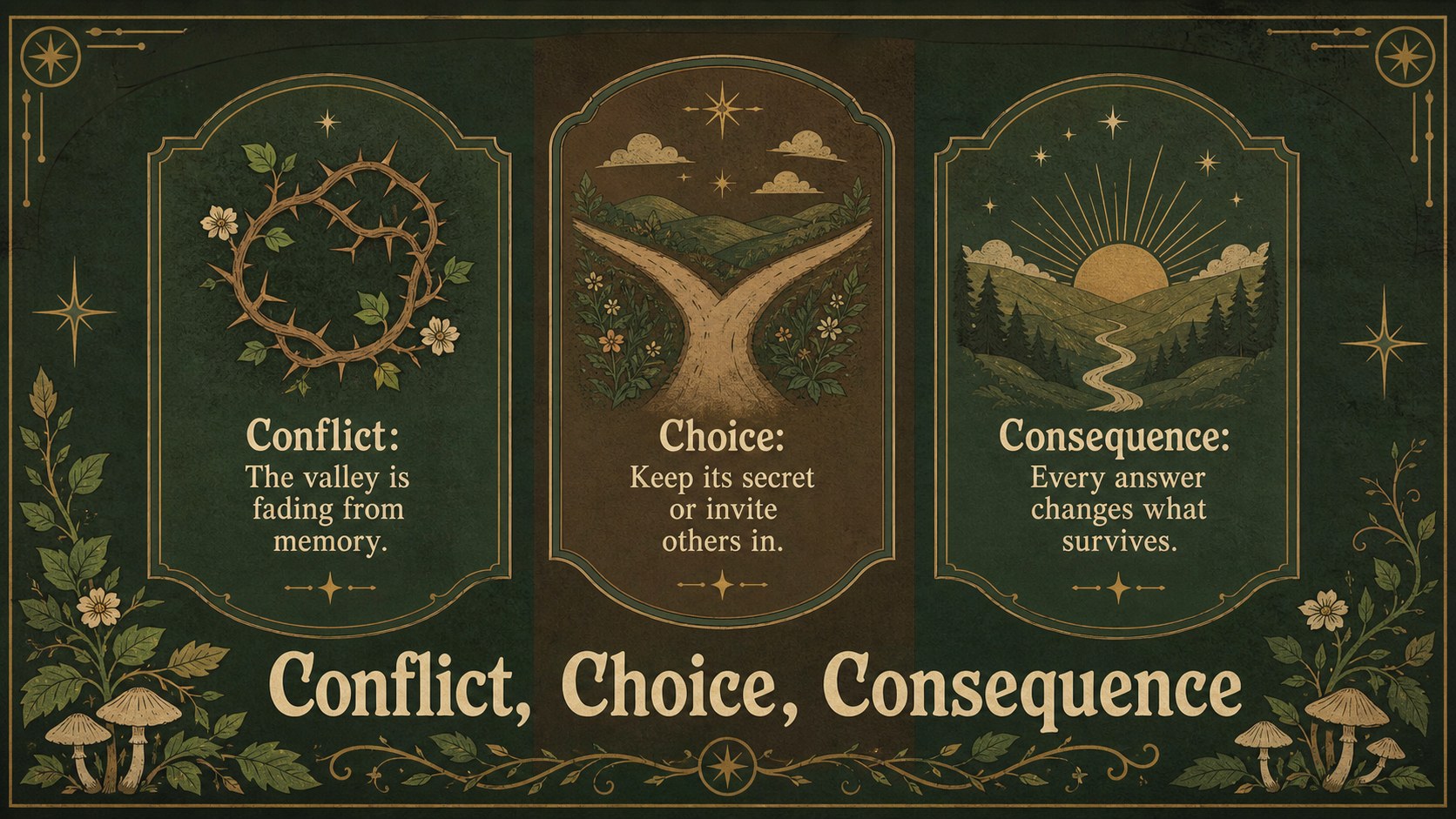
The Enchanted Folklore Lesson Theme turns classic storytelling into a visually rich presentation experience. Inspired by antique books, decorative prints, and woodland tales, its vibrant greens and earthy browns create a warm setting for legends, fables, and imaginative classroom discussions. Use this vintage folklore presentation template in PowerPoint or Google Slides to shape a narrative without losing the charm of a hand-illustrated storybook.
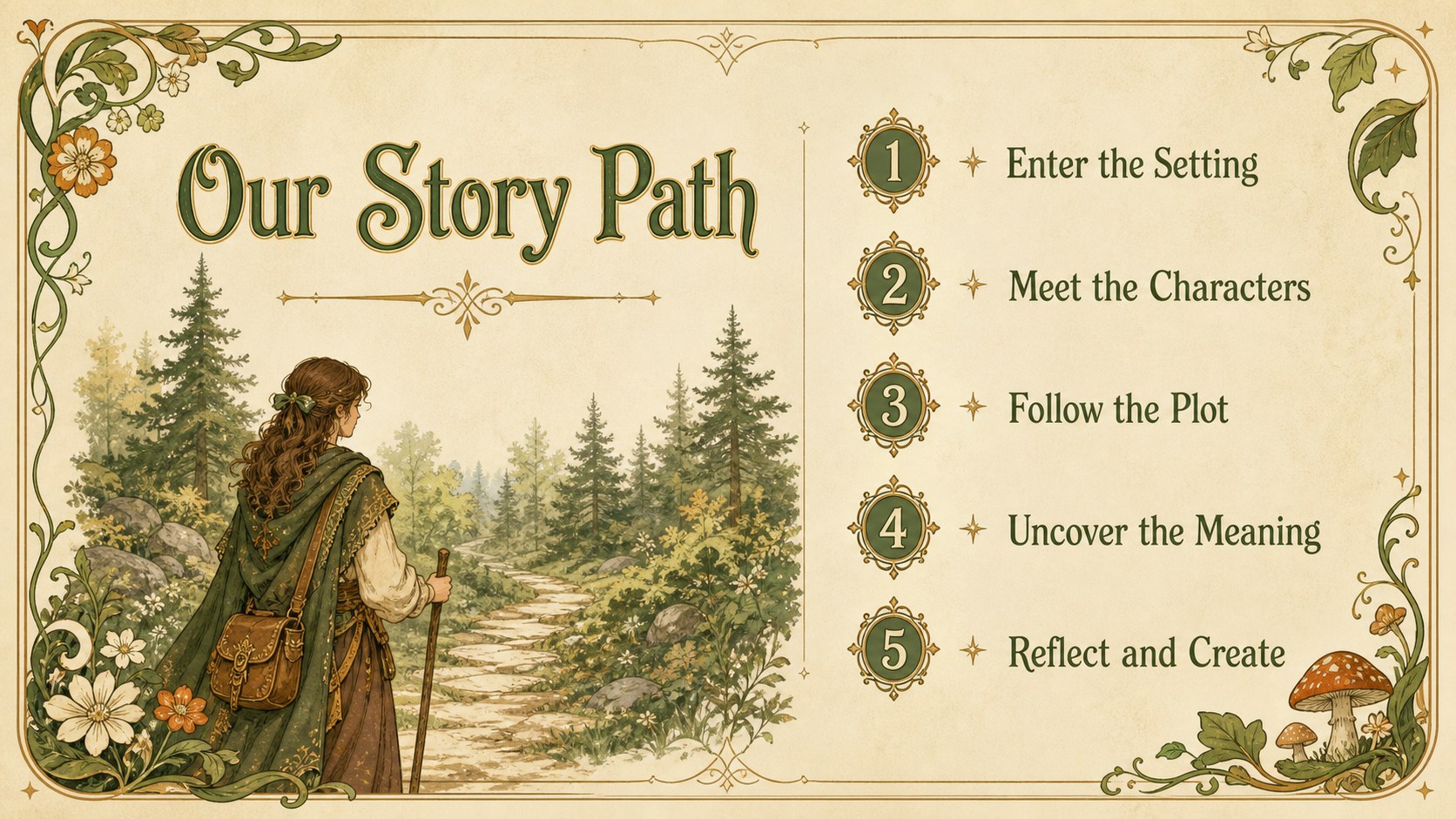
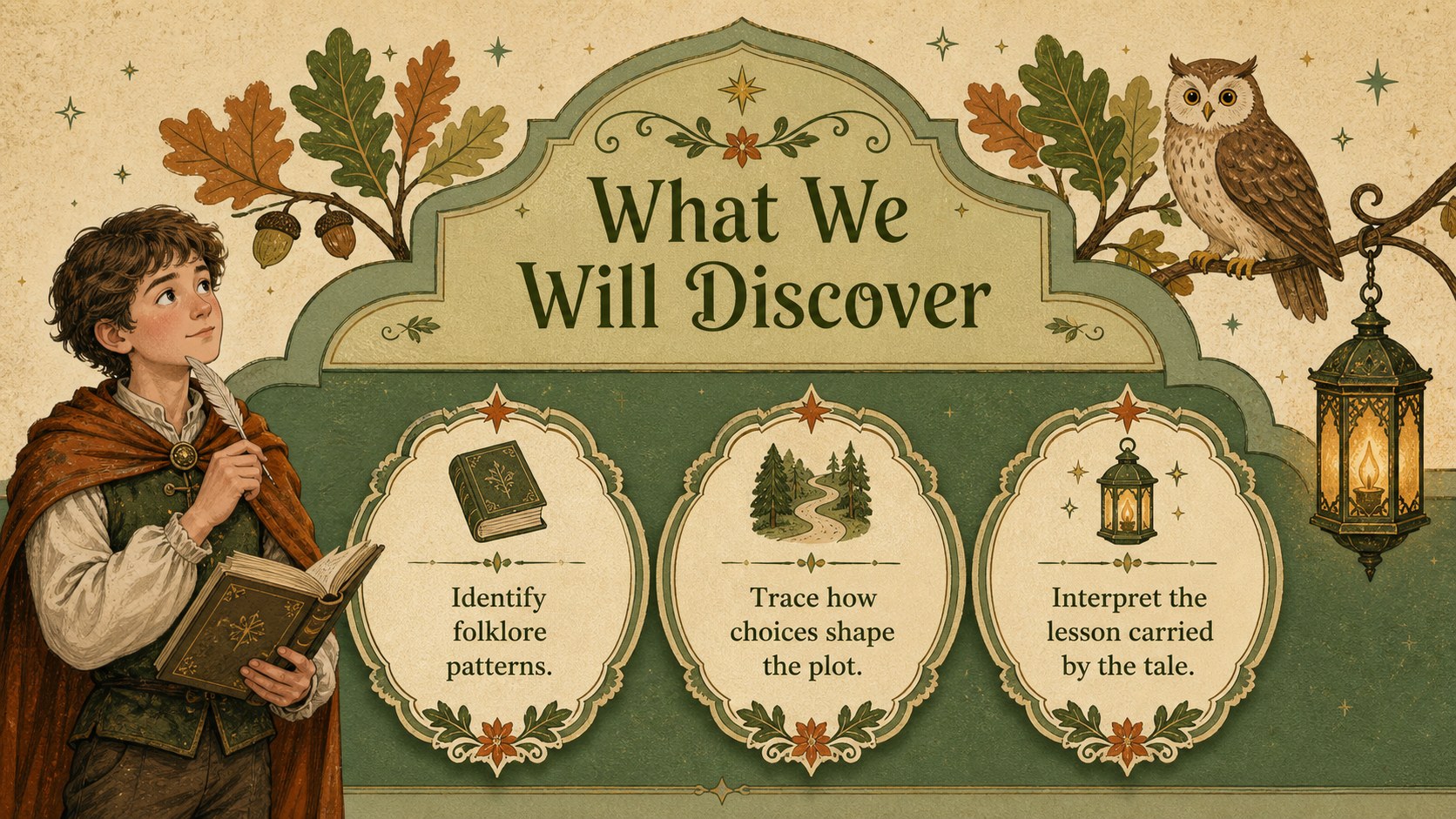
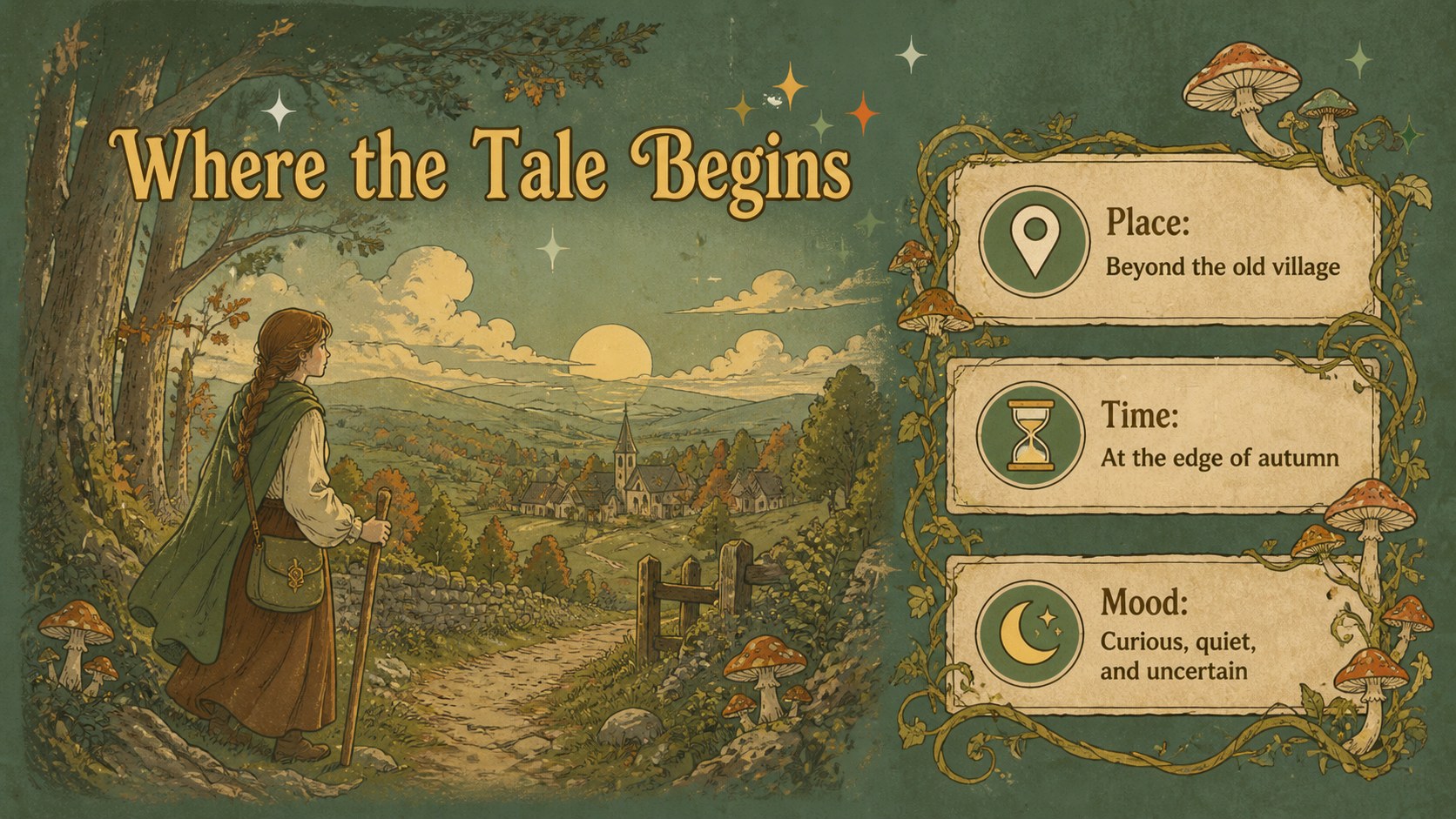
Inside, you will find more than 25 editable layouts for opening scenes, character introductions, story settings, plot stages, quotations, timelines, discussion questions, and closing reflections. Coordinated frames, botanical ornaments, illustrated accents, charts, and image spaces make it easy to keep long-form content organized. Built-in animation and transition options can add movement when the story calls for it, while flexible typography and color controls support quick customization.
These illustrated storytelling slides for teachers work especially well for literature units, creative writing prompts, folklore comparisons, reading activities, and library events. Authors, students, and creative teams can also use the fairy tale lesson slides for concept pitches, fictional world building, or visual story summaries. Replace the sample wording, adjust the sequence, and add your own pictures or drawings to create a presentation that feels personal, coherent, and ready to share.
Perfect for: folklore literature lesson; creative writing workshop; fairy tale book report; library storytelling session; fictional world-building pitch.
Frequently asked questions
Which presentation platforms are supported? The template is designed for Microsoft PowerPoint and Google Slides. Import or open the appropriate file, then edit the layouts with the standard tools available on your chosen platform.
Practical details
The template is designed for Microsoft PowerPoint and Google Slides. Import or open the appropriate file, then edit the layouts with the standard tools available on your chosen platform.
Yes. You can replace the green and brown palette, update fonts, and restyle text to match a lesson, story, school, or creative project while retaining the vintage illustrated structure.
Yes. Rearrange, duplicate, or remove slides as needed, and replace every sample heading and paragraph with your own material. Image spaces, decorative elements, and diagrams can also be resized or repositioned.
Yes. The antique print styling also suits secondary literature classes, university folklore topics, author presentations, and creative concept pitches. Adjusting the wording and type choices can give the deck a more academic or professional tone.
Keep exploring
15Build an engaging World UFO Day session with this flying saucer history lesson deck, featuring retro green-and-brown slides for PowerPoint and Google Slides.
 15
15Plan a lively animal-learning journey with this jungle zoo adventure lesson deck, ready to customize in PowerPoint and Google Slides for young learners.
 16
16Turn environmental research into a clear story with a Watercolor Ecology Presentation Theme for PowerPoint and Google Slides in calming green and blue.
 16
16Build focused fashion, literature, and humanities presentations with the Red Triangle Editorial Theme, editable in PowerPoint and Google Slides.
 15
15Turn streaming stats, favorite tracks, and concert highlights into a bold annual listening recap slide deck for PowerPoint and Google Slides.
 15
15Turn highlights, milestones, and favorite moments into a colorful year in review slide deck with bold 3D graphics for PowerPoint and Google Slides.
 3
3Build a credible endorsement with Standout Colleague Recommendation Letter Slides, featuring colorful prompts for skills, achievements, and team impact.
 4
4Build clear beginner sessions with an ice hockey fundamentals training deck for coaches, PE teachers, and clubs, ready for PowerPoint and Google Slides.