
 15
15presentation
Flying Saucer History Lesson Deck
Build an engaging World UFO Day session with this flying saucer history lesson deck, featuring retro green-and-brown slides for PowerPoint and Google Slides.
Google SlidesPowerPoint
presentation · English
Lead focused feedback conversations with an employee evaluation meeting deck featuring editable goal, KPI, achievement, and development slides.
Design notes
Turn formal reviews into constructive conversations with an employee evaluation meeting deck built for clarity, balance, and practical next steps. Warm yellow and brown tones, clean typography, animated illustrations, and simple infographic layouts create a professional atmosphere without making the discussion feel impersonal.
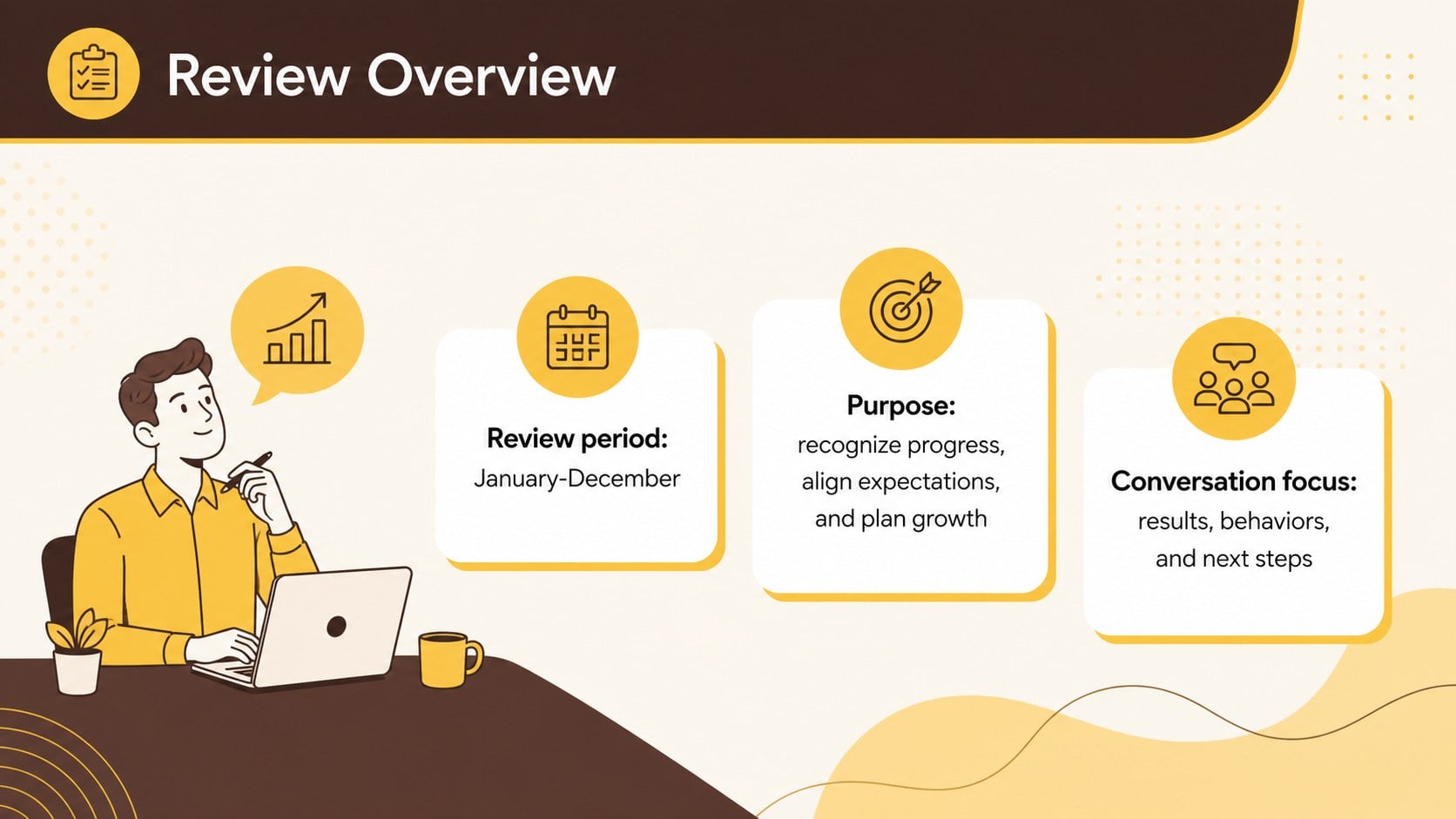
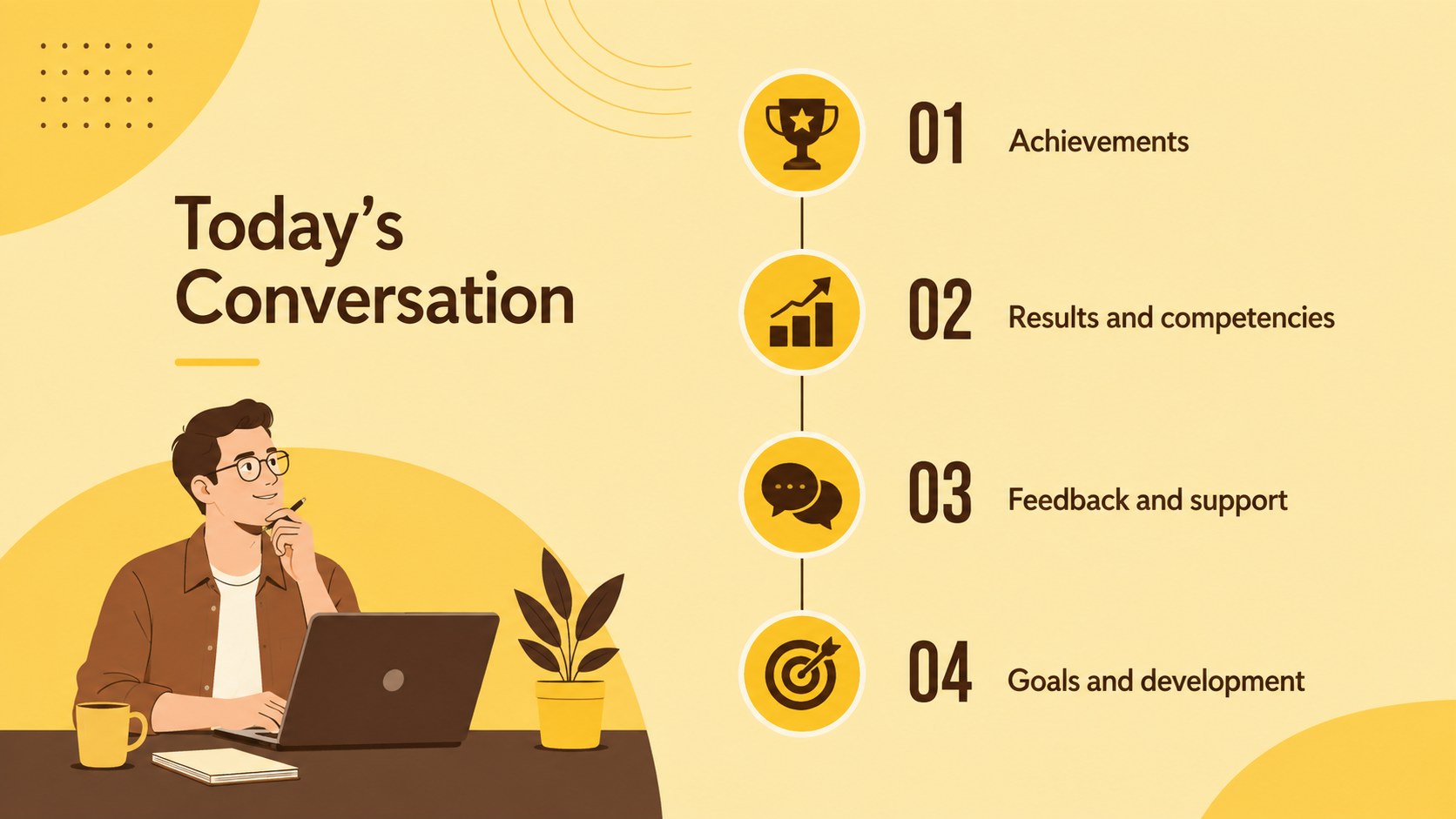
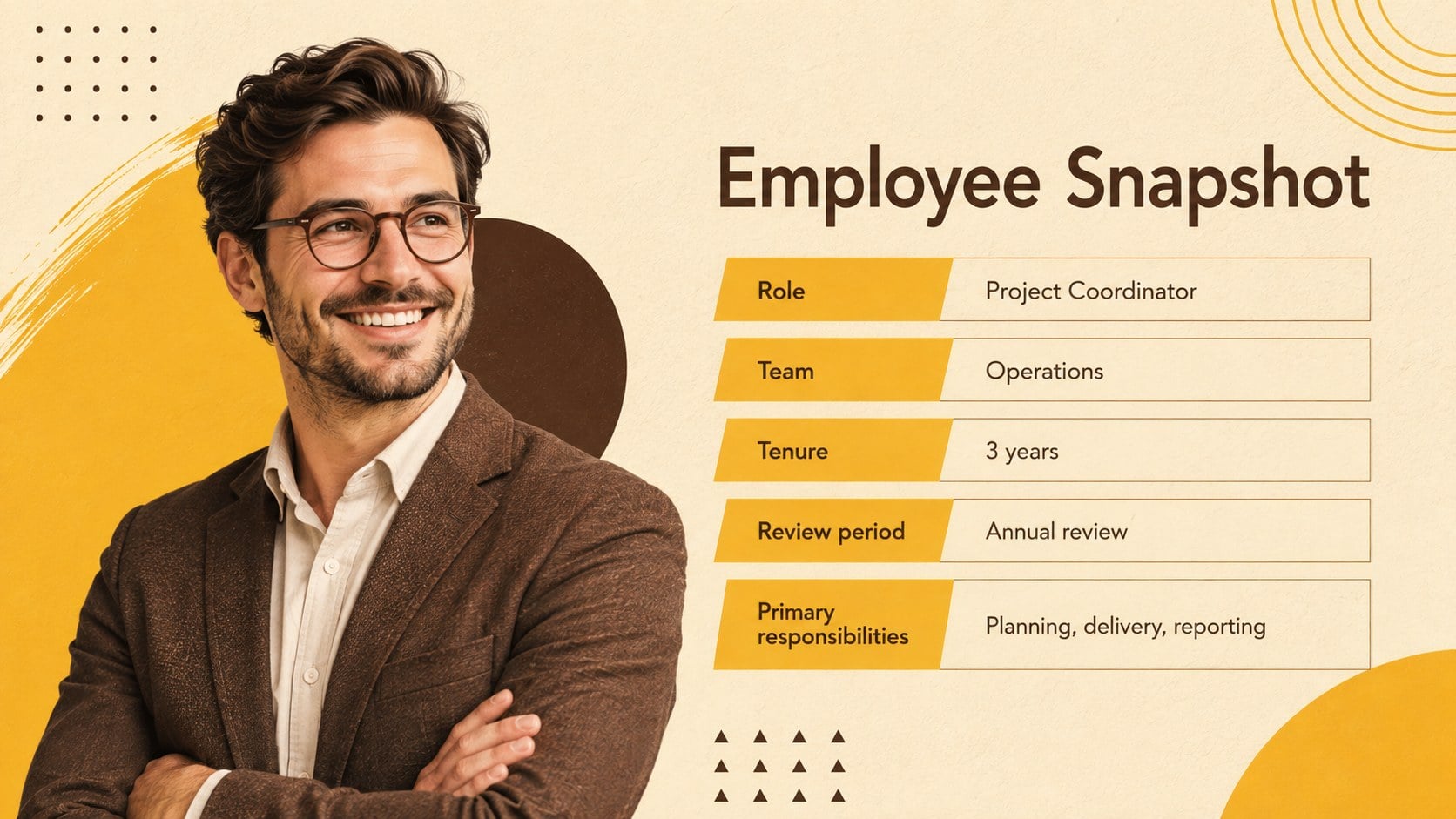
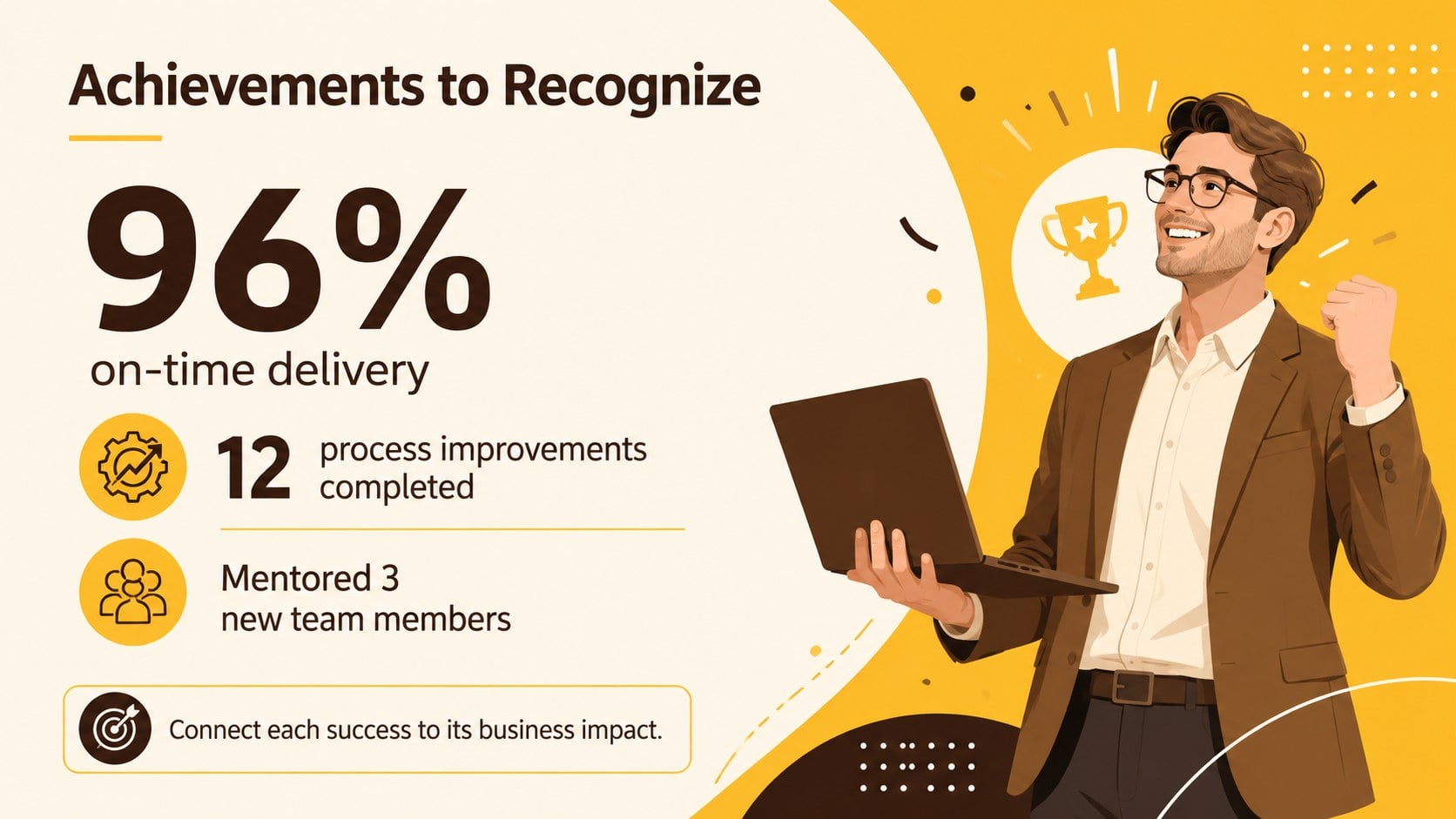
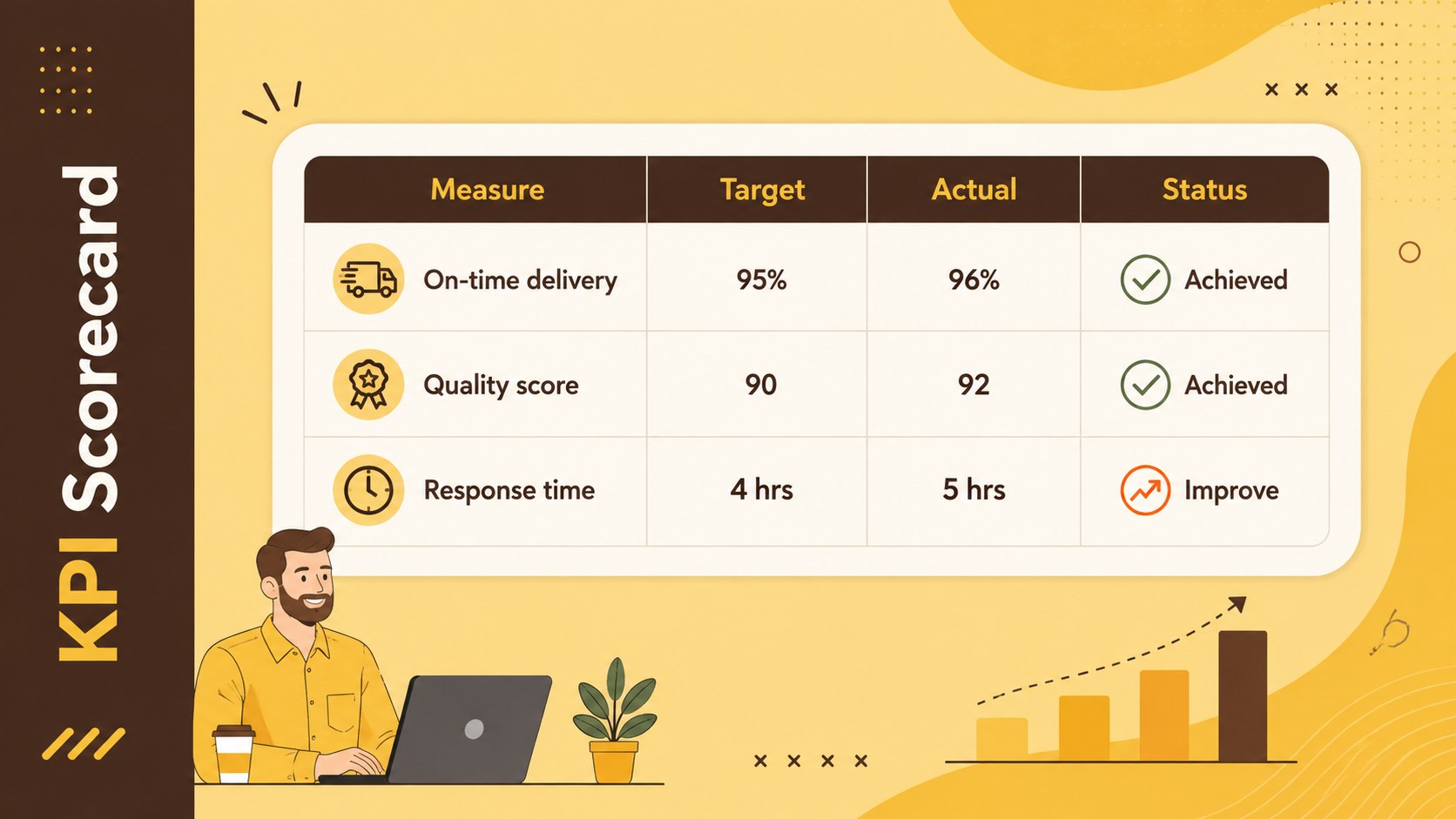
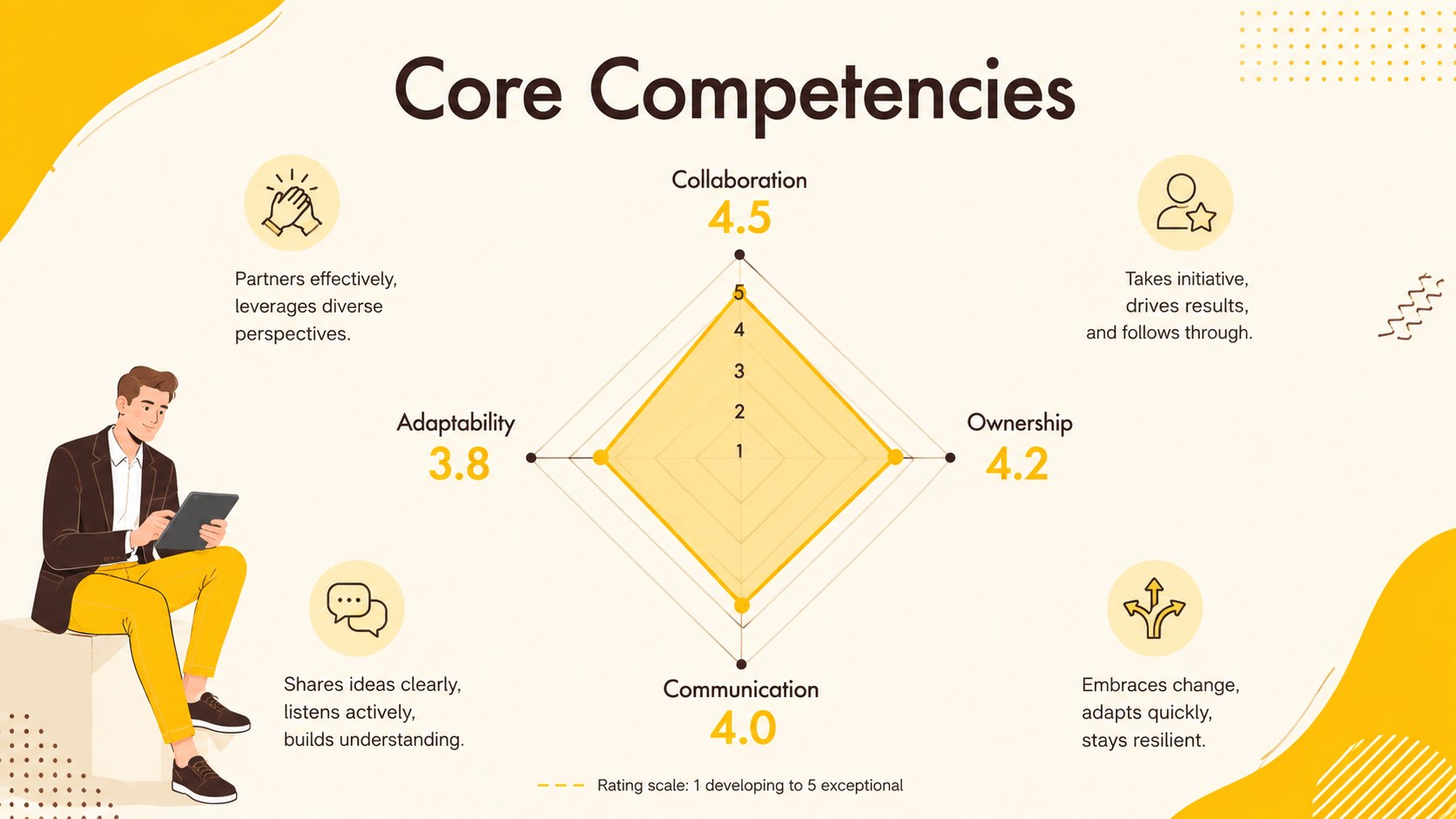
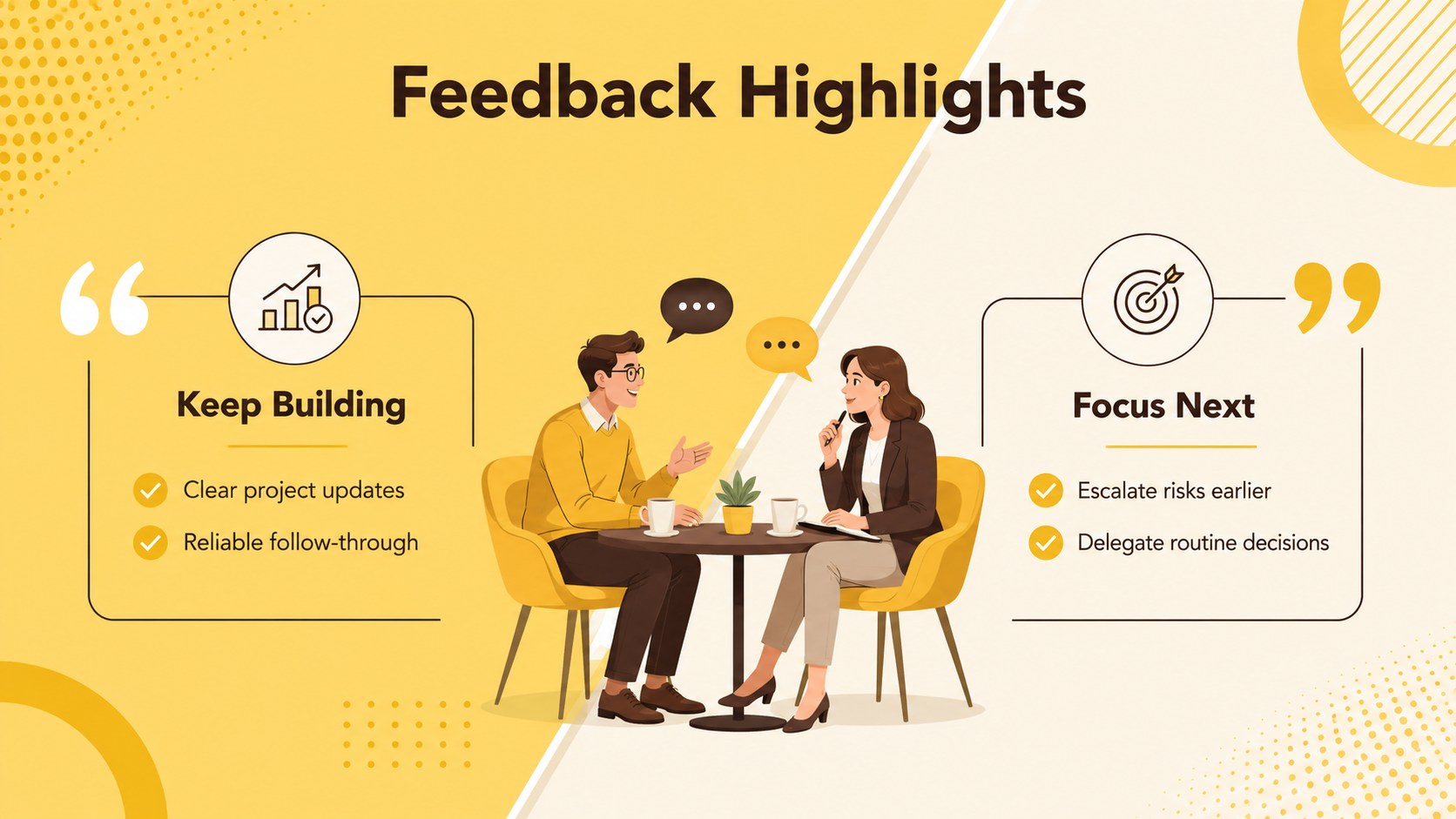
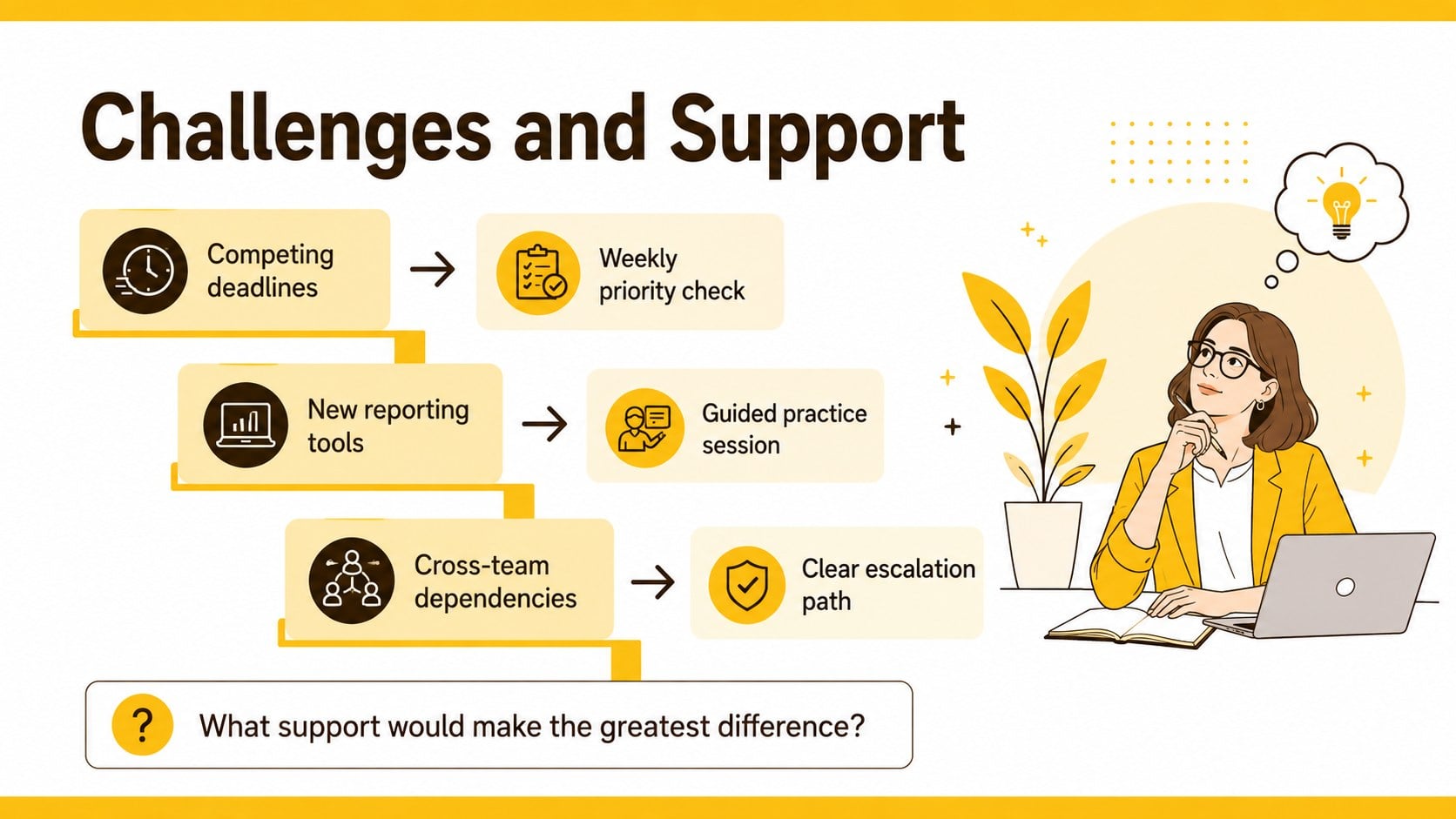
The deck includes space for an employee overview, review objectives, major accomplishments, KPI results, core competencies, feedback themes, current challenges, development priorities, and measurable goals. Managers can also organize a 30-60-90 day action plan, document available support, and summarize agreed responsibilities. These layouts work equally well as an annual appraisal presentation for managers or as quarterly performance check in presentation material for recurring conversations.
Designed for team leads, department managers, HR professionals, and small business owners, the slides provide a consistent framework while leaving room for role-specific details. Use the employee feedback discussion slides to recognize strong work, explain expectations, and discuss improvement areas with appropriate context. Every page can be customized in PowerPoint or Google Slides, including colors, charts, icons, text, and transitions. Replace the sample content with verified performance data, keep feedback specific, and finish each meeting with goals that both the manager and employee can revisit.
Perfect for: annual employee appraisal; quarterly performance check-in; manager one-on-one meeting; probation review discussion; career development planning.
Frequently asked questions
Can I edit this deck in PowerPoint and Google Slides? Yes. You can replace the text, adjust the yellow and brown palette, update charts, and move or remove illustrations in either PowerPoint or Google Slides. Font availability and transition behavior may vary slightly between platforms.
Practical details
Yes. You can replace the text, adjust the yellow and brown palette, update charts, and move or remove illustrations in either PowerPoint or Google Slides. Font availability and transition behavior may vary slightly between platforms.
Replace the sample competencies, KPIs, and goals with measures relevant to each position. Duplicate or remove sections to match the employee's responsibilities and your organization's review process.
Yes. Use the complete sequence for an annual appraisal, or select the KPI, feedback, goals, and action-plan slides for a shorter quarterly check-in. The modular structure also works for probation and promotion reviews.
Yes. Chart labels, values, colors, icons, and transition settings are editable. Review animations after importing the file because some effects may render differently in PowerPoint and Google Slides.
Keep exploring
15Build an engaging World UFO Day session with this flying saucer history lesson deck, featuring retro green-and-brown slides for PowerPoint and Google Slides.
 15
15Plan a lively animal-learning journey with this jungle zoo adventure lesson deck, ready to customize in PowerPoint and Google Slides for young learners.
 16
16Turn environmental research into a clear story with a Watercolor Ecology Presentation Theme for PowerPoint and Google Slides in calming green and blue.
 16
16Build focused fashion, literature, and humanities presentations with the Red Triangle Editorial Theme, editable in PowerPoint and Google Slides.
 15
15Turn streaming stats, favorite tracks, and concert highlights into a bold annual listening recap slide deck for PowerPoint and Google Slides.
 15
15Turn highlights, milestones, and favorite moments into a colorful year in review slide deck with bold 3D graphics for PowerPoint and Google Slides.
 3
3Build a credible endorsement with Standout Colleague Recommendation Letter Slides, featuring colorful prompts for skills, achievements, and team impact.
 4
4Build clear beginner sessions with an ice hockey fundamentals training deck for coaches, PE teachers, and clubs, ready for PowerPoint and Google Slides.