
 15
15presentation
Flying Saucer History Lesson Deck
Build an engaging World UFO Day session with this flying saucer history lesson deck, featuring retro green-and-brown slides for PowerPoint and Google Slides.
Google SlidesPowerPoint
presentation · English
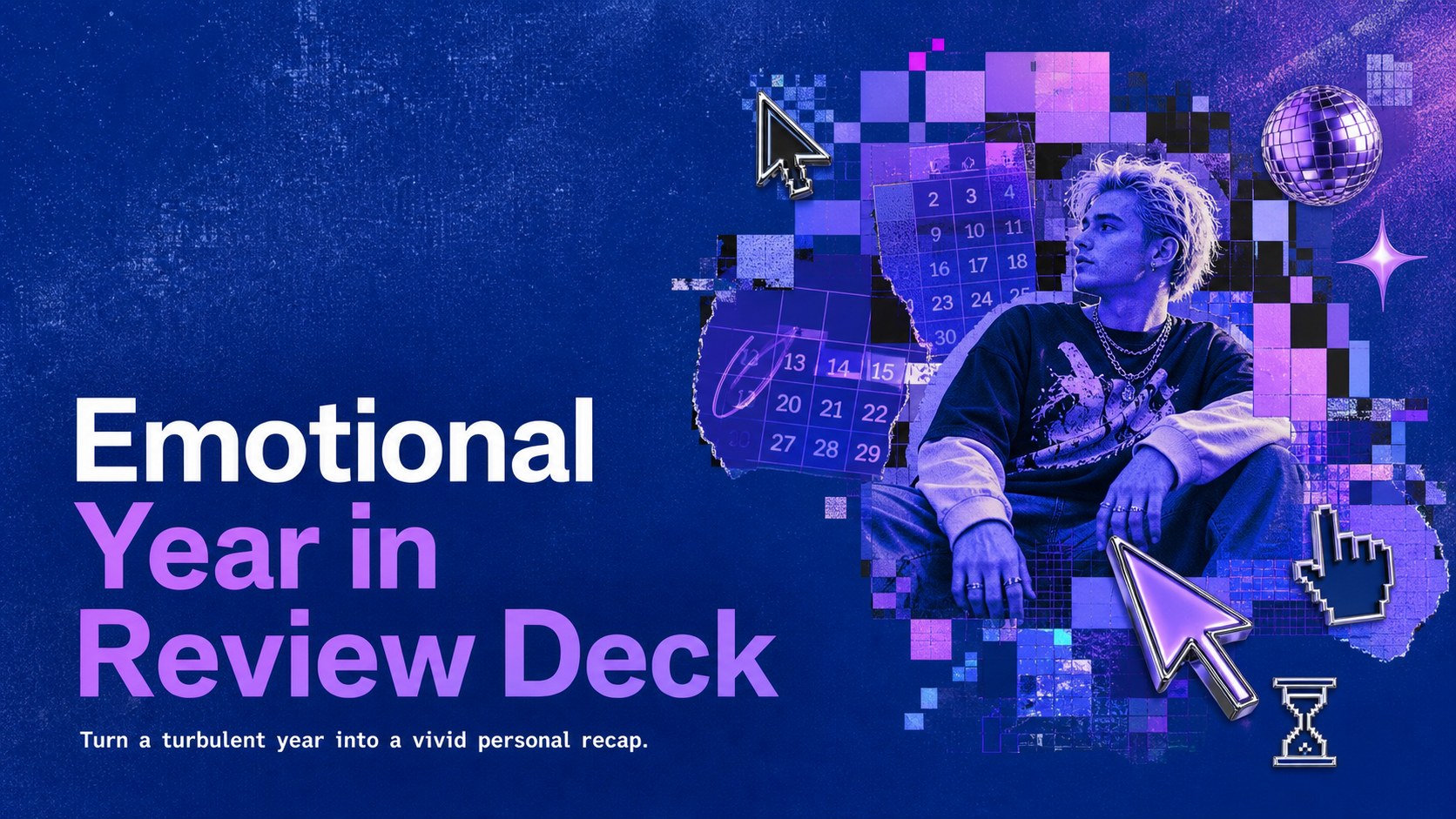
Build an emotional year in review deck with vivid blue-purple visuals, candid recap layouts, and editable slides for PowerPoint and Google Slides.

Design notes
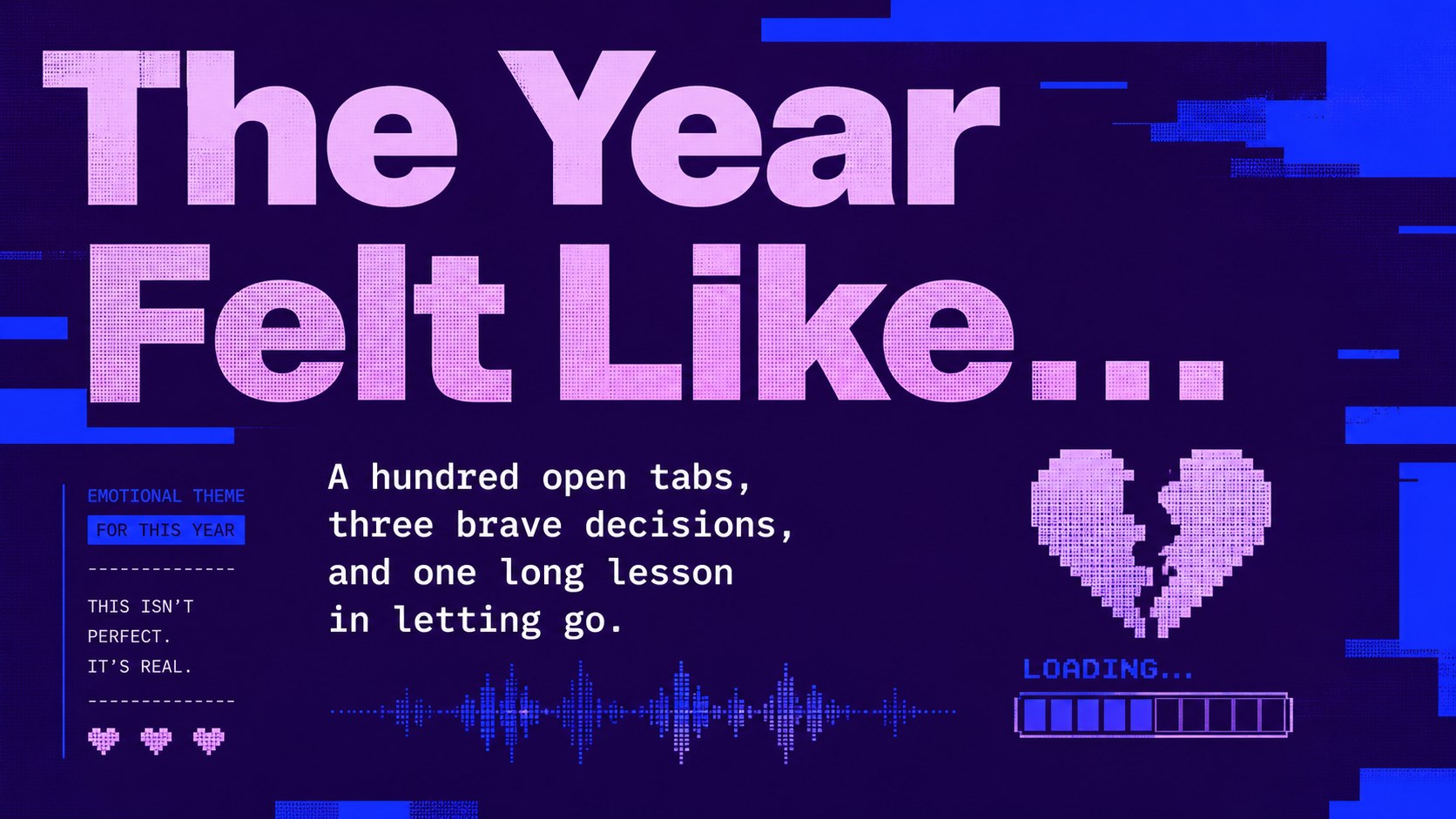
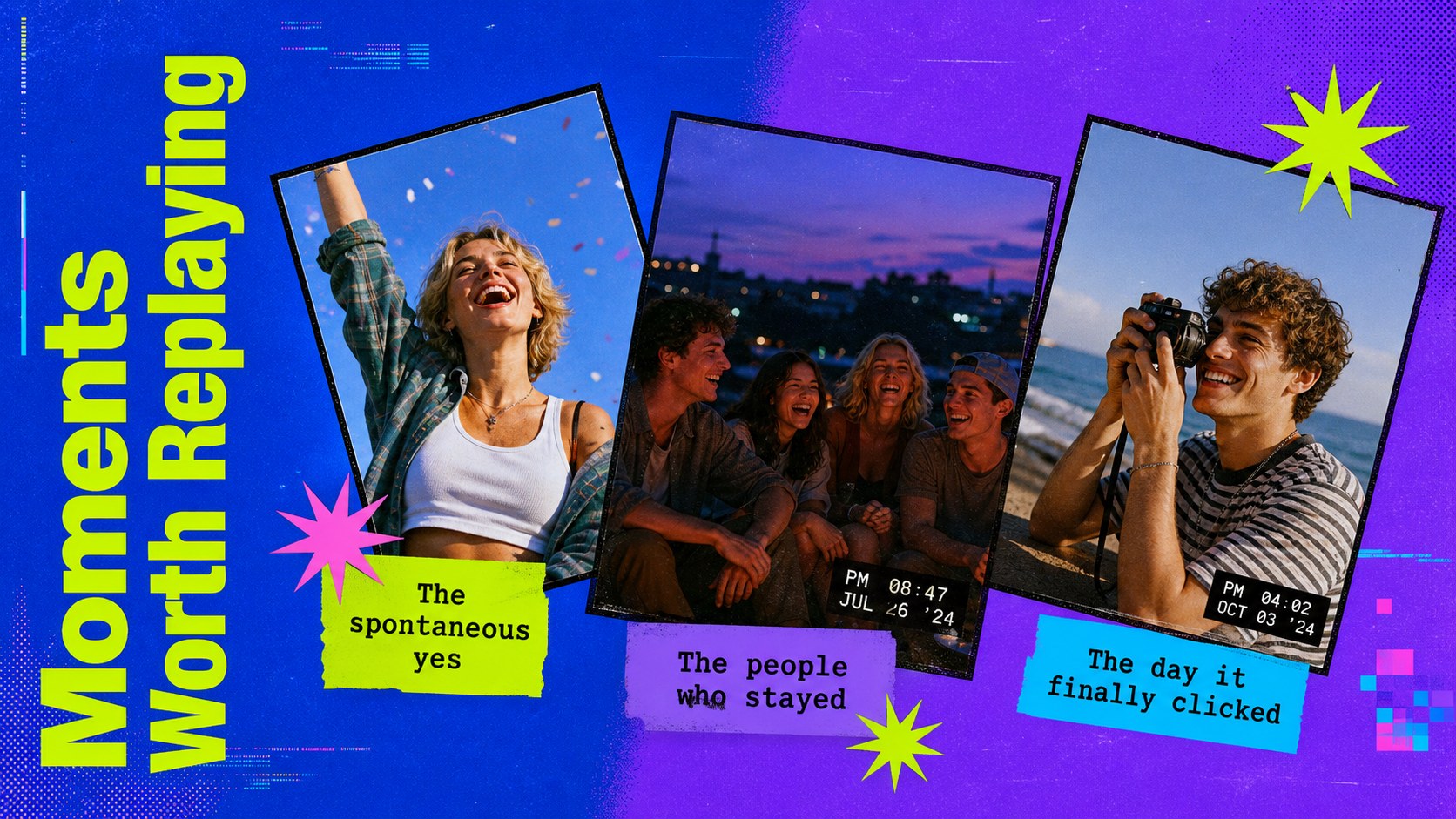
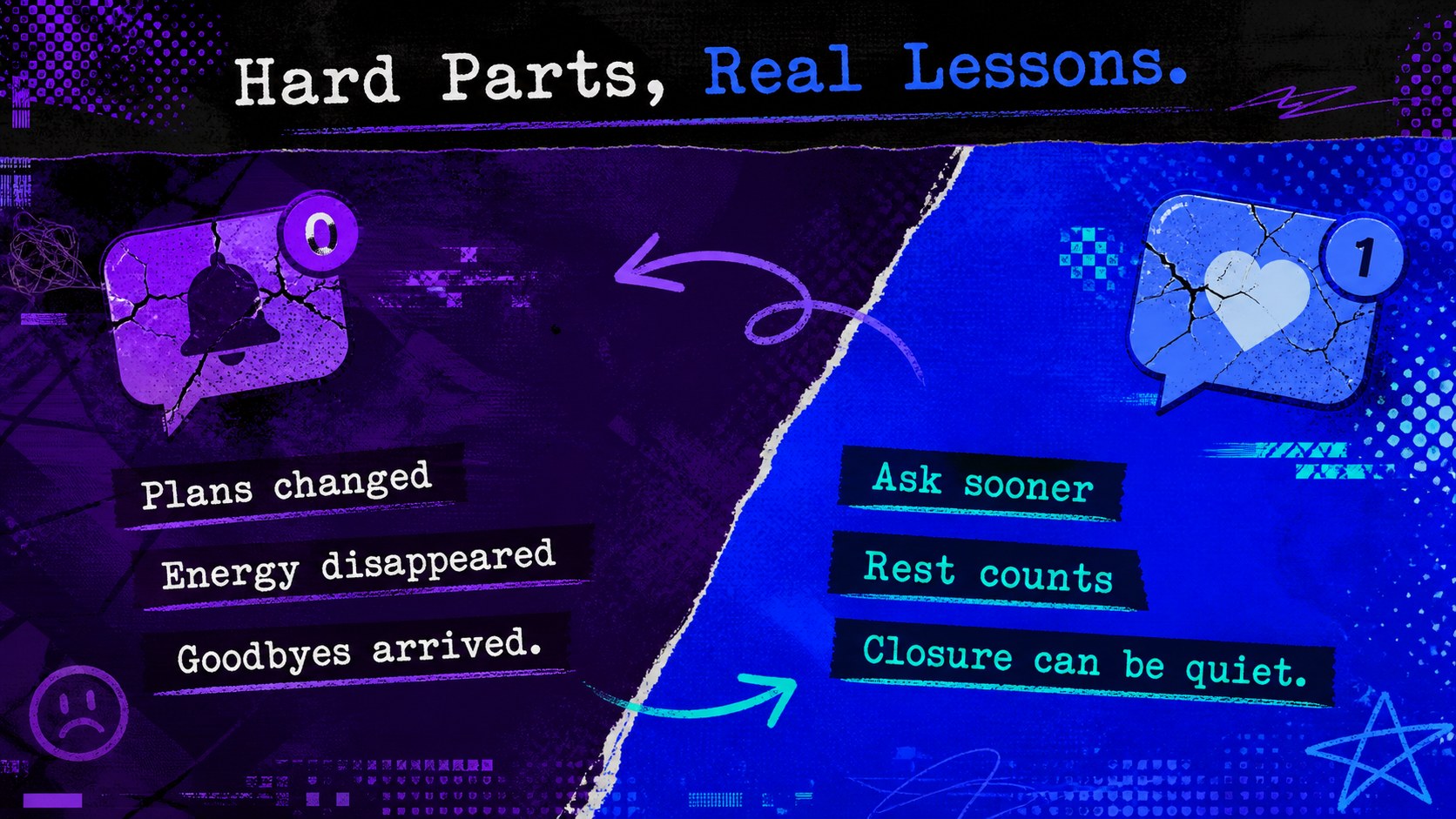
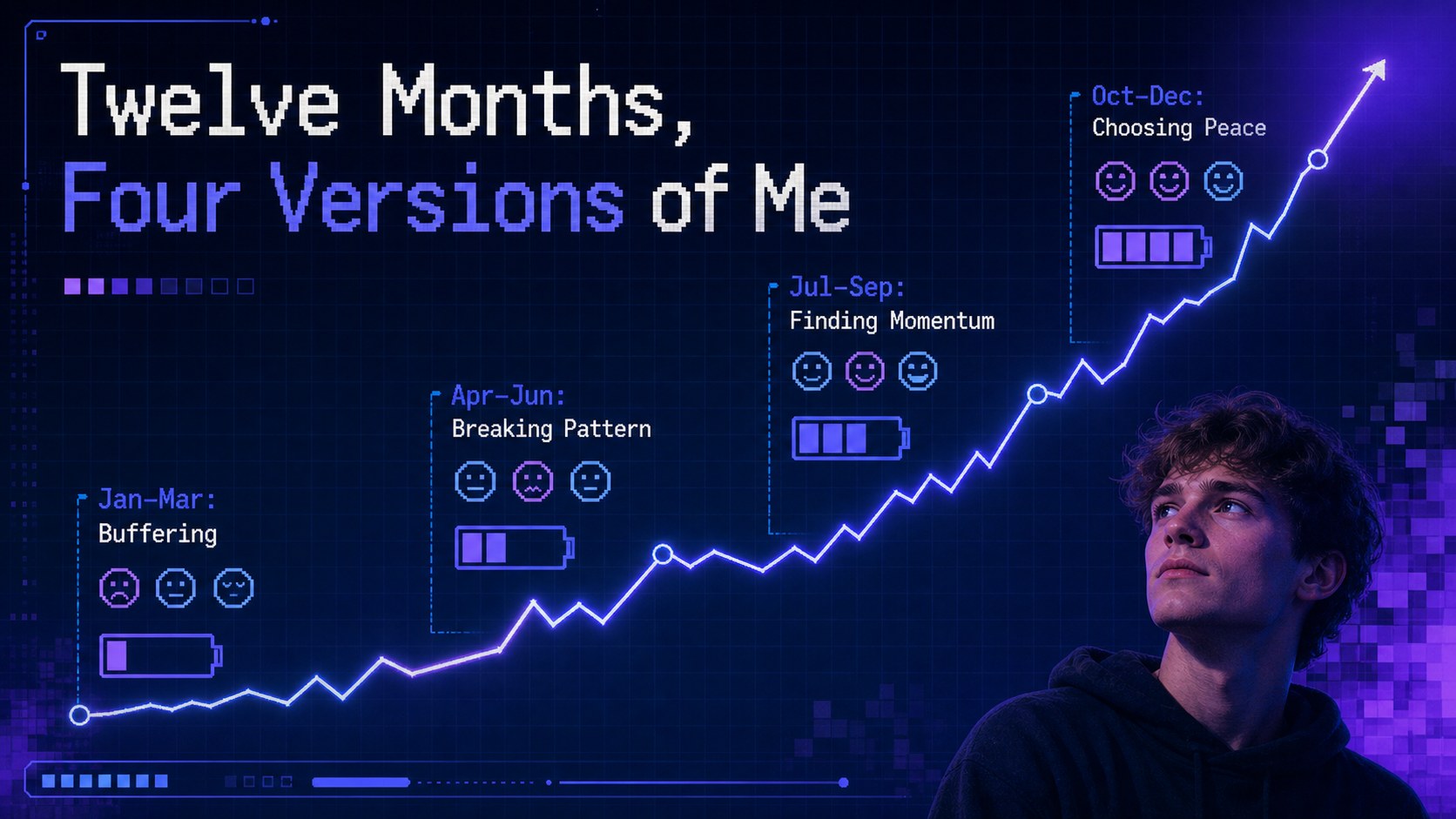
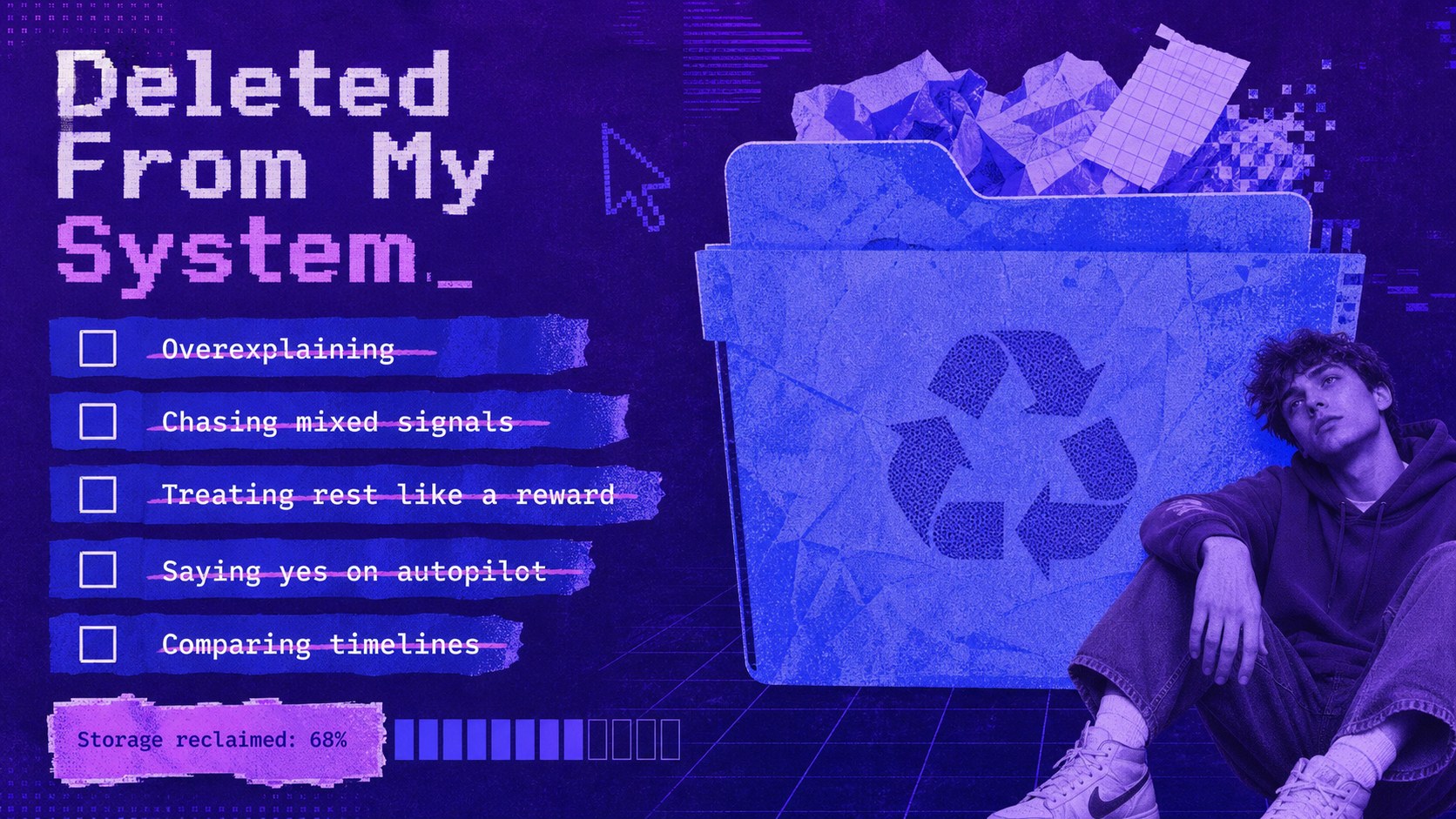
Turn complicated memories into a story worth sharing with this Emotional Year in Review Deck. Its electric blue and purple palette combines Y2K digitalism, raw typography, and deliberate anti-design details for a recap that feels candid rather than polished. Use it as an emotional year recap presentation for personal reflection, a creative check-in, or an unconventional end-of-year gathering.
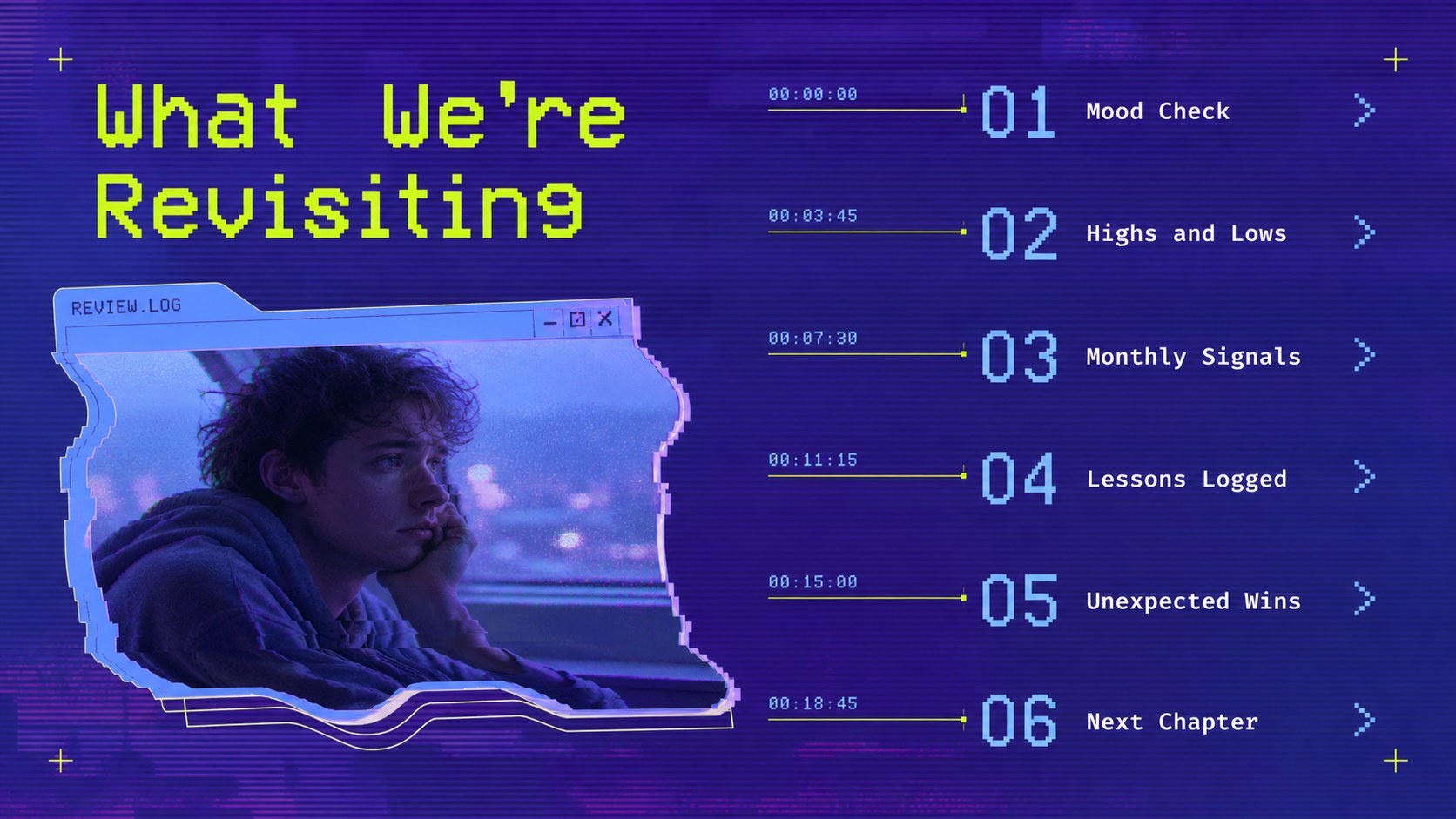
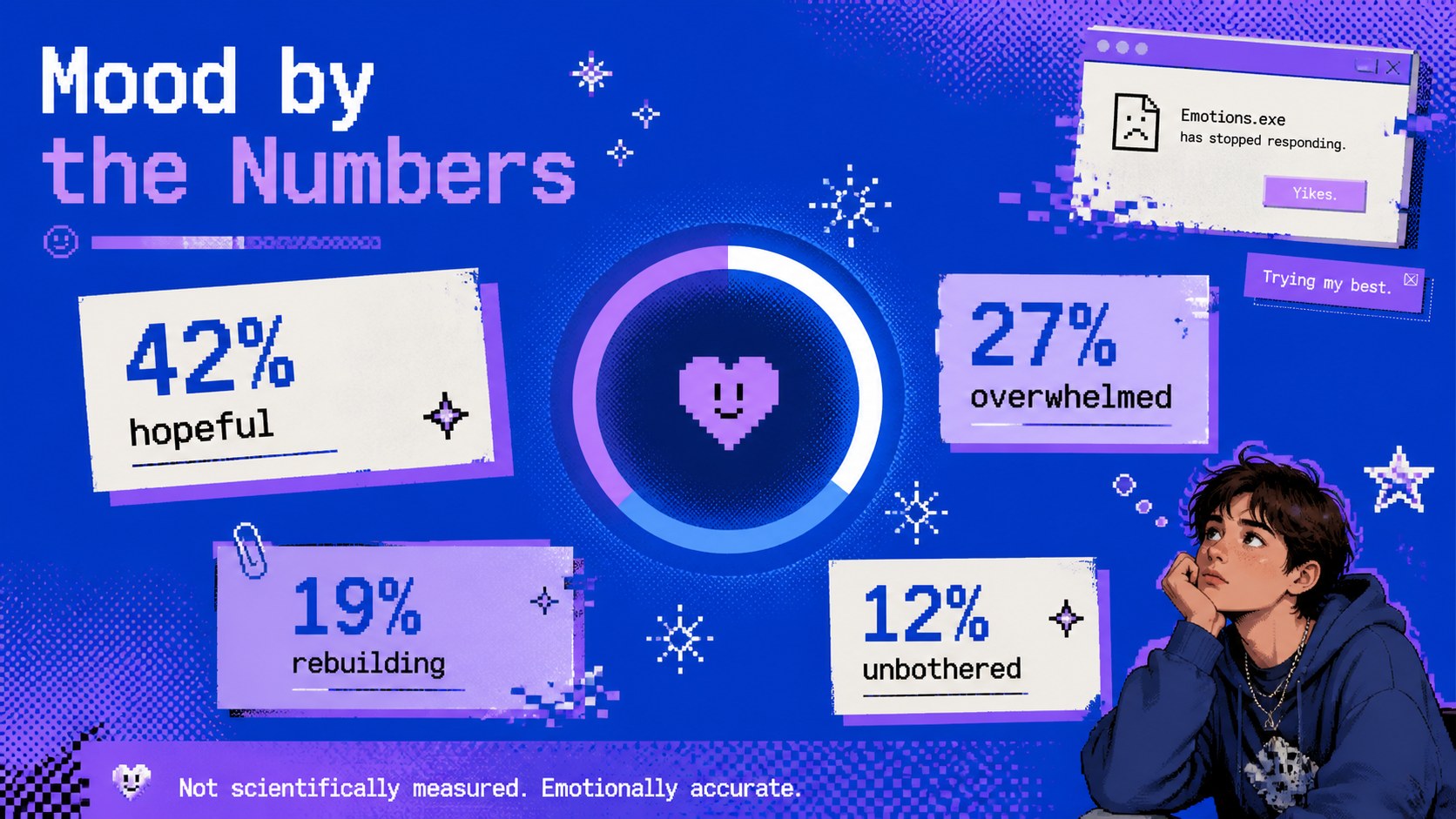
The 15-slide set includes an opening statement, emotional highlights, mood statistics, monthly snapshots, memorable messages, lessons learned, turning points, personal wins, difficult moments, and a forward-looking finale. Flexible photo areas, bold text compositions, charts, lists, and timeline layouts make the deck suitable for both image-led storytelling and concise commentary. Every slide uses a widescreen 16:9 format and can be edited in PowerPoint or Google Slides.
Designed for students, creators, friends, and teams, this personal mood recap slide set helps audiences discuss real experiences with humor, honesty, and visual energy. Adapt the type, colors, images, and data to build a digital diary presentation template that reflects your own voice. Archivo Narrow-inspired headings and monospaced accents reinforce the internet-era aesthetic, while the varied layouts keep longer stories easy to follow.
Perfect for: personal end-of-year recap; student reflection presentation; friends night slideshow; creative portfolio retrospective; team wellbeing check-in.
Frequently asked questions
Which presentation platforms support this template? The deck is designed for PowerPoint and Google Slides. Import it into either platform to edit text, replace images, adjust colors, and present in widescreen format.
Practical details
The deck is designed for PowerPoint and Google Slides. Import it into either platform to edit text, replace images, adjust colors, and present in widescreen format.
Yes. All labels, percentages, charts, lists, and reflection prompts can be changed to match your experiences or audience. You can also remove sections that do not fit your story.
Replace the accent colors through the theme or master-slide controls, then update photos and decorative elements as needed. Keeping strong contrast between the background, headlines, and data will preserve the bold anti-design character.
Yes, but tailor the level of detail to the setting and audience. Use abstract imagery or generalized wording when a memory is private, and include support information when discussing mental health in a public or educational context.
Keep exploring
15Build an engaging World UFO Day session with this flying saucer history lesson deck, featuring retro green-and-brown slides for PowerPoint and Google Slides.
 15
15Plan a lively animal-learning journey with this jungle zoo adventure lesson deck, ready to customize in PowerPoint and Google Slides for young learners.
 16
16Turn environmental research into a clear story with a Watercolor Ecology Presentation Theme for PowerPoint and Google Slides in calming green and blue.
 16
16Build focused fashion, literature, and humanities presentations with the Red Triangle Editorial Theme, editable in PowerPoint and Google Slides.
 15
15Turn streaming stats, favorite tracks, and concert highlights into a bold annual listening recap slide deck for PowerPoint and Google Slides.
 15
15Turn highlights, milestones, and favorite moments into a colorful year in review slide deck with bold 3D graphics for PowerPoint and Google Slides.
 3
3Build a credible endorsement with Standout Colleague Recommendation Letter Slides, featuring colorful prompts for skills, achievements, and team impact.
 4
4Build clear beginner sessions with an ice hockey fundamentals training deck for coaches, PE teachers, and clubs, ready for PowerPoint and Google Slides.