
 15
15presentation
Flying Saucer History Lesson Deck
Build an engaging World UFO Day session with this flying saucer history lesson deck, featuring retro green-and-brown slides for PowerPoint and Google Slides.
Google SlidesPowerPoint
presentation · English
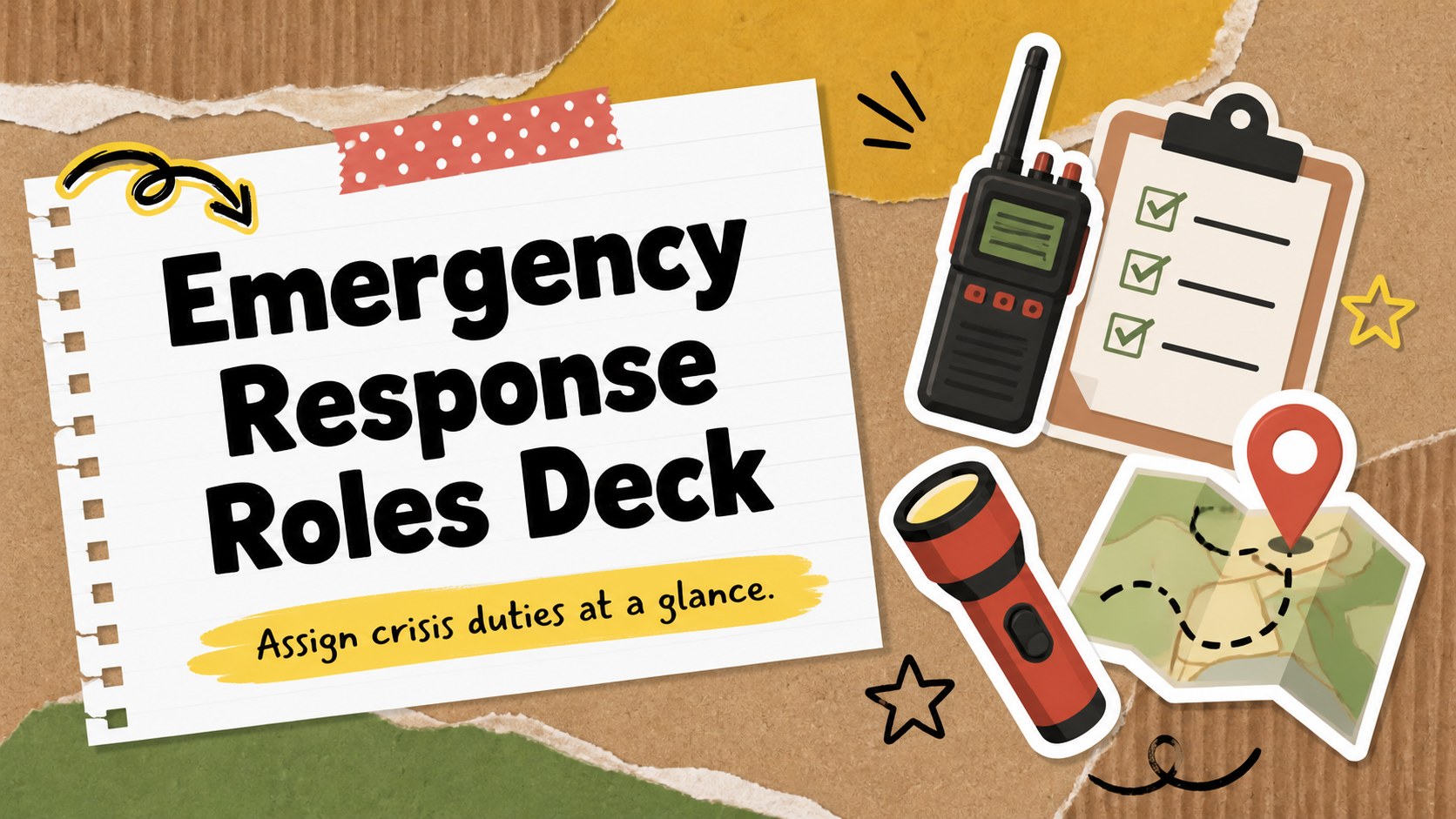
Clarify responsibilities before a crisis with an emergency response roles deck, using colorful scrapbook layouts for PowerPoint and Google Slides.
Design notes
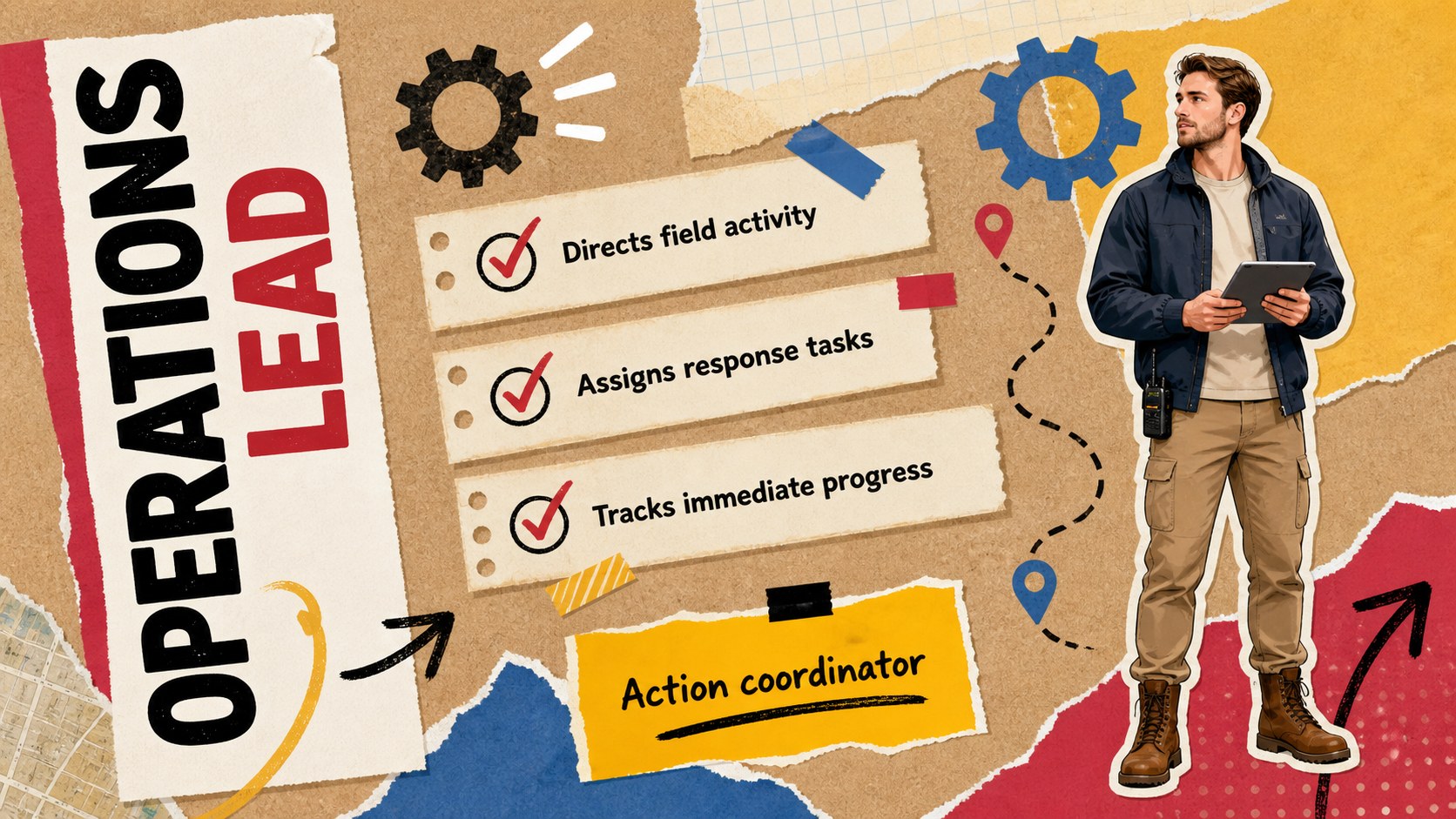
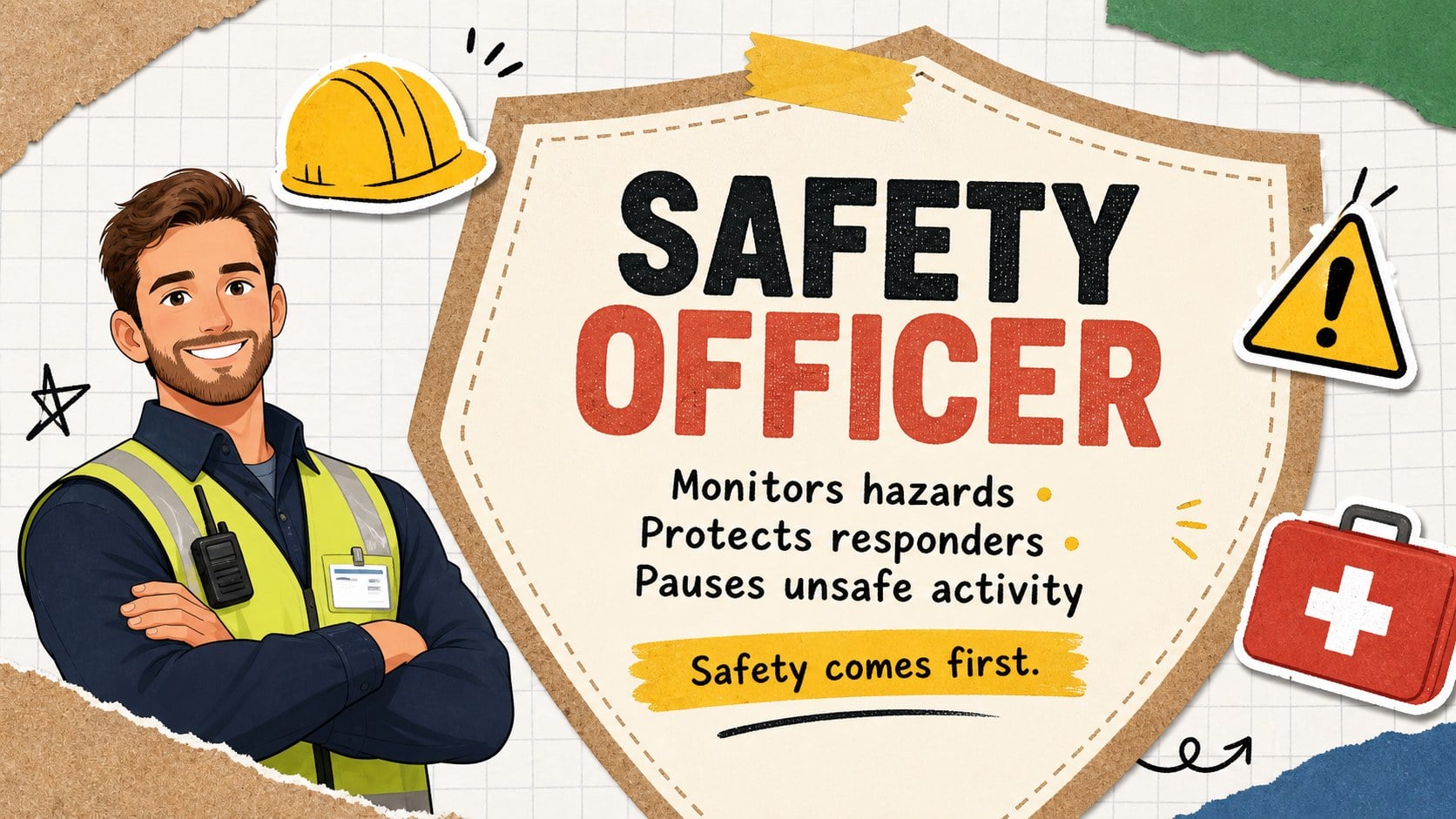
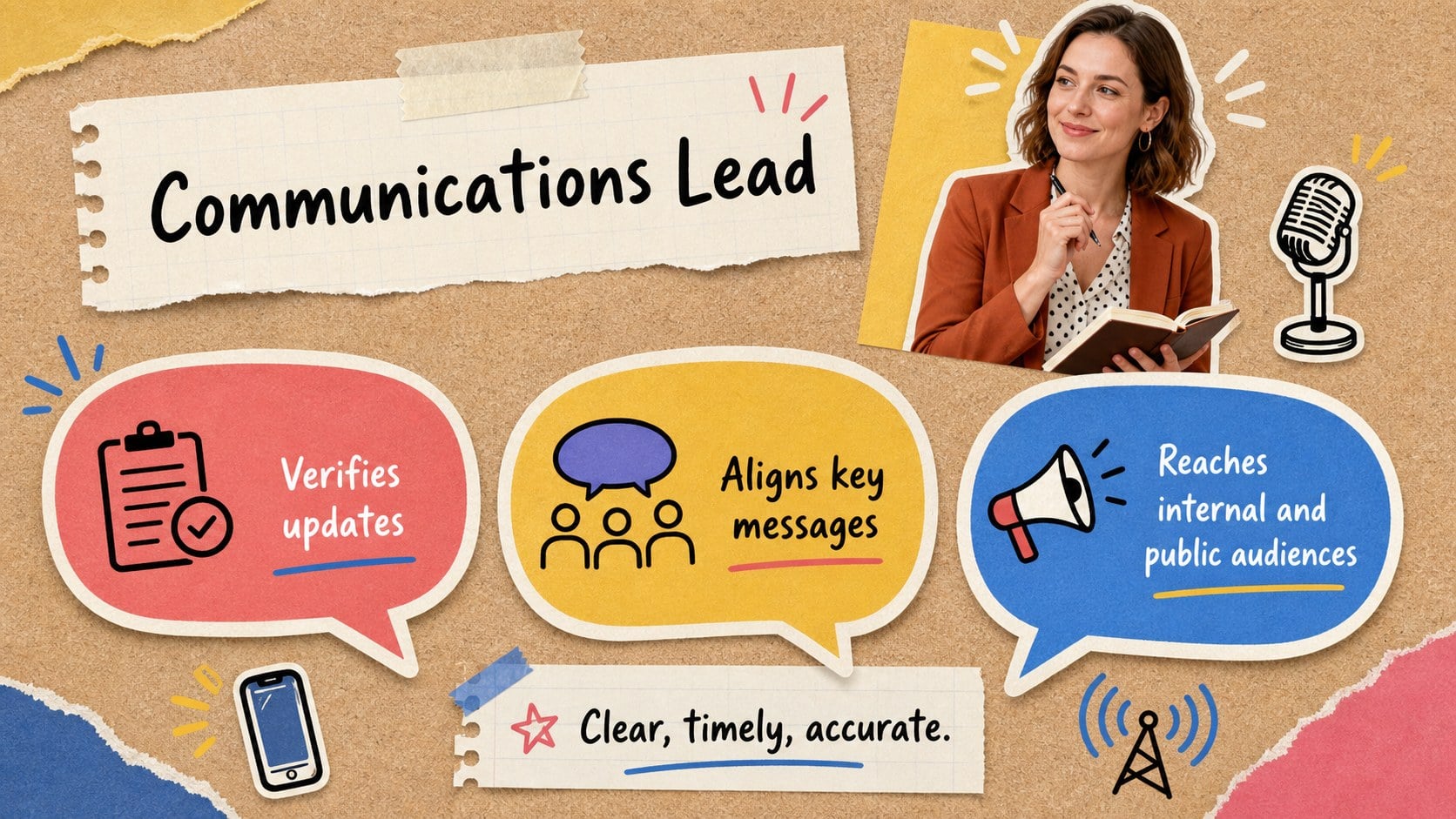
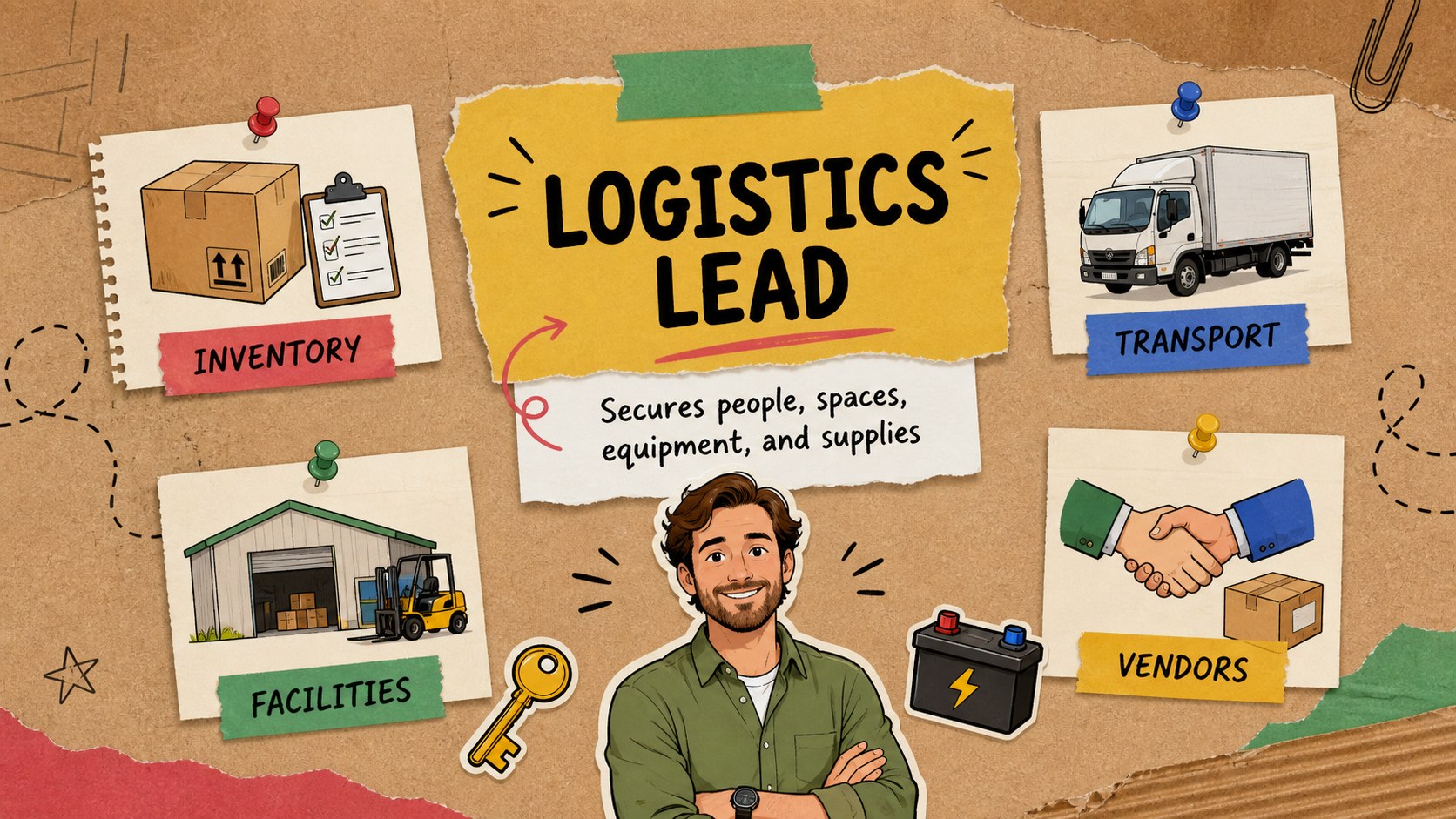
The Emergency Response Roles Deck helps organizations introduce the people, responsibilities, and reporting lines behind a coordinated crisis response. Its colorful brown scrapbook aesthetic combines paper textures, expressive doodles, bold typography, and approachable illustrations, making serious preparedness information easier to follow without losing a professional tone.
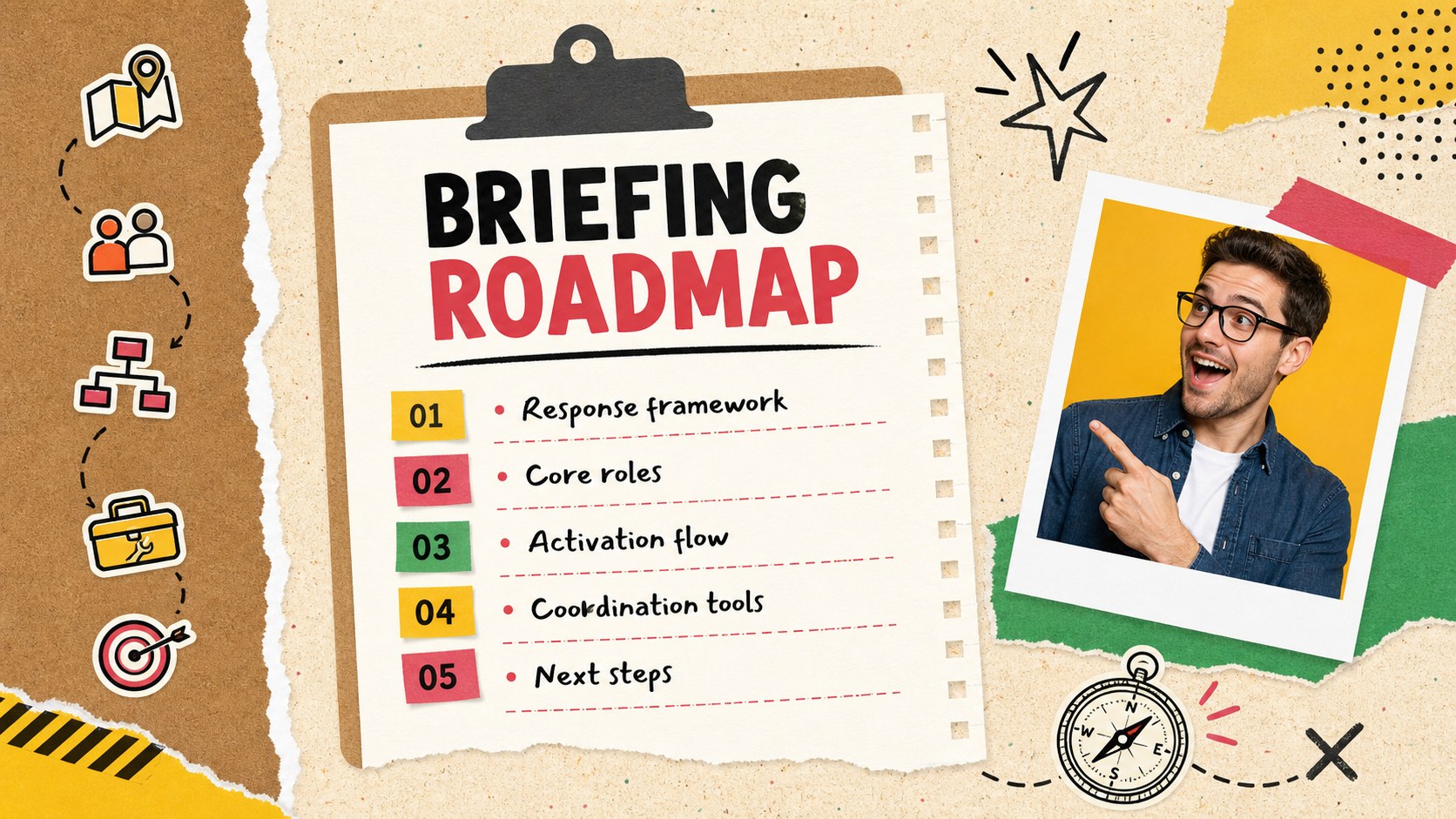
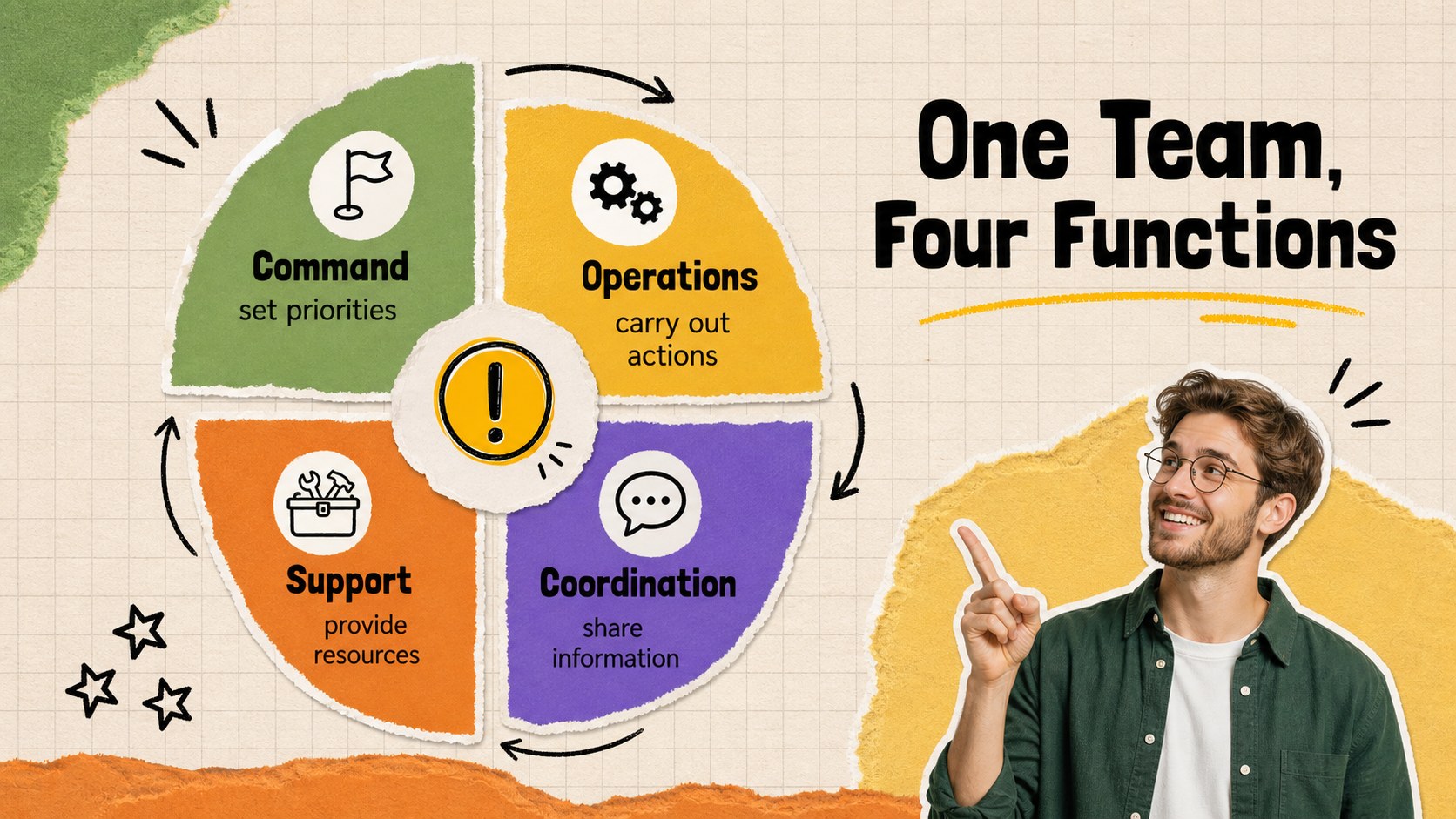
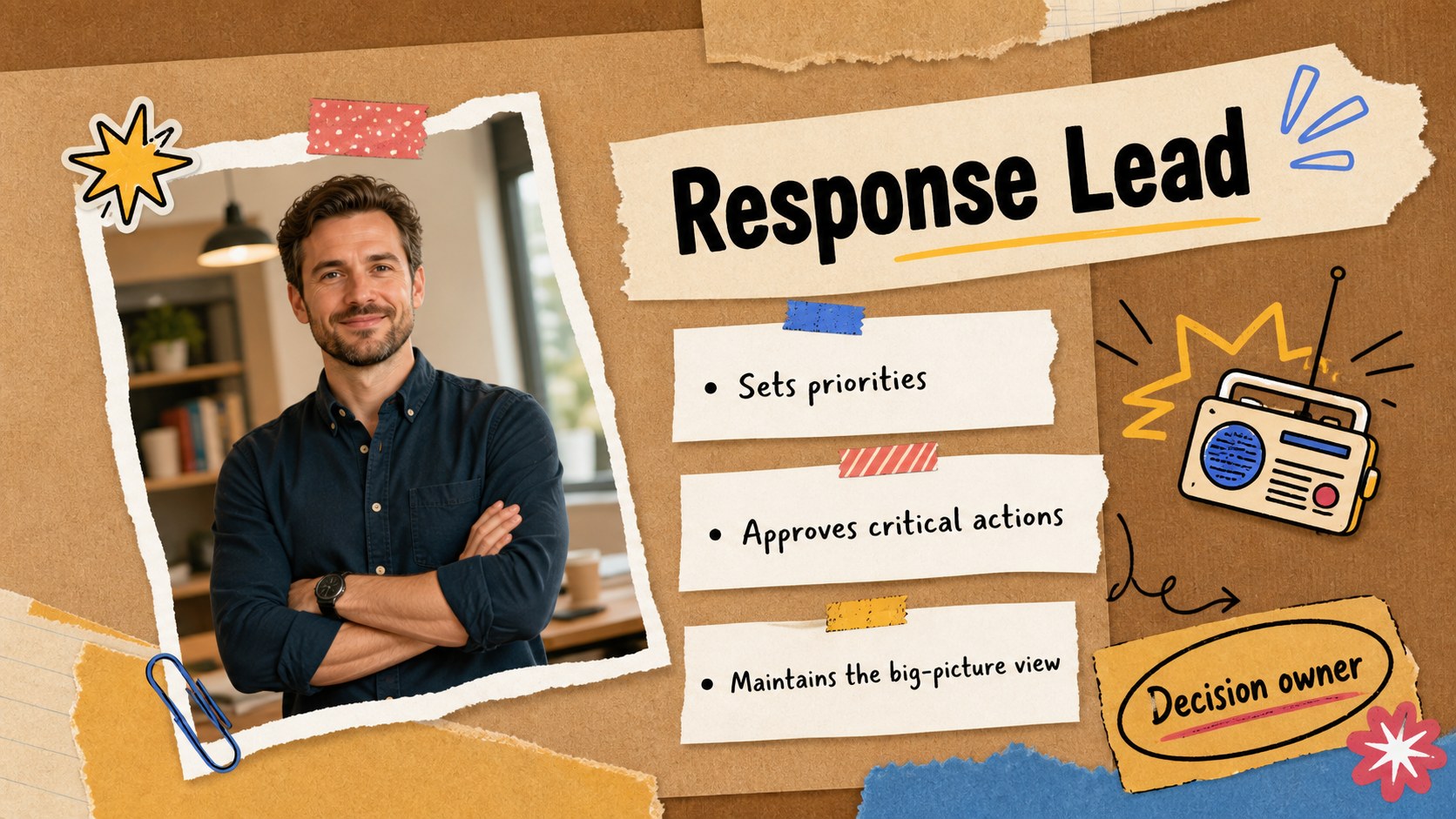
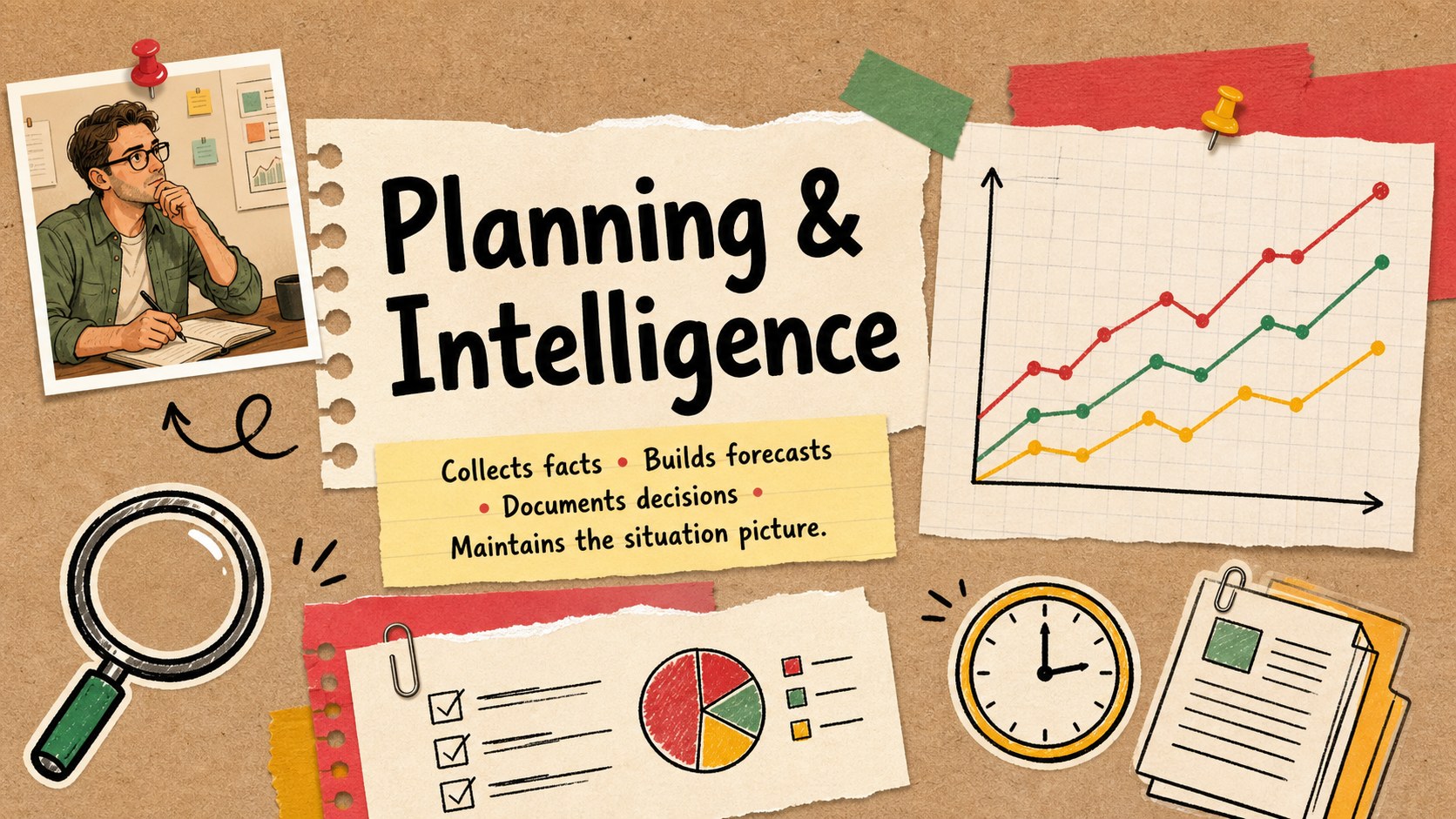
Inside, you will find 15 customizable slides for presenting leadership roles, operations, safety, communications, logistics, planning, external coordination, and activation procedures. Use the team structure layout to explain reporting relationships, the responsibility matrix to prevent duplicated effort, and the response timeline to show how a plan moves from initial alert to recovery. Together, these layouts form a practical emergency management roles template that can also serve as an incident command team slides resource or a crisis response team presentation.
The deck is designed for emergency coordinators, business continuity teams, public agencies, nonprofit organizations, workplace safety leaders, and consultants. It works well for preparedness workshops, onboarding sessions, tabletop exercises, project updates, and post-incident reviews. Every slide can be edited in PowerPoint or Google Slides, including the text, colors, diagrams, portraits, and role descriptions. Replace the sample content with your organization’s procedures and contacts to create a clear visual reference that supports faster decisions and more confident teamwork.
Perfect for: emergency preparedness workshop; incident command team briefing; business continuity training; tabletop crisis exercise; response staff onboarding; post-incident role review.
Frequently asked questions
Can I edit every role and responsibility in the deck? Yes. All role names, descriptions, reporting lines, diagrams, colors, and visual elements are customizable. You can replace the sample structure with your organization’s actual emergency procedures.
Practical details
Yes. All role names, descriptions, reporting lines, diagrams, colors, and visual elements are customizable. You can replace the sample structure with your organization’s actual emergency procedures.
The template is designed for Microsoft PowerPoint and Google Slides. Import or open the file in your preferred platform, then adjust the content using its standard editing tools.
Yes. The role profiles, hierarchy diagram, activation flow, and responsibility matrix can be tailored to an incident command structure. Add, remove, or rename positions to match local protocols.
Change the paper textures, accent colors, doodles, illustrations, and typography while preserving the slide layouts. You can also replace sample portraits with team photos or original illustrated avatars.
Keep exploring
15Build an engaging World UFO Day session with this flying saucer history lesson deck, featuring retro green-and-brown slides for PowerPoint and Google Slides.
 15
15Plan a lively animal-learning journey with this jungle zoo adventure lesson deck, ready to customize in PowerPoint and Google Slides for young learners.
 16
16Turn environmental research into a clear story with a Watercolor Ecology Presentation Theme for PowerPoint and Google Slides in calming green and blue.
 16
16Build focused fashion, literature, and humanities presentations with the Red Triangle Editorial Theme, editable in PowerPoint and Google Slides.
 15
15Turn streaming stats, favorite tracks, and concert highlights into a bold annual listening recap slide deck for PowerPoint and Google Slides.
 15
15Turn highlights, milestones, and favorite moments into a colorful year in review slide deck with bold 3D graphics for PowerPoint and Google Slides.
 3
3Build a credible endorsement with Standout Colleague Recommendation Letter Slides, featuring colorful prompts for skills, achievements, and team impact.
 4
4Build clear beginner sessions with an ice hockey fundamentals training deck for coaches, PE teachers, and clubs, ready for PowerPoint and Google Slides.