
 15
15presentation
Flying Saucer History Lesson Deck
Build an engaging World UFO Day session with this flying saucer history lesson deck, featuring retro green-and-brown slides for PowerPoint and Google Slides.
Google SlidesPowerPoint
presentation · English
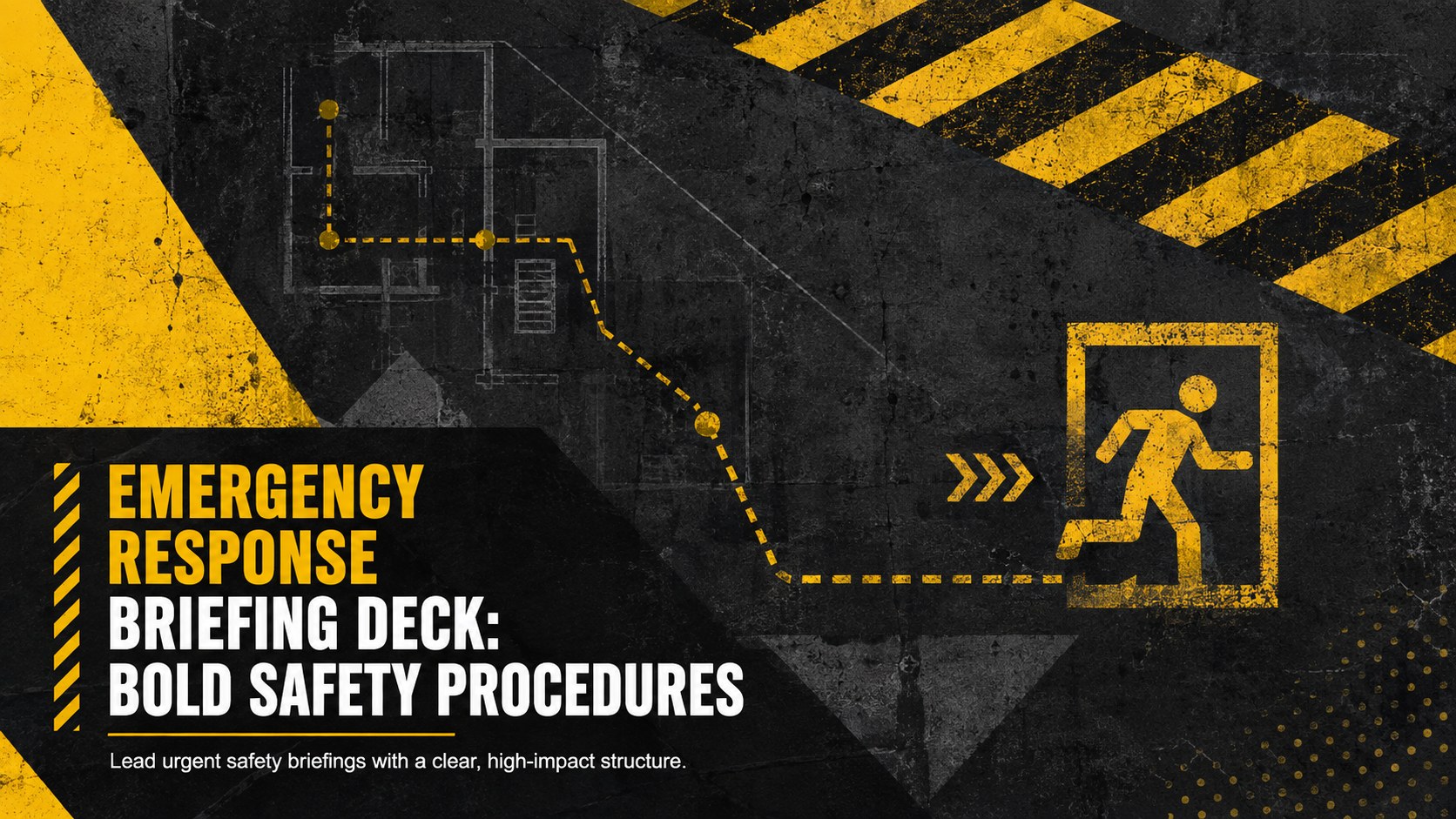
Build a clear emergency response briefing deck with bold black-and-yellow slides for evacuation training, hazard reviews, and coordinated workplace drills.
Design notes
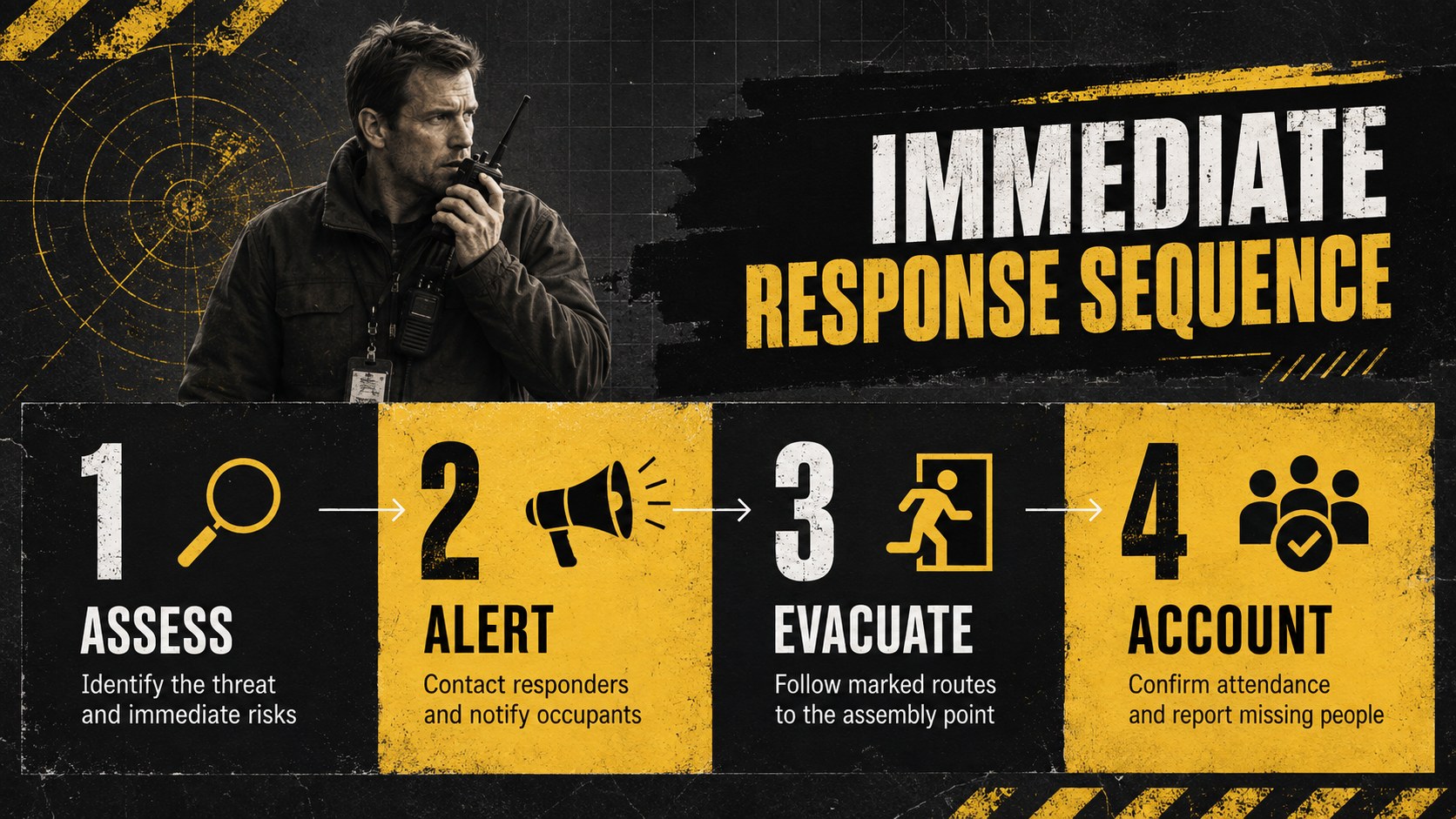
Prepare teams to act decisively with an emergency response briefing deck designed for fast, accurate communication. The bold black-and-yellow palette, distressed textures, strong typography, and high-contrast layouts make critical instructions easy to scan during meetings, onboarding sessions, and safety exercises.
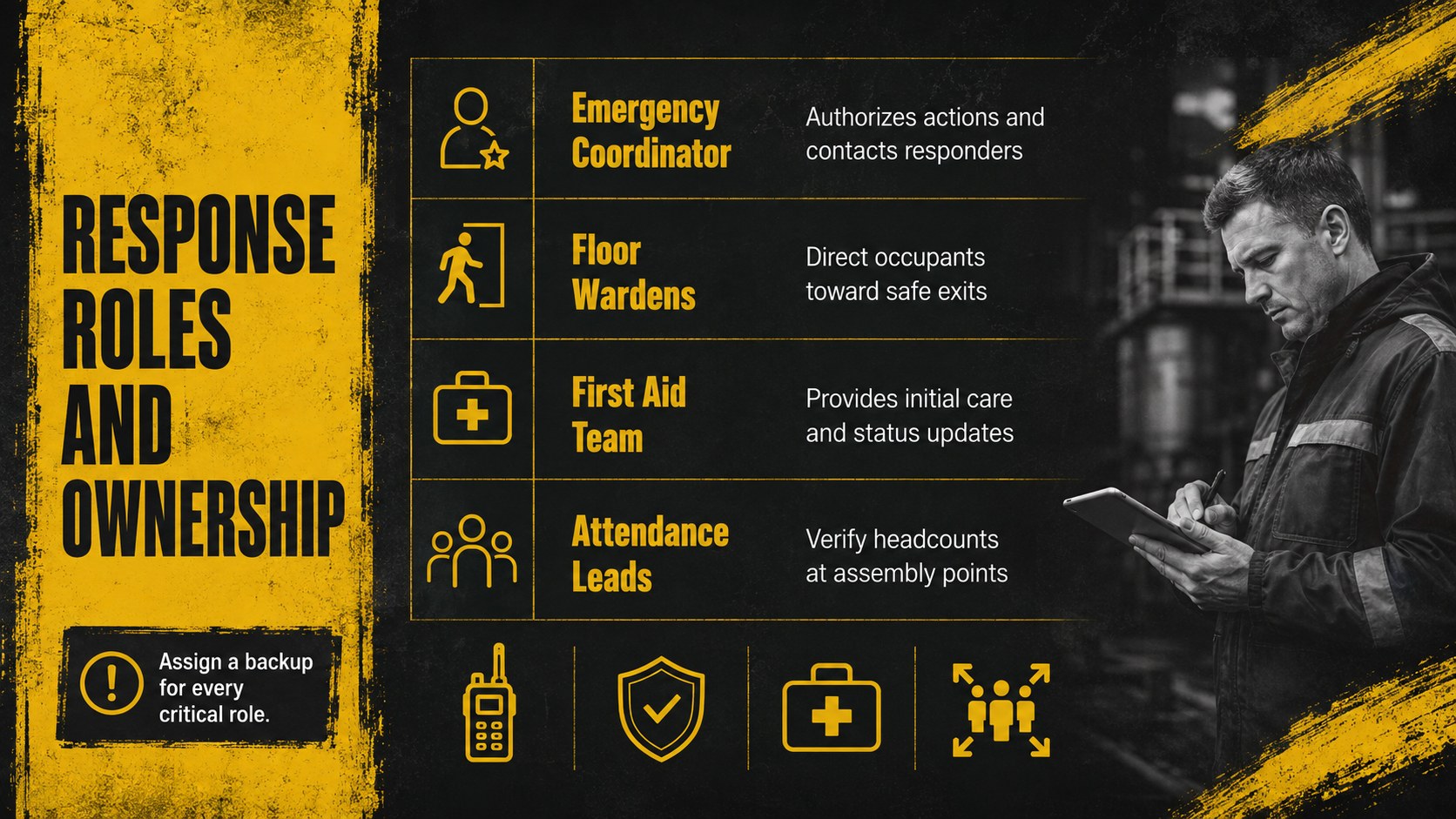
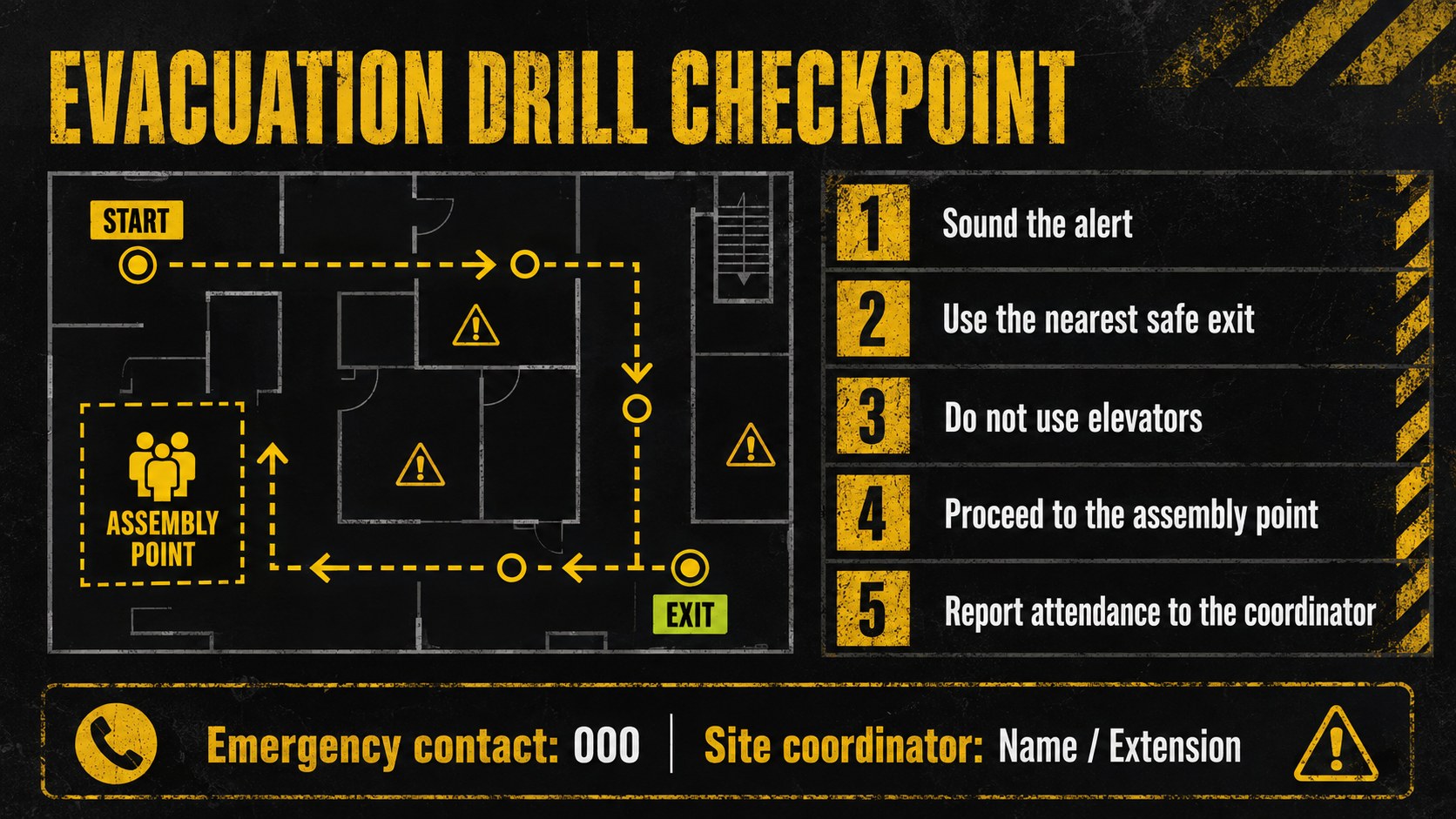
The deck includes adaptable layouts for incident priorities, evacuation routes, assembly points, emergency contacts, communication channels, response roles, hazard levels, and post-incident actions. Use it as a workplace emergency response presentation, build focused evacuation drill training slides, or create an incident command roles presentation for department leaders. Timelines, checklists, process diagrams, and responsibility tables help turn complex procedures into practical steps without overcrowding the screen.
This template is suited to safety managers, operations teams, facilities coordinators, human resources departments, educators, event organizers, and business continuity planners. Replace the sample wording, add site-specific instructions, insert floor plans, and apply your organization's logo or contact details. Every layout can be edited in PowerPoint and Google Slides, allowing teams to adjust colors, typography, icons, and content for different locations or risk scenarios.
Use the finished presentation for evacuation briefings, fire drills, severe weather preparation, new employee orientation, incident response workshops, or printed safety reference sheets. The visual system stays direct and professional while preserving the urgent, industrial character expected from emergency planning materials.
Perfect for: workplace evacuation briefing; new employee safety orientation; fire drill preparation; incident command training; facility hazard review; business continuity workshop.
Frequently asked questions
Practical details
Yes. Replace the sample instructions, contacts, response roles, assembly points, and route information with details for your site or organization.
The deck is designed for PowerPoint and Google Slides. Text, colors, shapes, diagrams, and image areas can be edited in either platform.
Yes. Import your floor plan as an image, then add arrows, exit markers, hazard labels, and assembly-point callouts directly on the slide.
Yes. Individual slides can be exported as PDFs or images for safety folders, notice boards, and drill handouts. Check local print margins and contrast before distribution.
Keep exploring
15Build an engaging World UFO Day session with this flying saucer history lesson deck, featuring retro green-and-brown slides for PowerPoint and Google Slides.
 15
15Plan a lively animal-learning journey with this jungle zoo adventure lesson deck, ready to customize in PowerPoint and Google Slides for young learners.
 16
16Turn environmental research into a clear story with a Watercolor Ecology Presentation Theme for PowerPoint and Google Slides in calming green and blue.
 16
16Build focused fashion, literature, and humanities presentations with the Red Triangle Editorial Theme, editable in PowerPoint and Google Slides.
 15
15Turn streaming stats, favorite tracks, and concert highlights into a bold annual listening recap slide deck for PowerPoint and Google Slides.
 15
15Turn highlights, milestones, and favorite moments into a colorful year in review slide deck with bold 3D graphics for PowerPoint and Google Slides.
 3
3Build a credible endorsement with Standout Colleague Recommendation Letter Slides, featuring colorful prompts for skills, achievements, and team impact.
 4
4Build clear beginner sessions with an ice hockey fundamentals training deck for coaches, PE teachers, and clubs, ready for PowerPoint and Google Slides.