
 15
15presentation
Flying Saucer History Lesson Deck
Build an engaging World UFO Day session with this flying saucer history lesson deck, featuring retro green-and-brown slides for PowerPoint and Google Slides.
Google SlidesPowerPoint
presentation · English
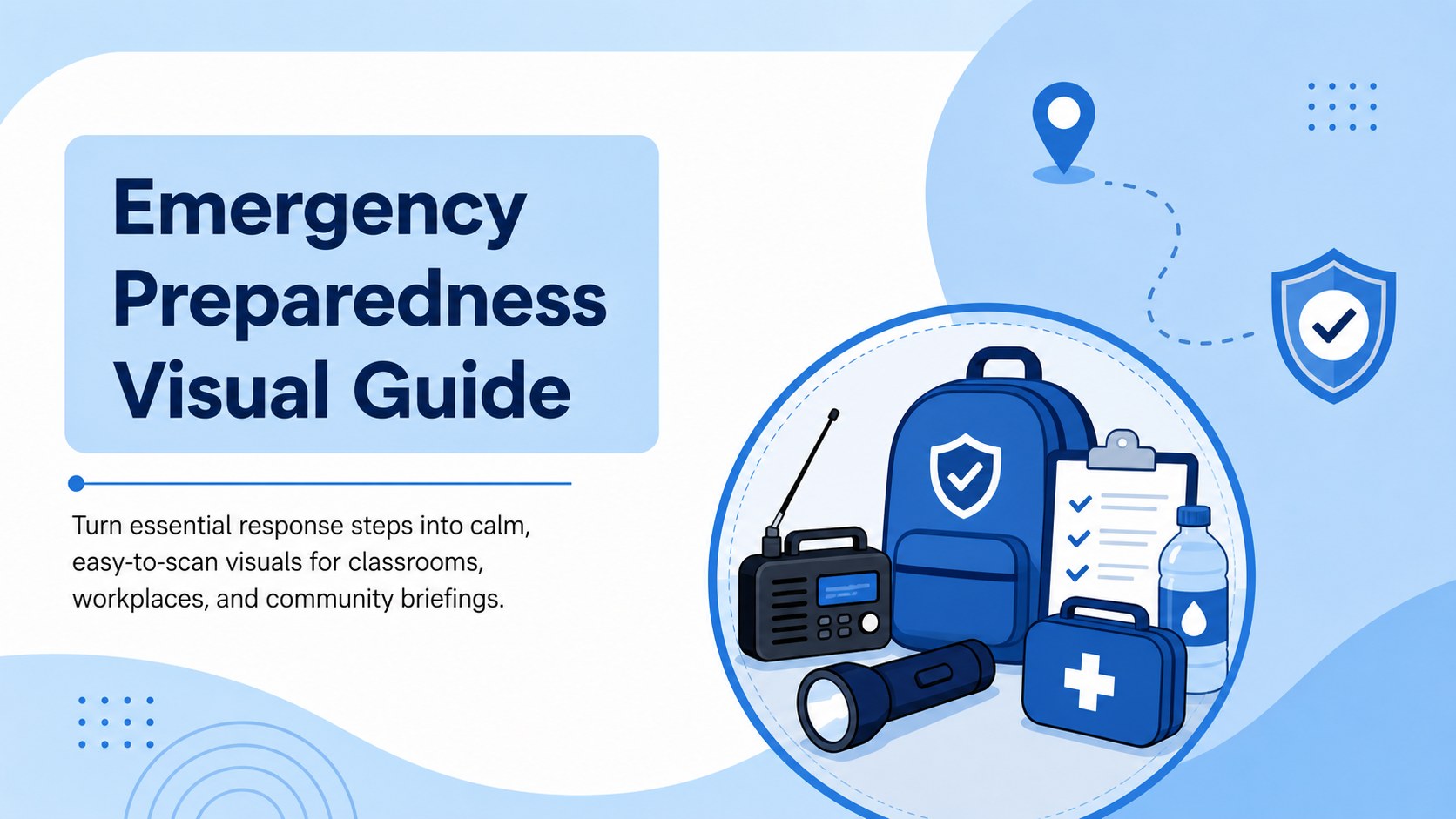
Build clear response plans with an Emergency Preparedness Visual Guide featuring calm blue illustrations, editable layouts, and practical safety steps.
Design notes
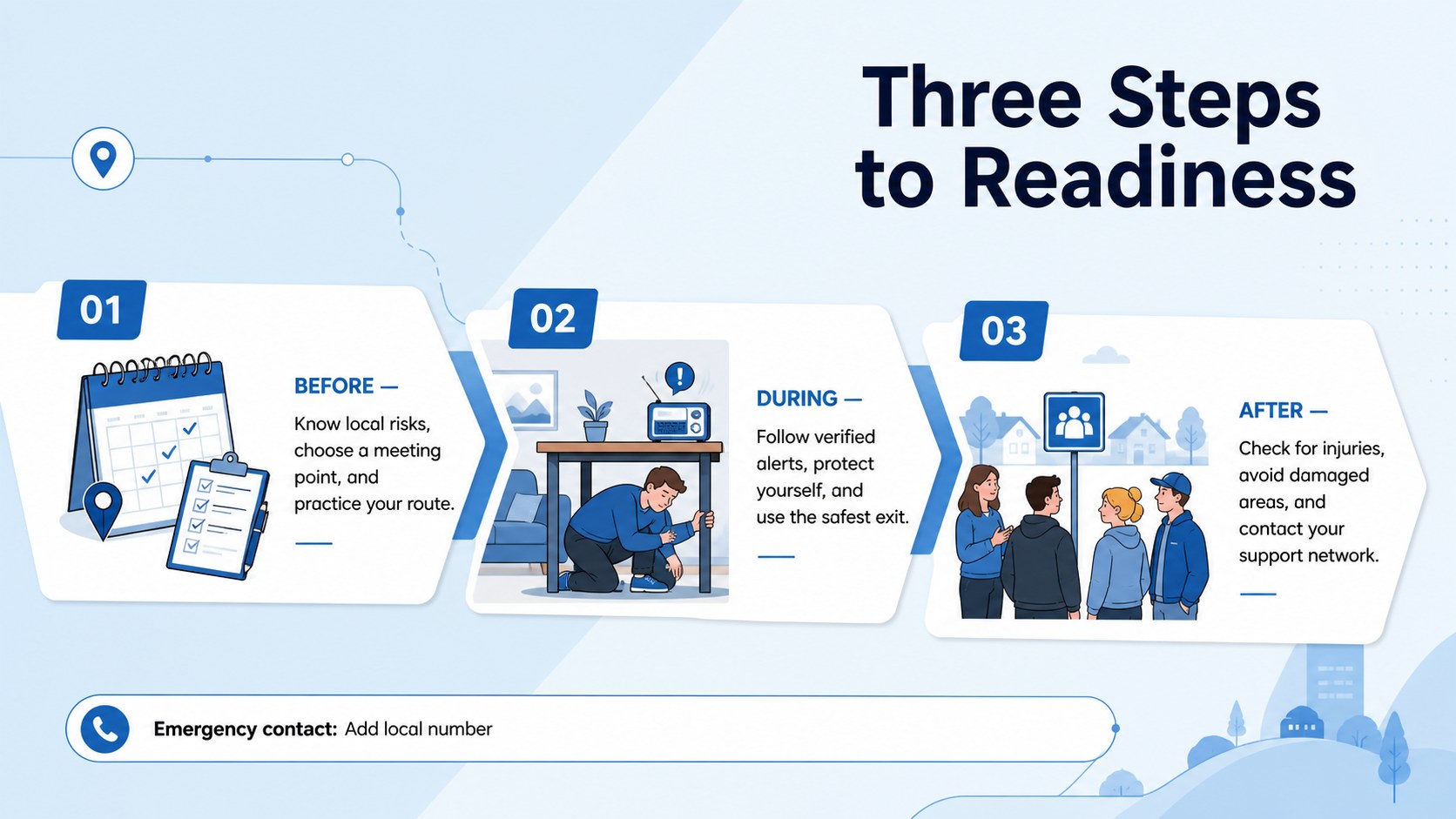
An Emergency Preparedness Visual Guide helps audiences understand what to do before, during, and after a disruptive event. Built around calm blue tones, flat illustrations, and a clean information hierarchy, this deck turns detailed procedures into focused visuals that are easier to remember. Use it as a disaster readiness presentation for schools, a staff briefing, or a public-awareness resource without overwhelming viewers with dense text.
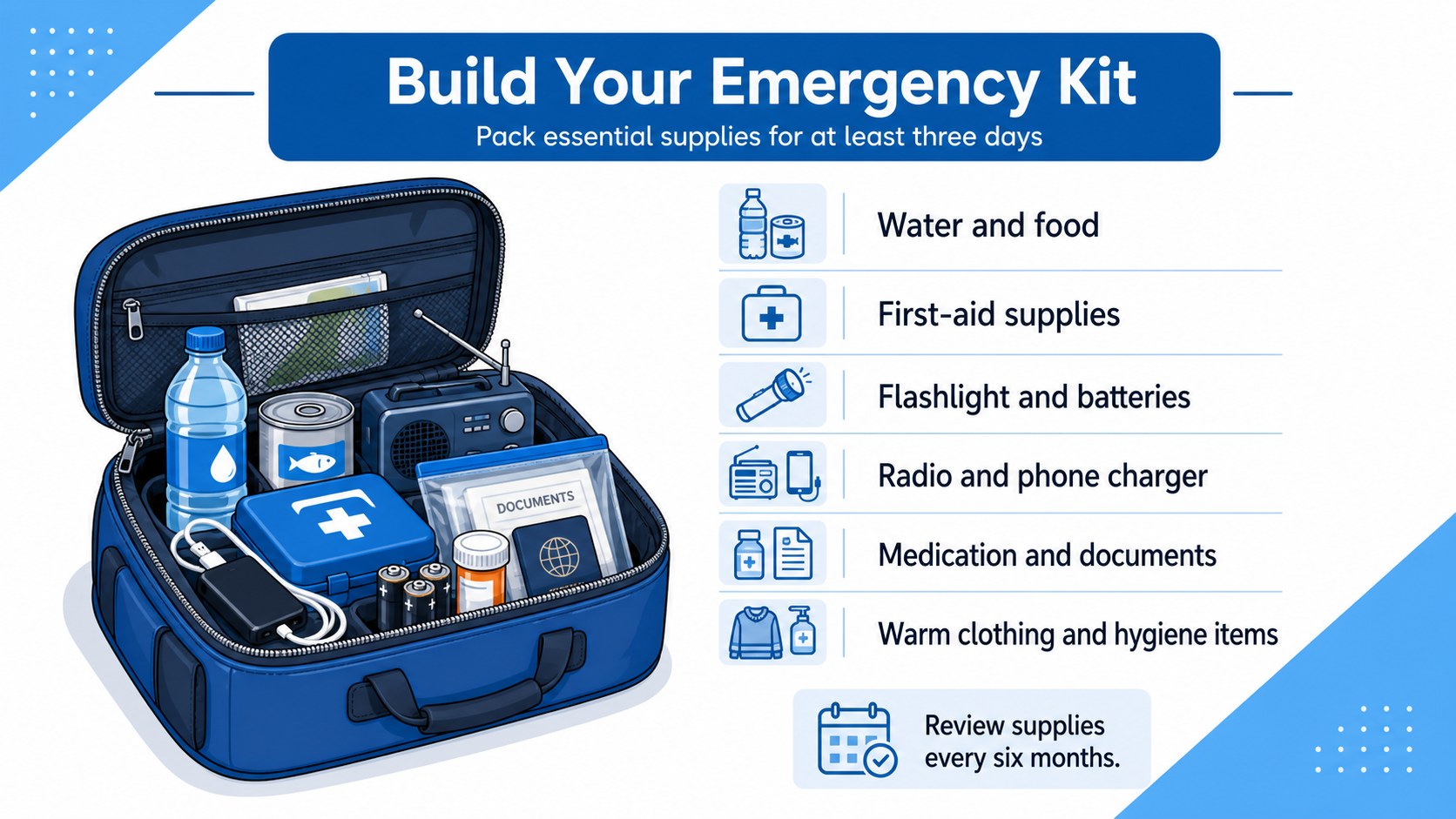
Inside, you will find three coordinated infographic layouts for introducing a preparedness framework, explaining immediate response actions, and organizing a practical supply checklist. The blue emergency response infographic template supports concise headings, numbered steps, icons, callouts, and short supporting notes. Every element can be adapted in PowerPoint or Google Slides, so you can revise colors, labels, illustrations, and safety guidance for local hazards, policies, and age groups.
Educators can teach evacuation basics, safety officers can reinforce workplace procedures, and community organizers can prepare residents for storms, fires, earthquakes, or extended outages. It also works as a workplace evacuation safety infographic for onboarding sessions and drills. Add verified emergency contacts, meeting points, accessibility instructions, and region-specific advice to create a useful resource for your audience. The result is a composed, professional deck that keeps preparedness practical, visible, and action-oriented.
Perfect for: school disaster readiness lesson; workplace evacuation briefing; community safety workshop; emergency response training; family preparedness meeting.
Frequently asked questions
Can I edit the safety steps and emergency information? Yes. All headings, instructions, icons, colors, and callouts can be customized for your location, audience, and emergency procedures.
Practical details
Yes. All headings, instructions, icons, colors, and callouts can be customized for your location, audience, and emergency procedures.
The template is designed for PowerPoint and Google Slides. You can edit the layouts, present them on screen, or export finished slides for printing and distribution.
Yes. Replace the sample guidance with verified instructions for earthquakes, severe weather, fires, floods, power outages, or other local hazards.
Yes. The clear visual structure works for classroom lessons, employee onboarding, evacuation drills, safety meetings, and community preparedness sessions.
Keep exploring
15Build an engaging World UFO Day session with this flying saucer history lesson deck, featuring retro green-and-brown slides for PowerPoint and Google Slides.
 15
15Plan a lively animal-learning journey with this jungle zoo adventure lesson deck, ready to customize in PowerPoint and Google Slides for young learners.
 16
16Turn environmental research into a clear story with a Watercolor Ecology Presentation Theme for PowerPoint and Google Slides in calming green and blue.
 16
16Build focused fashion, literature, and humanities presentations with the Red Triangle Editorial Theme, editable in PowerPoint and Google Slides.
 15
15Turn streaming stats, favorite tracks, and concert highlights into a bold annual listening recap slide deck for PowerPoint and Google Slides.
 15
15Turn highlights, milestones, and favorite moments into a colorful year in review slide deck with bold 3D graphics for PowerPoint and Google Slides.
 3
3Build a credible endorsement with Standout Colleague Recommendation Letter Slides, featuring colorful prompts for skills, achievements, and team impact.
 4
4Build clear beginner sessions with an ice hockey fundamentals training deck for coaches, PE teachers, and clubs, ready for PowerPoint and Google Slides.