
 15
15presentation
Flying Saucer History Lesson Deck
Build an engaging World UFO Day session with this flying saucer history lesson deck, featuring retro green-and-brown slides for PowerPoint and Google Slides.
Google SlidesPowerPoint
presentation · English
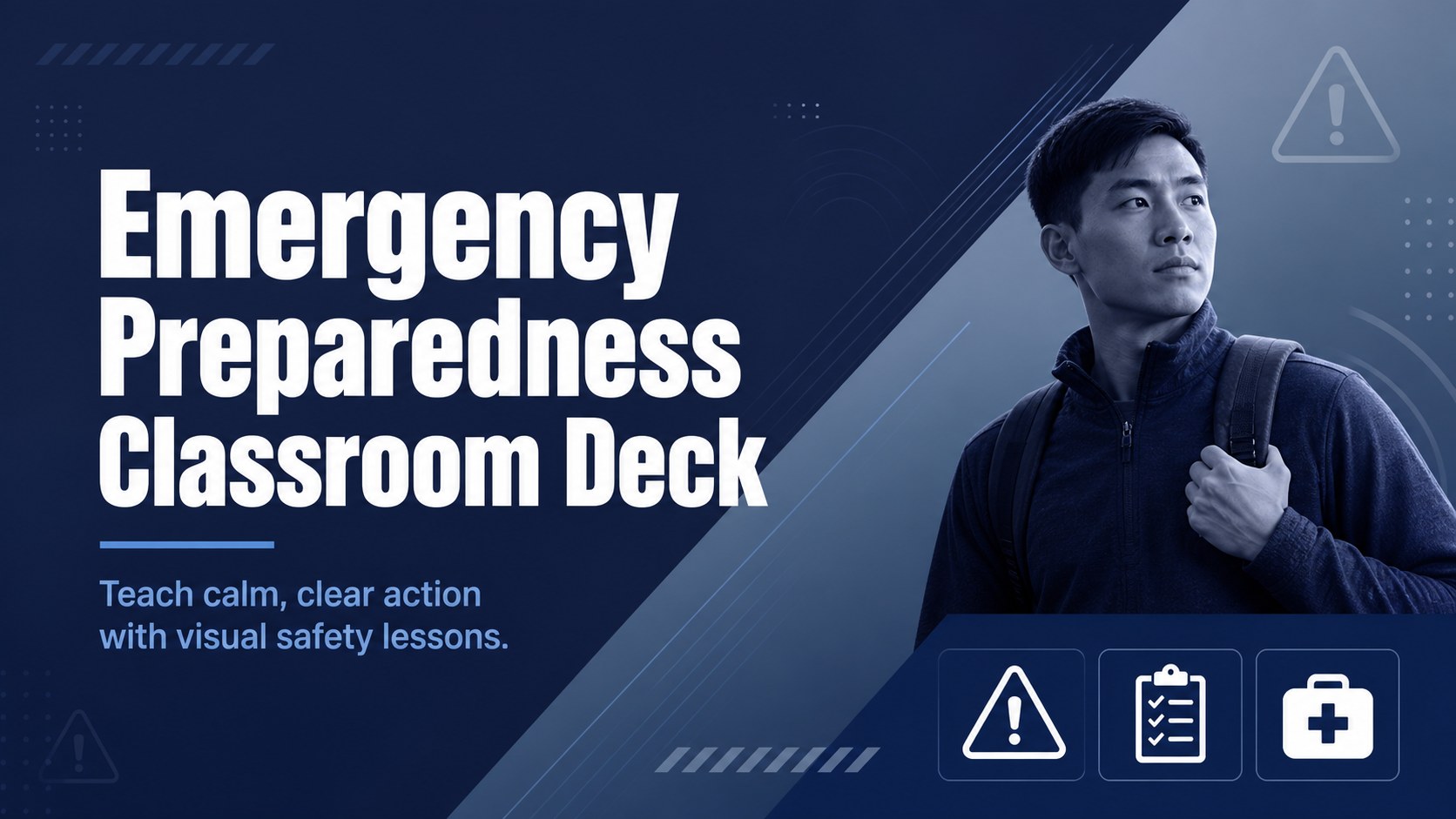
Build an emergency preparedness classroom deck for clear safety lessons, 911 call practice, and response planning in PowerPoint or Google Slides.

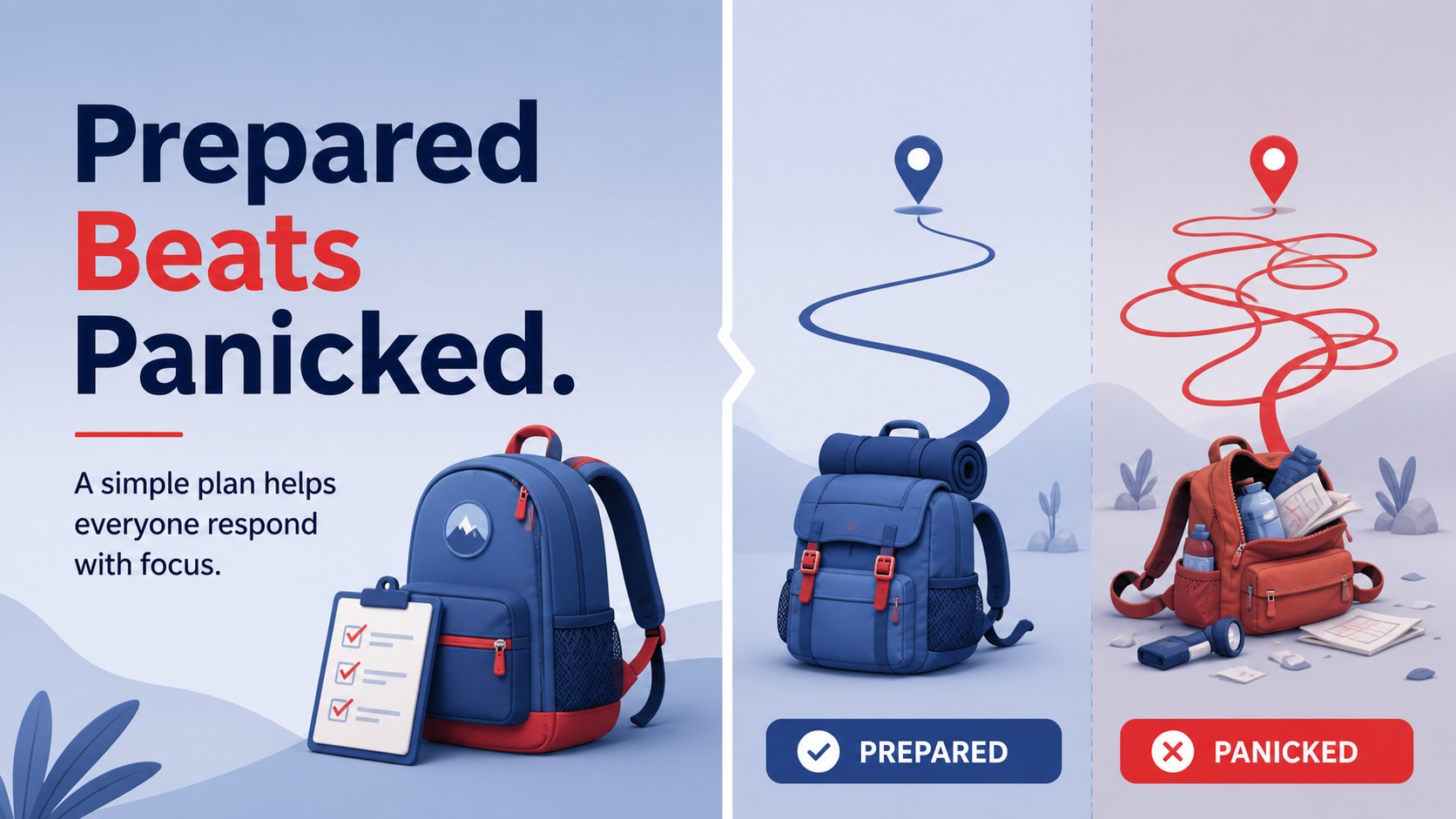
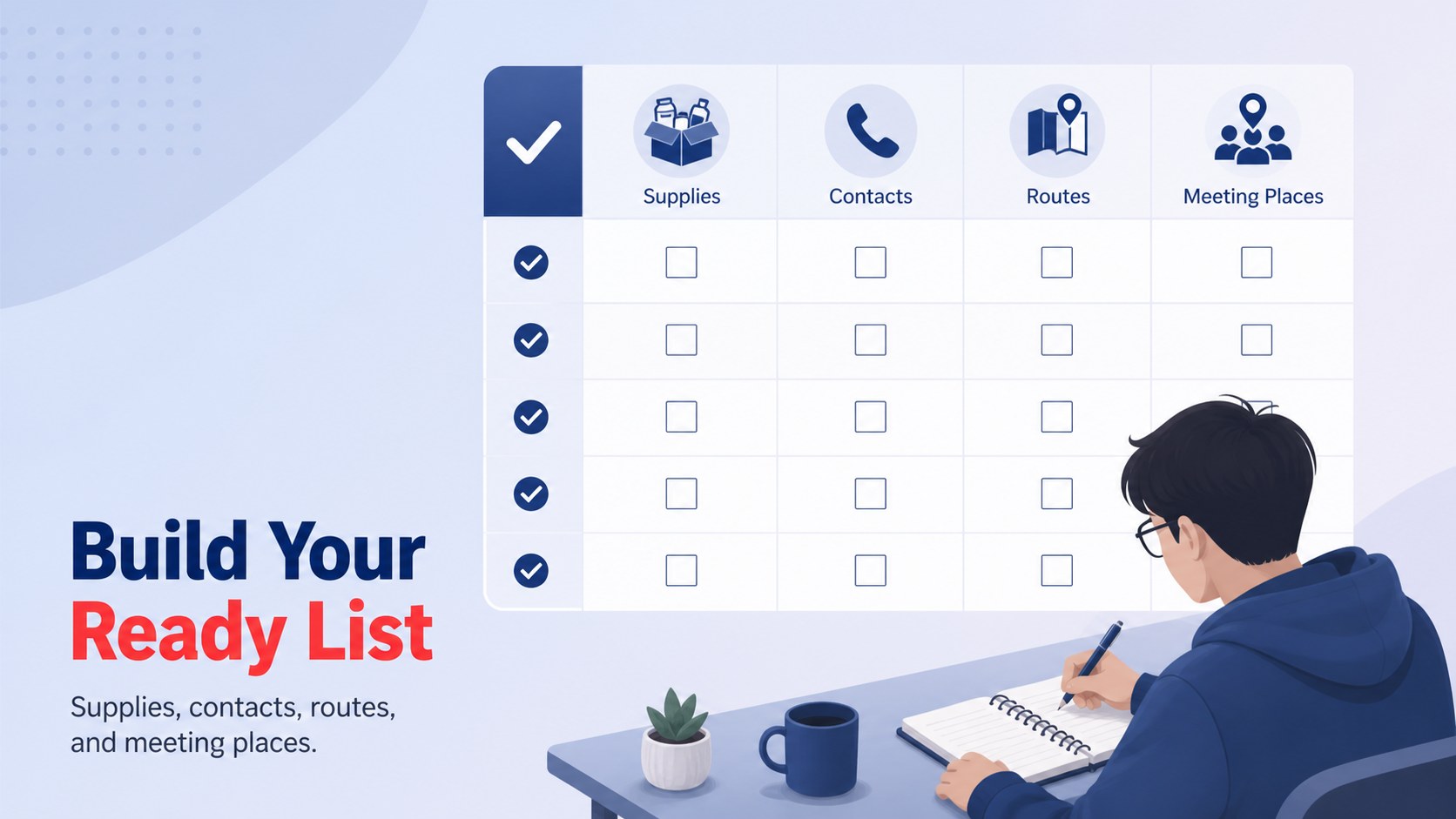
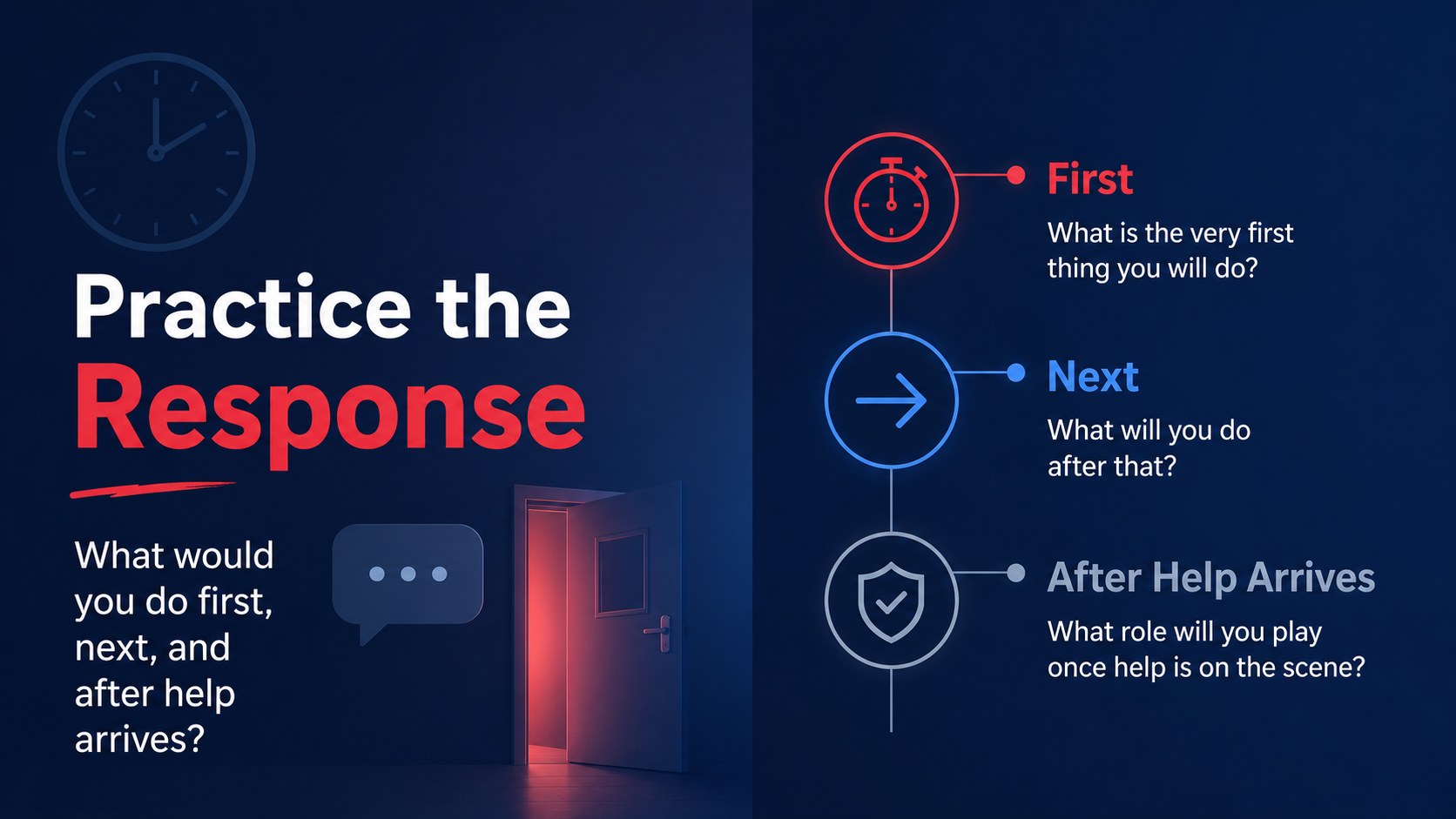
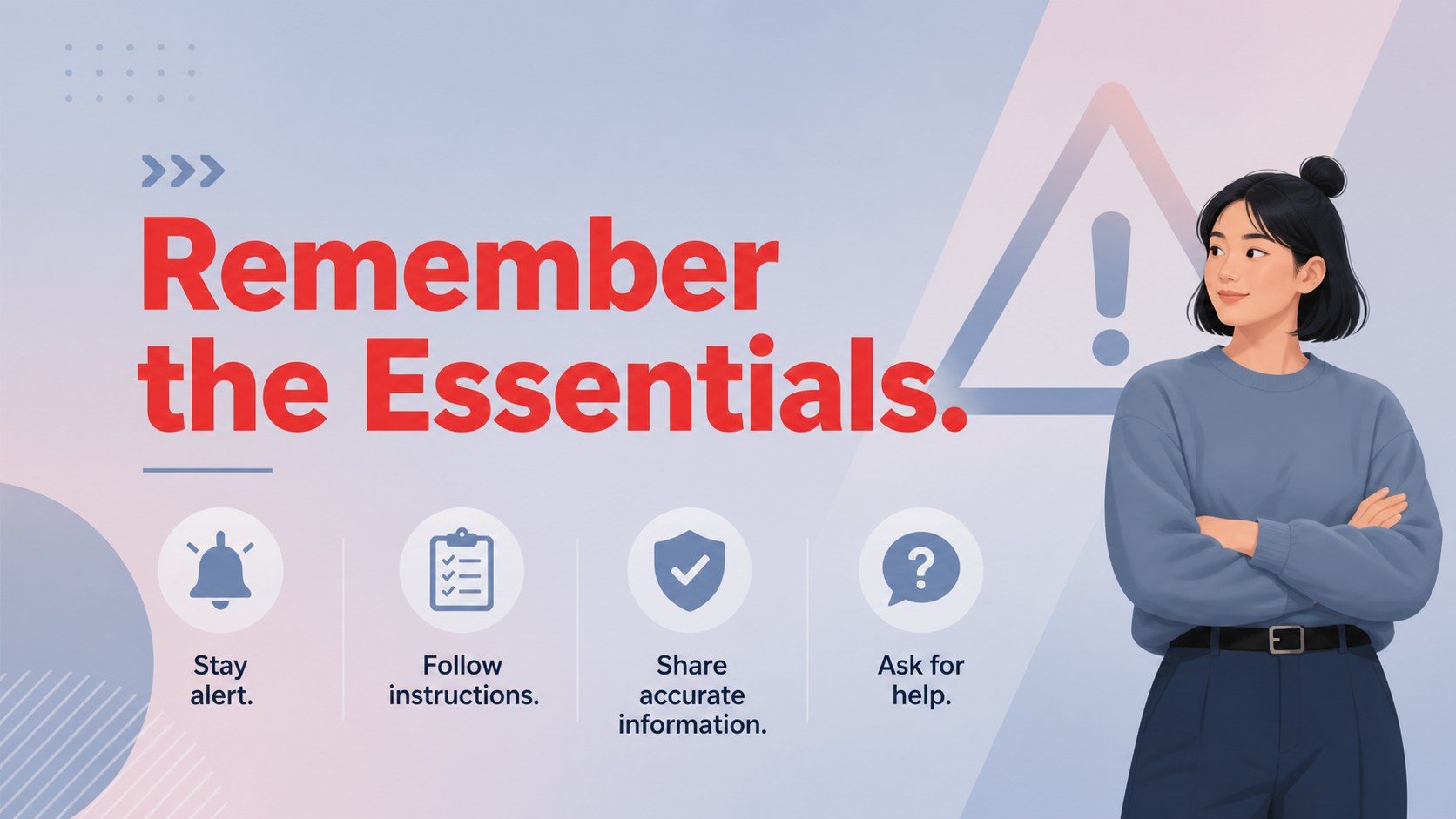
Design notes
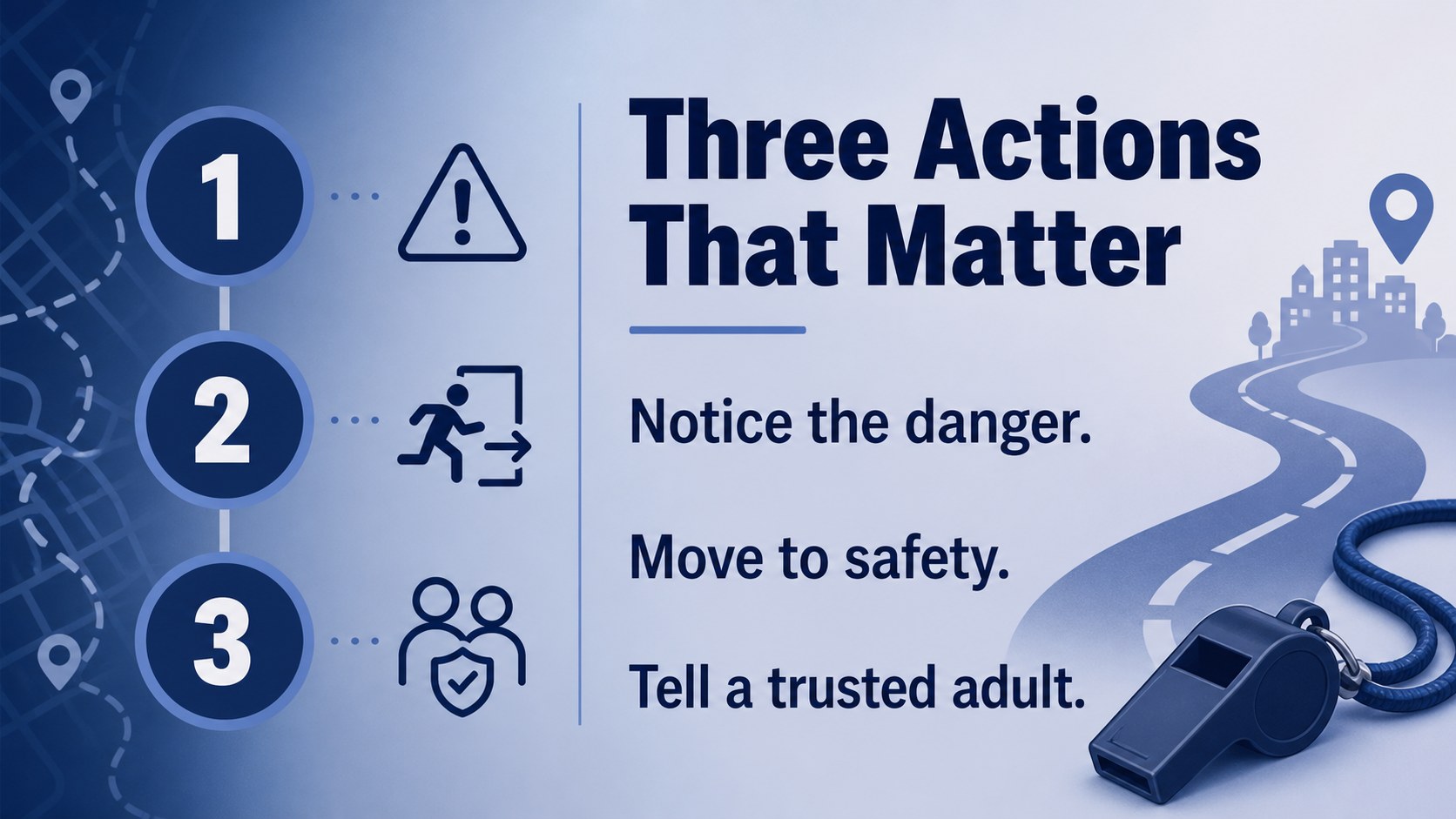
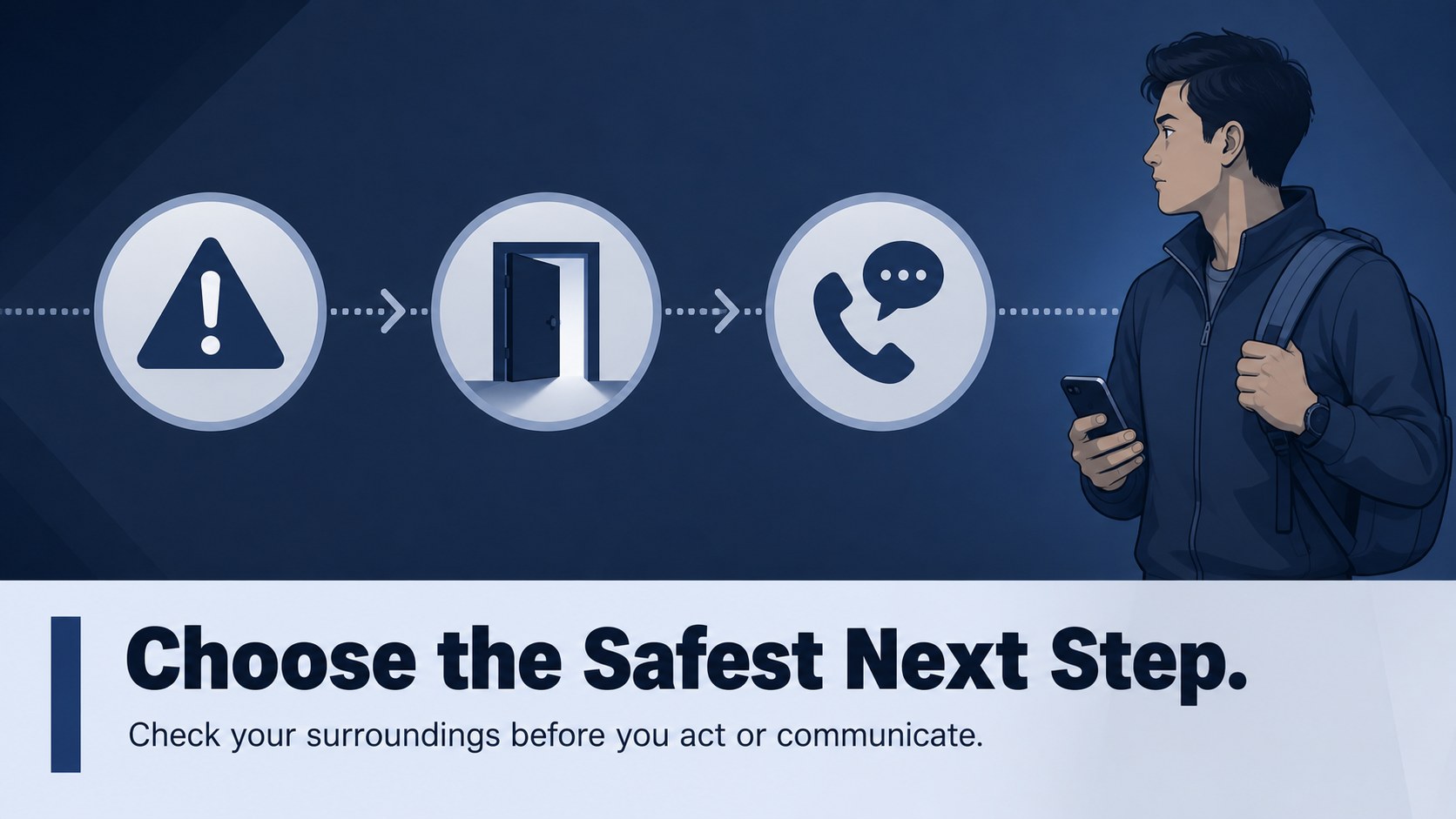
Make safety education easier to follow with this emergency preparedness classroom deck, designed for teachers, school staff, and community educators. Its cool blue and grey gradient palette gives serious topics a modern, composed presentation style while keeping each message easy to scan. Use it to introduce emergency awareness, explain response responsibilities, or guide students through practical decision-making without overwhelming them.
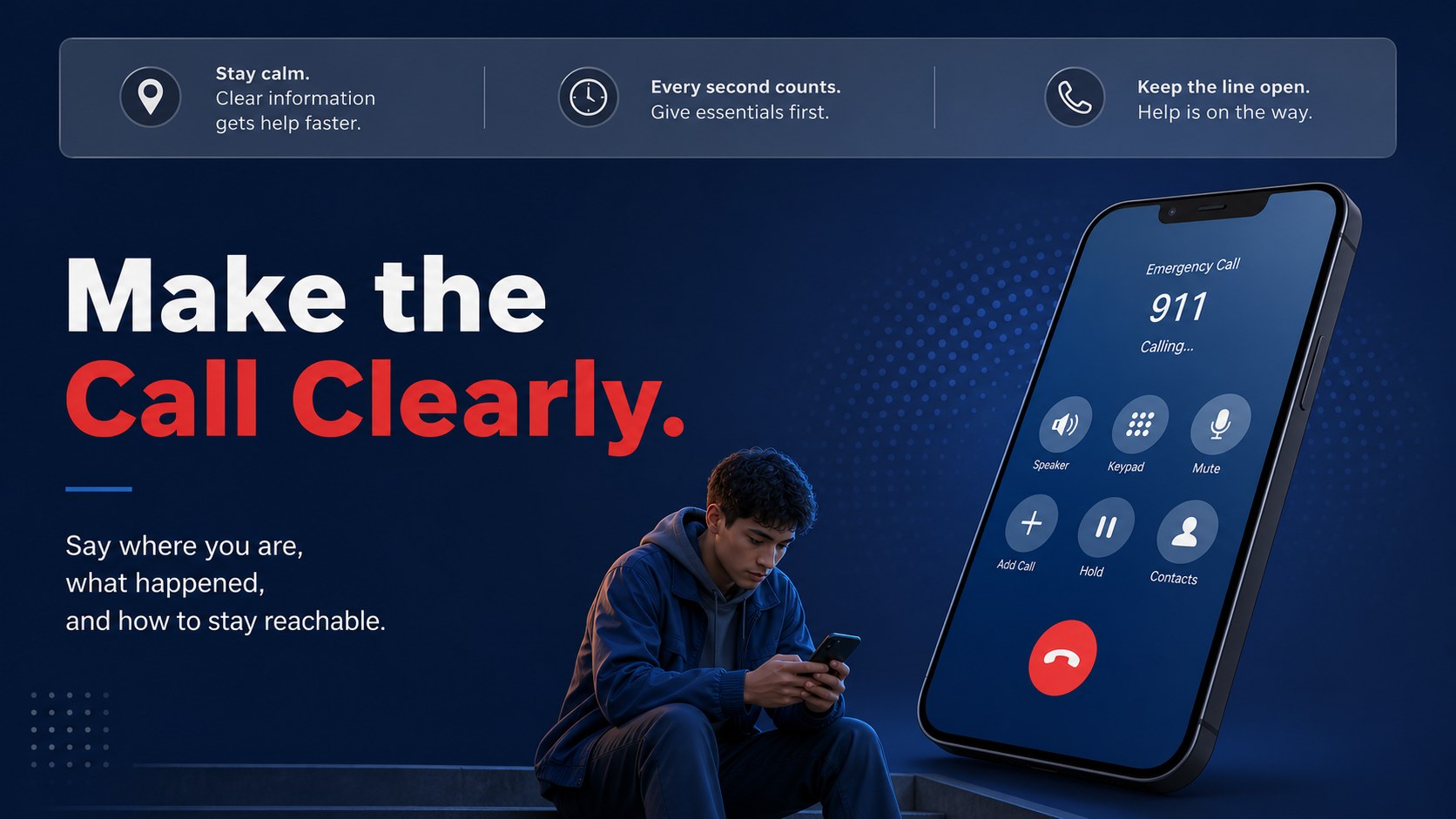
The 23-slide system includes editable layouts for lesson objectives, emergency categories, step-by-step instructions, safety reminders, comparison charts, call scripts, warning signs, and recap activities. Rearrange the layouts to create an emergency response lesson plan, a classroom safety procedures presentation, or a focused lesson on how to call 911. Charts, shapes, lines, frames, animations, and transitions help turn abstract guidance into memorable visual sequences.
The deck is suitable for elementary and secondary classrooms, staff training, family safety workshops, and school preparedness briefings. Edit it in Google Slides or PowerPoint, then add local contact information, policies, examples, and discussion prompts. The restrained typography and blue-grey palette support formal communication while remaining approachable for learners. The result is a practical school safety training resource that can be adapted for different ages, settings, and teaching goals.
Perfect for: elementary emergency awareness lesson; school staff safety briefing; family preparedness workshop; 911 calling practice session; community disaster readiness class.
Frequently asked questions
Can I edit this deck in Google Slides? Yes. The template is designed for Google Slides and includes editable text, shapes, charts, and visual elements. Replace the sample wording with your school policies, local phone numbers, and teaching examples.
Practical details
Yes. The template is designed for Google Slides and includes editable text, shapes, charts, and visual elements. Replace the sample wording with your school policies, local phone numbers, and teaching examples.
Yes. You can customize the presentation in PowerPoint as well as Google Slides. Check that fonts and animations transfer as expected after importing the file.
Yes. Simplify the wording and use fewer steps for younger learners, or add scenario analysis and policy details for older students. The layouts can be rearranged to match the length and difficulty of your lesson.
Absolutely. Add regional emergency numbers, evacuation routes, school contacts, meeting locations, and trusted resources. Review every detail with your organization before presenting it as official guidance.
Keep exploring
15Build an engaging World UFO Day session with this flying saucer history lesson deck, featuring retro green-and-brown slides for PowerPoint and Google Slides.
 15
15Plan a lively animal-learning journey with this jungle zoo adventure lesson deck, ready to customize in PowerPoint and Google Slides for young learners.
 16
16Turn environmental research into a clear story with a Watercolor Ecology Presentation Theme for PowerPoint and Google Slides in calming green and blue.
 16
16Build focused fashion, literature, and humanities presentations with the Red Triangle Editorial Theme, editable in PowerPoint and Google Slides.
 15
15Turn streaming stats, favorite tracks, and concert highlights into a bold annual listening recap slide deck for PowerPoint and Google Slides.
 15
15Turn highlights, milestones, and favorite moments into a colorful year in review slide deck with bold 3D graphics for PowerPoint and Google Slides.
 3
3Build a credible endorsement with Standout Colleague Recommendation Letter Slides, featuring colorful prompts for skills, achievements, and team impact.
 4
4Build clear beginner sessions with an ice hockey fundamentals training deck for coaches, PE teachers, and clubs, ready for PowerPoint and Google Slides.