
 15
15presentation
Flying Saucer History Lesson Deck
Build an engaging World UFO Day session with this flying saucer history lesson deck, featuring retro green-and-brown slides for PowerPoint and Google Slides.
Google SlidesPowerPoint
presentation · English
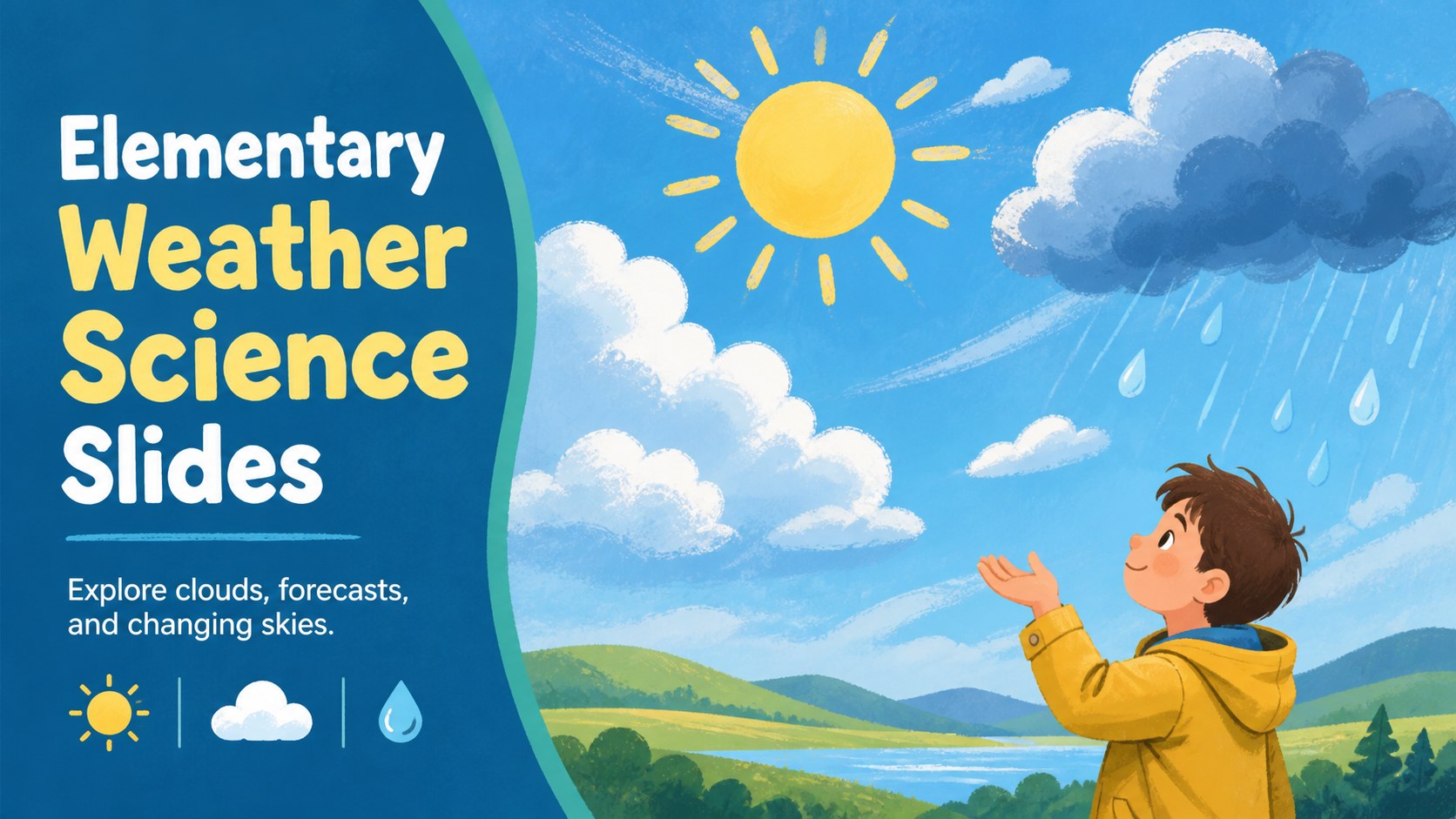
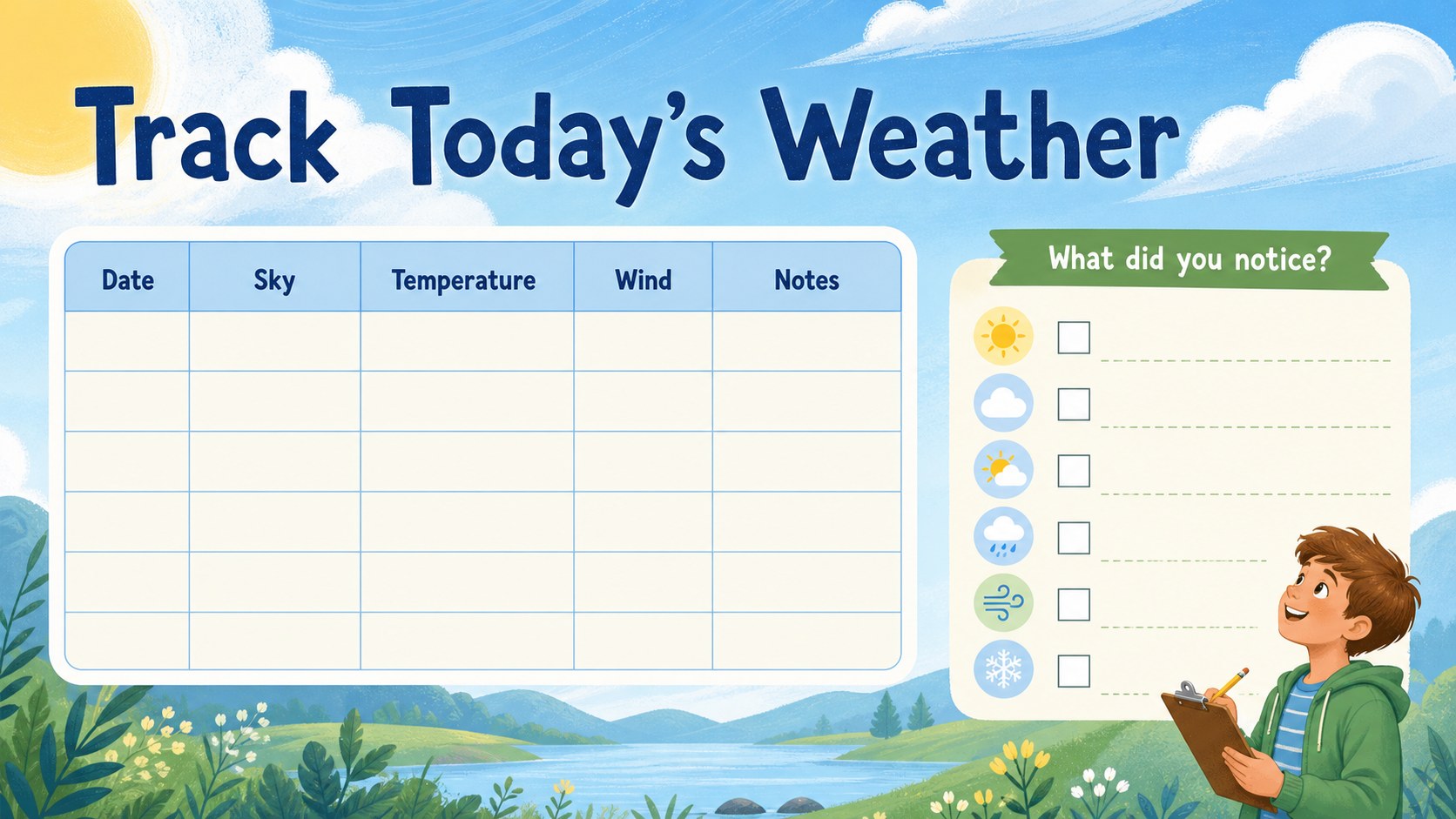
Bring weather science to life with elementary weather science slides featuring cloud types, forecasts, experiments, and colorful activities for young…
Design notes
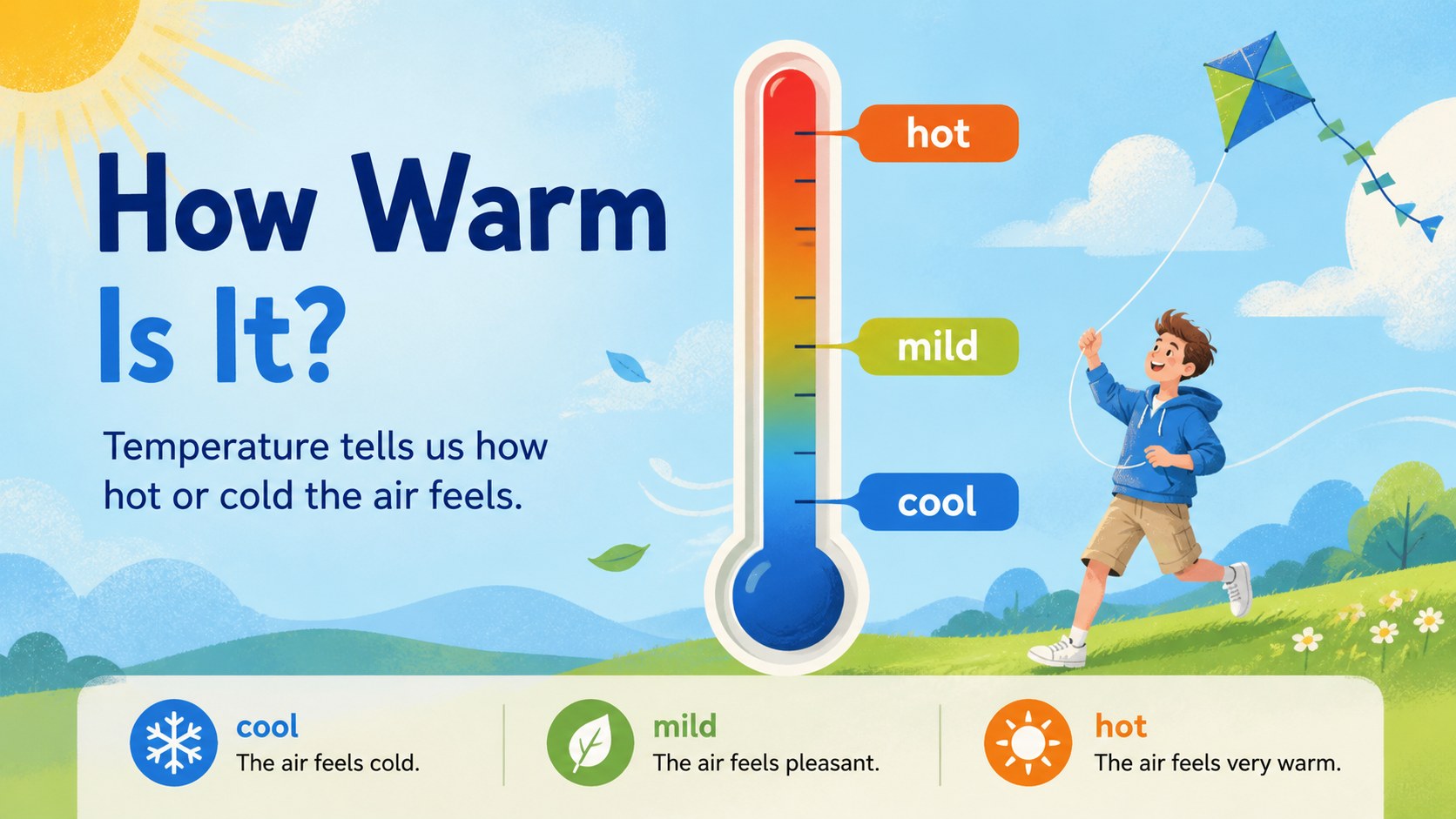
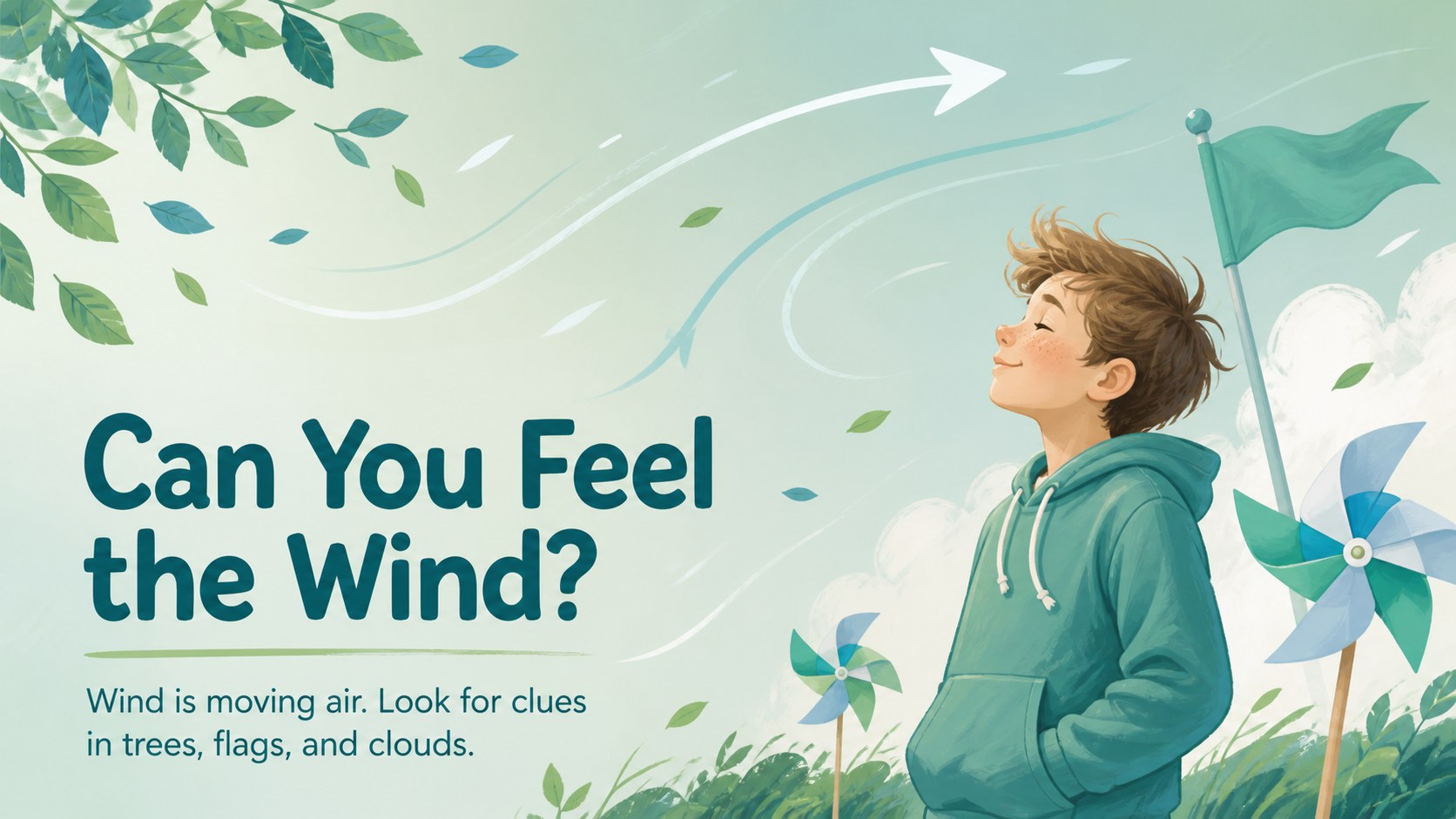
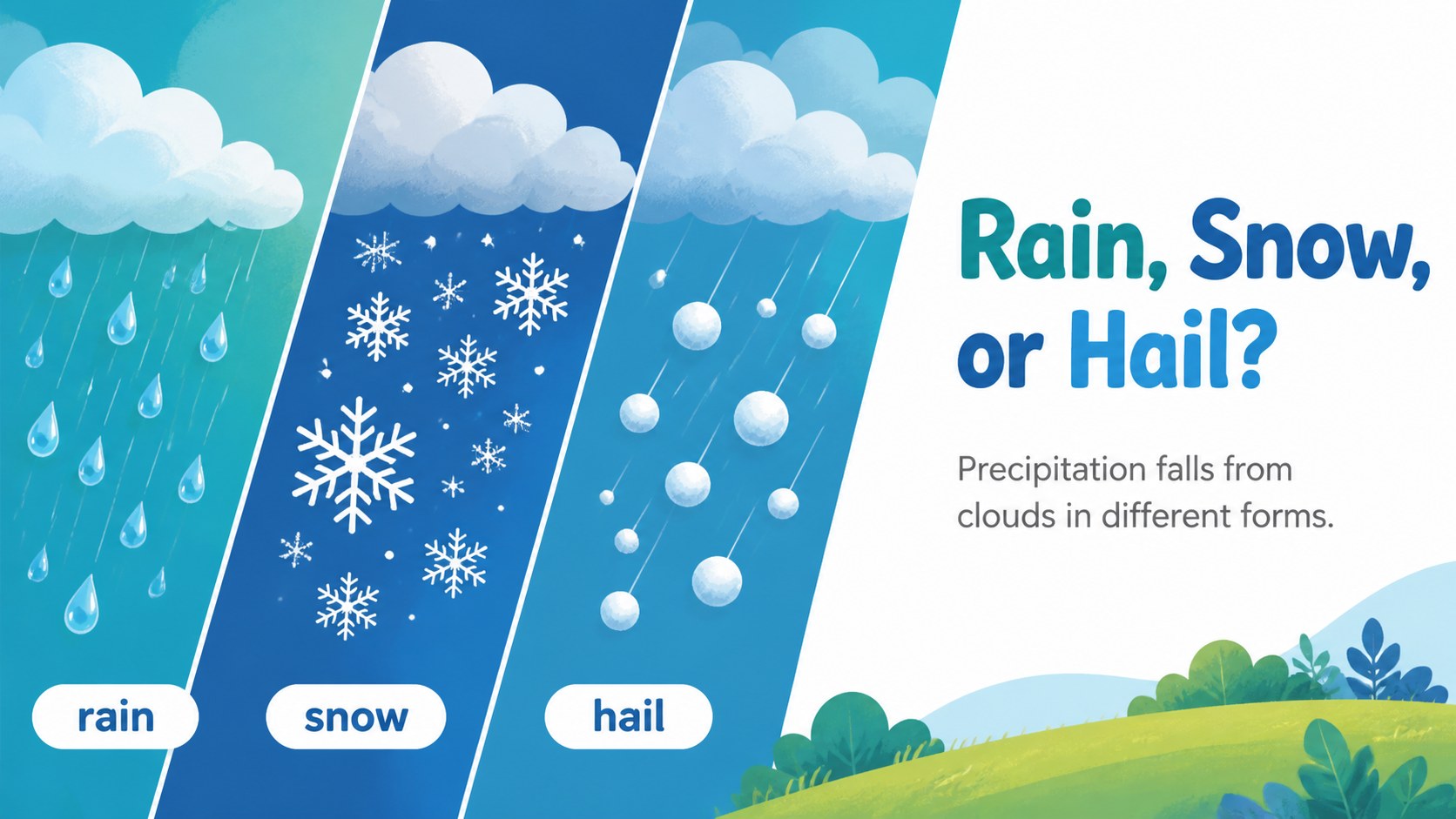
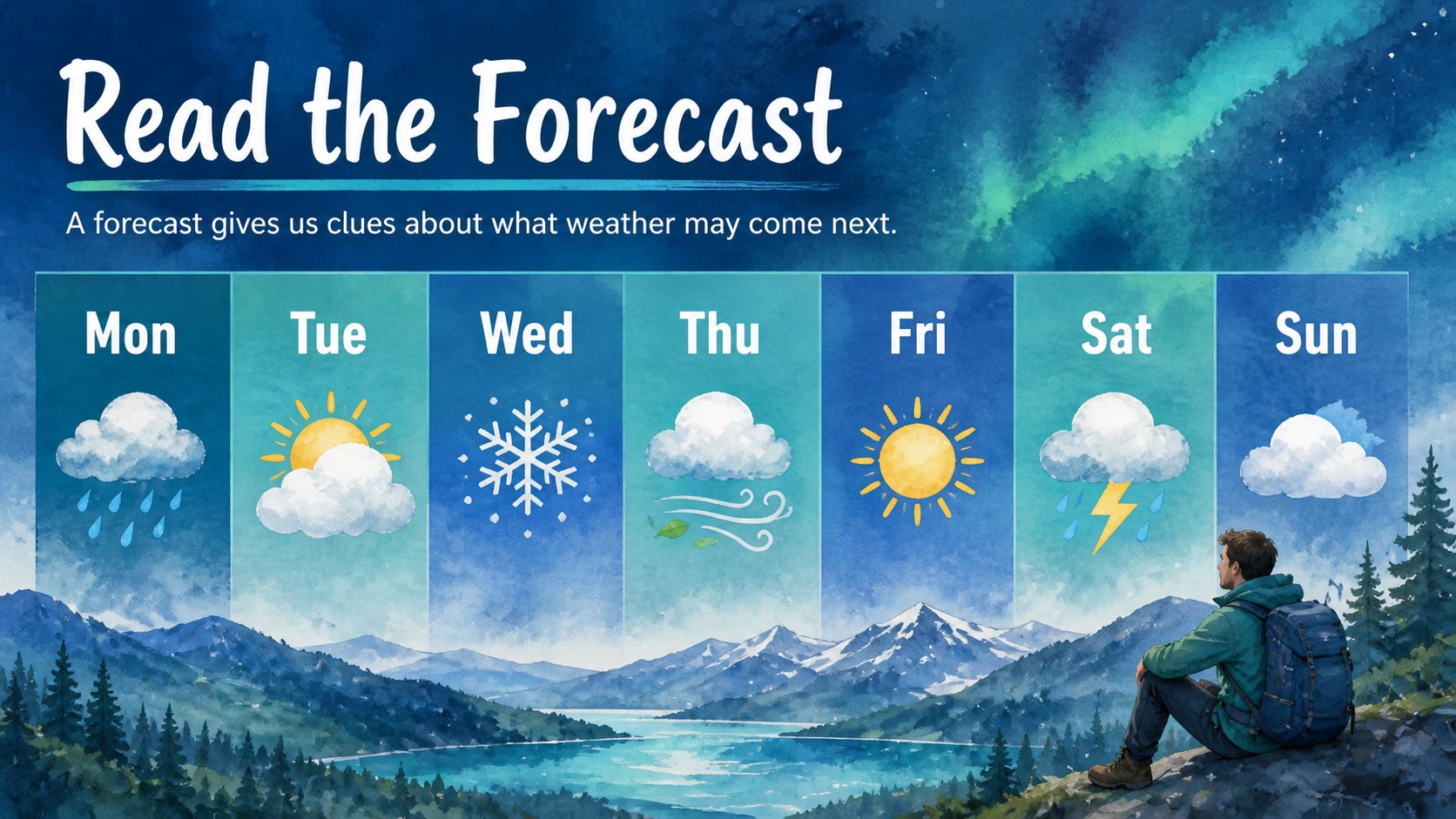
Make the sky your classroom with elementary weather science slides built for clear, lively instruction. This colorful presentation uses friendly illustrations and a fresh blue-and-green palette to help young learners explore clouds, rain, wind, temperature, and changing conditions. The visual approach keeps information approachable while giving teachers room to explain concepts, ask questions, and connect the lesson to what students see outside.
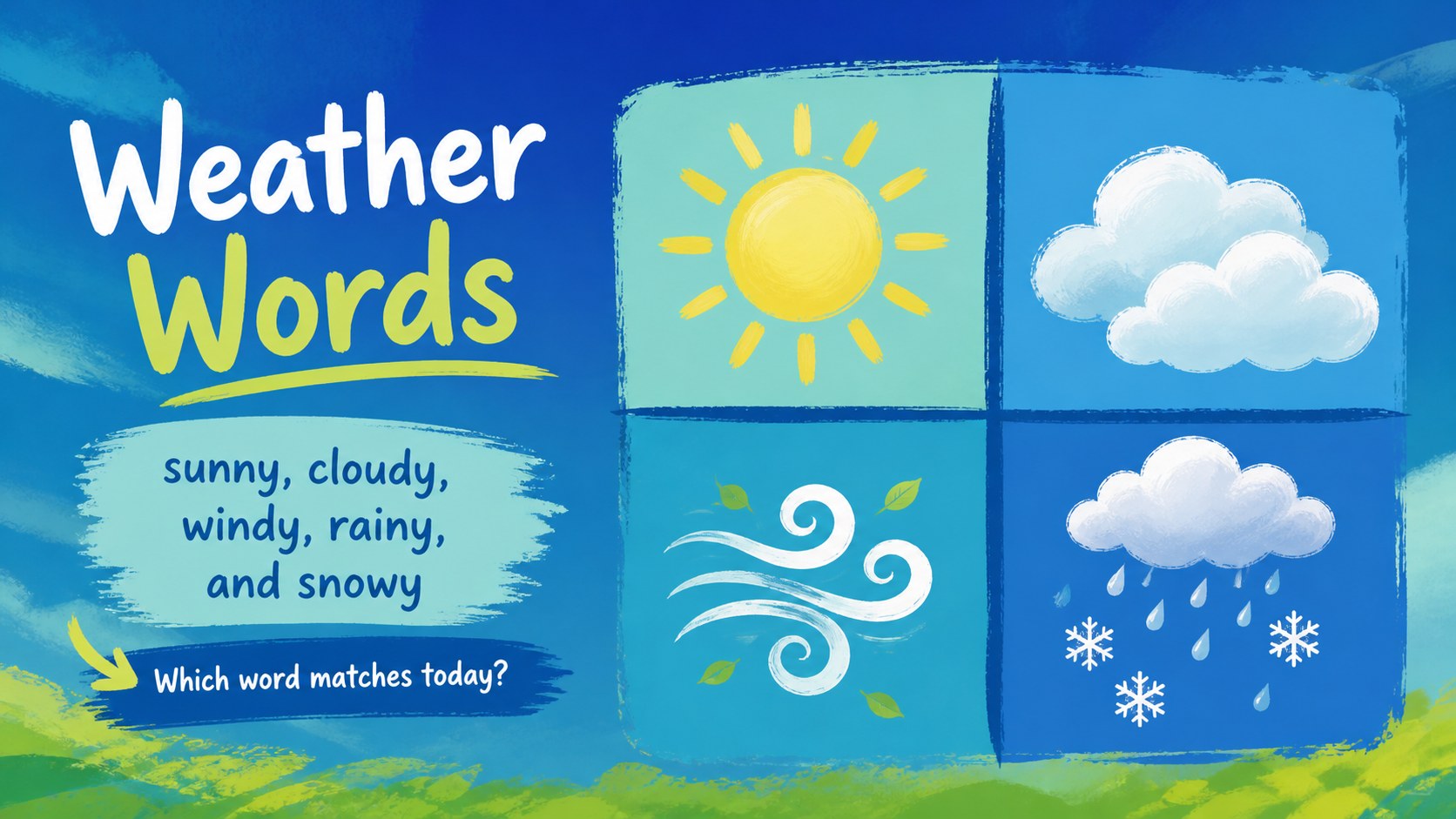
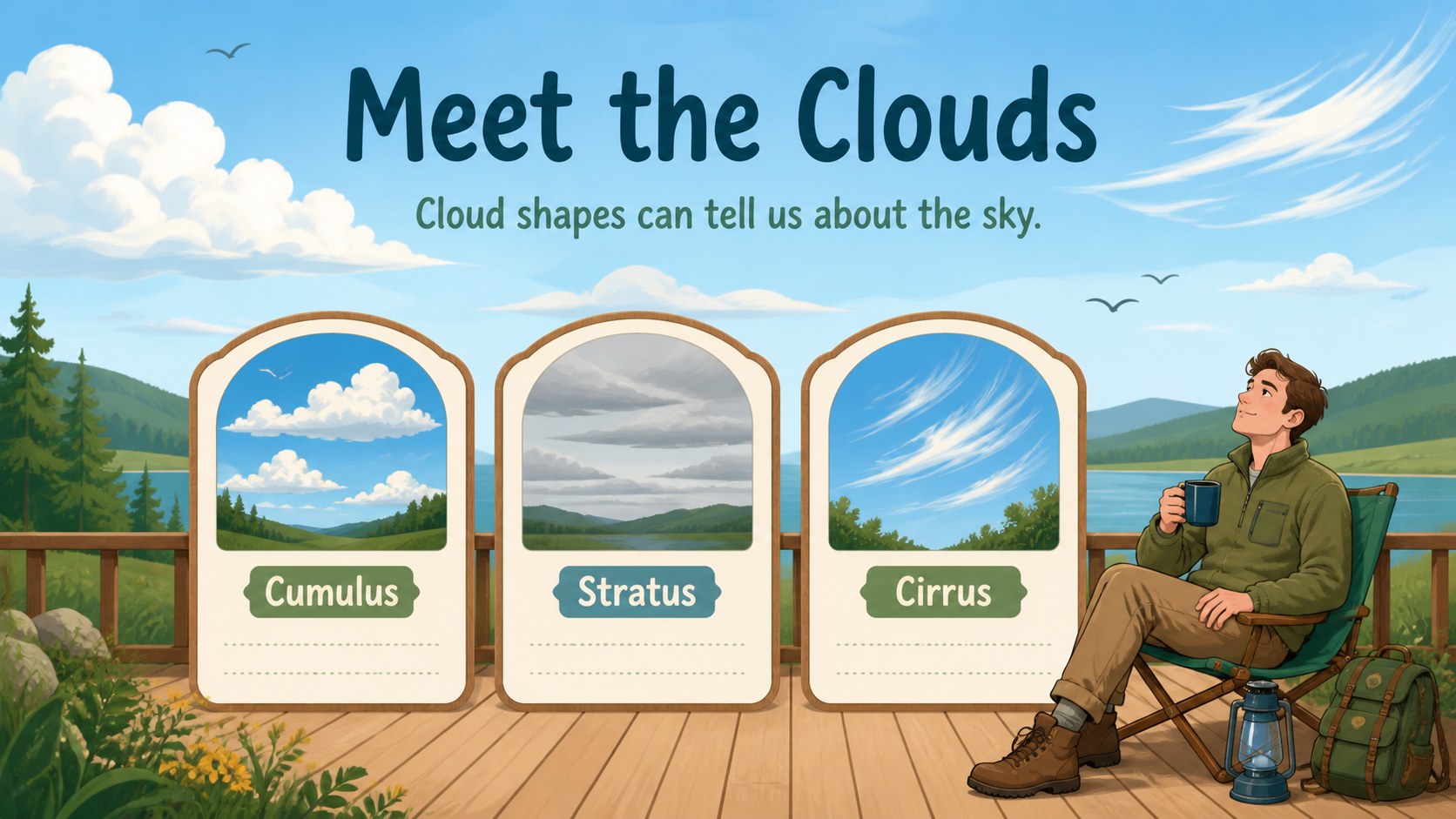
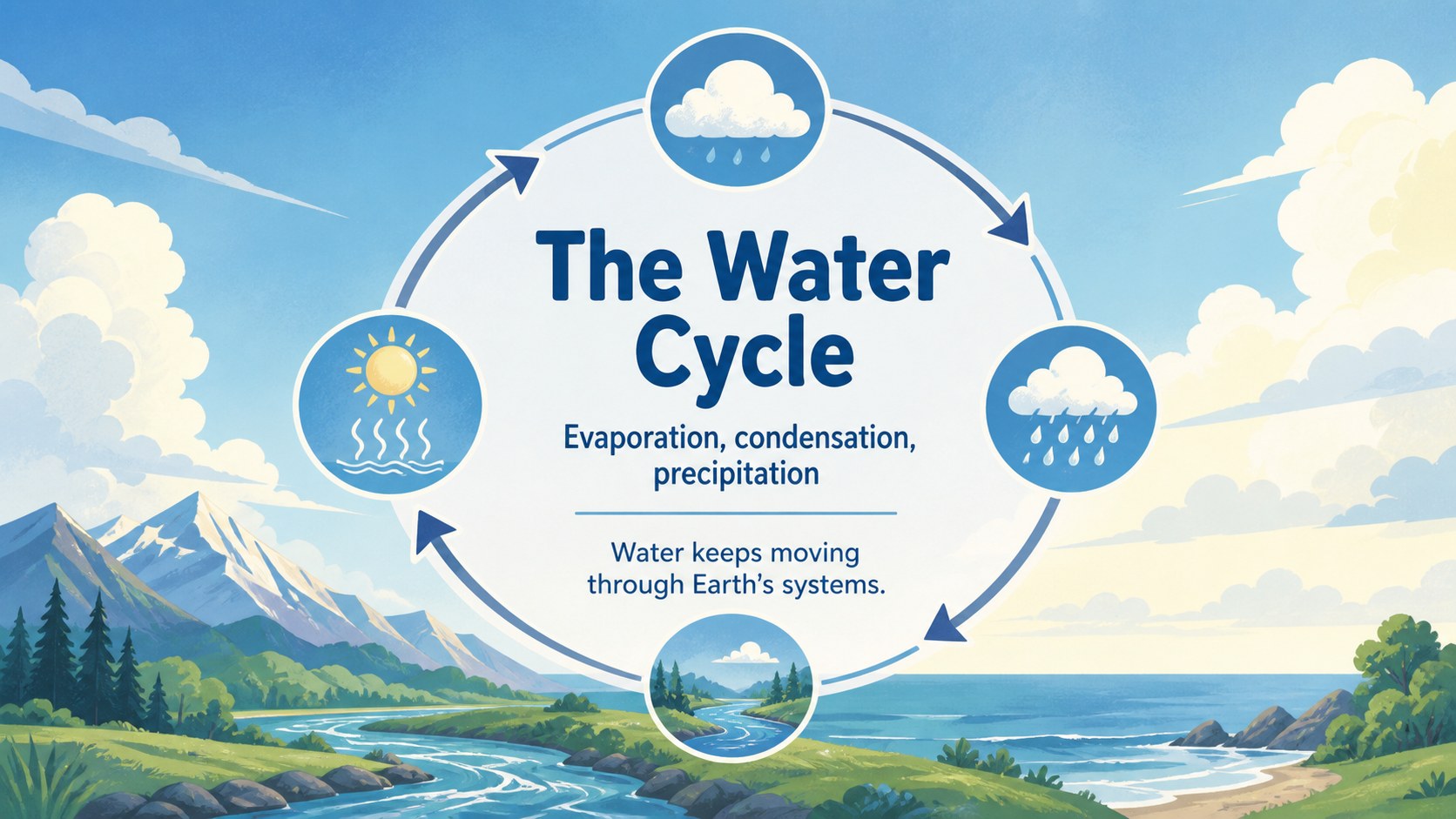
Inside, you will find ready-to-edit layouts for introducing weather vocabulary, comparing cloud types, explaining the water cycle, recording observations, and discussing how forecasts work. A weather observation activities section can support daily classroom routines, while prompts and quiz-style pages encourage students to predict, identify, and review. The deck can also be adapted for an elementary meteorology lesson, a science fair weather project, homeschool instruction, or a short morning presentation.
Teachers, homeschool educators, tutors, and elementary science presenters can customize the text, images, colors, and activity prompts. Add local examples, class data, or student drawings, then present online or export the finished deck for PowerPoint and Google Slides.
Perfect for: elementary science lesson; homeschool weather unit; daily weather observation; weather science fair project; teacher-led classroom quiz.
Frequently asked questions
Can I edit these elementary weather science slides? Yes. Open the presentation to change the wording, illustrations, colors, fonts, and activity prompts. You can also add classroom photos or student-generated weather data.
Practical details
Yes. Open the presentation to change the wording, illustrations, colors, fonts, and activity prompts. You can also add classroom photos or student-generated weather data.
Yes. After customizing the design, export it as a PowerPoint file or save an editable copy to Google Drive for use in Google Slides. Some -specific animations or elements may need adjustment after export.
The layouts cover weather vocabulary, clouds, precipitation, wind, temperature, forecasts, observations, and the water cycle. Teachers can reorder or duplicate slides to match their curriculum.
Yes. The simple explanations, colorful visuals, and review activities work well for homeschool sessions, tutoring, and small learning groups. Add local weather examples to make the lesson more relevant.
Keep exploring
15Build an engaging World UFO Day session with this flying saucer history lesson deck, featuring retro green-and-brown slides for PowerPoint and Google Slides.
 15
15Plan a lively animal-learning journey with this jungle zoo adventure lesson deck, ready to customize in PowerPoint and Google Slides for young learners.
 16
16Turn environmental research into a clear story with a Watercolor Ecology Presentation Theme for PowerPoint and Google Slides in calming green and blue.
 16
16Build focused fashion, literature, and humanities presentations with the Red Triangle Editorial Theme, editable in PowerPoint and Google Slides.
 15
15Turn streaming stats, favorite tracks, and concert highlights into a bold annual listening recap slide deck for PowerPoint and Google Slides.
 15
15Turn highlights, milestones, and favorite moments into a colorful year in review slide deck with bold 3D graphics for PowerPoint and Google Slides.
 3
3Build a credible endorsement with Standout Colleague Recommendation Letter Slides, featuring colorful prompts for skills, achievements, and team impact.
 4
4Build clear beginner sessions with an ice hockey fundamentals training deck for coaches, PE teachers, and clubs, ready for PowerPoint and Google Slides.