
 15
15presentation
Flying Saucer History Lesson Deck
Build an engaging World UFO Day session with this flying saucer history lesson deck, featuring retro green-and-brown slides for PowerPoint and Google Slides.
Google SlidesPowerPoint
presentation · English
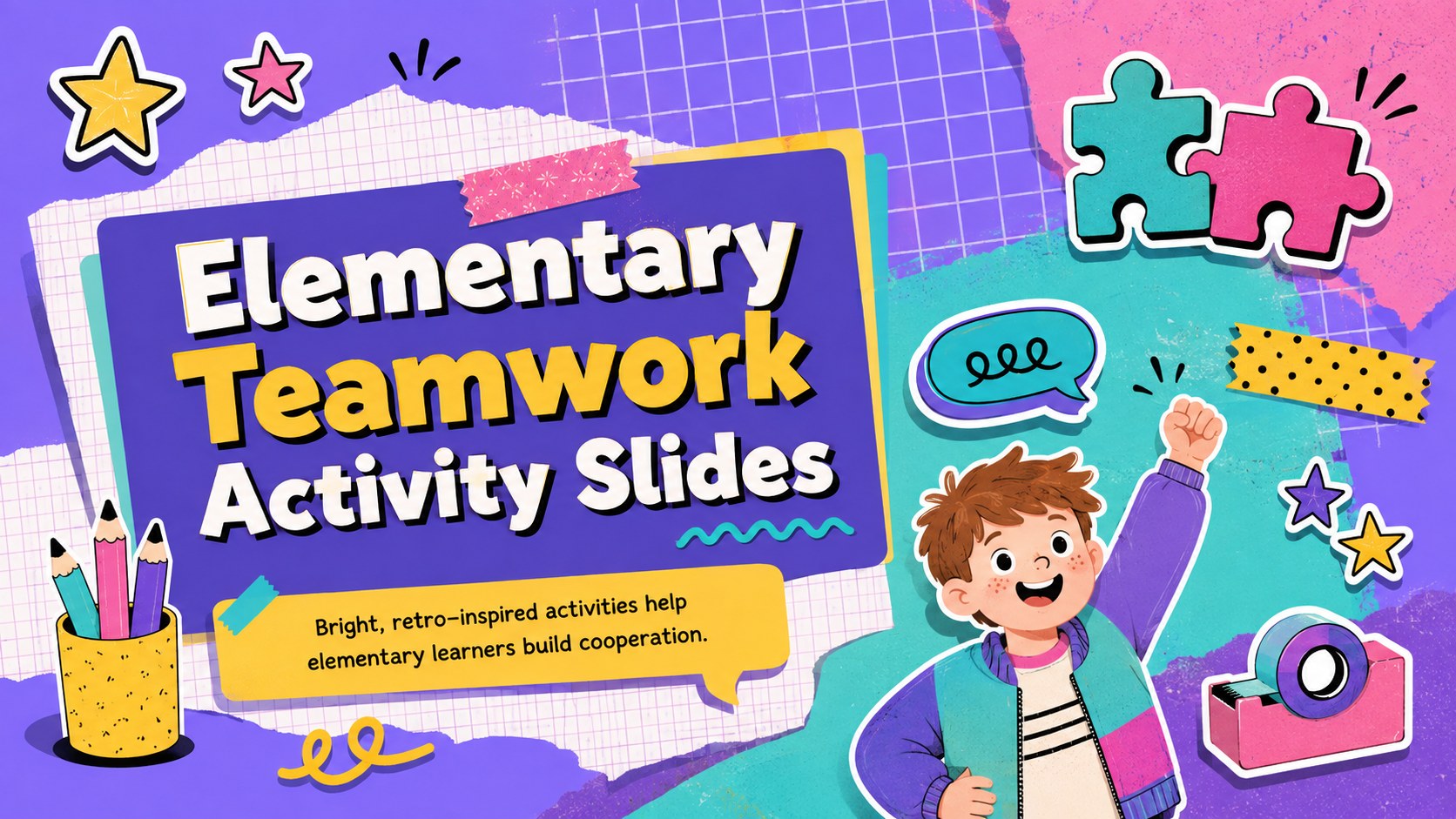
Build cooperation through lively classroom challenges with Elementary Teamwork Activity Slides, a colorful retro deck for PowerPoint and Google Slides.
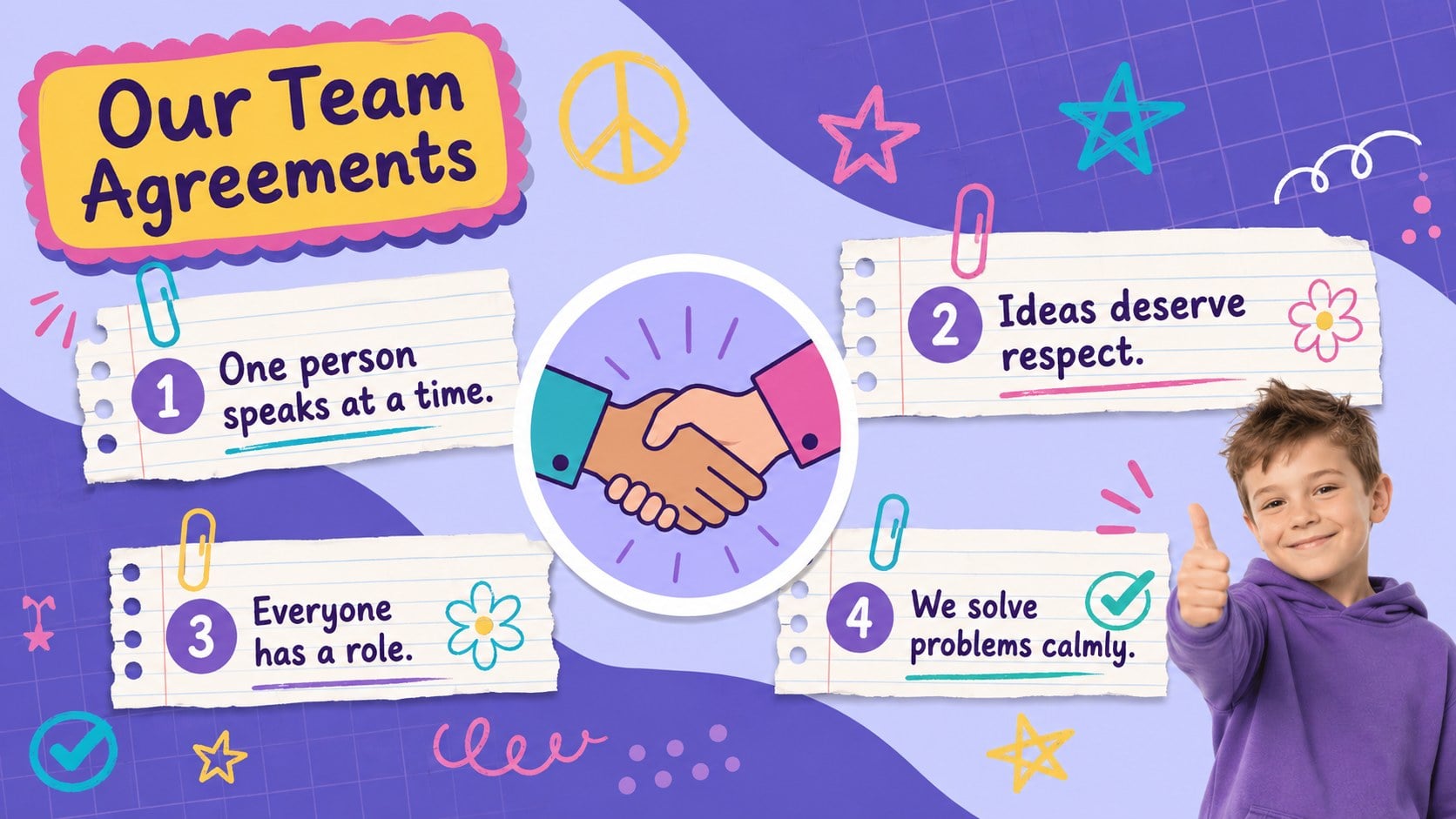
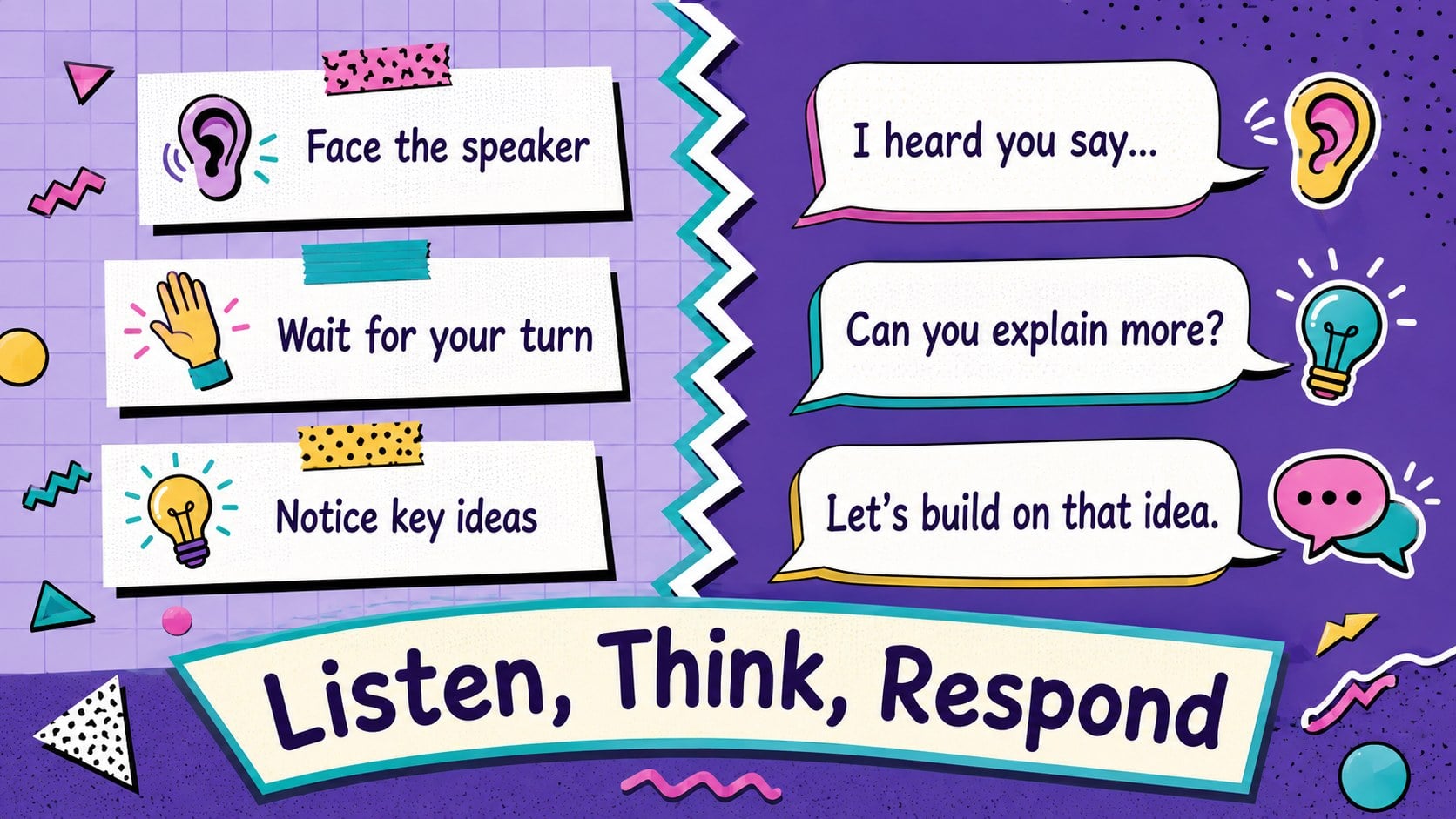
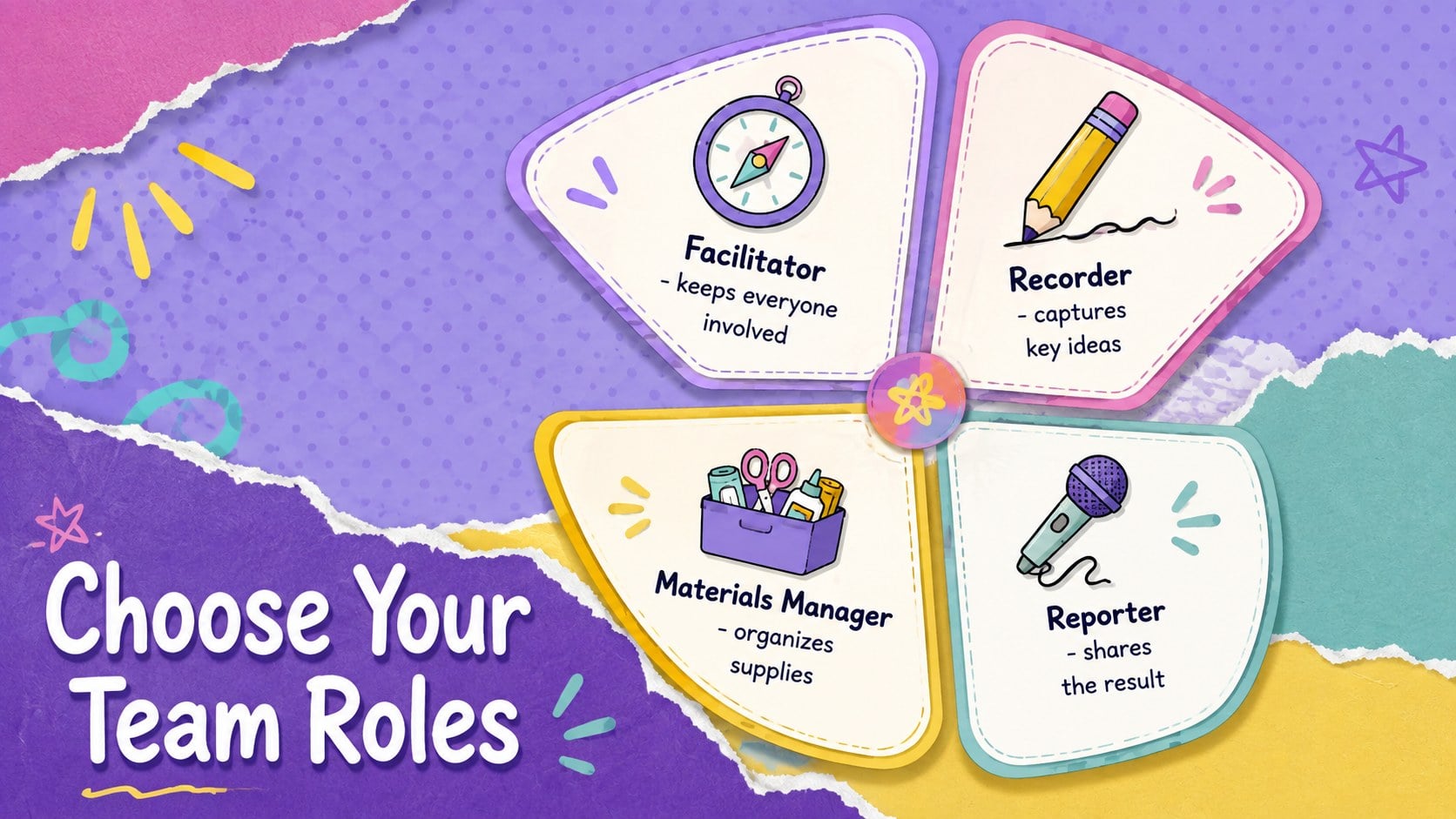
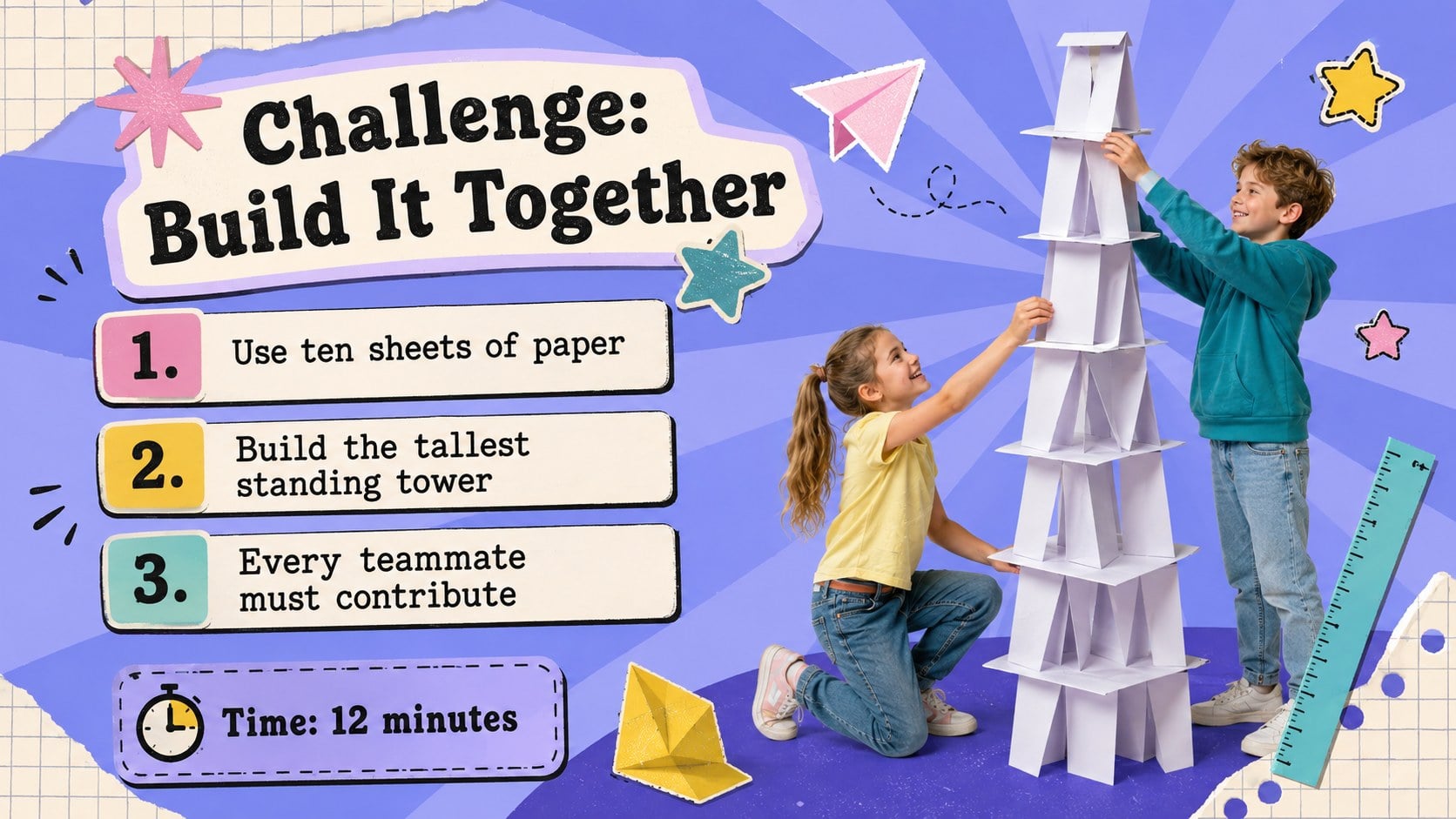
Design notes
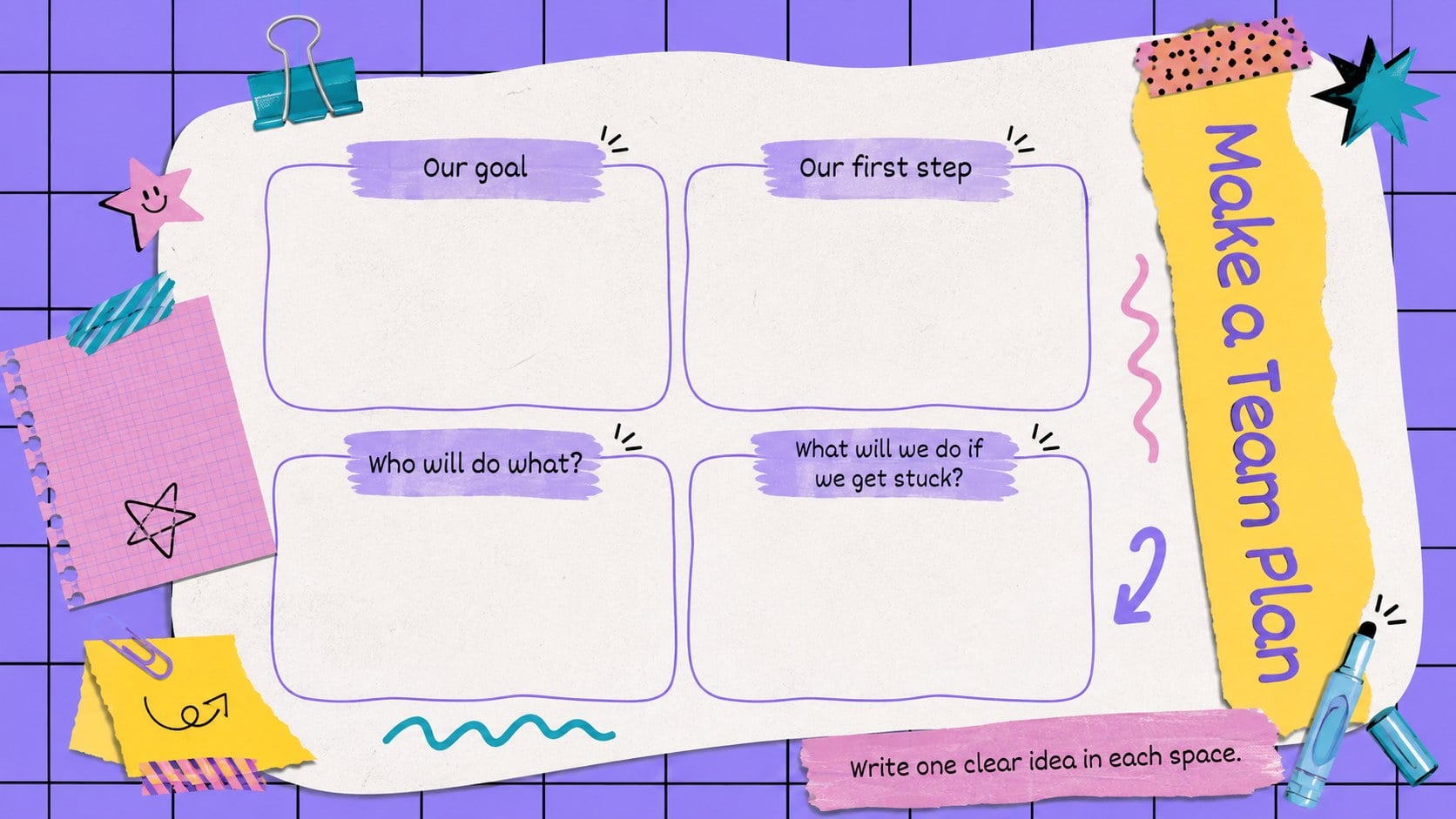
Elementary Teamwork Activity Slides turn collaboration lessons into an energetic, approachable classroom experience. The colorful purple palette, playful sticker graphics, doodles, paper details, and nostalgic 90s styling create a welcoming backdrop for elementary classroom teamwork activities without distracting from the lesson.
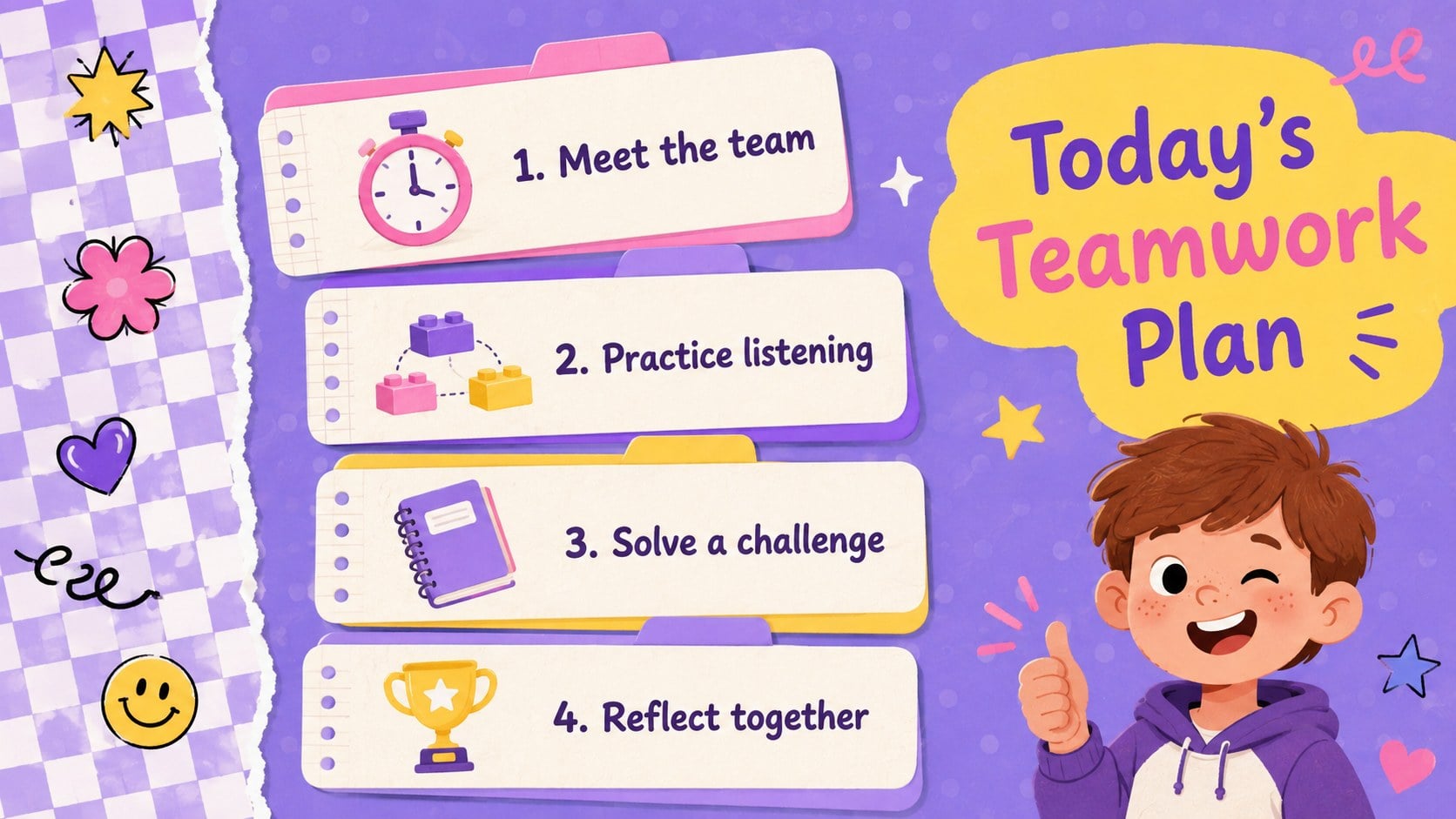
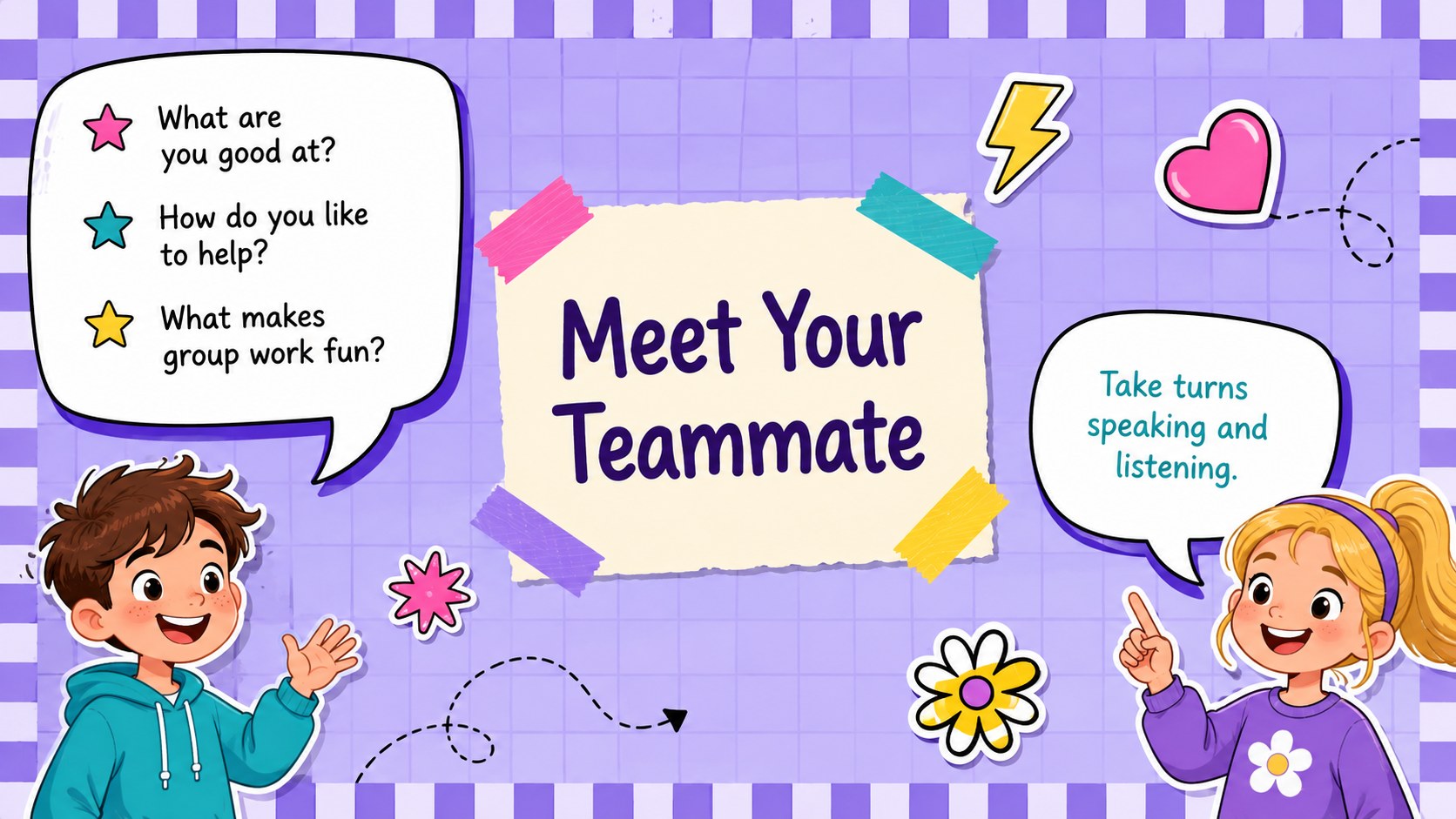
The deck includes layouts for learning goals, team agreements, partner introductions, communication practice, role assignments, group challenges, progress check-ins, reflection prompts, and celebration. Teachers can also adapt the planner pages and digital note layouts for lesson preparation or student responses. These cooperative learning slides for kids provide clear visual structure while leaving enough room to personalize instructions, examples, and discussion questions.
Designed for PowerPoint and Google Slides, every page can be edited to match a specific grade, subject, or class routine. Change the wording, rearrange activities, update colors, or add student-friendly icons and photos. Animation and transition options available within the supported presentation platforms can make activity reveals and classroom discussions more engaging.
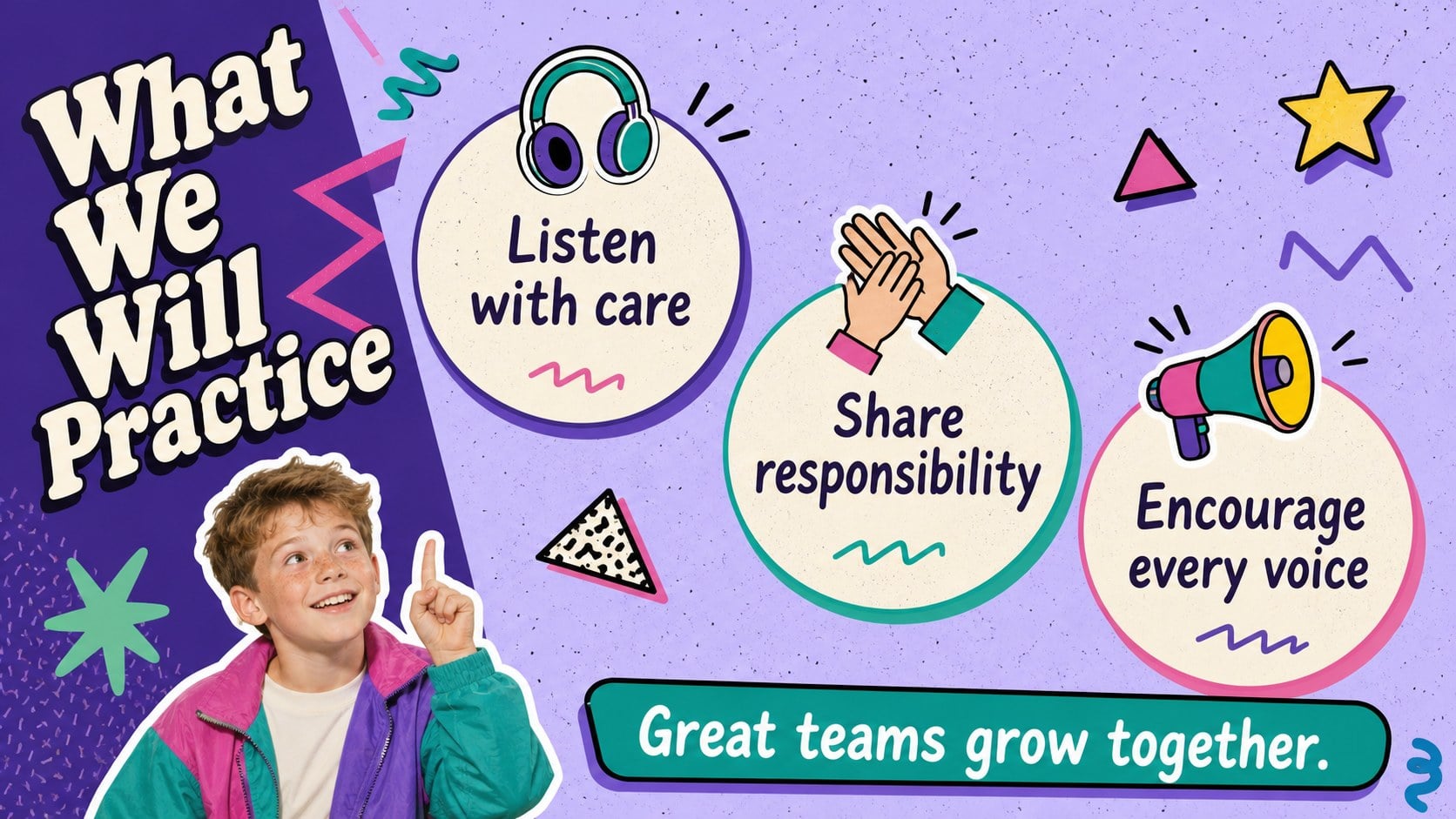
This retro classroom activity presentation is suited to elementary teachers, school counselors, enrichment leaders, and after-school coordinators. Use it for the first week of school, social-emotional learning, project preparation, classroom community building, or a focused teamwork workshop. The mix of instructional, interactive, and reflective pages helps students practice listening, sharing responsibility, solving problems, and recognizing each team member's contribution.
Perfect for: first-week classroom community lesson; elementary teamwork workshop; social-emotional learning activity; group project preparation; after-school collaboration session.
Frequently asked questions
Practical details
Yes. Text, colors, shapes, activity directions, and page order can be customized in PowerPoint or Google Slides. You can simplify prompts for younger grades or add more detailed tasks for older elementary students.
The template is designed for Microsoft PowerPoint and Google Slides. Some fonts, transitions, or spacing may vary slightly between platforms, so review the deck after importing it.
Yes. The layouts can support language arts, math groups, project planning, classroom routines, or social-emotional learning. Replace the sample prompts while keeping the visual structure and interactive format.
Add your class name, group roles, lesson goals, and age-appropriate instructions. You can also replace decorative graphics, adjust the purple and colorful palette, or insert student work without changing the overall retro style.
Keep exploring
15Build an engaging World UFO Day session with this flying saucer history lesson deck, featuring retro green-and-brown slides for PowerPoint and Google Slides.
 15
15Plan a lively animal-learning journey with this jungle zoo adventure lesson deck, ready to customize in PowerPoint and Google Slides for young learners.
 16
16Turn environmental research into a clear story with a Watercolor Ecology Presentation Theme for PowerPoint and Google Slides in calming green and blue.
 16
16Build focused fashion, literature, and humanities presentations with the Red Triangle Editorial Theme, editable in PowerPoint and Google Slides.
 15
15Turn streaming stats, favorite tracks, and concert highlights into a bold annual listening recap slide deck for PowerPoint and Google Slides.
 15
15Turn highlights, milestones, and favorite moments into a colorful year in review slide deck with bold 3D graphics for PowerPoint and Google Slides.
 3
3Build a credible endorsement with Standout Colleague Recommendation Letter Slides, featuring colorful prompts for skills, achievements, and team impact.
 4
4Build clear beginner sessions with an ice hockey fundamentals training deck for coaches, PE teachers, and clubs, ready for PowerPoint and Google Slides.