
 15
15presentation
Flying Saucer History Lesson Deck
Build an engaging World UFO Day session with this flying saucer history lesson deck, featuring retro green-and-brown slides for PowerPoint and Google Slides.
Google SlidesPowerPoint
presentation · English
Build an elementary teacher career profile template in PowerPoint or Google Slides, with bright yellow layouts for credentials, classroom skills, and job…

Design notes
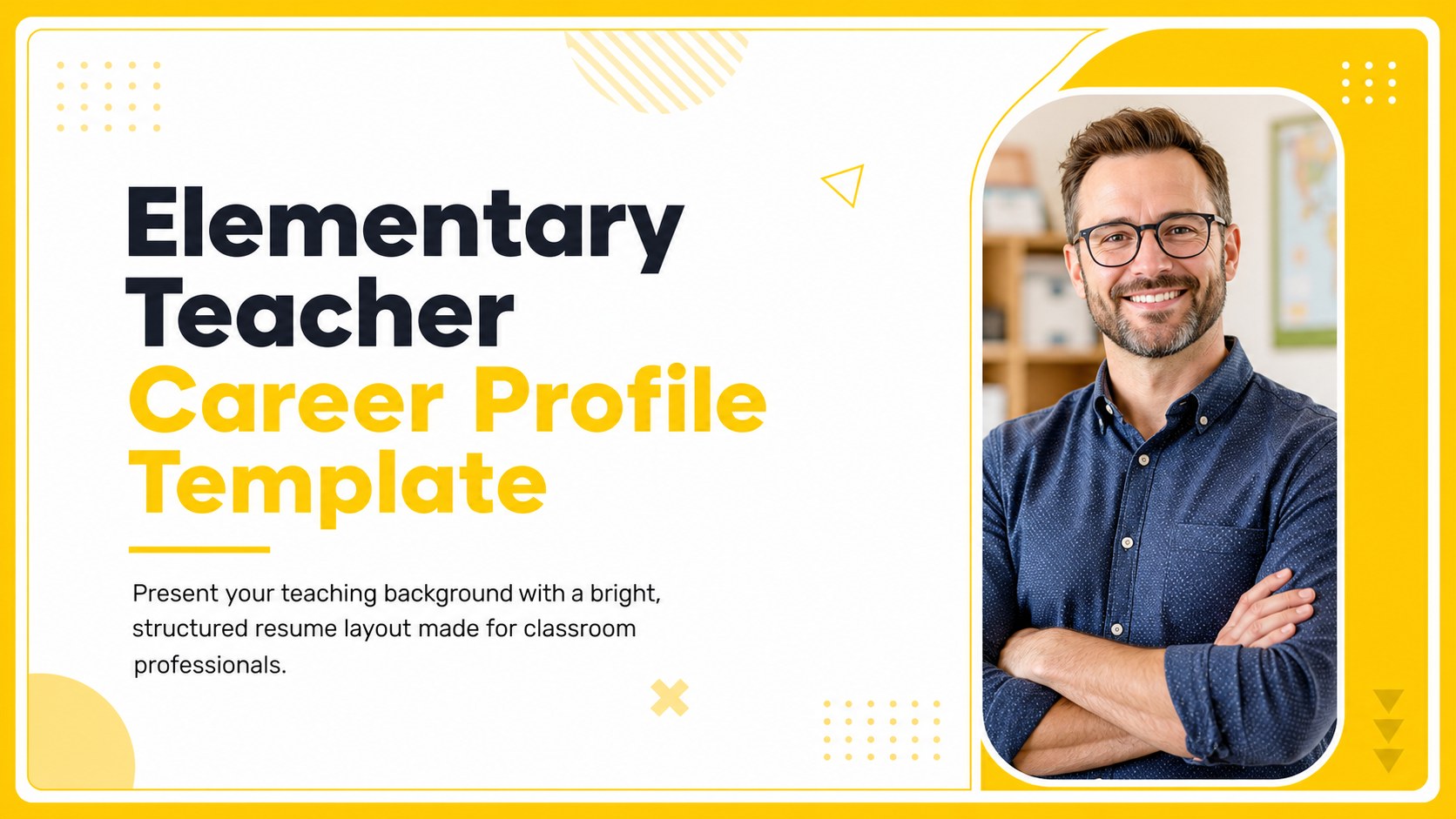
An elementary teacher career profile template gives educators a focused way to present their qualifications, classroom strengths, and professional goals. Its cheerful yellow palette and minimal layout create a confident first impression while keeping important information easy to scan. Use it for a digital application, interview handout, portfolio introduction, or professional profile.
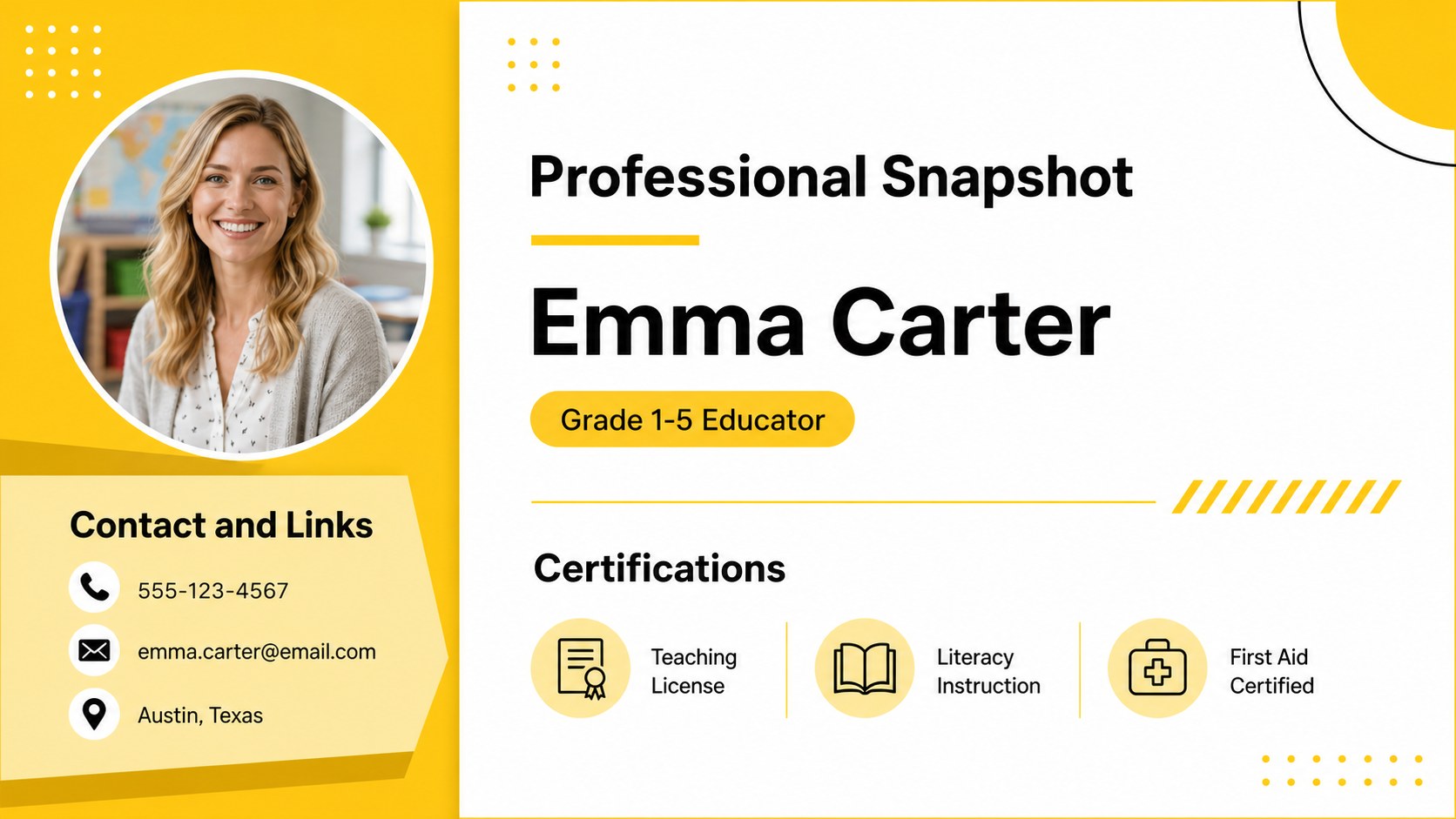
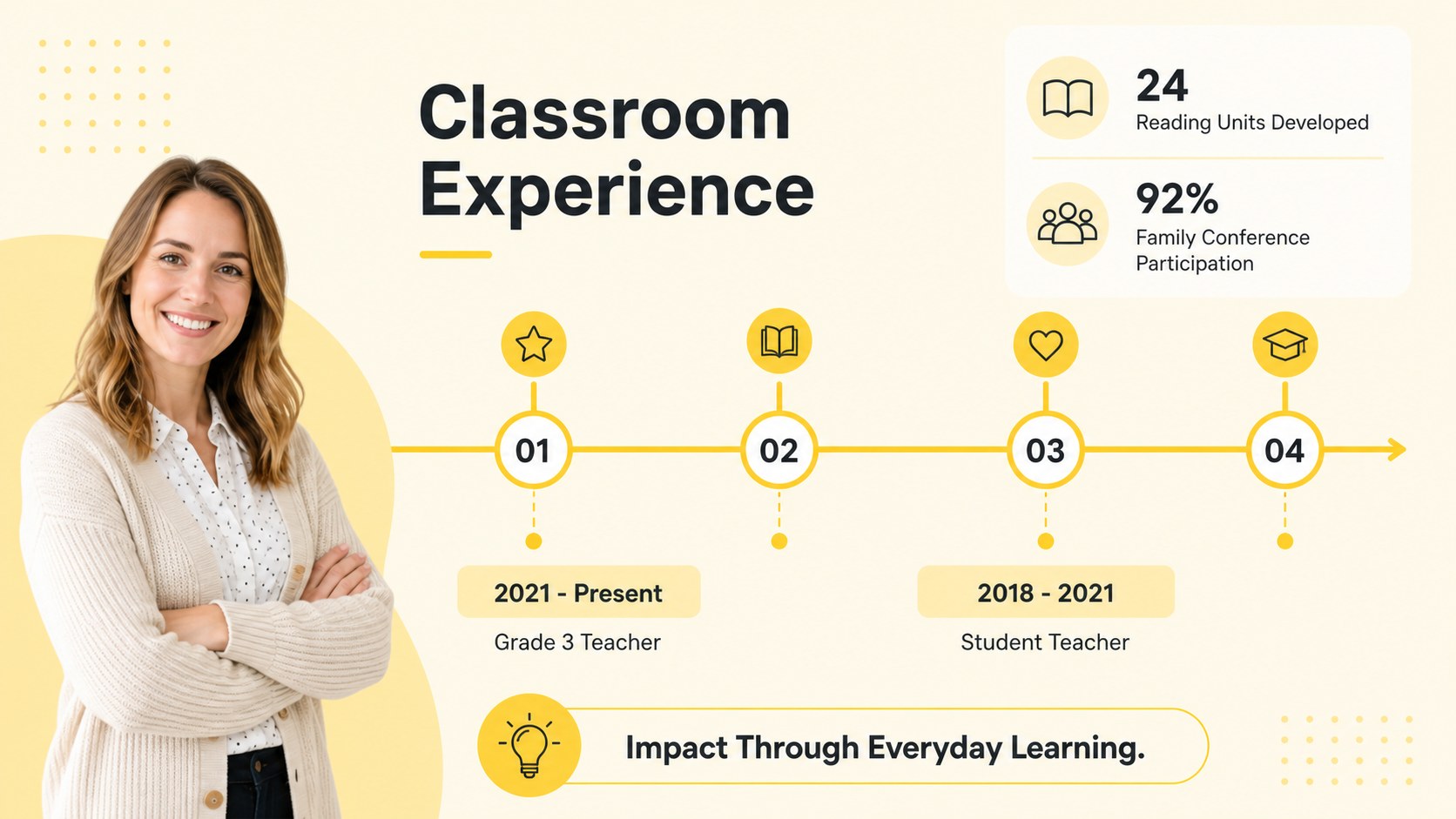
Inside, you will find five ready-to-edit 16:9 slides with clean sections for contact details, teaching philosophy, certifications, classroom experience, core skills, and career highlights. The visual system uses Rubik typography, simple geometric accents, and bright yellow emphasis blocks that can be adapted to your preferred school or district style. Replace the sample copy, adjust the colors, and add icons or charts to make the deck your own.
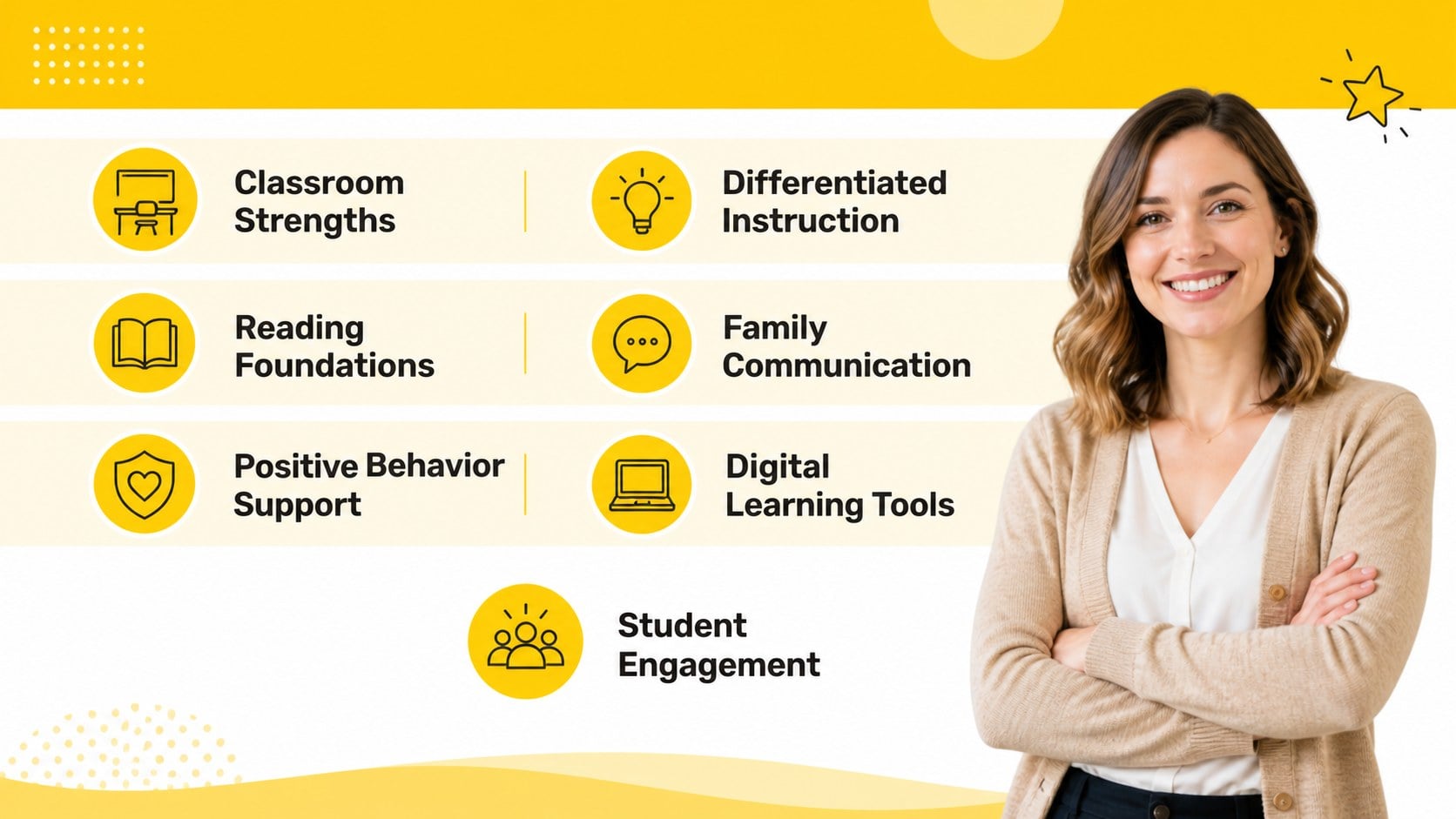
This teacher job application slides template is designed for elementary educators, student teachers, teaching assistants, tutors, and education graduates. It also works as an elementary educator CV layout for career fairs, school interviews, and online introductions. Use the classroom experience resume template to organize achievements such as lesson planning, family communication, differentiated instruction, and student engagement. Edit the files in PowerPoint or Google Slides, then export them as a PDF or share them digitally.
Perfect for: elementary school job application; teacher interview presentation; student teacher portfolio; education career fair; teaching assistant profile; digital resume introduction.
Frequently asked questions
Can I edit this template in PowerPoint? Yes. The layouts are designed for PowerPoint editing, including text, colors, shapes, icons, and spacing. Replace the sample information with your own teaching history and export the finished profile as a PDF when needed.
Practical details
Yes. The layouts are designed for PowerPoint editing, including text, colors, shapes, icons, and spacing. Replace the sample information with your own teaching history and export the finished profile as a PDF when needed.
Yes, you can open and customize the presentation in Google Slides. Review font availability after importing, then check alignment and spacing before sharing or downloading the final version.
Include your certifications, grade-level experience, teaching philosophy, classroom skills, technology knowledge, and measurable achievements. You can also add examples of family engagement, differentiated instruction, student projects, or extracurricular support.
Yes. The yellow accents can be replaced with school colors or a more neutral professional palette. Keep one bright accent color for headings and highlights so the minimal visual hierarchy remains clear.
Keep exploring
15Build an engaging World UFO Day session with this flying saucer history lesson deck, featuring retro green-and-brown slides for PowerPoint and Google Slides.
 15
15Plan a lively animal-learning journey with this jungle zoo adventure lesson deck, ready to customize in PowerPoint and Google Slides for young learners.
 16
16Turn environmental research into a clear story with a Watercolor Ecology Presentation Theme for PowerPoint and Google Slides in calming green and blue.
 16
16Build focused fashion, literature, and humanities presentations with the Red Triangle Editorial Theme, editable in PowerPoint and Google Slides.
 15
15Turn streaming stats, favorite tracks, and concert highlights into a bold annual listening recap slide deck for PowerPoint and Google Slides.
 15
15Turn highlights, milestones, and favorite moments into a colorful year in review slide deck with bold 3D graphics for PowerPoint and Google Slides.
 3
3Build a credible endorsement with Standout Colleague Recommendation Letter Slides, featuring colorful prompts for skills, achievements, and team impact.
 4
4Build clear beginner sessions with an ice hockey fundamentals training deck for coaches, PE teachers, and clubs, ready for PowerPoint and Google Slides.