
 15
15presentation
Flying Saucer History Lesson Deck
Build an engaging World UFO Day session with this flying saucer history lesson deck, featuring retro green-and-brown slides for PowerPoint and Google Slides.
Google SlidesPowerPoint
presentation · English
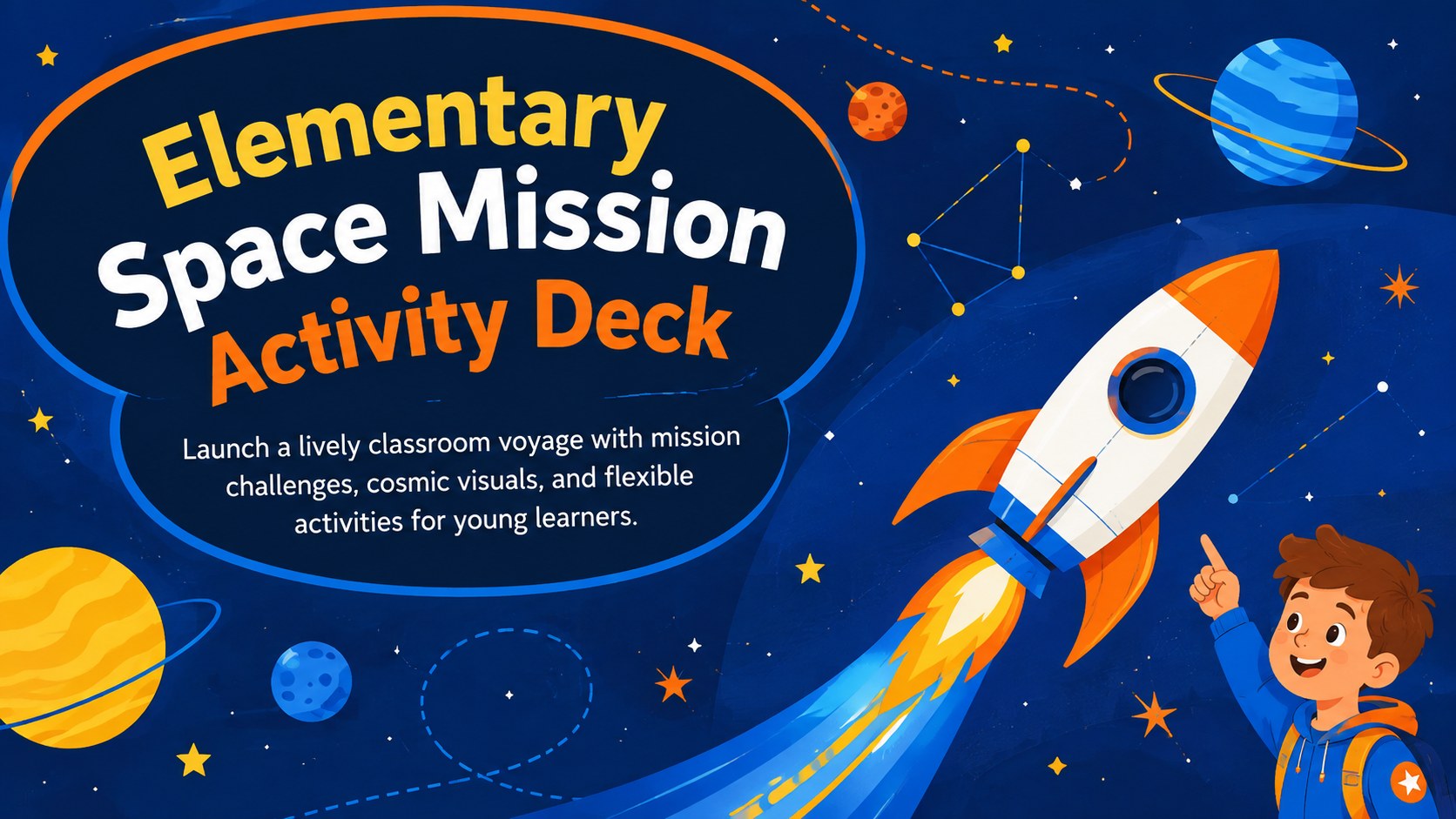
Turn science time into an interactive voyage with this elementary space mission activity deck, packed with editable challenges for PowerPoint and Google…
Design notes
Turn an ordinary science lesson into a classroom expedition with this elementary space mission activity deck. Its dark blue universe, bright orange and yellow accents, playful illustrations, and energetic layouts help young learners stay focused as they explore rockets, planets, astronauts, and navigation. Every slide can be adapted in PowerPoint or Google Slides for different subjects, ability levels, and lesson lengths.
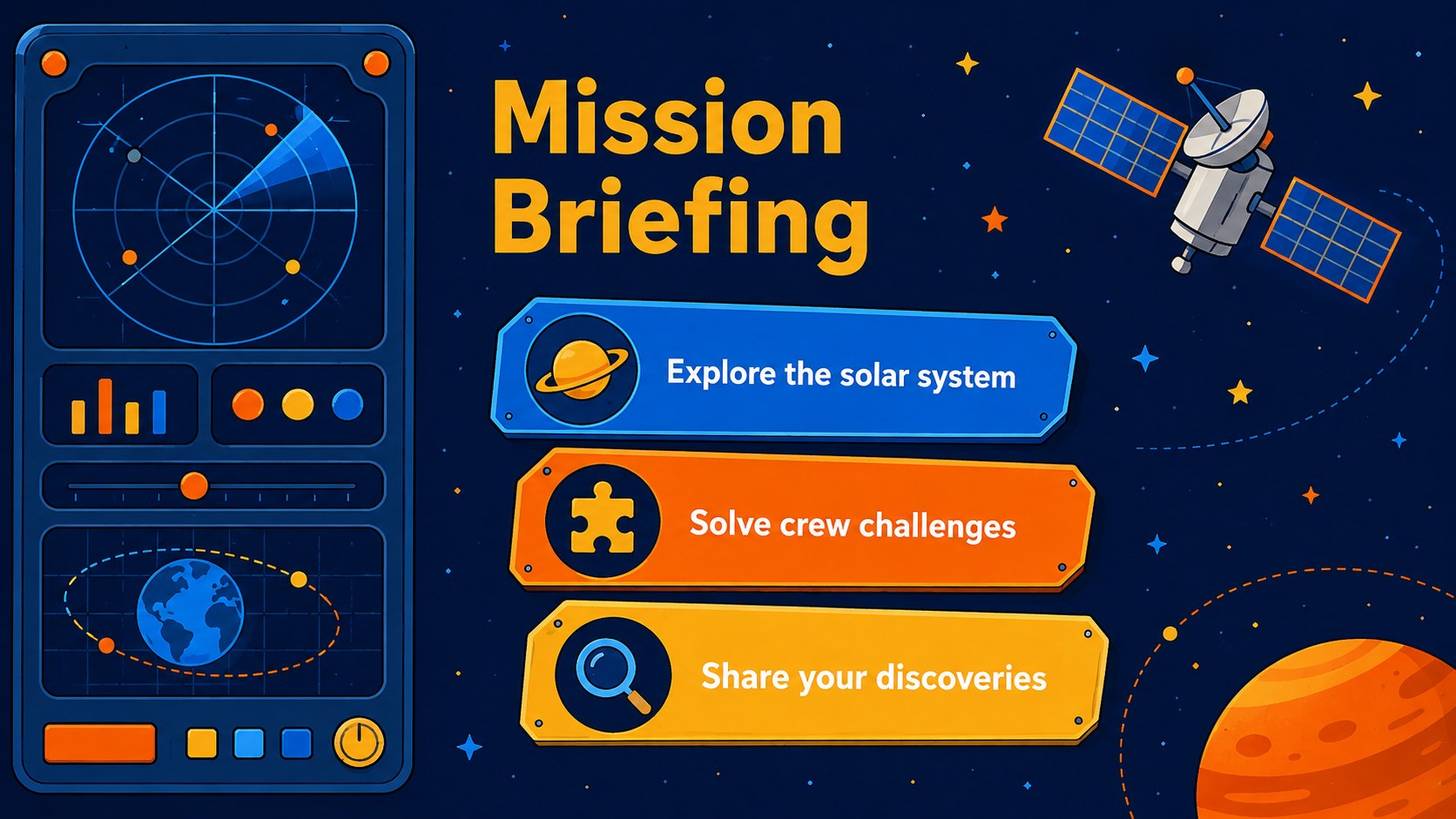
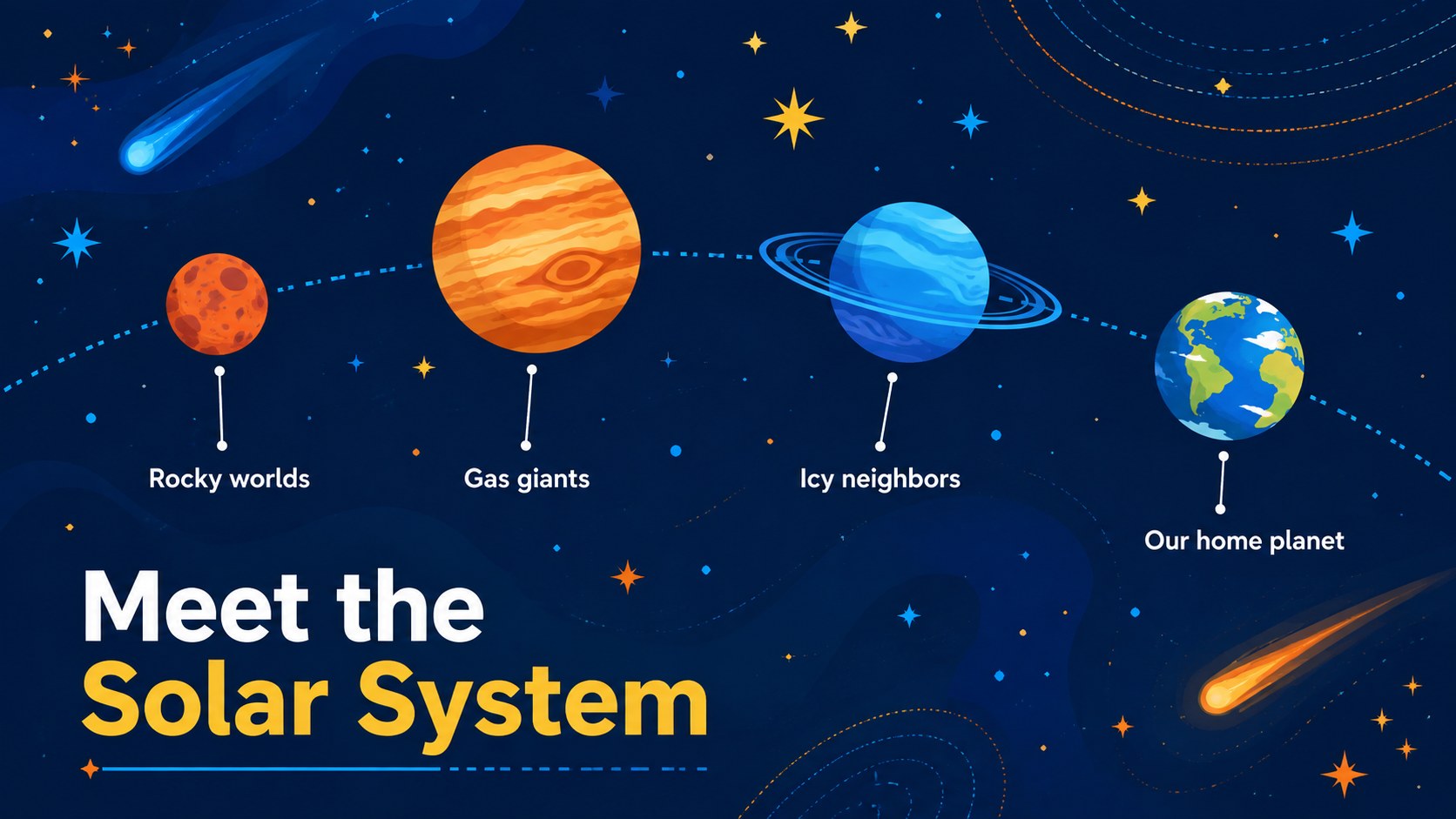
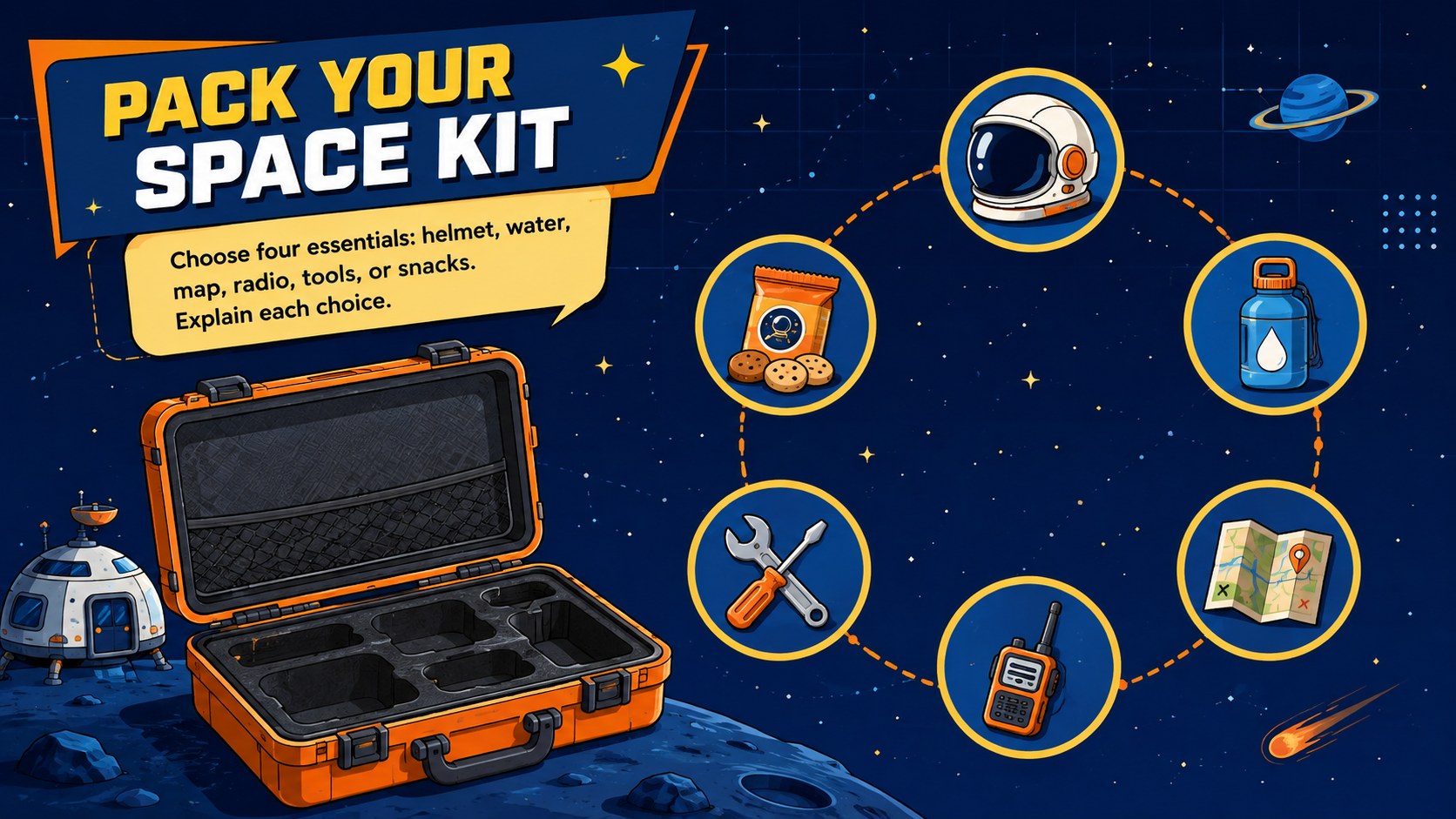
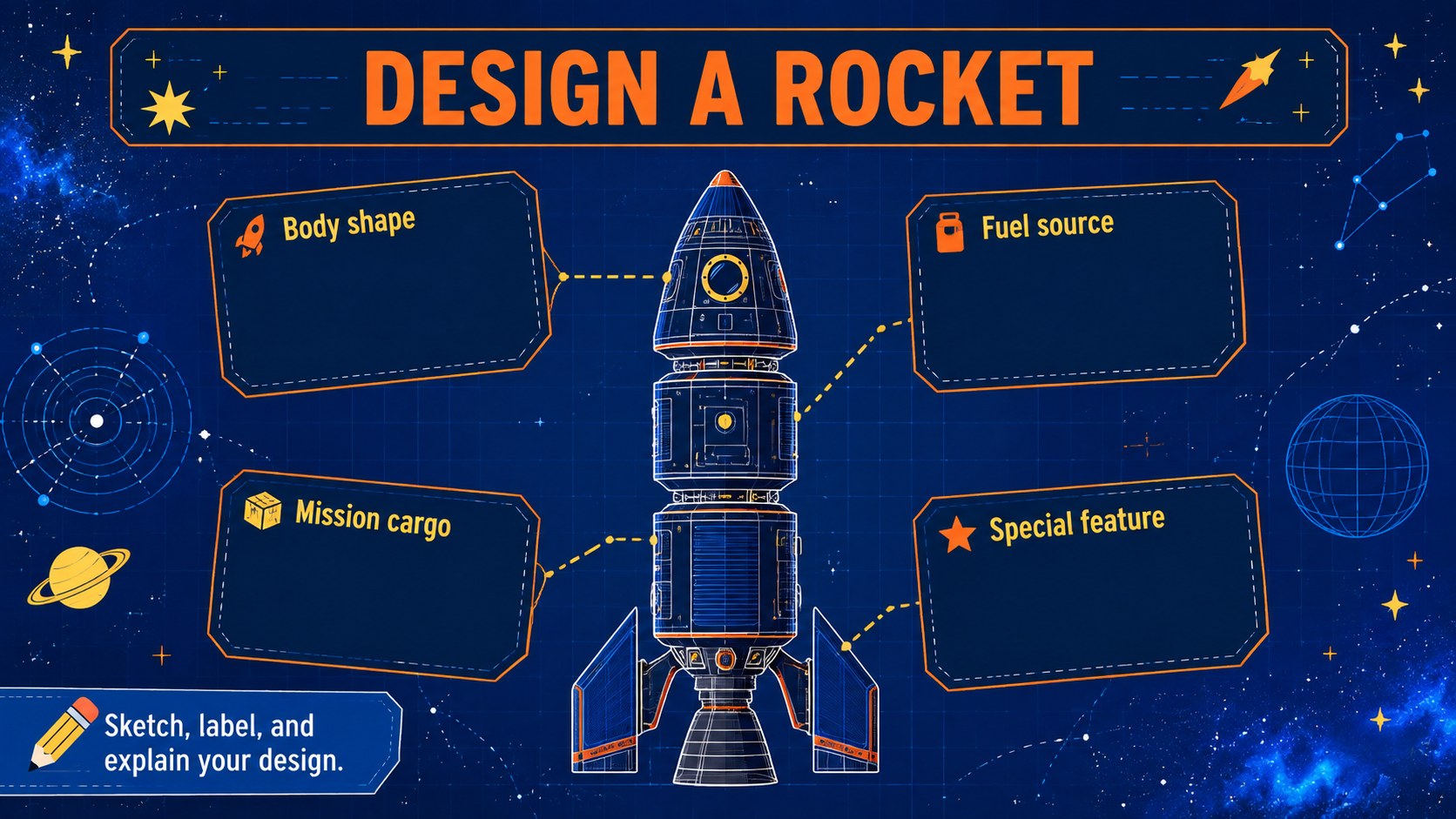
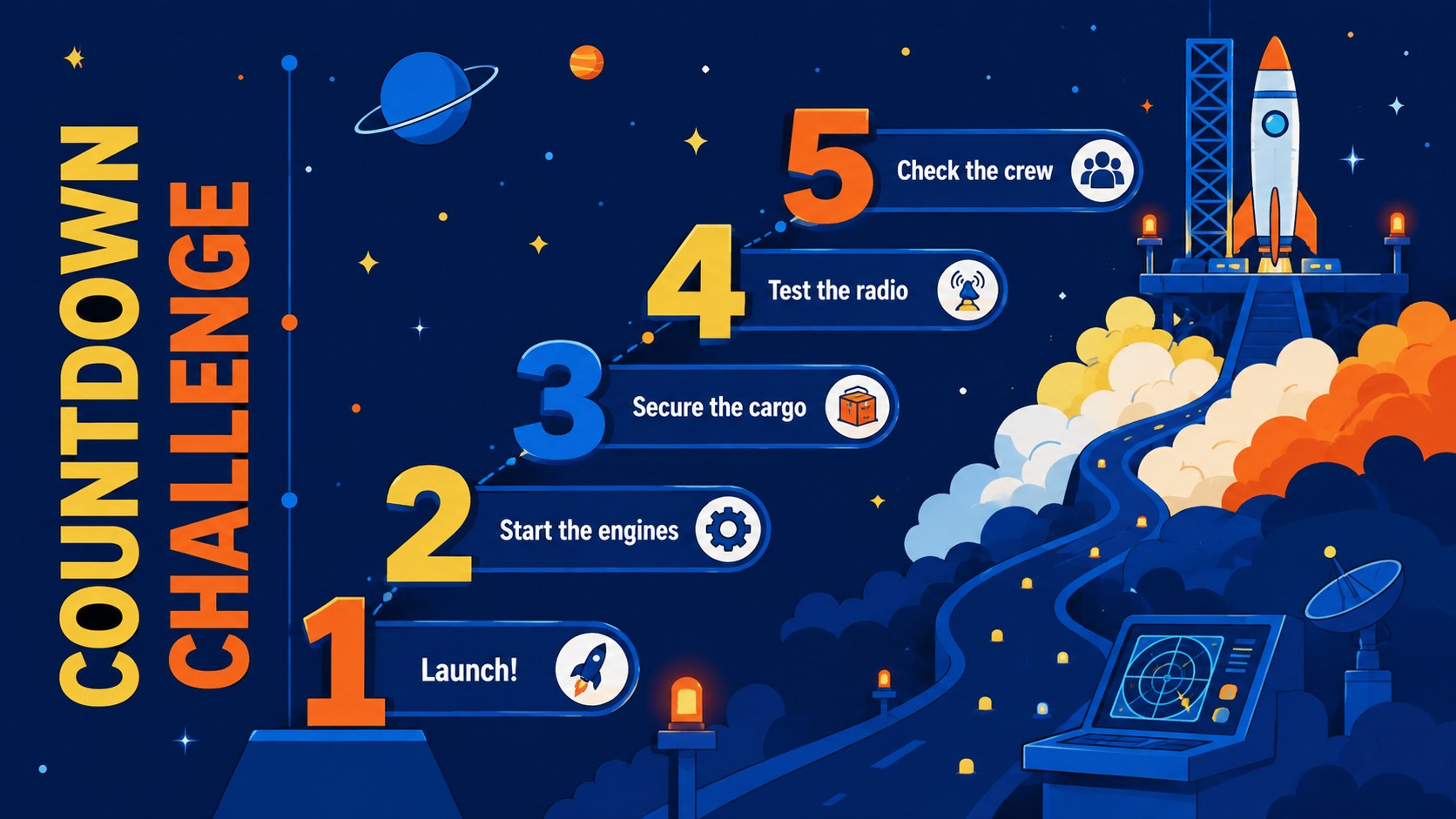
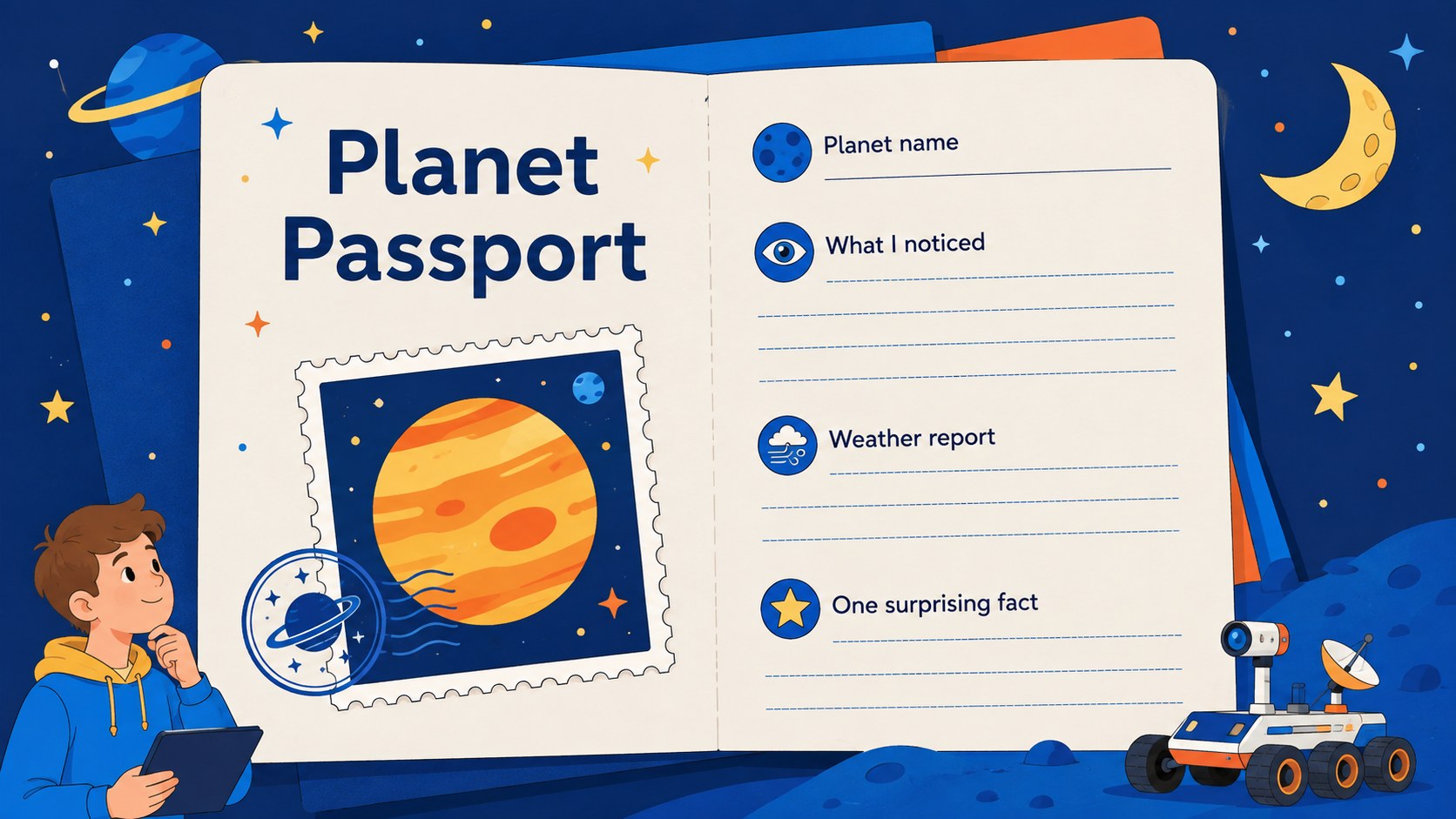
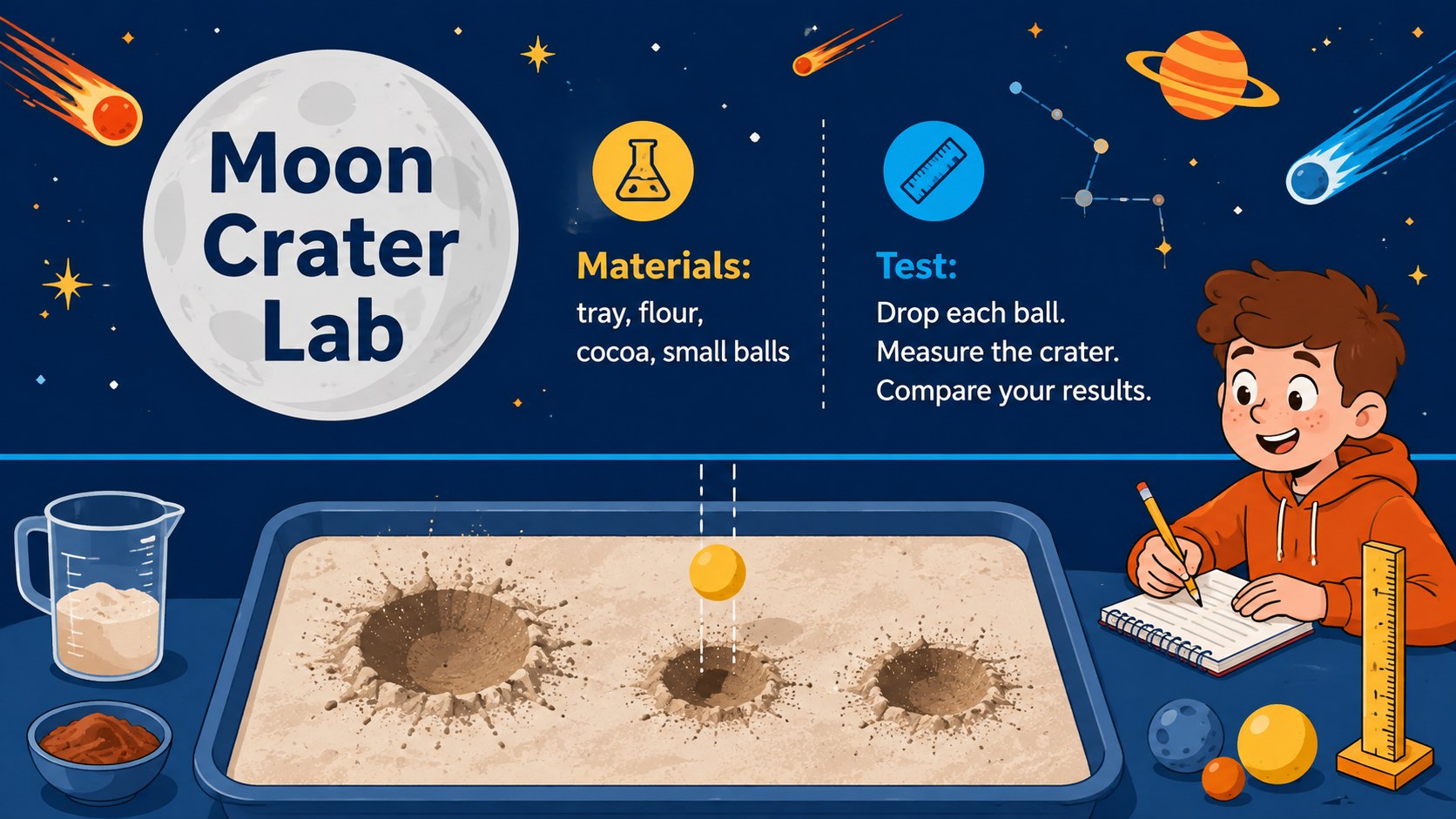
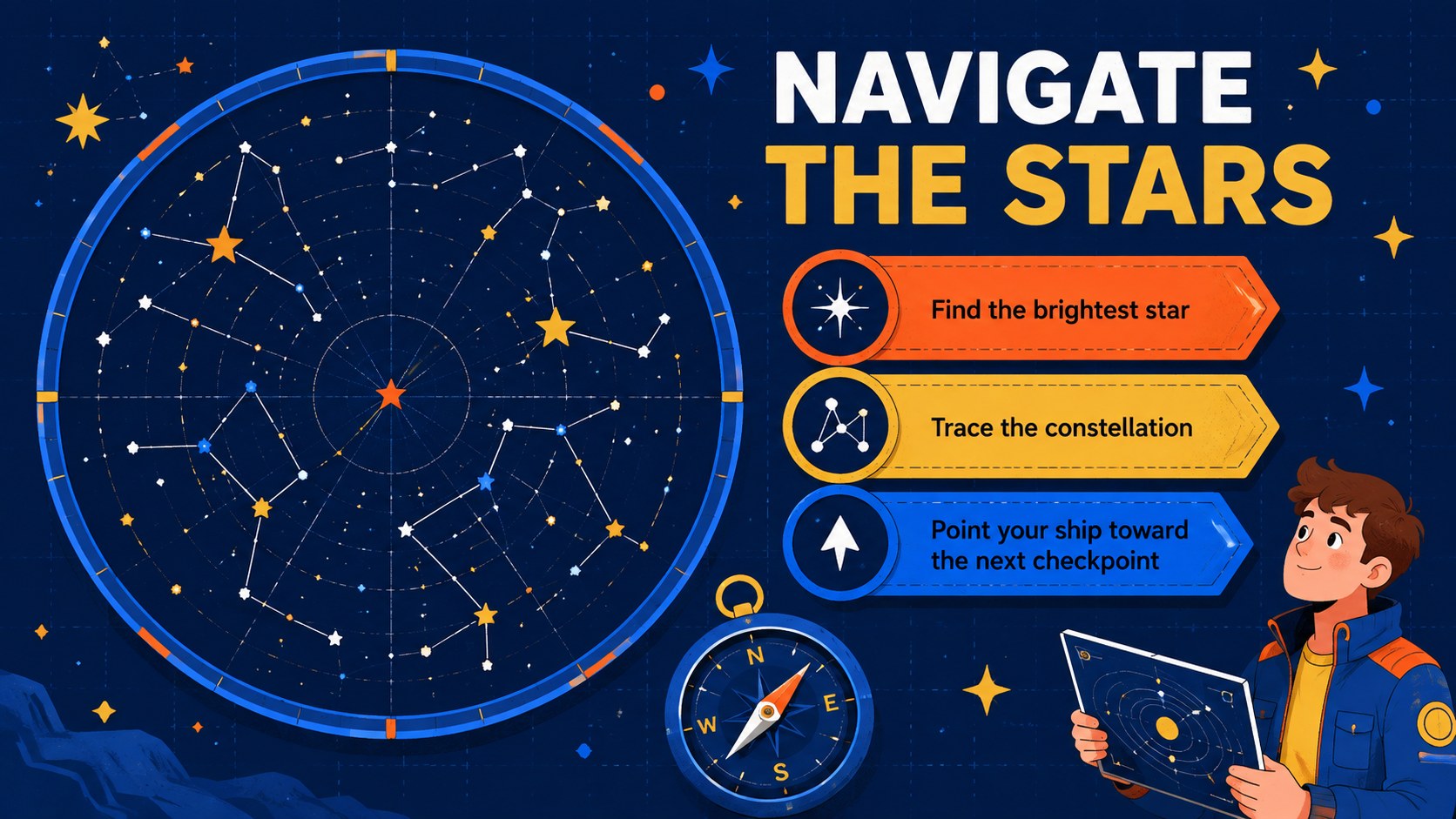
The deck includes a mission briefing, solar system overview, packing challenge, rocket design task, countdown sequence, planet passport, moon crater experiment, star navigation activity, astronaut training exercise, math mission, and cosmic quiz. A timeline and results chart make it easy to organize group work or review progress. Use the layouts together as an interactive solar system lesson or select individual pages for shorter space mission activities for kids.
Designed for elementary teachers, homeschool educators, science clubs, and family learning events, this astronaut classroom activity presentation supports whole-class instruction, independent practice, and team challenges. Replace the sample questions, adjust the difficulty, add classroom facts, or insert student discoveries while keeping the coordinated illustrated style. The flexible structure works for science introductions, enrichment days, project launches, review sessions, and end-of-unit celebrations.
Perfect for: elementary space science lesson; classroom mission challenge; solar system review game; STEM enrichment activity; homeschool astronomy unit.
Frequently asked questions
Can I edit the activities for different grade levels? Yes. Change the instructions, questions, vocabulary, and scoring directly in PowerPoint or Google Slides. You can simplify tasks for younger learners or add research prompts for more advanced classes.
Practical details
Yes. Change the instructions, questions, vocabulary, and scoring directly in PowerPoint or Google Slides. You can simplify tasks for younger learners or add research prompts for more advanced classes.
The deck is designed for Microsoft PowerPoint and Google Slides. Upload the presentation to Google Drive for browser-based editing, or open the downloaded file in PowerPoint.
Yes. Adjust the dark blue, orange, yellow, and bright blue palette to match your classroom materials. Editable text, shapes, icons, and image areas can also be replaced or rearranged.
Yes. The mission tasks can be presented to the whole class, assigned to teams, or completed independently. Duplicate activity slides when you need extra questions, stations, or student response pages.
Keep exploring
15Build an engaging World UFO Day session with this flying saucer history lesson deck, featuring retro green-and-brown slides for PowerPoint and Google Slides.
 15
15Plan a lively animal-learning journey with this jungle zoo adventure lesson deck, ready to customize in PowerPoint and Google Slides for young learners.
 16
16Turn environmental research into a clear story with a Watercolor Ecology Presentation Theme for PowerPoint and Google Slides in calming green and blue.
 16
16Build focused fashion, literature, and humanities presentations with the Red Triangle Editorial Theme, editable in PowerPoint and Google Slides.
 15
15Turn streaming stats, favorite tracks, and concert highlights into a bold annual listening recap slide deck for PowerPoint and Google Slides.
 15
15Turn highlights, milestones, and favorite moments into a colorful year in review slide deck with bold 3D graphics for PowerPoint and Google Slides.
 3
3Build a credible endorsement with Standout Colleague Recommendation Letter Slides, featuring colorful prompts for skills, achievements, and team impact.
 4
4Build clear beginner sessions with an ice hockey fundamentals training deck for coaches, PE teachers, and clubs, ready for PowerPoint and Google Slides.