
 15
15presentation
Flying Saucer History Lesson Deck
Build an engaging World UFO Day session with this flying saucer history lesson deck, featuring retro green-and-brown slides for PowerPoint and Google Slides.
Google SlidesPowerPoint
presentation · English
Build confident problem solvers with elementary multi-step math mystery slides, clue-based practice, visual strategies, and editable classroom activities.
Design notes
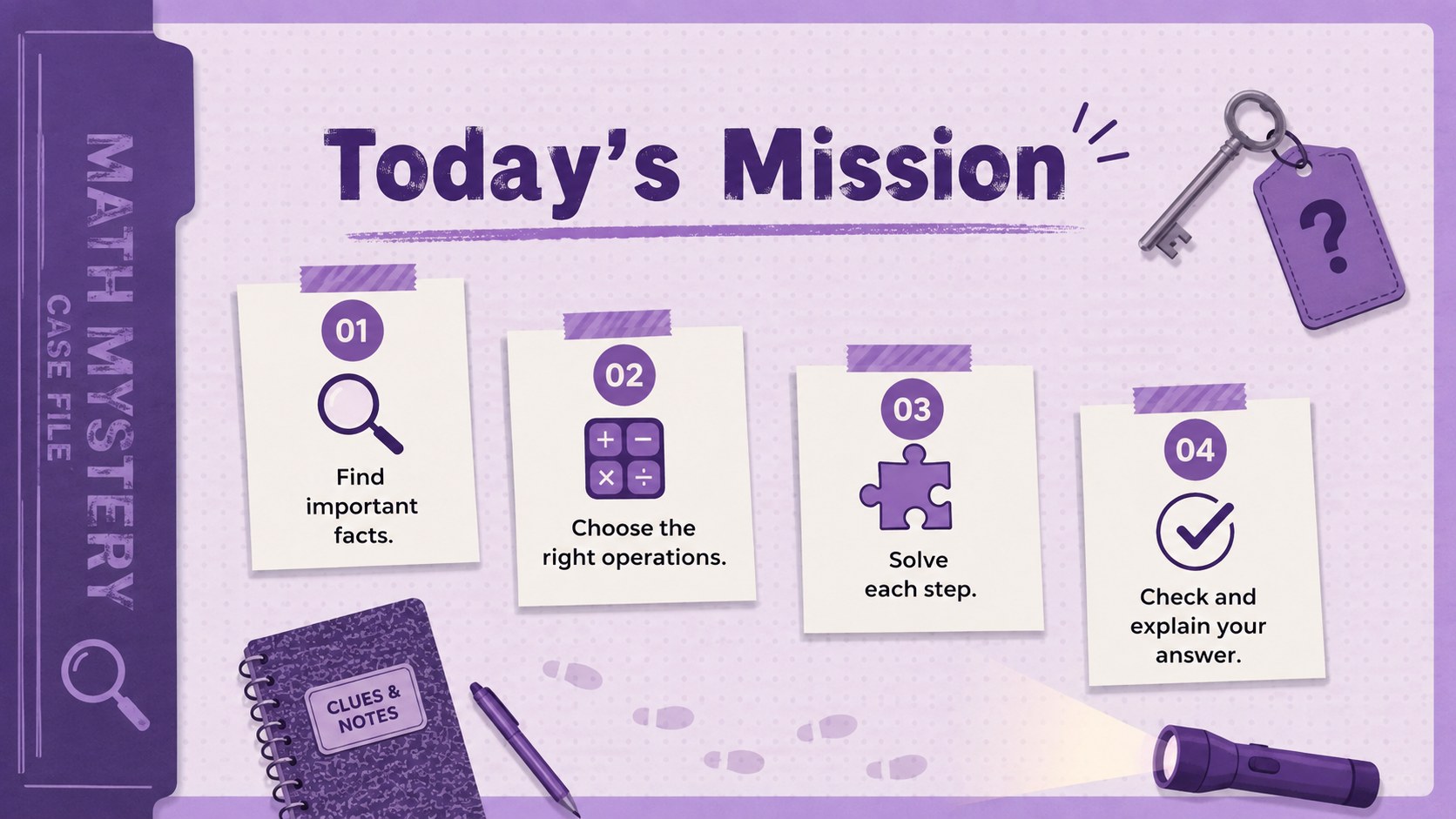
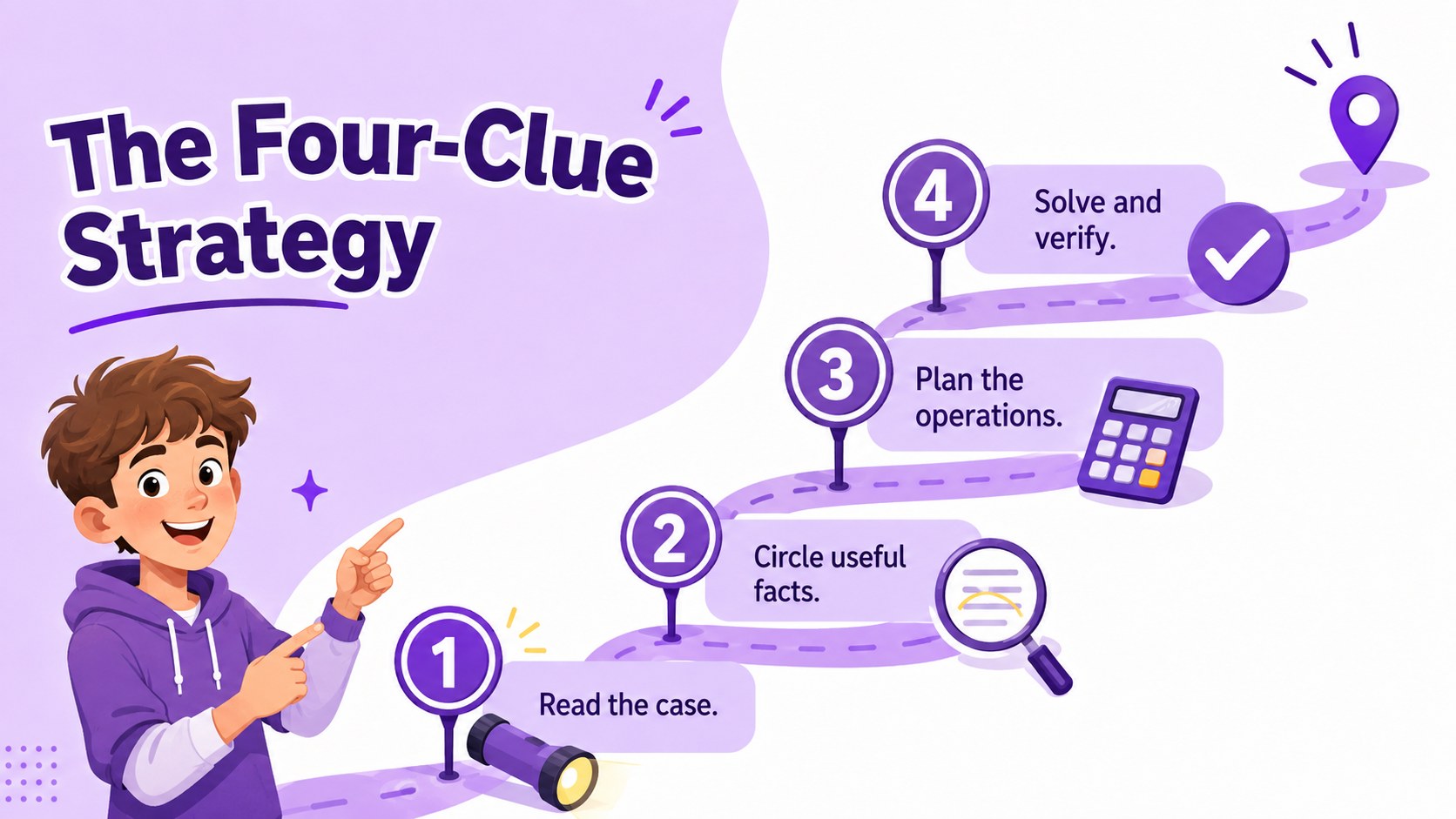
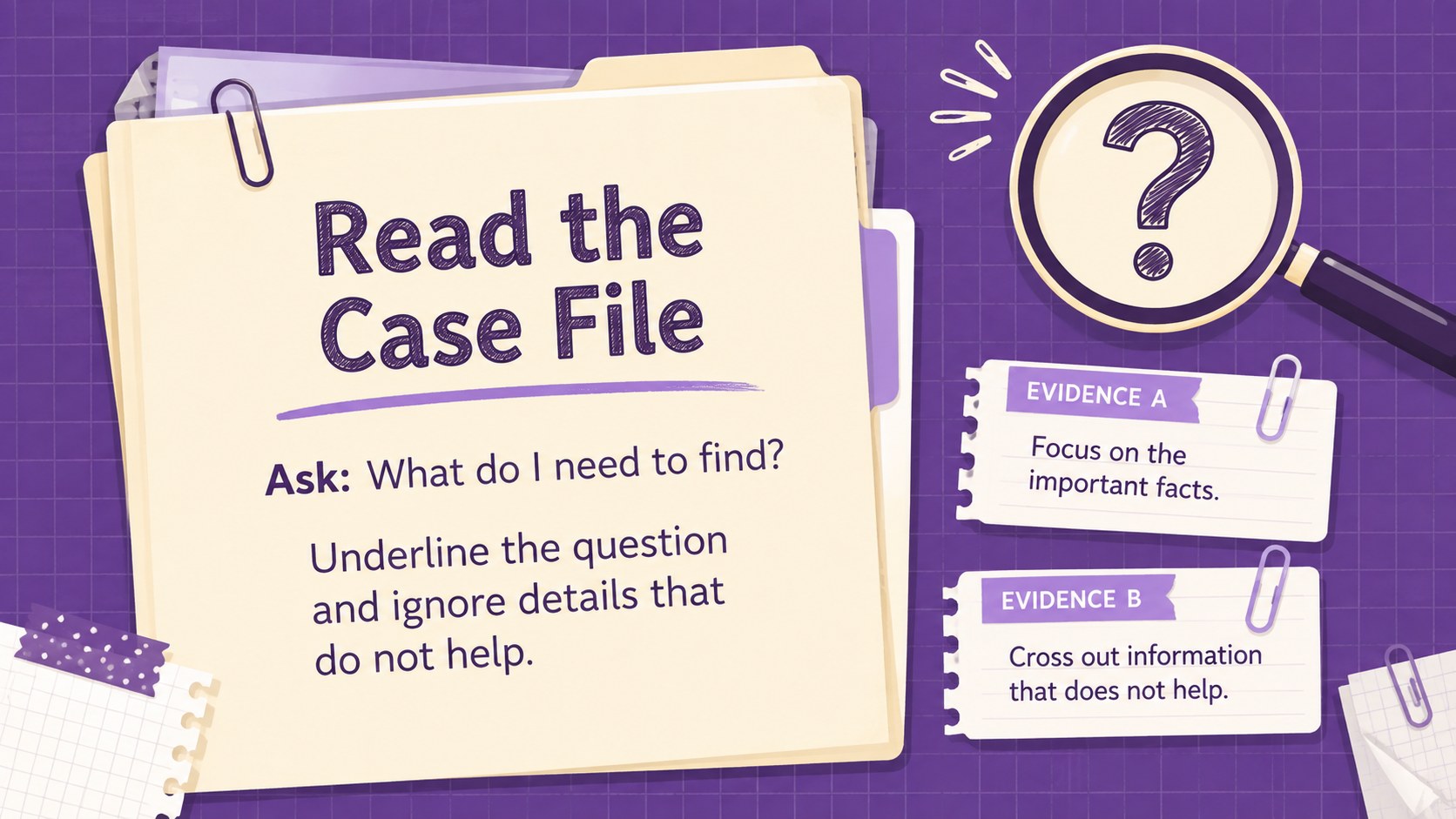
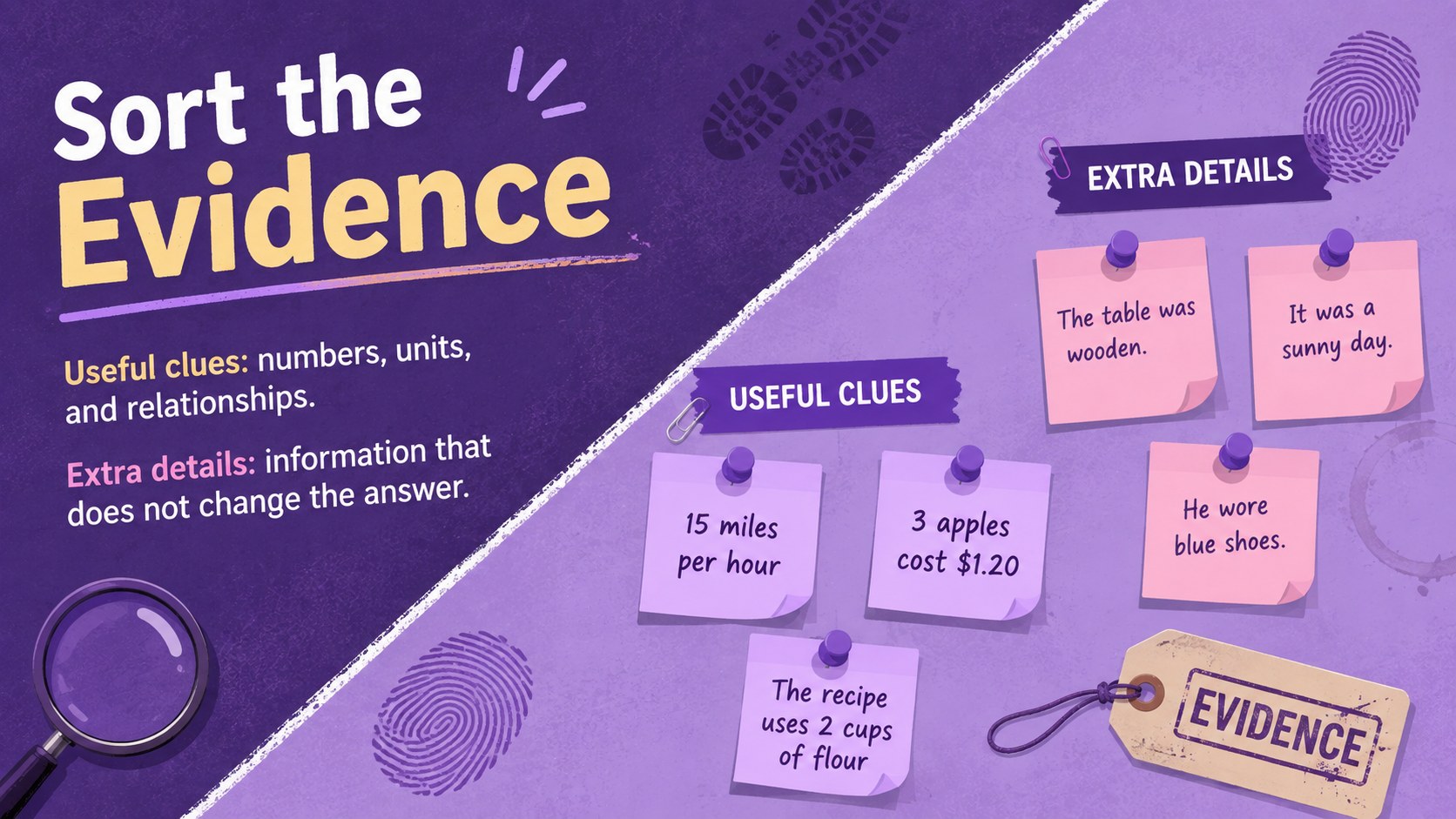
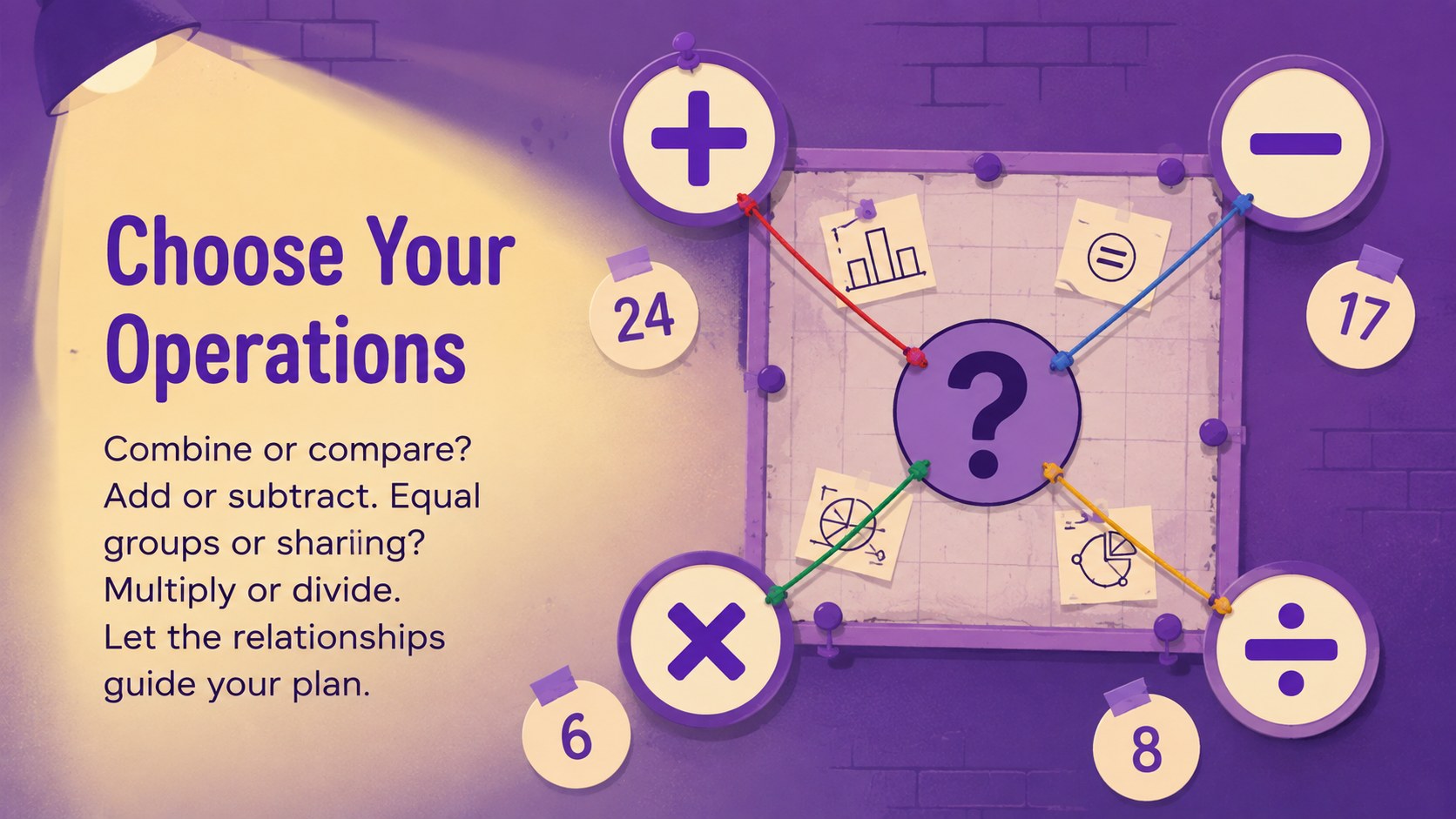
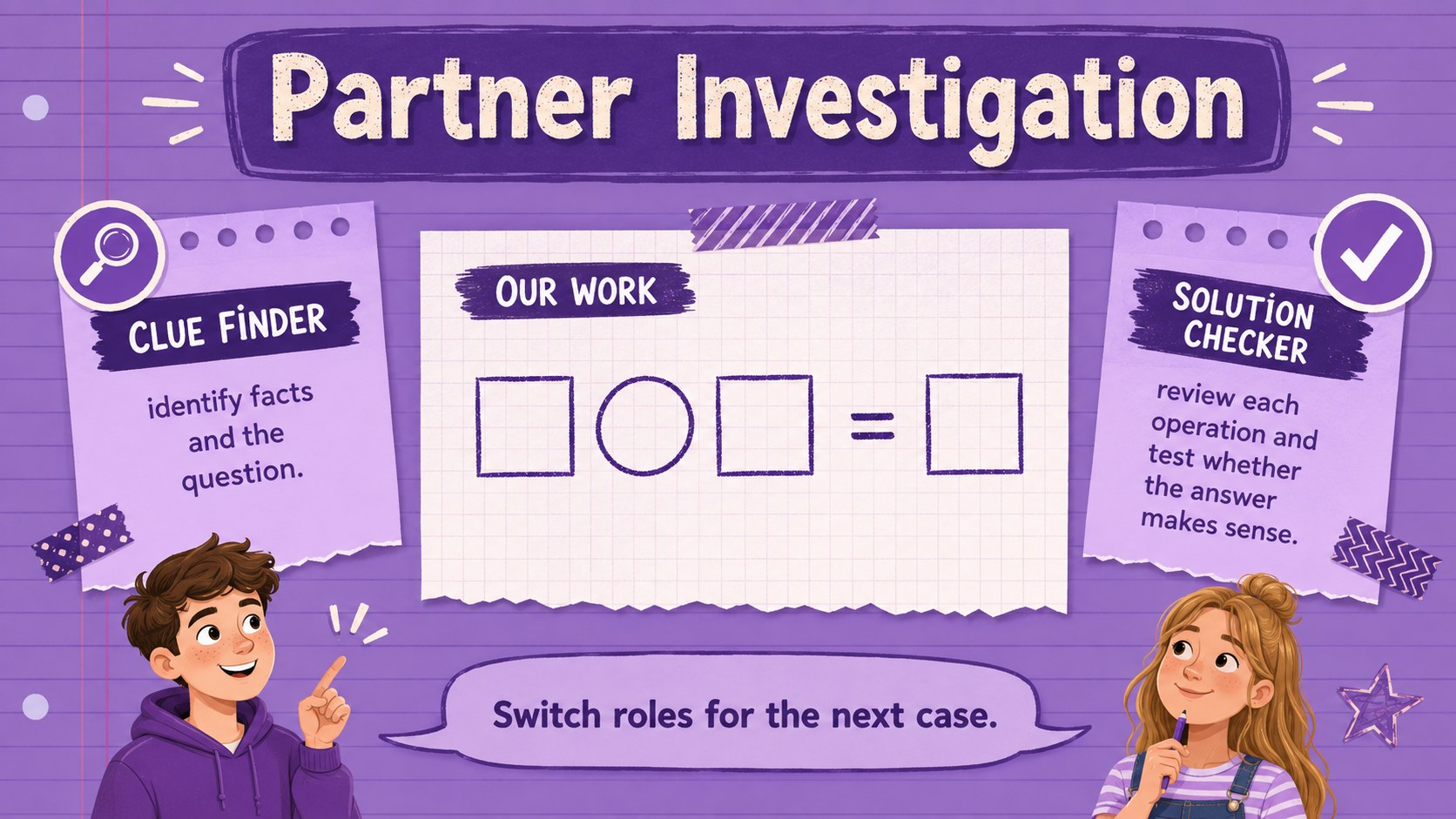
Transform word-problem practice into an investigation with Elementary Multi-Step Math Mystery Slides. This playful purple deck invites students to gather facts, identify the question, choose operations, and verify each answer as if they were solving a case. Puzzle-inspired visuals make complex tasks feel approachable without distracting from the mathematics.
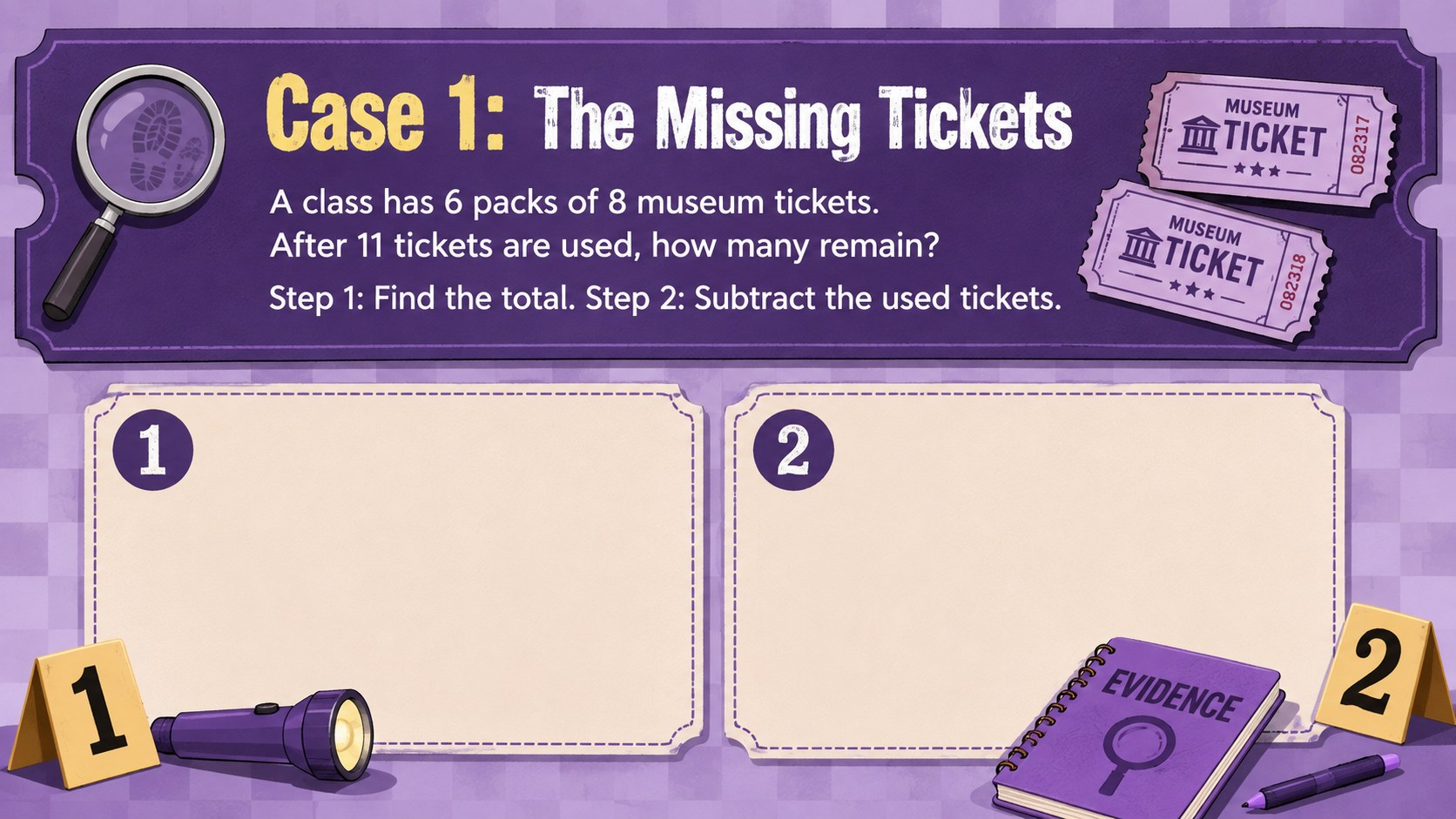
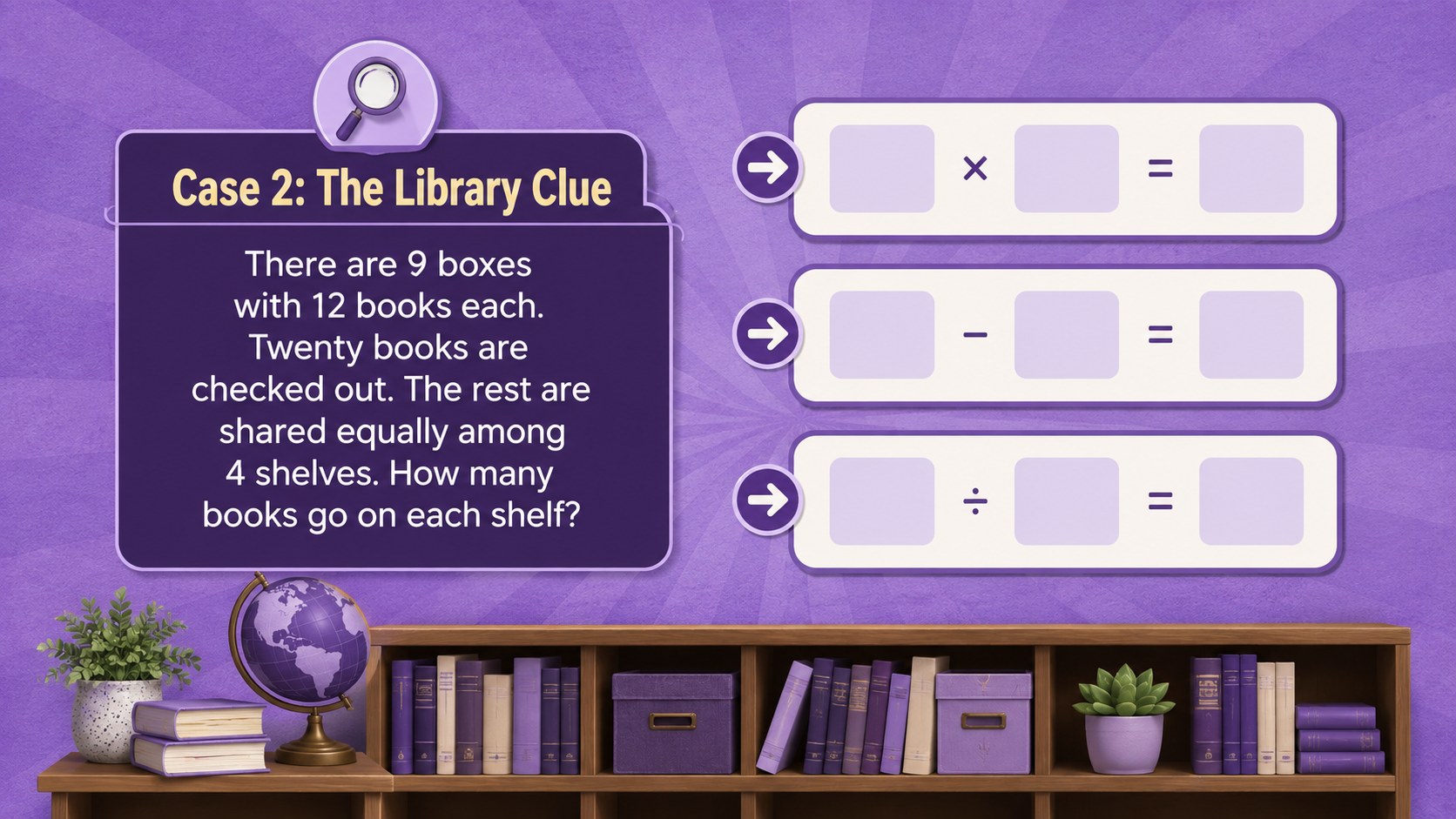
The 14-slide sequence includes learning goals, a repeatable clue strategy, guided examples, two-step and three-step challenges, partner discussion prompts, common-error checks, an exit ticket, and an answer-review screen. Designed as a math mystery lesson PowerPoint, every page can be edited to match your curriculum, preferred vocabulary, and student ability level. The presentation also works in Google Slides for classroom display, small-group stations, or shared digital assignments.
Elementary teachers, tutors, intervention specialists, and homeschool educators can use this deck with upper-elementary learners developing mathematical reasoning. It works especially well as a clue based math problem solving activity during whole-class instruction or collaborative practice. The layouts can also serve as editable elementary word problem slides for warm-ups, review sessions, assessment preparation, or enrichment. Replace the sample numbers and scenarios, add your own hints, and adjust the challenge level while preserving the consistent mystery theme.
Perfect for: whole-class word problem lesson; small-group math intervention; partner problem-solving challenge; elementary math review; homeschool reasoning practice; end-of-lesson exit ticket.
Frequently asked questions
Can I edit the problems and answers? Yes. All lesson wording, numbers, scenarios, answer choices, and instructions can be changed. You can simplify the tasks for developing learners or add extra steps for enrichment.
Practical details
Yes. All lesson wording, numbers, scenarios, answer choices, and instructions can be changed. You can simplify the tasks for developing learners or add extra steps for enrichment.
The deck is designed for Microsoft PowerPoint and Google Slides. Import or open the presentation in your preferred platform, then review fonts and spacing before presenting.
Yes. You can replace colors, fonts, puzzle graphics, and decorative clues while keeping the slide structure intact. For a cohesive result, apply the same updated palette and type styles throughout the deck.
It is intended primarily for upper-elementary students learning to solve multi-step word problems. Teachers can adjust the reading level, operations, and number size to suit a specific grade or support group.
Keep exploring
15Build an engaging World UFO Day session with this flying saucer history lesson deck, featuring retro green-and-brown slides for PowerPoint and Google Slides.
 15
15Plan a lively animal-learning journey with this jungle zoo adventure lesson deck, ready to customize in PowerPoint and Google Slides for young learners.
 16
16Turn environmental research into a clear story with a Watercolor Ecology Presentation Theme for PowerPoint and Google Slides in calming green and blue.
 16
16Build focused fashion, literature, and humanities presentations with the Red Triangle Editorial Theme, editable in PowerPoint and Google Slides.
 15
15Turn streaming stats, favorite tracks, and concert highlights into a bold annual listening recap slide deck for PowerPoint and Google Slides.
 15
15Turn highlights, milestones, and favorite moments into a colorful year in review slide deck with bold 3D graphics for PowerPoint and Google Slides.
 3
3Build a credible endorsement with Standout Colleague Recommendation Letter Slides, featuring colorful prompts for skills, achievements, and team impact.
 4
4Build clear beginner sessions with an ice hockey fundamentals training deck for coaches, PE teachers, and clubs, ready for PowerPoint and Google Slides.