
 15
15presentation
Flying Saucer History Lesson Deck
Build an engaging World UFO Day session with this flying saucer history lesson deck, featuring retro green-and-brown slides for PowerPoint and Google Slides.
Google SlidesPowerPoint
presentation · English
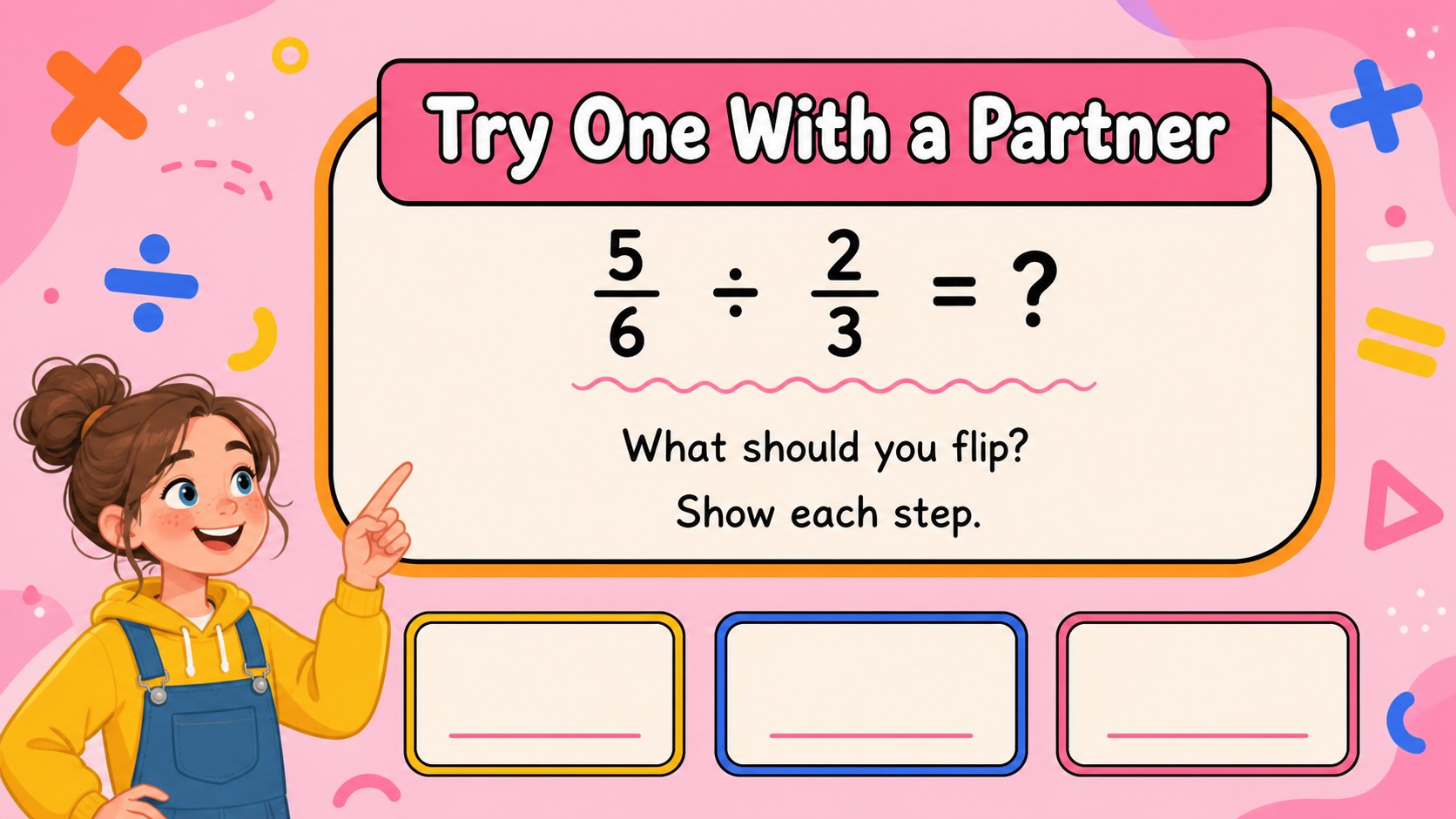
Teach elementary fraction division with colorful visual examples, guided practice, and editable PowerPoint or Google Slides for confident math learning.
Design notes
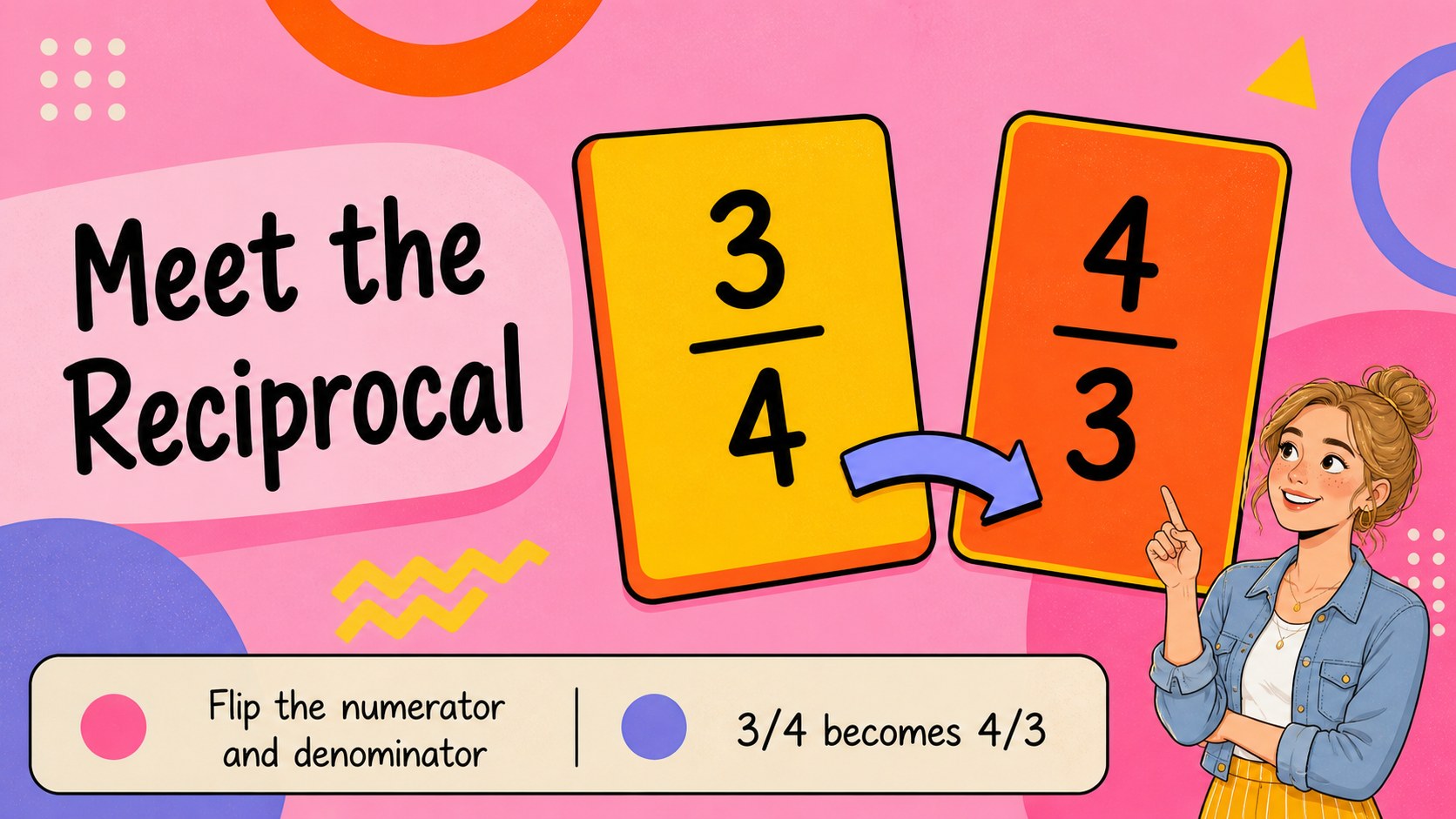
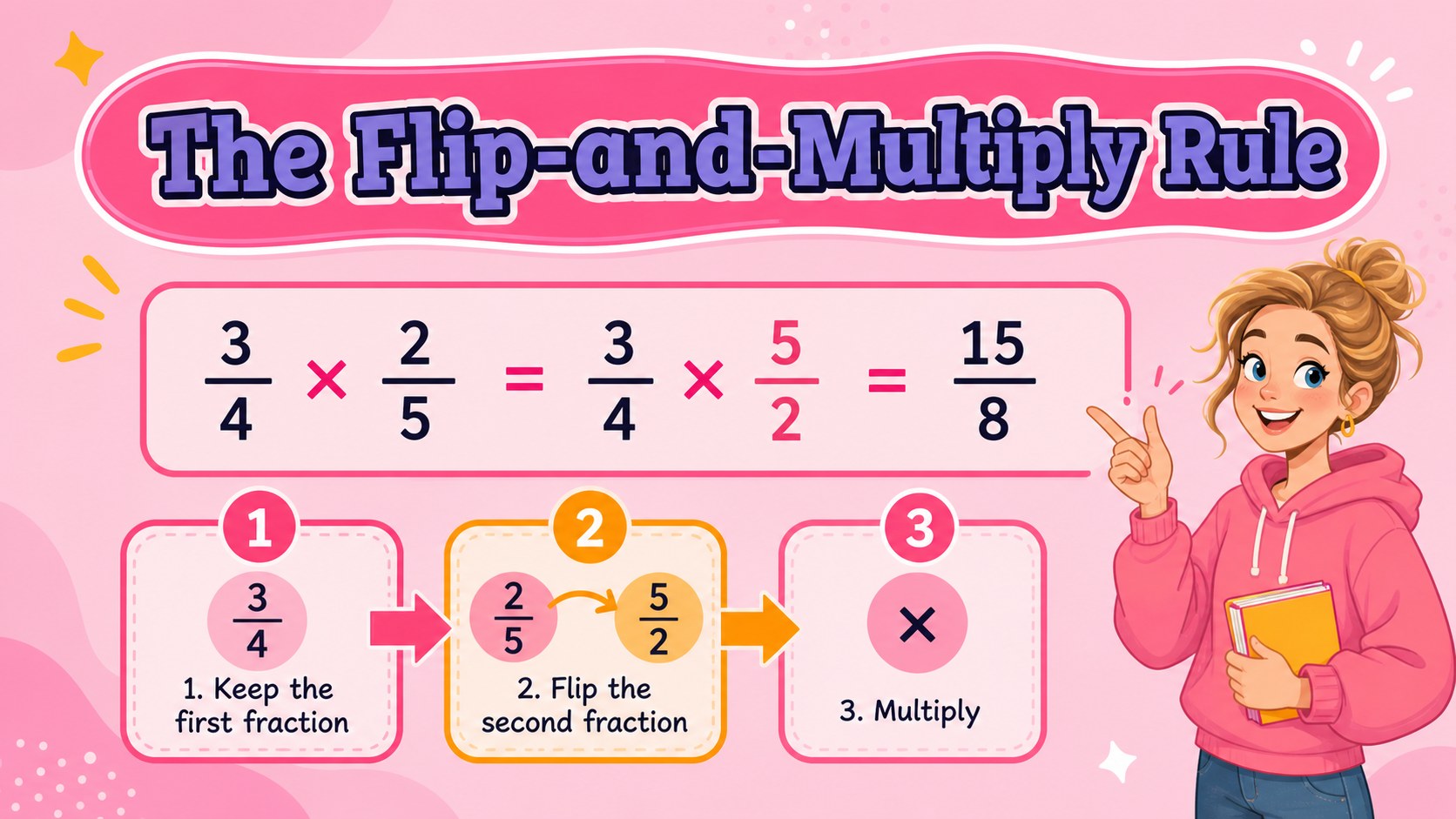
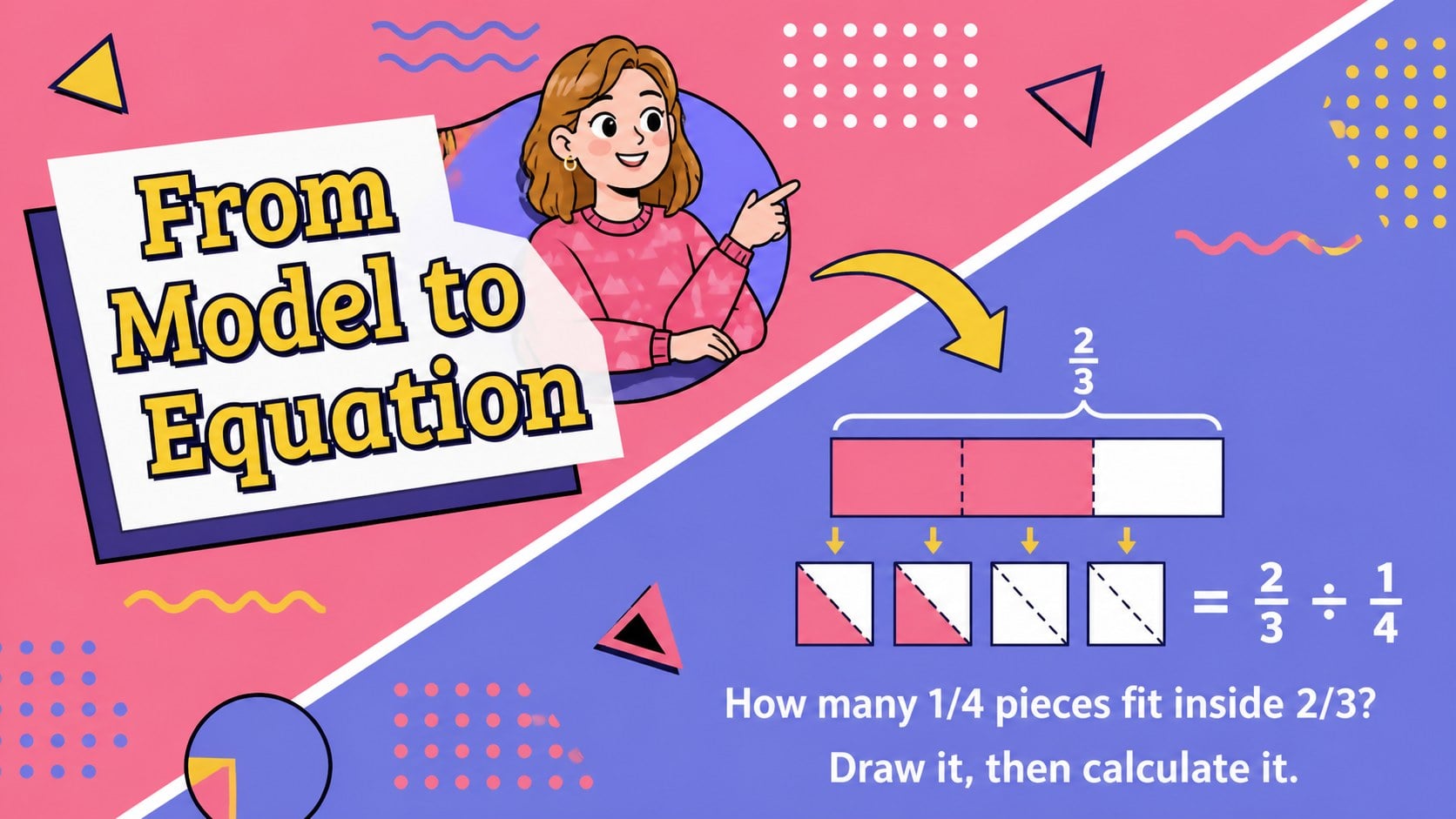
Elementary fraction division slides make a challenging operation easier to introduce, model, and review. This colorful presentation uses a friendly pink geometric style, clear layouts, and step-by-step visuals to help students understand why dividing by a fraction involves multiplying by its reciprocal. Teachers can guide the class through each example while keeping the language accessible for elementary learners.
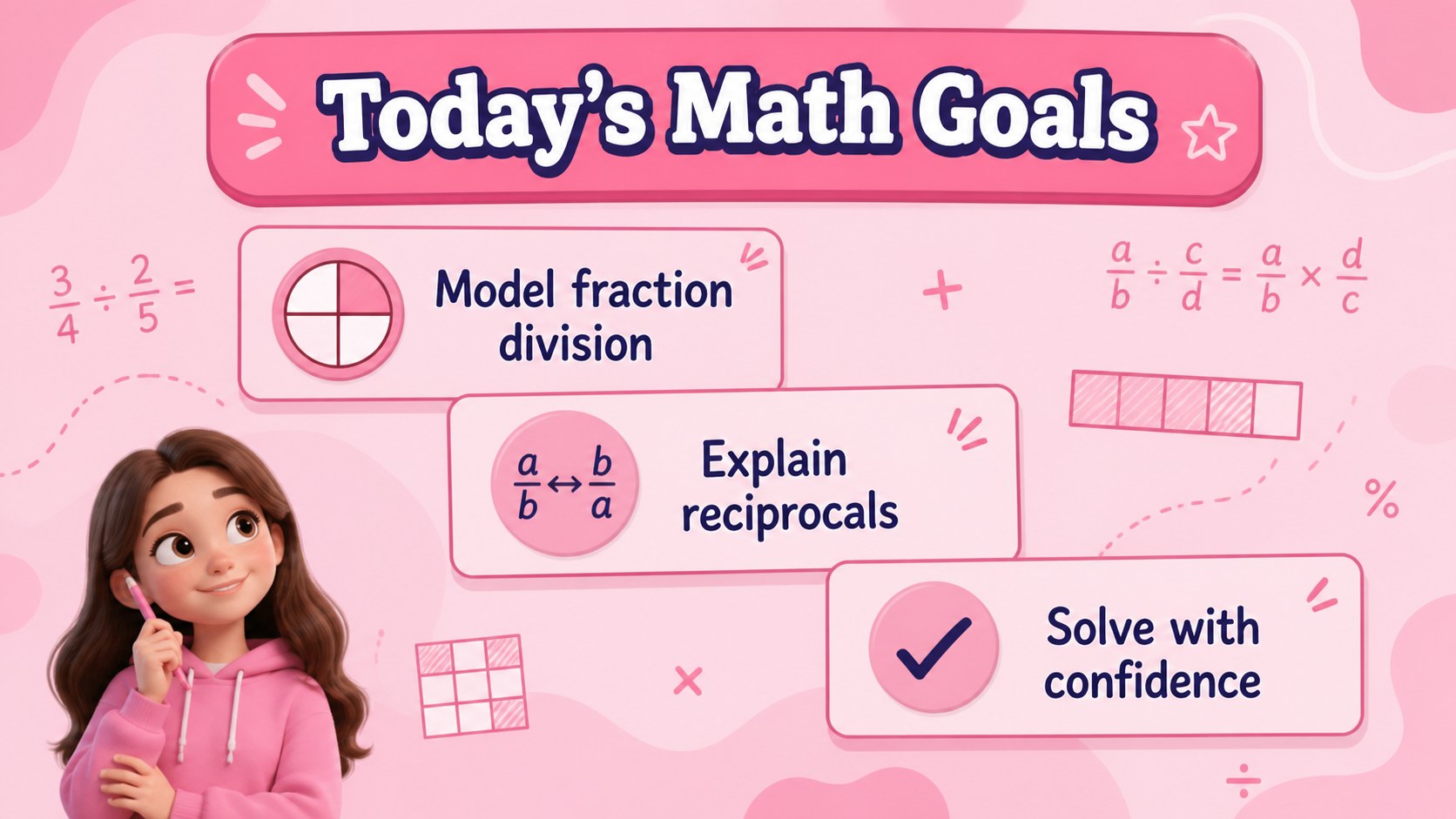
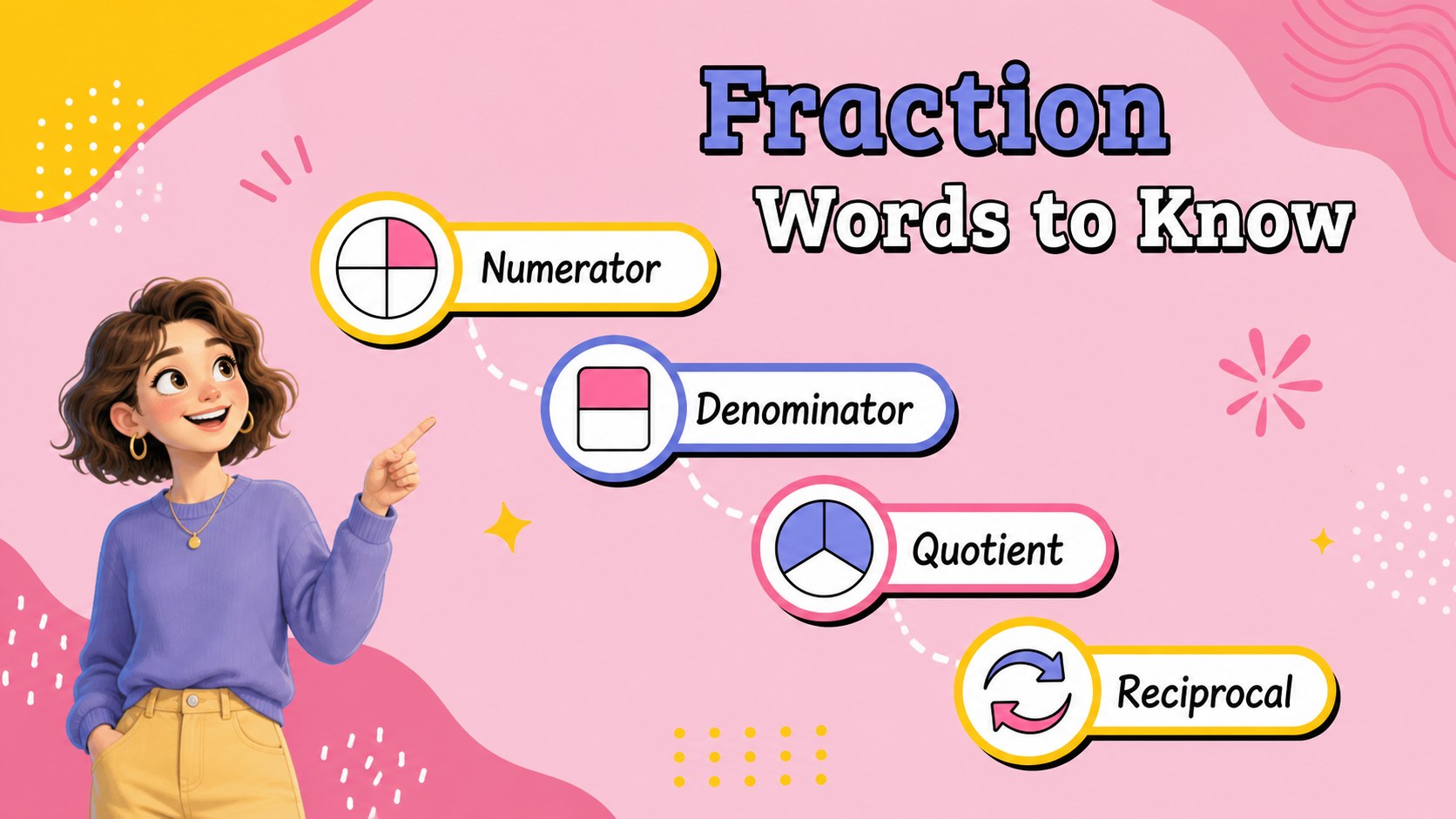
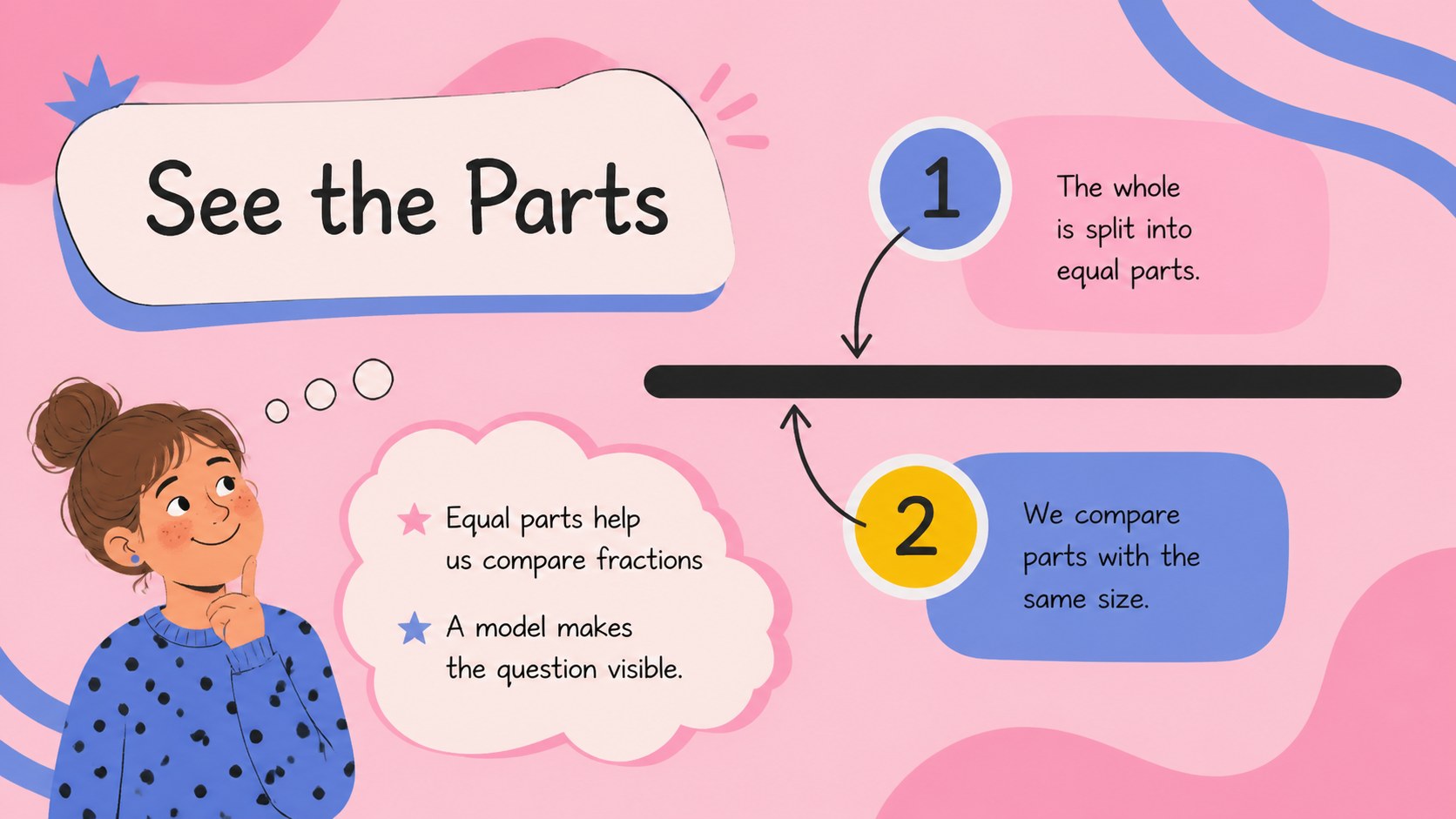
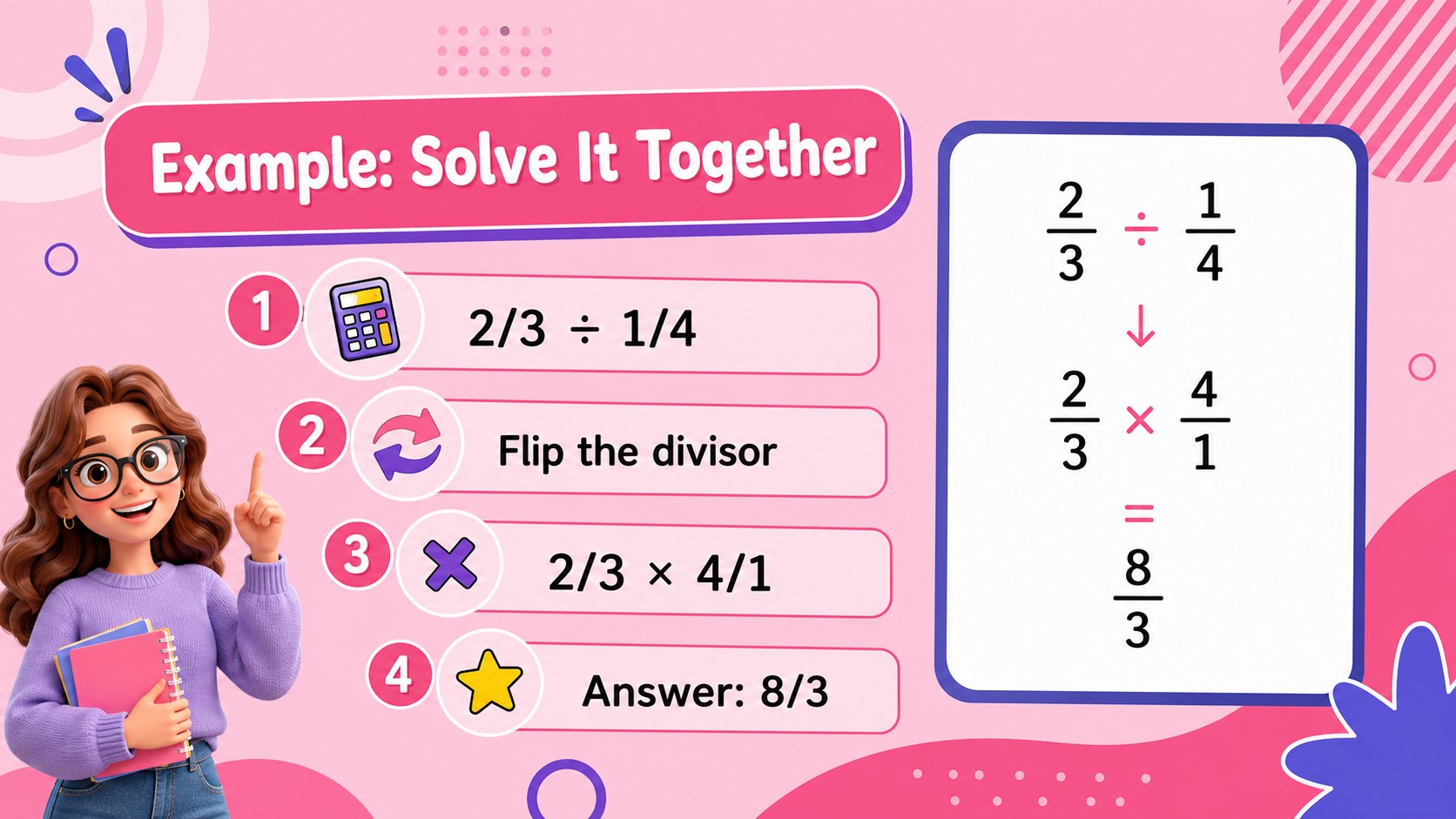
Inside the deck are opening lesson objectives, fraction vocabulary, visual fraction models, reciprocal explanations, worked examples, guided practice, independent questions, and a final review. The layouts leave room for equations, annotations, diagrams, and teacher prompts, making the presentation flexible for different grade levels and learning speeds. The design also supports a fraction division visual lesson with bright shapes and engaging classroom-friendly details.
This resource is made for elementary teachers, intervention specialists, tutors, and homeschooling parents. Edit the text, numbers, colors, and examples in PowerPoint or Google Slides, then adapt the sequence for a mini-lesson, math center, reteaching session, or assessment review. It can also support small-group instruction focused on dividing fractions with visual models and repeated practice.
Perfect for: elementary classroom math lesson; small-group intervention; homeschool fraction instruction; math tutoring session; fraction review workshop.
Frequently asked questions
Can I edit the examples and equations? Yes. The text, numbers, diagrams, colors, and layout elements can be adjusted in PowerPoint or Google Slides. Replace the sample problems with values that match your students' current skill level.
Practical details
Yes. The text, numbers, diagrams, colors, and layout elements can be adjusted in PowerPoint or Google Slides. Replace the sample problems with values that match your students' current skill level.
The template is designed for PowerPoint and Google Slides. You can present it digitally, share it with collaborators, or export finished slides into other common formats.
Yes. Teachers can simplify the worked examples for an introduction or add more complex problems for advanced learners. The flexible sequence also works well for whole-class teaching, tutoring, and intervention groups.
Yes. Several layouts are structured for teacher-led examples and student response prompts. Add hints, reveal steps gradually, or duplicate practice slides to create a longer activity.
Keep exploring
15Build an engaging World UFO Day session with this flying saucer history lesson deck, featuring retro green-and-brown slides for PowerPoint and Google Slides.
 15
15Plan a lively animal-learning journey with this jungle zoo adventure lesson deck, ready to customize in PowerPoint and Google Slides for young learners.
 16
16Turn environmental research into a clear story with a Watercolor Ecology Presentation Theme for PowerPoint and Google Slides in calming green and blue.
 16
16Build focused fashion, literature, and humanities presentations with the Red Triangle Editorial Theme, editable in PowerPoint and Google Slides.
 15
15Turn streaming stats, favorite tracks, and concert highlights into a bold annual listening recap slide deck for PowerPoint and Google Slides.
 15
15Turn highlights, milestones, and favorite moments into a colorful year in review slide deck with bold 3D graphics for PowerPoint and Google Slides.
 3
3Build a credible endorsement with Standout Colleague Recommendation Letter Slides, featuring colorful prompts for skills, achievements, and team impact.
 4
4Build clear beginner sessions with an ice hockey fundamentals training deck for coaches, PE teachers, and clubs, ready for PowerPoint and Google Slides.