
 15
15presentation
Flying Saucer History Lesson Deck
Build an engaging World UFO Day session with this flying saucer history lesson deck, featuring retro green-and-brown slides for PowerPoint and Google Slides.
Google SlidesPowerPoint
presentation · English
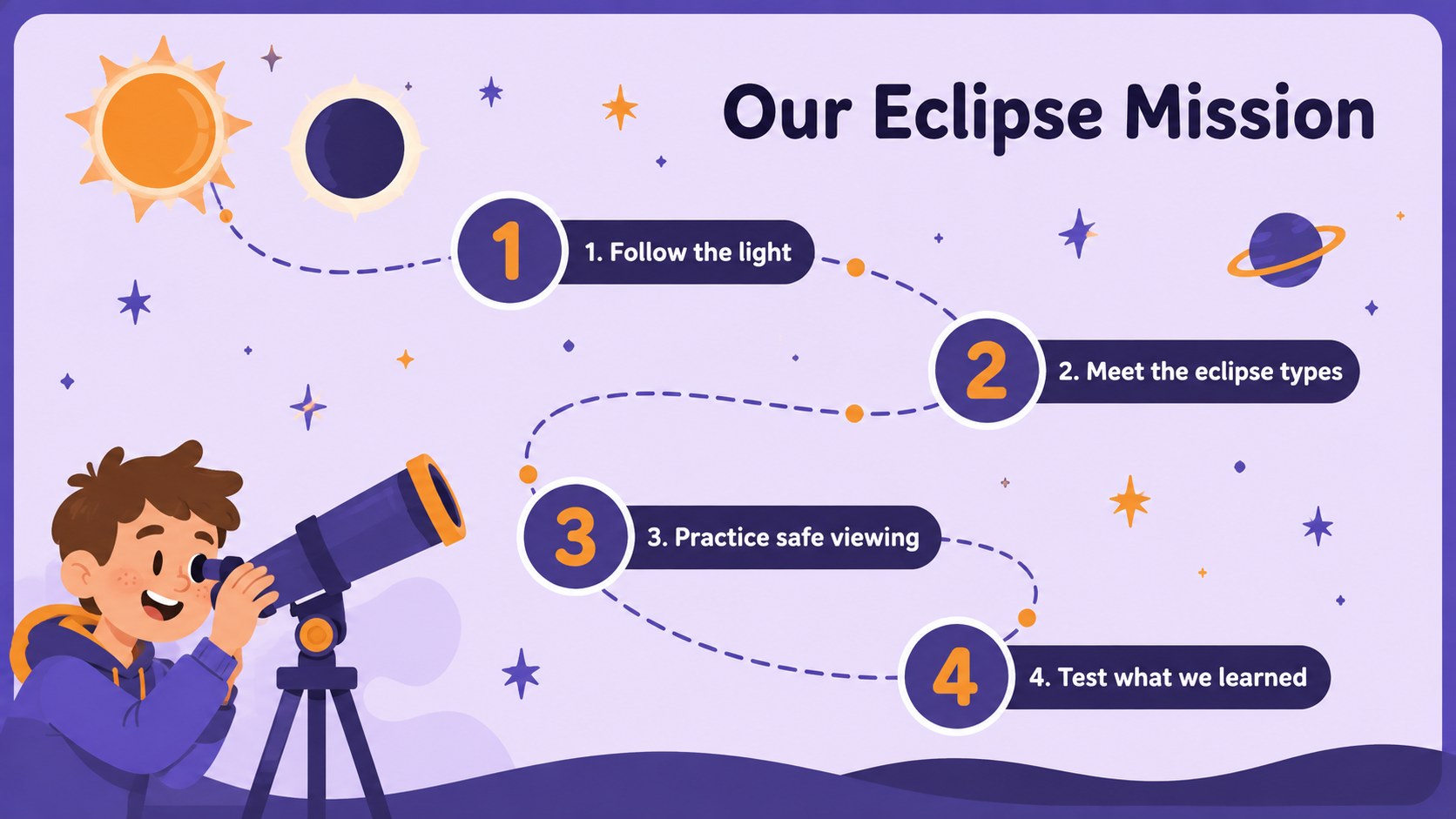
Use the Elementary Eclipse Explorer Deck to teach solar and lunar eclipses with vivid purple-orange visuals, clear diagrams, and editable activities.
Design notes
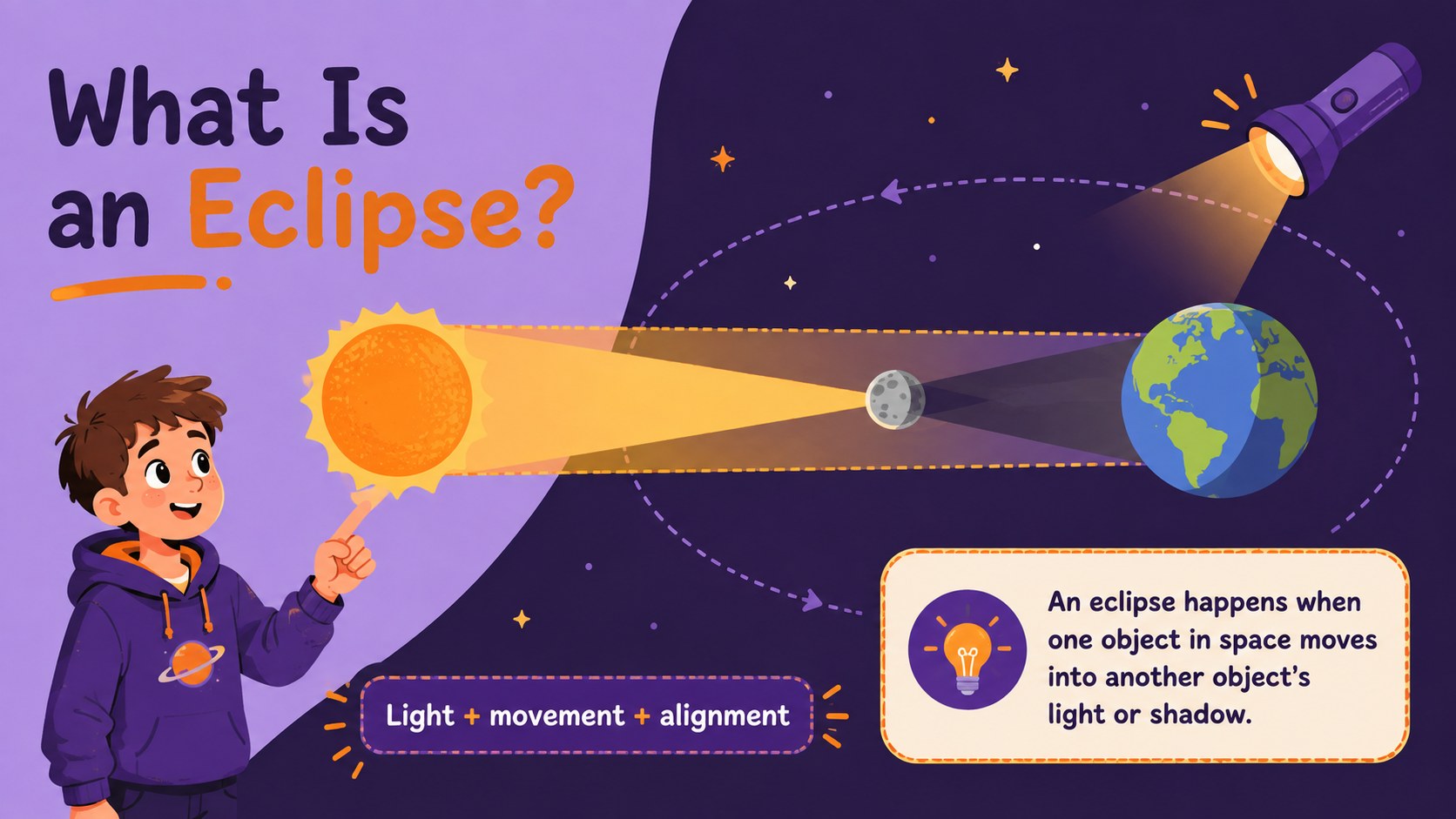
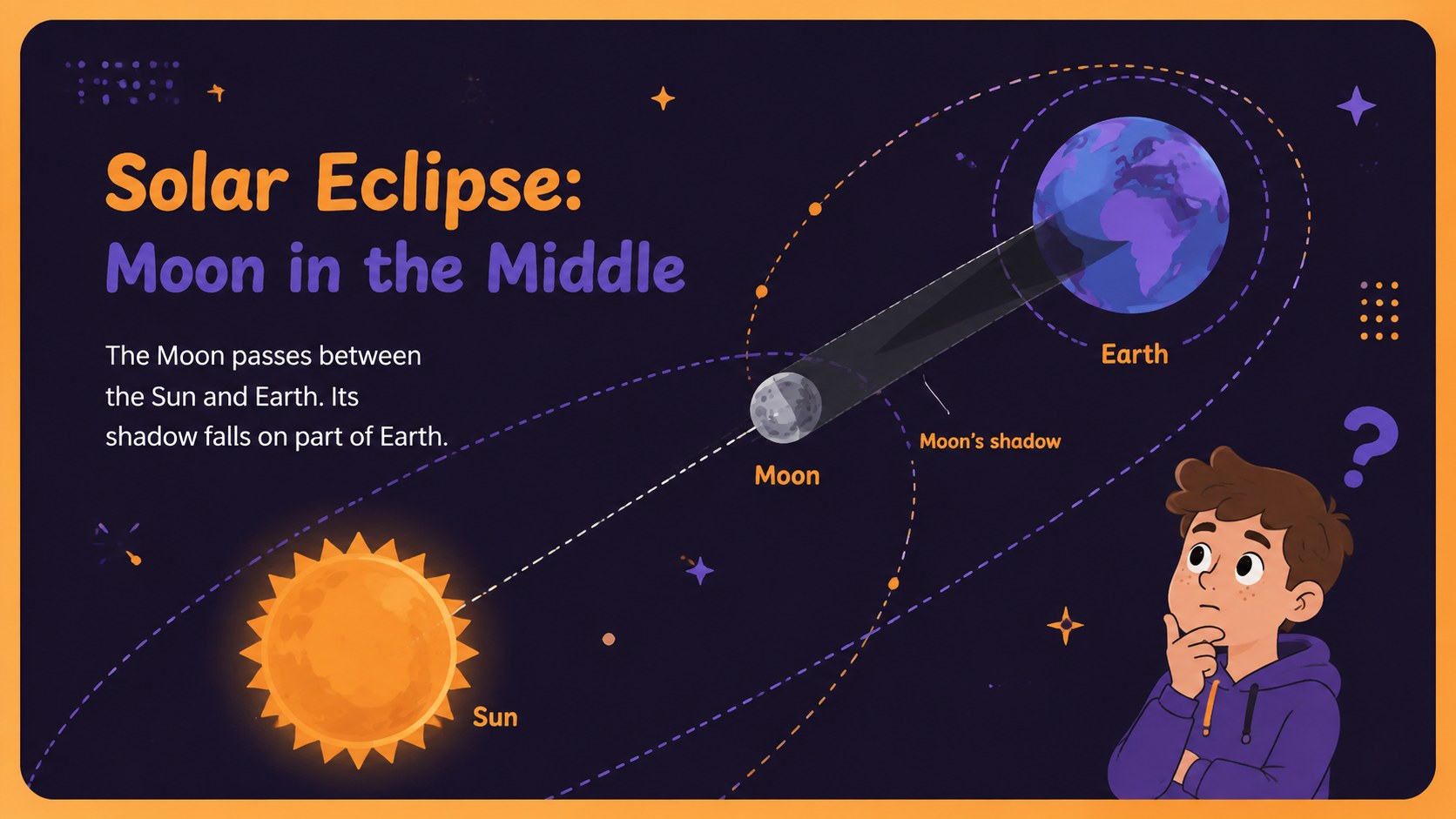
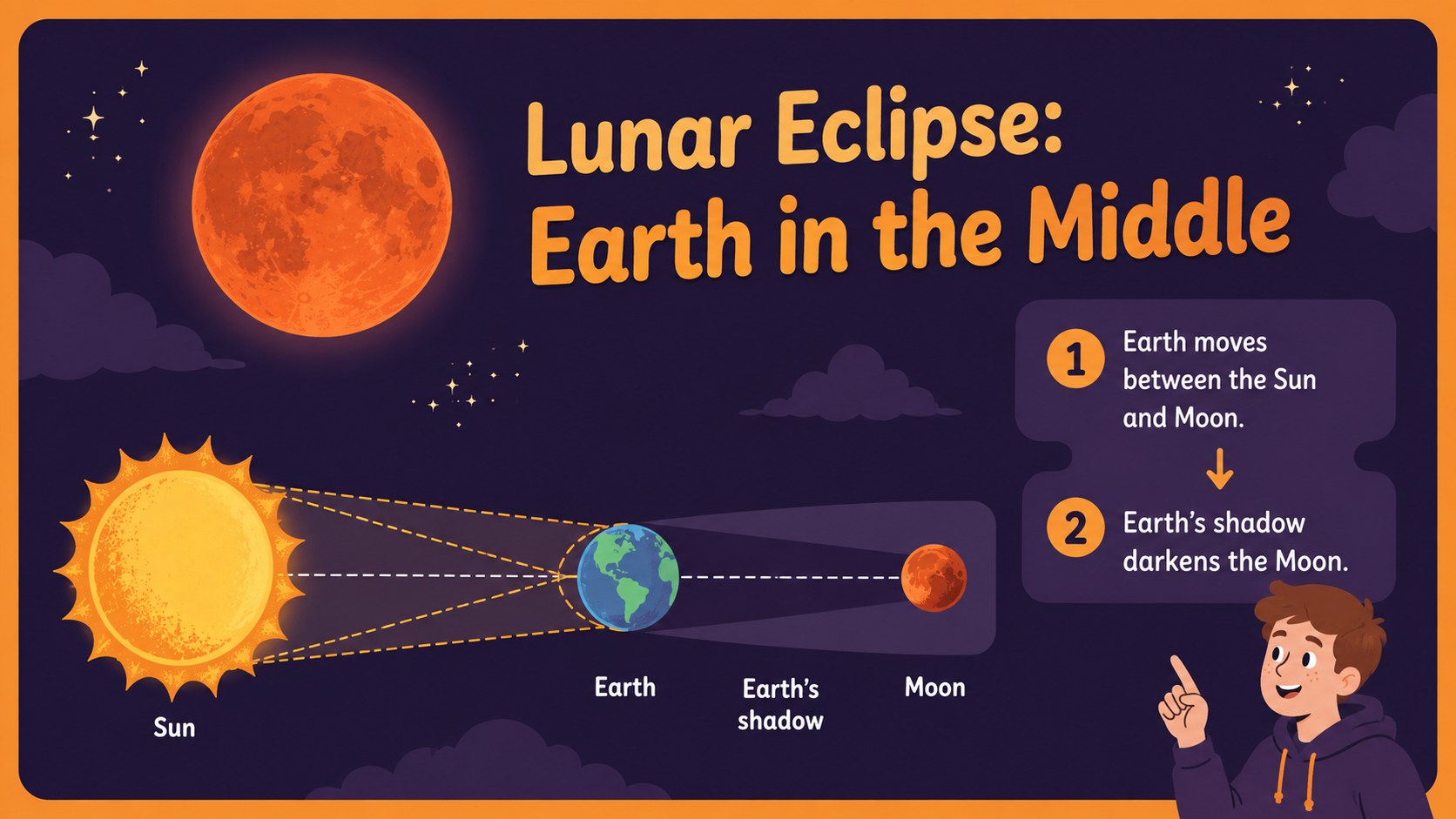
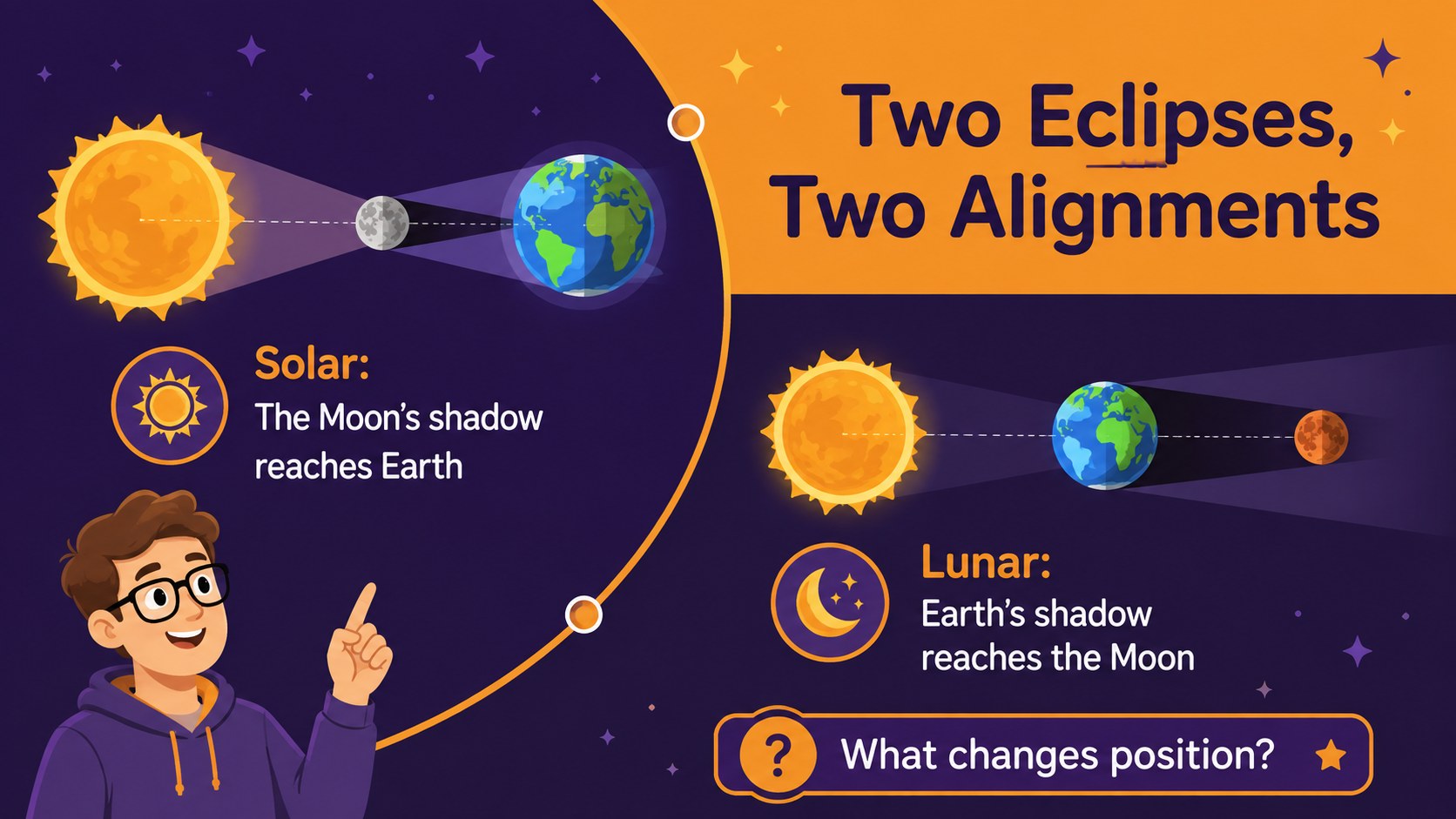
The Elementary Eclipse Explorer Deck turns a fascinating space event into an approachable visual lesson for young learners. Designed for PowerPoint and Google Slides, this modern illustrated resource uses energetic purple and orange colors to explain how the Sun, Earth, and Moon align during an eclipse. Clear language and playful graphics help teachers introduce important astronomy ideas without overwhelming students.
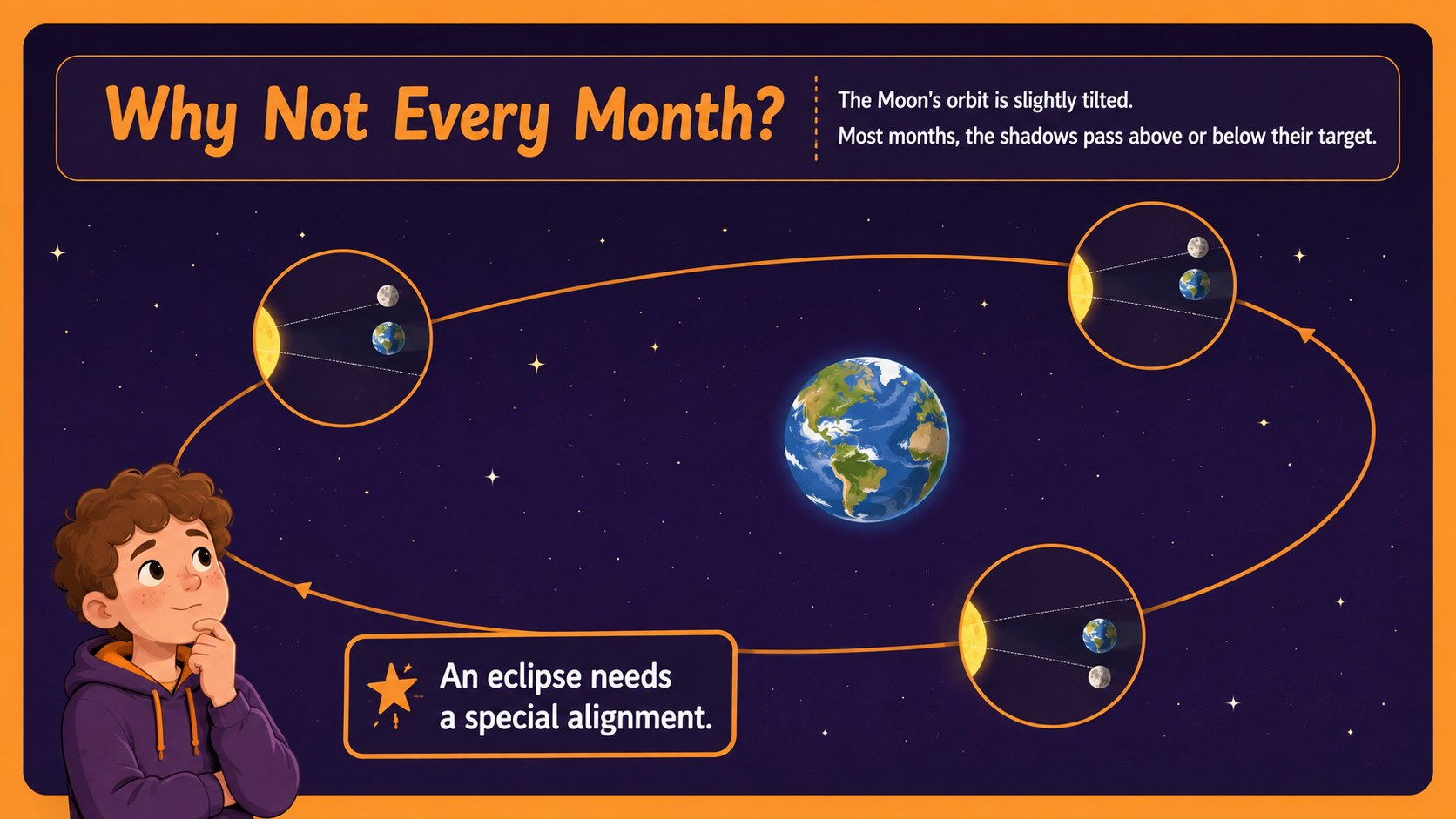
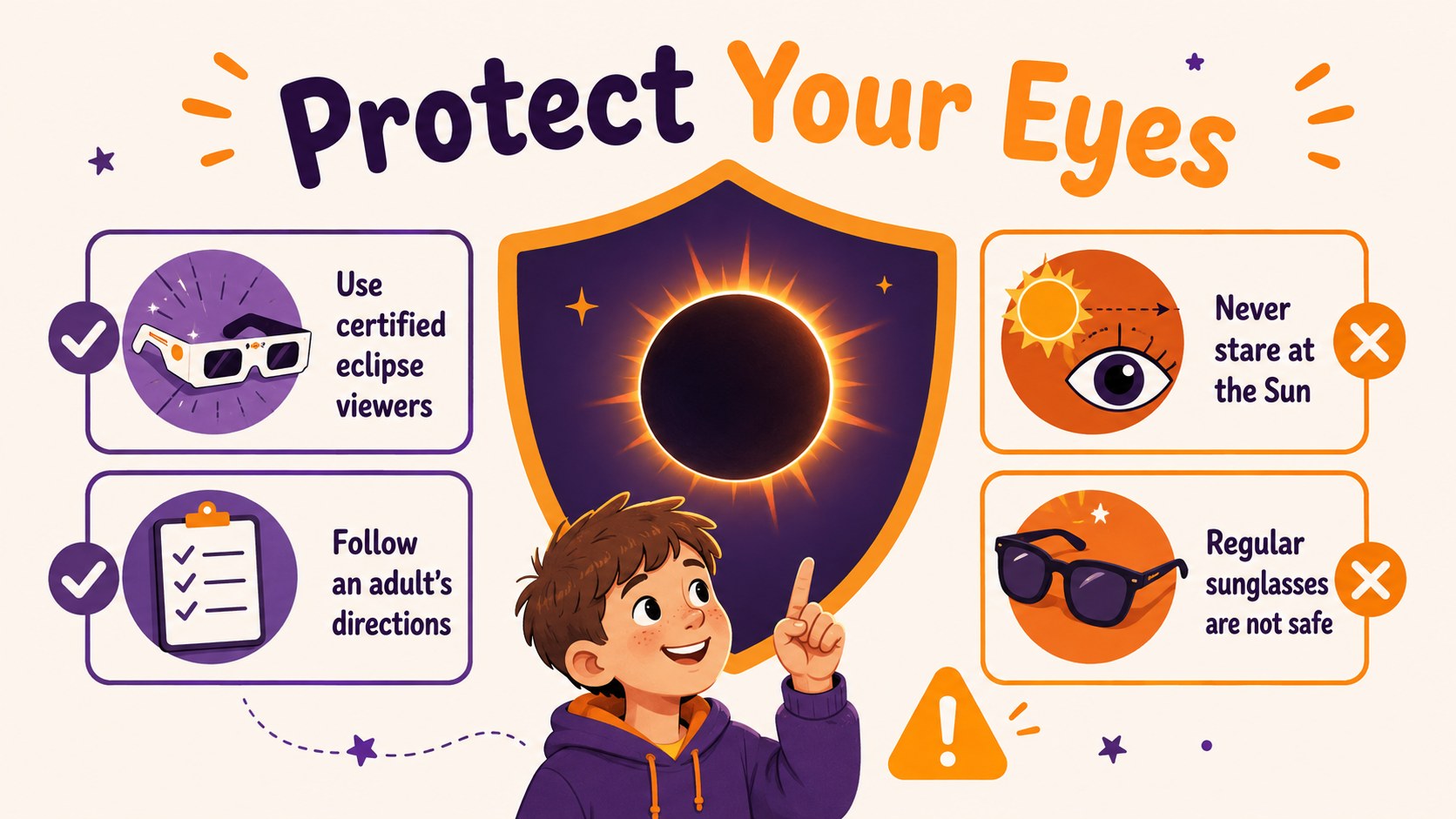
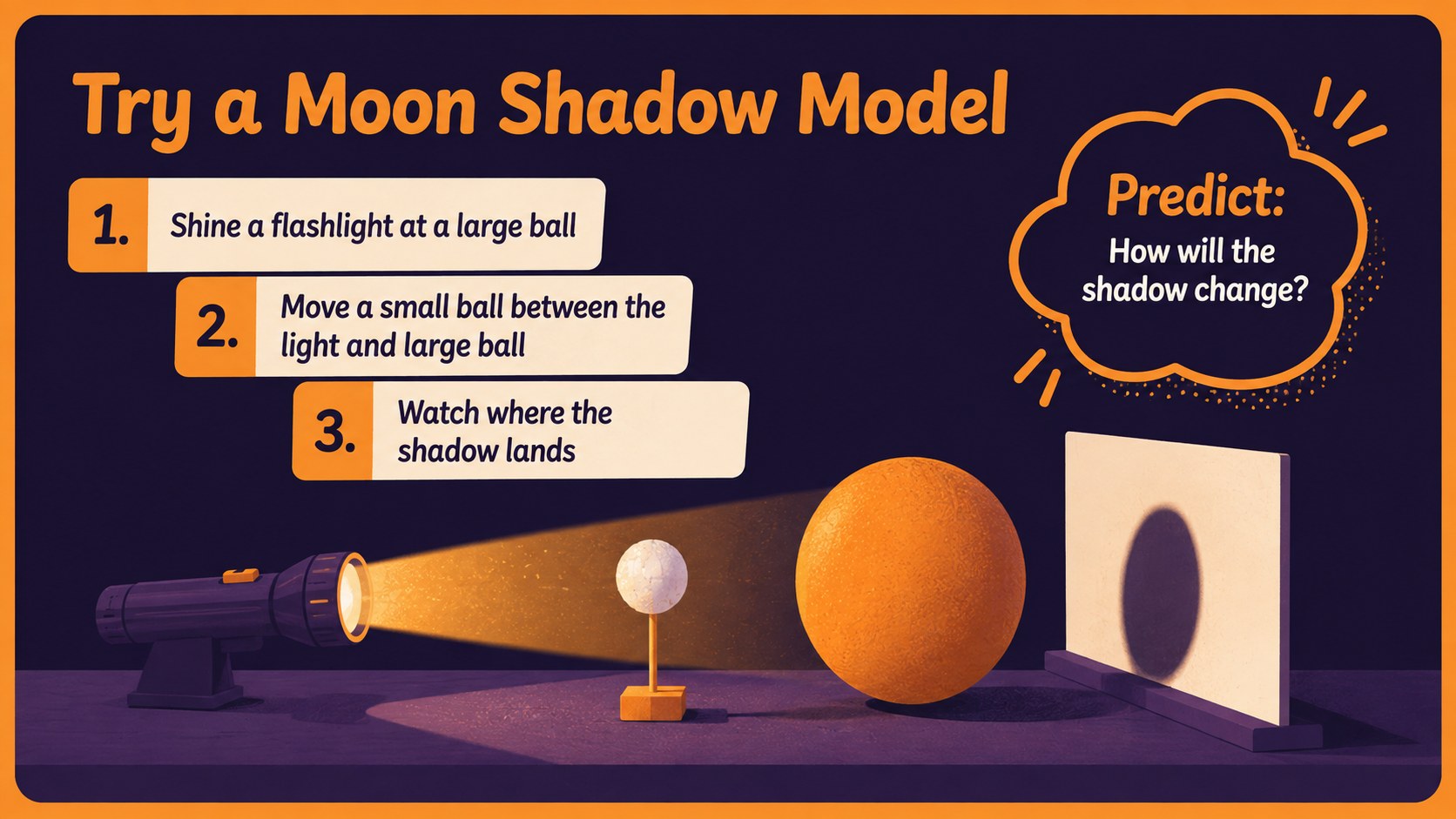
Inside, educators will find solar and lunar eclipse lesson slides, vocabulary prompts, comparison layouts, safety reminders, sequencing activities, and quick knowledge checks. Editable diagrams make it easy to demonstrate paths of light and shadow, while discussion questions encourage observation and scientific thinking. The deck also includes a moon shadow classroom activity and a recap quiz that can be adapted for different reading levels.
This eclipse presentation for elementary students works well for whole-class instruction, science centers, remote learning, homework review, or an astronomy unit opener. Teachers can replace text, adjust colors, move illustrations, and add local eclipse facts directly in PowerPoint or Google Slides. The 16:9 format is ready for classroom screens, projectors, and online lessons, giving educators a flexible starting point for an engaging exploration of sunlight, orbital movement, and shadows in space.
Perfect for: elementary astronomy lesson; solar eclipse safety briefing; science center activity; remote classroom instruction; eclipse unit review.
Frequently asked questions
Can I edit every part of the eclipse lesson? Yes. Text, colors, diagrams, shapes, and activity instructions can be customized in PowerPoint or Google Slides to match your curriculum and class level.
Practical details
Yes. Text, colors, diagrams, shapes, and activity instructions can be customized in PowerPoint or Google Slides to match your curriculum and class level.
The deck is designed for Microsoft PowerPoint and Google Slides. Its widescreen 16:9 layout works well on classroom displays, projectors, and shared online lessons.
Yes. Shorten the explanations for younger learners or add scientific vocabulary and extension questions for older students. The diagrams and quiz prompts are fully editable.
Yes, it includes a dedicated safety slide with child-friendly reminders about protecting eyesight during a solar eclipse. Teachers should update the guidance to follow current advice from trusted local science authorities.
Keep exploring
15Build an engaging World UFO Day session with this flying saucer history lesson deck, featuring retro green-and-brown slides for PowerPoint and Google Slides.
 15
15Plan a lively animal-learning journey with this jungle zoo adventure lesson deck, ready to customize in PowerPoint and Google Slides for young learners.
 16
16Turn environmental research into a clear story with a Watercolor Ecology Presentation Theme for PowerPoint and Google Slides in calming green and blue.
 16
16Build focused fashion, literature, and humanities presentations with the Red Triangle Editorial Theme, editable in PowerPoint and Google Slides.
 15
15Turn streaming stats, favorite tracks, and concert highlights into a bold annual listening recap slide deck for PowerPoint and Google Slides.
 15
15Turn highlights, milestones, and favorite moments into a colorful year in review slide deck with bold 3D graphics for PowerPoint and Google Slides.
 3
3Build a credible endorsement with Standout Colleague Recommendation Letter Slides, featuring colorful prompts for skills, achievements, and team impact.
 4
4Build clear beginner sessions with an ice hockey fundamentals training deck for coaches, PE teachers, and clubs, ready for PowerPoint and Google Slides.