
 15
15presentation
Flying Saucer History Lesson Deck
Build an engaging World UFO Day session with this flying saucer history lesson deck, featuring retro green-and-brown slides for PowerPoint and Google Slides.
Google SlidesPowerPoint
presentation · English
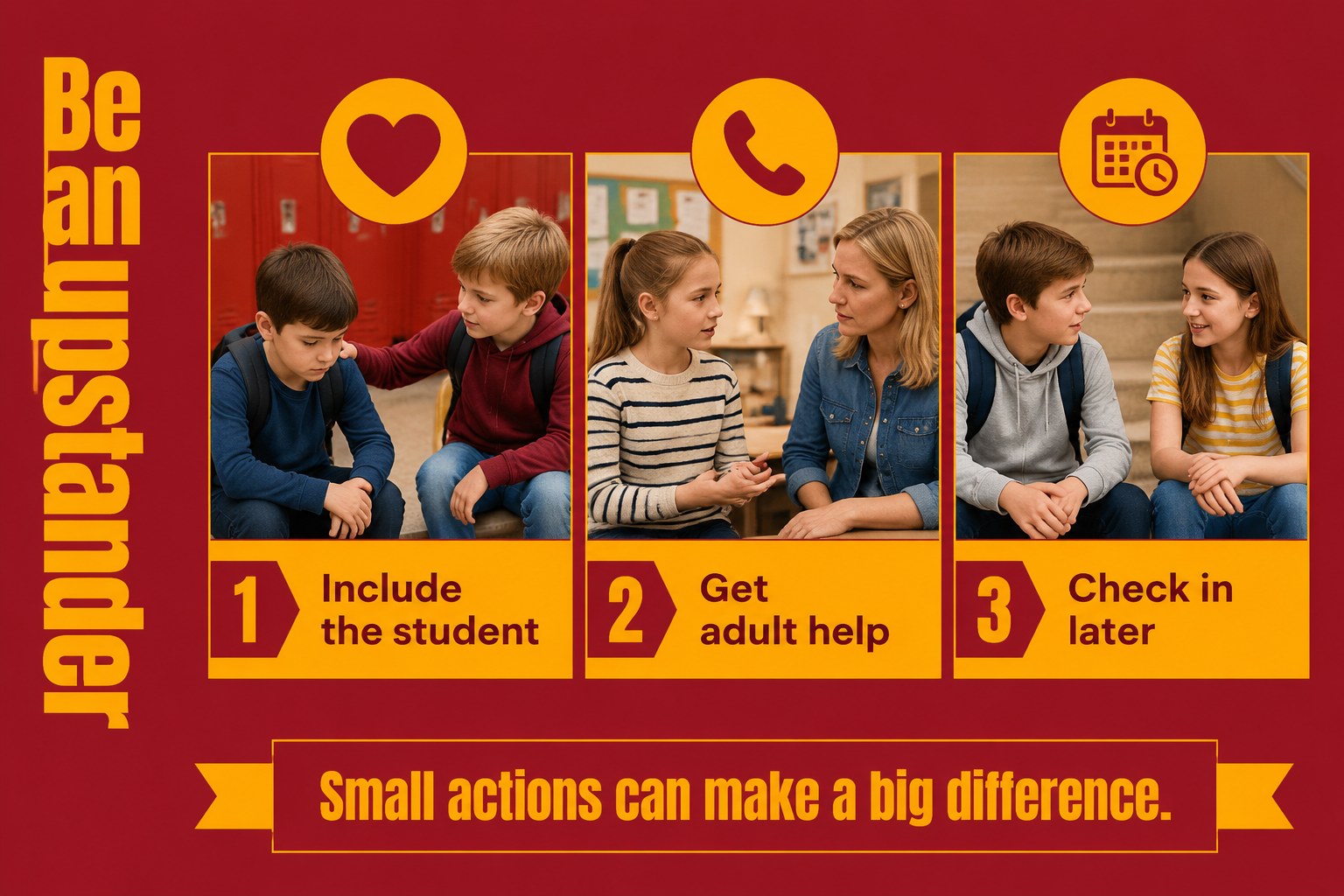
Teach empathy, respect, and safe responses with an elementary bullying lesson deck for PowerPoint and Google Slides, featuring bright red-yellow visuals and…
Design notes
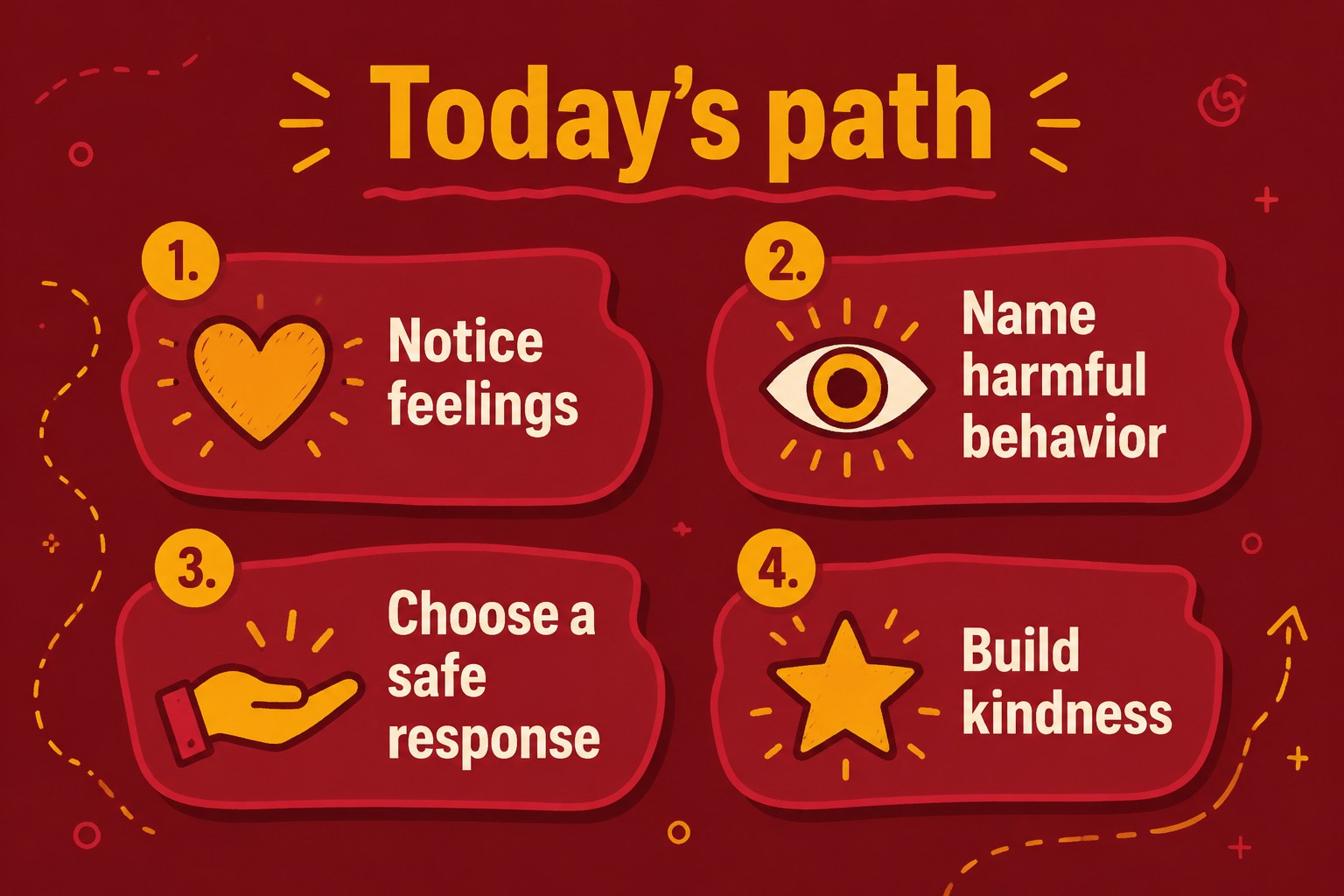
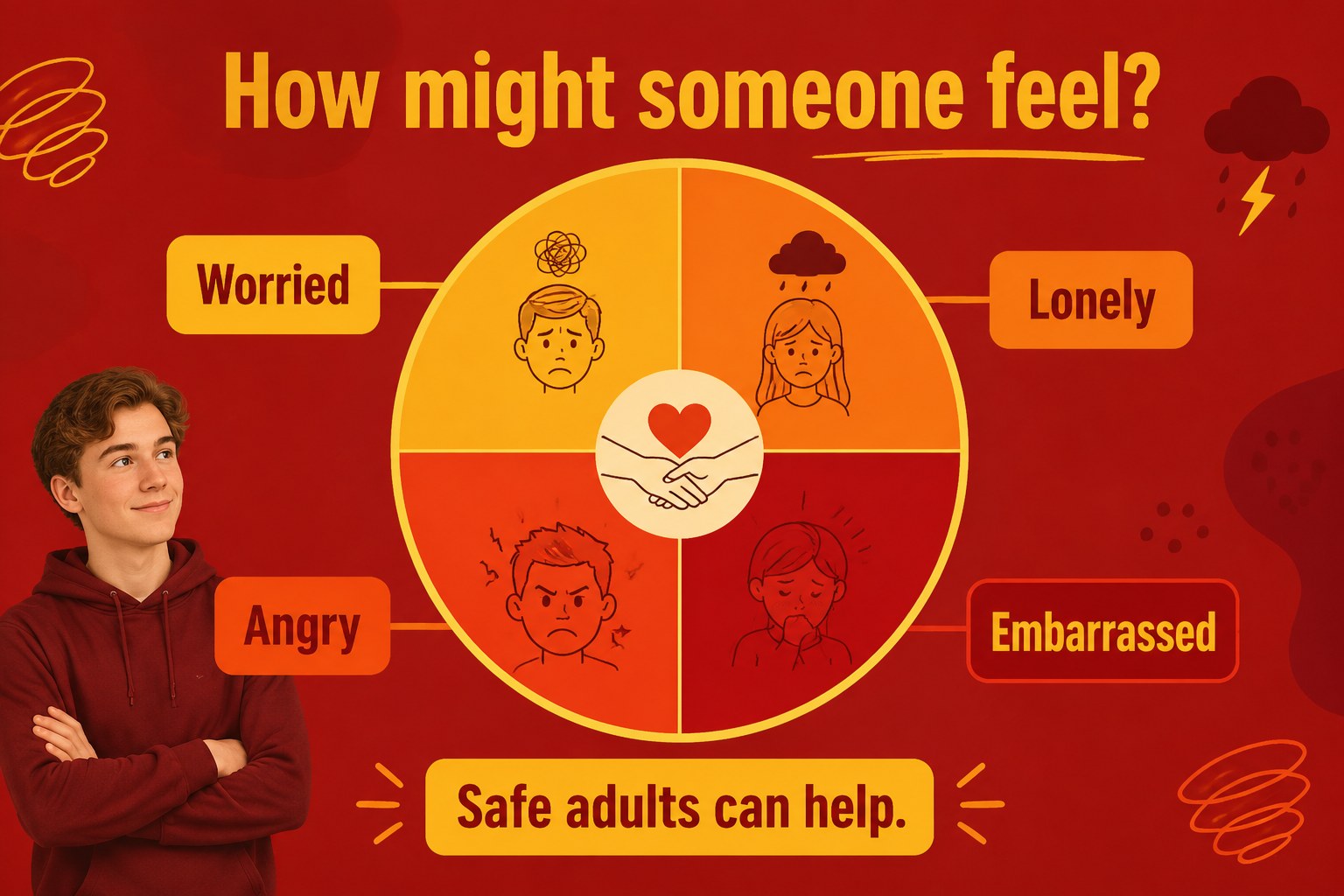
Make difficult classroom conversations easier to guide with an elementary bullying lesson deck built for younger learners. Bright red and yellow accents, friendly illustrations, and simple language help students stay focused while exploring respect, empathy, inclusion, and personal safety. The layout is approachable without making the subject feel overwhelming.
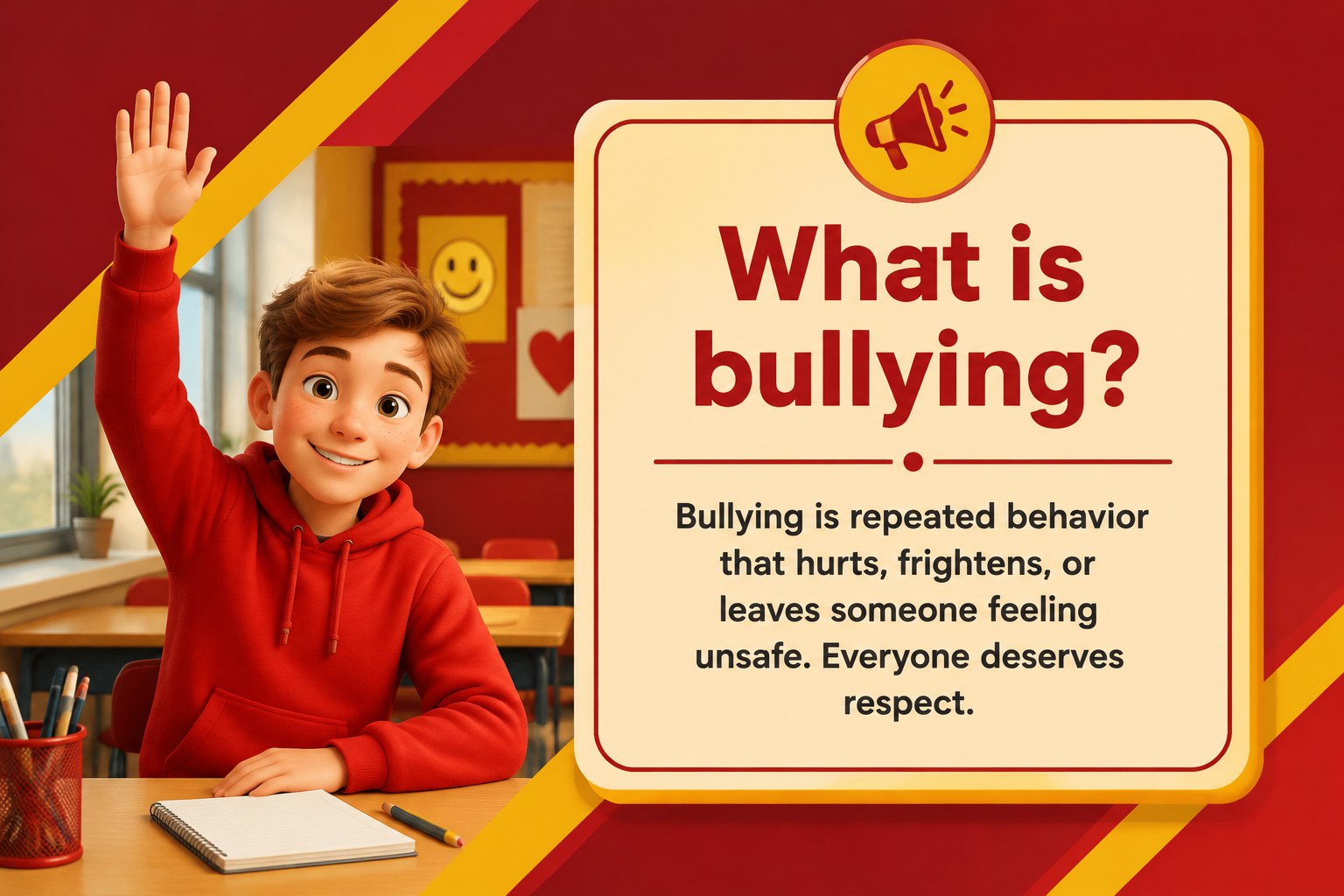
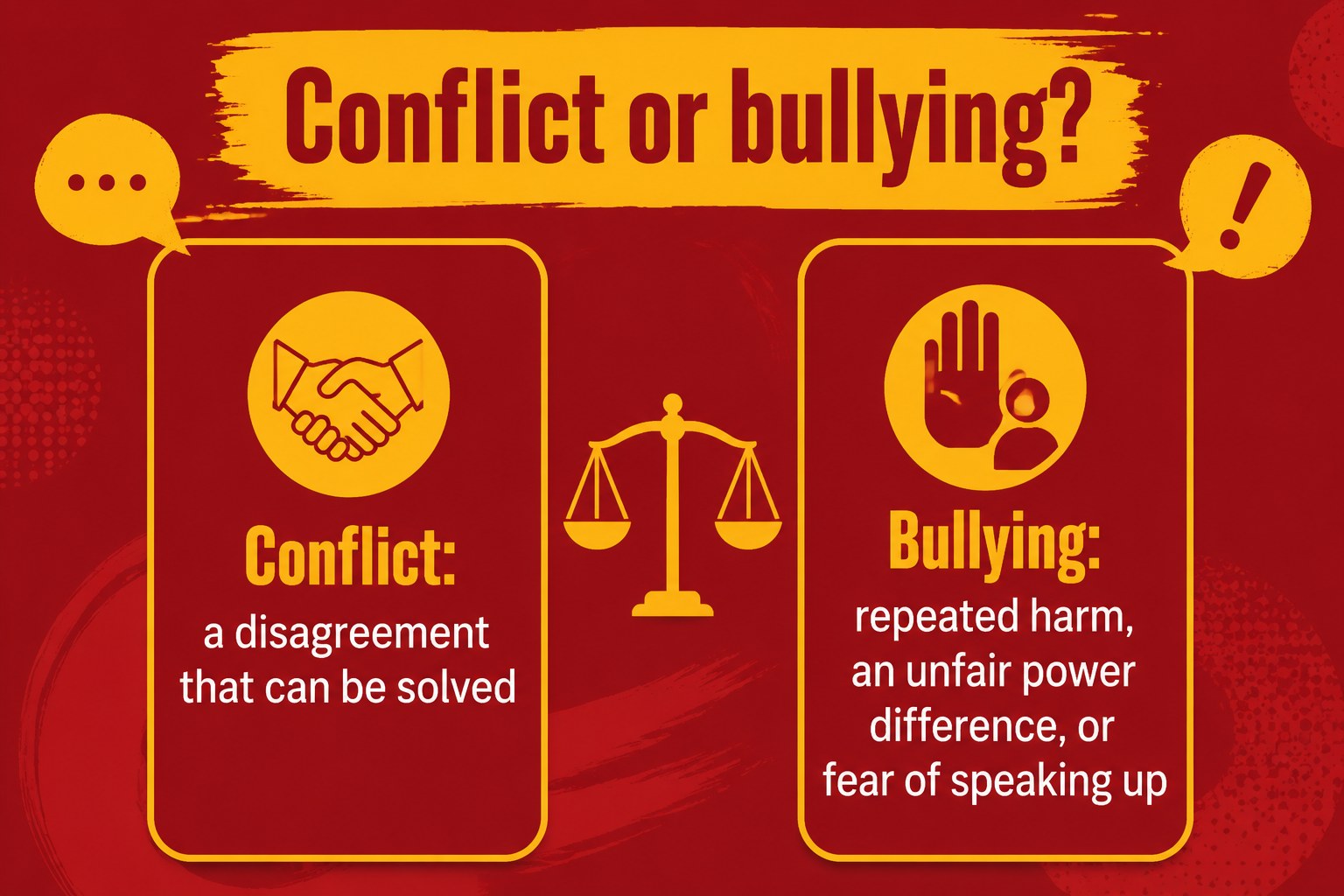
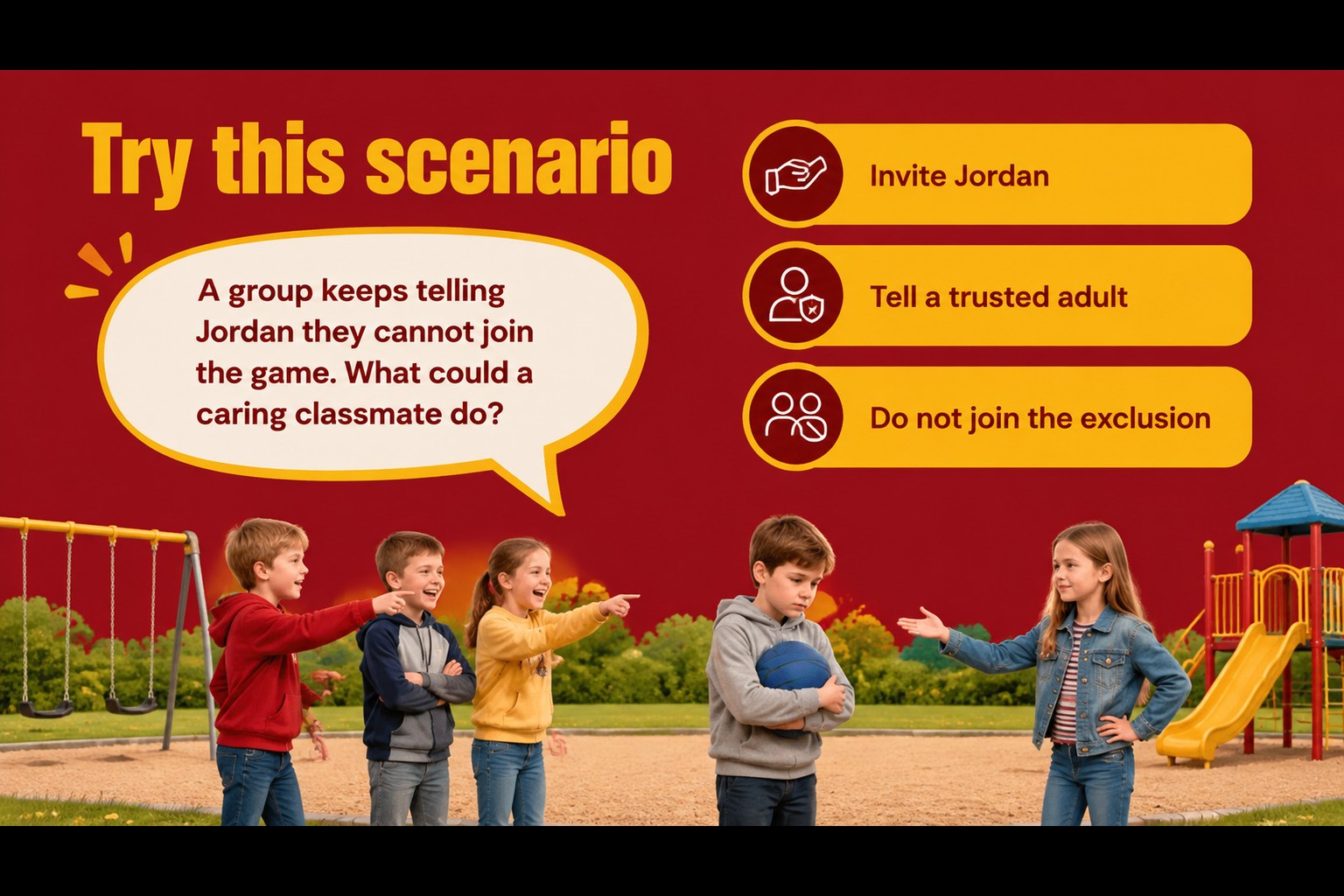
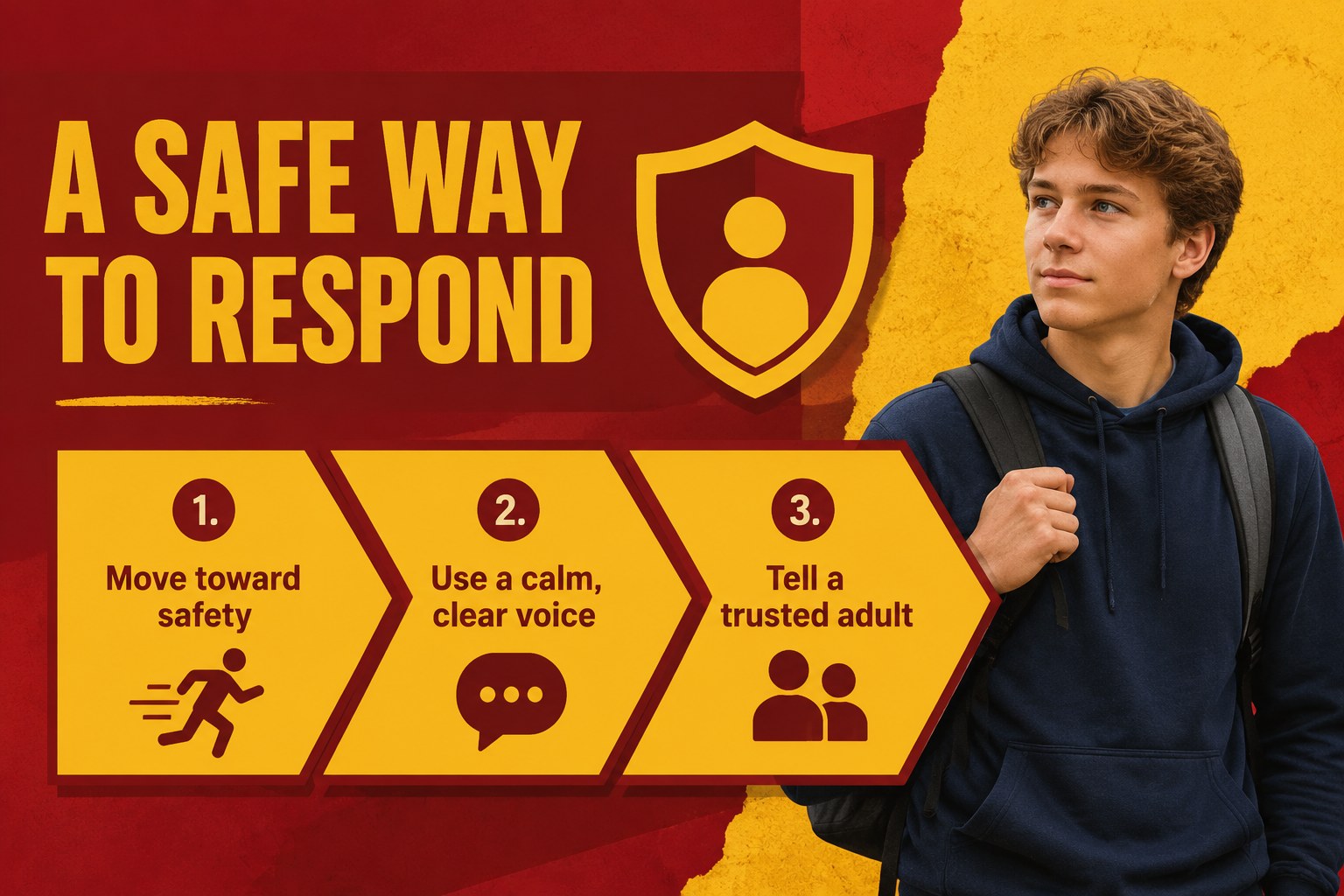
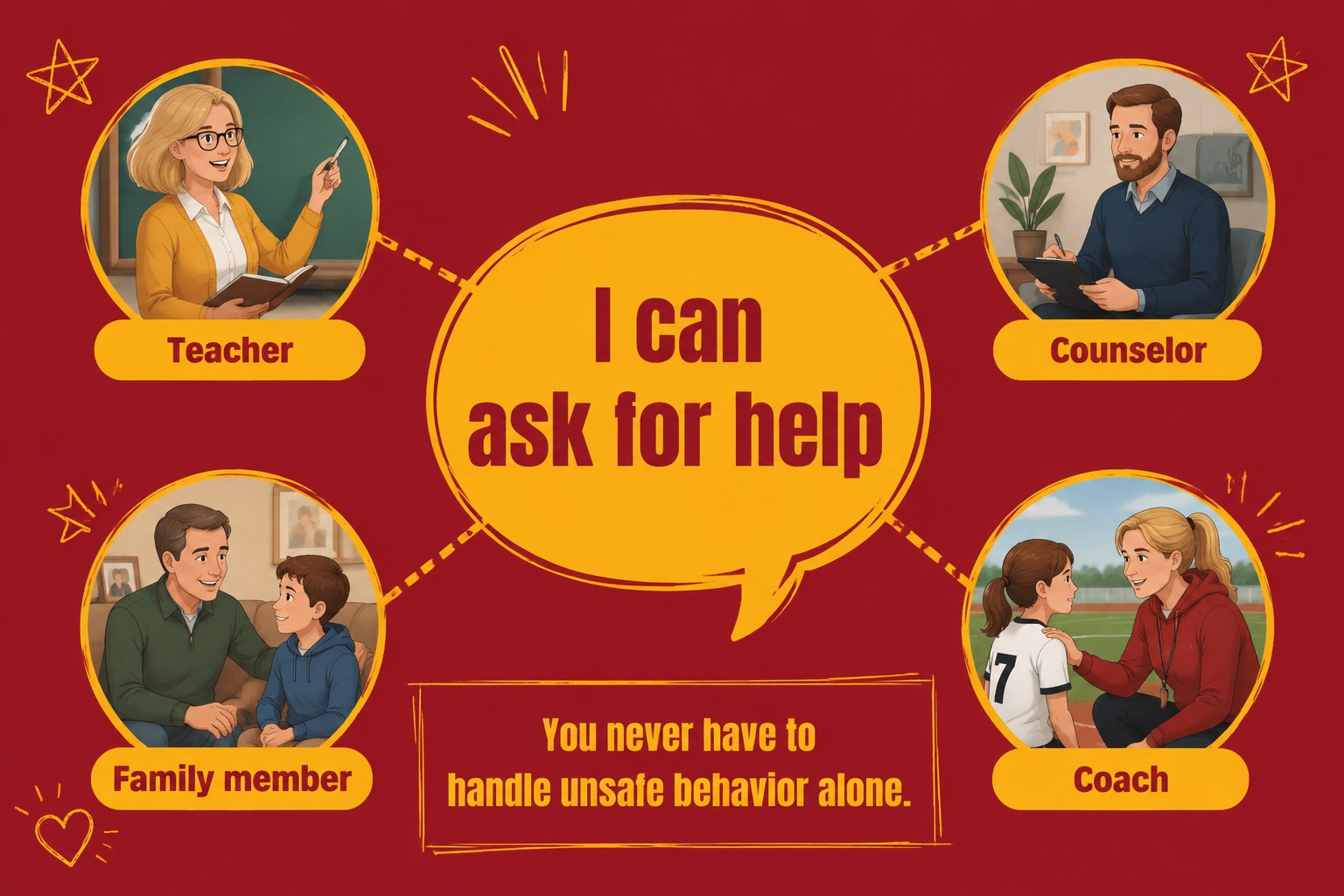
Inside, you’ll find editable slides for defining bullying, distinguishing conflict from repeated harm, recognizing how someone may feel, and identifying trusted adults. Add classroom examples, discussion prompts, role-play scenarios, reflection questions, or school-specific support information. A visual kindness activity and a closing commitment slide give students practical ways to participate rather than simply listen.
This presentation works well for elementary teachers, school counselors, pastoral care teams, and youth program leaders. Use it for a classroom lesson, an anti-bullying assembly, a social-emotional learning session, or a small-group discussion. The files are compatible with PowerPoint and Google Slides, so you can adjust the wording, illustrations, colors, and pacing to suit your students. It also supports a child-friendly bullying prevention presentation, a classroom empathy lesson, or a respectful behavior workshop.
Perfect for: elementary classroom lesson; anti-bullying school assembly; counselor-led small group; social-emotional learning workshop; youth program discussion.
Frequently asked questions
Can I edit the lesson in PowerPoint? Yes. The presentation is editable in PowerPoint, allowing you to change text, colors, illustrations, examples, and activity instructions. Add your school’s support contacts or classroom rules as needed.
Practical details
Yes. The presentation is editable in PowerPoint, allowing you to change text, colors, illustrations, examples, and activity instructions. Add your school’s support contacts or classroom rules as needed.
Yes. You can open and customize the presentation in Google Slides. Review the imported layout and fonts before presenting so every element displays as intended.
Yes. Simplify the wording and use more guided discussion for younger students, or add scenario analysis and written reflection for older elementary learners. The modular slides make it easy to adjust the pace.
The deck supports conversations about empathy, repeated harmful behavior, inclusion, trusted adults, reporting concerns, and safe bystander responses. Teachers can pair the slides with a classroom empathy lesson or a school-specific safeguarding policy.
Keep exploring
15Build an engaging World UFO Day session with this flying saucer history lesson deck, featuring retro green-and-brown slides for PowerPoint and Google Slides.
 15
15Plan a lively animal-learning journey with this jungle zoo adventure lesson deck, ready to customize in PowerPoint and Google Slides for young learners.
 16
16Turn environmental research into a clear story with a Watercolor Ecology Presentation Theme for PowerPoint and Google Slides in calming green and blue.
 16
16Build focused fashion, literature, and humanities presentations with the Red Triangle Editorial Theme, editable in PowerPoint and Google Slides.
 15
15Turn streaming stats, favorite tracks, and concert highlights into a bold annual listening recap slide deck for PowerPoint and Google Slides.
 15
15Turn highlights, milestones, and favorite moments into a colorful year in review slide deck with bold 3D graphics for PowerPoint and Google Slides.
 3
3Build a credible endorsement with Standout Colleague Recommendation Letter Slides, featuring colorful prompts for skills, achievements, and team impact.
 4
4Build clear beginner sessions with an ice hockey fundamentals training deck for coaches, PE teachers, and clubs, ready for PowerPoint and Google Slides.