
 15
15presentation
Flying Saucer History Lesson Deck
Build an engaging World UFO Day session with this flying saucer history lesson deck, featuring retro green-and-brown slides for PowerPoint and Google Slides.
Google SlidesPowerPoint
presentation · English
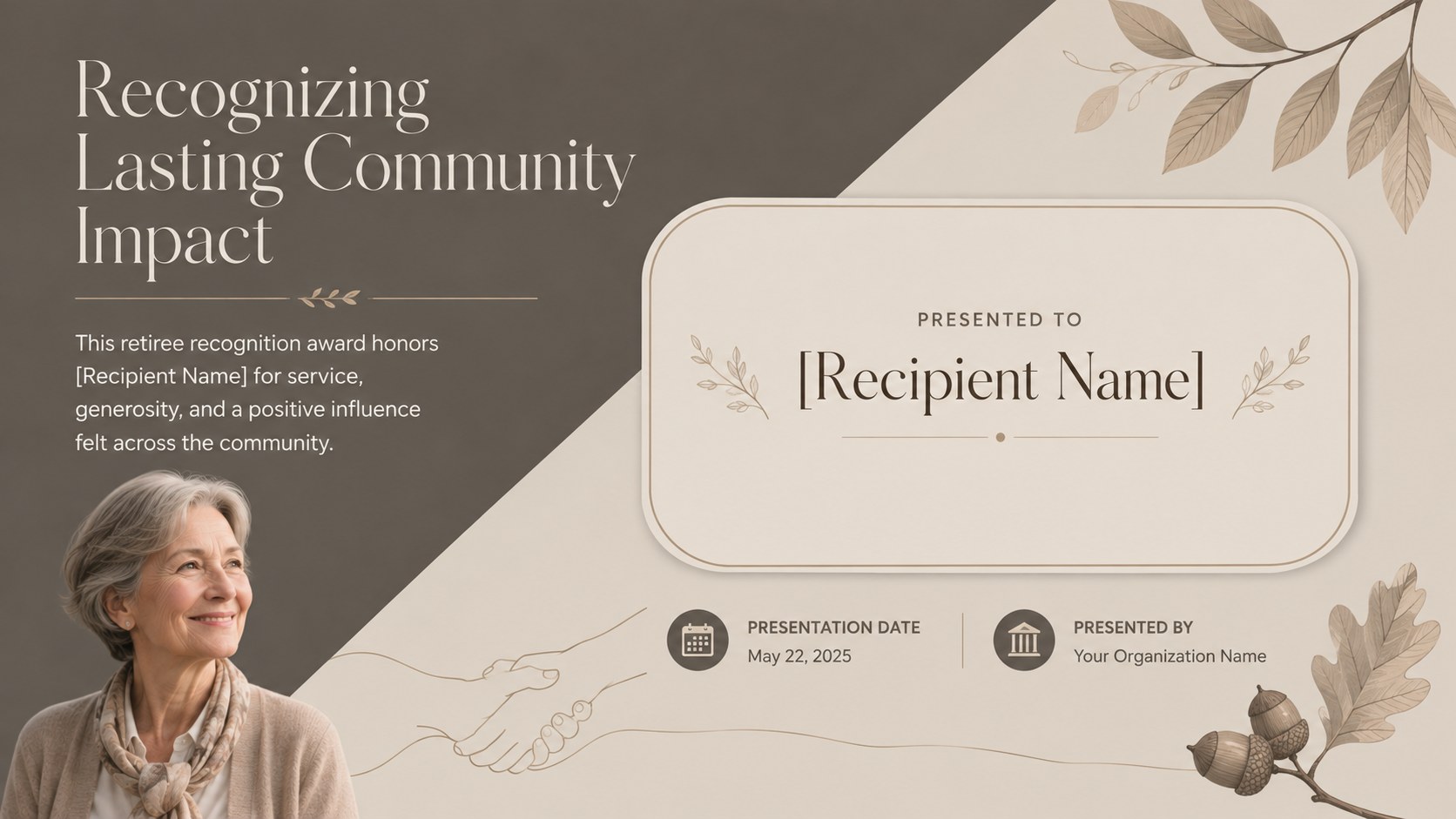
Honor years of service with an editable retiree recognition award in refined beige and brown, ready for ceremonies in PowerPoint or Google Slides.
Design notes
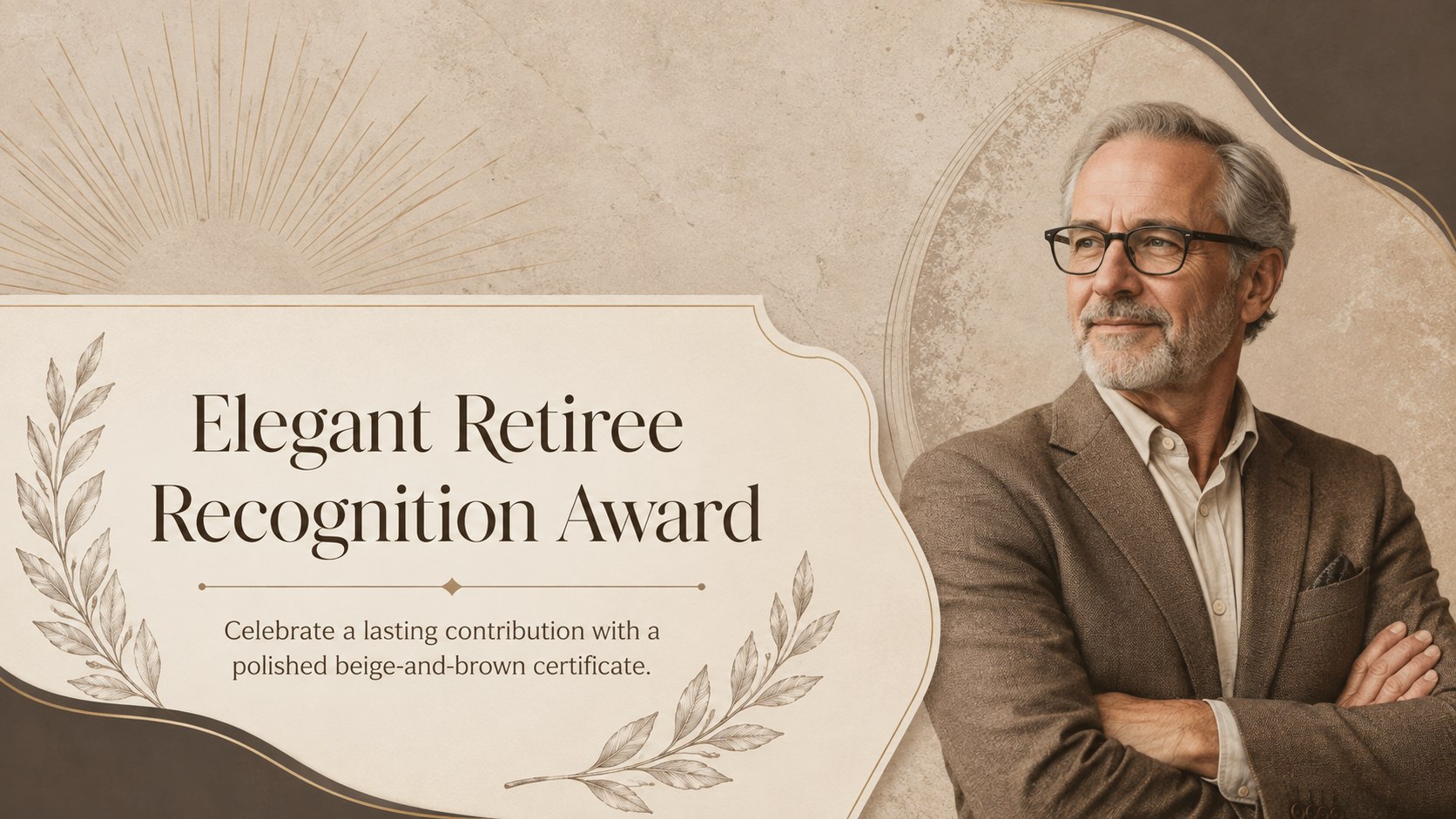
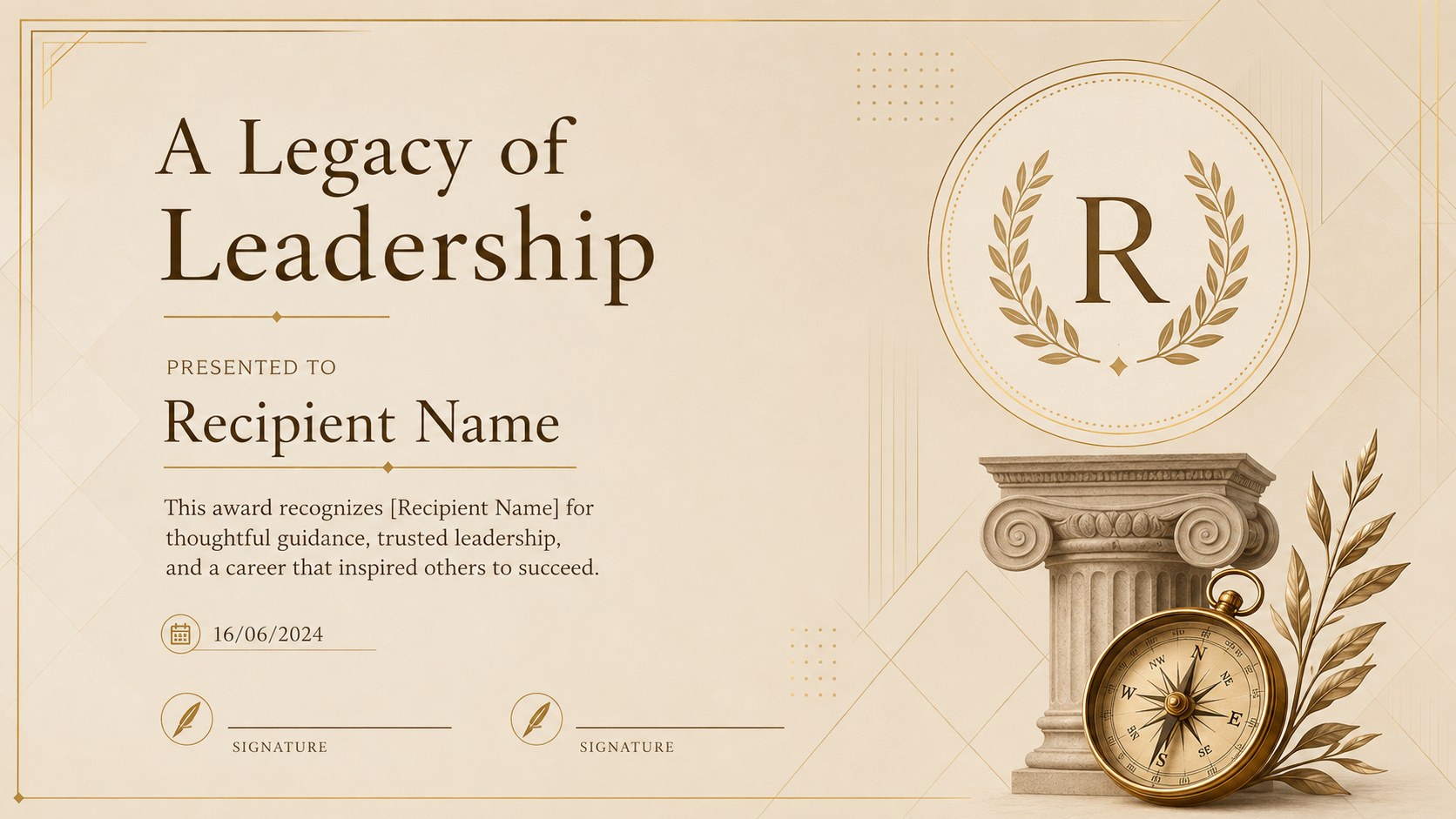
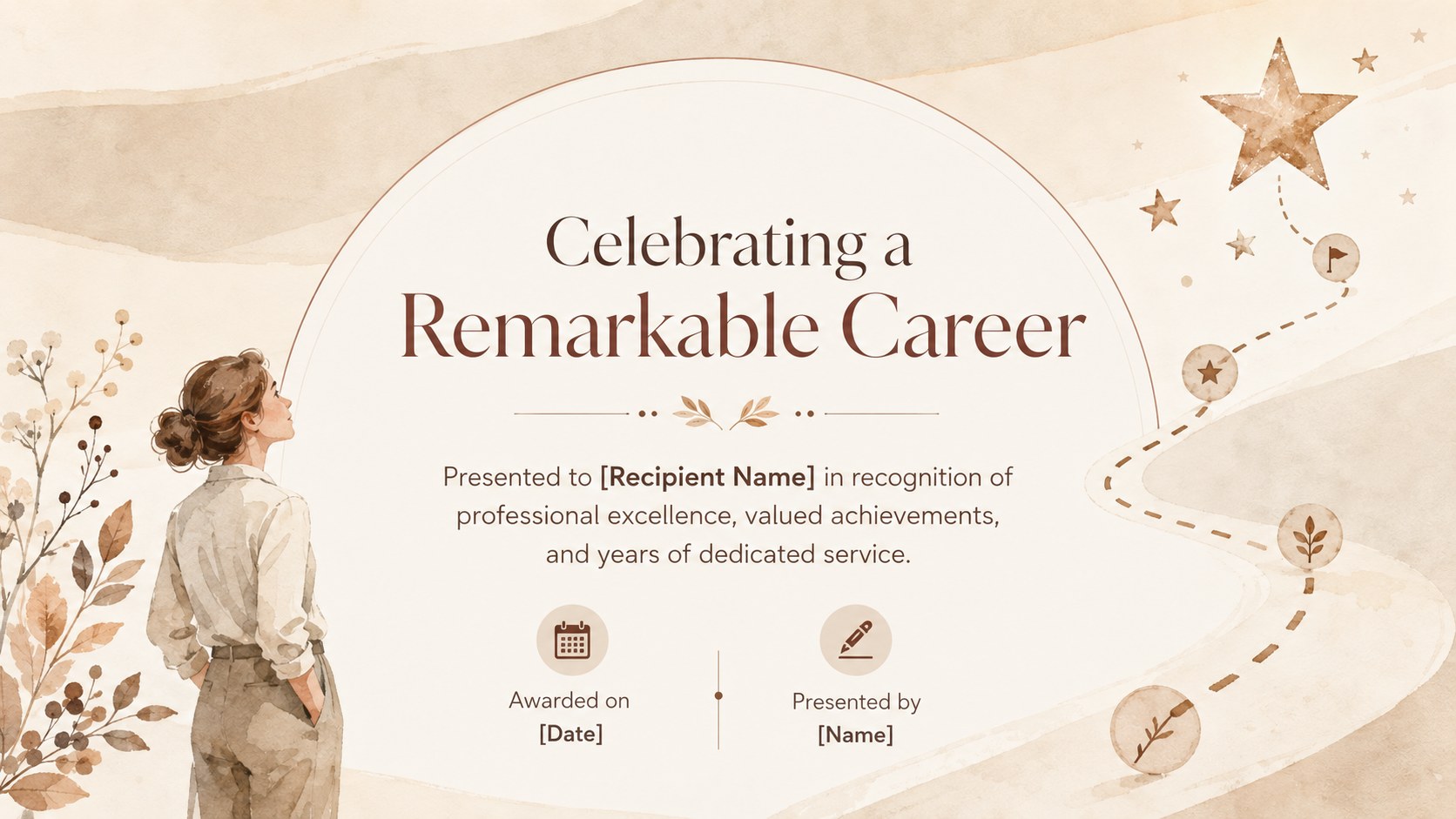
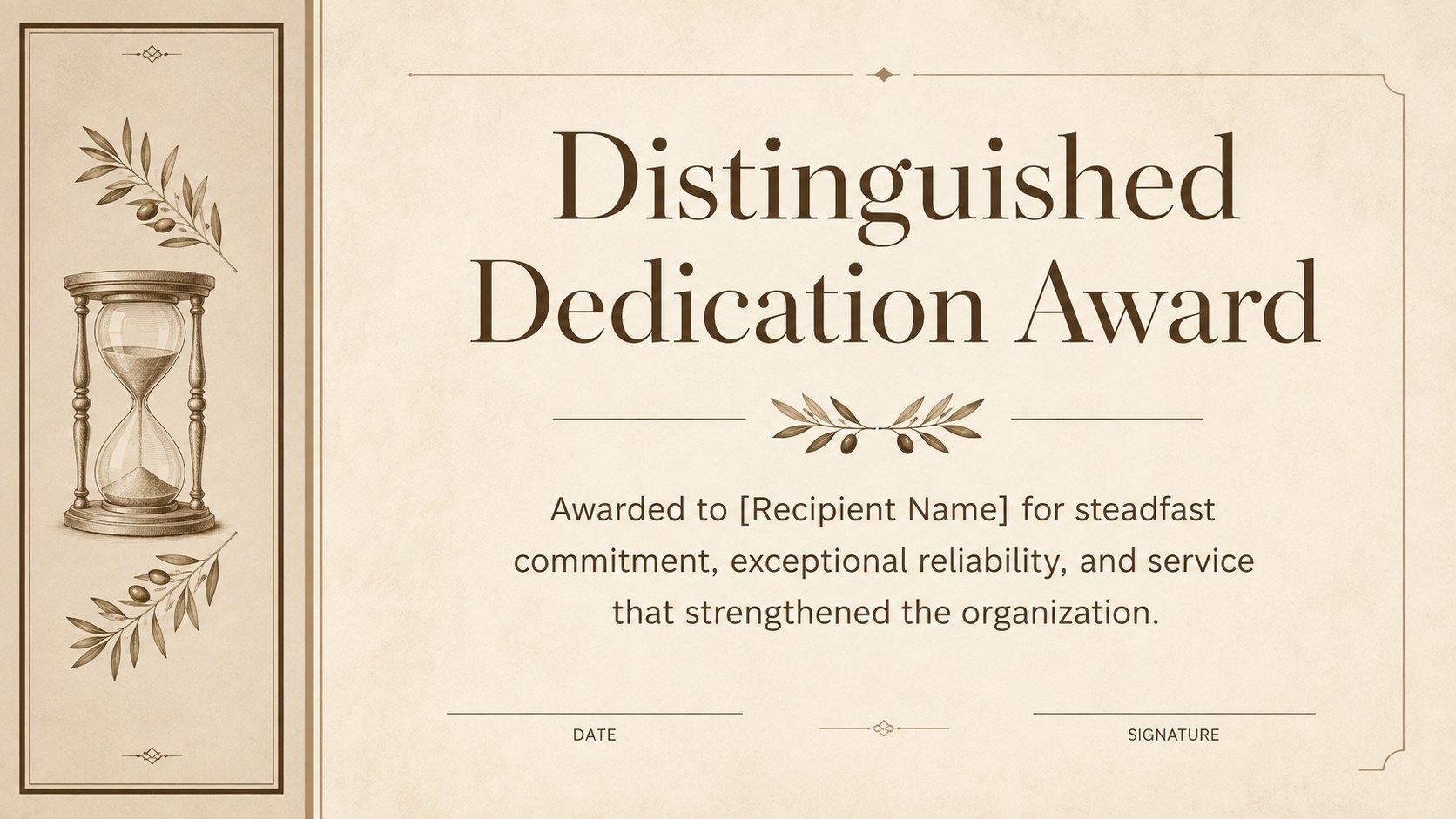
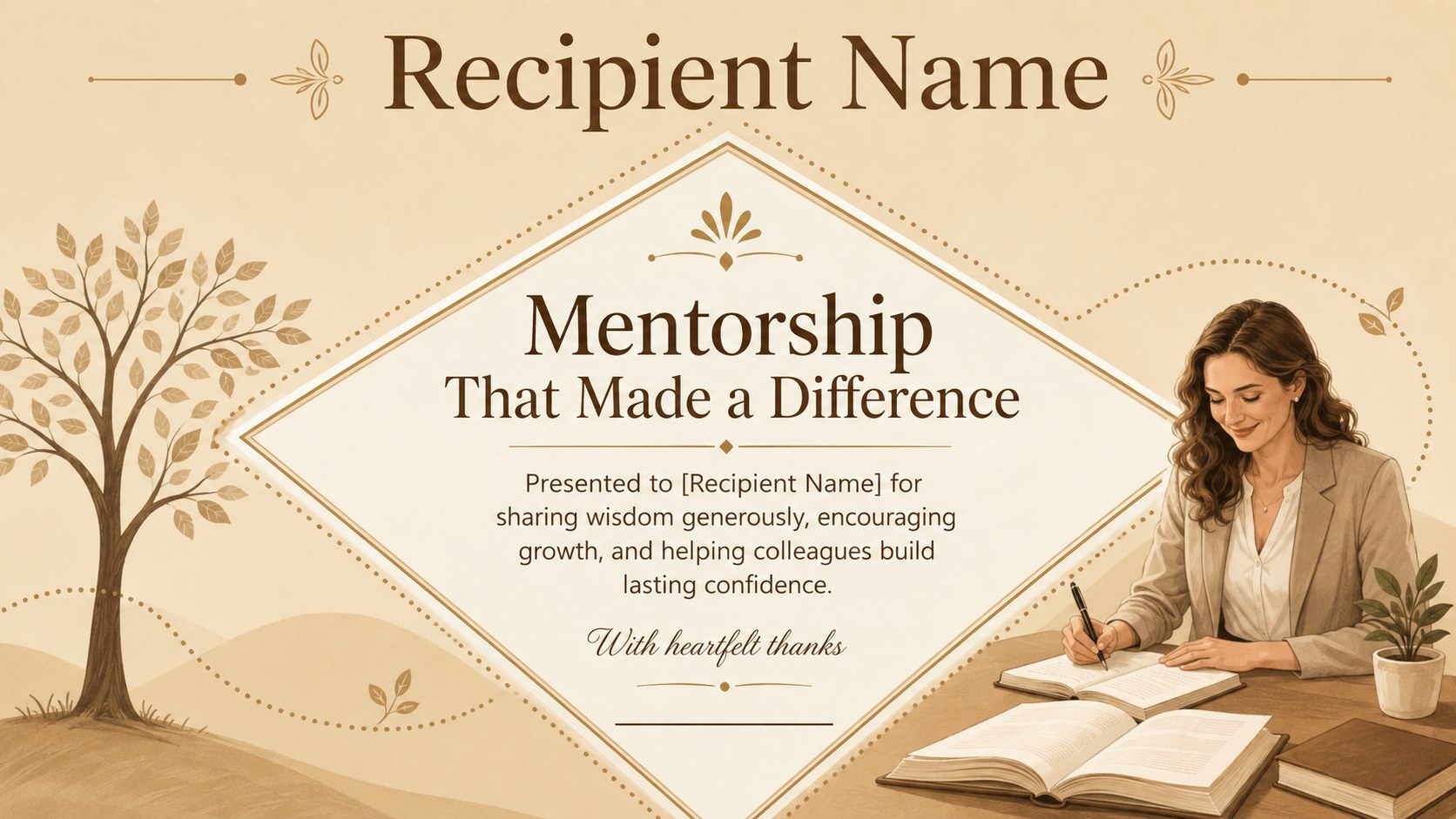
Honor a valued colleague's career with an elegant retiree recognition award designed to express genuine appreciation. Refined beige and brown tones, classic typography, and understated decorative details create a dignified look suited to both formal ceremonies and personal farewell gatherings.
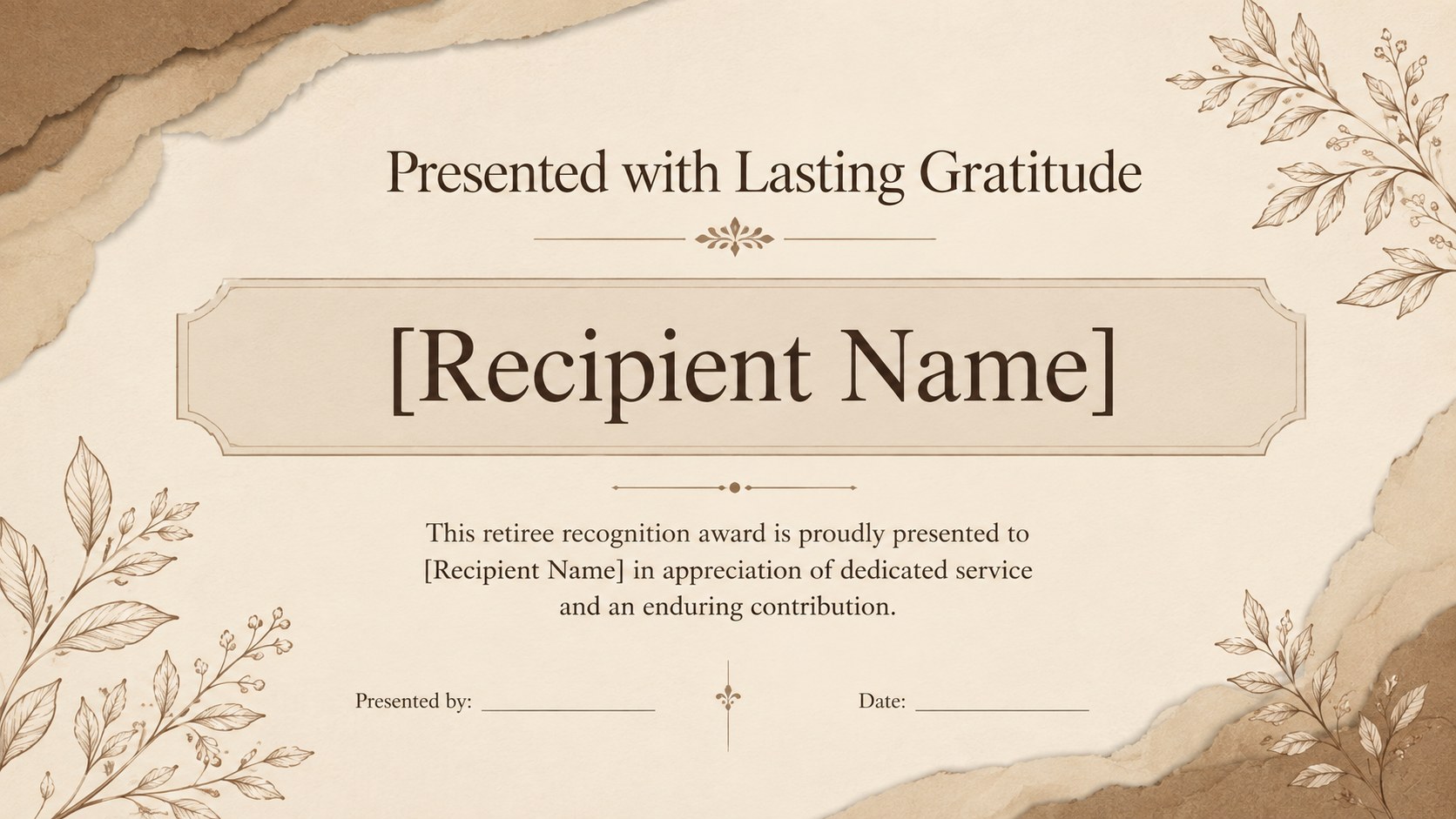
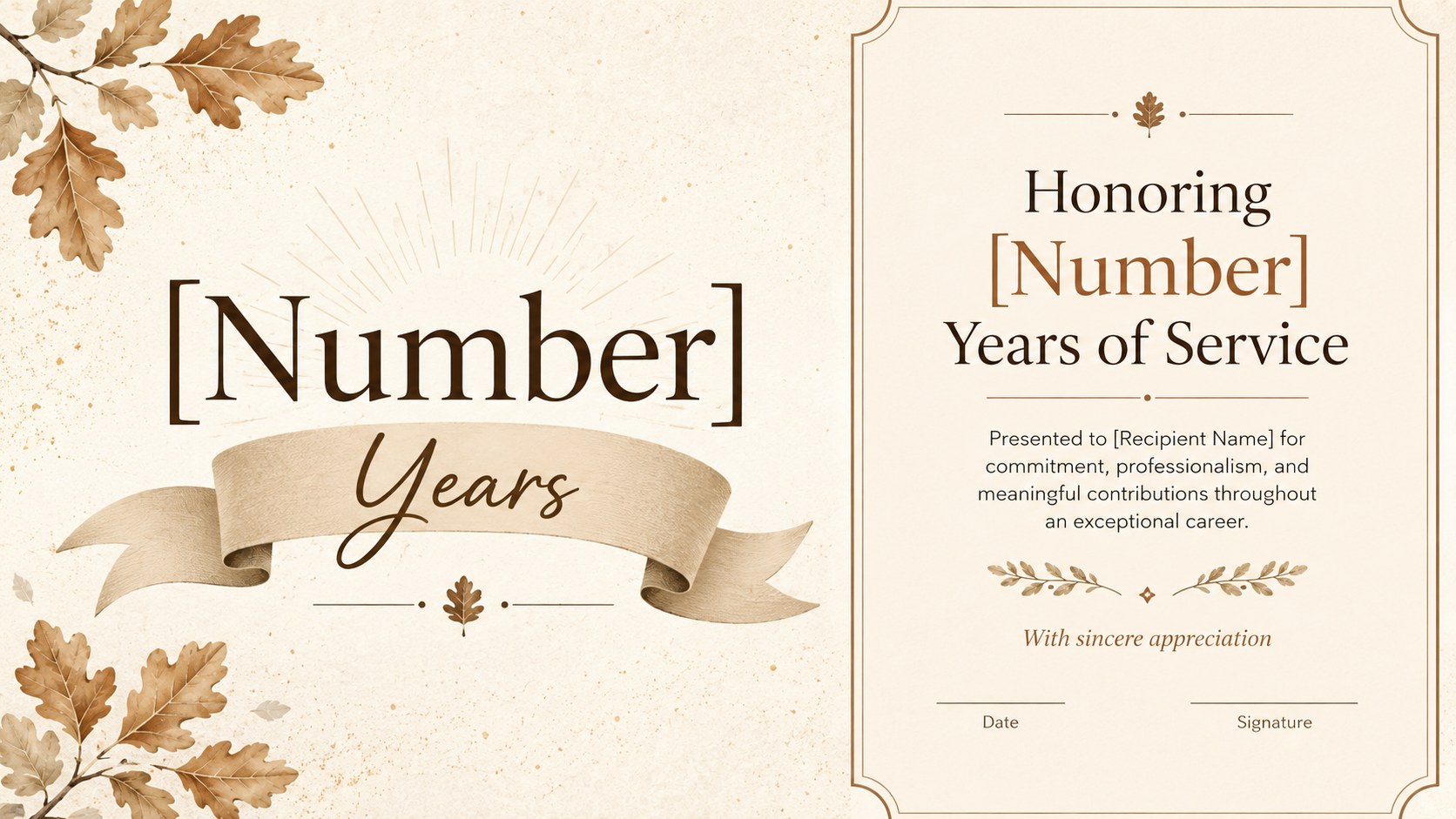
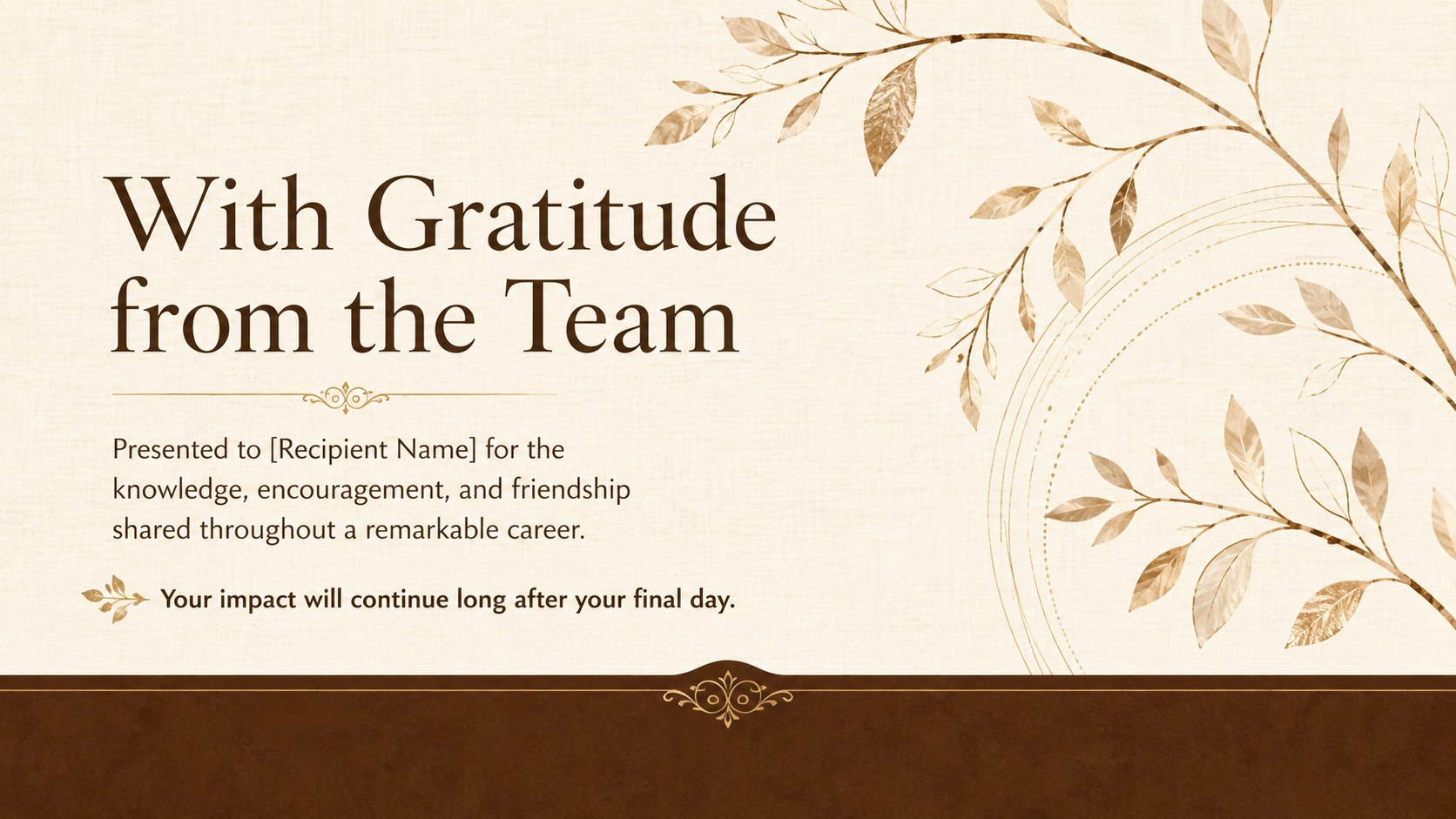
This 15-slide collection offers a range of coordinated certificate layouts for career achievements, years of service, leadership, mentorship, teamwork, and lasting impact. It works as an employee retirement recognition template for organizations that need polished options while maintaining a consistent visual identity. Signature areas, recipient names, award statements, dates, and presenter details can all be adapted to the occasion.
Managers, HR teams, school administrators, nonprofit leaders, and event organizers can use these retirement ceremony certificate slides during an on-screen presentation or prepare selected designs for printing. The variety of layouts makes it easy to create a formal retiree appreciation award for an executive, longtime employee, educator, volunteer, or community leader.
Every slide is editable in PowerPoint and Google Slides. Update the wording, fonts, colors, decorative accents, and signature lines to match your organization or event, then present the award digitally or export the finished certificate for high-quality printing.
Perfect for: employee retirement ceremony; executive farewell presentation; teacher retirement celebration; volunteer service recognition; community leader appreciation.
Frequently asked questions
Practical details
Yes. Replace the recipient name, recognition message, date, presenter, and signature lines directly in PowerPoint or Google Slides. You can also adjust fonts, spacing, colors, and decorative elements.
The slides are designed for PowerPoint and Google Slides. Both platforms support text editing, layout customization, presenting, and export to common printable formats.
Yes. Select the preferred certificate layout, verify the page margins, and export it as a high-resolution PDF before printing. For best results, use heavyweight white or warm ivory paper.
Yes. Add your organization name or logo and update the accent colors to align with your visual identity. Keep the main text within the existing margins so the certificate remains balanced and print-ready.
Keep exploring
15Build an engaging World UFO Day session with this flying saucer history lesson deck, featuring retro green-and-brown slides for PowerPoint and Google Slides.
 15
15Plan a lively animal-learning journey with this jungle zoo adventure lesson deck, ready to customize in PowerPoint and Google Slides for young learners.
 16
16Turn environmental research into a clear story with a Watercolor Ecology Presentation Theme for PowerPoint and Google Slides in calming green and blue.
 16
16Build focused fashion, literature, and humanities presentations with the Red Triangle Editorial Theme, editable in PowerPoint and Google Slides.
 15
15Turn streaming stats, favorite tracks, and concert highlights into a bold annual listening recap slide deck for PowerPoint and Google Slides.
 15
15Turn highlights, milestones, and favorite moments into a colorful year in review slide deck with bold 3D graphics for PowerPoint and Google Slides.
 3
3Build a credible endorsement with Standout Colleague Recommendation Letter Slides, featuring colorful prompts for skills, achievements, and team impact.
 4
4Build clear beginner sessions with an ice hockey fundamentals training deck for coaches, PE teachers, and clubs, ready for PowerPoint and Google Slides.