
 15
15presentation
Flying Saucer History Lesson Deck
Build an engaging World UFO Day session with this flying saucer history lesson deck, featuring retro green-and-brown slides for PowerPoint and Google Slides.
Google SlidesPowerPoint
presentation · English
Build client confidence with an electrical contract bid presentation that organizes project scope, pricing, schedules, safety plans, and technical…



Design notes
Create a persuasive electrical contract bid presentation that turns technical requirements into a structured business case. Its clean, modern industrial style helps electrical contractors and engineering teams explain proposed work without overwhelming clients, procurement panels, or internal reviewers.
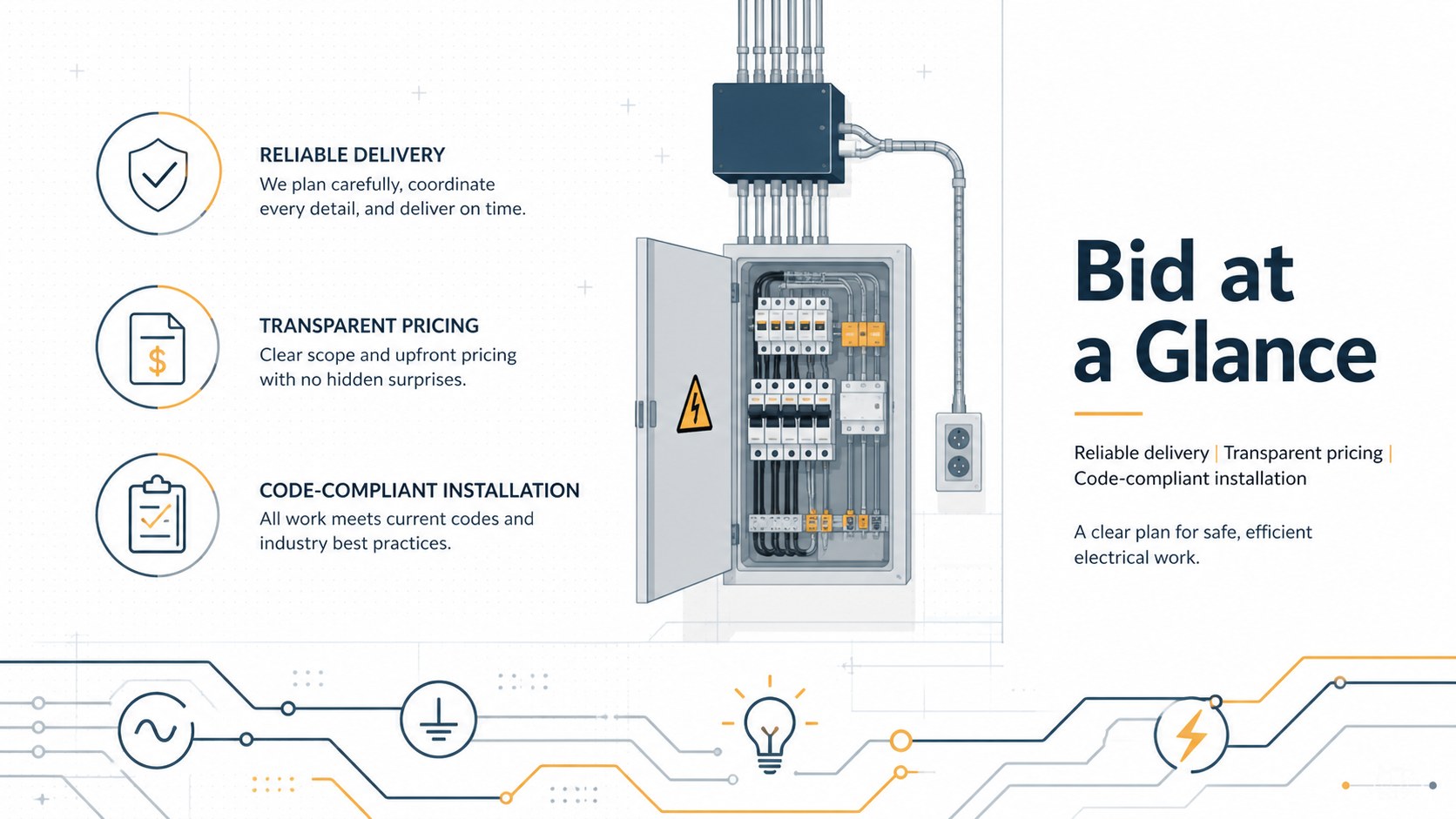
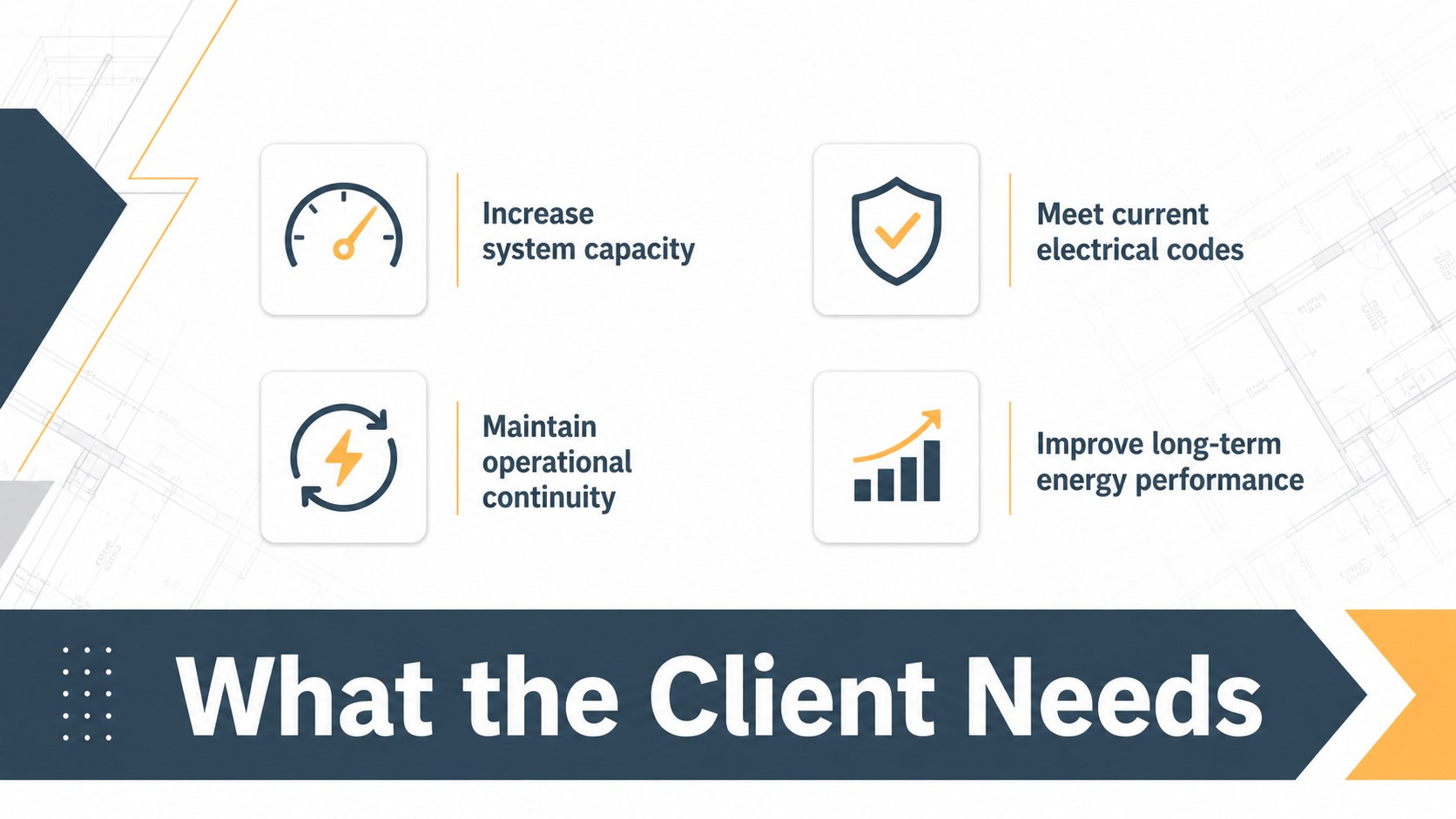
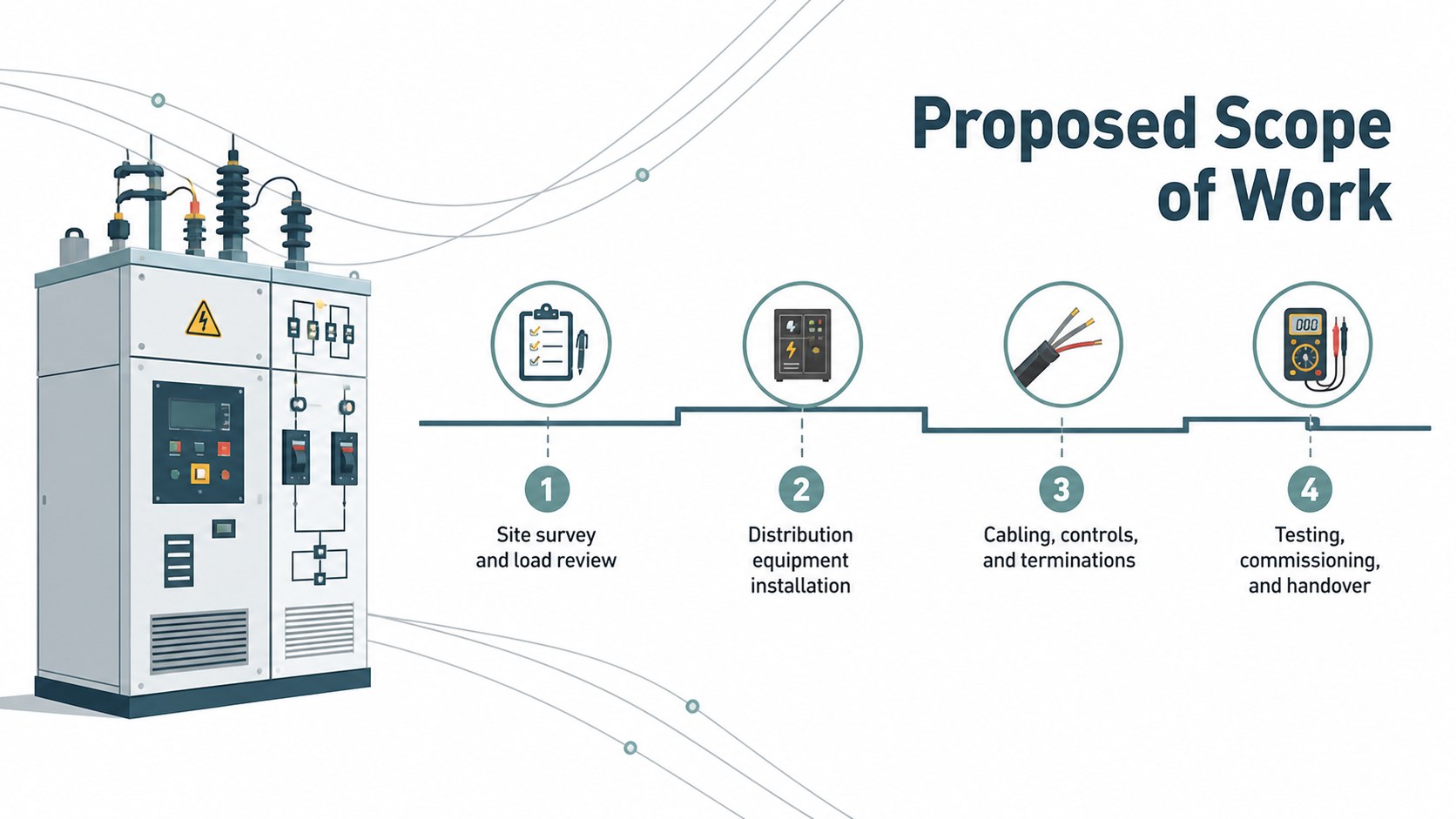
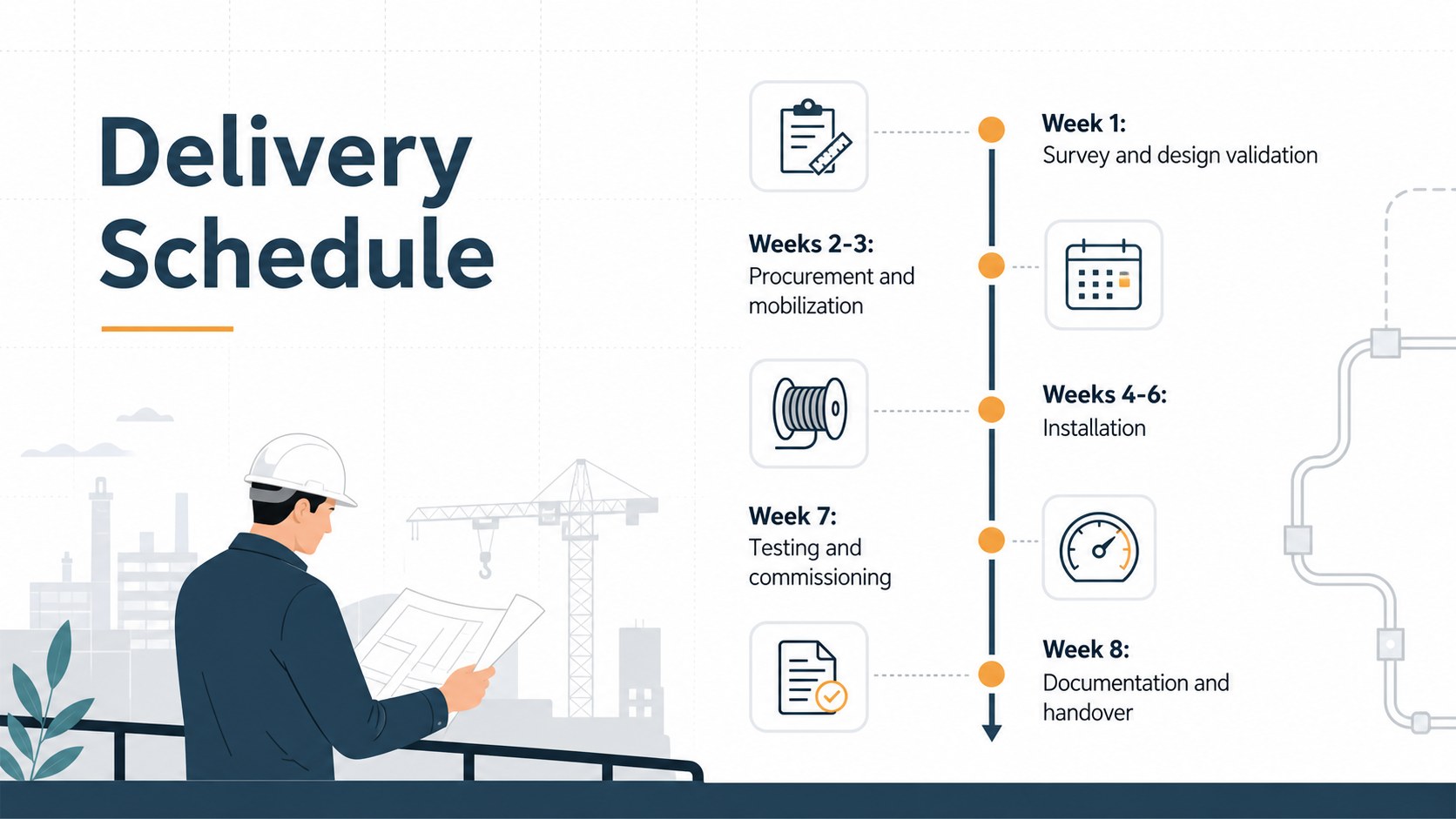
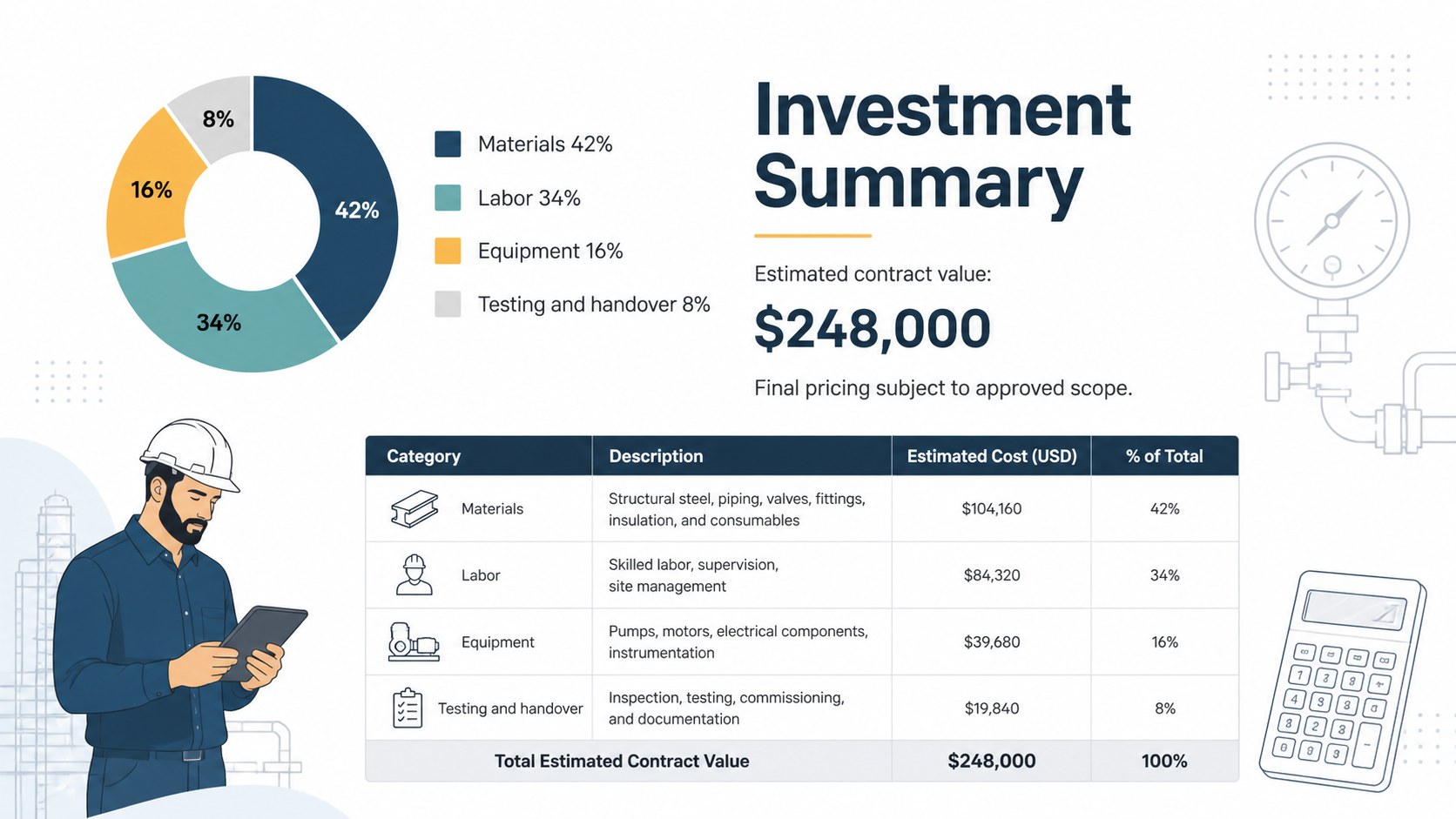
The deck provides coordinated layouts for an executive summary, client requirements, company capabilities, an electrical scope of work presentation, system specifications, site considerations, staffing, safety controls, and quality assurance. Use the visual pricing tables to build an electrical estimate pitch deck, then map phases and dependencies with dedicated electrical installation timeline slides. Additional layouts cover risks, materials, project milestones, performance measures, commercial terms, and the final call to action. White backgrounds, crisp typography, technical line illustrations, diagrams, charts, and restrained accents keep every section polished and readable.
Designed for electrical engineers, estimators, project managers, contractors, consultants, and business development teams, the template works for commercial installations, industrial upgrades, maintenance contracts, retrofit programs, and power distribution projects. Every 16:9 slide can be edited in PowerPoint or Google Slides, allowing teams to replace sample figures, adjust tables, recolor graphics, and adapt the narrative to a specific tender. The result is a client-ready proposal that presents responsibilities, pricing, scheduling, and technical value with consistent visual logic.
Perfect for: commercial electrical installation bid; industrial power upgrade proposal; electrical maintenance contract review; building retrofit tender; client project kickoff; power distribution project pitch.
Frequently asked questions
Can I edit this presentation in PowerPoint and Google Slides? Yes. The layouts, text, tables, colors, and graphic elements can be customized in PowerPoint or Google Slides. Replace the sample bid information with your own scope, pricing, schedule, and company details.
Practical details
Yes. The layouts, text, tables, colors, and graphic elements can be customized in PowerPoint or Google Slides. Replace the sample bid information with your own scope, pricing, schedule, and company details.
Begin with the client requirements and scope slides, then remove sections that do not apply to the tender. Update the technical diagrams, cost categories, milestones, safety controls, and deliverables to match the site and contract.
The deck includes layouts for cost summaries, itemized estimates, commercial terms, and optional services. Complex calculations should be completed separately, then presented here as concise tables and charts for client review.
Yes. You can replace the fonts, adjust the restrained accent colors, add approved company imagery, and apply your own logo within PowerPoint or Google Slides. Keep the white background and clear hierarchy if you want to preserve the original modern industrial character.
Keep exploring
15Build an engaging World UFO Day session with this flying saucer history lesson deck, featuring retro green-and-brown slides for PowerPoint and Google Slides.
 15
15Plan a lively animal-learning journey with this jungle zoo adventure lesson deck, ready to customize in PowerPoint and Google Slides for young learners.
 16
16Turn environmental research into a clear story with a Watercolor Ecology Presentation Theme for PowerPoint and Google Slides in calming green and blue.
 16
16Build focused fashion, literature, and humanities presentations with the Red Triangle Editorial Theme, editable in PowerPoint and Google Slides.
 15
15Turn streaming stats, favorite tracks, and concert highlights into a bold annual listening recap slide deck for PowerPoint and Google Slides.
 15
15Turn highlights, milestones, and favorite moments into a colorful year in review slide deck with bold 3D graphics for PowerPoint and Google Slides.
 3
3Build a credible endorsement with Standout Colleague Recommendation Letter Slides, featuring colorful prompts for skills, achievements, and team impact.
 4
4Build clear beginner sessions with an ice hockey fundamentals training deck for coaches, PE teachers, and clubs, ready for PowerPoint and Google Slides.