
 15
15presentation
Flying Saucer History Lesson Deck
Build an engaging World UFO Day session with this flying saucer history lesson deck, featuring retro green-and-brown slides for PowerPoint and Google Slides.
Google SlidesPowerPoint
presentation · English
Host a lively round with Electric 80s Quiz Show Slides, featuring bold neon visuals and editable layouts for PowerPoint and Google Slides today.
Design notes
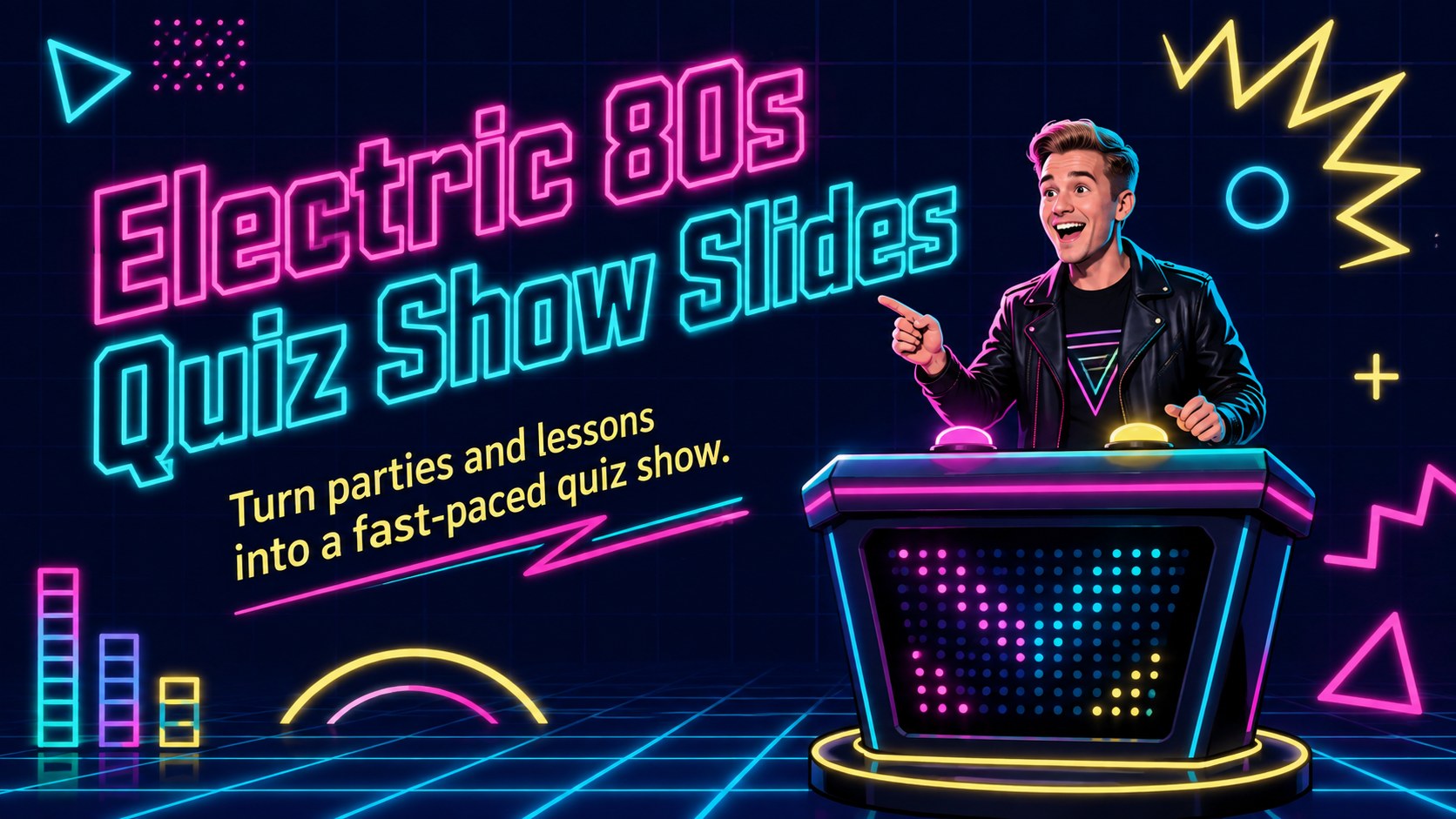
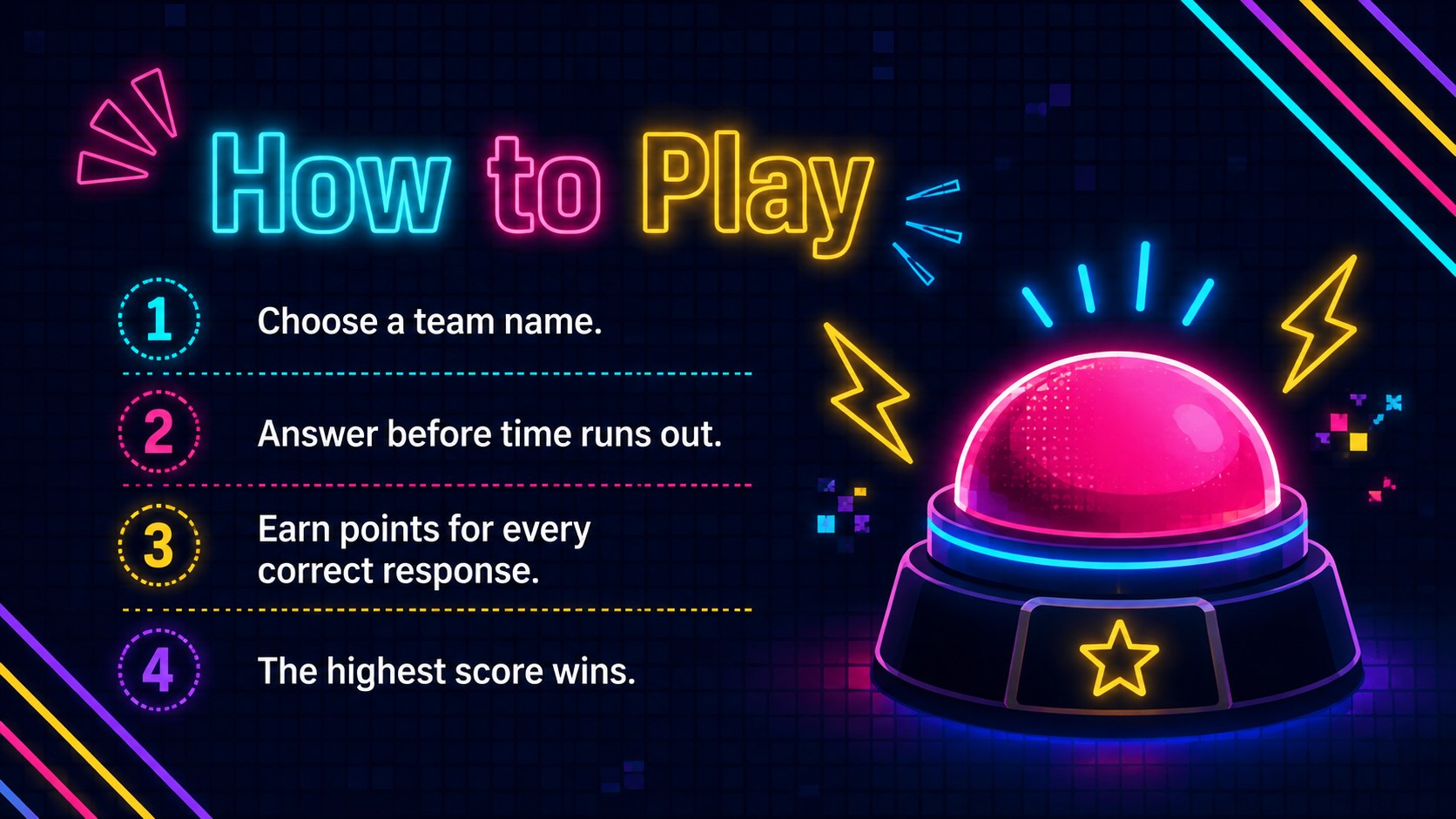
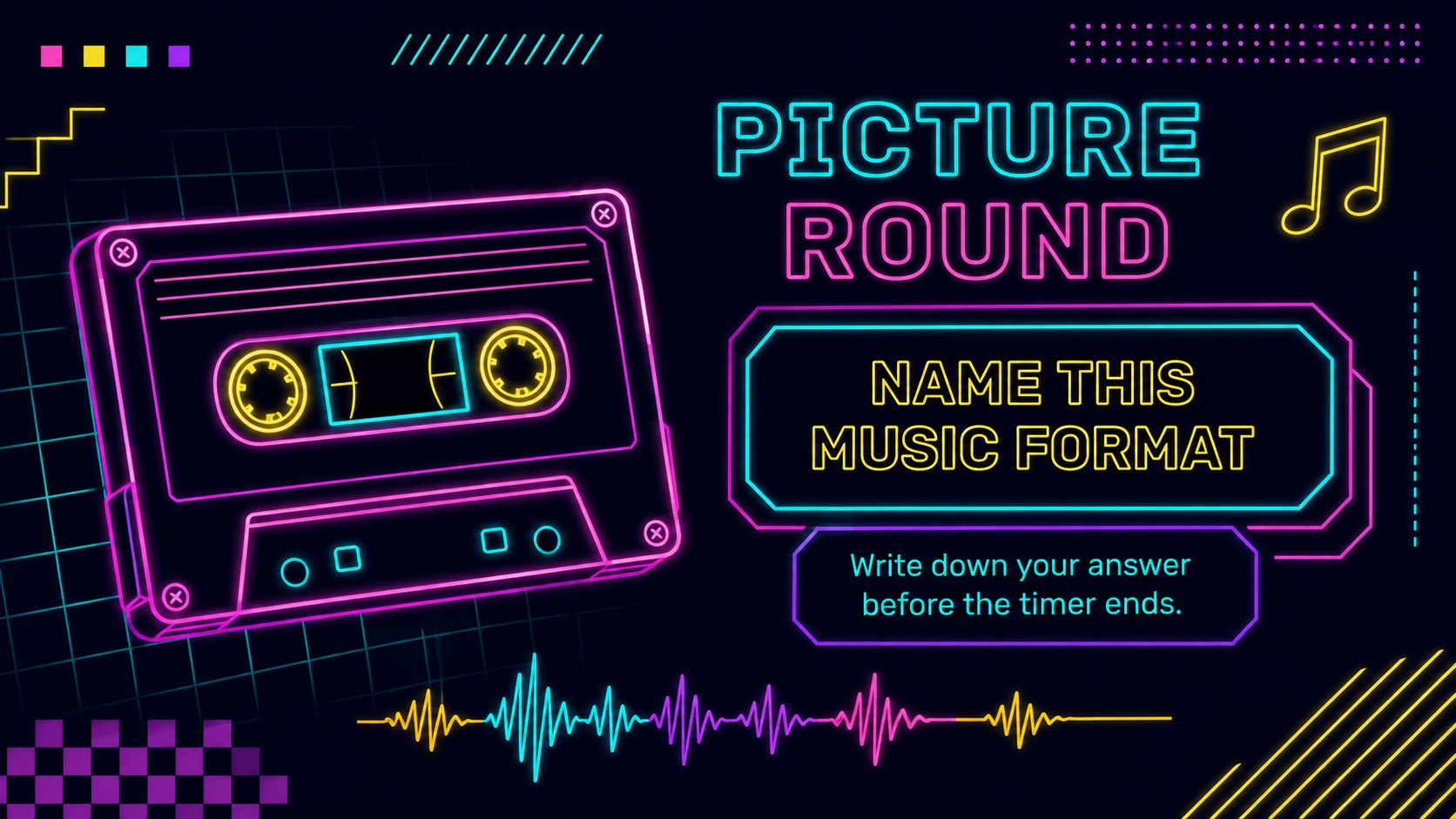
Bring game-show energy to your next gathering with Electric 80s Quiz Show Slides. Created for hosts, teachers, team leaders, and event planners, this colorful deck combines a dark navy backdrop with vivid neon accents and playful retro details. Every layout is designed to keep questions readable, answers organized, and participants focused on the competition.
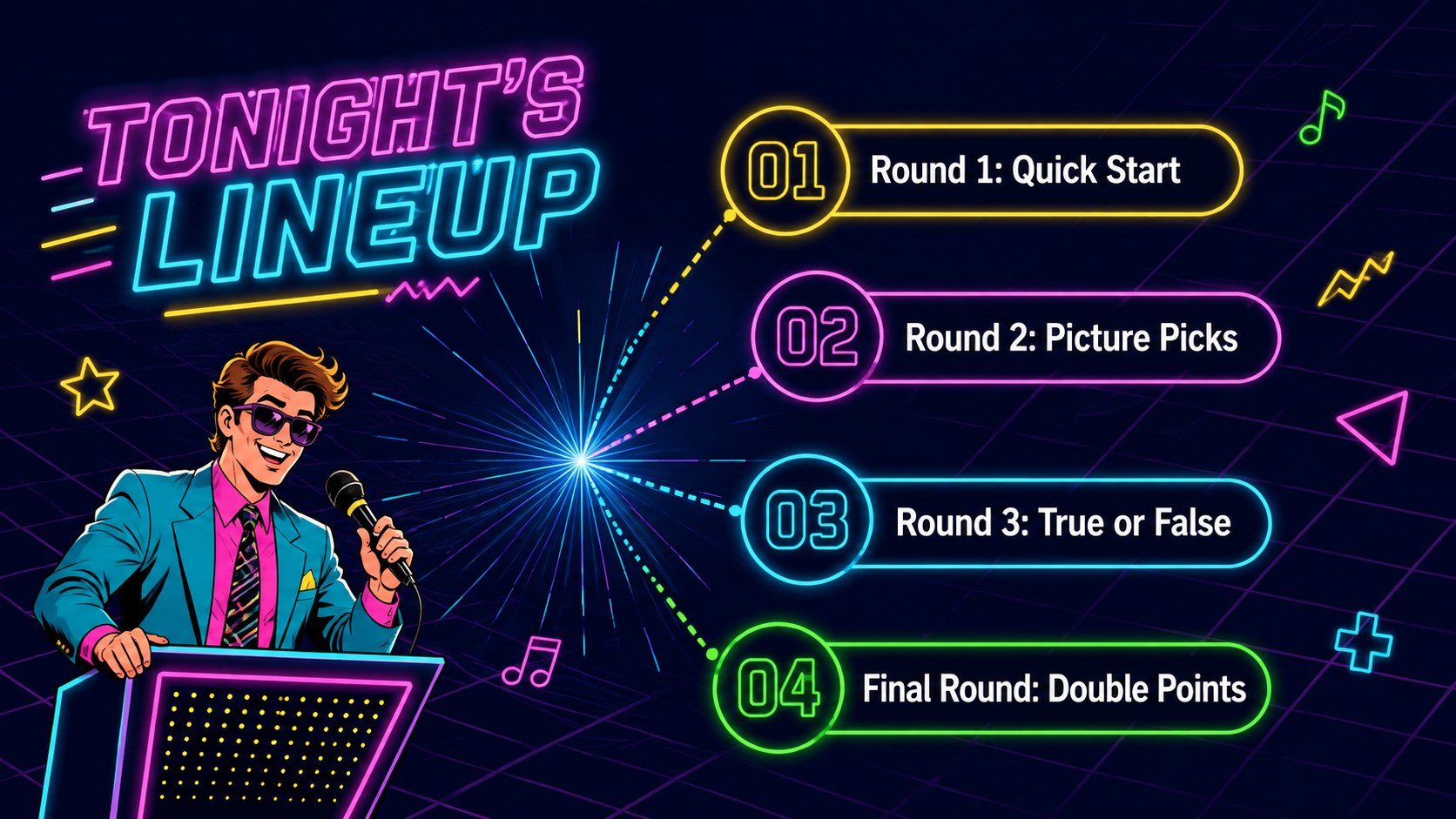
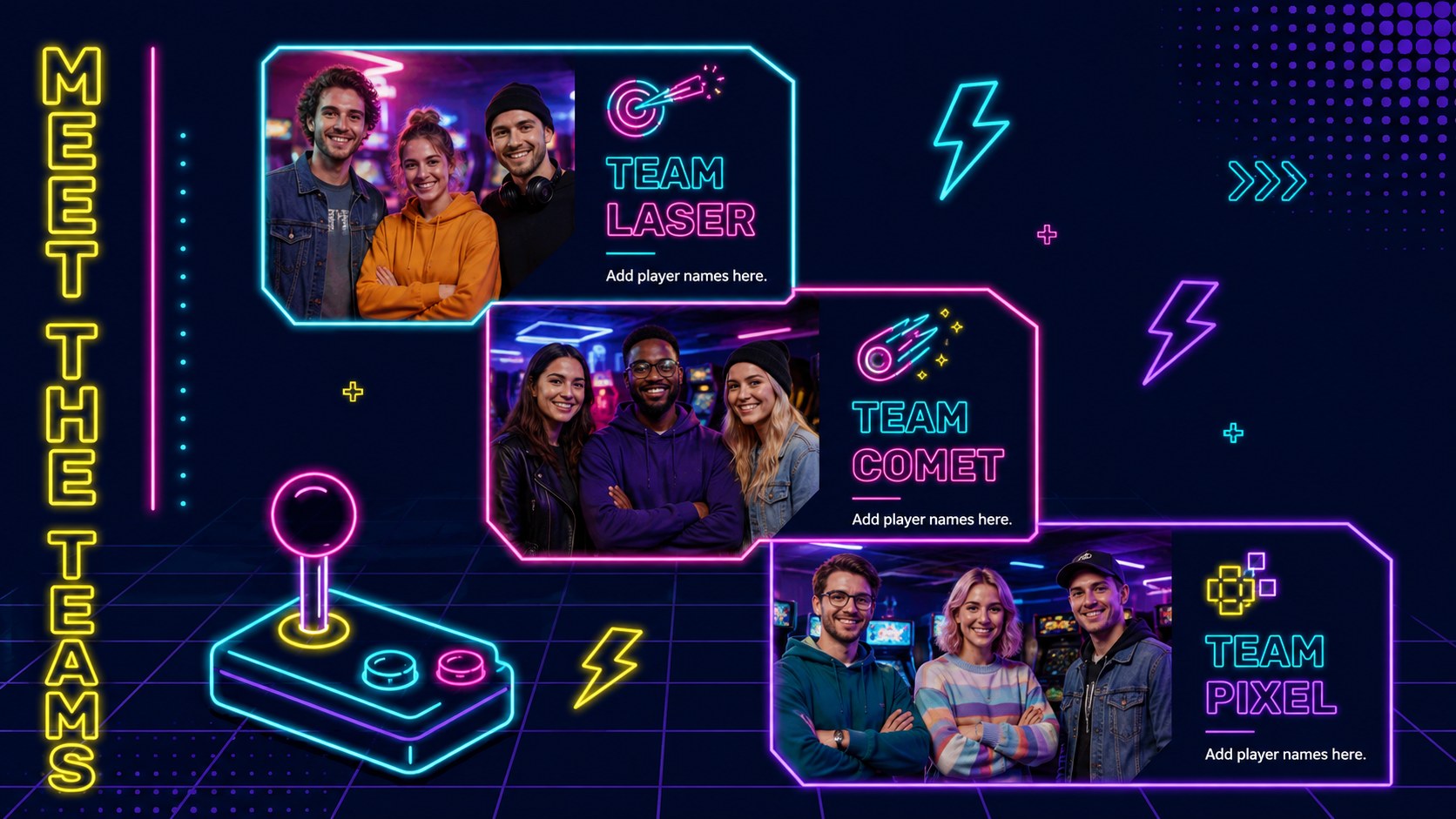
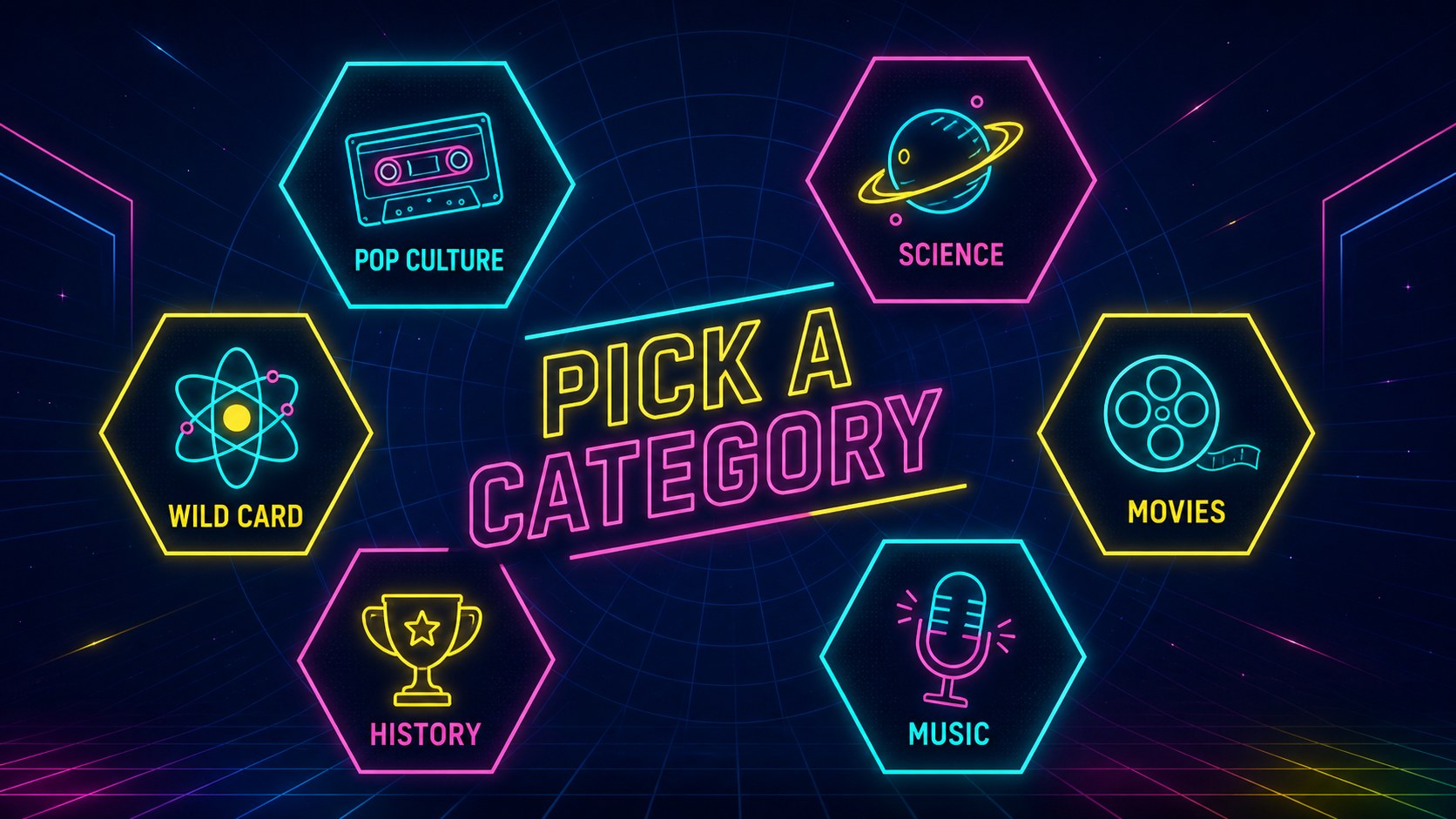
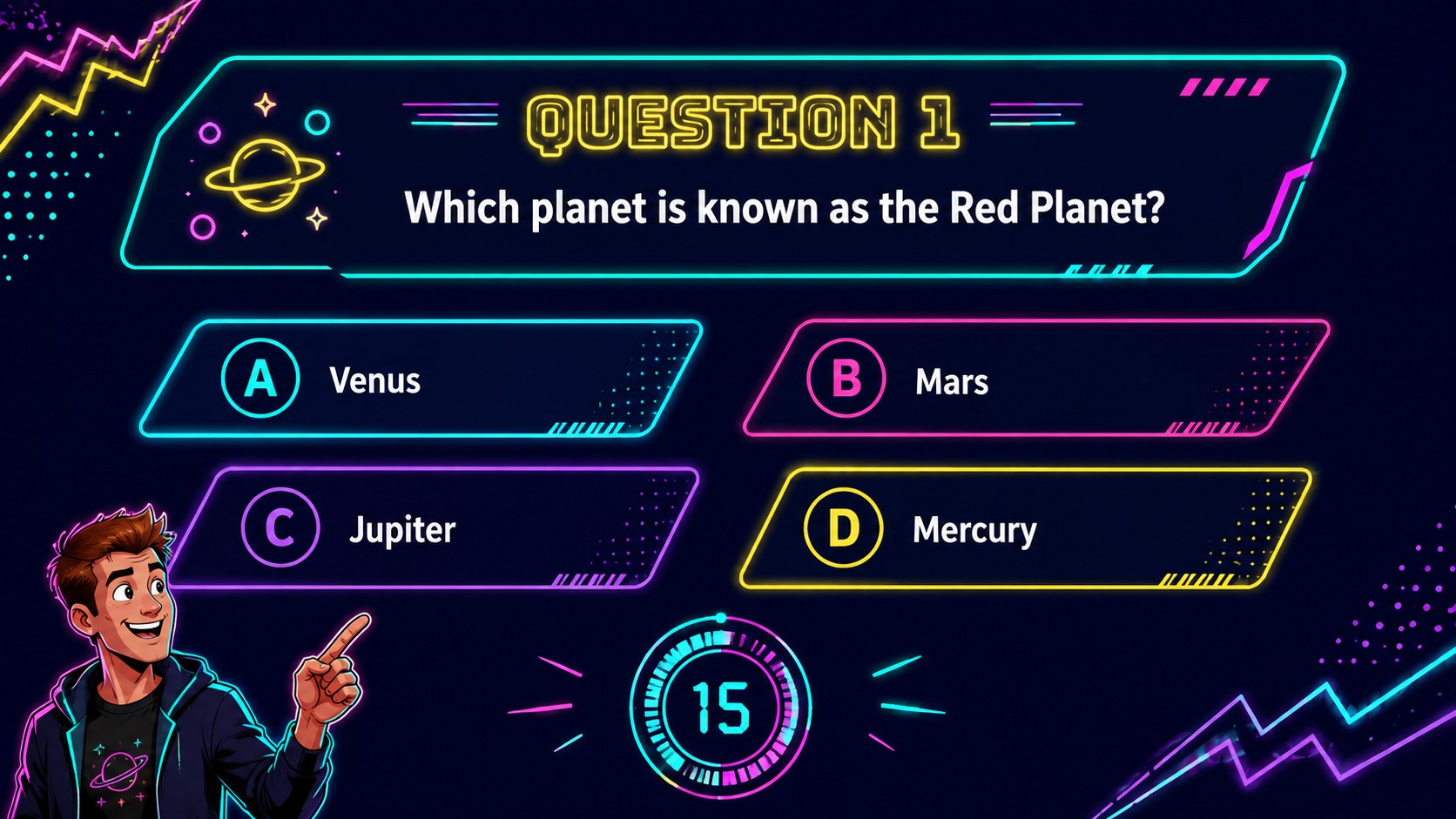
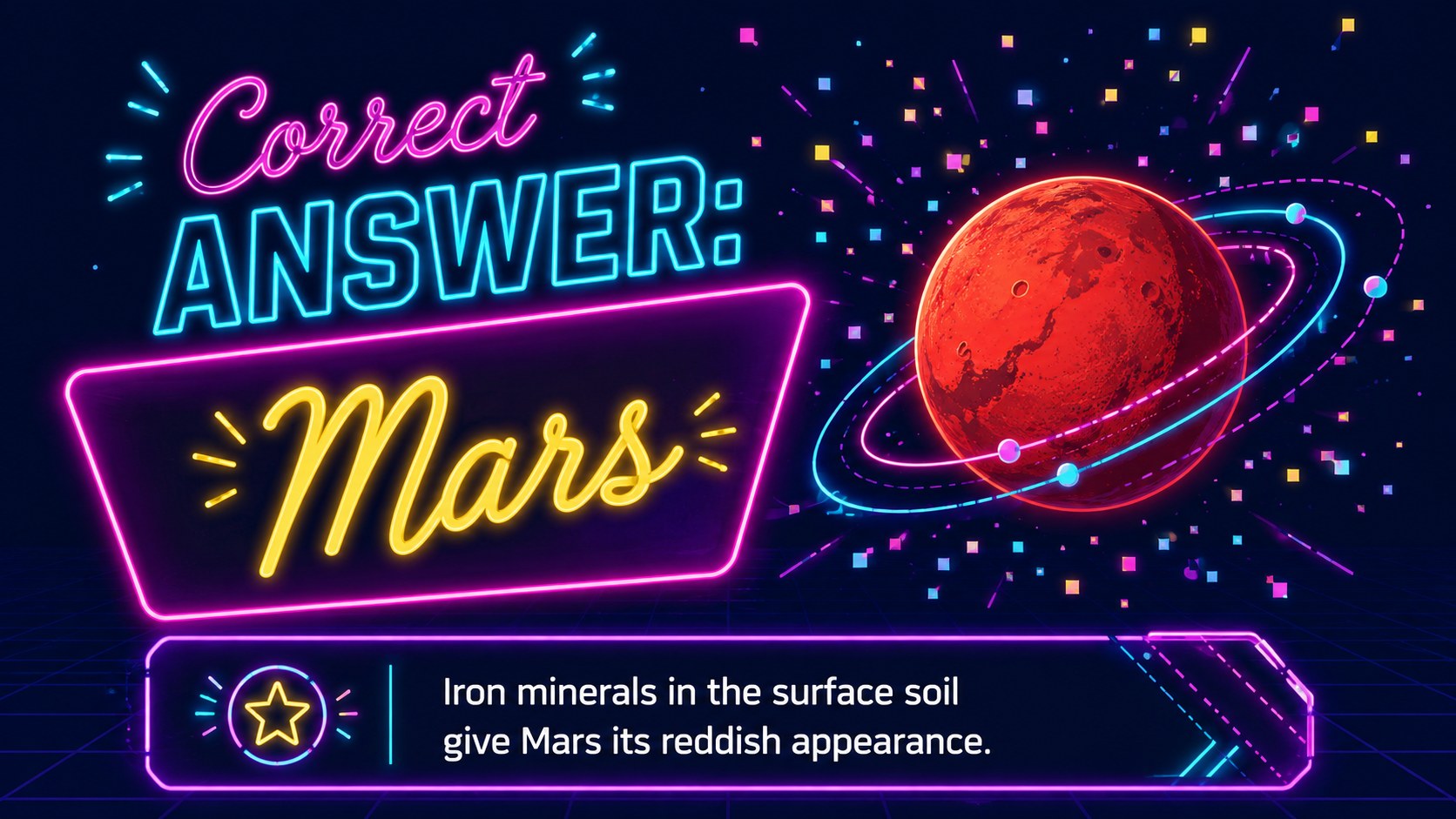
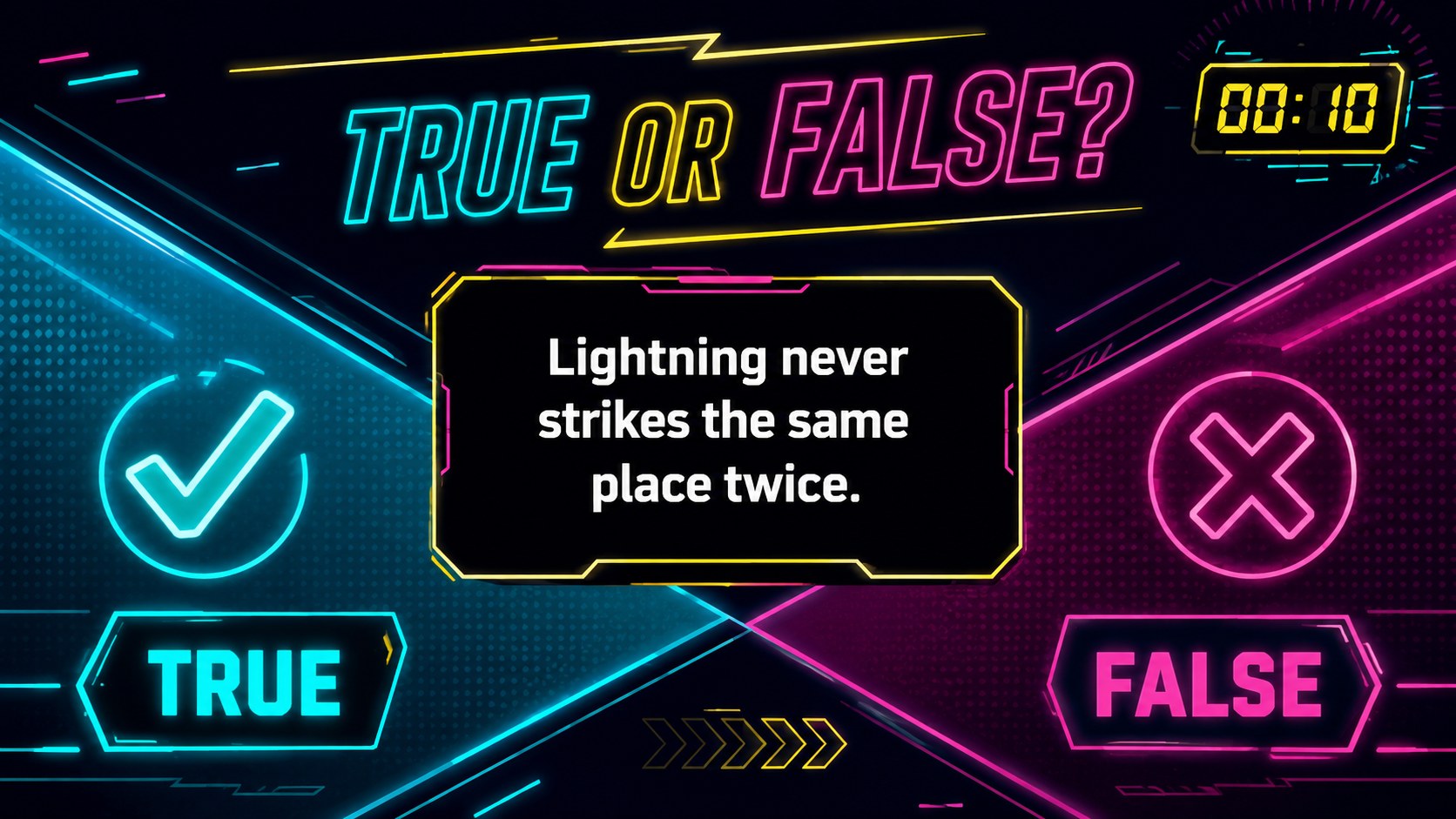
Build a complete retro trivia presentation with dedicated slides for team introductions, category selection, multiple-choice questions, true-or-false challenges, bonus rounds, answer reveals, scores, and a final winner announcement. Clear content areas make it simple to replace the sample wording, adjust point values, add images, or reorganize rounds. Use the included scoreboard and countdown layouts to maintain momentum without crowding the screen.
This 80s game show PowerPoint template works well for birthday parties, pub-style competitions, classroom review games, company socials, and family gatherings. It can also become an interactive classroom quiz deck for reviewing vocabulary, history, science, or pop culture. Edit the presentation in PowerPoint or Google Slides, apply your preferred transitions, and duplicate question layouts whenever you need more rounds. With its energetic colors, bold display type, and arcade-inspired visual language, the deck delivers a polished neon quiz night presentation while leaving plenty of room for your own topics and rules.
Perfect for: pub-style trivia night; classroom review game; company team social; retro birthday party; family quiz competition.
Frequently asked questions
Can I edit every question and answer? Yes. Replace the sample questions, choices, categories, point values, and answer explanations with your own material. You can also duplicate or remove slides to change the number of rounds.
Practical details
Yes. Replace the sample questions, choices, categories, point values, and answer explanations with your own material. You can also duplicate or remove slides to change the number of rounds.
The deck is designed for Microsoft PowerPoint and Google Slides. Fonts, transitions, and spacing may vary slightly between platforms, so review the finished presentation before hosting.
Select the accent shapes, text, and backgrounds to apply your preferred colors. Keep strong contrast between the dark background and bright question text so the game remains readable from a distance.
Yes. Teachers can adapt the question, answer, bonus, and scoreboard layouts for subject reviews or informal assessments. The deck works especially well for team-based activities displayed on a classroom screen.
Keep exploring
15Build an engaging World UFO Day session with this flying saucer history lesson deck, featuring retro green-and-brown slides for PowerPoint and Google Slides.
 15
15Plan a lively animal-learning journey with this jungle zoo adventure lesson deck, ready to customize in PowerPoint and Google Slides for young learners.
 16
16Turn environmental research into a clear story with a Watercolor Ecology Presentation Theme for PowerPoint and Google Slides in calming green and blue.
 16
16Build focused fashion, literature, and humanities presentations with the Red Triangle Editorial Theme, editable in PowerPoint and Google Slides.
 15
15Turn streaming stats, favorite tracks, and concert highlights into a bold annual listening recap slide deck for PowerPoint and Google Slides.
 15
15Turn highlights, milestones, and favorite moments into a colorful year in review slide deck with bold 3D graphics for PowerPoint and Google Slides.
 3
3Build a credible endorsement with Standout Colleague Recommendation Letter Slides, featuring colorful prompts for skills, achievements, and team impact.
 4
4Build clear beginner sessions with an ice hockey fundamentals training deck for coaches, PE teachers, and clubs, ready for PowerPoint and Google Slides.