
 15
15presentation
Flying Saucer History Lesson Deck
Build an engaging World UFO Day session with this flying saucer history lesson deck, featuring retro green-and-brown slides for PowerPoint and Google Slides.
Google SlidesPowerPoint
presentation · English
Use this election process infographic theme to turn voting stages into visual lessons, with editable blue-and-yellow layouts for PowerPoint and Google Slides.
Design notes
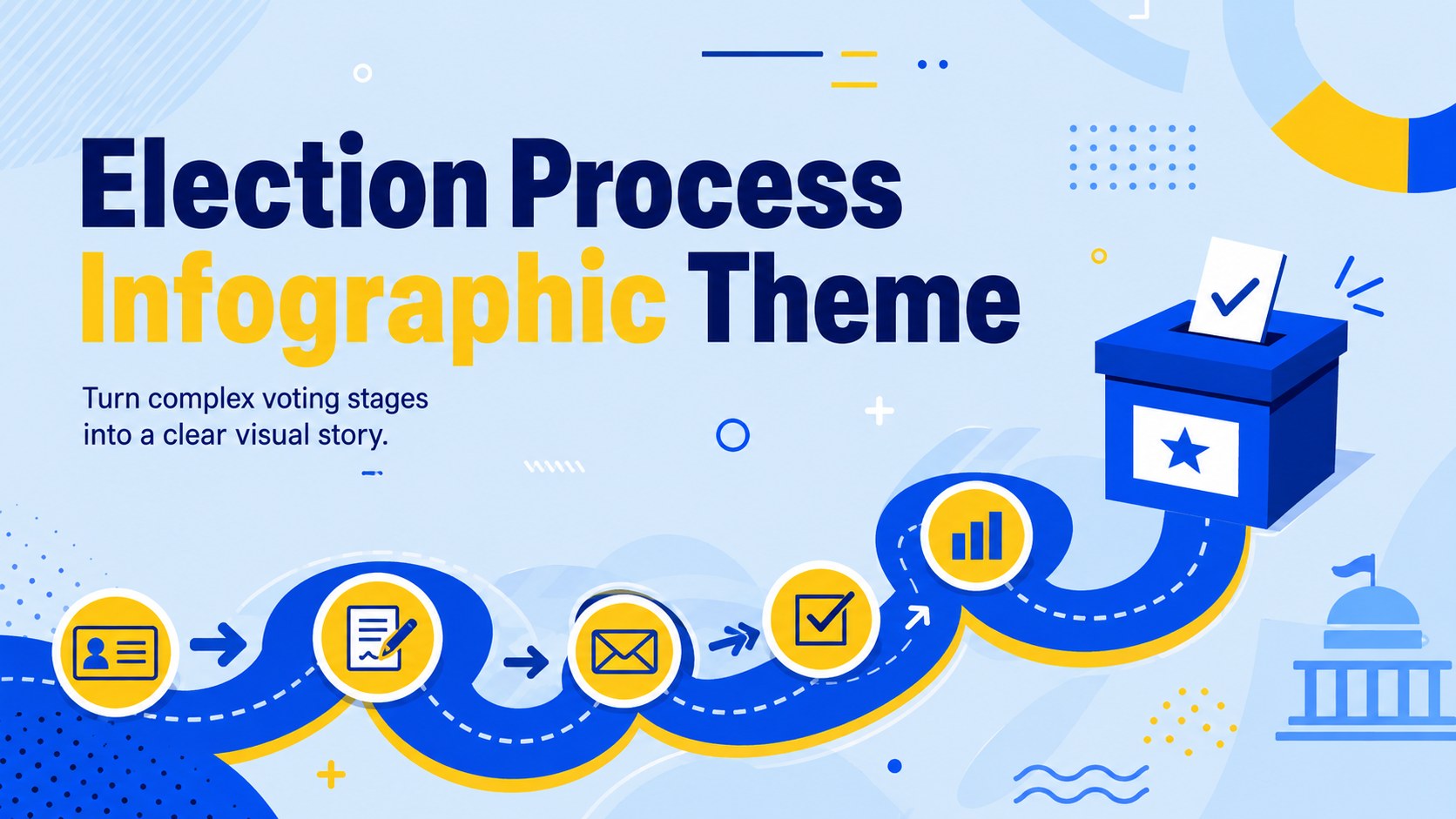
This election process infographic theme transforms a complex civic topic into an approachable visual sequence. Bright yellow accents, confident blue backgrounds, strong lines, and lively illustrations help audiences follow each stage without getting lost in dense explanations. Edit the layouts in PowerPoint or Google Slides to reflect the laws, terminology, dates, and voting practices used in your country or region.
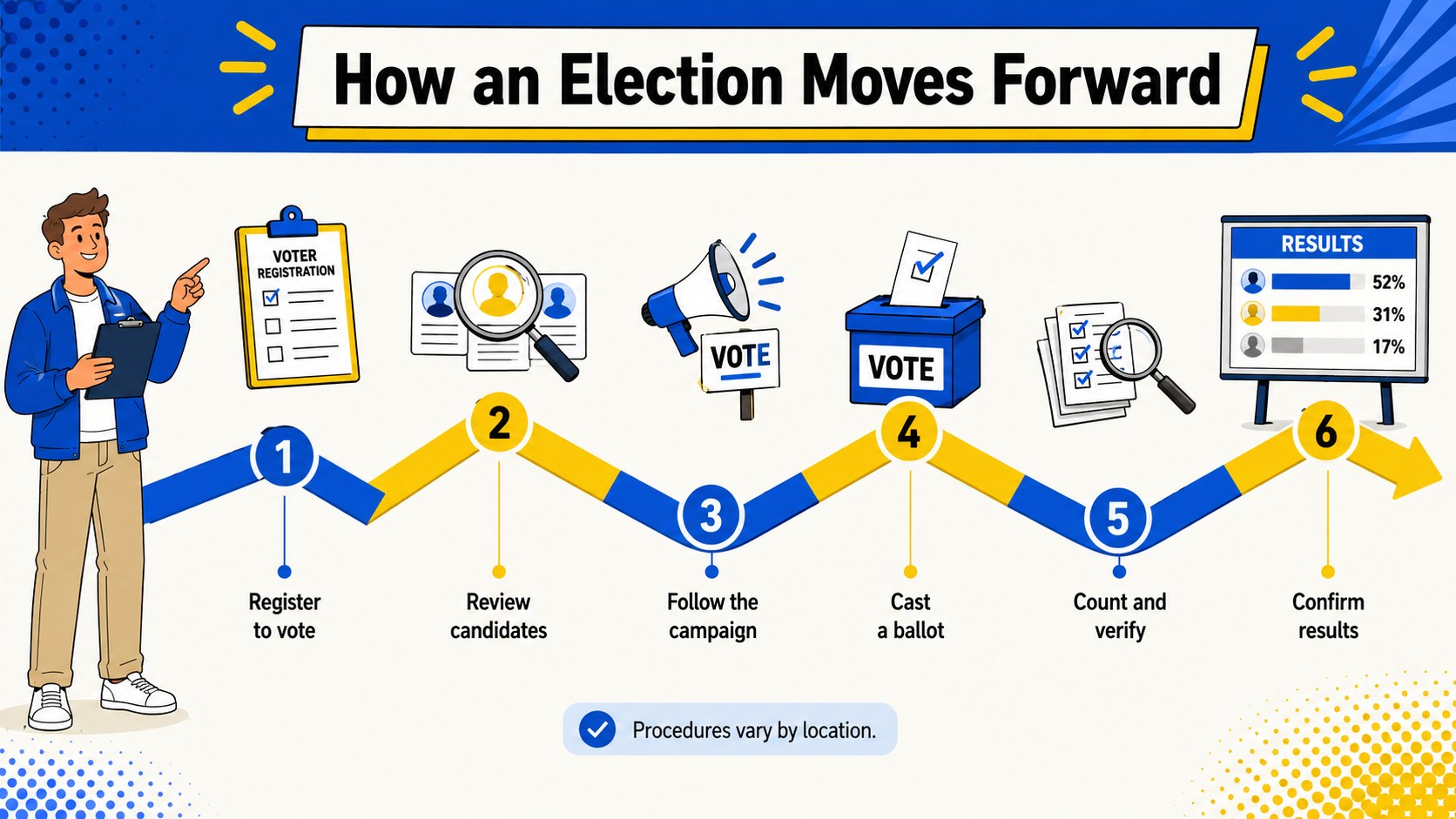
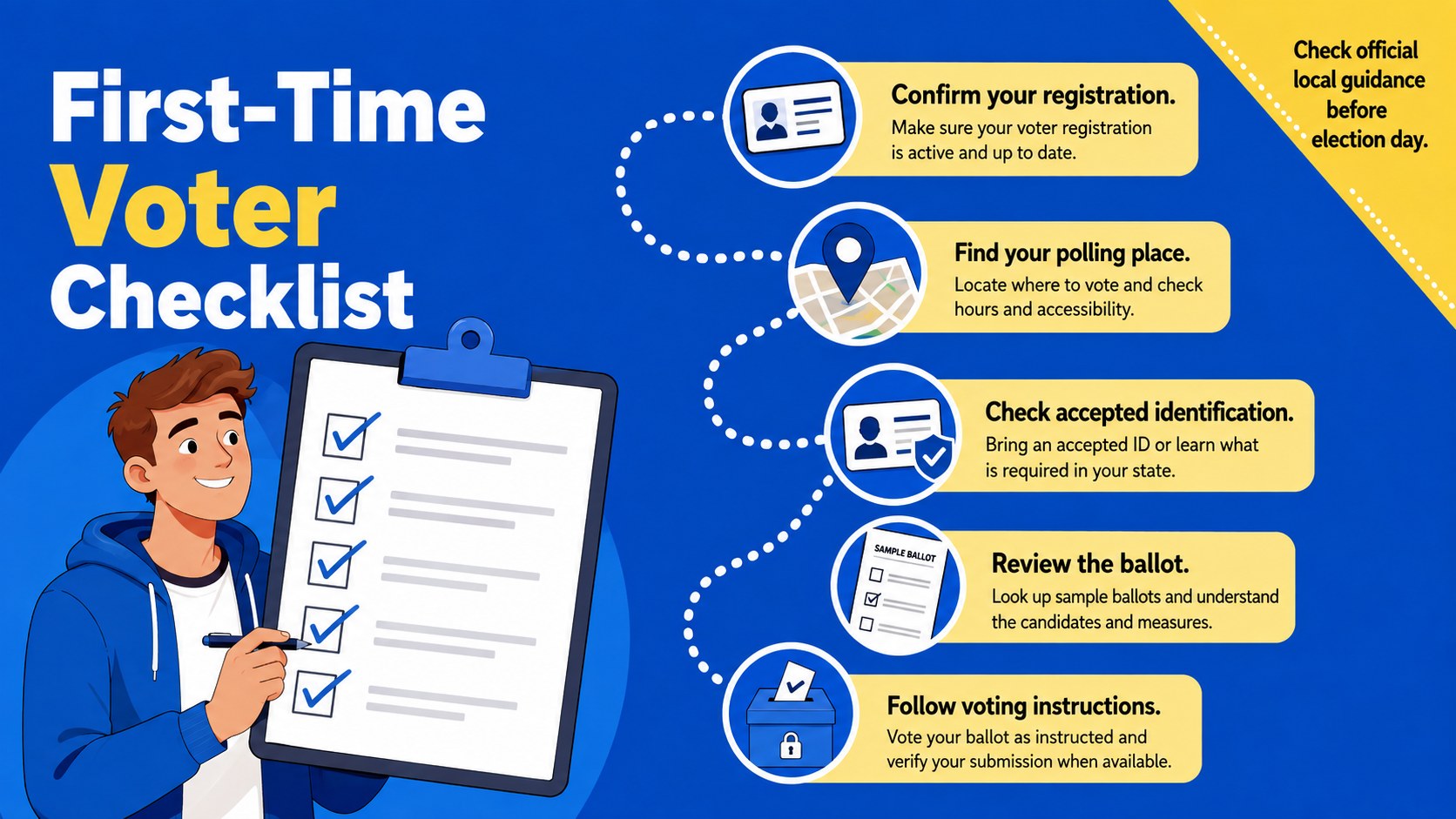
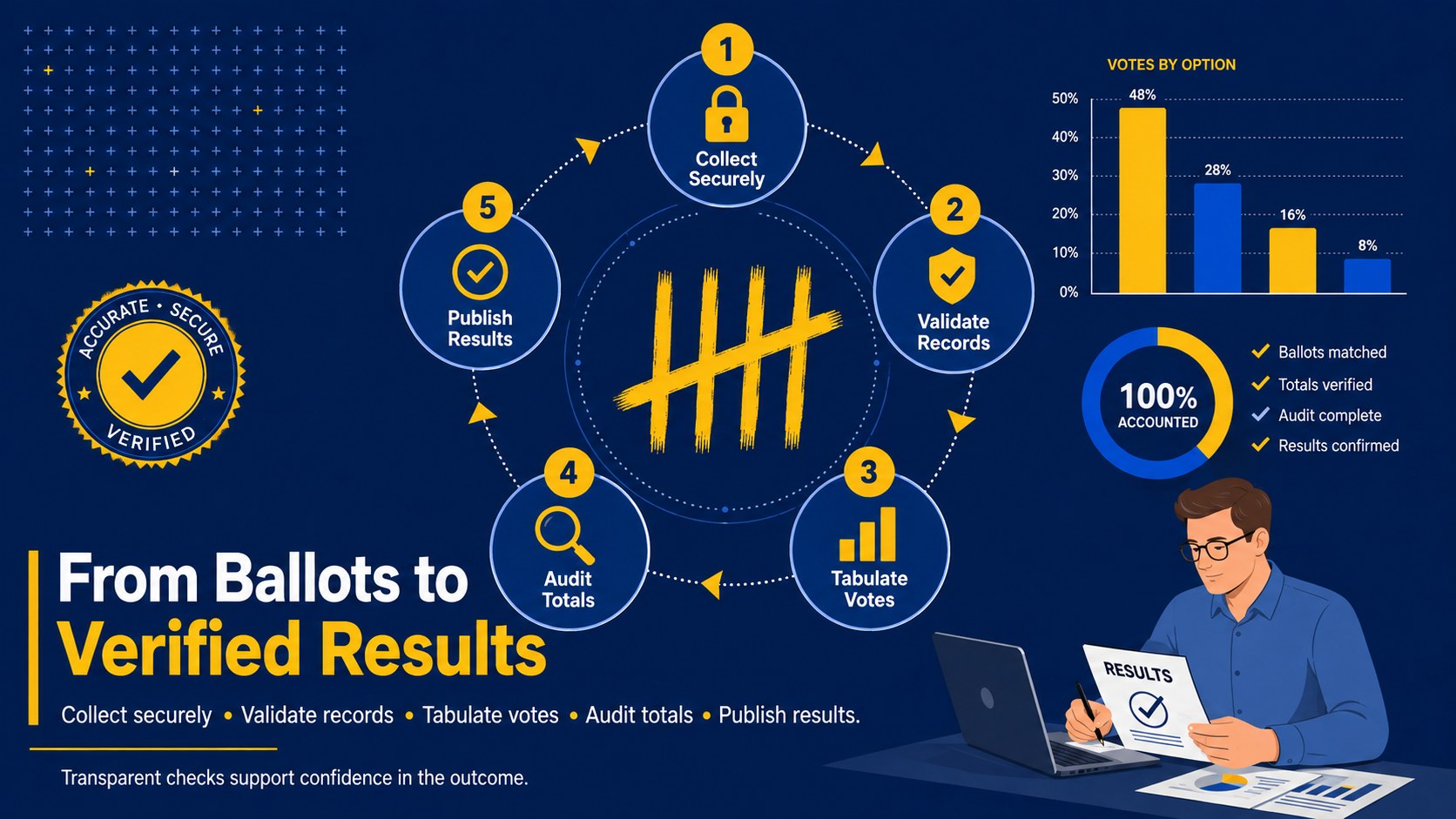
Inside, you will find a bold cover, a step-by-step election timeline, a first-time voter guide, and a visual overview of ballot counting and results. Use the slides to explain registration, candidate research, campaigning, voting day, vote verification, and the announcement of results. The flexible structure works equally well as a how elections work presentation, a voter education slide deck, or a concise visual handout for online sharing.
The template is designed for teachers, students, election educators, nonprofit teams, public-information staff, and community organizers. Add local examples, replace statistics, adjust the number of stages, or rearrange sections to match a specific election system. Every slide can be customized while preserving the energetic blue-and-yellow design. Whether you are preparing civic education election slides for a classroom or guiding new voters through practical steps, the deck keeps information organized, neutral, and easy to scan.
Perfect for: civic education lesson; first-time voter workshop; community election briefing; political science assignment; nonprofit voter outreach; election day orientation.
Frequently asked questions
Can I adapt the stages to match my country's election system? Yes. You can rename, reorder, add, or remove stages and replace the sample details with local rules, dates, institutions, and terminology.
Practical details
Yes. You can rename, reorder, add, or remove stages and replace the sample details with local rules, dates, institutions, and terminology.
The template is designed for PowerPoint and Google Slides. Text, colors, shapes, icons, and infographic sections can be edited in either platform.
Yes. Update the theme colors to reflect a school, organization, or public-information campaign while retaining the original high-contrast visual hierarchy.
Yes. Its short labels, sequential diagrams, and practical voter checklist make unfamiliar election steps easier to understand. You can also add registration links and local voting instructions.
Keep exploring
15Build an engaging World UFO Day session with this flying saucer history lesson deck, featuring retro green-and-brown slides for PowerPoint and Google Slides.
 15
15Plan a lively animal-learning journey with this jungle zoo adventure lesson deck, ready to customize in PowerPoint and Google Slides for young learners.
 16
16Turn environmental research into a clear story with a Watercolor Ecology Presentation Theme for PowerPoint and Google Slides in calming green and blue.
 16
16Build focused fashion, literature, and humanities presentations with the Red Triangle Editorial Theme, editable in PowerPoint and Google Slides.
 15
15Turn streaming stats, favorite tracks, and concert highlights into a bold annual listening recap slide deck for PowerPoint and Google Slides.
 15
15Turn highlights, milestones, and favorite moments into a colorful year in review slide deck with bold 3D graphics for PowerPoint and Google Slides.
 3
3Build a credible endorsement with Standout Colleague Recommendation Letter Slides, featuring colorful prompts for skills, achievements, and team impact.
 4
4Build clear beginner sessions with an ice hockey fundamentals training deck for coaches, PE teachers, and clubs, ready for PowerPoint and Google Slides.