
 15
15presentation
Flying Saucer History Lesson Deck
Build an engaging World UFO Day session with this flying saucer history lesson deck, featuring retro green-and-brown slides for PowerPoint and Google Slides.
Google SlidesPowerPoint
presentation · English
Build an engaging einstein life story slides deck with beige-green visuals, classroom-ready layouts, and editable storytelling pages for science lessons.
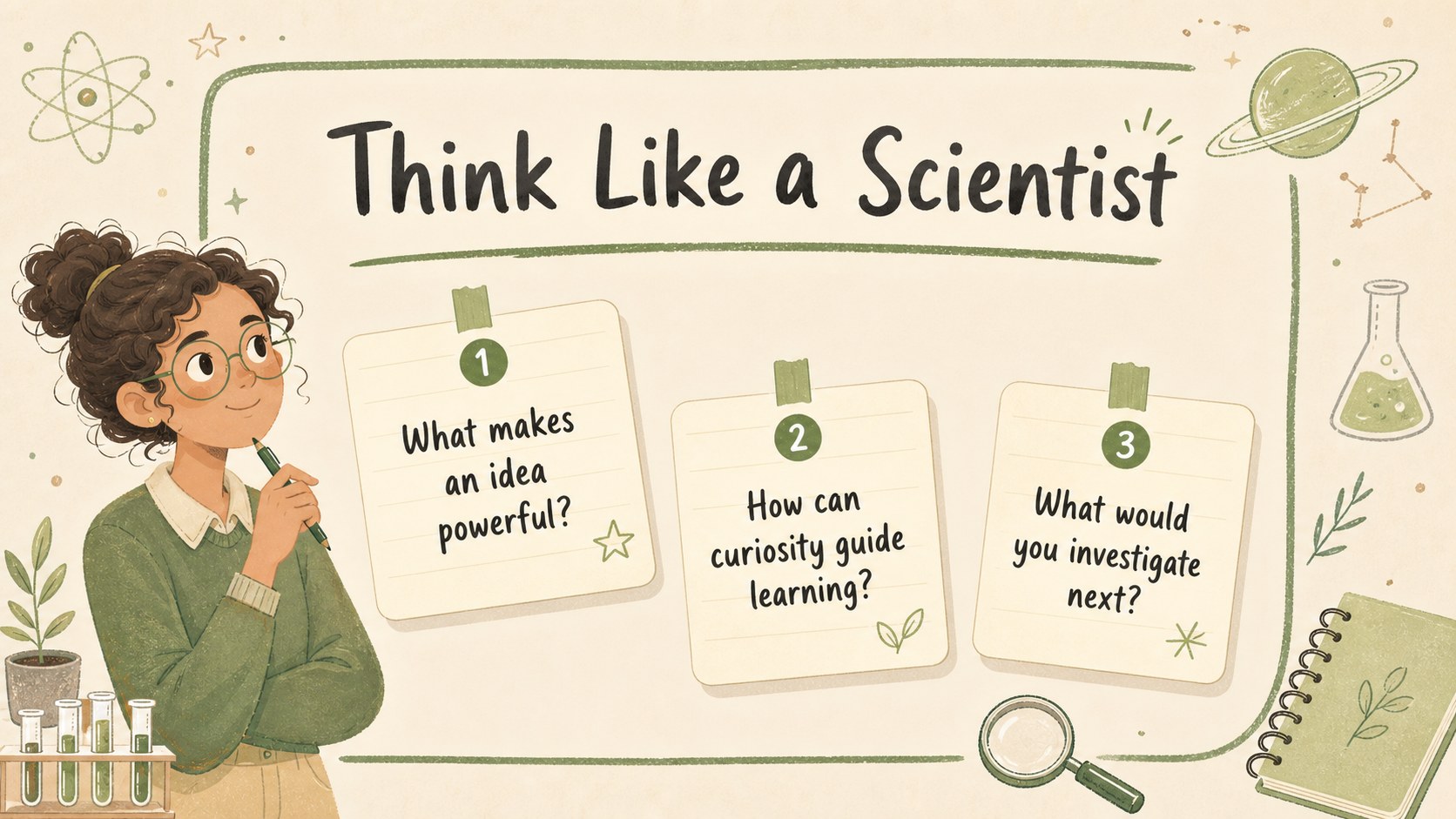
Design notes
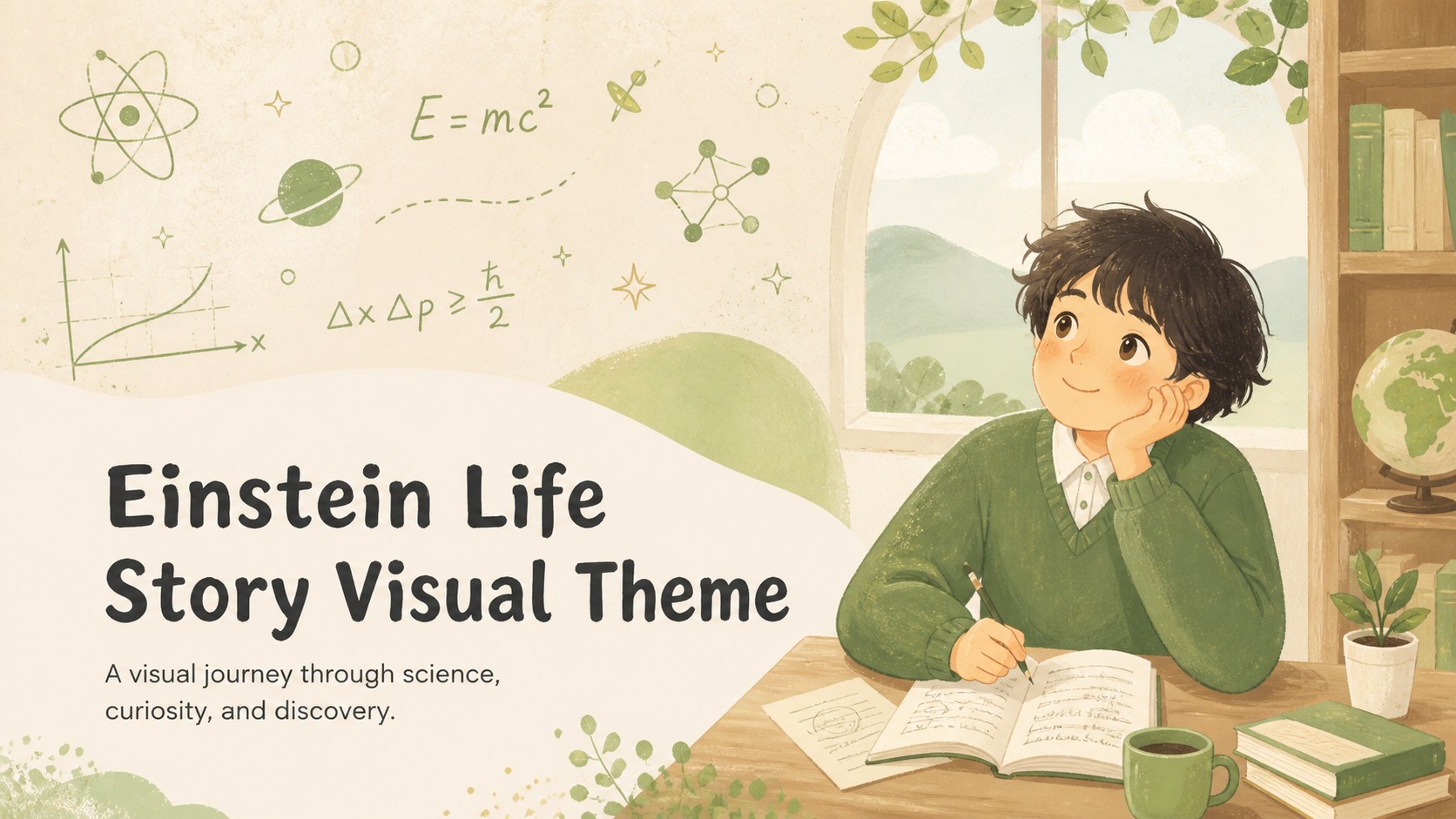
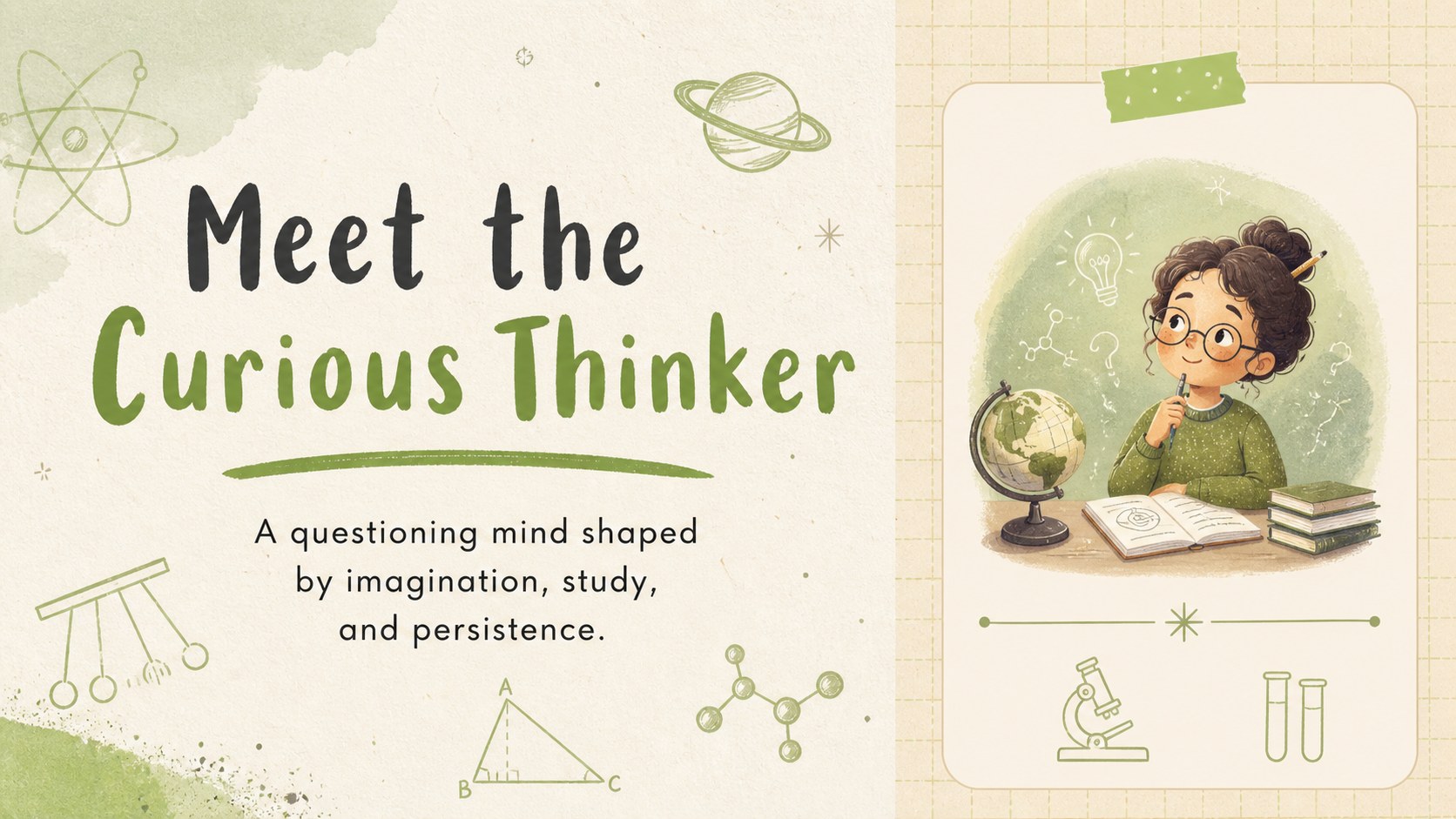
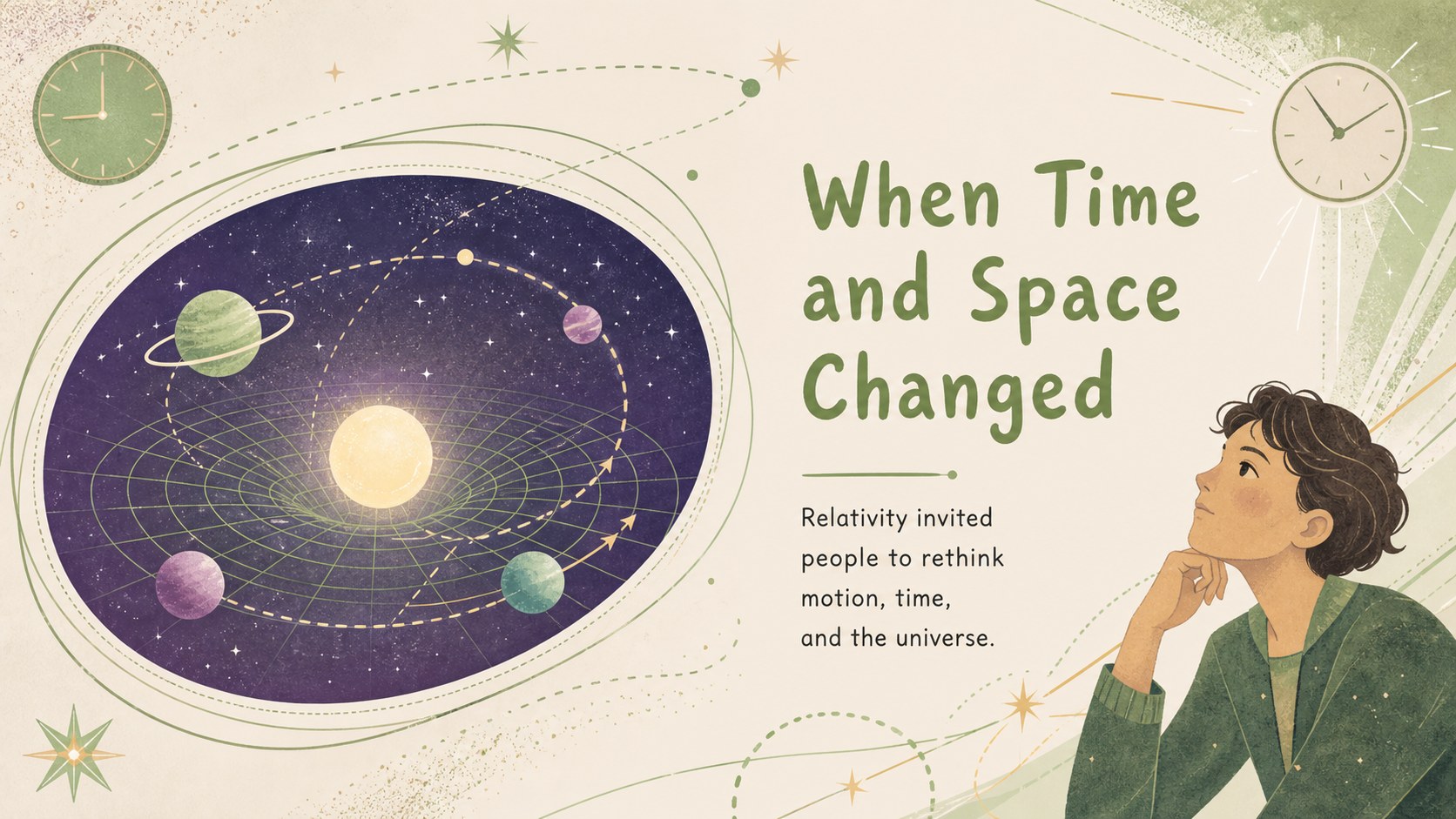
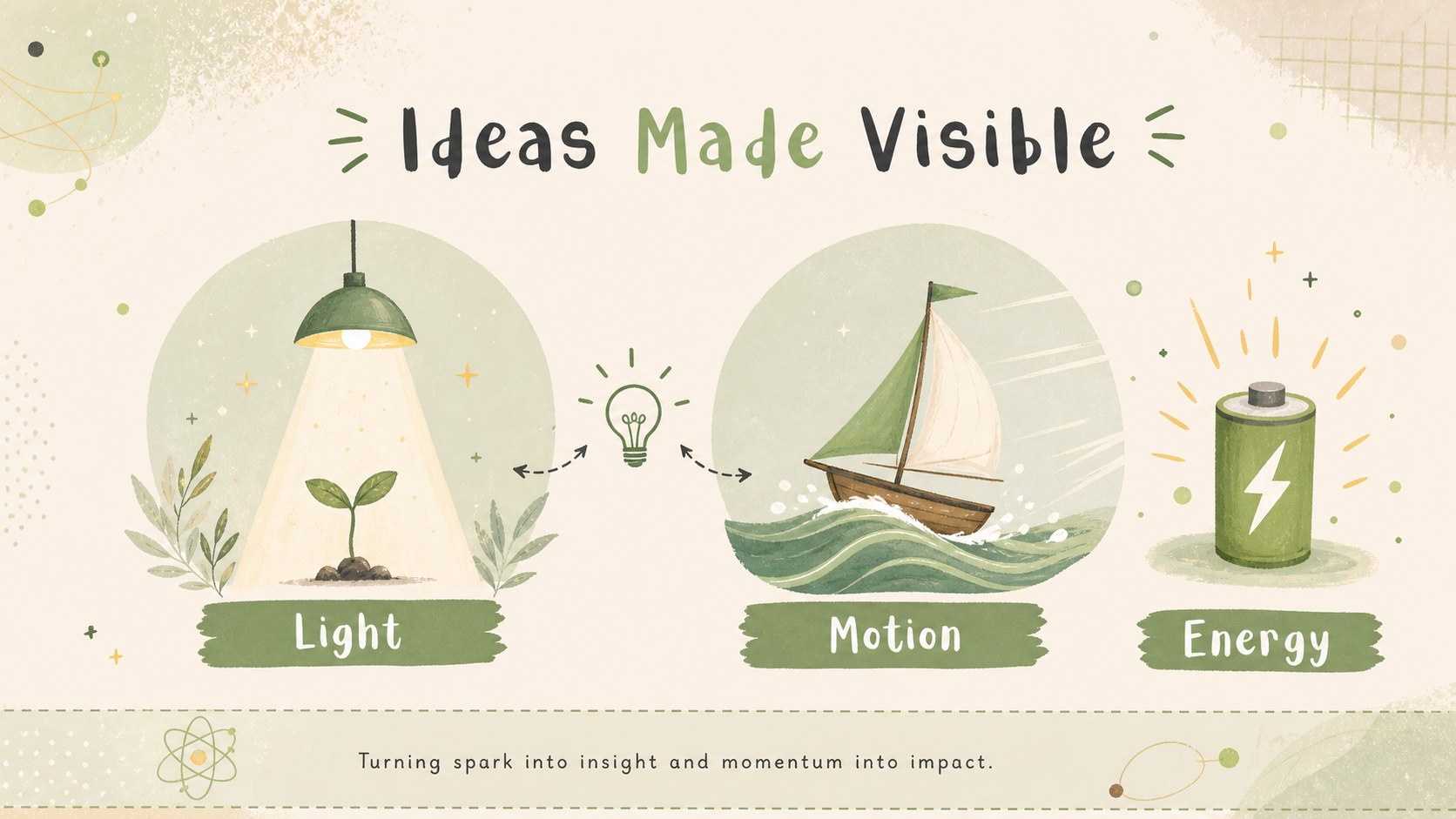
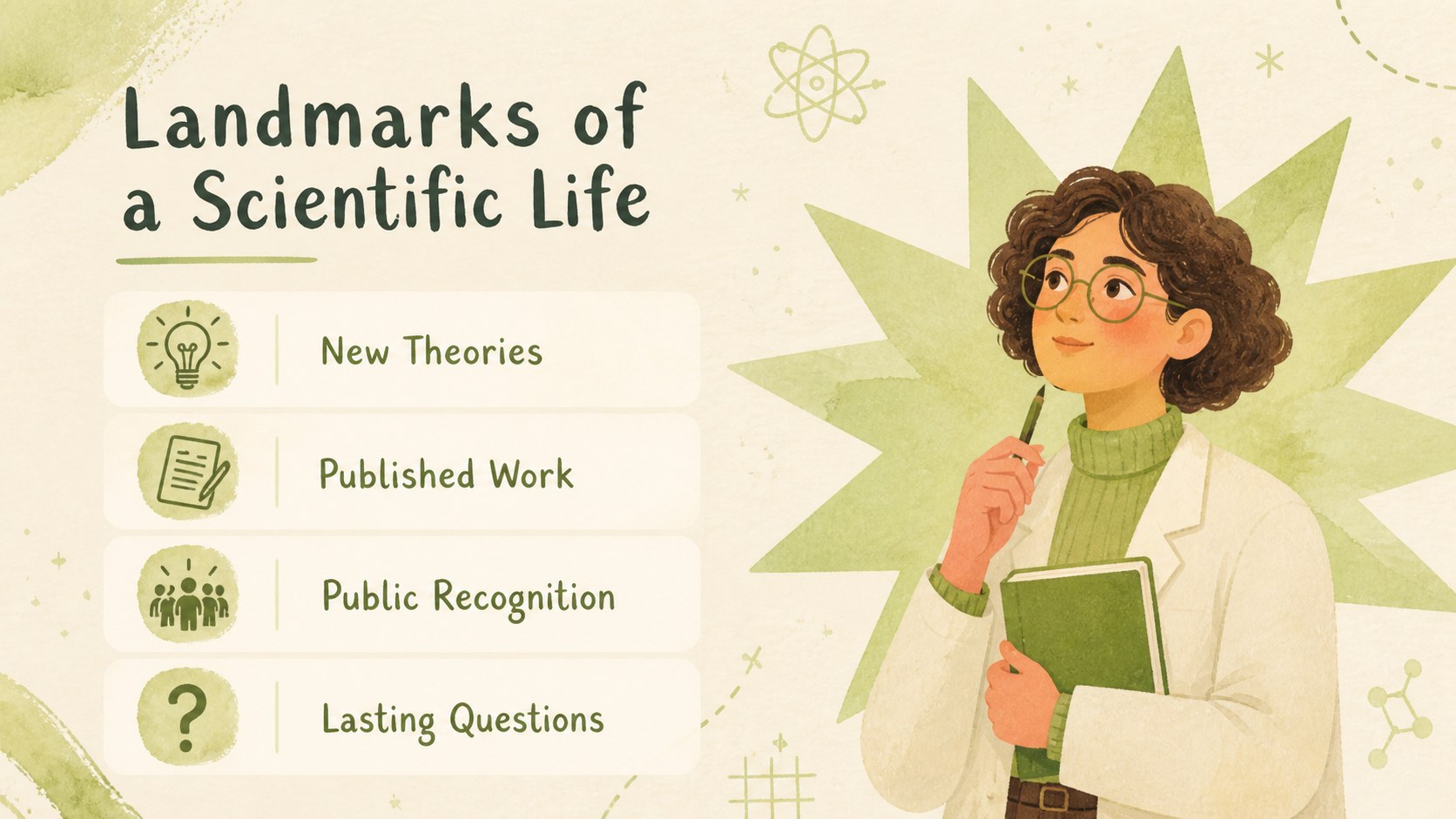
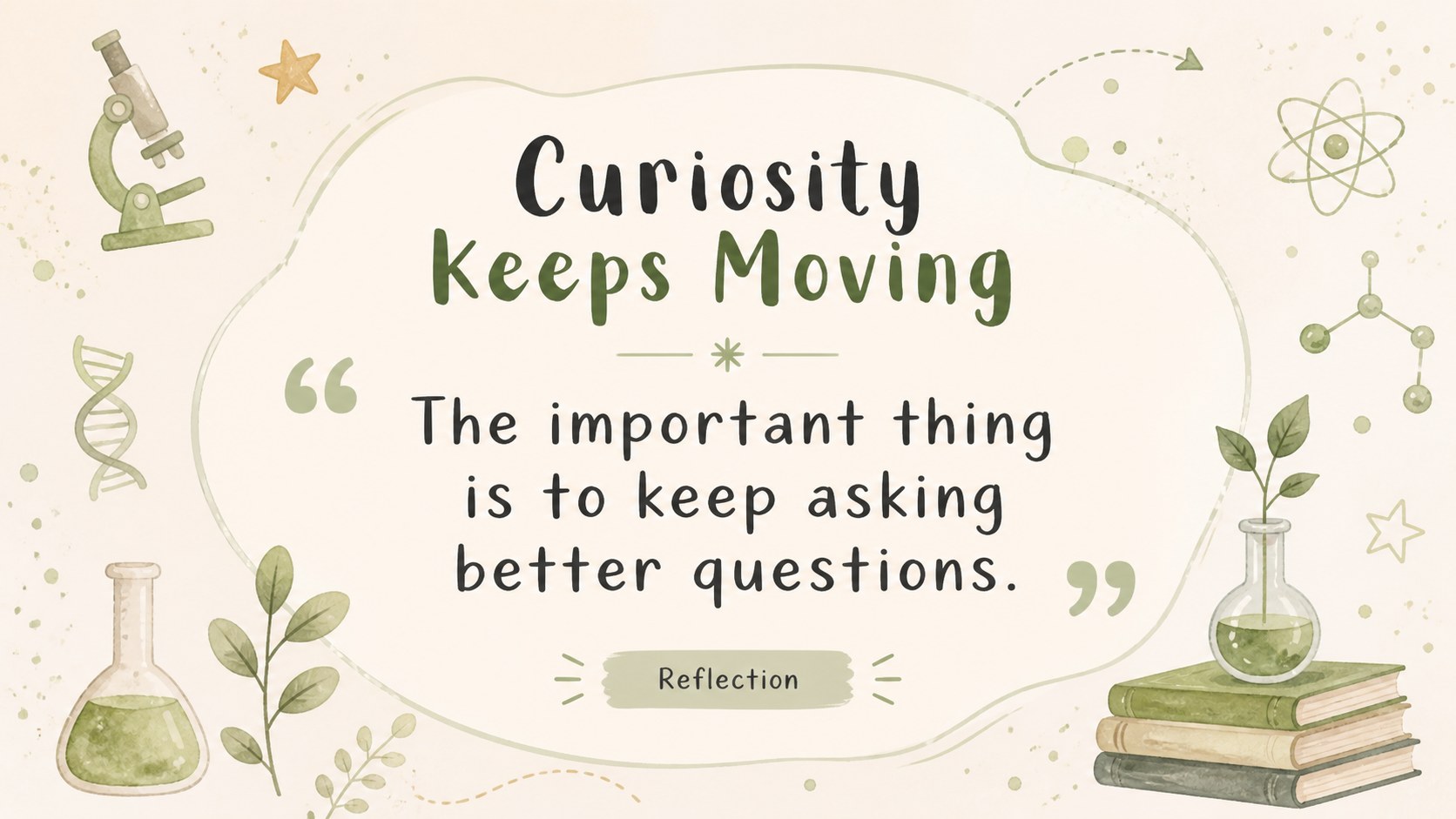
Bring Einstein's remarkable journey to life with an einstein life story slides deck designed for students, teachers, and curious audiences. Its soft beige background, leafy green accents, hand-drawn details, and friendly illustrated style make scientific history feel approachable without losing educational value. Use the layout to connect personal milestones, major discoveries, and the curiosity that shaped Einstein's work.
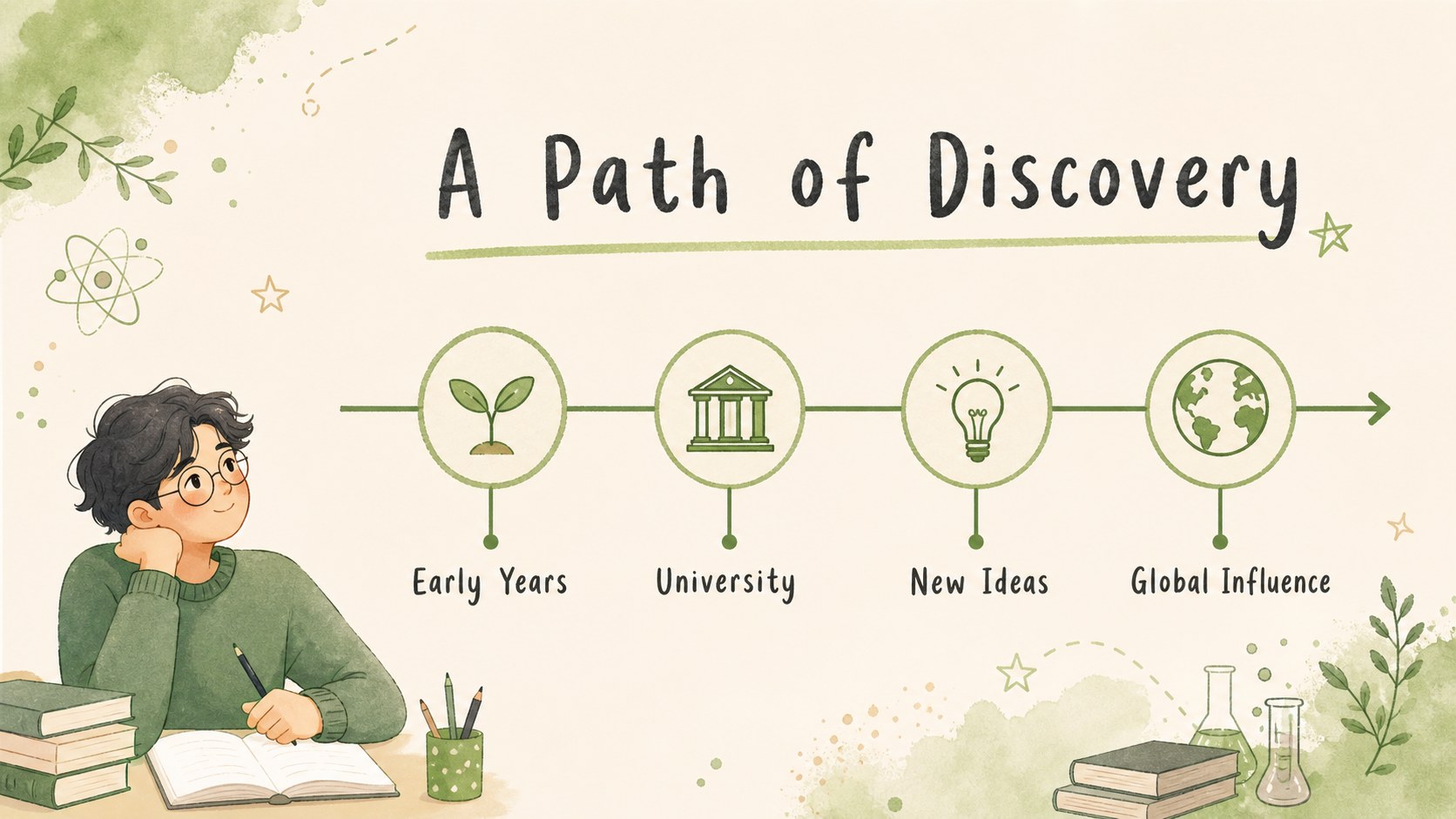
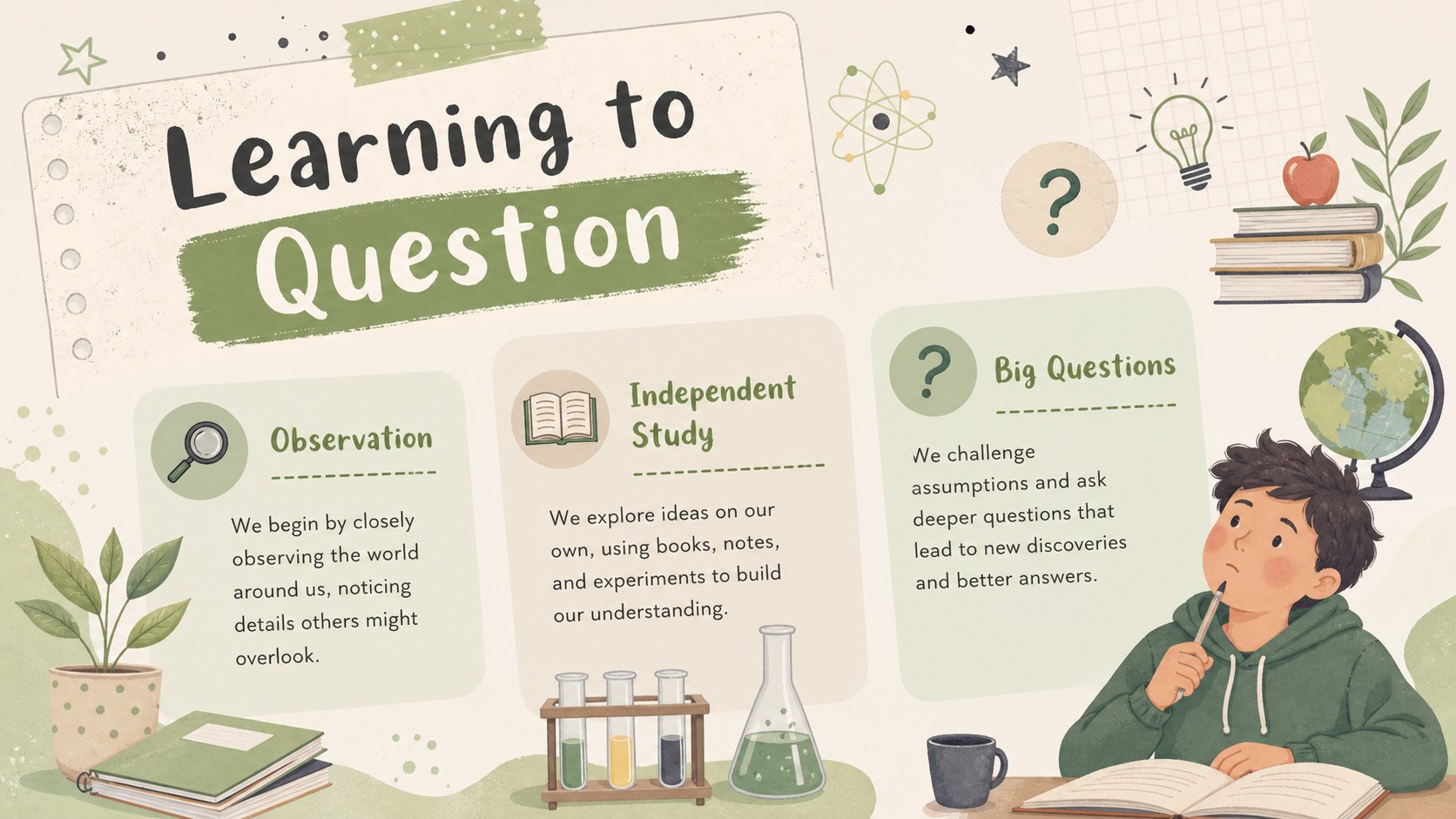
Inside, you'll find 18 editable 16:9 slides for a classroom biography, science history talk, or visual research project. Build a clear narrative with an opening profile, early influences, education, breakthrough moments, a relativity explainer, key dates, notable quotes, and a reflective closing page. The structure also works well as a science biography presentation for middle school or a guided lesson about Einstein's scientific contributions.
Customize the deck with drag-and-drop editing, animated transitions, image and icon libraries, speaker notes, and collaborative sharing. The Finger Paint font and beige-green palette are easy to adapt while preserving the cheerful character of the design. Export the finished presentation for PowerPoint or Google Slides, or present directly from.
Perfect for: middle school science biography lesson; physics history classroom talk; student research project; Einstein timeline presentation; science fair background presentation.
Frequently asked questions
Can I edit this presentation? Yes. Open the template to change the text, colors, illustrations, images, and slide order with drag-and-drop tools. You can also add speaker notes, animations, and transitions.
Practical details
Yes. Open the template to change the text, colors, illustrations, images, and slide order with drag-and-drop tools. You can also add speaker notes, animations, and transitions.
Yes. After opening the design, export it as a PowerPoint file or save an editable copy to Google Drive for Google Slides. Some -specific animations may need adjustment after export.
It suits teachers, students, science communicators, and anyone preparing an accessible biography or physics history talk. The friendly visual system works especially well for middle school and general-audience lessons.
Yes. lets you replace the palette, font, illustrations, and imagery while keeping the existing layout structure. The original beige-green combination can remain in place for a softer classroom look.
Keep exploring
15Build an engaging World UFO Day session with this flying saucer history lesson deck, featuring retro green-and-brown slides for PowerPoint and Google Slides.
 15
15Plan a lively animal-learning journey with this jungle zoo adventure lesson deck, ready to customize in PowerPoint and Google Slides for young learners.
 16
16Turn environmental research into a clear story with a Watercolor Ecology Presentation Theme for PowerPoint and Google Slides in calming green and blue.
 16
16Build focused fashion, literature, and humanities presentations with the Red Triangle Editorial Theme, editable in PowerPoint and Google Slides.
 15
15Turn streaming stats, favorite tracks, and concert highlights into a bold annual listening recap slide deck for PowerPoint and Google Slides.
 15
15Turn highlights, milestones, and favorite moments into a colorful year in review slide deck with bold 3D graphics for PowerPoint and Google Slides.
 3
3Build a credible endorsement with Standout Colleague Recommendation Letter Slides, featuring colorful prompts for skills, achievements, and team impact.
 4
4Build clear beginner sessions with an ice hockey fundamentals training deck for coaches, PE teachers, and clubs, ready for PowerPoint and Google Slides.