
 15
15presentation
Flying Saucer History Lesson Deck
Build an engaging World UFO Day session with this flying saucer history lesson deck, featuring retro green-and-brown slides for PowerPoint and Google Slides.
Google SlidesPowerPoint
presentation · English
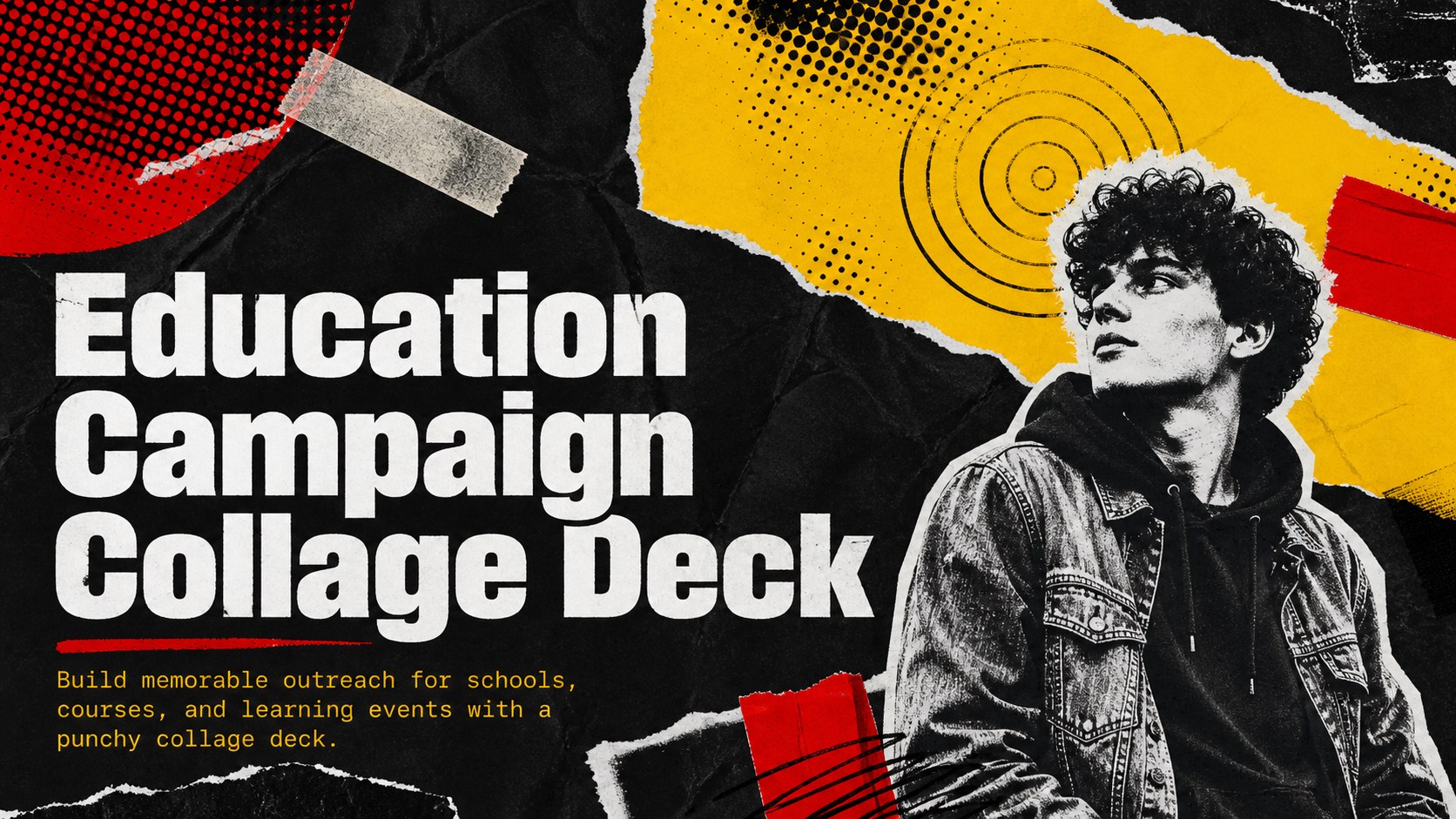
Shape bold classroom outreach with an education campaign collage deck featuring gritty red, yellow, and black layouts for PowerPoint and Google Slides.

Design notes
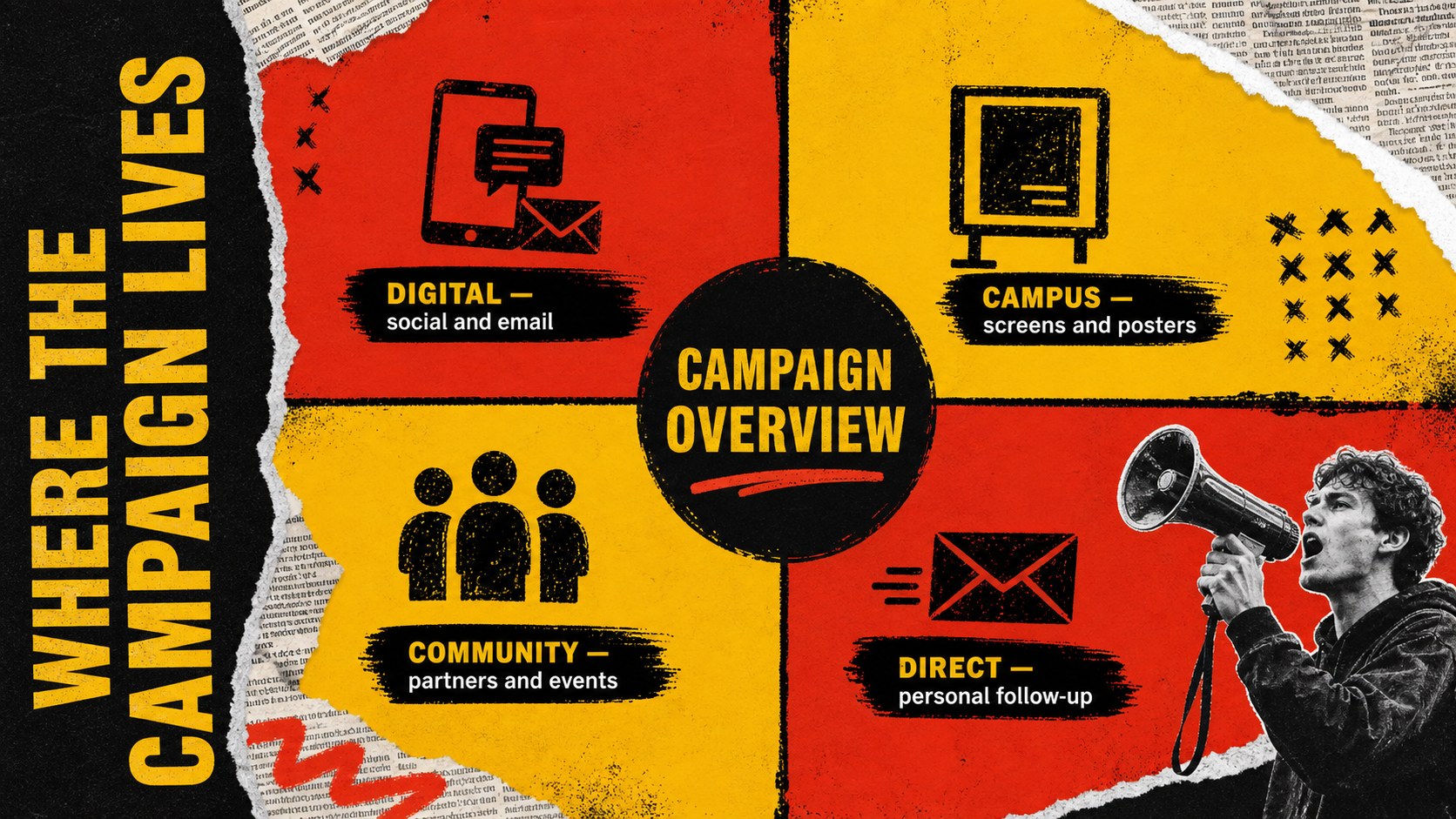
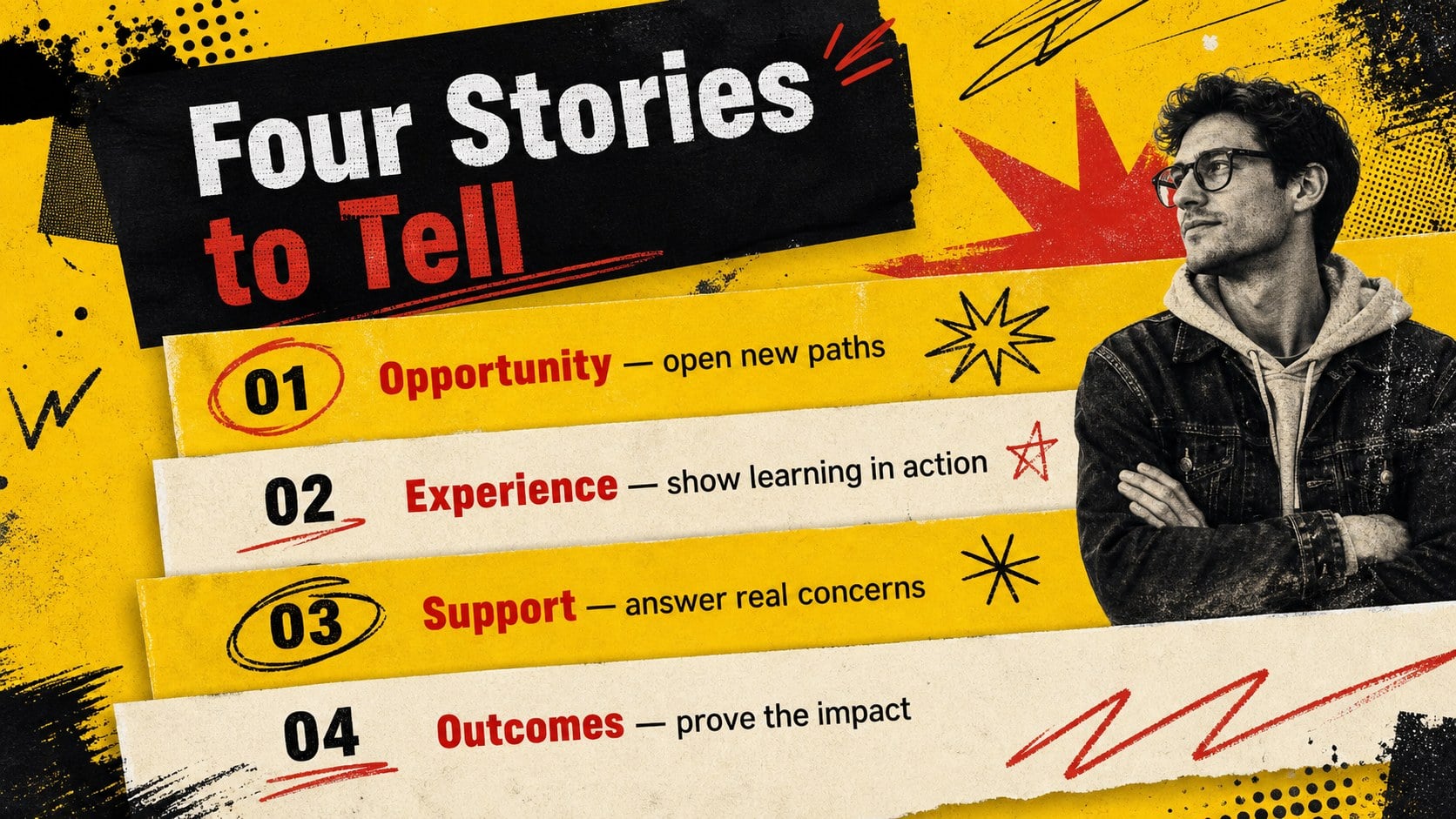
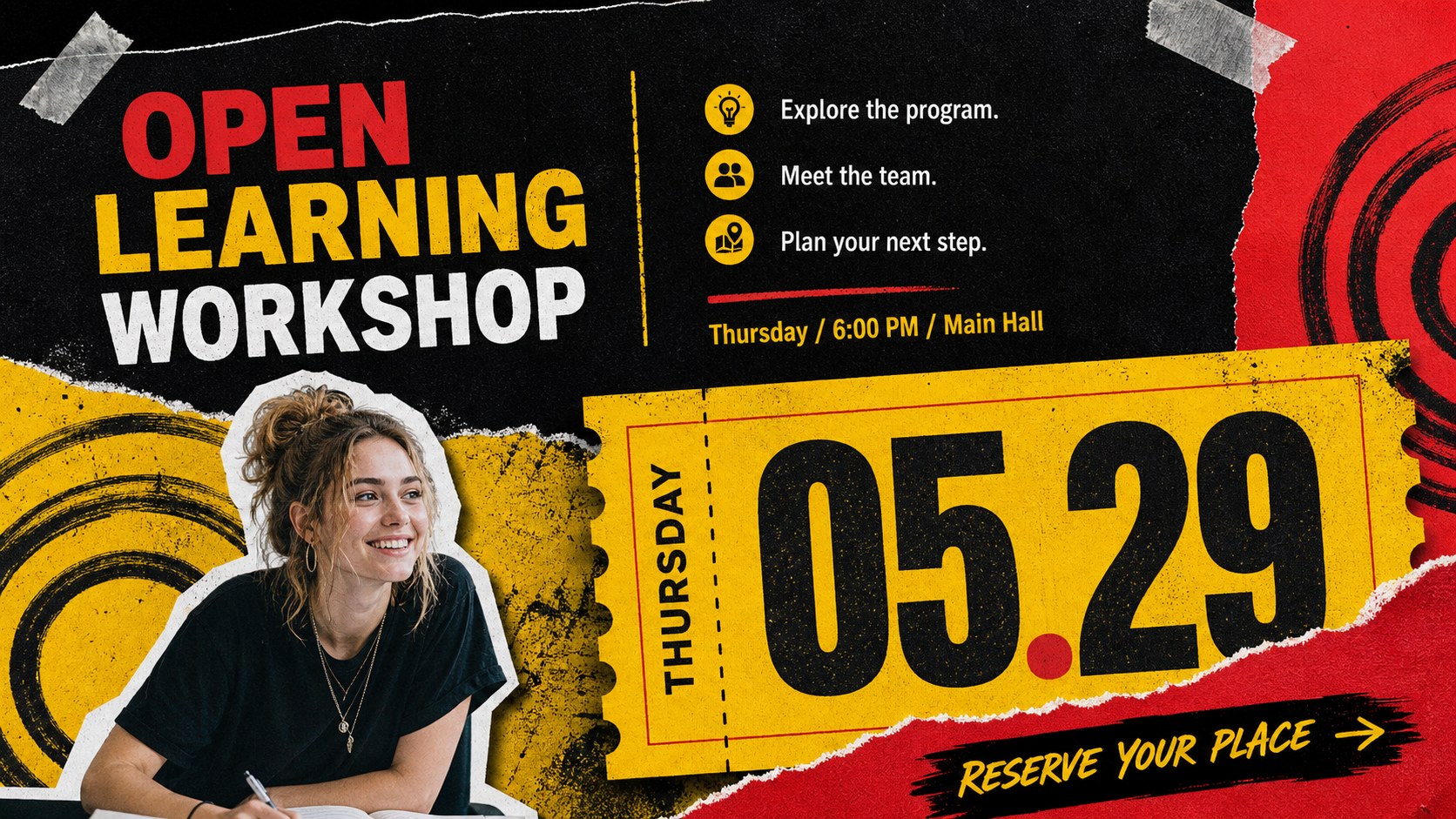
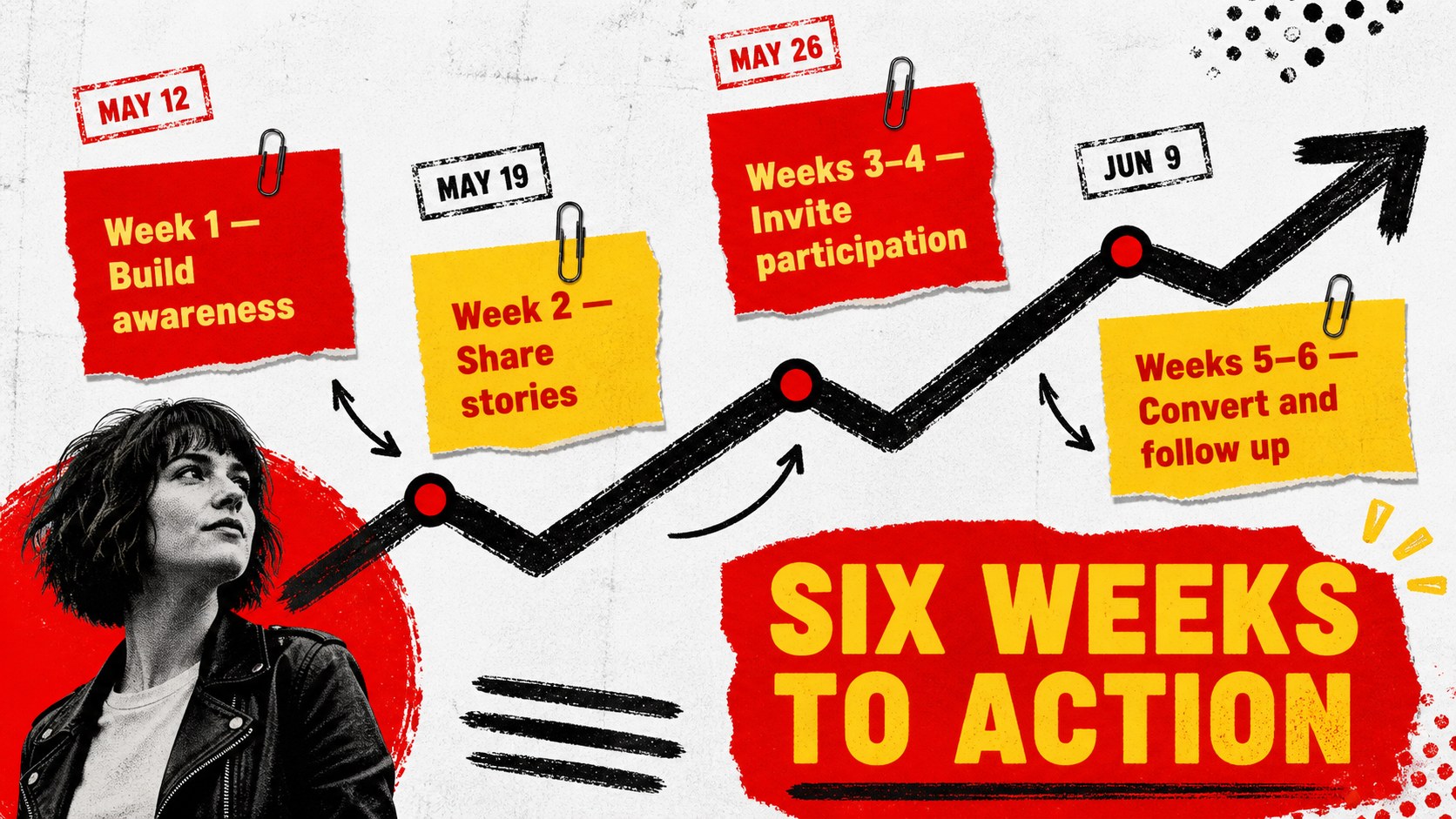
Make educational outreach impossible to overlook with this education campaign collage deck for PowerPoint and Google Slides. Its gritty editorial style combines torn-paper textures, bold typography, rough marks, and high-contrast red, yellow, and black graphics. The result feels energetic and unconventional while keeping campaign messages clear and organized.
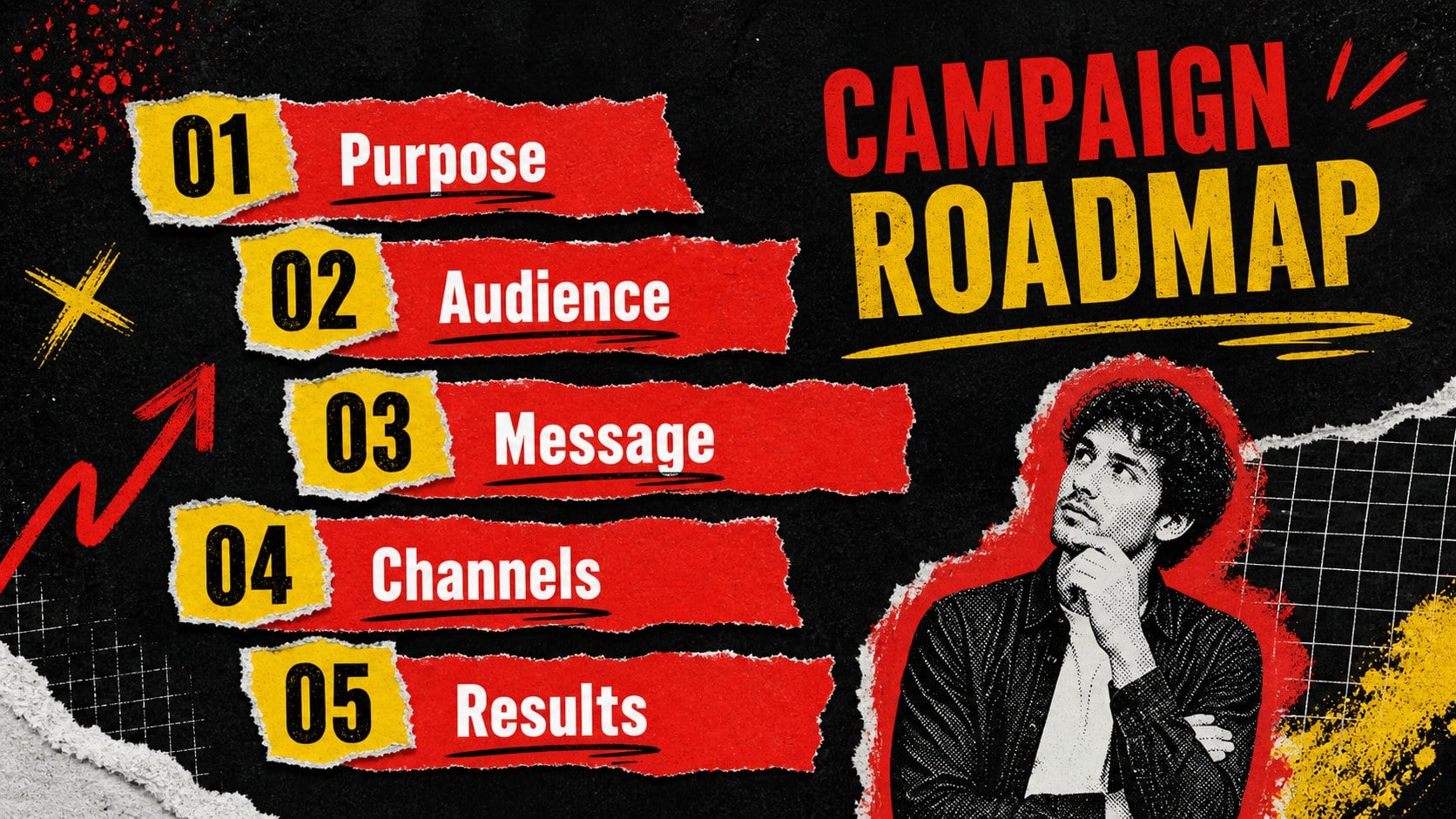
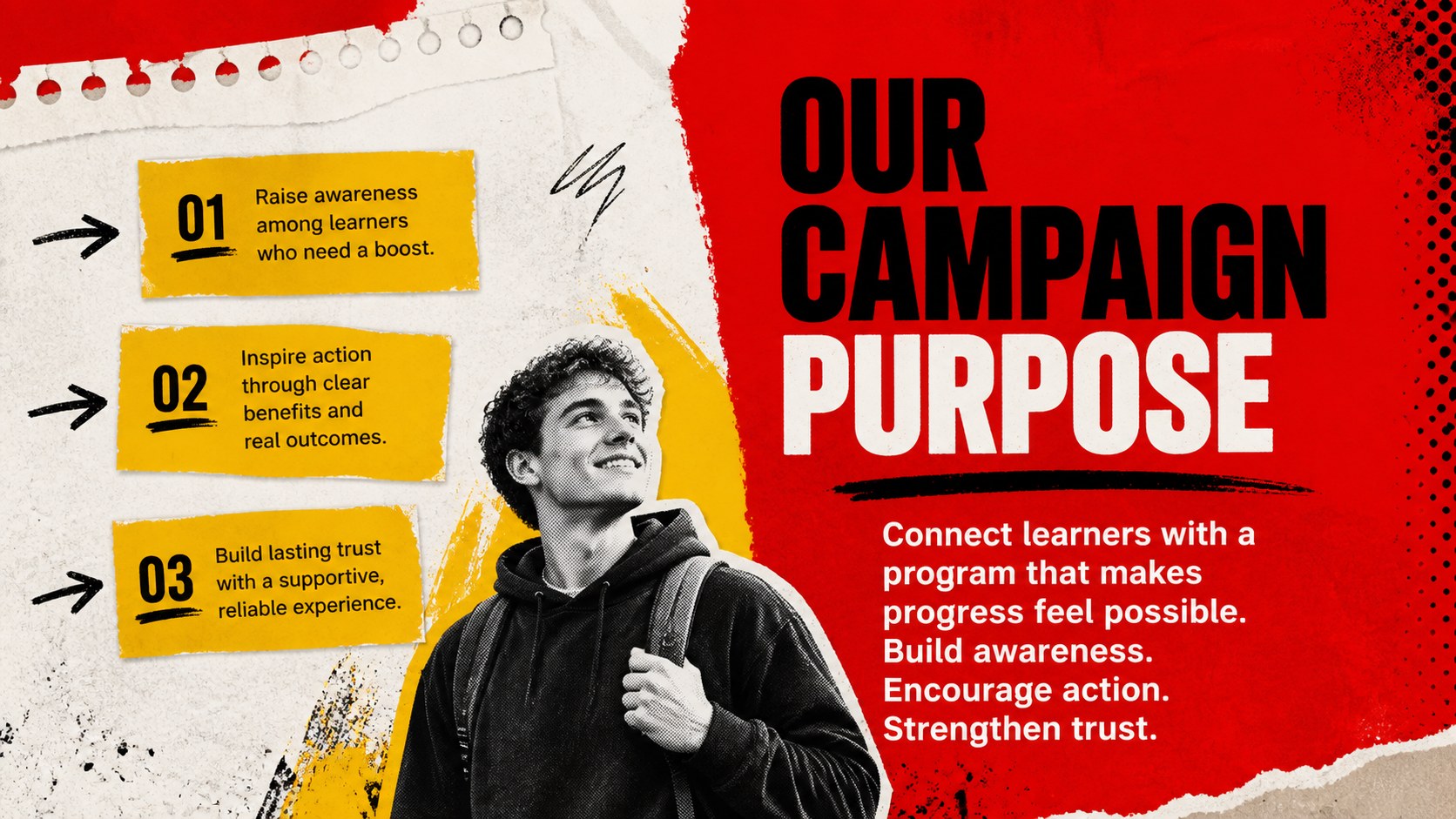
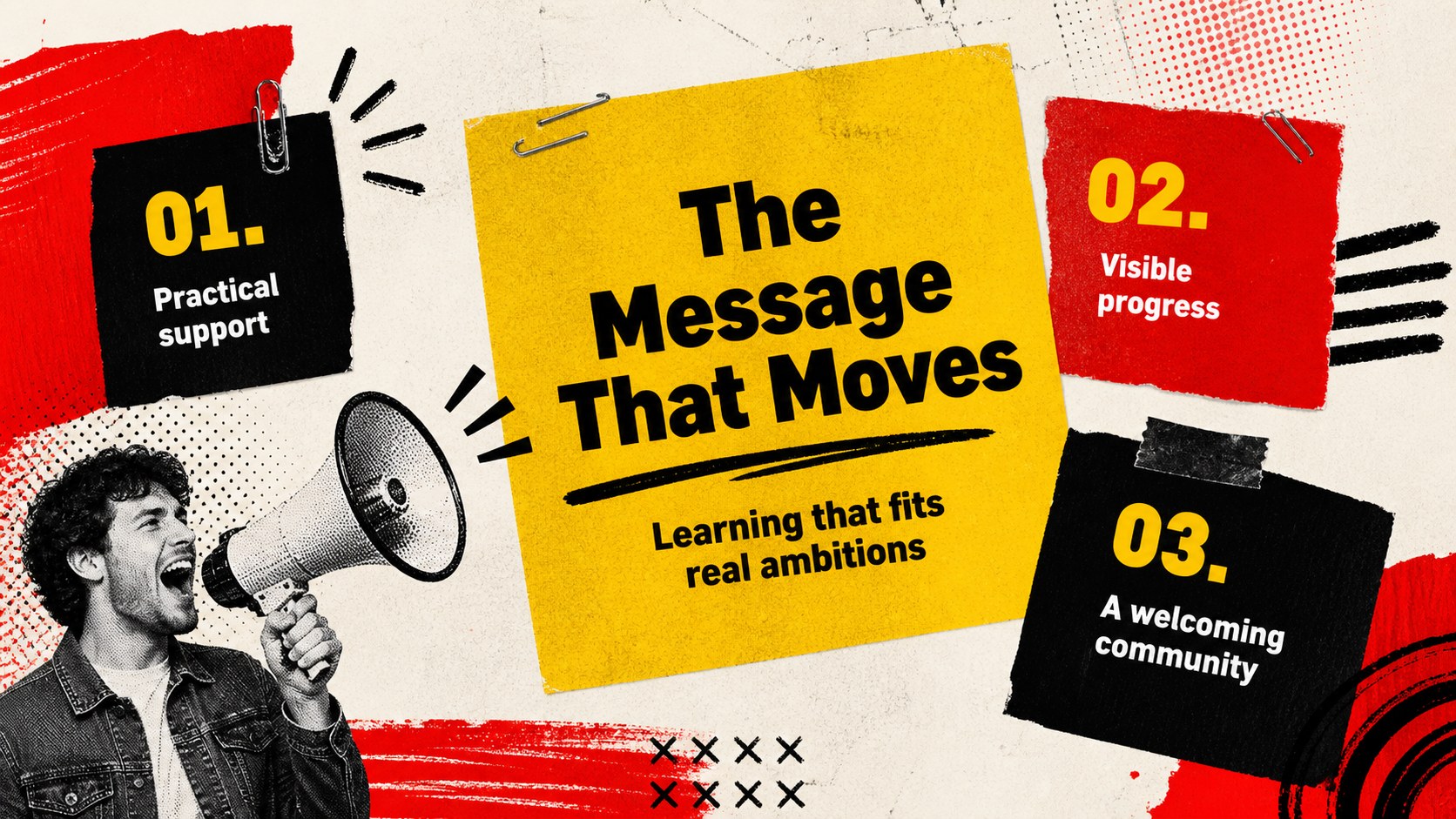
The deck includes layouts for campaign goals, audience profiles, key messages, content channels, event promotion, performance metrics, timelines, and next steps. Use the editable charts, image frames, comparison blocks, and callout elements to shape a complete school enrollment campaign presentation or a student engagement marketing deck. Coordinated title, section, data, and closing slides make it easy to maintain a consistent visual story from the opening idea to the final call to action.
Designed for education marketers, school communications teams, course creators, student organizations, and event coordinators, this red and yellow grunge presentation works well for enrollment drives, campus initiatives, workshop promotion, and learning program launches. Replace the sample wording, adjust the palette, add your own photography, and reorganize the layouts without losing the expressive collage character. Every slide is prepared for widescreen presenting and can be customized in PowerPoint or Google Slides.
Perfect for: school enrollment campaign; campus event promotion; course launch briefing; student engagement strategy; education program report.
Frequently asked questions
Can I edit every element in this presentation? Yes. Text, colors, images, charts, and decorative collage elements can be adjusted to match your campaign and organization.
Practical details
Yes. Text, colors, images, charts, and decorative collage elements can be adjusted to match your campaign and organization.
The deck is designed for Microsoft PowerPoint and Google Slides. Some fonts or transition effects may vary slightly between the two platforms.
Keep the strongest textures around margins and image areas, leaving clear space behind essential text. Use the yellow and red accents selectively for headlines, statistics, and calls to action.
Yes. The layouts also suit workshop announcements, nonprofit learning initiatives, training programs, youth events, and creative community campaigns.
Keep exploring
15Build an engaging World UFO Day session with this flying saucer history lesson deck, featuring retro green-and-brown slides for PowerPoint and Google Slides.
 15
15Plan a lively animal-learning journey with this jungle zoo adventure lesson deck, ready to customize in PowerPoint and Google Slides for young learners.
 16
16Turn environmental research into a clear story with a Watercolor Ecology Presentation Theme for PowerPoint and Google Slides in calming green and blue.
 16
16Build focused fashion, literature, and humanities presentations with the Red Triangle Editorial Theme, editable in PowerPoint and Google Slides.
 15
15Turn streaming stats, favorite tracks, and concert highlights into a bold annual listening recap slide deck for PowerPoint and Google Slides.
 15
15Turn highlights, milestones, and favorite moments into a colorful year in review slide deck with bold 3D graphics for PowerPoint and Google Slides.
 3
3Build a credible endorsement with Standout Colleague Recommendation Letter Slides, featuring colorful prompts for skills, achievements, and team impact.
 4
4Build clear beginner sessions with an ice hockey fundamentals training deck for coaches, PE teachers, and clubs, ready for PowerPoint and Google Slides.