
 15
15presentation
Flying Saucer History Lesson Deck
Build an engaging World UFO Day session with this flying saucer history lesson deck, featuring retro green-and-brown slides for PowerPoint and Google Slides.
Google SlidesPowerPoint
presentation · English
Build a confident print story with this editorial publishing pitch deck, featuring elegant yellow and brown layouts for proposals, reports, and media plans.

Design notes
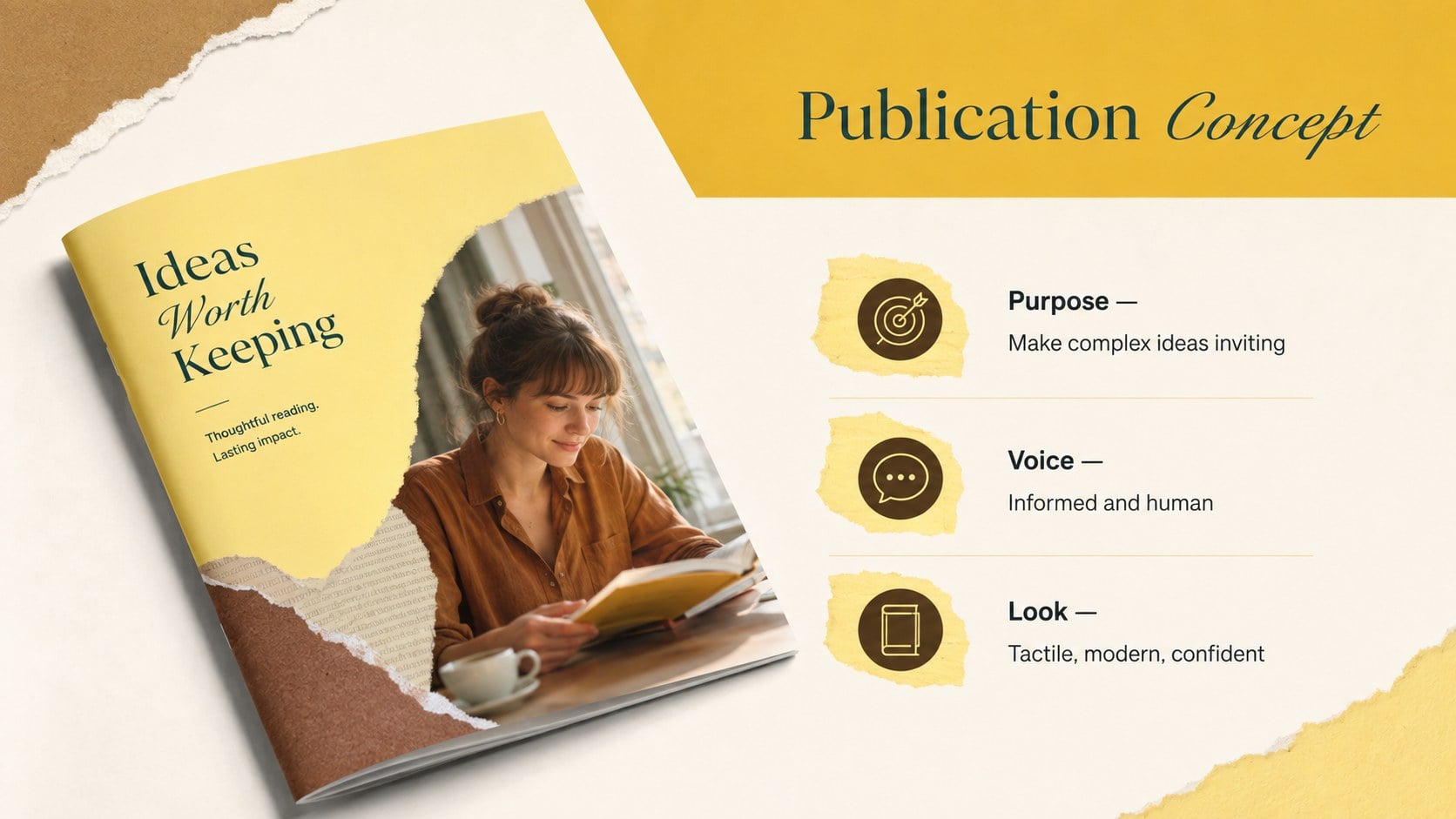
Turn publishing concepts into a clear visual narrative with this editorial publishing pitch deck. Created for media professionals, agencies, publishers, and marketing teams, its elegant yellow and brown palette combines editorial sophistication with playful minimalism. Spacious layouts and tactile paper-inspired details help important ideas stand out without making the presentation feel crowded.
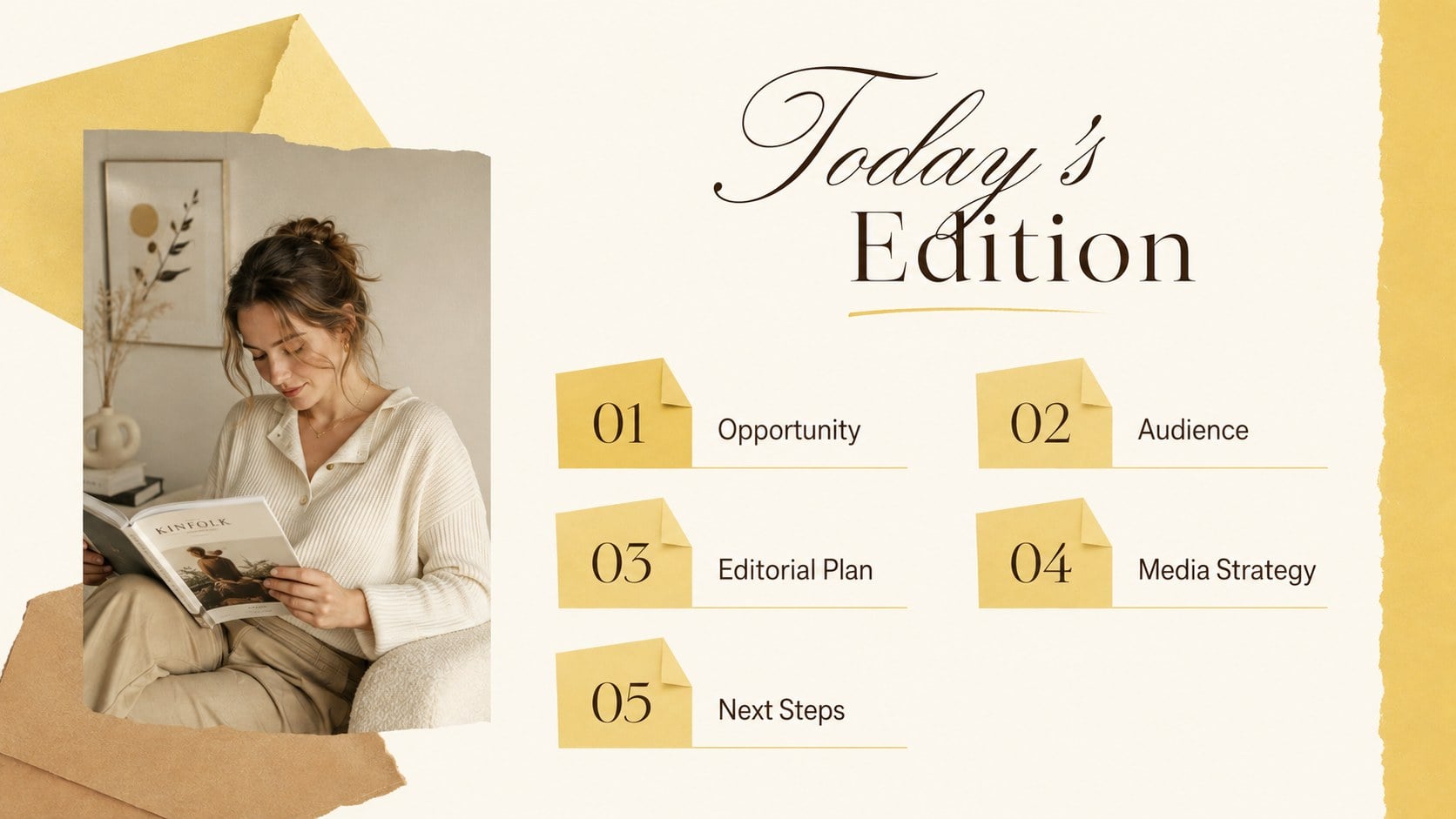
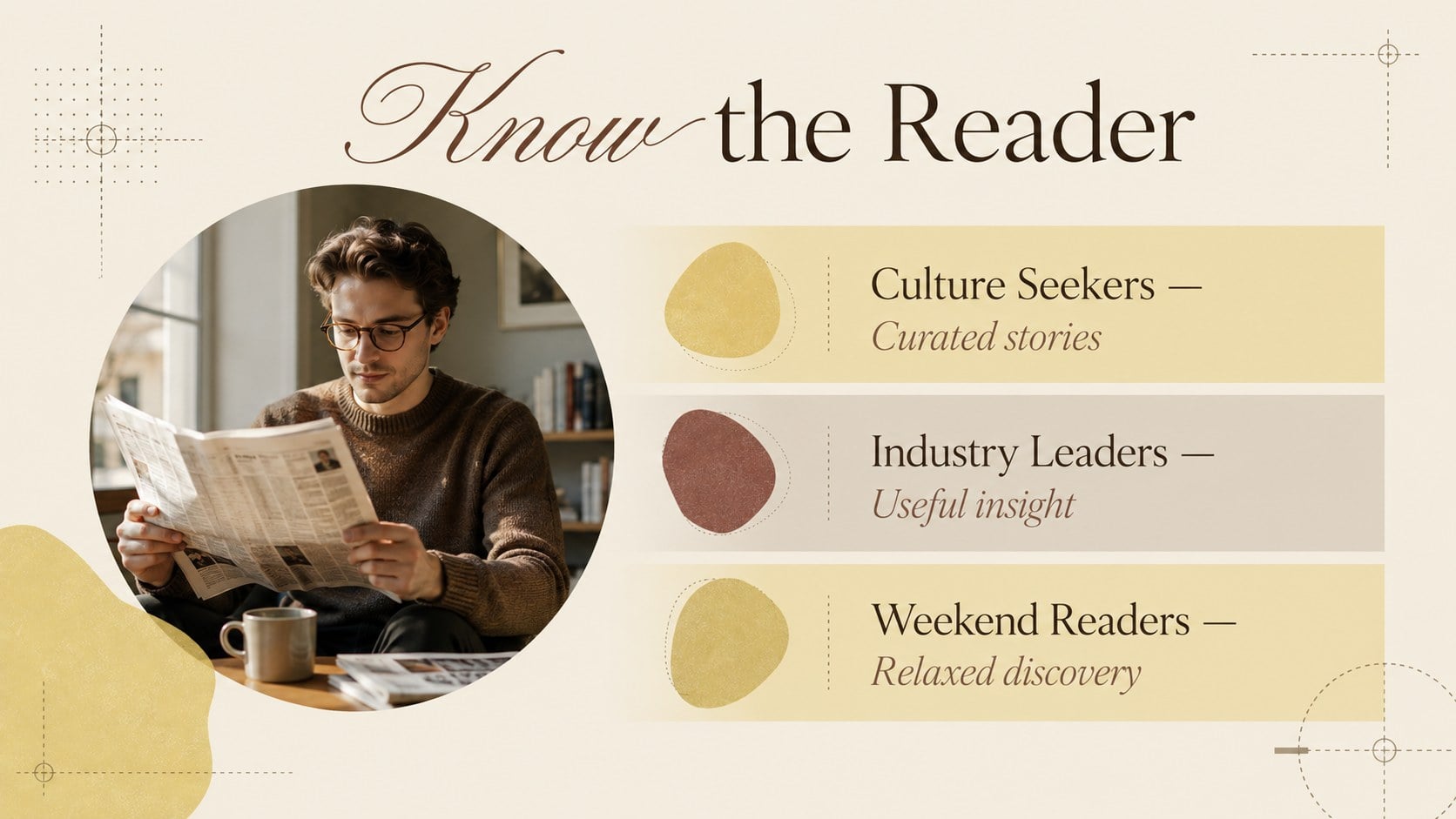
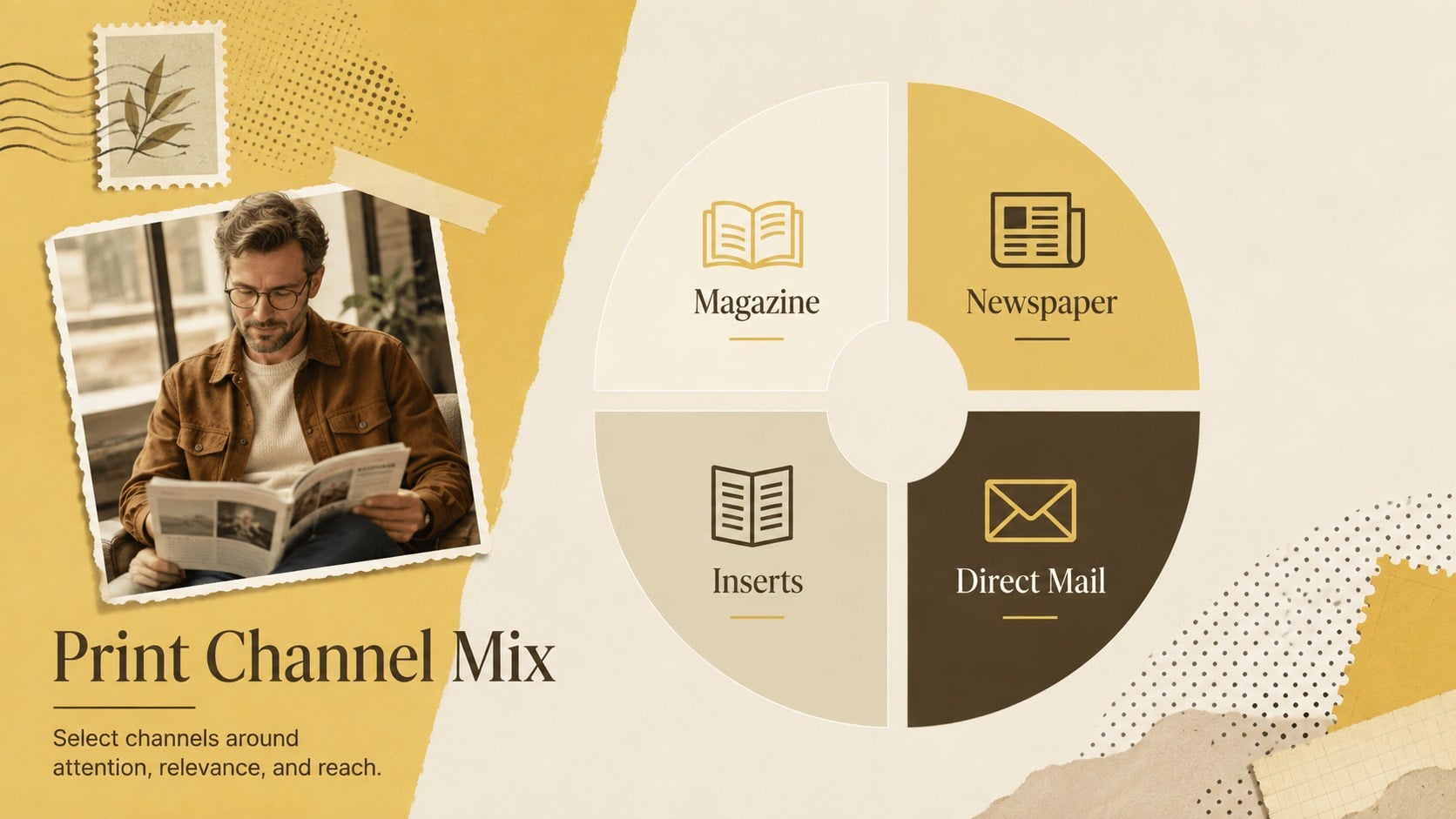
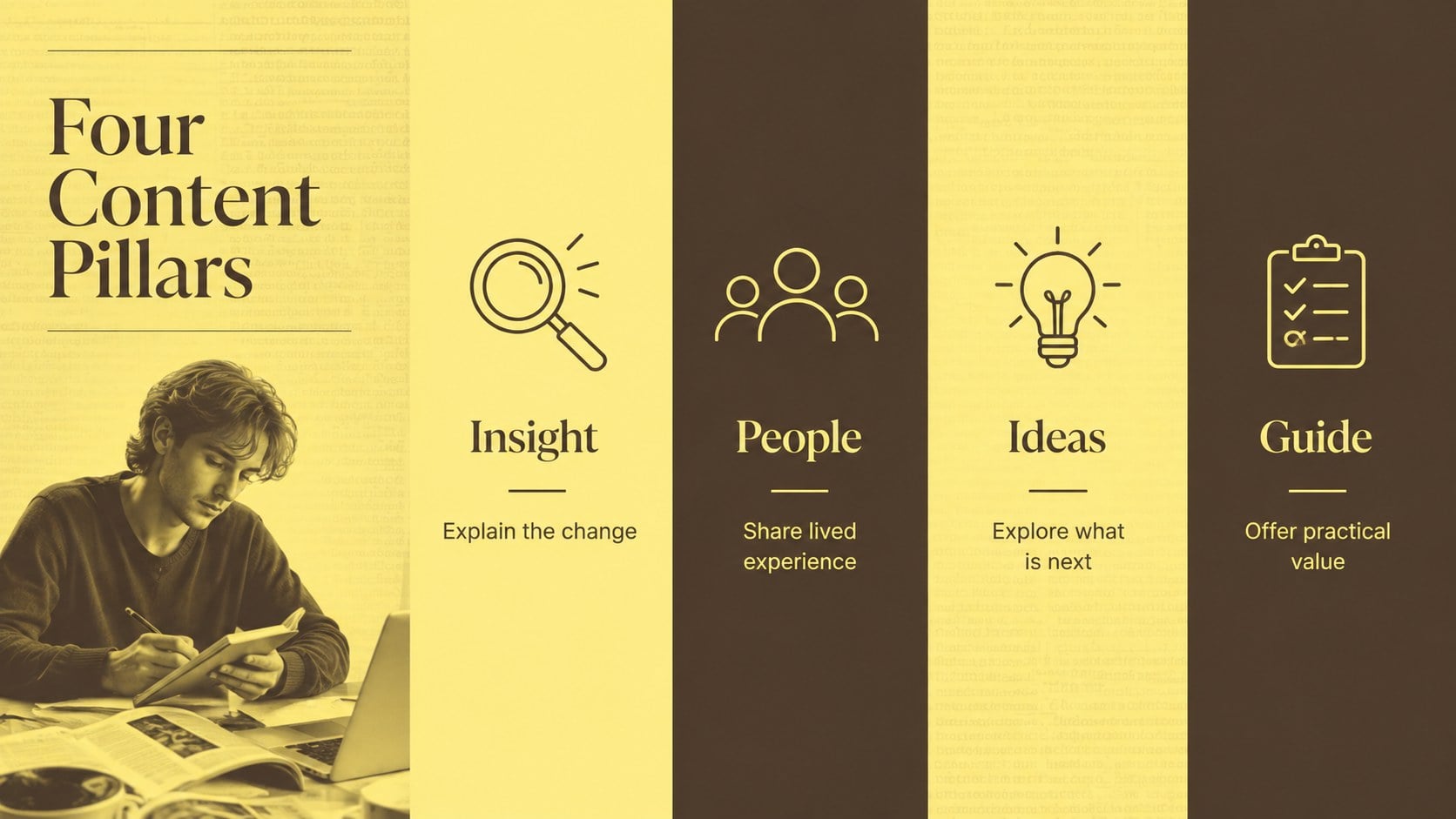
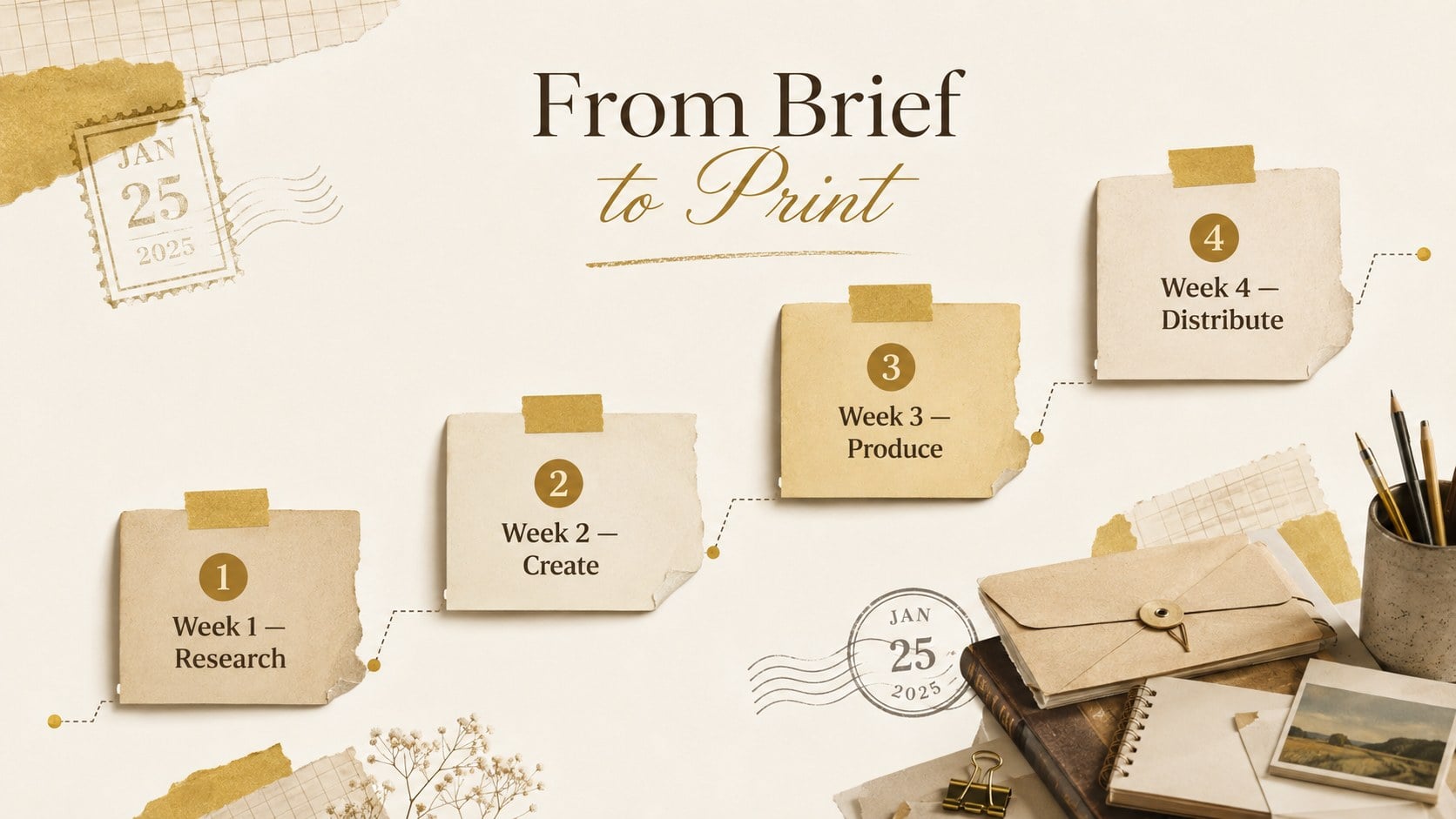
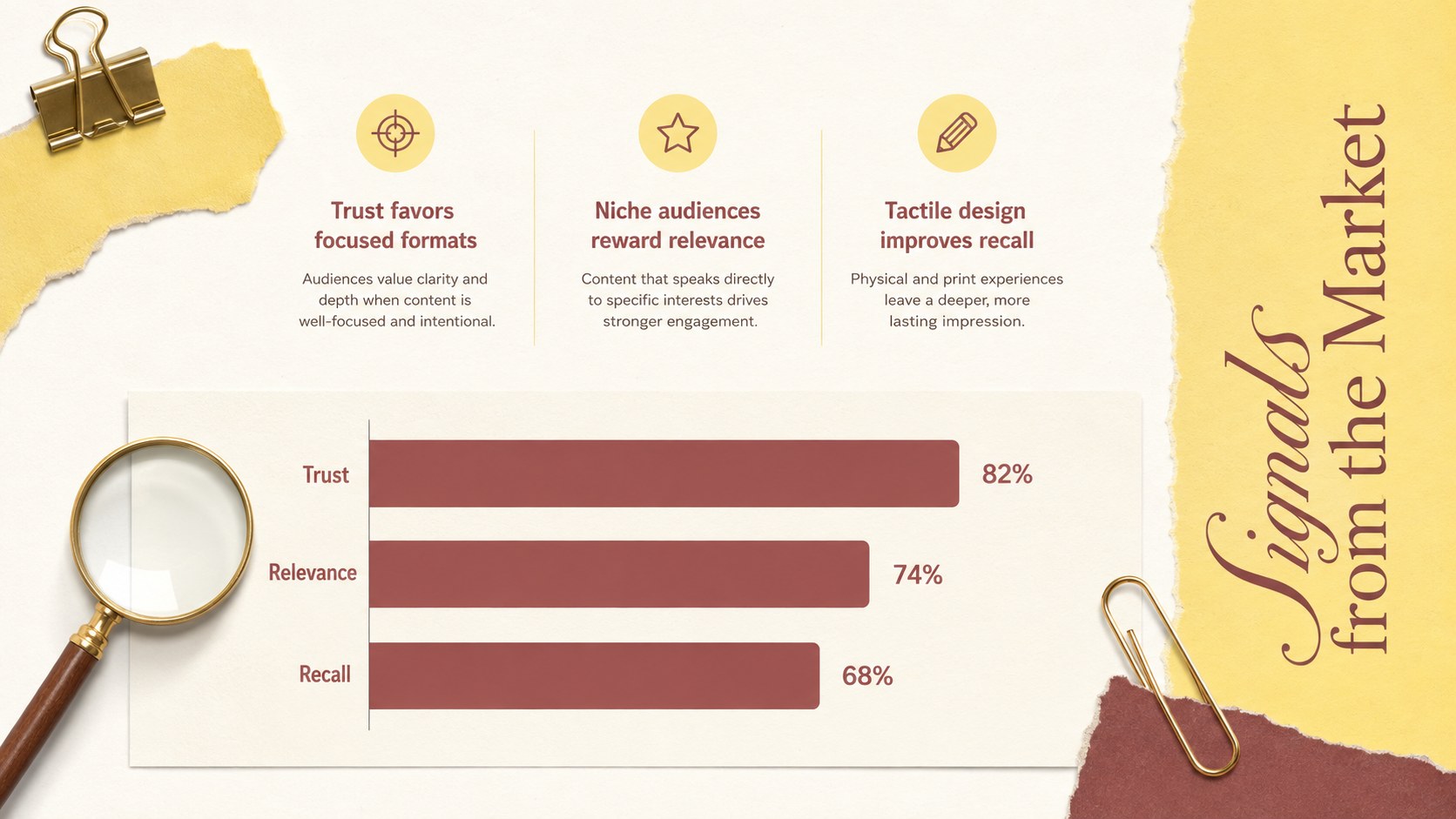
The deck includes coordinated layouts for an opening statement, agenda, audience profile, market findings, content pillars, channel strategy, campaign timeline, advertising packages, circulation metrics, budget allocation, case study, and next steps. Use it as a magazine proposal deck for Google Slides, a print advertising strategy presentation, or a media circulation report slide deck. Charts, image frames, comparison blocks, and concise text areas make complex information easier to scan and discuss.
Every slide can be adapted in PowerPoint or Google Slides. Replace the sample copy, adjust the palette, insert publication photography, and update charts with your own figures. The format suits magazine launches, newspaper campaigns, editorial partnerships, readership reports, advertising proposals, and client briefings. Its polished but approachable style gives creative teams enough personality for a persuasive pitch while maintaining the clarity expected in professional publishing presentations.
Perfect for: magazine launch proposal; newspaper advertising pitch; publishing strategy review; readership research report; editorial partnership briefing; print campaign planning.
Frequently asked questions
Can I edit this deck in PowerPoint and Google Slides? Yes. The layouts, text, colors, images, and charts can be edited in both PowerPoint and Google Slides. Minor font or spacing adjustments may be needed when switching between platforms.
Practical details
Yes. The layouts, text, colors, images, and charts can be edited in both PowerPoint and Google Slides. Minor font or spacing adjustments may be needed when switching between platforms.
Replace the sample headlines and images with your own editorial content, then update the yellow and brown accents to match your publication identity. You can also duplicate, remove, or reorder layouts to fit the length of your pitch.
Yes. Enter your readership, circulation, engagement, or advertising figures into the editable chart elements. Keep labels concise so the data remains easy to read during a presentation.
It works well for magazine concepts, newspaper campaigns, media kits, publishing proposals, editorial calendars, and audience reports. The layouts can also support broader content marketing and print advertising plans.
Keep exploring
15Build an engaging World UFO Day session with this flying saucer history lesson deck, featuring retro green-and-brown slides for PowerPoint and Google Slides.
 15
15Plan a lively animal-learning journey with this jungle zoo adventure lesson deck, ready to customize in PowerPoint and Google Slides for young learners.
 16
16Turn environmental research into a clear story with a Watercolor Ecology Presentation Theme for PowerPoint and Google Slides in calming green and blue.
 16
16Build focused fashion, literature, and humanities presentations with the Red Triangle Editorial Theme, editable in PowerPoint and Google Slides.
 15
15Turn streaming stats, favorite tracks, and concert highlights into a bold annual listening recap slide deck for PowerPoint and Google Slides.
 15
15Turn highlights, milestones, and favorite moments into a colorful year in review slide deck with bold 3D graphics for PowerPoint and Google Slides.
 3
3Build a credible endorsement with Standout Colleague Recommendation Letter Slides, featuring colorful prompts for skills, achievements, and team impact.
 4
4Build clear beginner sessions with an ice hockey fundamentals training deck for coaches, PE teachers, and clubs, ready for PowerPoint and Google Slides.