
 15
15presentation
Flying Saucer History Lesson Deck
Build an engaging World UFO Day session with this flying saucer history lesson deck, featuring retro green-and-brown slides for PowerPoint and Google Slides.
Google SlidesPowerPoint
presentation · English
Shape a polished editorial fashion launch with an editorial brand launch strategy deck for PowerPoint and Google Slides, built for clear, stylish planning.
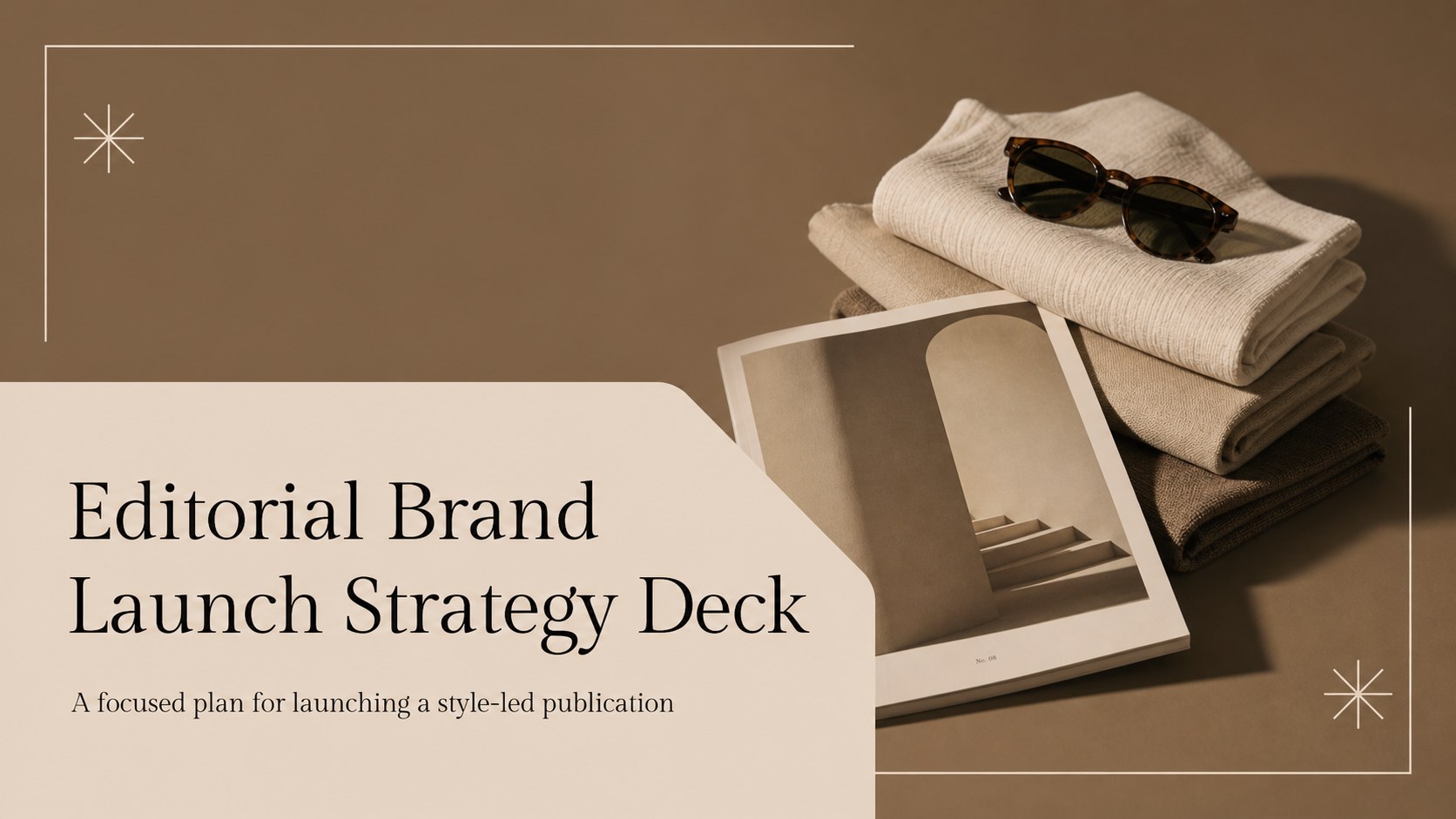
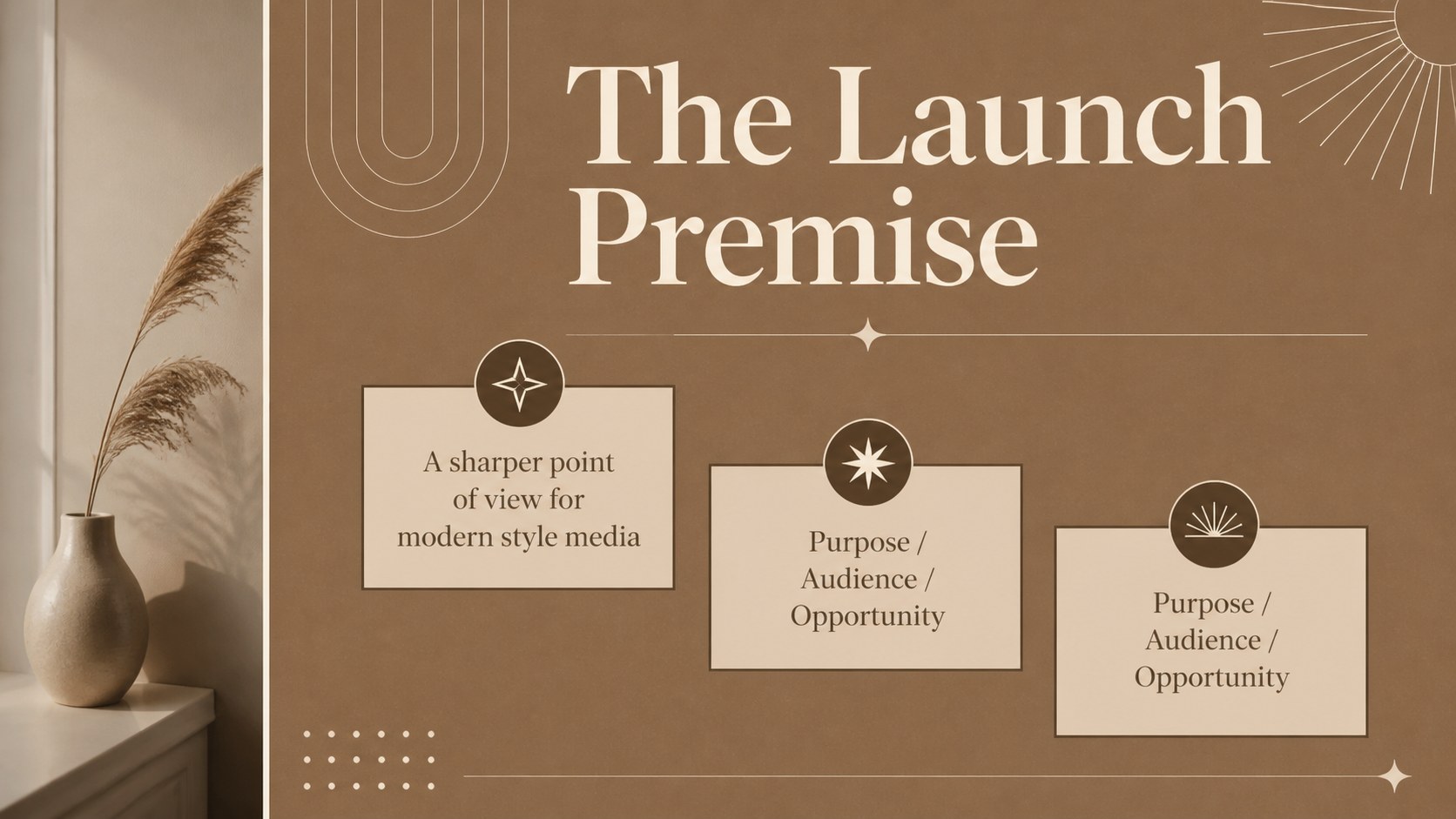
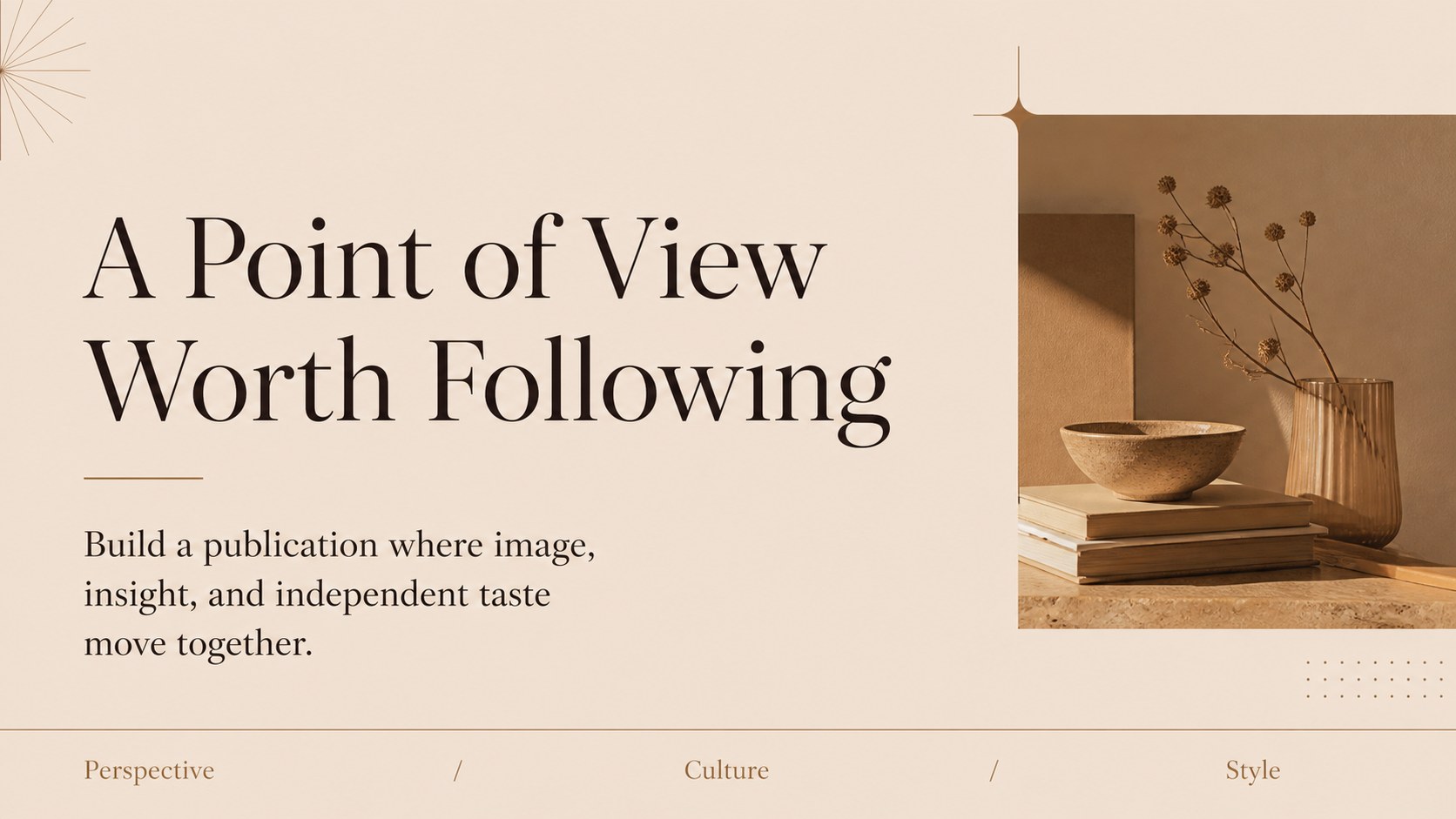
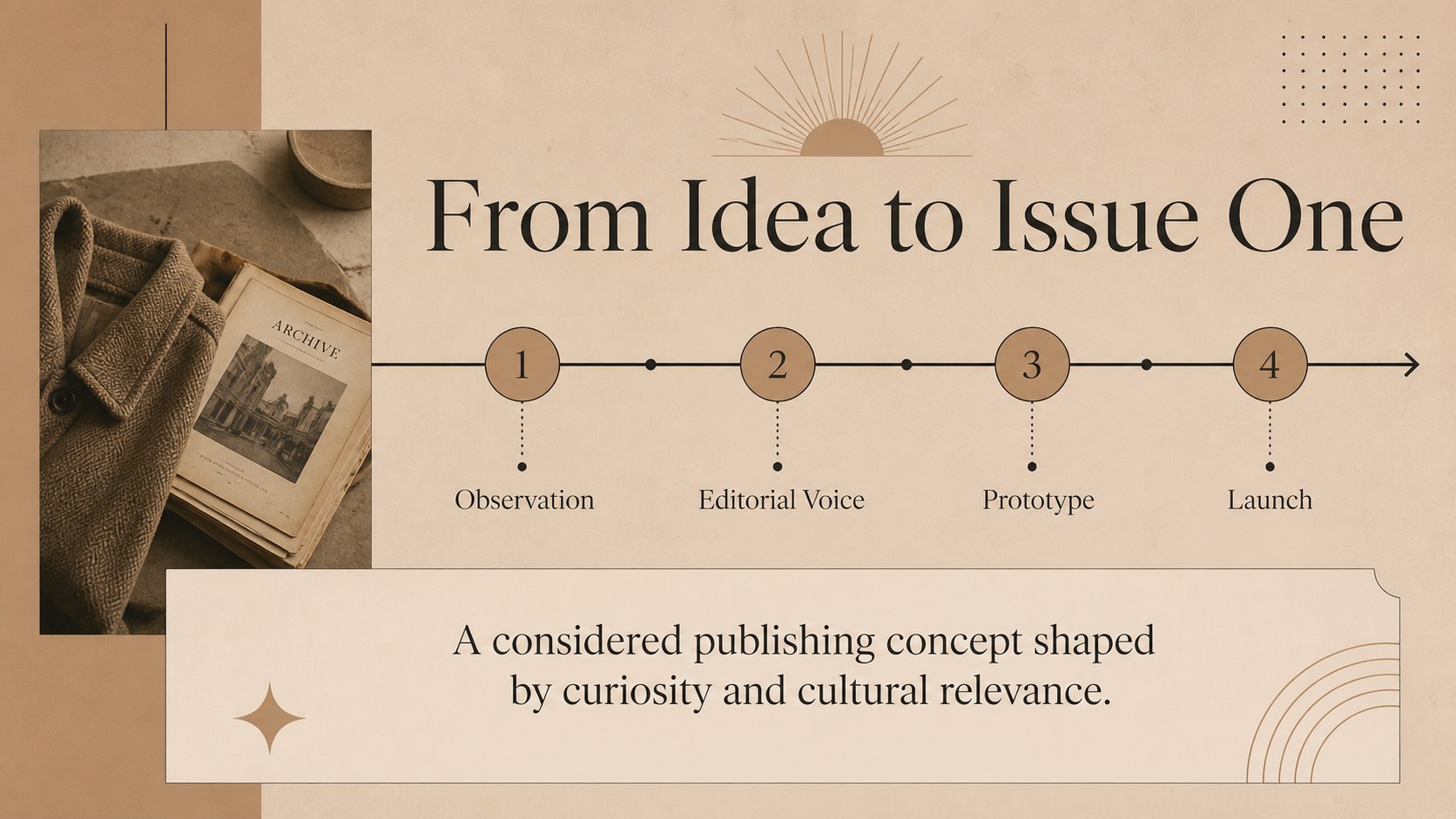
Design notes
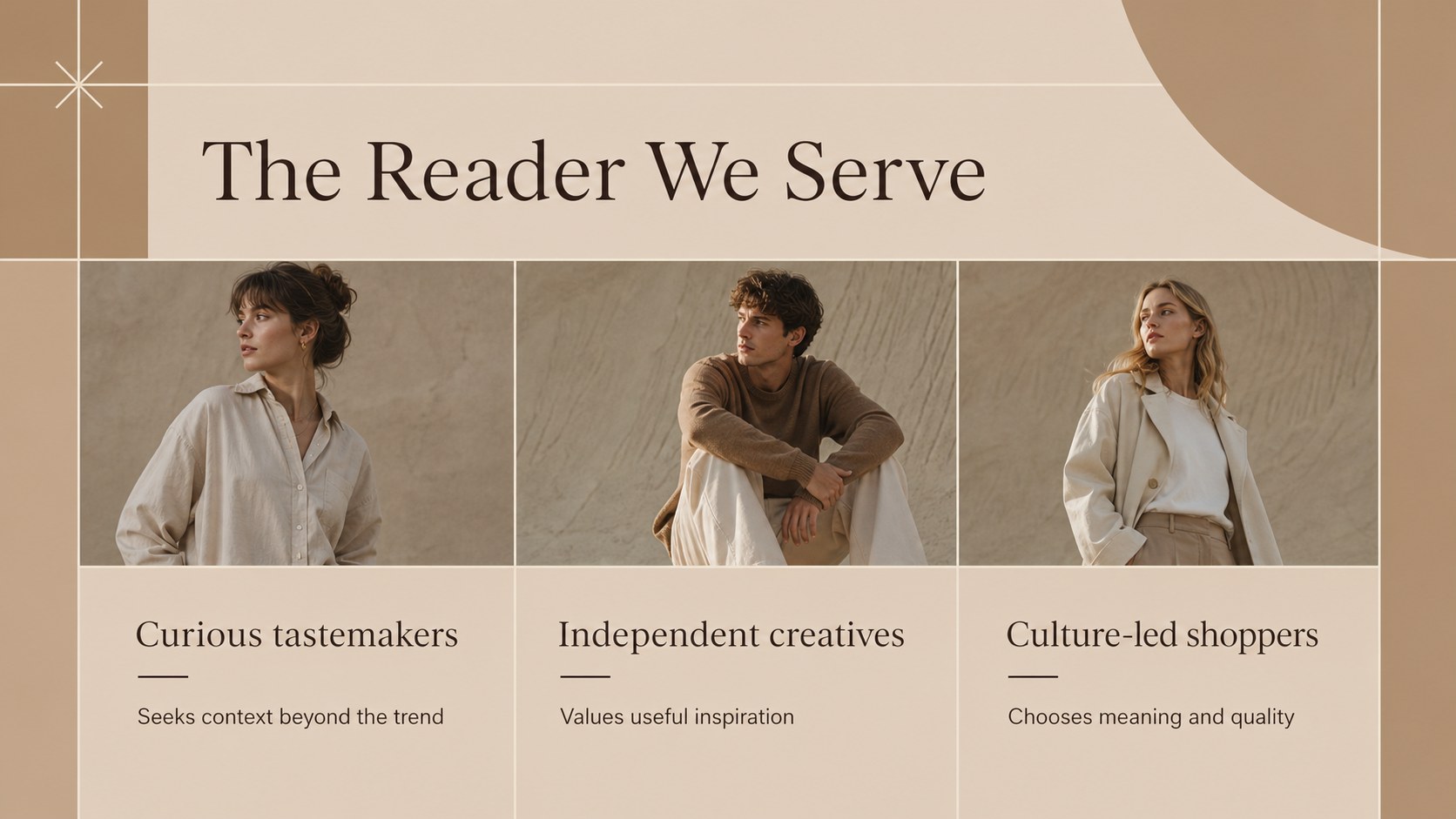
Bring a new fashion publication or style-led media brand into focus with an editorial brand launch strategy deck designed for confident business storytelling. Its warm brown-and-cream palette, elegant typography, and spacious layouts create a polished setting for presenting an editorial concept without losing sight of the commercial plan. Use it to explain what your publication stands for, who it serves, and how it will earn attention in a crowded media landscape.
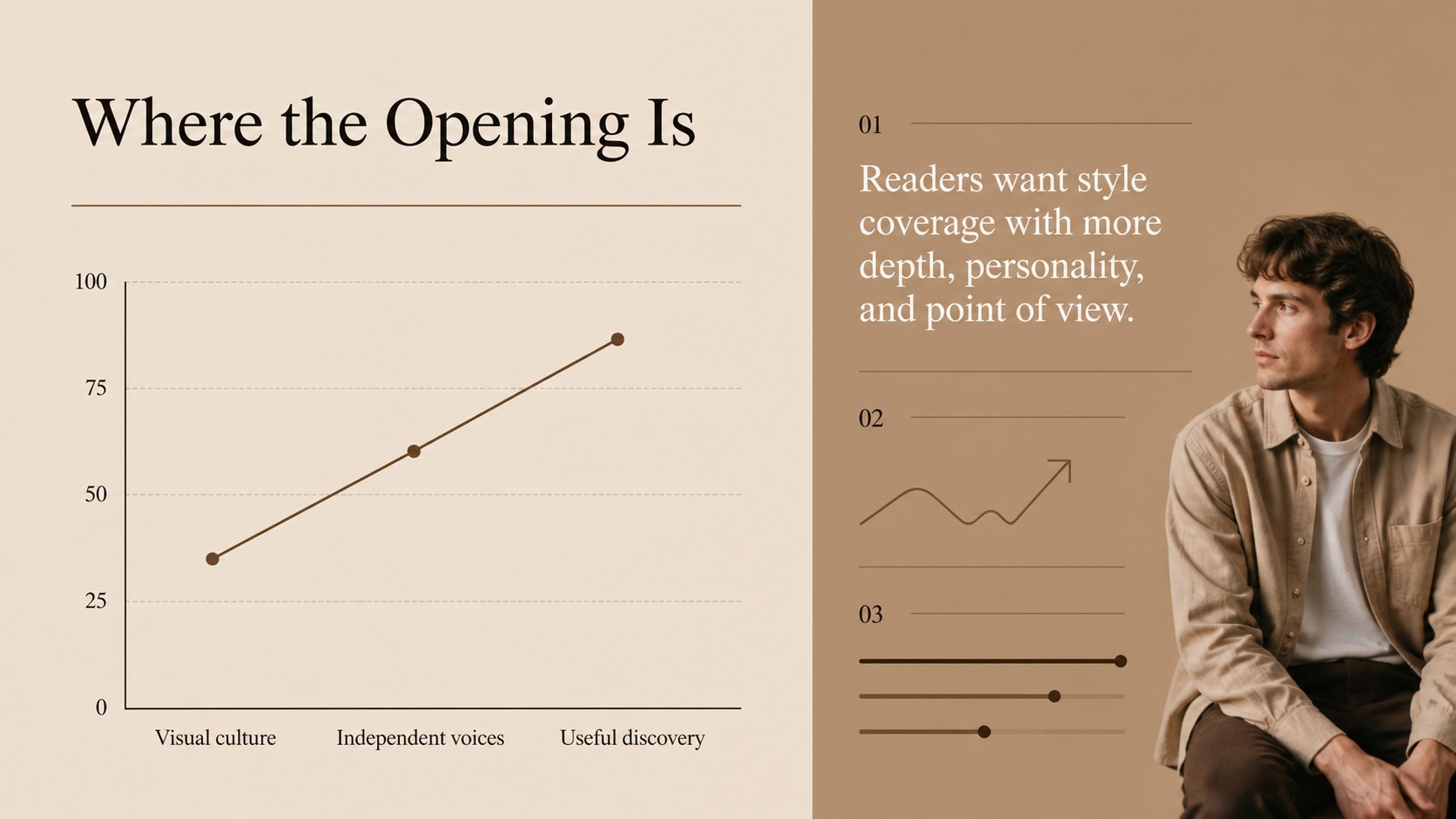
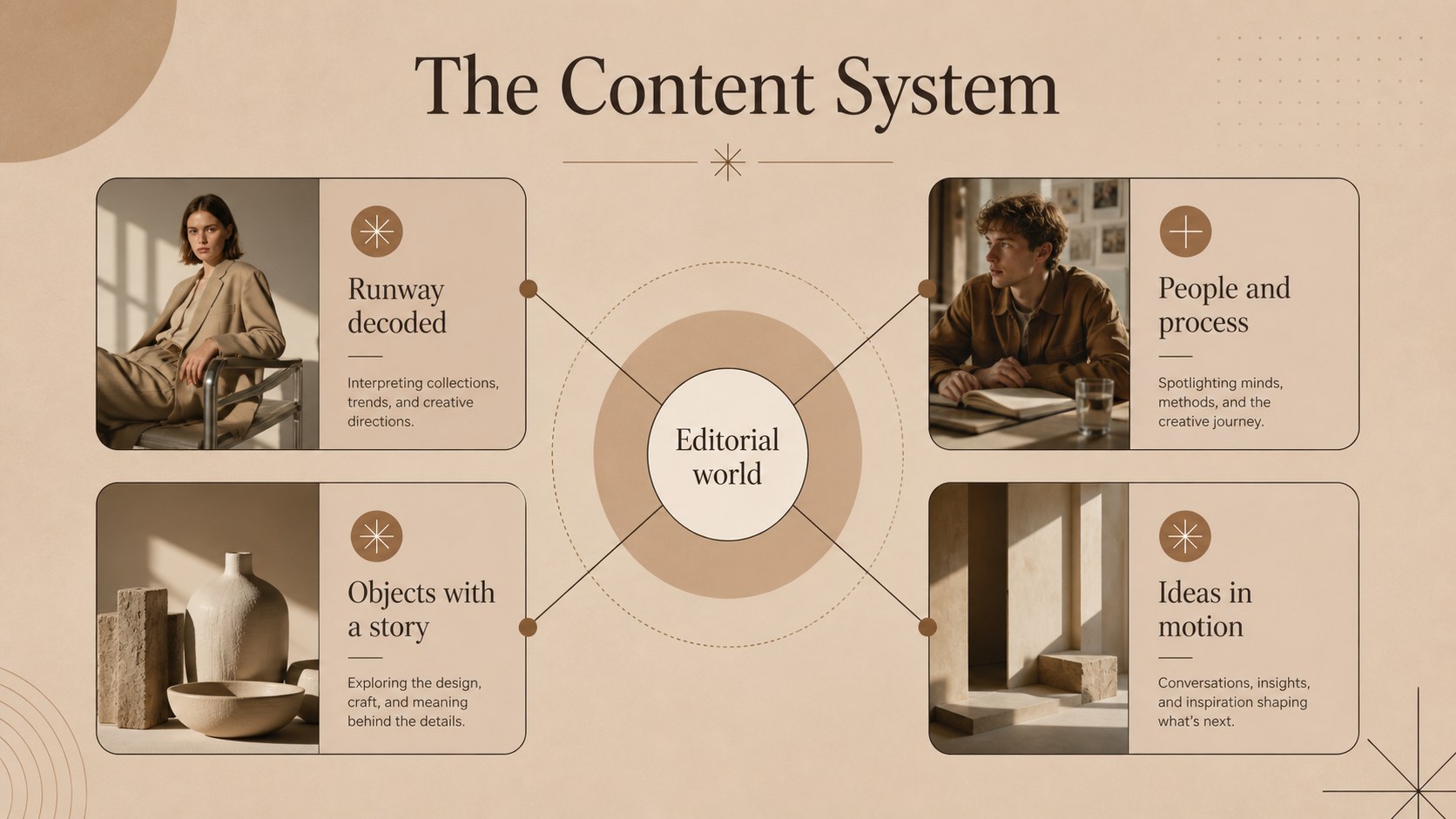
Inside, you’ll find more than 25 editable slide layouts for a brand overview, mission, origin story, editorial voice, audience profile, competitor review, market opportunity, value proposition, content pillars, team introduction, launch timeline, marketing channels, revenue model, and next steps. Dedicated data and comparison layouts help turn research into a persuasive narrative, while image-focused pages let you showcase a visual direction, cover concept, or seasonal issue preview.
This deck is suited to independent publishers, fashion editors, creative directors, media startups, and agencies preparing a fashion publication pitch deck or editorial media business plan. Edit the presentation in PowerPoint or Google Slides, replace the sample copy and imagery, and adapt the structure for investor meetings, internal planning, partnership proposals, or a creative brand presentation.
Perfect for: fashion publication investor pitch; editorial media business plan; new magazine launch meeting; creative agency brand proposal; seasonal issue planning session.
Frequently asked questions
Can I edit this deck in PowerPoint? Yes. The layouts are designed for PowerPoint editing, including text, colors, images, charts, and other presentation elements. Replace the sample content with your publication details and brand assets.
Practical details
Yes. The layouts are designed for PowerPoint editing, including text, colors, images, charts, and other presentation elements. Replace the sample content with your publication details and brand assets.
Yes, you can use the deck in Google Slides and adjust the copy, imagery, layouts, and presentation order. Check the font availability after importing and substitute a similar typeface if needed.
It works well for a fashion publication pitch deck, editorial media business plan, or launch strategy presentation. It can also support partnership proposals, internal editorial planning, and creative direction reviews.
Yes. Update the theme colors to match your publication or campaign while keeping the original visual hierarchy. The layouts also support replacing photography, charts, icons, and sample text.
Keep exploring
15Build an engaging World UFO Day session with this flying saucer history lesson deck, featuring retro green-and-brown slides for PowerPoint and Google Slides.
 15
15Plan a lively animal-learning journey with this jungle zoo adventure lesson deck, ready to customize in PowerPoint and Google Slides for young learners.
 16
16Turn environmental research into a clear story with a Watercolor Ecology Presentation Theme for PowerPoint and Google Slides in calming green and blue.
 16
16Build focused fashion, literature, and humanities presentations with the Red Triangle Editorial Theme, editable in PowerPoint and Google Slides.
 15
15Turn streaming stats, favorite tracks, and concert highlights into a bold annual listening recap slide deck for PowerPoint and Google Slides.
 15
15Turn highlights, milestones, and favorite moments into a colorful year in review slide deck with bold 3D graphics for PowerPoint and Google Slides.
 3
3Build a credible endorsement with Standout Colleague Recommendation Letter Slides, featuring colorful prompts for skills, achievements, and team impact.
 4
4Build clear beginner sessions with an ice hockey fundamentals training deck for coaches, PE teachers, and clubs, ready for PowerPoint and Google Slides.