
 15
15presentation
Flying Saucer History Lesson Deck
Build an engaging World UFO Day session with this flying saucer history lesson deck, featuring retro green-and-brown slides for PowerPoint and Google Slides.
Google SlidesPowerPoint
presentation · English
Build an economic models comparison infographic for clearer lessons, policy briefings, and reports, ready to edit in PowerPoint and Google Slides.
Design notes
Turn abstract economic theory into an organized visual story with this economic models comparison infographic. Its minimalist beige design presents key ideas without distracting from the subject, helping audiences quickly understand how different systems allocate resources, establish ownership, and coordinate production. Use it to introduce capitalism, socialism, command economies, traditional economies, or mixed-market structures.
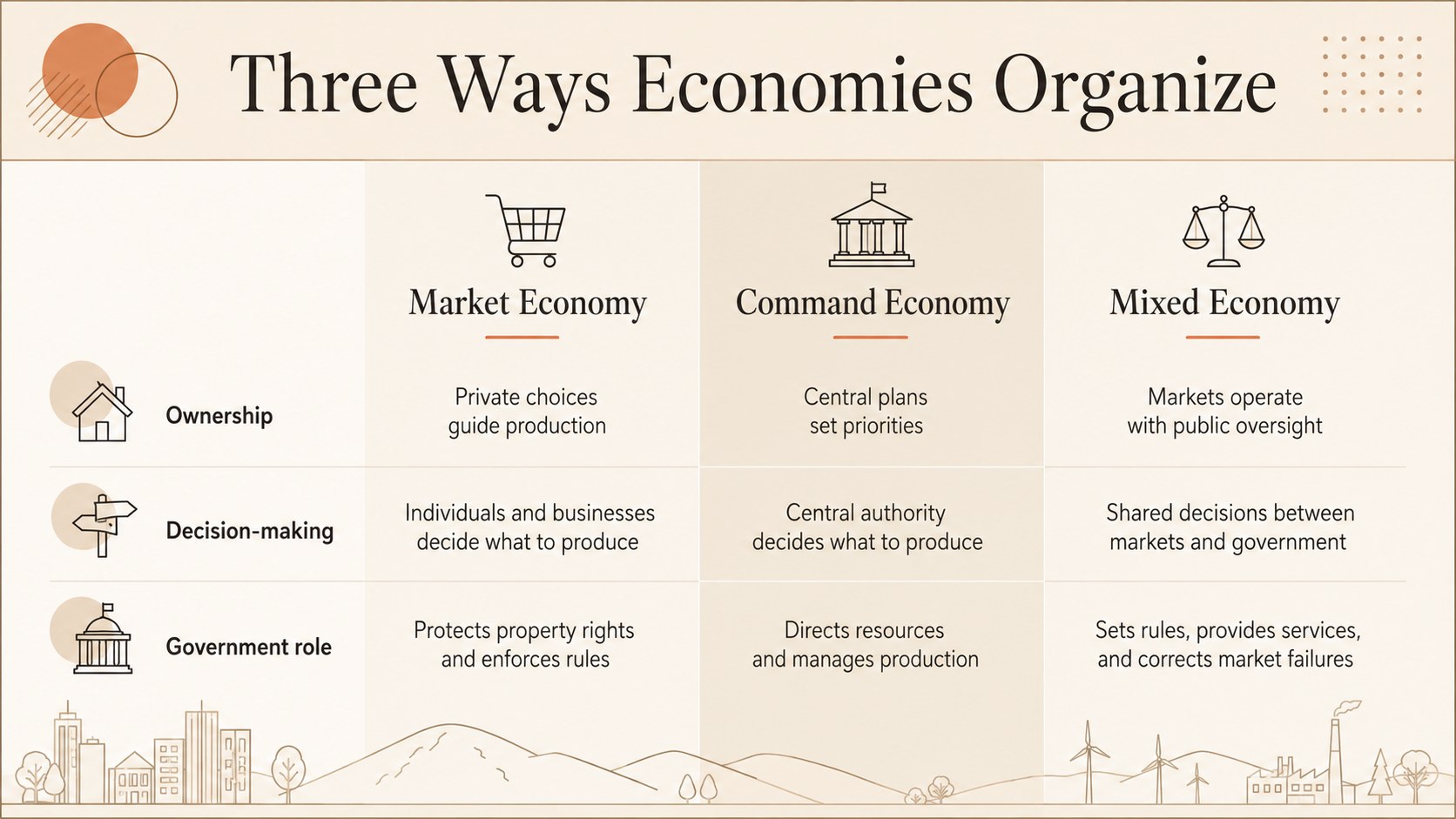
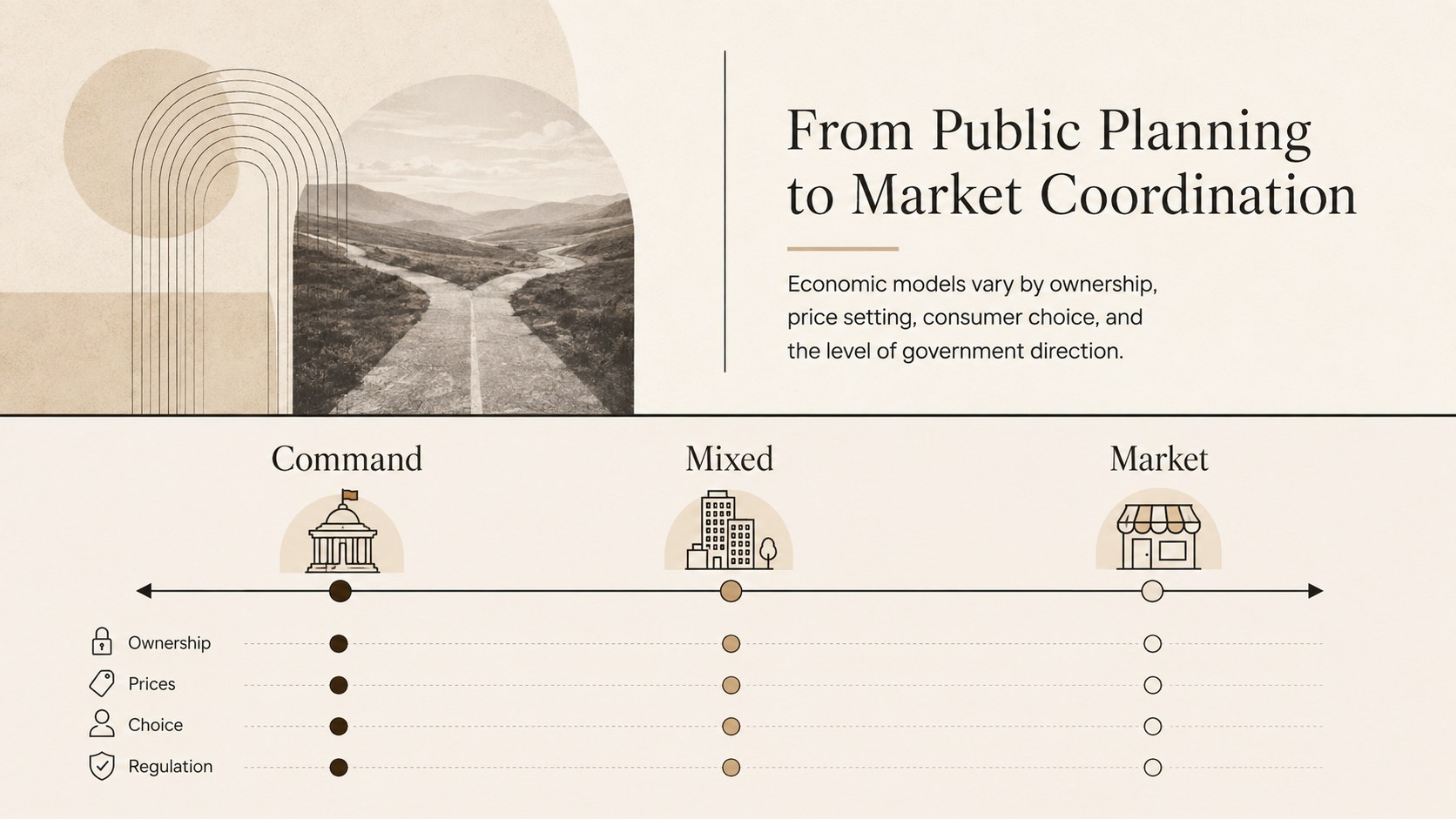
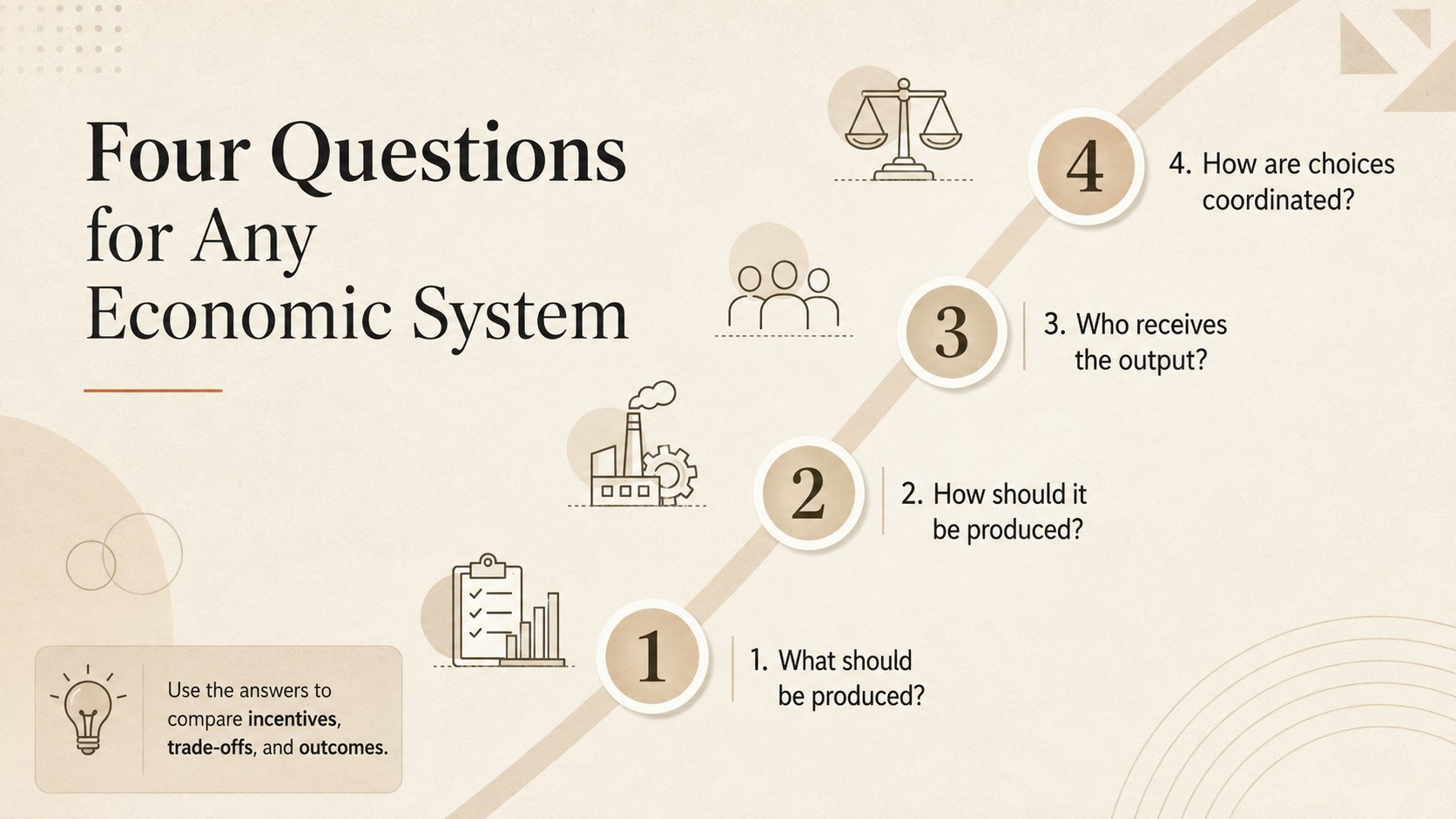
The deck includes a clear cover, a structured comparison matrix, an economic spectrum, and a practical evaluation framework. Together, these layouts provide the foundation for an economic systems comparison template that can cover government involvement, private enterprise, consumer choice, competition, incentives, and distribution. A capitalism socialism mixed economy chart also makes similarities and differences easier to discuss during lessons or presentations.
Designed for teachers, high school and college students, policy teams, trainers, and business professionals, the slides work well for classroom lectures, seminar assignments, research summaries, workshops, and internal briefings. They can also serve as a high school economics visual aid when complex definitions need a more approachable format. Edit the wording, data points, icons, and neutral color accents in PowerPoint or Google Slides. Every layout is fully customizable, so you can simplify the material for an introductory class or add greater detail for an advanced economics discussion.
Perfect for: high school economics lesson; college seminar presentation; economic systems comparison assignment; public policy team briefing; market structures workshop.
Frequently asked questions
Can I edit every part of this economics deck? Yes. You can change the text, icons, comparison criteria, data, fonts, and colors to match your lesson or briefing.
Practical details
Yes. You can change the text, icons, comparison criteria, data, fonts, and colors to match your lesson or briefing.
The template is designed for PowerPoint and Google Slides. Both platforms support editing, presenting, and sharing the completed deck.
Yes. Duplicate or adapt the existing columns to cover traditional, command, market, socialist, capitalist, or mixed economies.
Yes. You can export selected slides as PDF files for handouts, study guides, or seminar notes after adjusting the layout for your preferred paper size.
Keep exploring
15Build an engaging World UFO Day session with this flying saucer history lesson deck, featuring retro green-and-brown slides for PowerPoint and Google Slides.
 15
15Plan a lively animal-learning journey with this jungle zoo adventure lesson deck, ready to customize in PowerPoint and Google Slides for young learners.
 16
16Turn environmental research into a clear story with a Watercolor Ecology Presentation Theme for PowerPoint and Google Slides in calming green and blue.
 16
16Build focused fashion, literature, and humanities presentations with the Red Triangle Editorial Theme, editable in PowerPoint and Google Slides.
 15
15Turn streaming stats, favorite tracks, and concert highlights into a bold annual listening recap slide deck for PowerPoint and Google Slides.
 15
15Turn highlights, milestones, and favorite moments into a colorful year in review slide deck with bold 3D graphics for PowerPoint and Google Slides.
 3
3Build a credible endorsement with Standout Colleague Recommendation Letter Slides, featuring colorful prompts for skills, achievements, and team impact.
 4
4Build clear beginner sessions with an ice hockey fundamentals training deck for coaches, PE teachers, and clubs, ready for PowerPoint and Google Slides.