
 15
15presentation
Flying Saucer History Lesson Deck
Build an engaging World UFO Day session with this flying saucer history lesson deck, featuring retro green-and-brown slides for PowerPoint and Google Slides.
Google SlidesPowerPoint
presentation · English
Build a clearer ecommerce conversion journey with minimalist red and beige slides for mapping customer touchpoints, campaign ideas, and sales actions.
Design notes
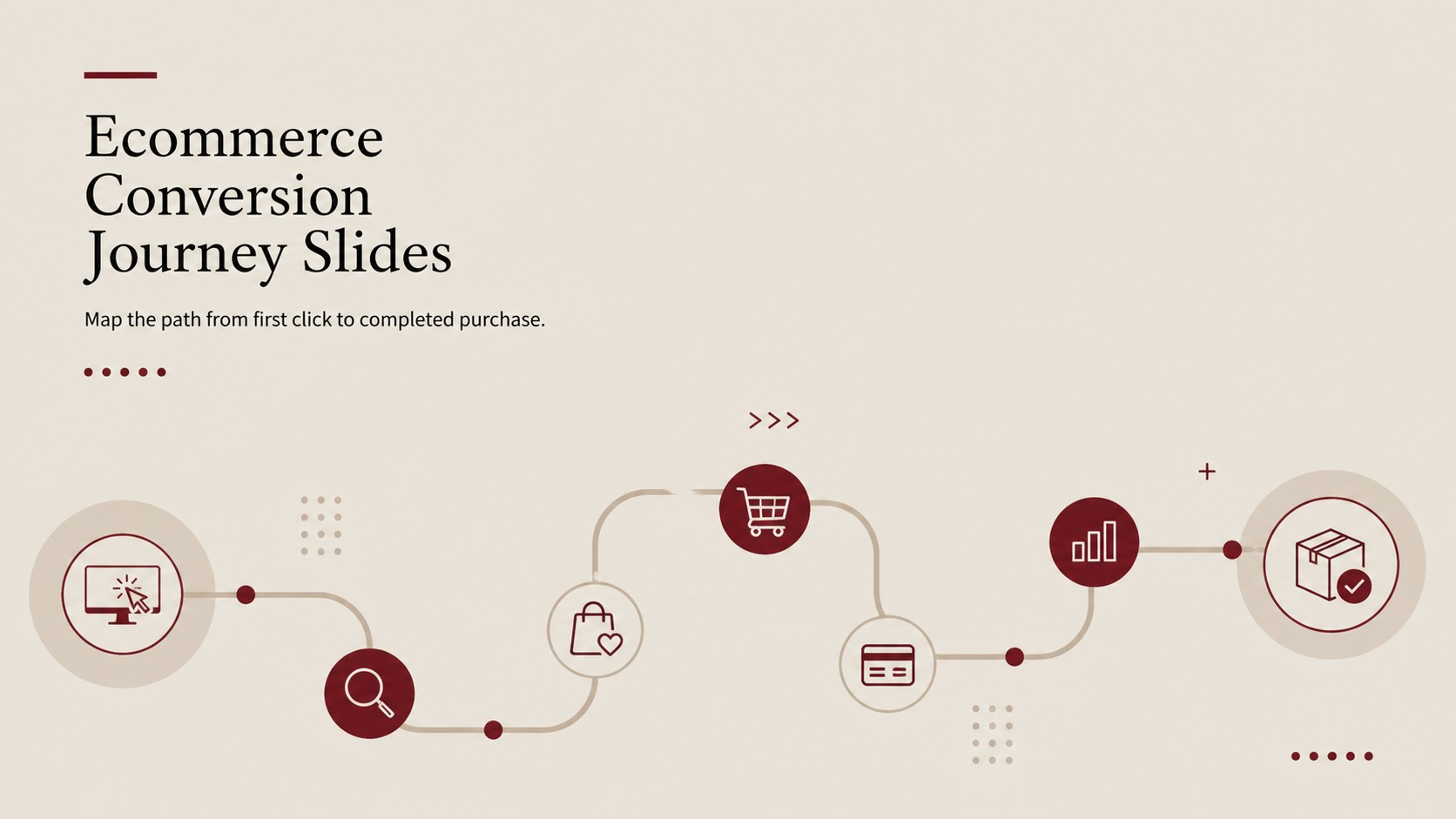
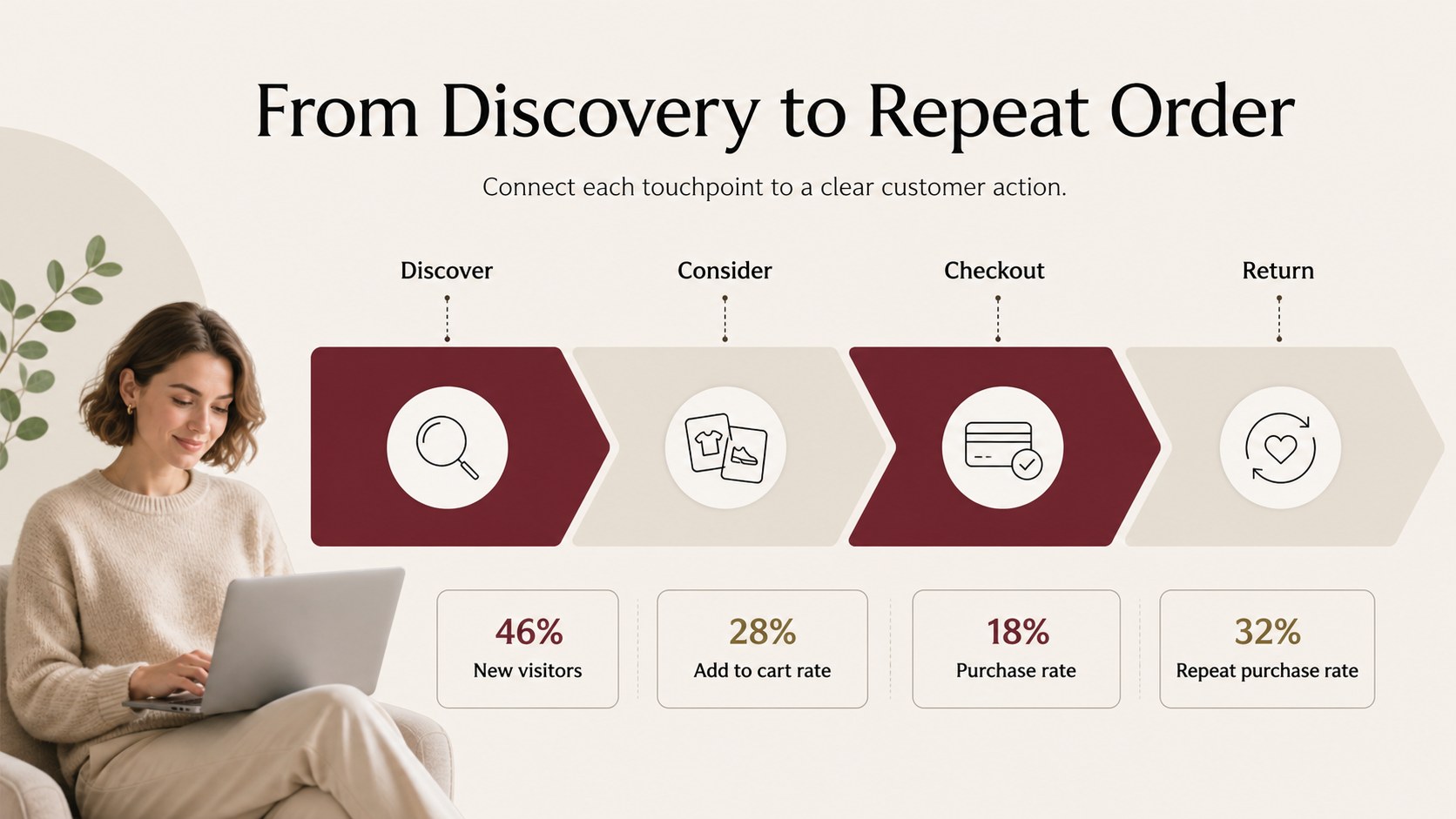
Ecommerce conversion journey slides give marketing teams a focused way to explain how shoppers move from discovery to purchase and repeat engagement. This refined presentation template combines a minimalist layout with a confident red-and-beige palette, making complex customer paths easier to scan and discuss.
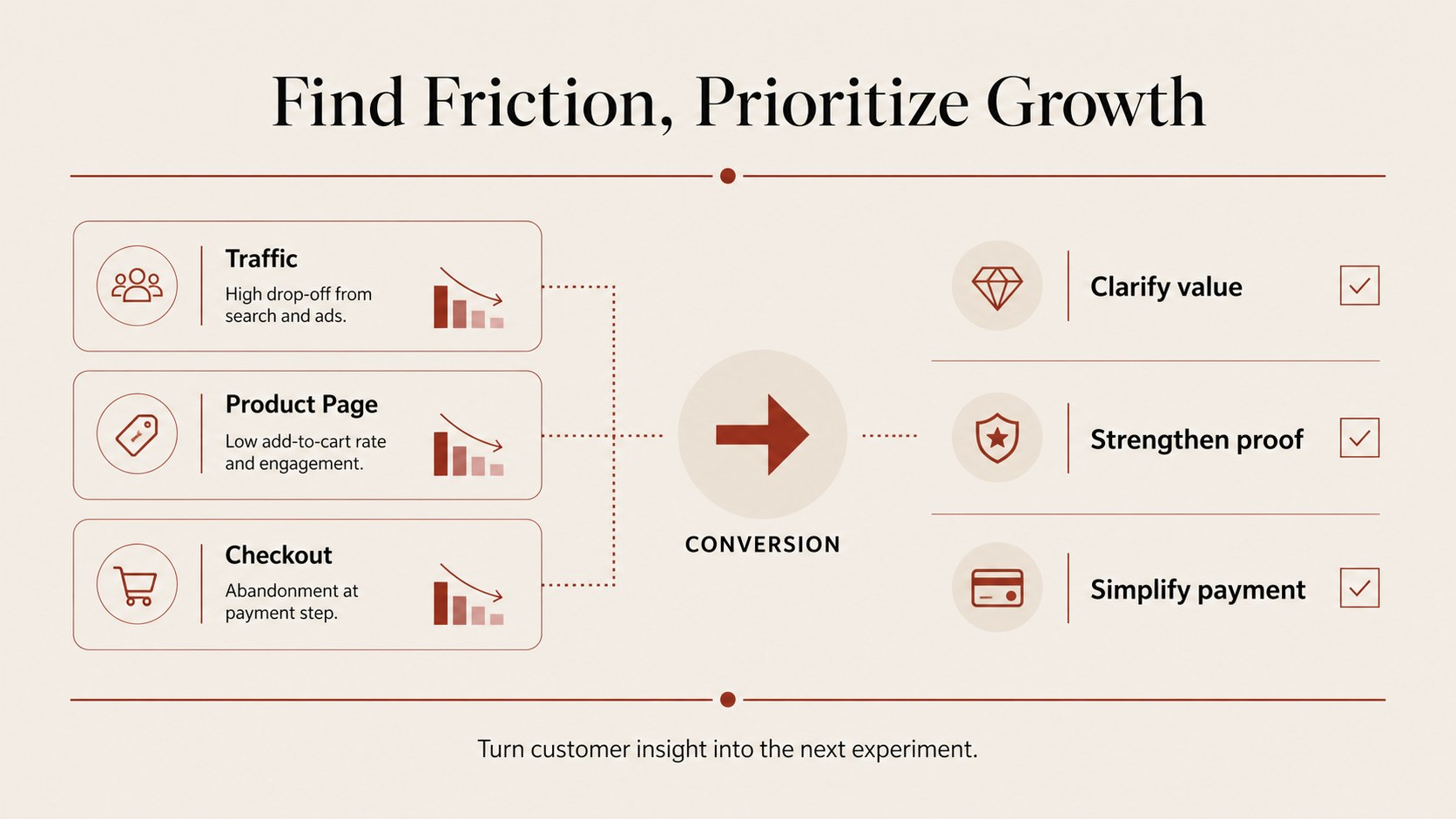
Inside, you will find a visual journey map, conversion-stage callouts, editable labels, and space for campaign actions, customer insights, and performance notes. Use the layouts to compare awareness, consideration, checkout, and retention, or adapt the structure for an ecommerce conversion rate presentation with your own metrics and recommendations. The clean infographic format also works well as a customer journey funnel presentation for stakeholder reviews, sales enablement, and planning sessions.
This template is designed for ecommerce strategists, growth marketers, brand teams, consultants, and students presenting digital commerce research. Edit the text, rearrange shapes, update colors, and add charts in PowerPoint or Google Slides. Whether you are reviewing an online sales pipeline infographic, proposing a campaign improvement, or explaining where shoppers drop off, the deck keeps the story organized and presentation-ready.
Perfect for: ecommerce conversion audit; marketing campaign review; customer journey workshop; sales strategy meeting; growth proposal; digital commerce research.
Frequently asked questions
Can I edit the ecommerce conversion journey slides in PowerPoint? Yes. The presentation is designed for PowerPoint editing, so you can change text, colors, shapes, icons, and data to match your brand or project.
Practical details
Yes. The presentation is designed for PowerPoint editing, so you can change text, colors, shapes, icons, and data to match your brand or project.
Yes, you can use the deck in Google Slides and customize the layouts for collaborative planning or review sessions. Check imported fonts and spacing before presenting.
Yes. Replace the sample labels with your conversion rates, campaign results, customer segments, or preferred journey stages. The infographic layouts can be rearranged to fit a shorter or more detailed sales process.
It suits ecommerce marketers, growth teams, consultants, brand managers, sales leaders, and students. Use it for audits, strategy proposals, workshops, and stakeholder presentations.
Keep exploring
15Build an engaging World UFO Day session with this flying saucer history lesson deck, featuring retro green-and-brown slides for PowerPoint and Google Slides.
 15
15Plan a lively animal-learning journey with this jungle zoo adventure lesson deck, ready to customize in PowerPoint and Google Slides for young learners.
 16
16Turn environmental research into a clear story with a Watercolor Ecology Presentation Theme for PowerPoint and Google Slides in calming green and blue.
 16
16Build focused fashion, literature, and humanities presentations with the Red Triangle Editorial Theme, editable in PowerPoint and Google Slides.
 15
15Turn streaming stats, favorite tracks, and concert highlights into a bold annual listening recap slide deck for PowerPoint and Google Slides.
 15
15Turn highlights, milestones, and favorite moments into a colorful year in review slide deck with bold 3D graphics for PowerPoint and Google Slides.
 3
3Build a credible endorsement with Standout Colleague Recommendation Letter Slides, featuring colorful prompts for skills, achievements, and team impact.
 4
4Build clear beginner sessions with an ice hockey fundamentals training deck for coaches, PE teachers, and clubs, ready for PowerPoint and Google Slides.