
 15
15presentation
Flying Saucer History Lesson Deck
Build an engaging World UFO Day session with this flying saucer history lesson deck, featuring retro green-and-brown slides for PowerPoint and Google Slides.
Google SlidesPowerPoint
presentation · English
Teach practical sustainability with an eco-friendly habits classroom deck featuring playful 3D visuals, clear activities, and editable lesson layouts.
Design notes
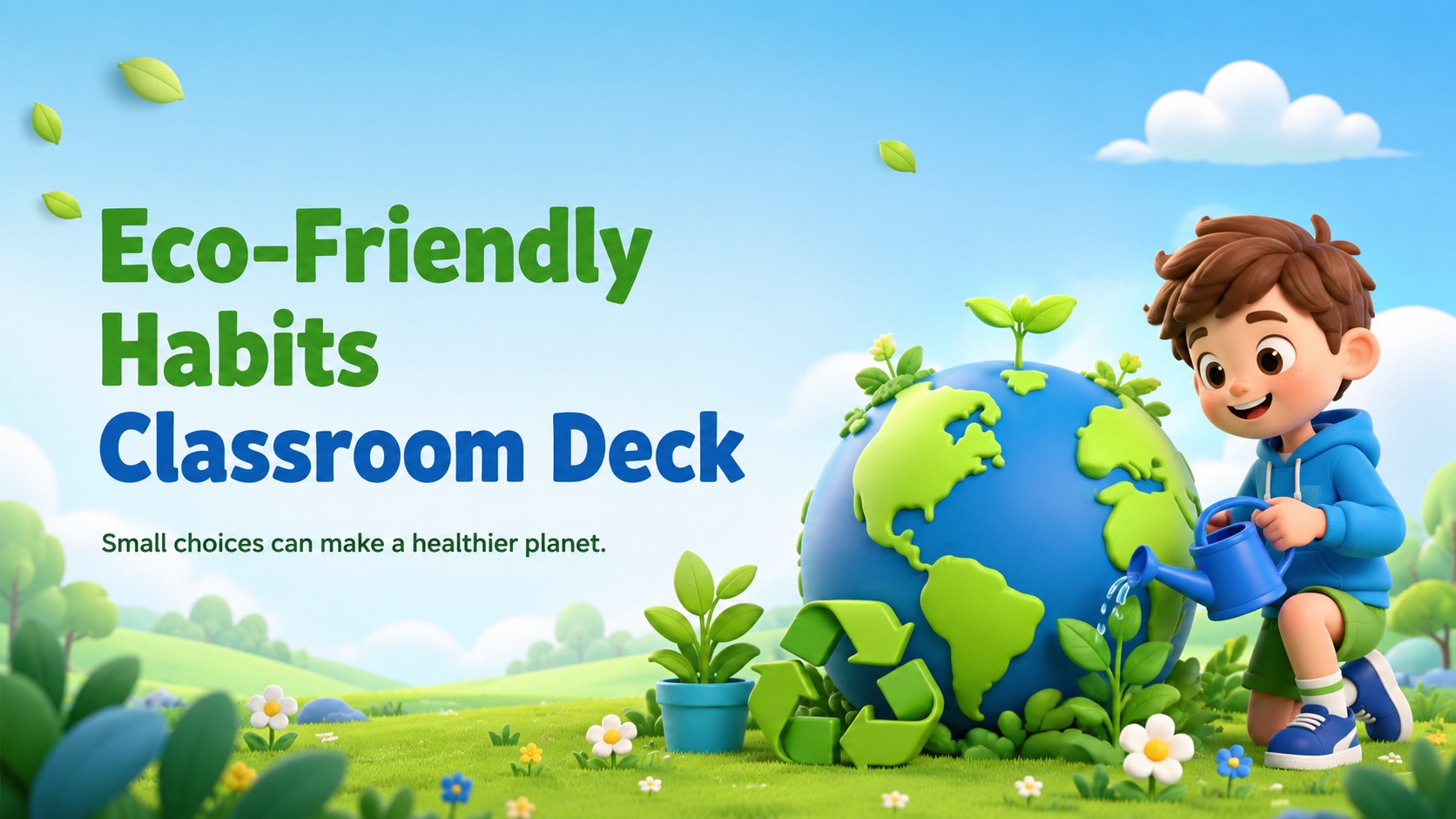
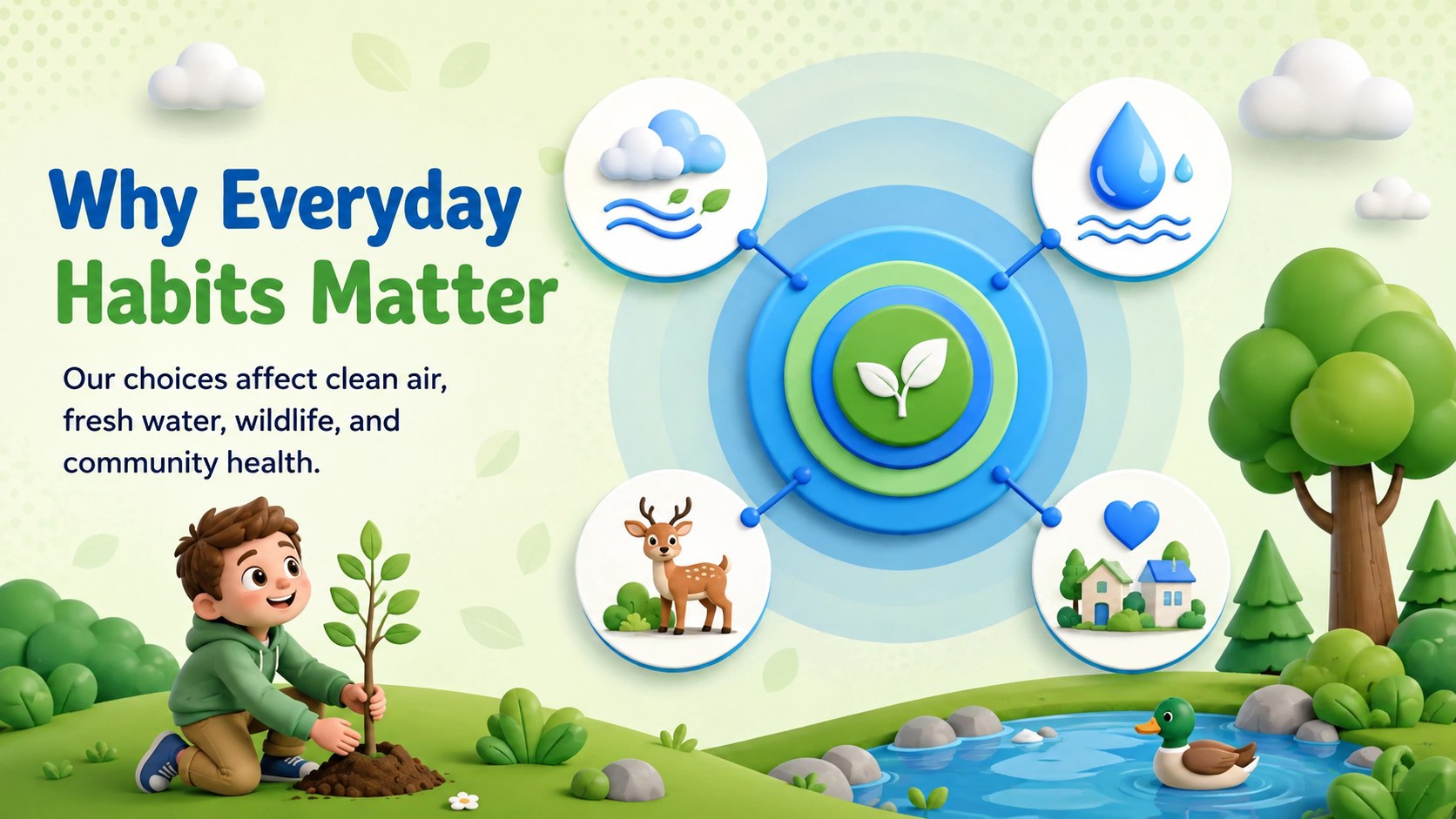
Turn everyday environmental choices into an approachable classroom lesson with this eco-friendly habits classroom deck. Designed for young learners, its cheerful 3D illustrations, soothing blue and green palette, and concise layouts make topics such as recycling, conservation, and responsible consumption easier to understand.
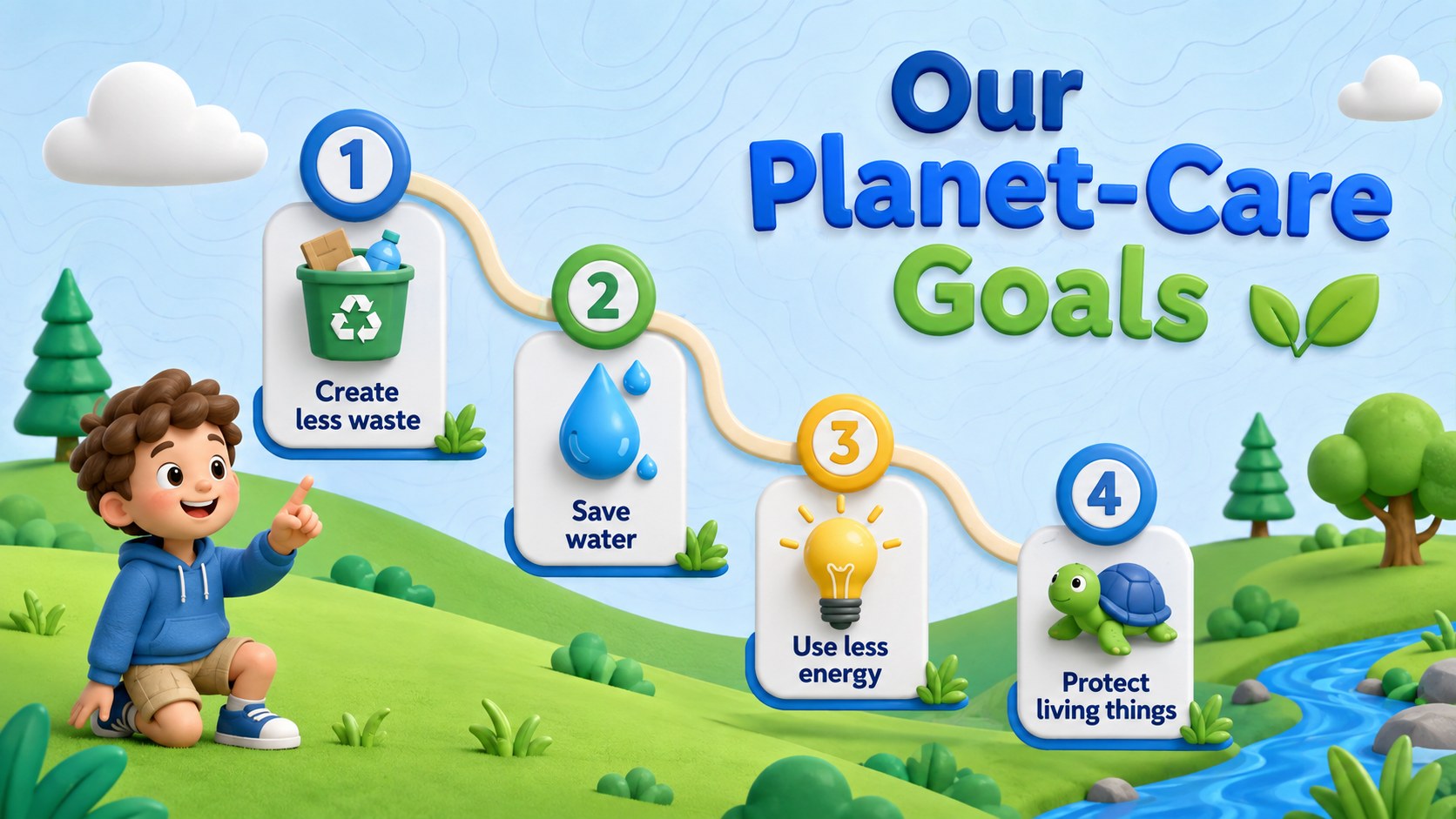
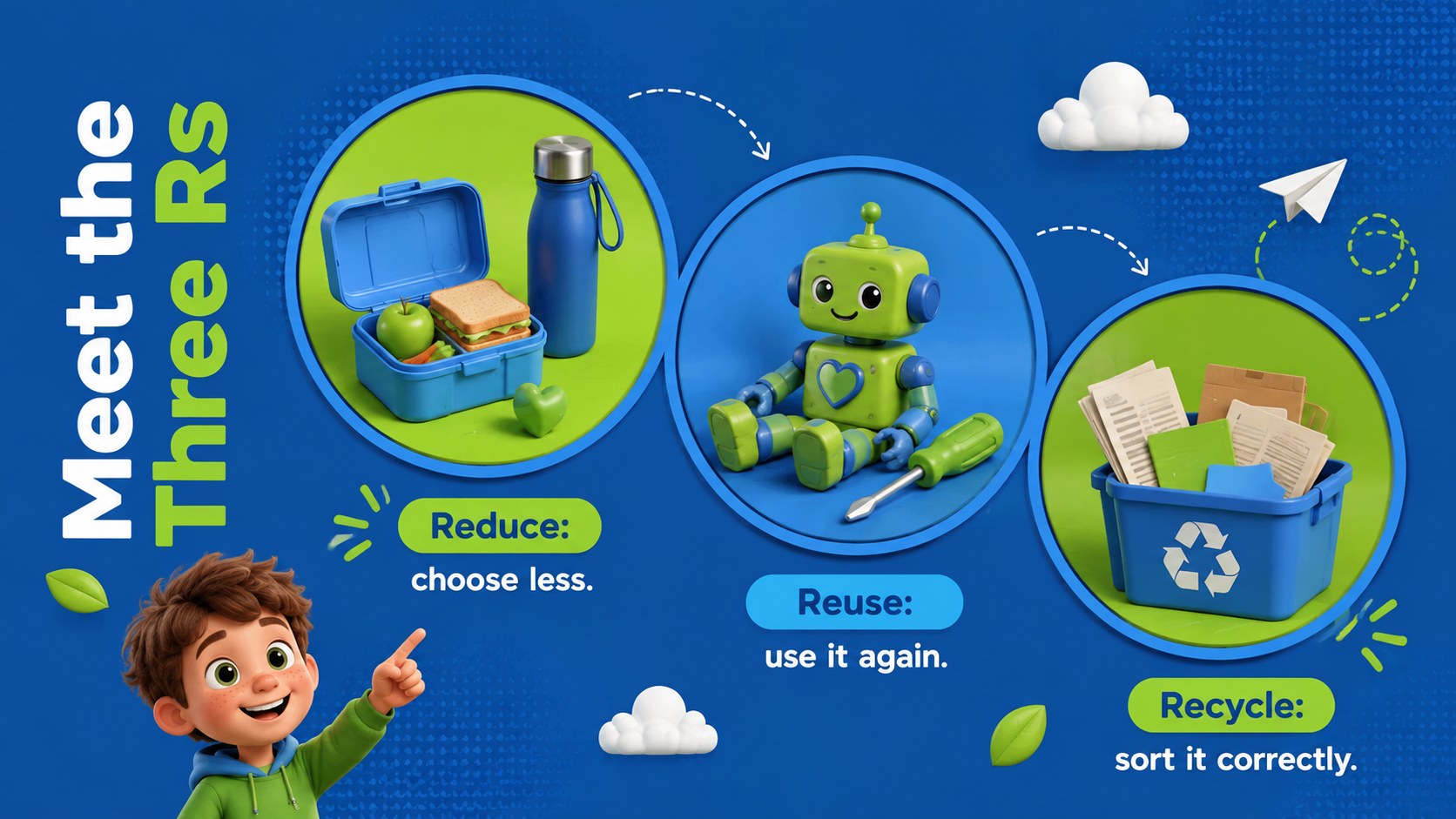
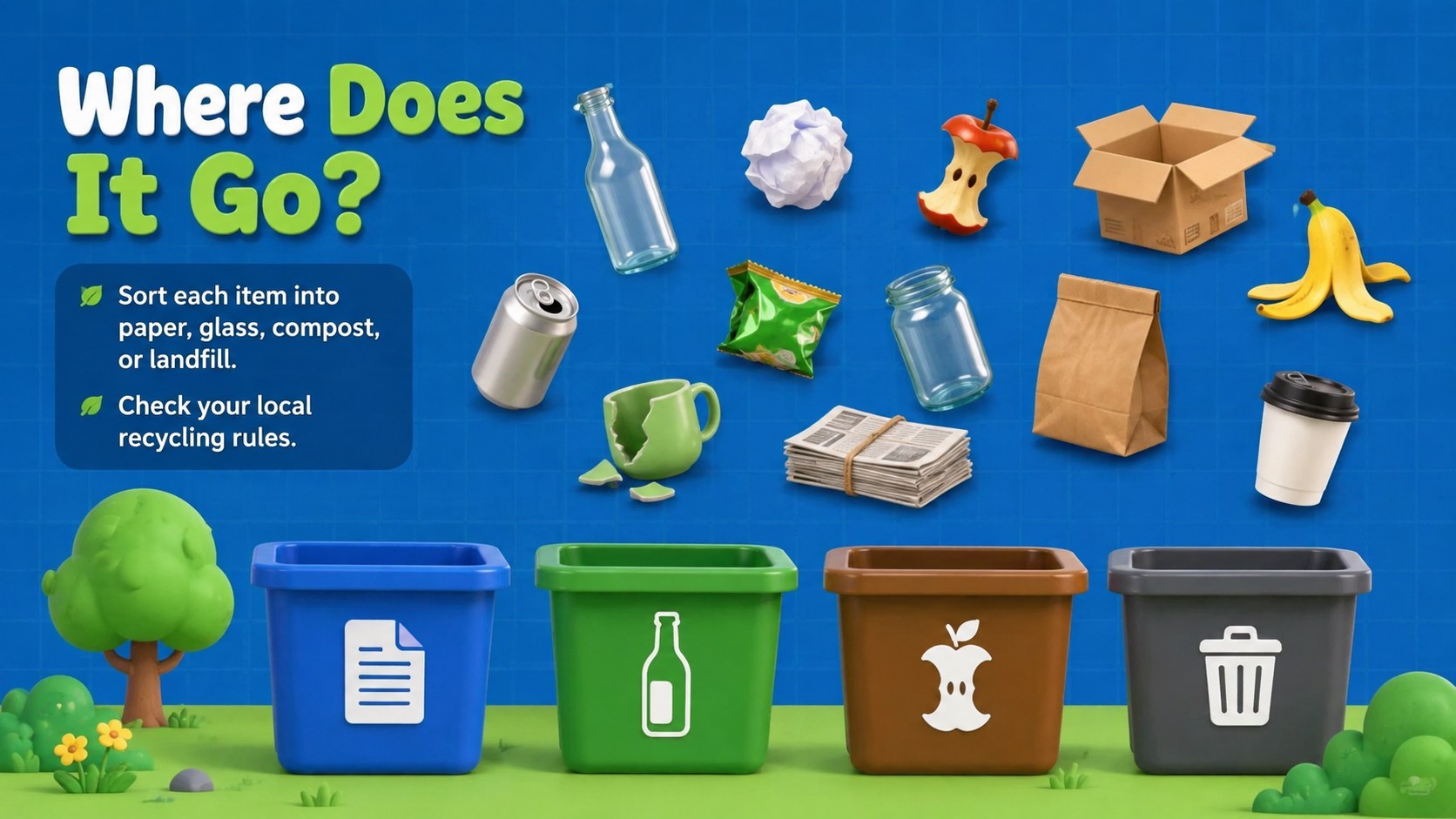
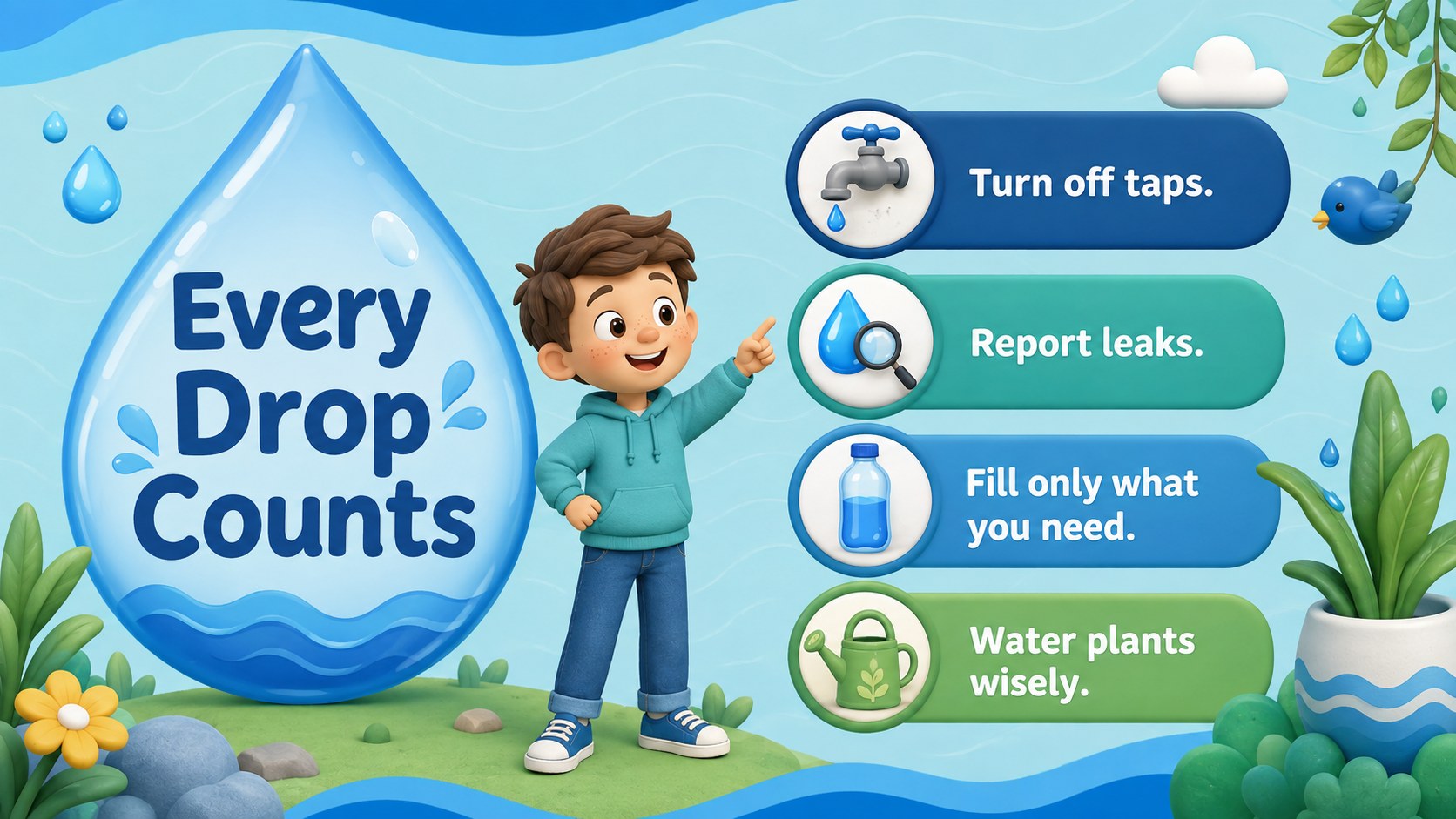
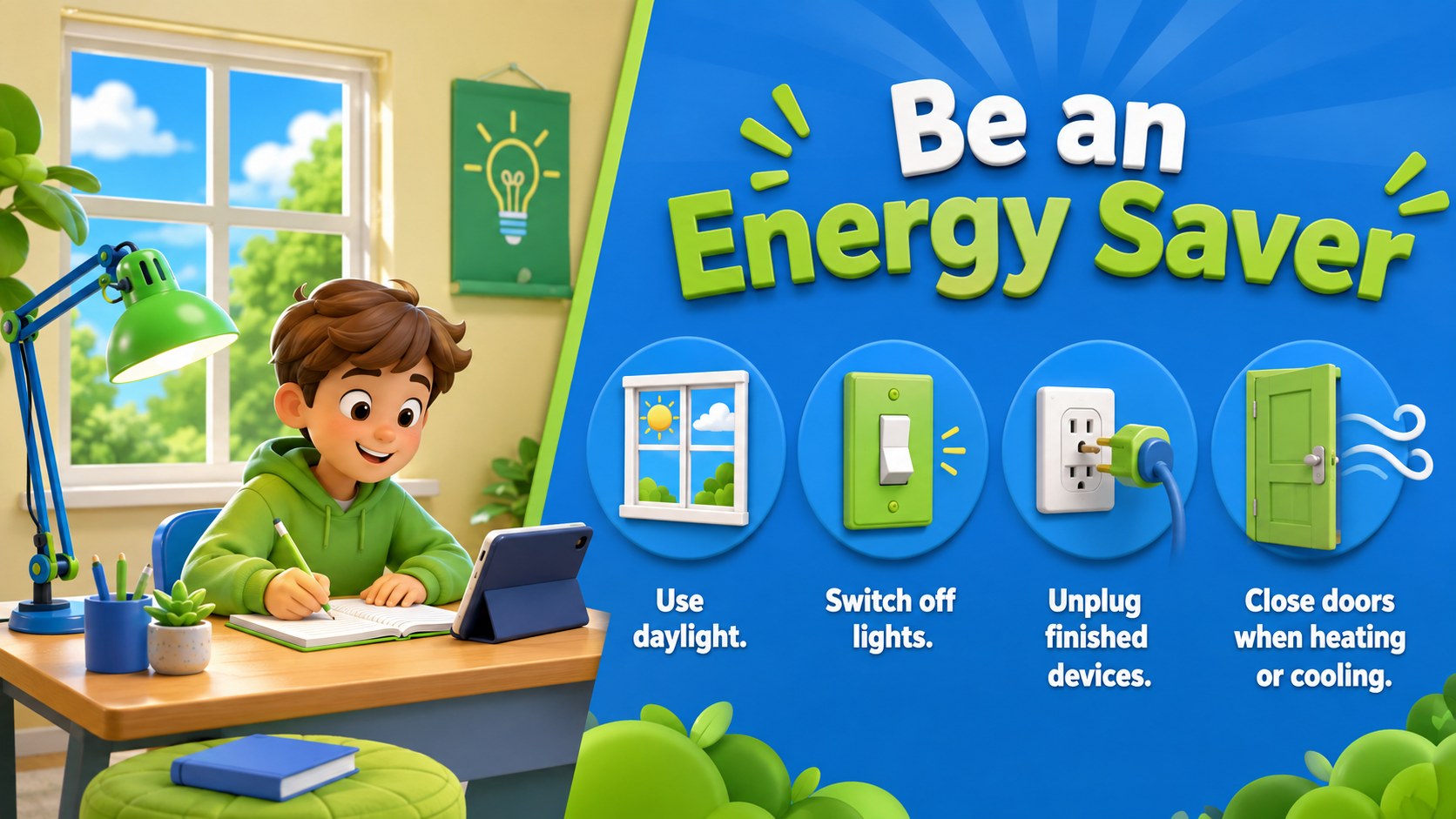
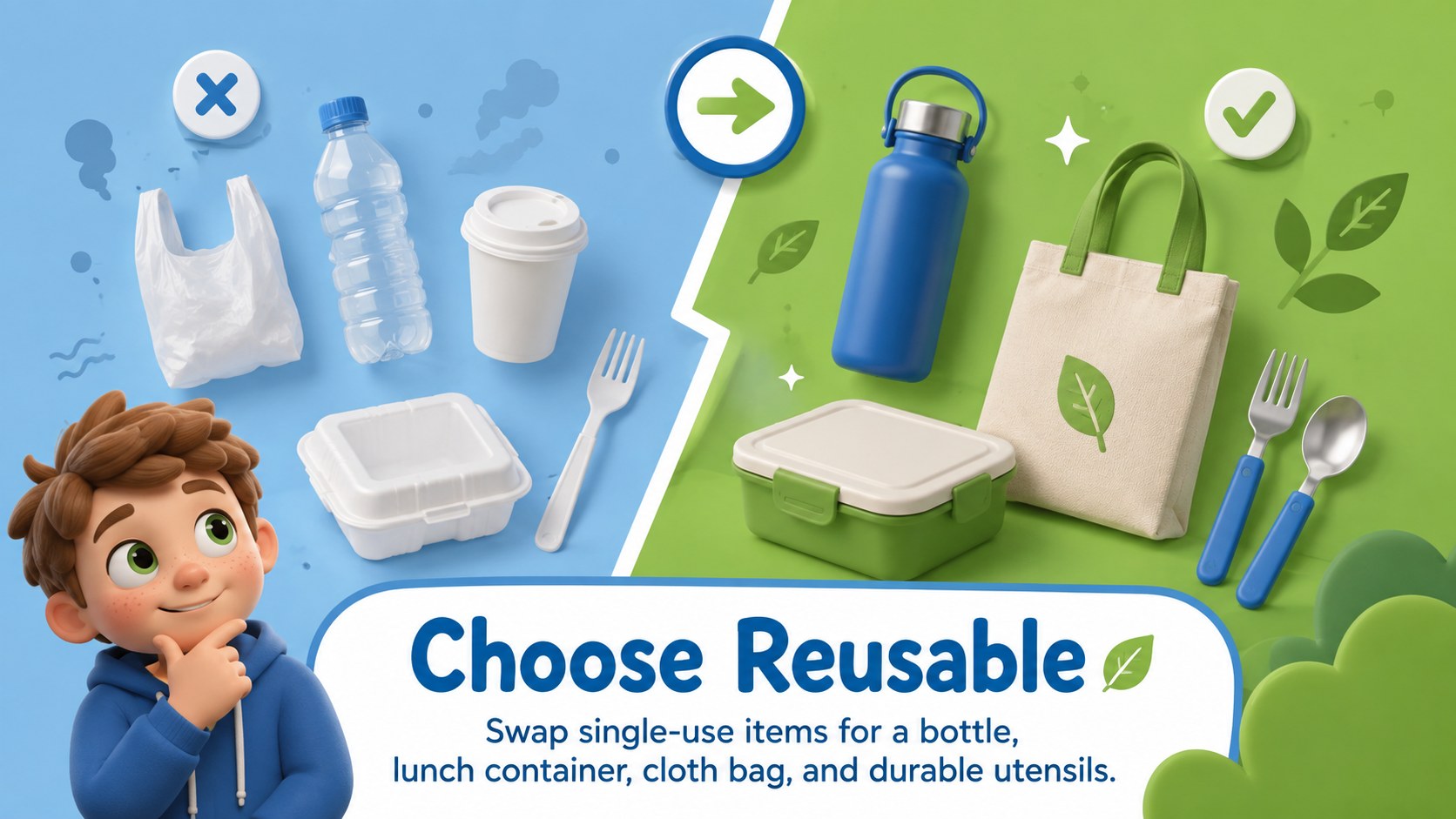
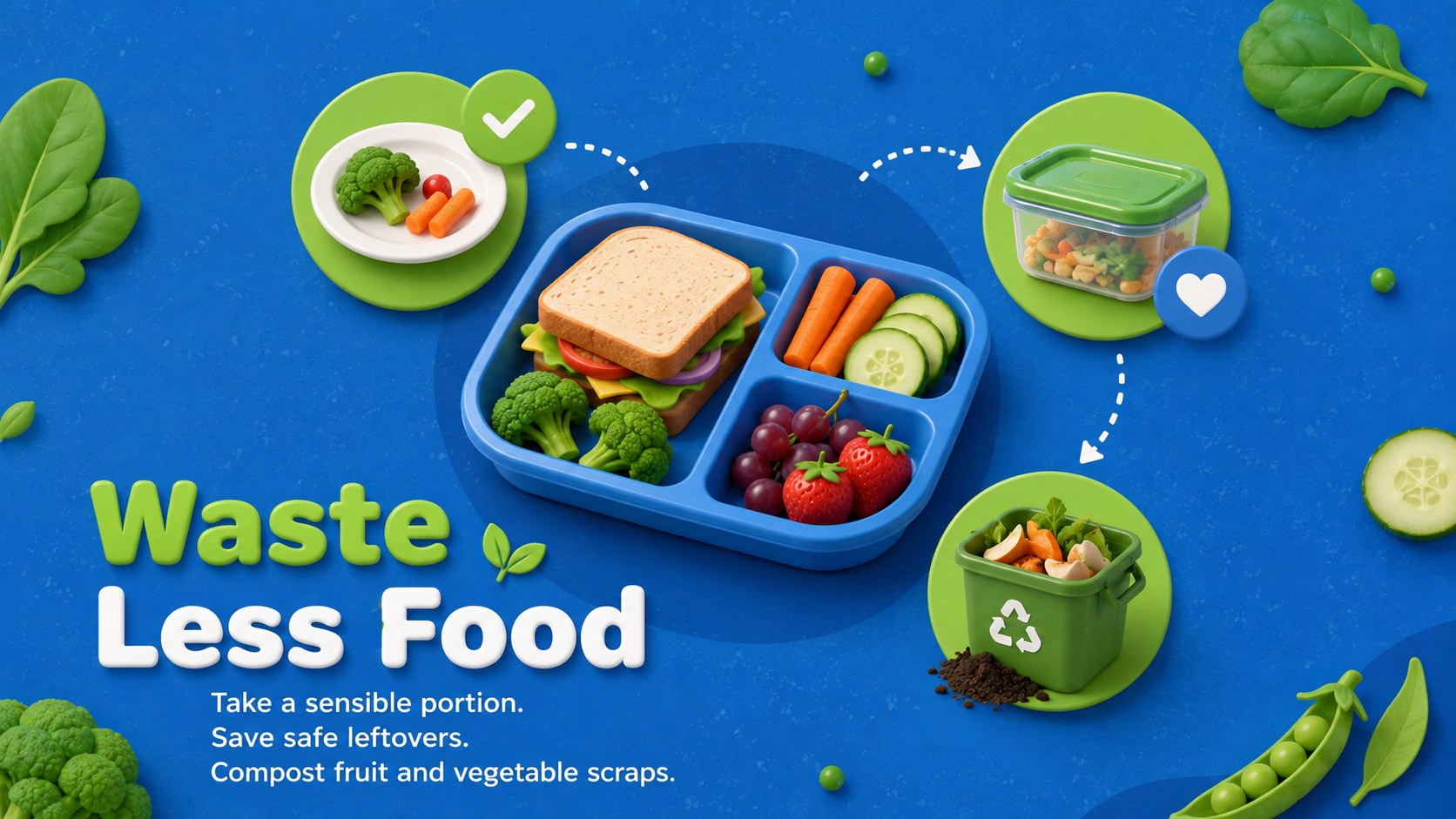
The deck includes 15 editable slides covering the importance of daily habits, the three Rs, waste sorting, water conservation, energy use, reusable items, food waste, nature care, and a class sustainability challenge. Teachers can also use the built-in discussion prompts, quick knowledge check, action timeline, and personal pledge to encourage participation. It works as an elementary sustainability lesson slides resource, a recycling classroom presentation, or an Earth Day environmental habits activity.
Created for elementary teachers, homeschool educators, environmental clubs, and community workshop leaders, this presentation balances useful information with a friendly visual style. Adapt the wording, colors, examples, and activities in PowerPoint or Google Slides to match different ages and lesson lengths. Use the full sequence for a science or social studies unit, or select individual slides for morning meetings and Earth Day events. The result is a flexible teaching resource that helps students connect small personal actions with a cleaner, healthier planet.
Perfect for: elementary sustainability lesson; Earth Day classroom activity; recycling awareness workshop; environmental club meeting; homeschool conservation unit.
Frequently asked questions
Can I edit every part of the presentation? Yes. You can revise the text, move illustrations, adjust colors, and replace examples to suit your lesson plan. Slide layouts can also be duplicated or removed for shorter sessions.
Practical details
Yes. You can revise the text, move illustrations, adjust colors, and replace examples to suit your lesson plan. Slide layouts can also be duplicated or removed for shorter sessions.
Yes. The presentation is designed for editing and presenting in both PowerPoint and Google Slides. Review fonts and transitions after importing to ensure they display as expected.
Yes. Simplify the discussion prompts for early elementary students or add research questions and local data for older learners. The modular topics make it easy to adjust the depth of the lesson.
Add your school's Earth Day schedule, local recycling rules, and a class conservation goal. You can also replace the sample challenge with a cleanup, waste audit, or energy-saving activity.
Keep exploring
15Build an engaging World UFO Day session with this flying saucer history lesson deck, featuring retro green-and-brown slides for PowerPoint and Google Slides.
 15
15Plan a lively animal-learning journey with this jungle zoo adventure lesson deck, ready to customize in PowerPoint and Google Slides for young learners.
 16
16Turn environmental research into a clear story with a Watercolor Ecology Presentation Theme for PowerPoint and Google Slides in calming green and blue.
 16
16Build focused fashion, literature, and humanities presentations with the Red Triangle Editorial Theme, editable in PowerPoint and Google Slides.
 15
15Turn streaming stats, favorite tracks, and concert highlights into a bold annual listening recap slide deck for PowerPoint and Google Slides.
 15
15Turn highlights, milestones, and favorite moments into a colorful year in review slide deck with bold 3D graphics for PowerPoint and Google Slides.
 3
3Build a credible endorsement with Standout Colleague Recommendation Letter Slides, featuring colorful prompts for skills, achievements, and team impact.
 4
4Build clear beginner sessions with an ice hockey fundamentals training deck for coaches, PE teachers, and clubs, ready for PowerPoint and Google Slides.