
 15
15presentation
Flying Saucer History Lesson Deck
Build an engaging World UFO Day session with this flying saucer history lesson deck, featuring retro green-and-brown slides for PowerPoint and Google Slides.
Google SlidesPowerPoint
presentation · English
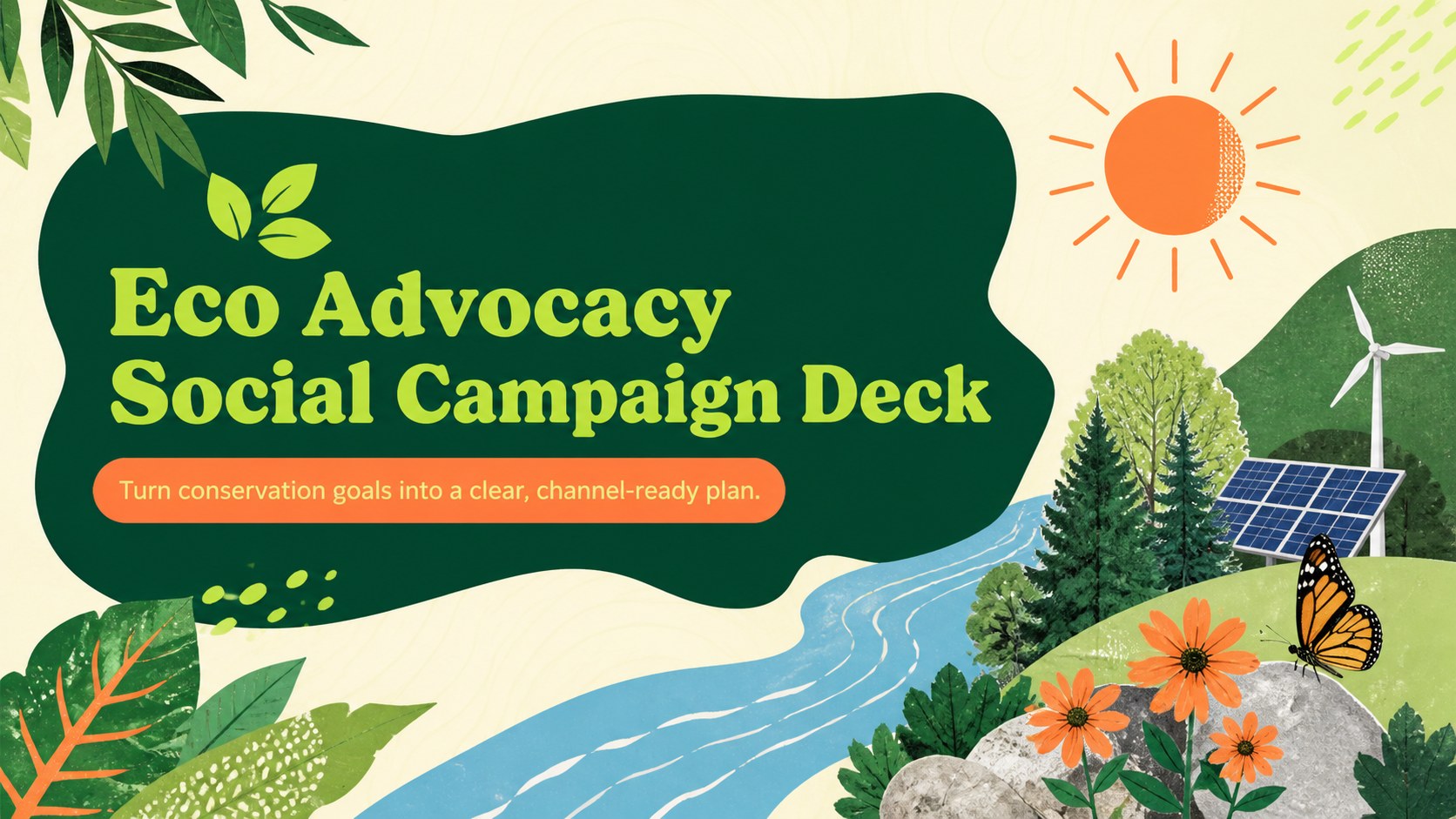
Plan stronger conservation outreach with an eco advocacy social campaign deck featuring bold green-orange layouts for PowerPoint and Google Slides.
Design notes
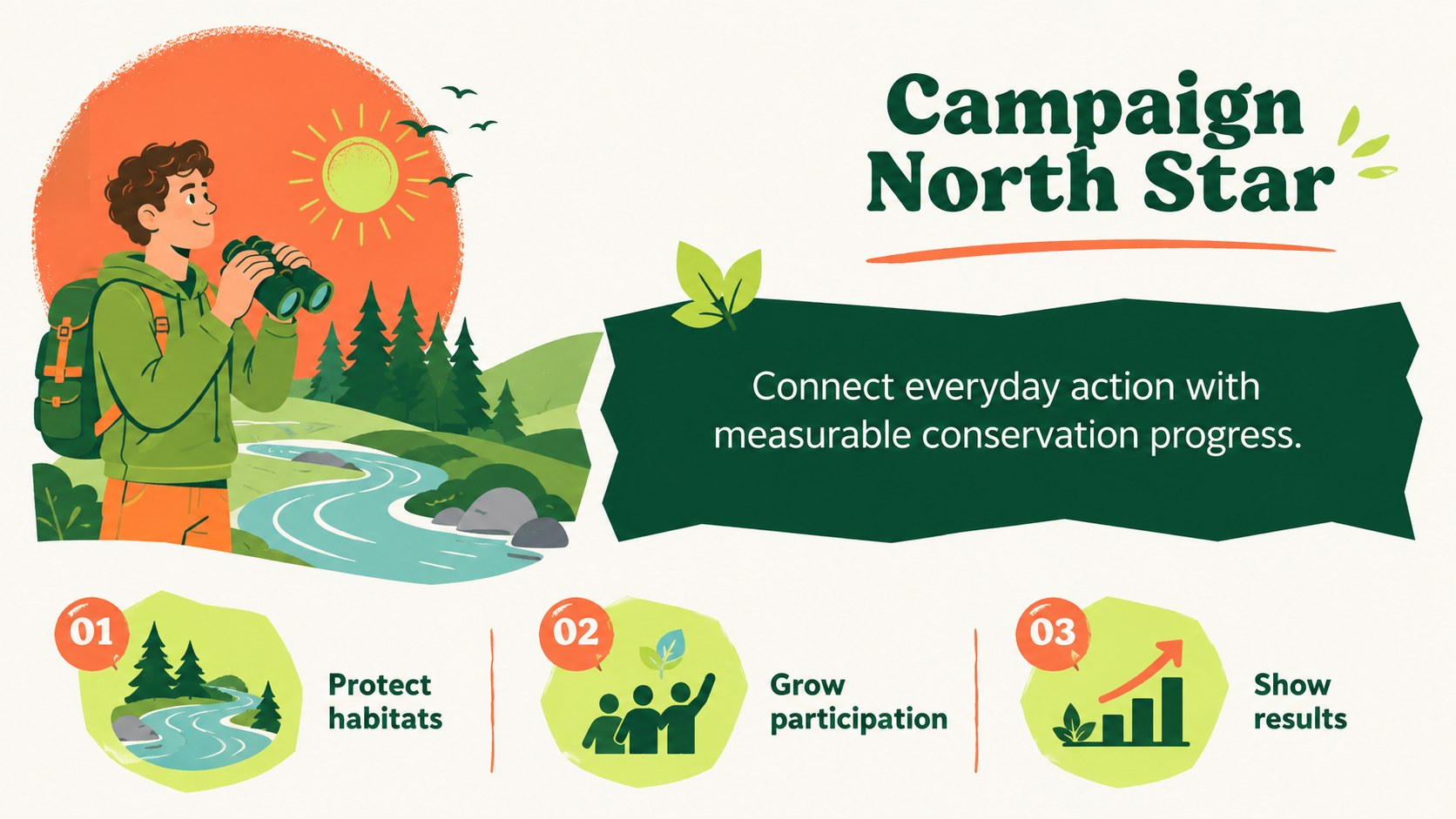
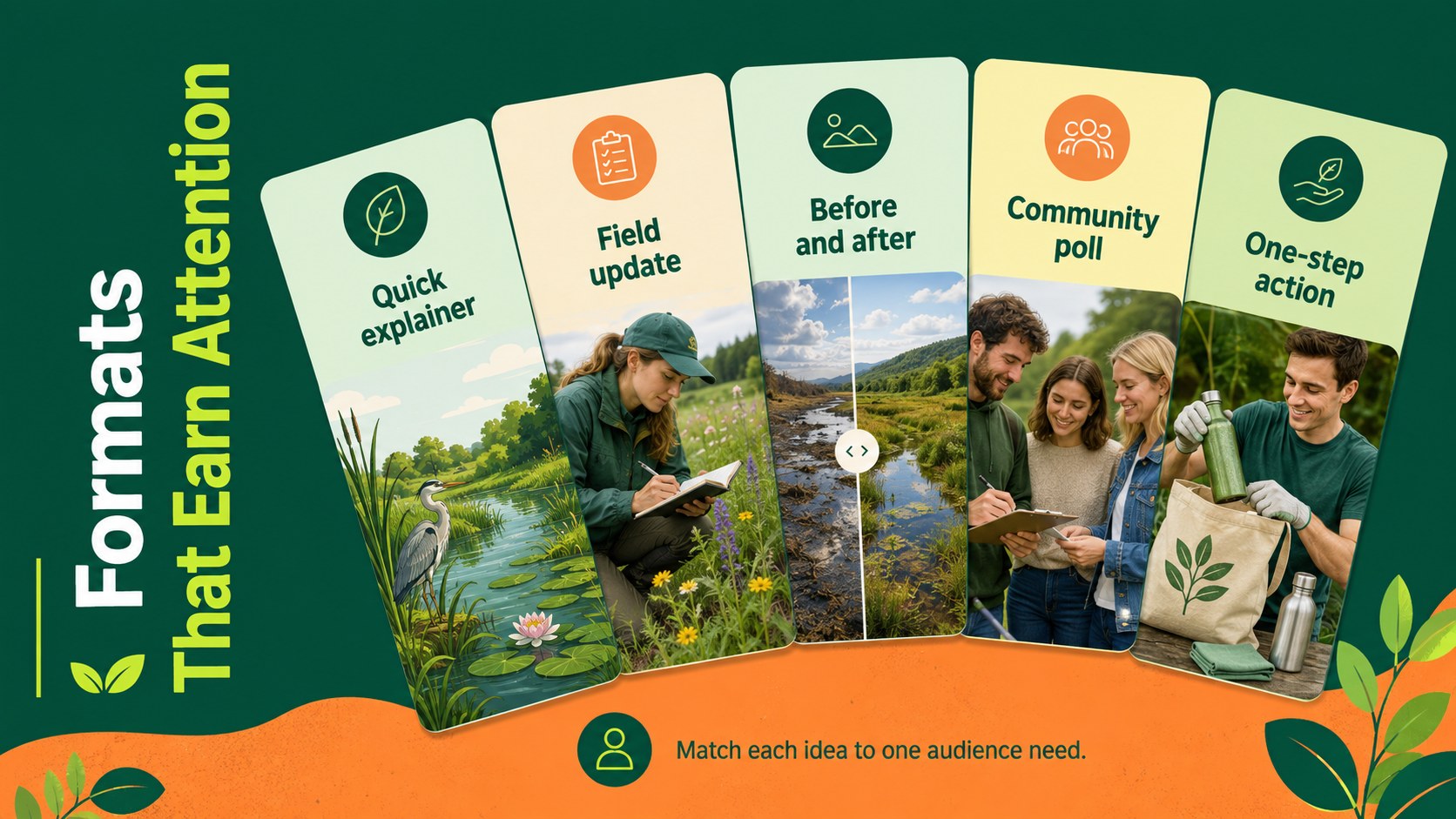
Build focused digital outreach around environmental causes with this eco advocacy social campaign deck. Its lively pop-inspired design combines bright green and orange color blocks with playful nature graphics, giving serious conservation messages an approachable visual identity. Use it to align stakeholders, introduce campaign goals, and turn complex issues into concise, memorable content.
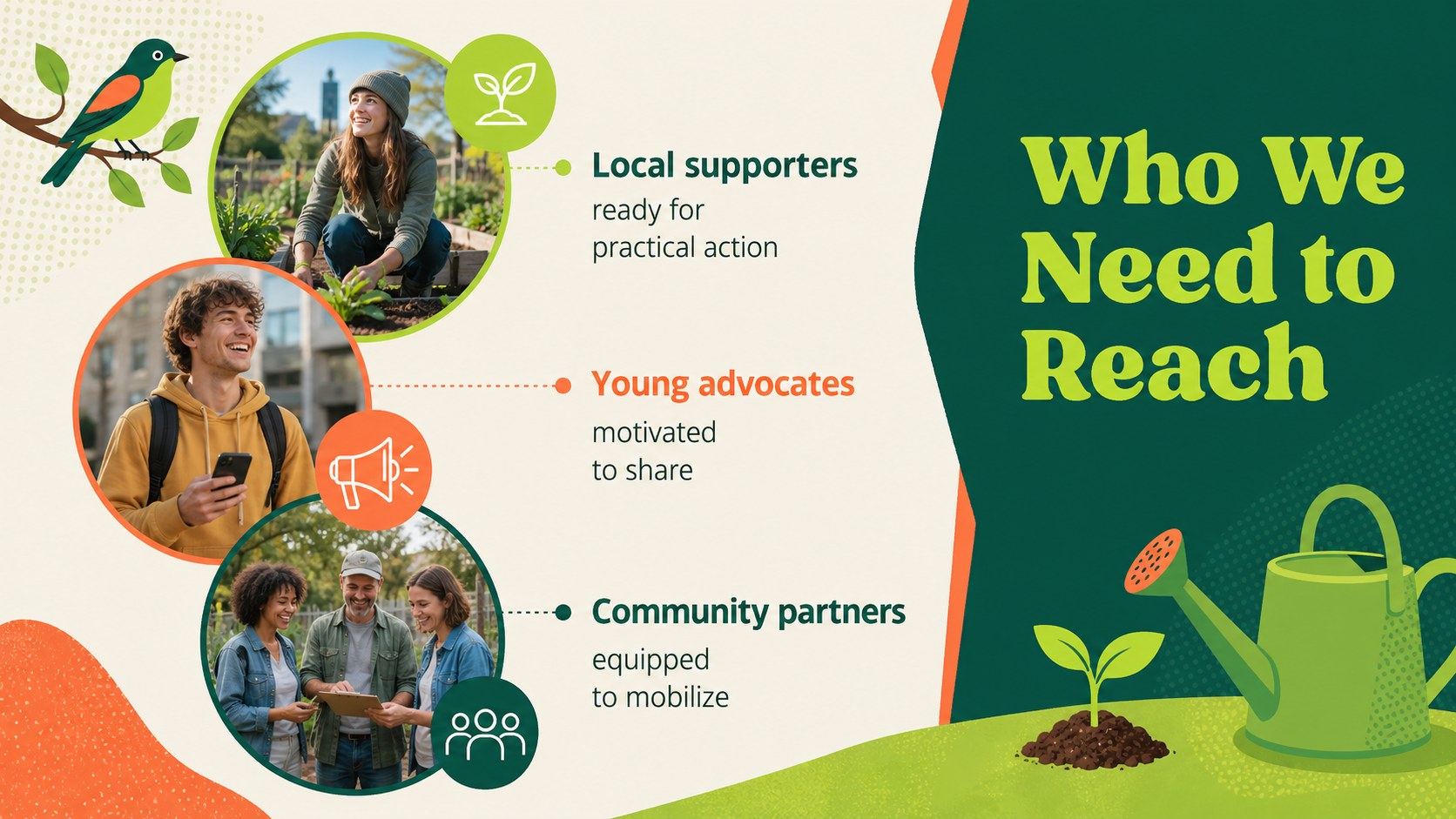
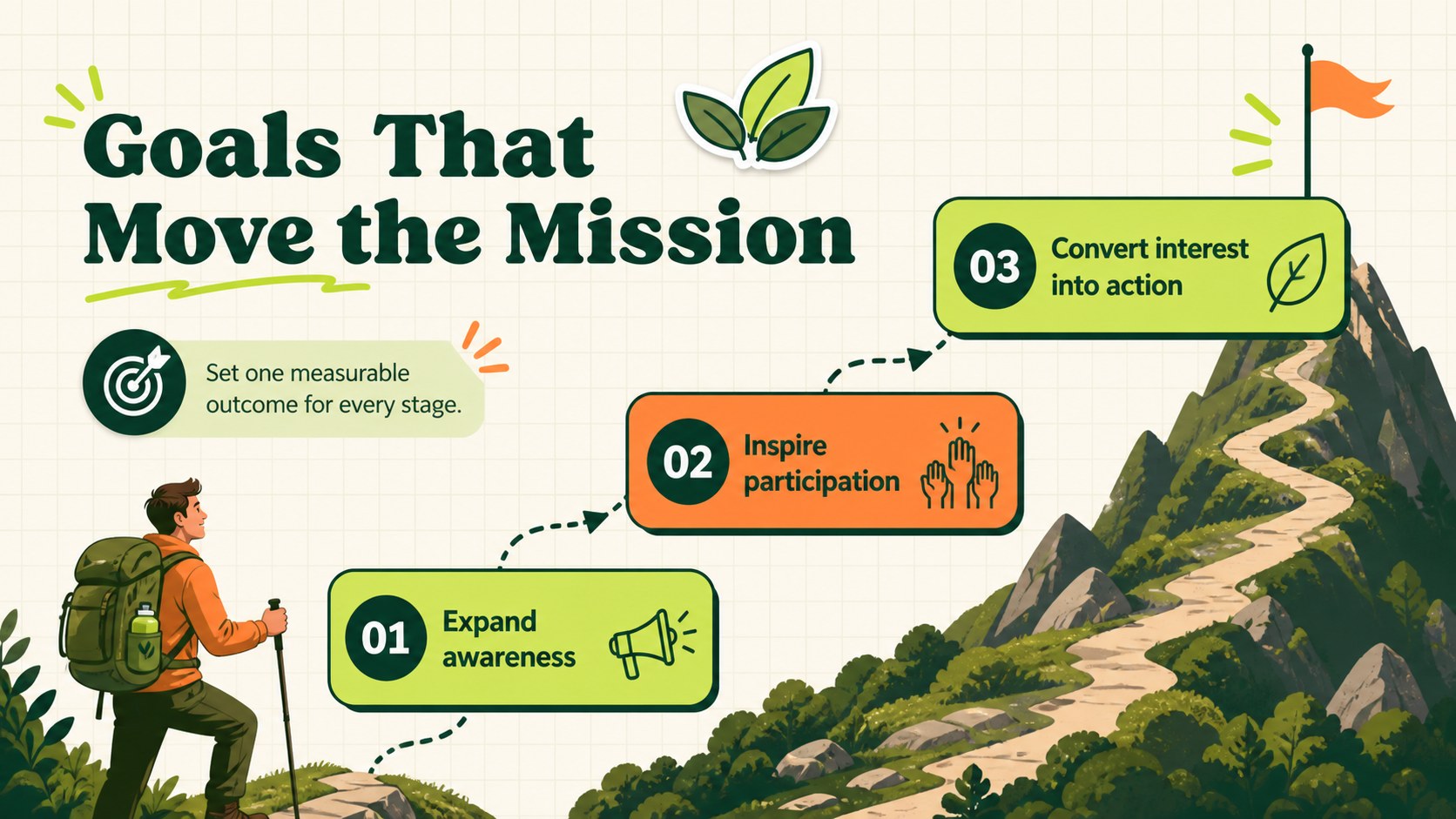
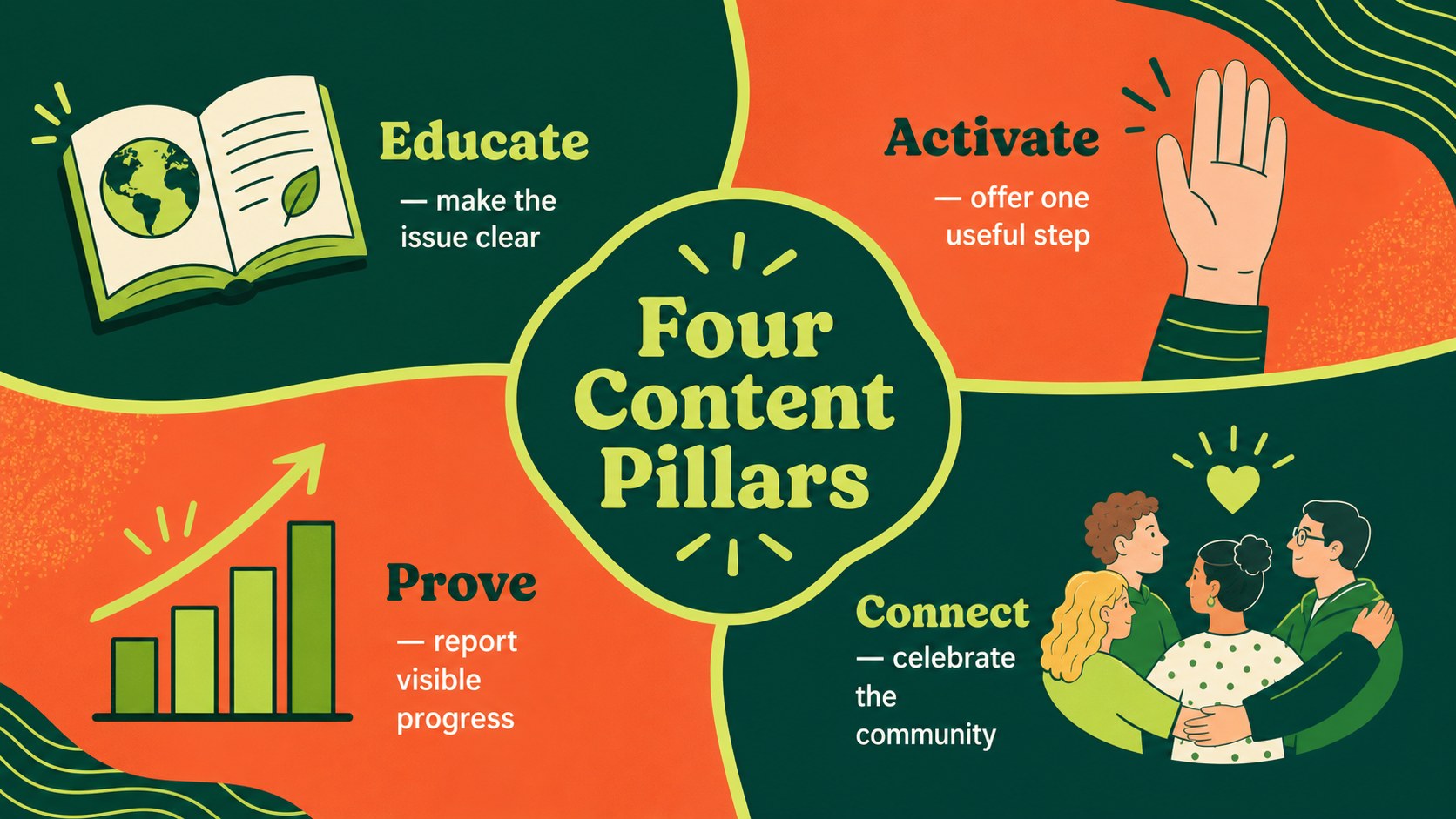
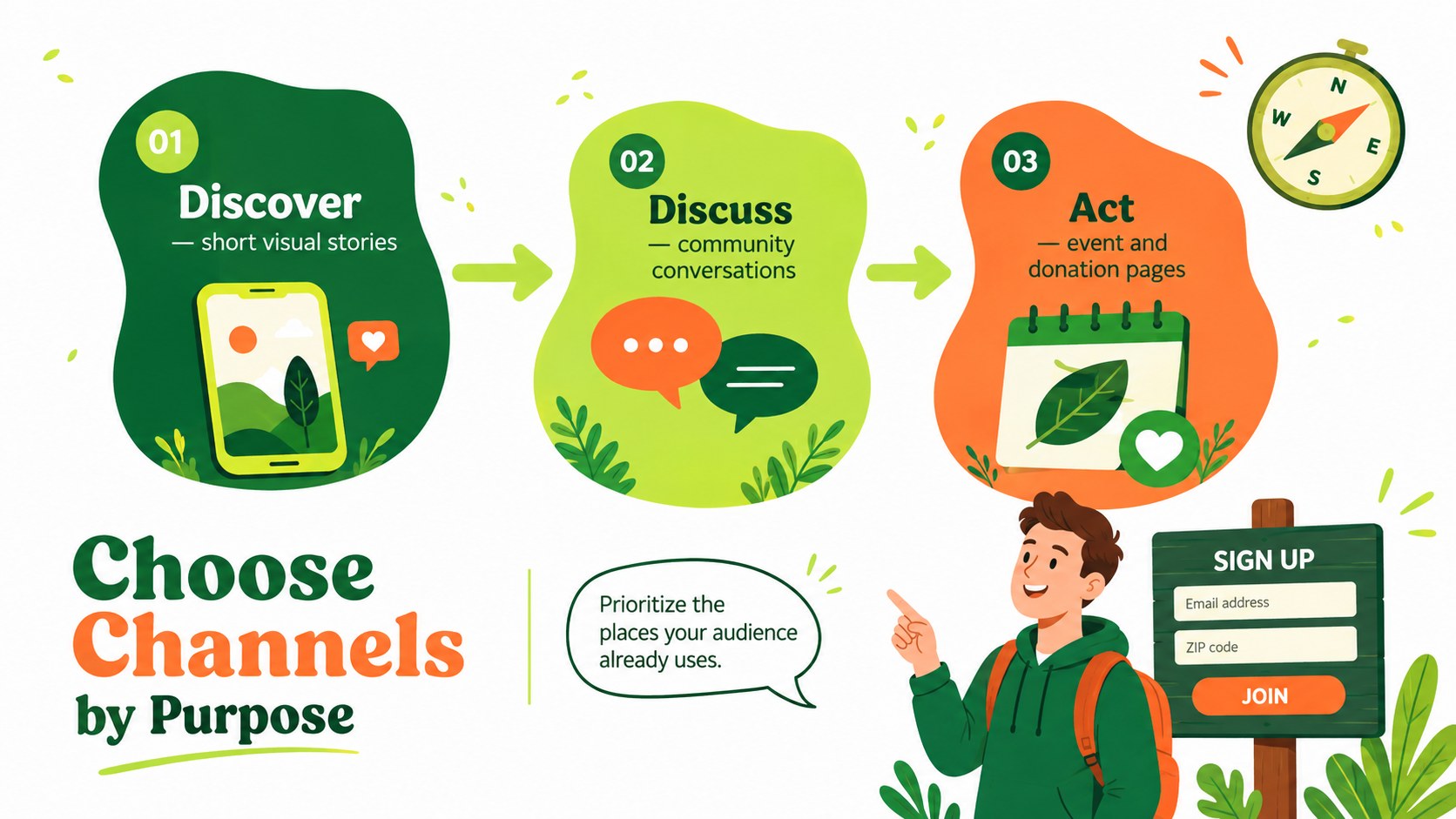
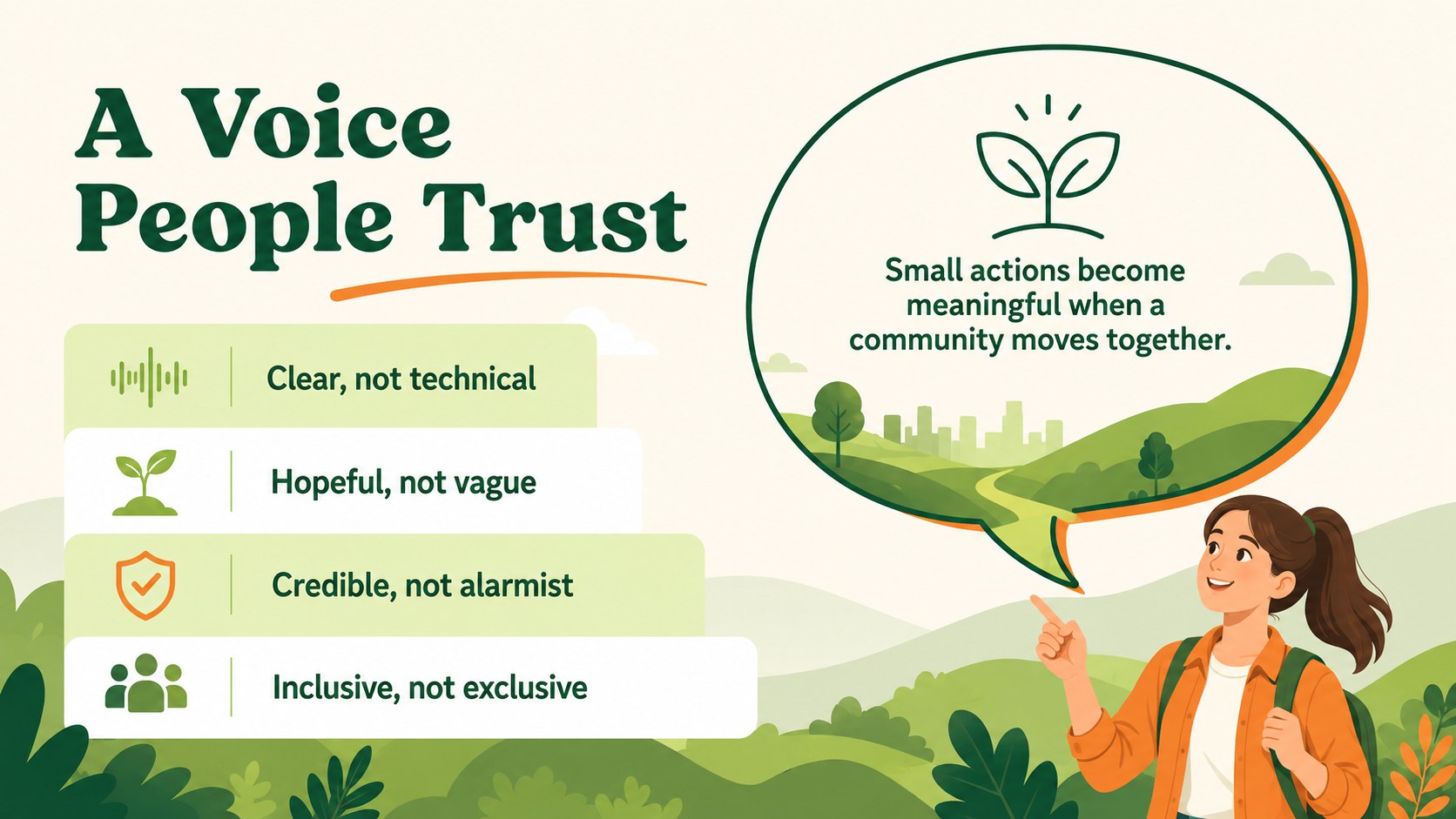
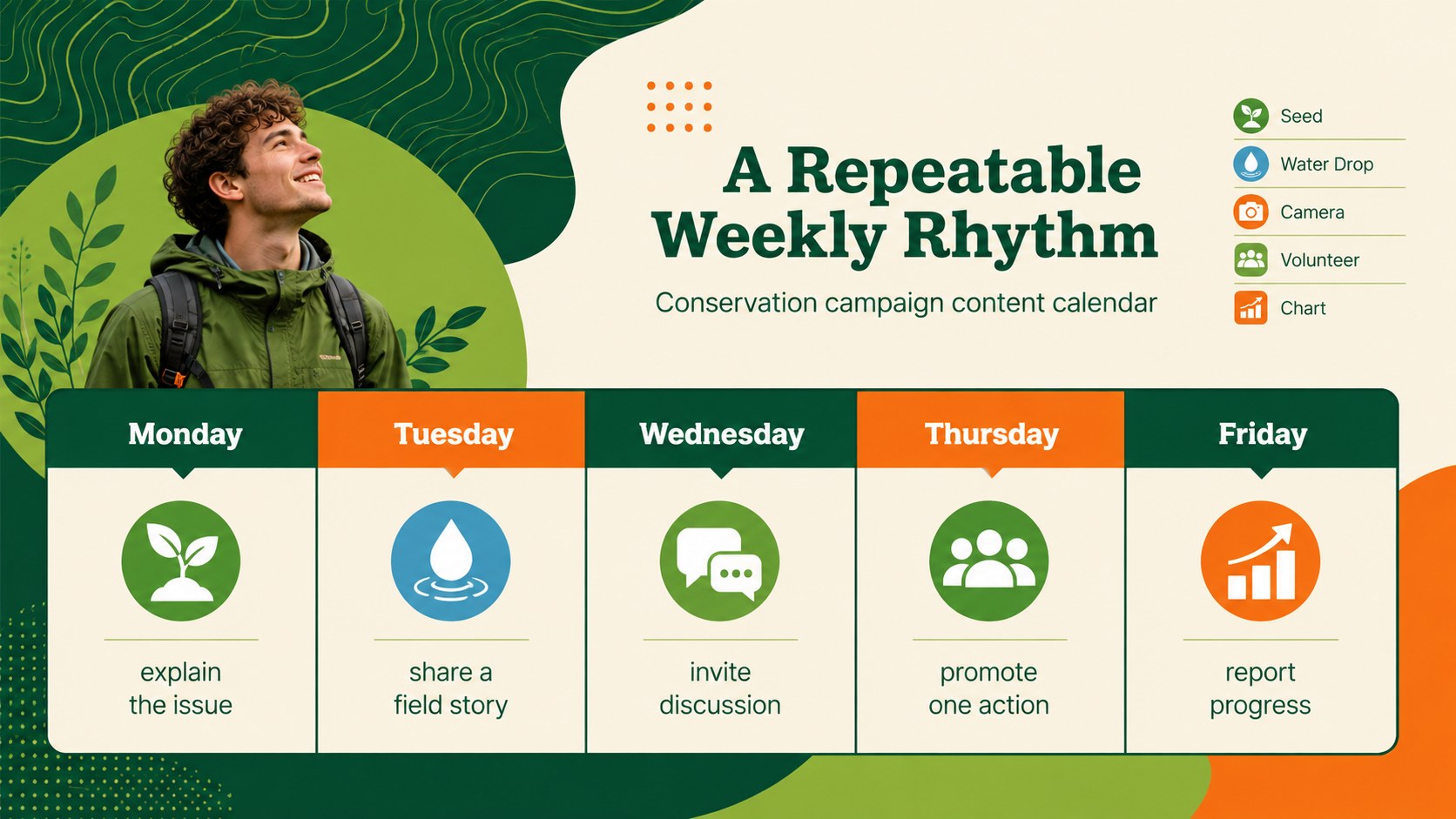
The deck includes layouts for audience profiles, measurable objectives, content pillars, channel selection, campaign voice, publishing schedules, partnership ideas, and community engagement. A conservation campaign content calendar helps teams coordinate posts and key dates, while an environmental advocacy metrics dashboard provides a practical structure for monitoring reach, participation, and conversions. Additional slides support calls to action, paid and organic distribution, a 90-day rollout, and next steps.
Designed as an environmental nonprofit social media deck, this template suits conservation organizations, sustainability teams, community groups, educators, park programs, and mission-led agencies. Every slide can be edited in PowerPoint or Google Slides, including colors, typography, charts, icons, and image areas. Adapt the layouts for wildlife protection, habitat restoration, recycling education, climate awareness, fundraising, volunteer recruitment, or local environmental events while keeping the campaign consistent from planning through reporting.
Perfect for: wildlife protection campaign; habitat restoration outreach; environmental nonprofit planning; volunteer recruitment drive; community sustainability initiative; conservation results report.
Frequently asked questions
Which presentation platforms support this template? The deck is designed for PowerPoint and Google Slides. Core layouts, text, colors, and graphic elements remain editable in both platforms.
Practical details
The deck is designed for PowerPoint and Google Slides. Core layouts, text, colors, and graphic elements remain editable in both platforms.
Yes. Replace the sample messaging, nature graphics, statistics, and calls to action with material for wildlife, forests, oceans, climate, recycling, or another environmental focus.
Use the theme or master-slide controls in PowerPoint or Google Slides to update recurring colors and fonts. Individual shapes, charts, and text blocks can also be adjusted independently.
Yes. It provides structures for goals, audiences, content pillars, publishing schedules, a 90-day rollout, and performance metrics so teams can plan and report within one deck.
Keep exploring
15Build an engaging World UFO Day session with this flying saucer history lesson deck, featuring retro green-and-brown slides for PowerPoint and Google Slides.
 15
15Plan a lively animal-learning journey with this jungle zoo adventure lesson deck, ready to customize in PowerPoint and Google Slides for young learners.
 16
16Turn environmental research into a clear story with a Watercolor Ecology Presentation Theme for PowerPoint and Google Slides in calming green and blue.
 16
16Build focused fashion, literature, and humanities presentations with the Red Triangle Editorial Theme, editable in PowerPoint and Google Slides.
 15
15Turn streaming stats, favorite tracks, and concert highlights into a bold annual listening recap slide deck for PowerPoint and Google Slides.
 15
15Turn highlights, milestones, and favorite moments into a colorful year in review slide deck with bold 3D graphics for PowerPoint and Google Slides.
 3
3Build a credible endorsement with Standout Colleague Recommendation Letter Slides, featuring colorful prompts for skills, achievements, and team impact.
 4
4Build clear beginner sessions with an ice hockey fundamentals training deck for coaches, PE teachers, and clubs, ready for PowerPoint and Google Slides.