
 15
15presentation
Flying Saucer History Lesson Deck
Build an engaging World UFO Day session with this flying saucer history lesson deck, featuring retro green-and-brown slides for PowerPoint and Google Slides.
Google SlidesPowerPoint
presentation · English
Turn classrooms and spring parties into lively team contests with Easter quiz show slides, editable in PowerPoint and Google Slides for quick hosting.

Design notes
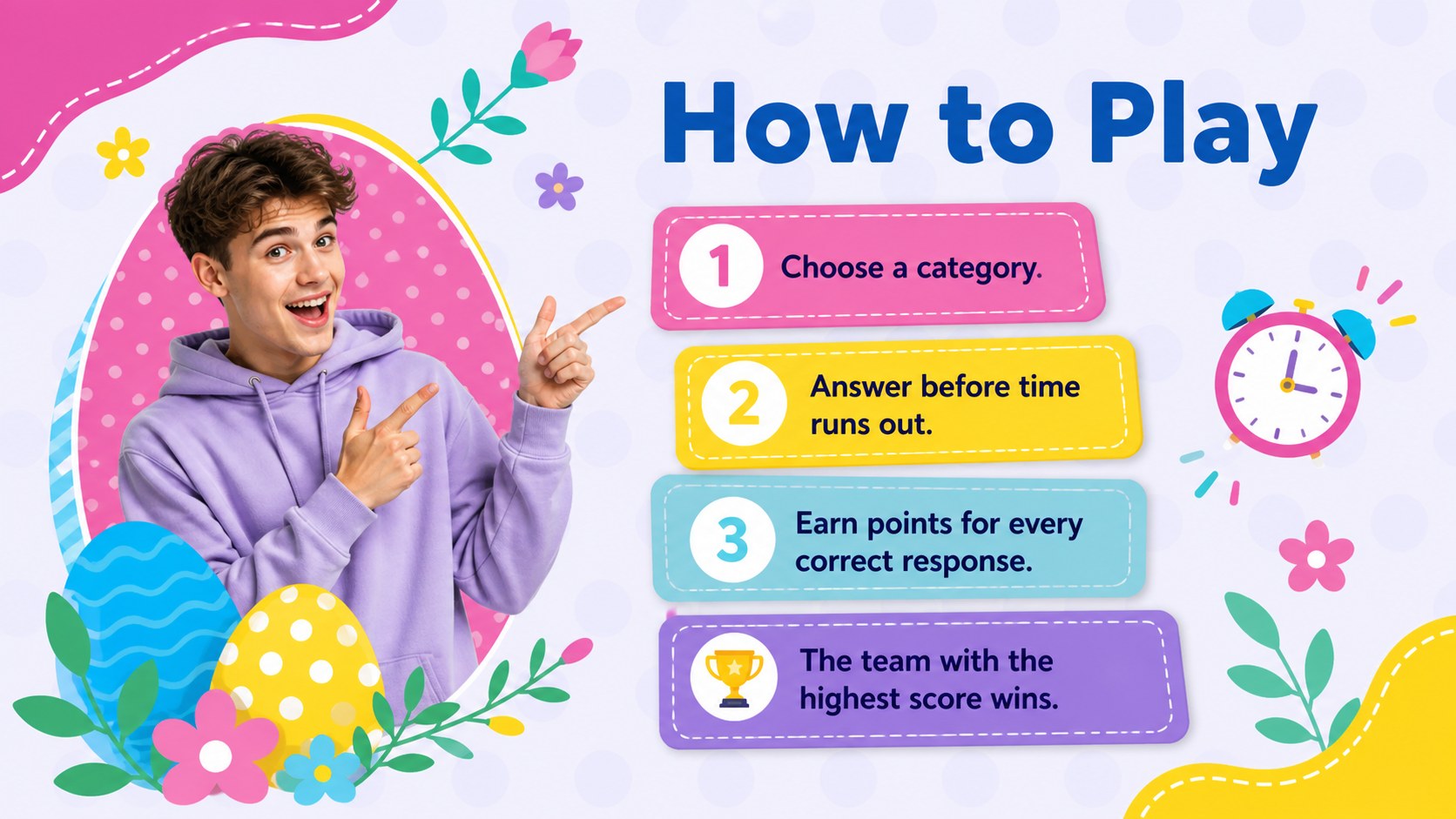
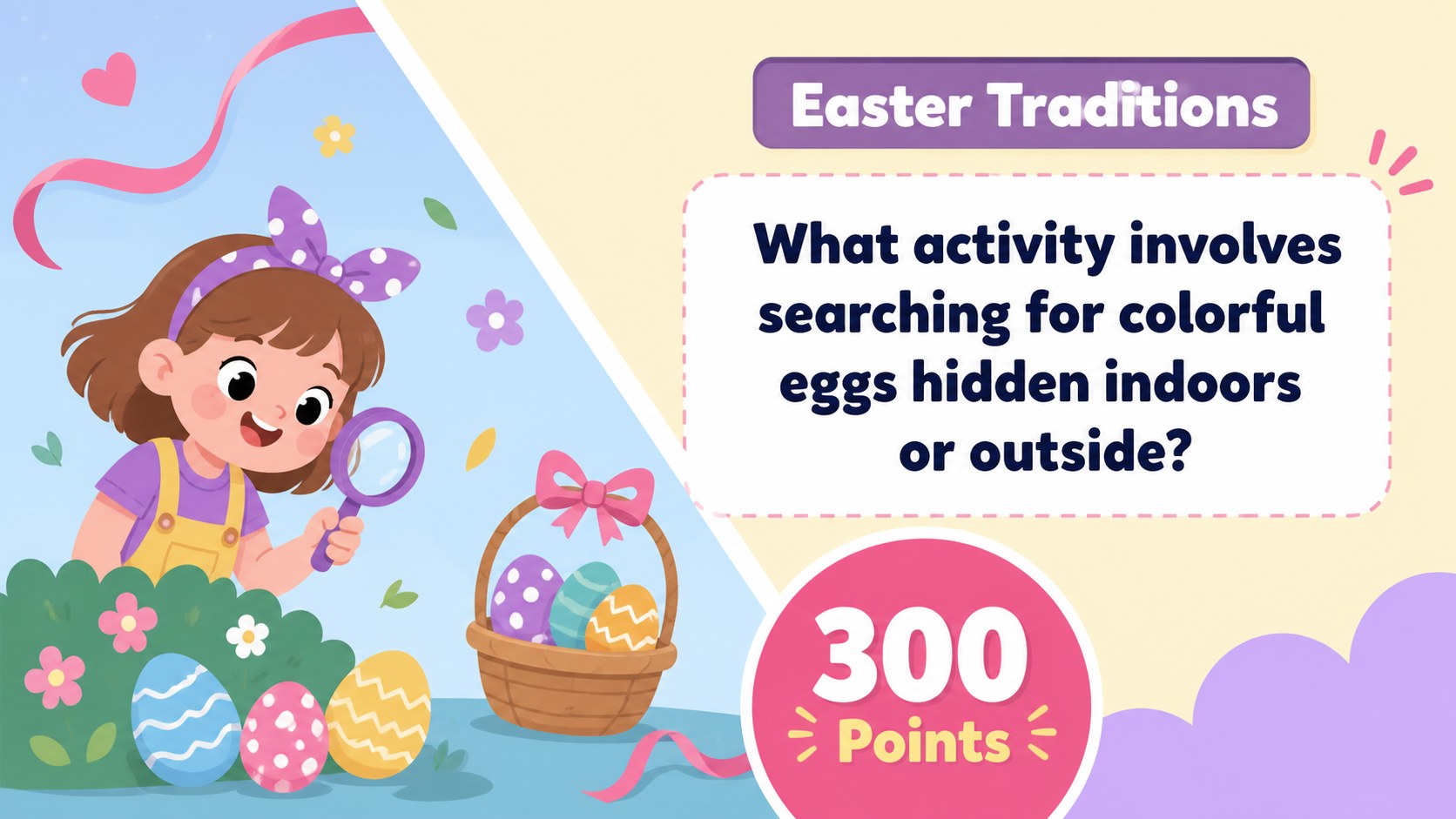
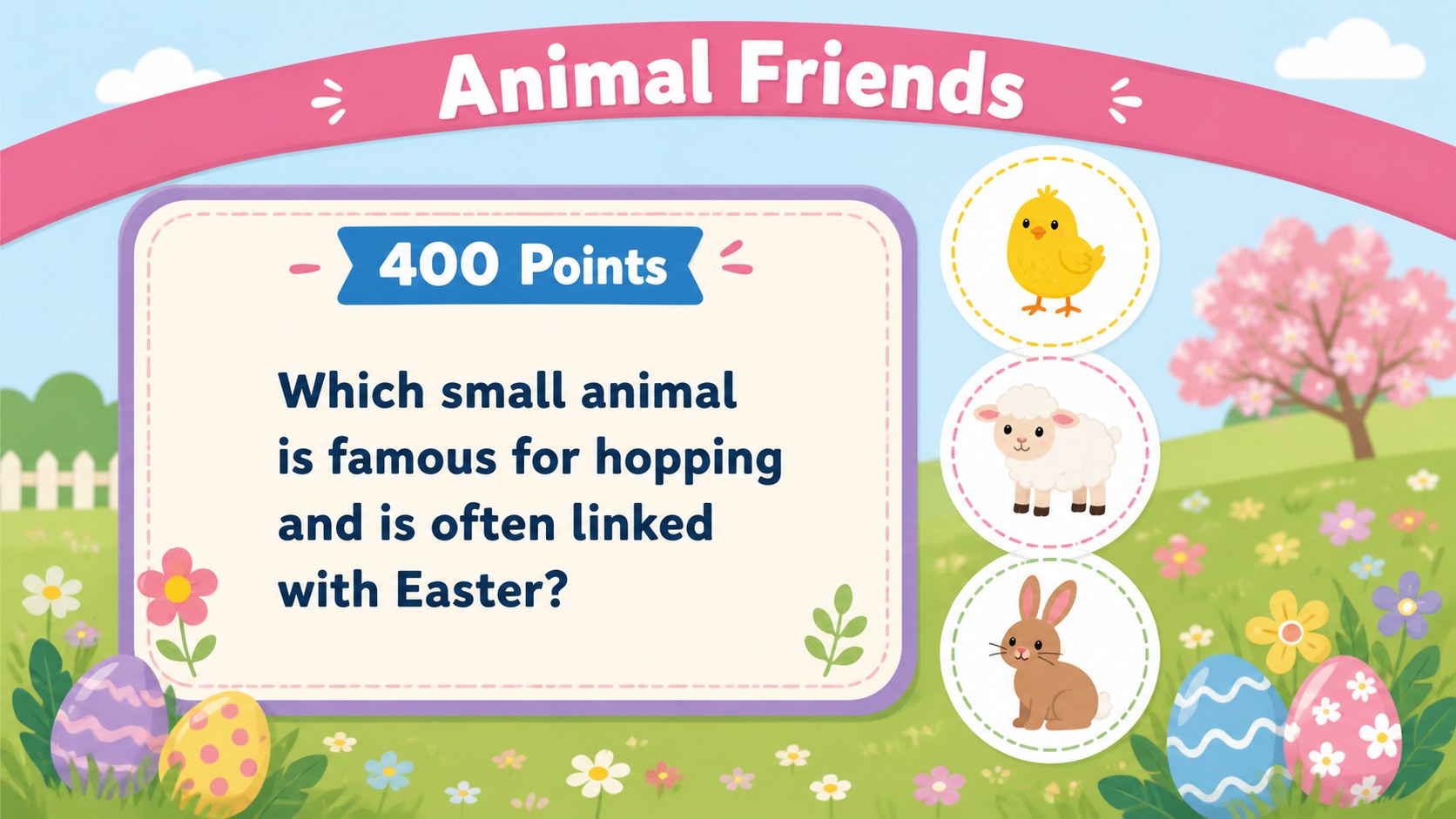
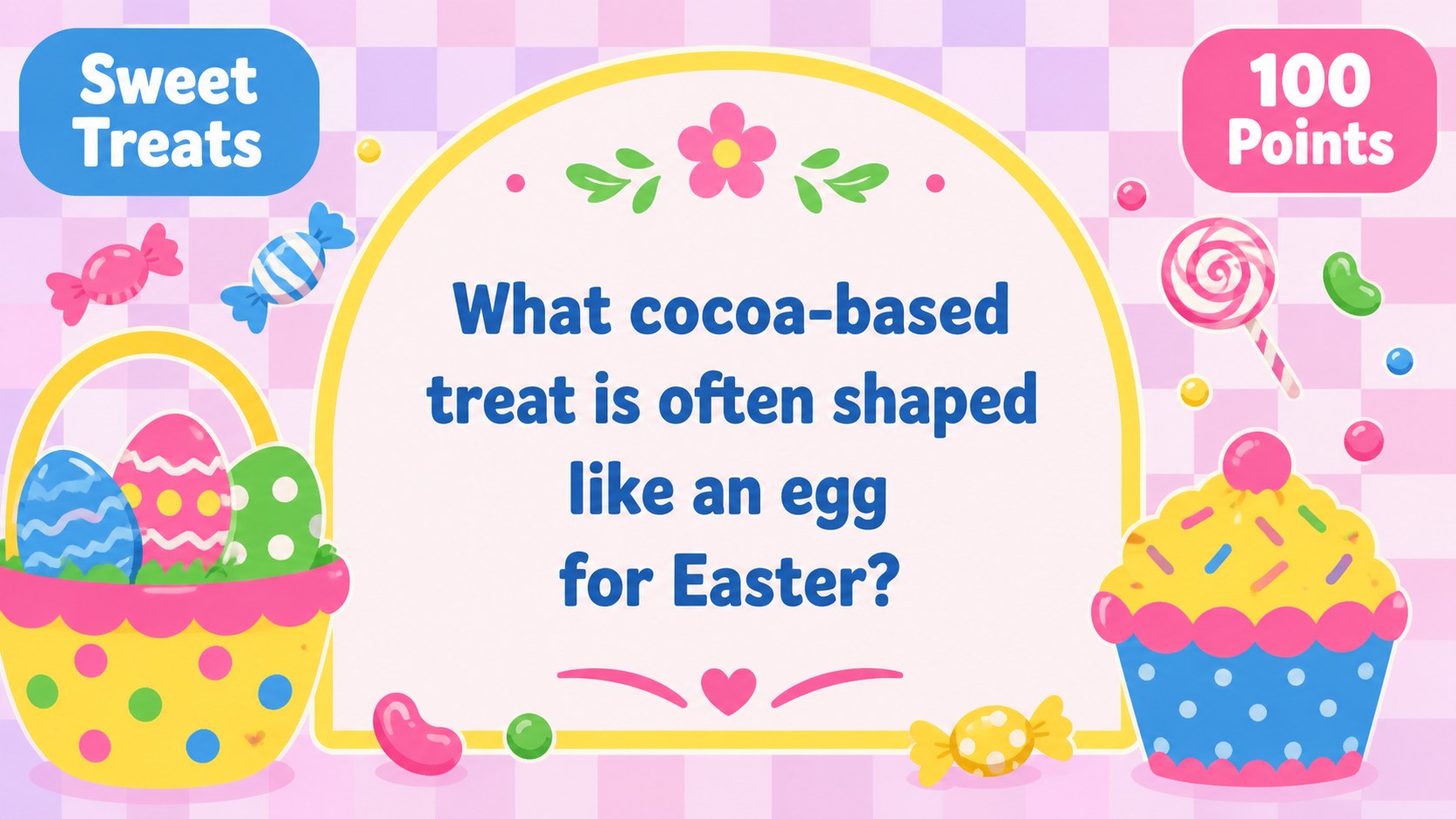
Bring friendly competition to your spring celebration with Easter quiz show slides built for quick setup and lively group play. The bright illustrated design combines seasonal colors, playful details, and clear game-board layouts that help every participant follow the action. Edit the questions, choose team names, and adjust the difficulty before presenting the game in PowerPoint or Google Slides.
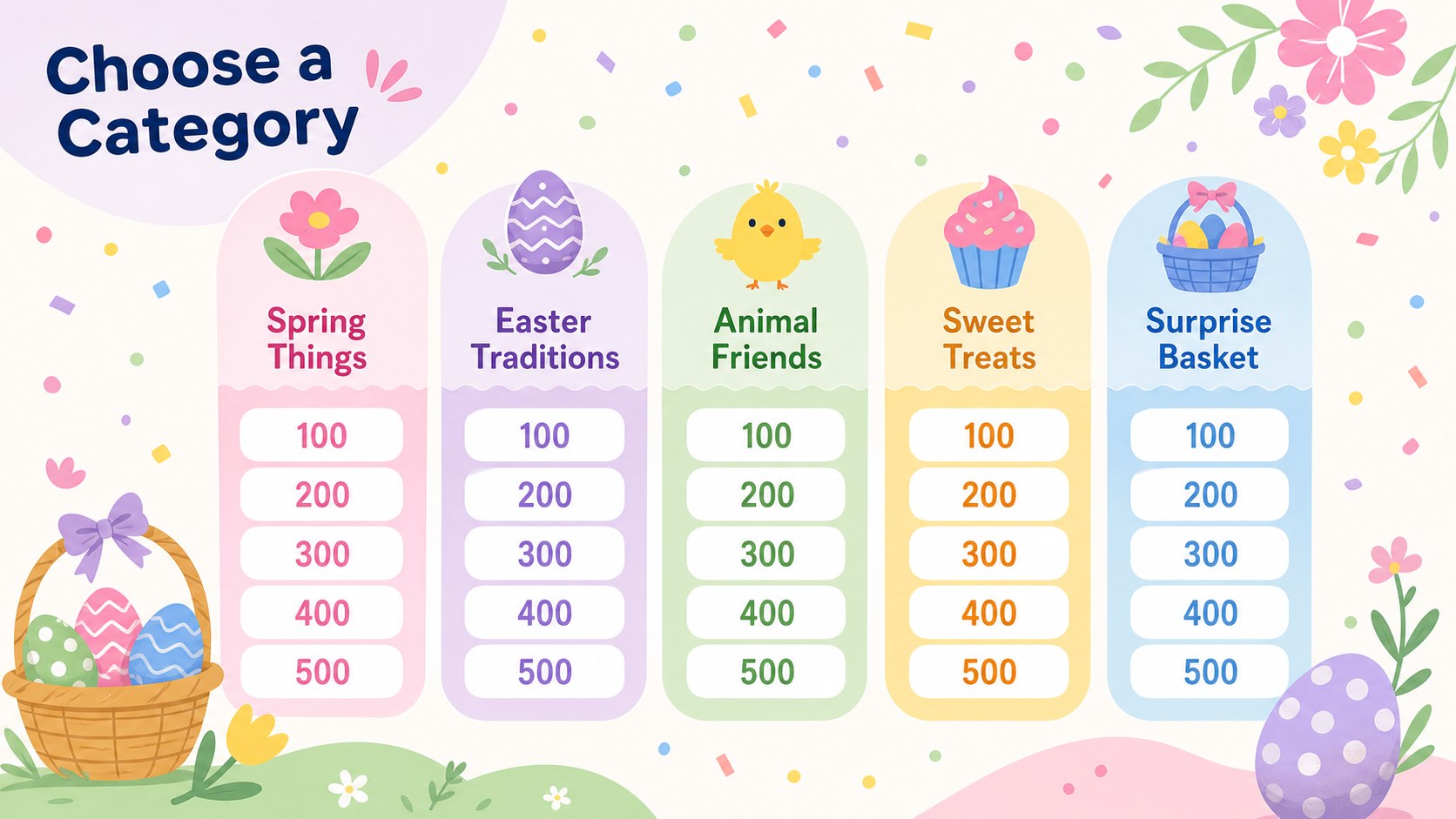
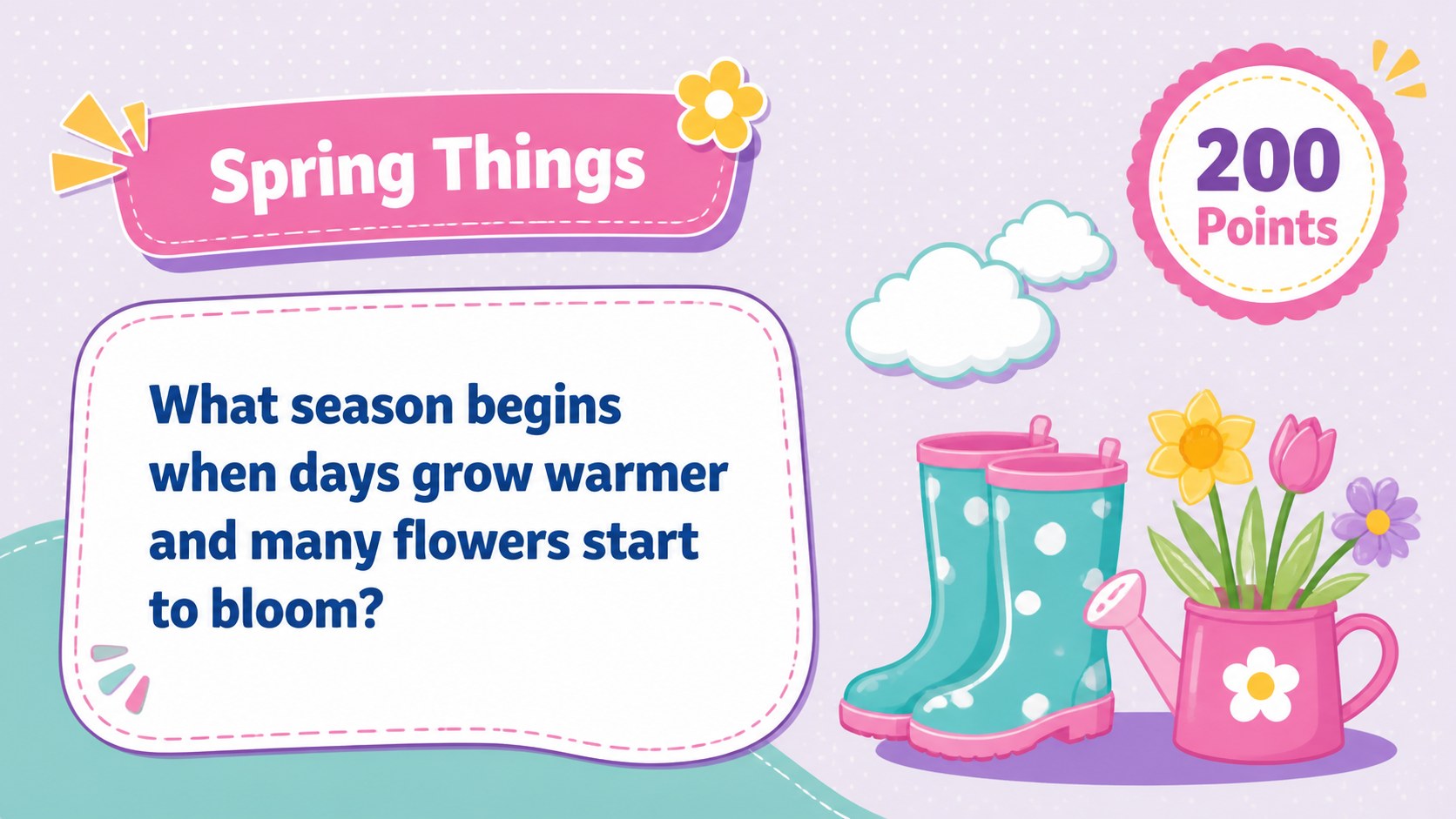
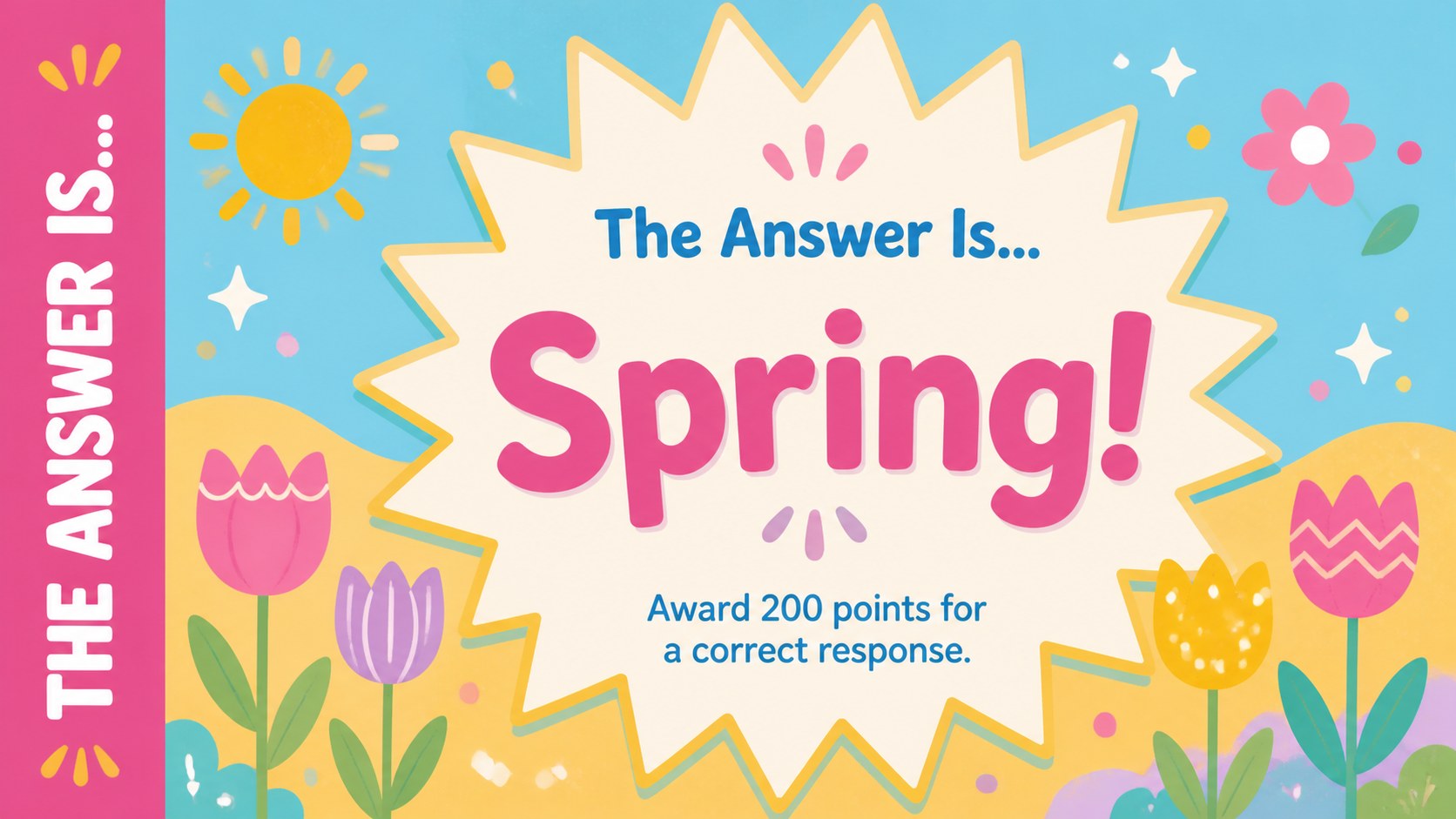
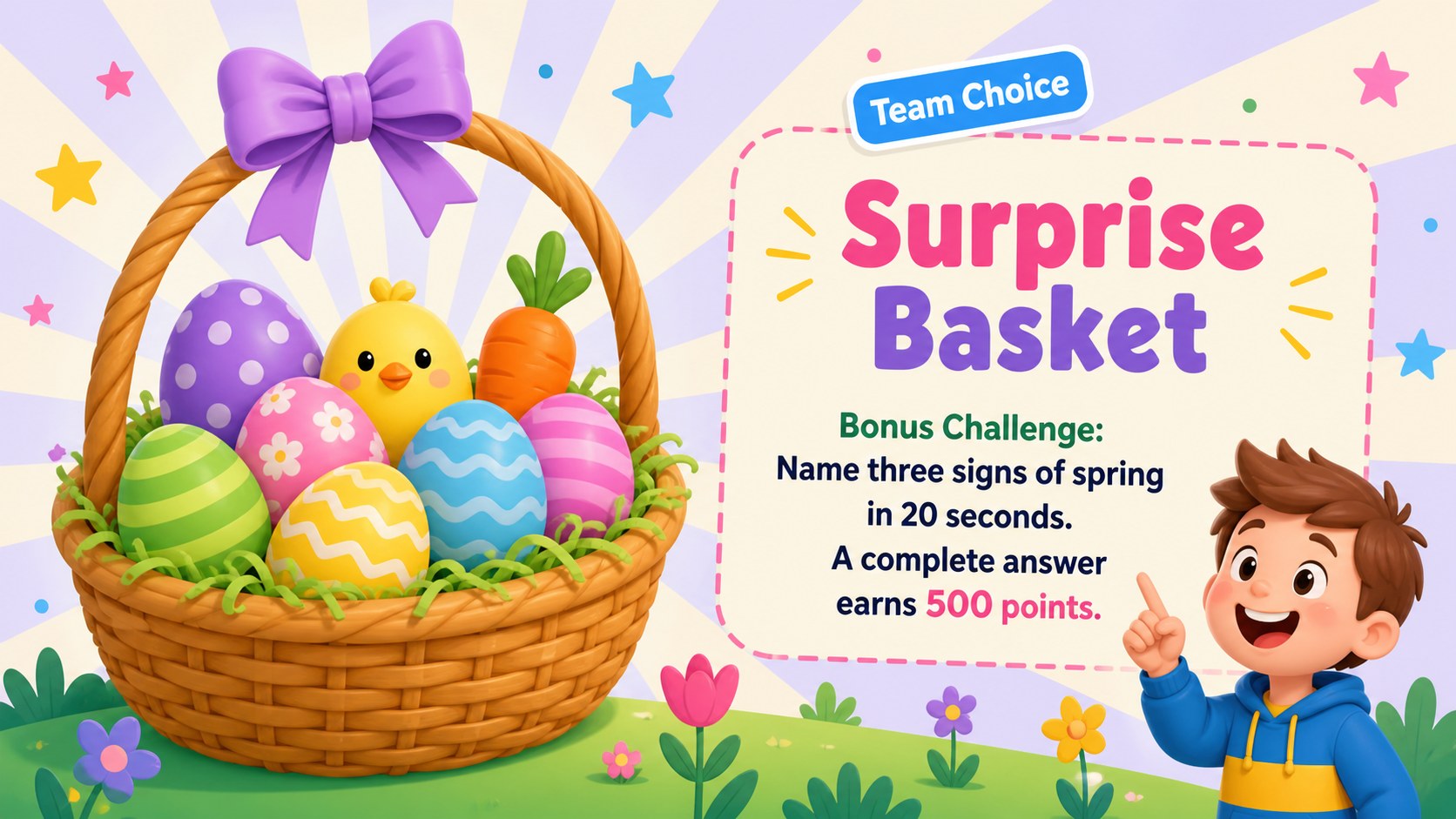
The deck includes 25 customizable 16:9 layouts for instructions, category boards, question screens, answer reveals, score tracking, bonus challenges, a tiebreaker, and a winner announcement. Use the ready-made structure to create an interactive Easter quiz presentation without designing every round from scratch. Fonts, colors, illustrations, shapes, transitions, and text can all be adapted to suit your event.
Teachers can turn the template into an Easter classroom trivia game covering spring vocabulary, traditions, animals, stories, or age-appropriate general knowledge. Families and party hosts can use the same layouts for family Easter game night slides featuring personal questions, photo clues, or lighthearted challenges. The visual style remains cute, colorful, and welcoming while keeping prompts and scores readable from across a room.
Whether you are planning a classroom reward, community gathering, youth-group activity, or holiday party, these Easter quiz show slides provide a flexible format for individual or team play. Add your own content, present the rounds, and keep the celebration moving from the opening question to the final score.
Perfect for: classroom Easter trivia; family holiday game night; youth group spring party; community Easter gathering; team-based classroom reward.
Frequently asked questions
Practical details
The deck can be edited and presented in PowerPoint or Google Slides. Both versions preserve the widescreen layouts and allow you to replace questions, answers, and team details.
Yes. Every question, answer, category label, and point value is editable, so you can tailor the rounds to a specific age group or event.
Change the colors, fonts, illustrations, backgrounds, and decorative shapes using the standard editing tools in your chosen platform. You can also duplicate layouts when you need more questions in a category.
Yes. Divide participants into teams, use the included score layouts, and reveal each answer after teams respond. A bonus challenge and tiebreaker layout are included for close games.
Keep exploring
15Build an engaging World UFO Day session with this flying saucer history lesson deck, featuring retro green-and-brown slides for PowerPoint and Google Slides.
 15
15Plan a lively animal-learning journey with this jungle zoo adventure lesson deck, ready to customize in PowerPoint and Google Slides for young learners.
 16
16Turn environmental research into a clear story with a Watercolor Ecology Presentation Theme for PowerPoint and Google Slides in calming green and blue.
 16
16Build focused fashion, literature, and humanities presentations with the Red Triangle Editorial Theme, editable in PowerPoint and Google Slides.
 15
15Turn streaming stats, favorite tracks, and concert highlights into a bold annual listening recap slide deck for PowerPoint and Google Slides.
 15
15Turn highlights, milestones, and favorite moments into a colorful year in review slide deck with bold 3D graphics for PowerPoint and Google Slides.
 3
3Build a credible endorsement with Standout Colleague Recommendation Letter Slides, featuring colorful prompts for skills, achievements, and team impact.
 4
4Build clear beginner sessions with an ice hockey fundamentals training deck for coaches, PE teachers, and clubs, ready for PowerPoint and Google Slides.