
 15
15presentation
Flying Saucer History Lesson Deck
Build an engaging World UFO Day session with this flying saucer history lesson deck, featuring retro green-and-brown slides for PowerPoint and Google Slides.
Google SlidesPowerPoint
presentation · English
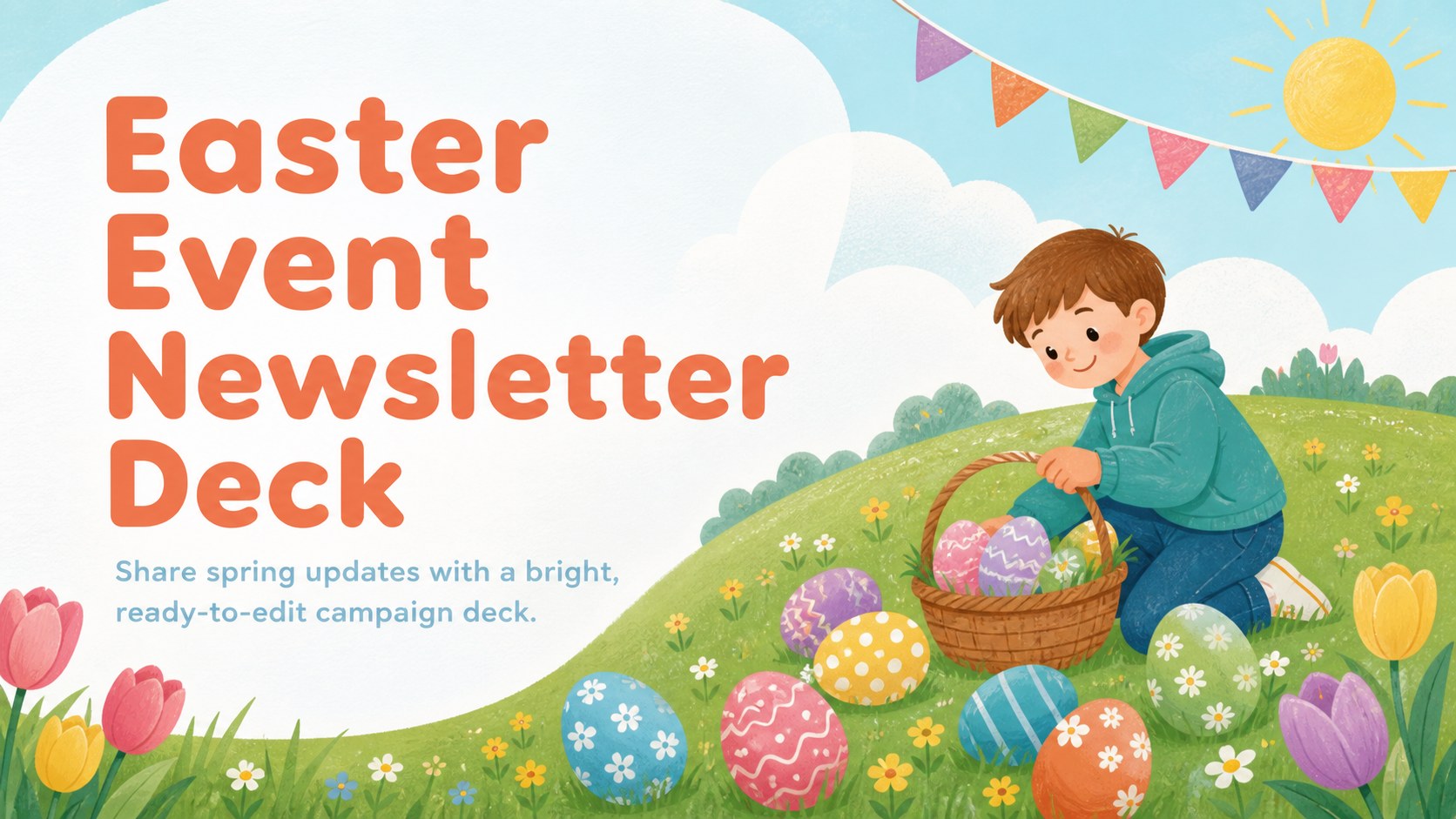
Plan cheerful spring updates with an Easter event newsletter deck featuring playful blue and green illustrations, editable layouts, and festive prompts.
Design notes
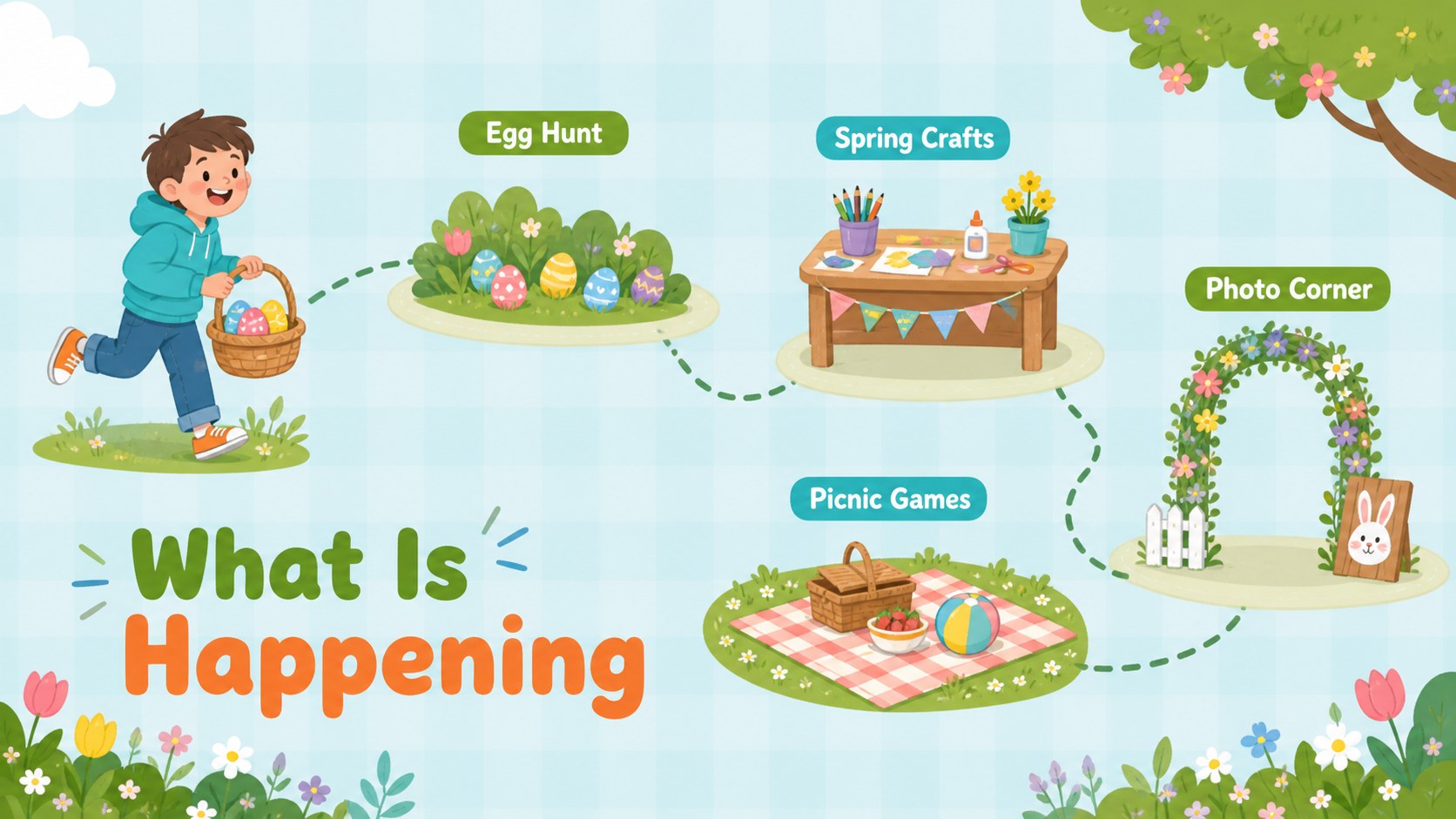
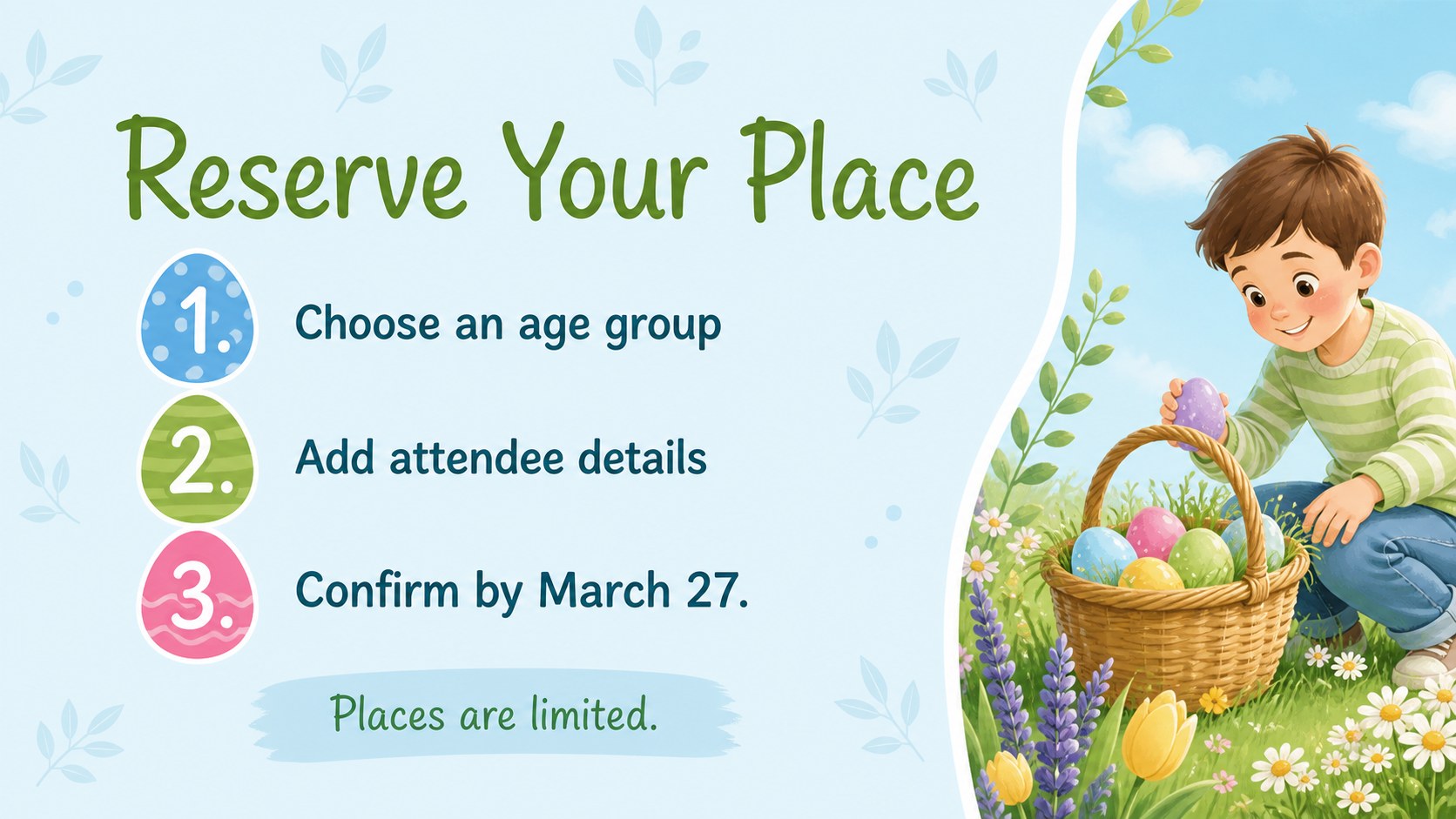
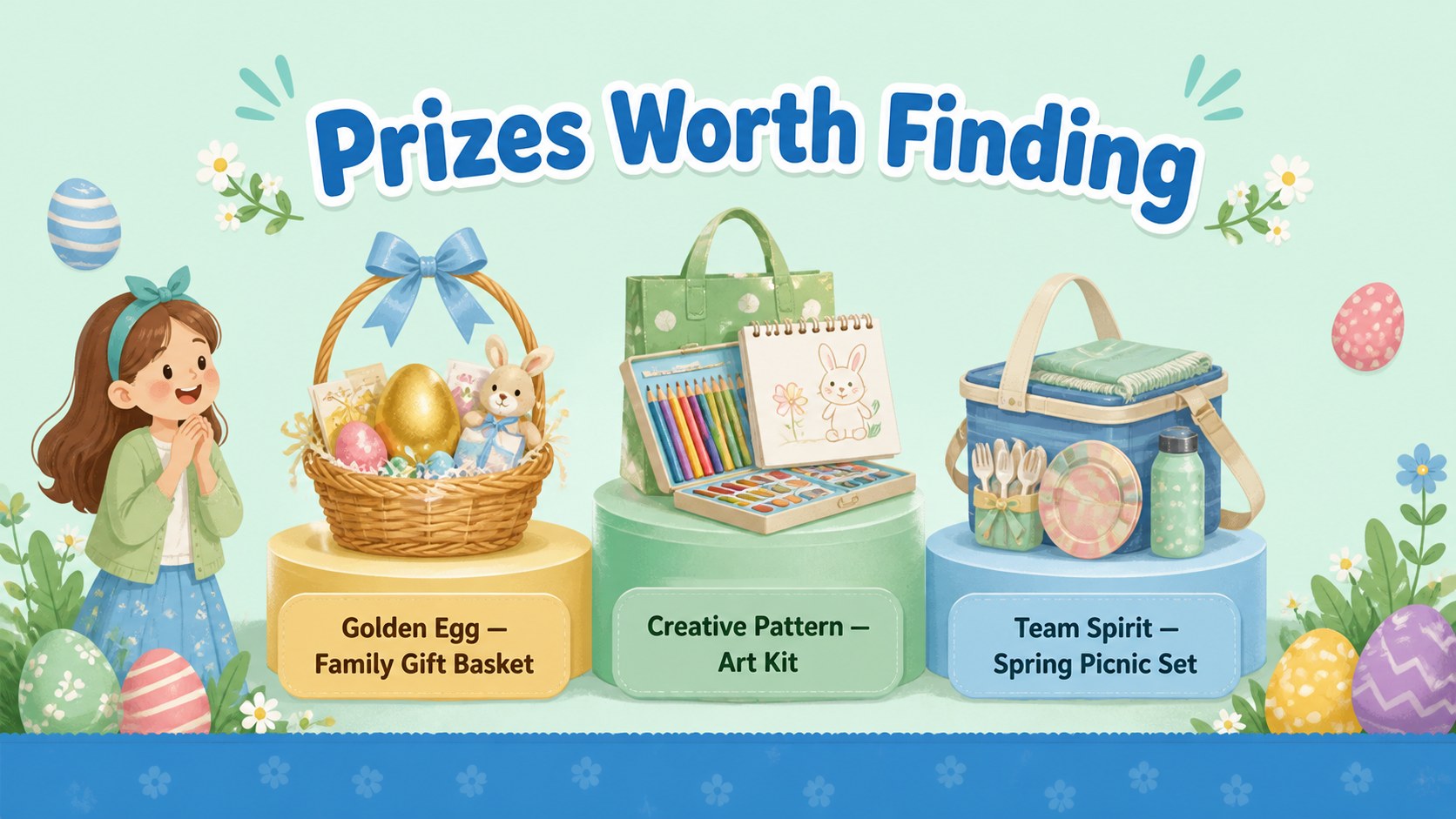
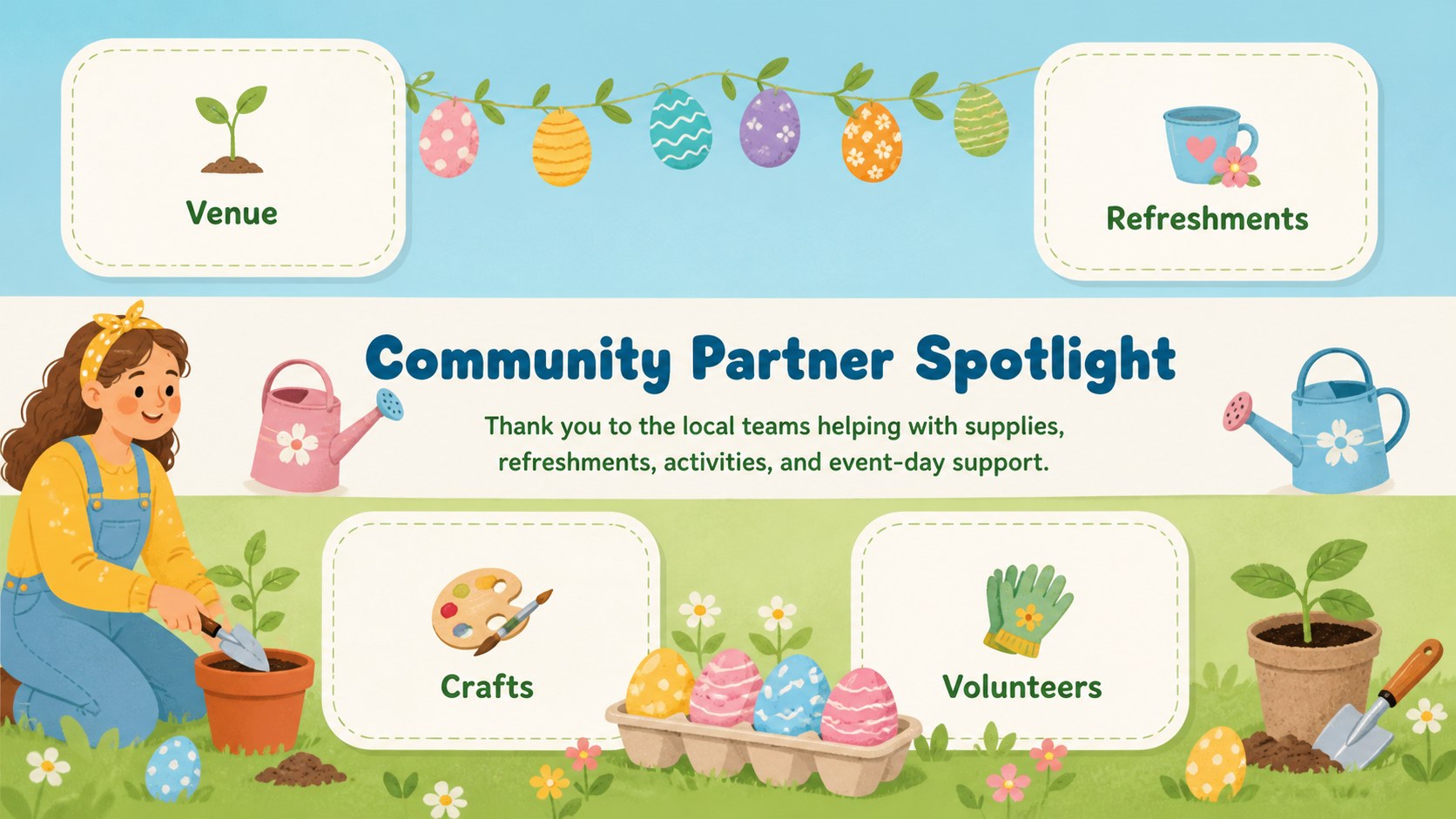
Bring seasonal campaigns to life with an Easter event newsletter deck built for upbeat announcements, community updates, and family-friendly promotions. The pastel blue and green palette, lively egg motifs, and fresh spring illustrations create a cheerful look without sacrificing clarity. Use it as a spring event announcement presentation for email recaps, lobby screens, classroom notices, or social campaign planning.
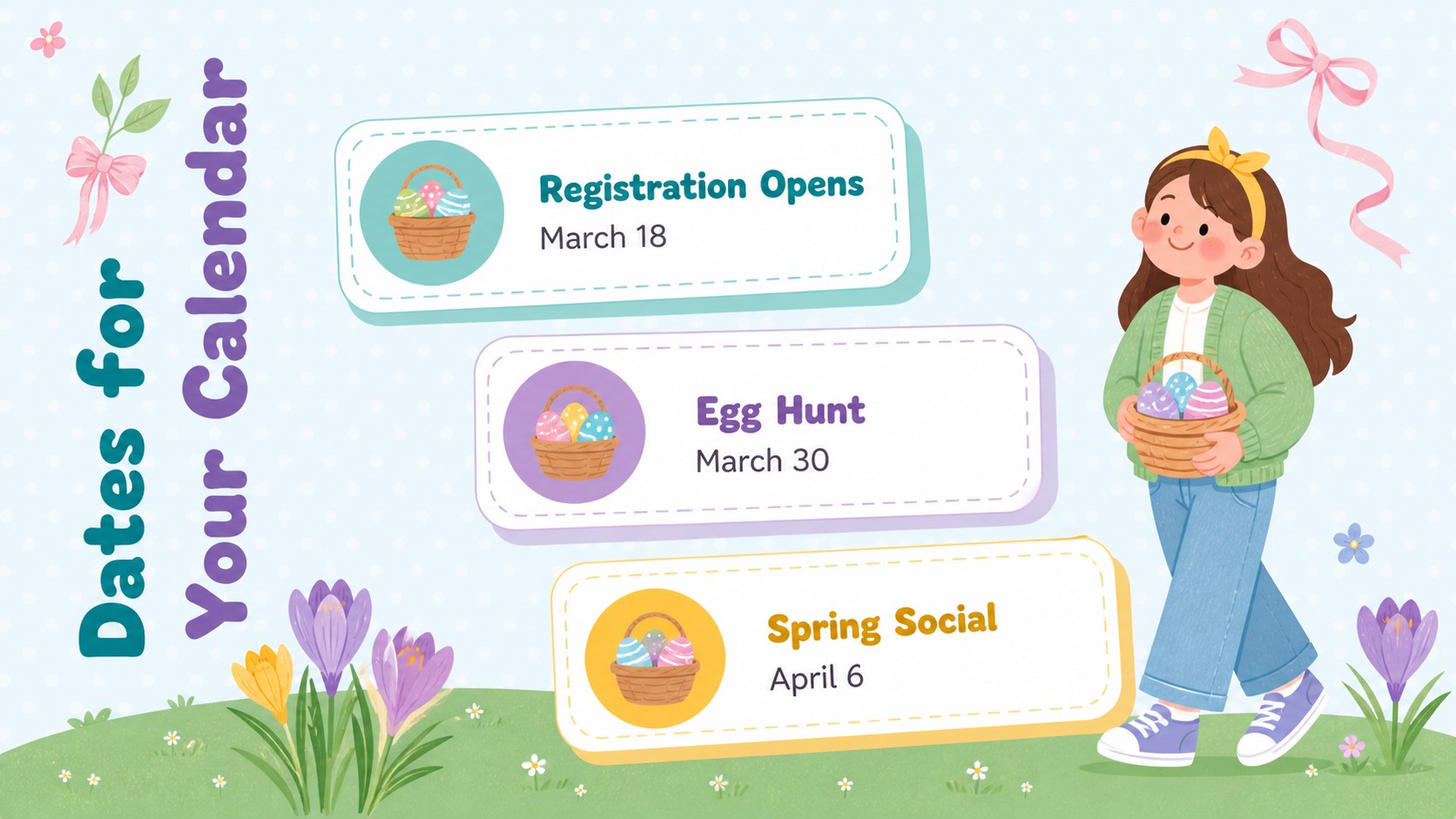
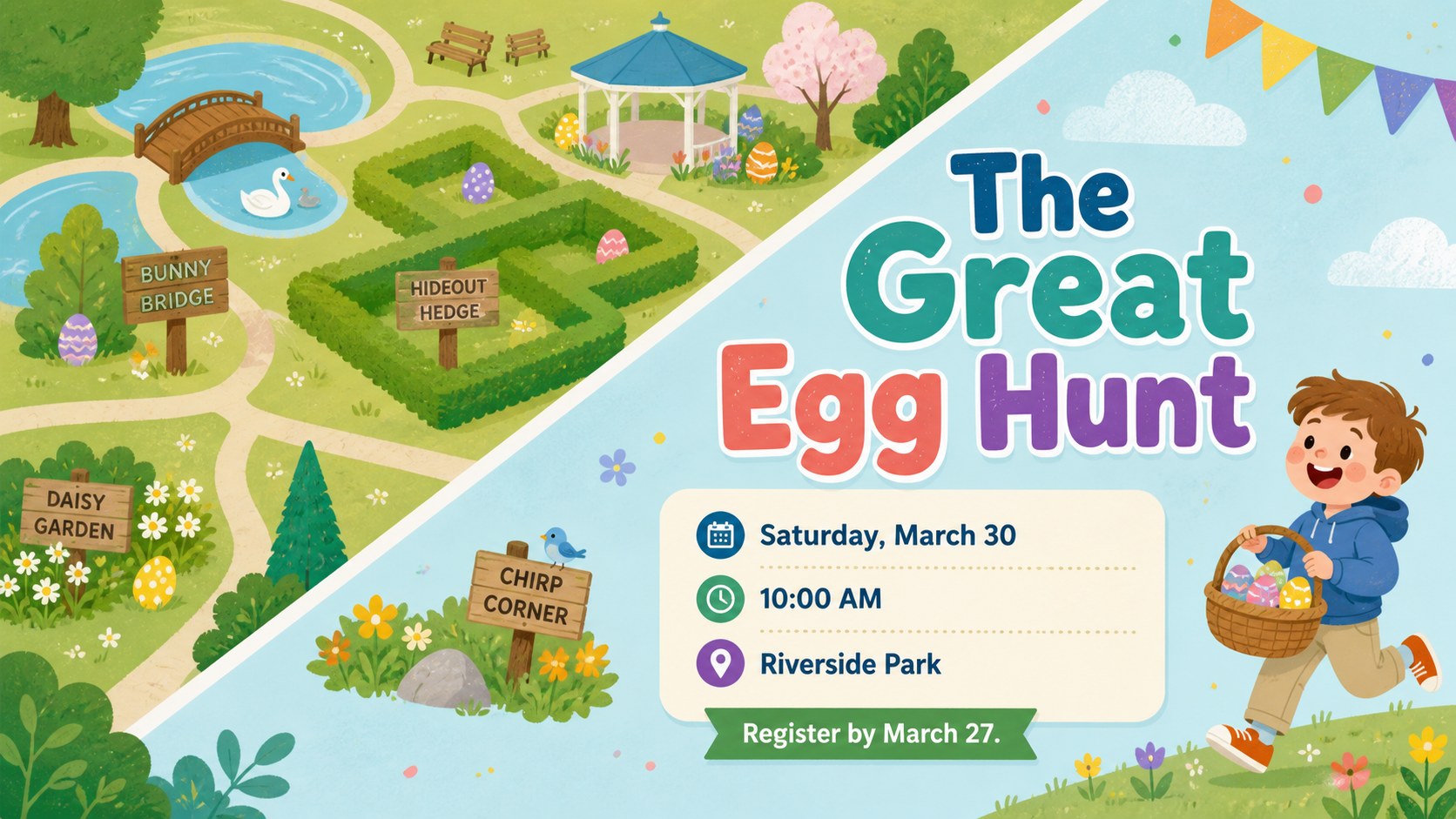
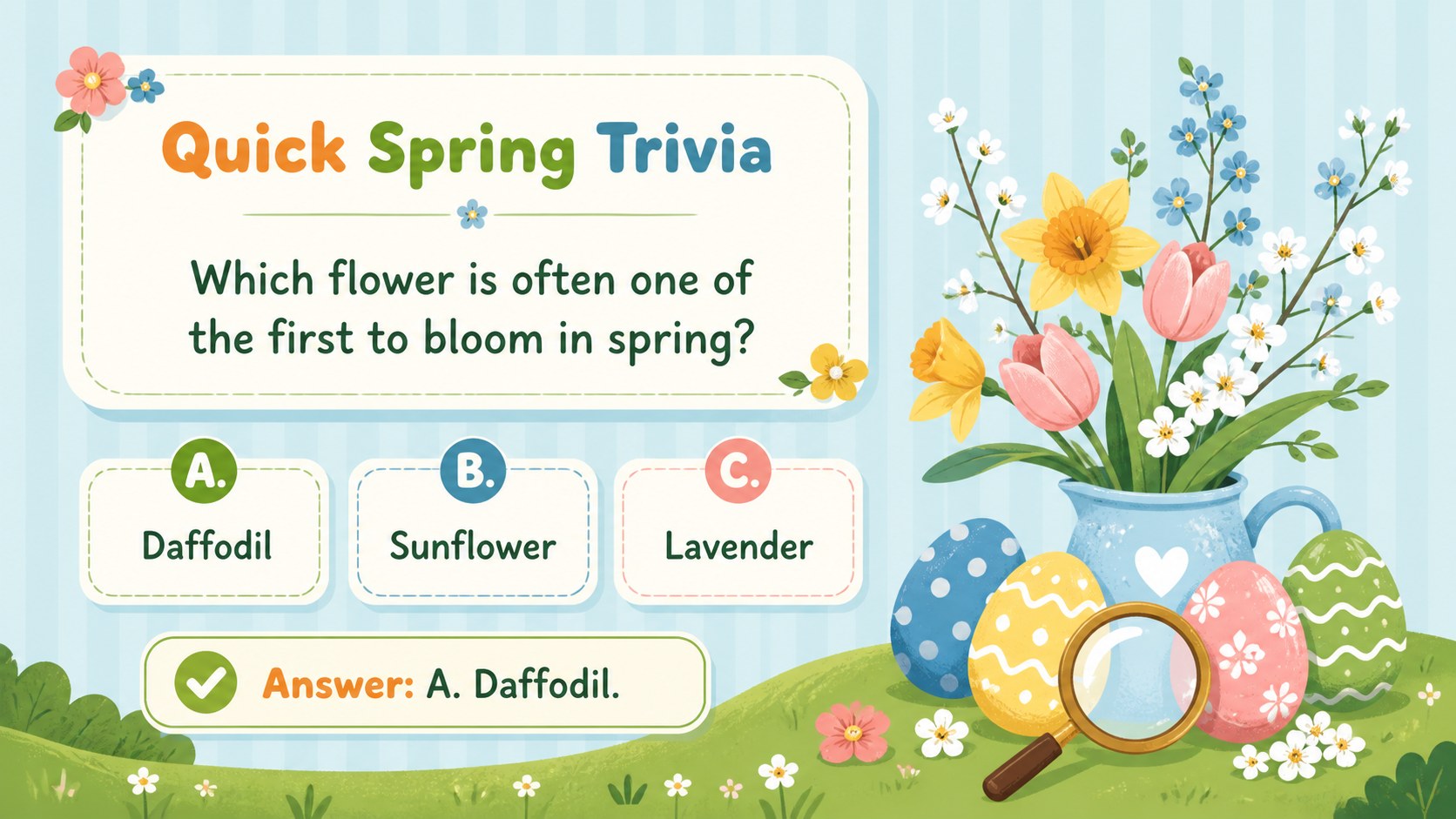
The 15-slide story covers a welcome message, seasonal calendar, egg hunt details, registration reminders, prize highlights, partner spotlights, quick trivia, safety guidance, and a friendly closing note. Flexible layouts support short copy, checklists, schedules, statistics, photo callouts, and calls to action. Every page is editable in PowerPoint and Google Slides, so teams can update dates, swap illustrations, add local details, and adjust colors while preserving the playful visual rhythm.
Designed for marketers, event coordinators, schools, libraries, nonprofits, and neighborhood groups, this editable Easter newsletter slides set keeps planning and promotion in one consistent format. It also works as an Easter egg hunt marketing template for sponsor messages, volunteer instructions, and post-event highlights. Use only the sections you need, duplicate recurring updates, and tailor the wording for children, parents, customers, or community members.
Perfect for: community egg hunt promotion; school Easter newsletter; spring campaign update; family event announcement; volunteer information briefing; post-event highlights.
Frequently asked questions
Can I edit every part of the newsletter deck? Yes. You can change the text, colors, illustrations, images, and layout elements to match your event or organization. Duplicate or remove slides to create a newsletter of the right length.
Practical details
Yes. You can change the text, colors, illustrations, images, and layout elements to match your event or organization. Duplicate or remove slides to create a newsletter of the right length.
The deck is designed for PowerPoint and Google Slides. Review font placement and animations after importing so the final presentation displays consistently on your chosen platform.
Yes. Replace the sample dates, activities, prizes, and contact details with information for your school, library, business, nonprofit, or neighborhood group. The friendly illustrations suit both child-focused and family audiences.
Select the background, shape, and text colors in PowerPoint or Google Slides, then apply your preferred theme colors. Keep strong contrast between text and pastel areas to maintain readability.
Keep exploring
15Build an engaging World UFO Day session with this flying saucer history lesson deck, featuring retro green-and-brown slides for PowerPoint and Google Slides.
 15
15Plan a lively animal-learning journey with this jungle zoo adventure lesson deck, ready to customize in PowerPoint and Google Slides for young learners.
 16
16Turn environmental research into a clear story with a Watercolor Ecology Presentation Theme for PowerPoint and Google Slides in calming green and blue.
 16
16Build focused fashion, literature, and humanities presentations with the Red Triangle Editorial Theme, editable in PowerPoint and Google Slides.
 15
15Turn streaming stats, favorite tracks, and concert highlights into a bold annual listening recap slide deck for PowerPoint and Google Slides.
 15
15Turn highlights, milestones, and favorite moments into a colorful year in review slide deck with bold 3D graphics for PowerPoint and Google Slides.
 3
3Build a credible endorsement with Standout Colleague Recommendation Letter Slides, featuring colorful prompts for skills, achievements, and team impact.
 4
4Build clear beginner sessions with an ice hockey fundamentals training deck for coaches, PE teachers, and clubs, ready for PowerPoint and Google Slides.