
 15
15presentation
Flying Saucer History Lesson Deck
Build an engaging World UFO Day session with this flying saucer history lesson deck, featuring retro green-and-brown slides for PowerPoint and Google Slides.
Google SlidesPowerPoint
presentation · English
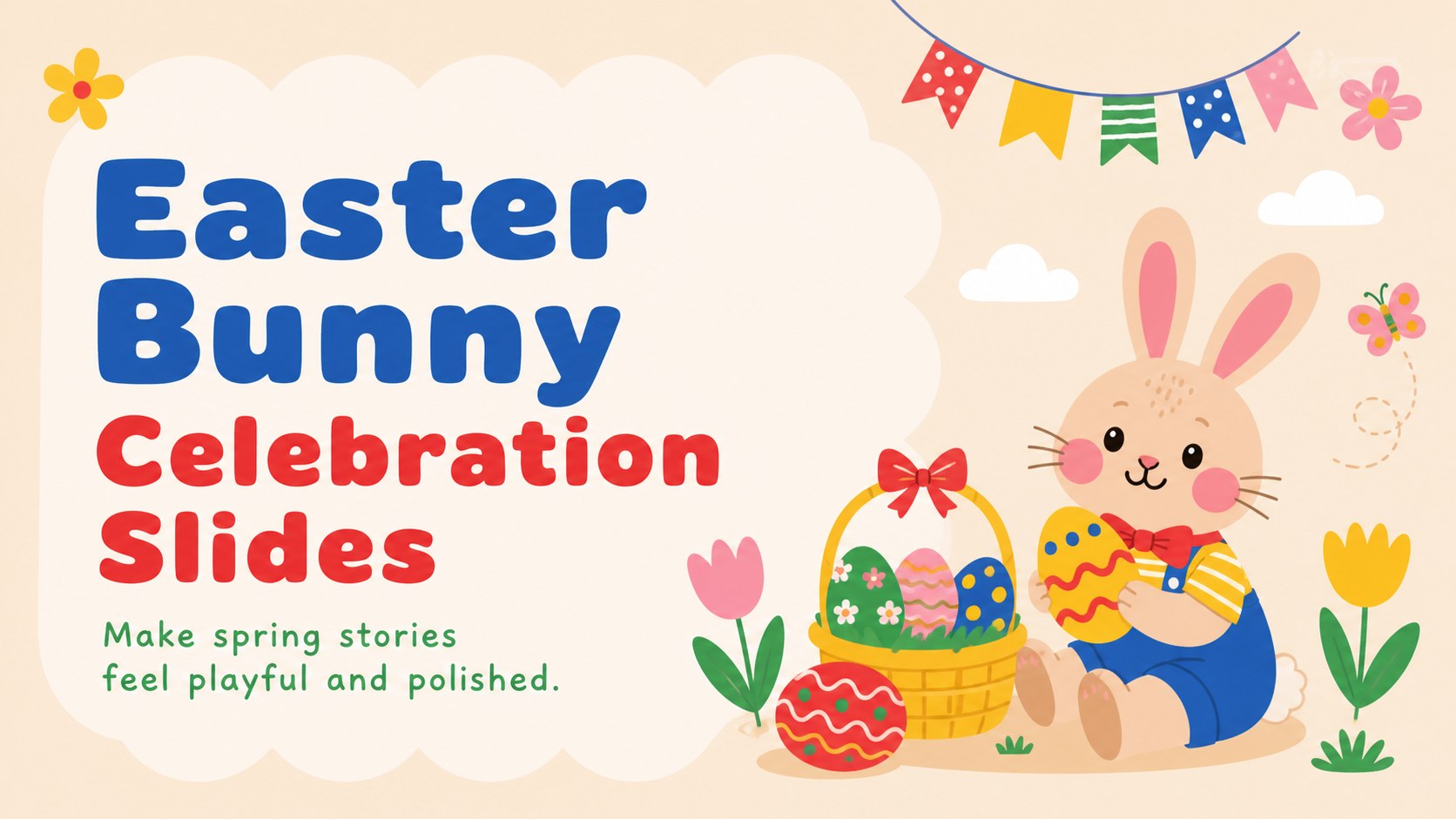
Easter Bunny Celebration Slides make spring lessons, party plans, and family events cheerful with editable layouts for PowerPoint and Google Slides.
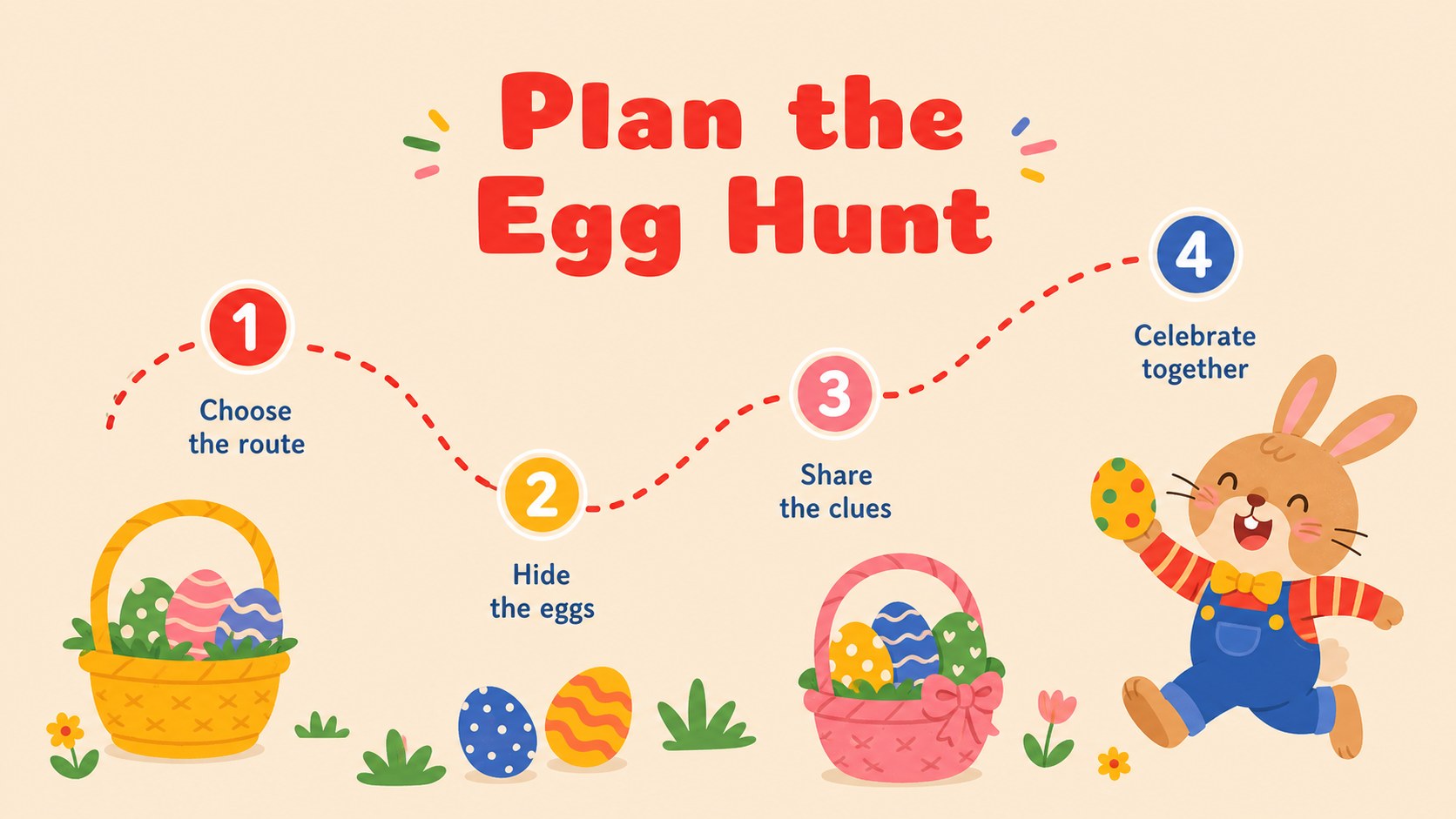
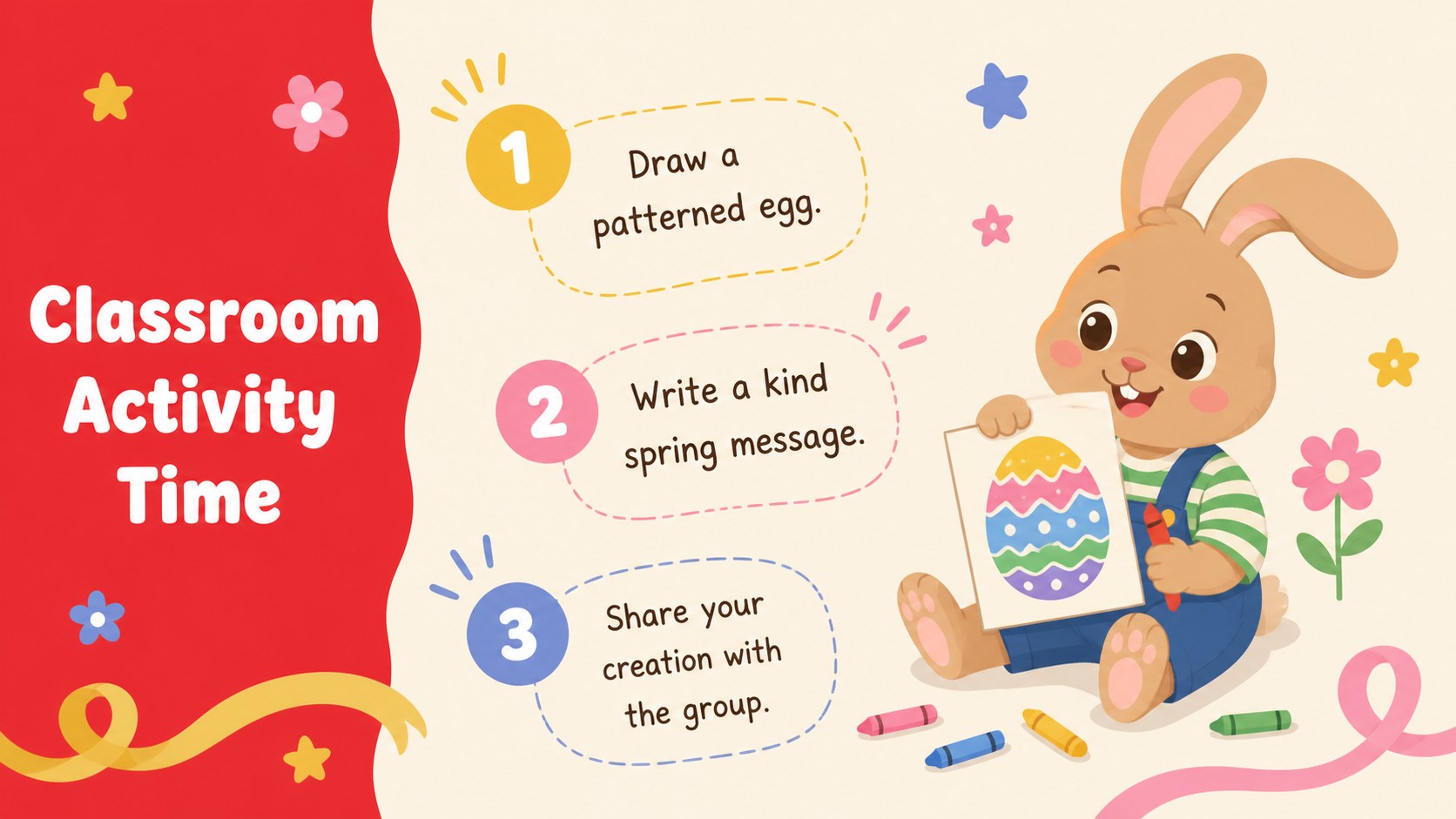
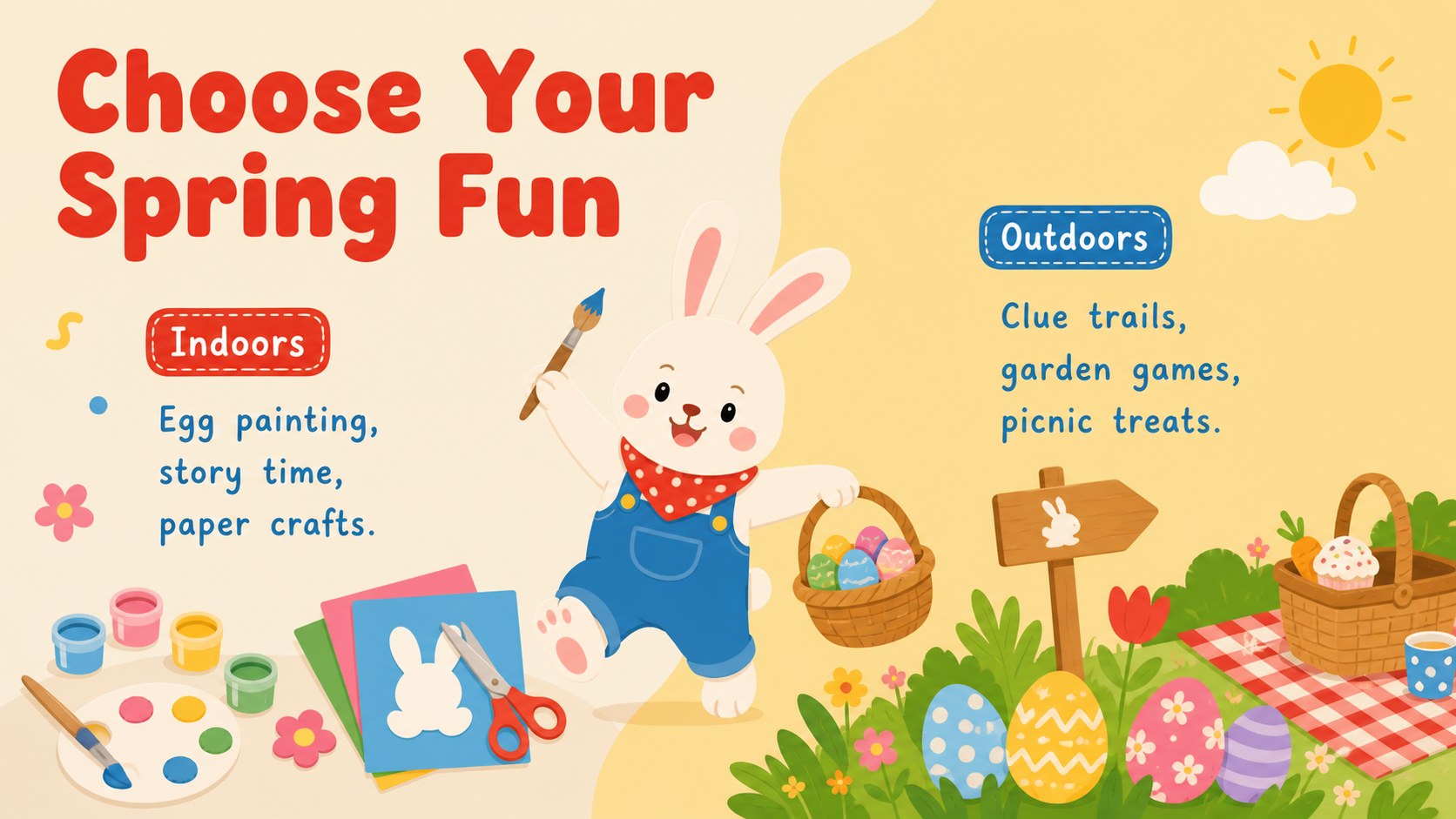
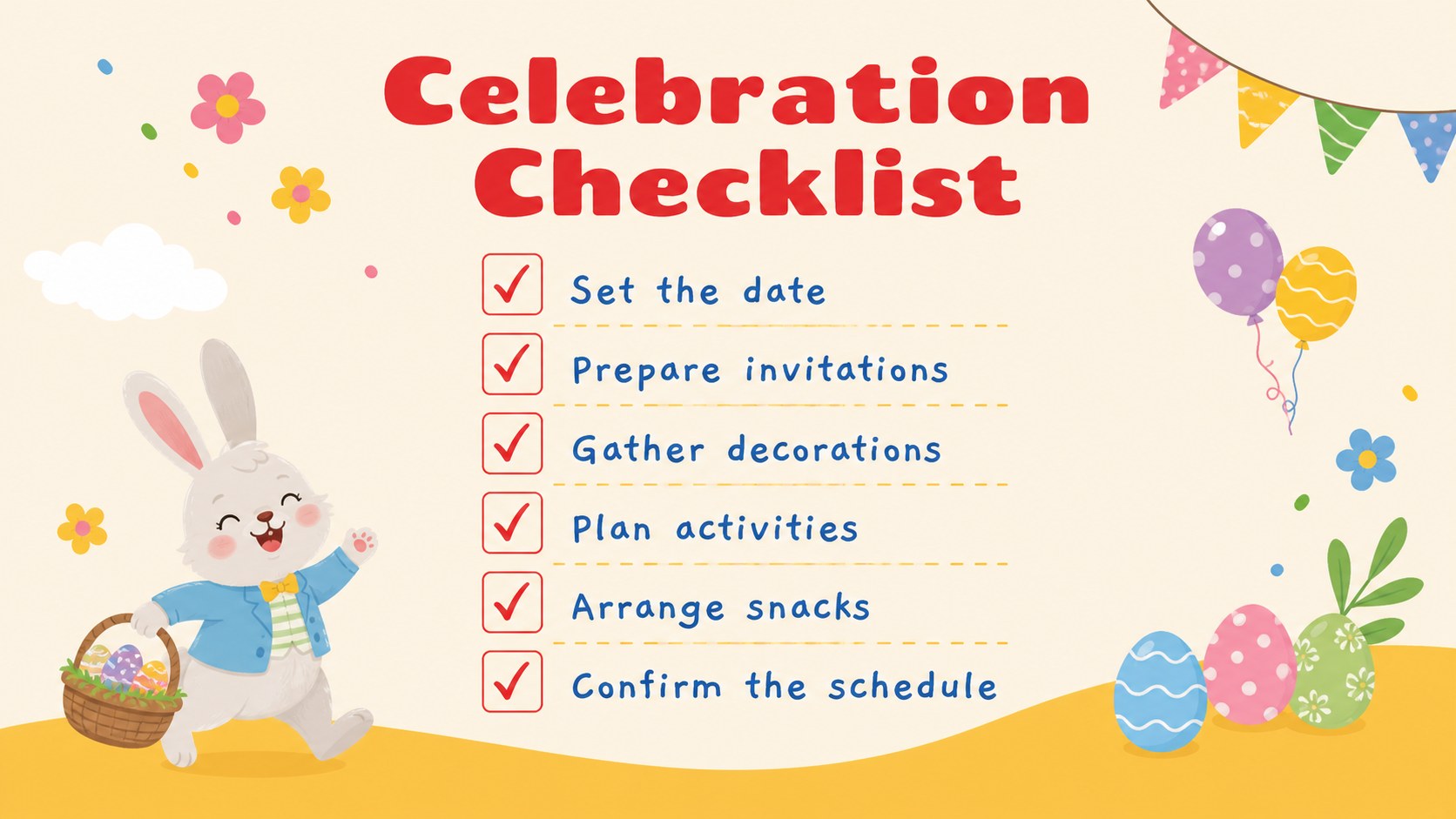
Design notes
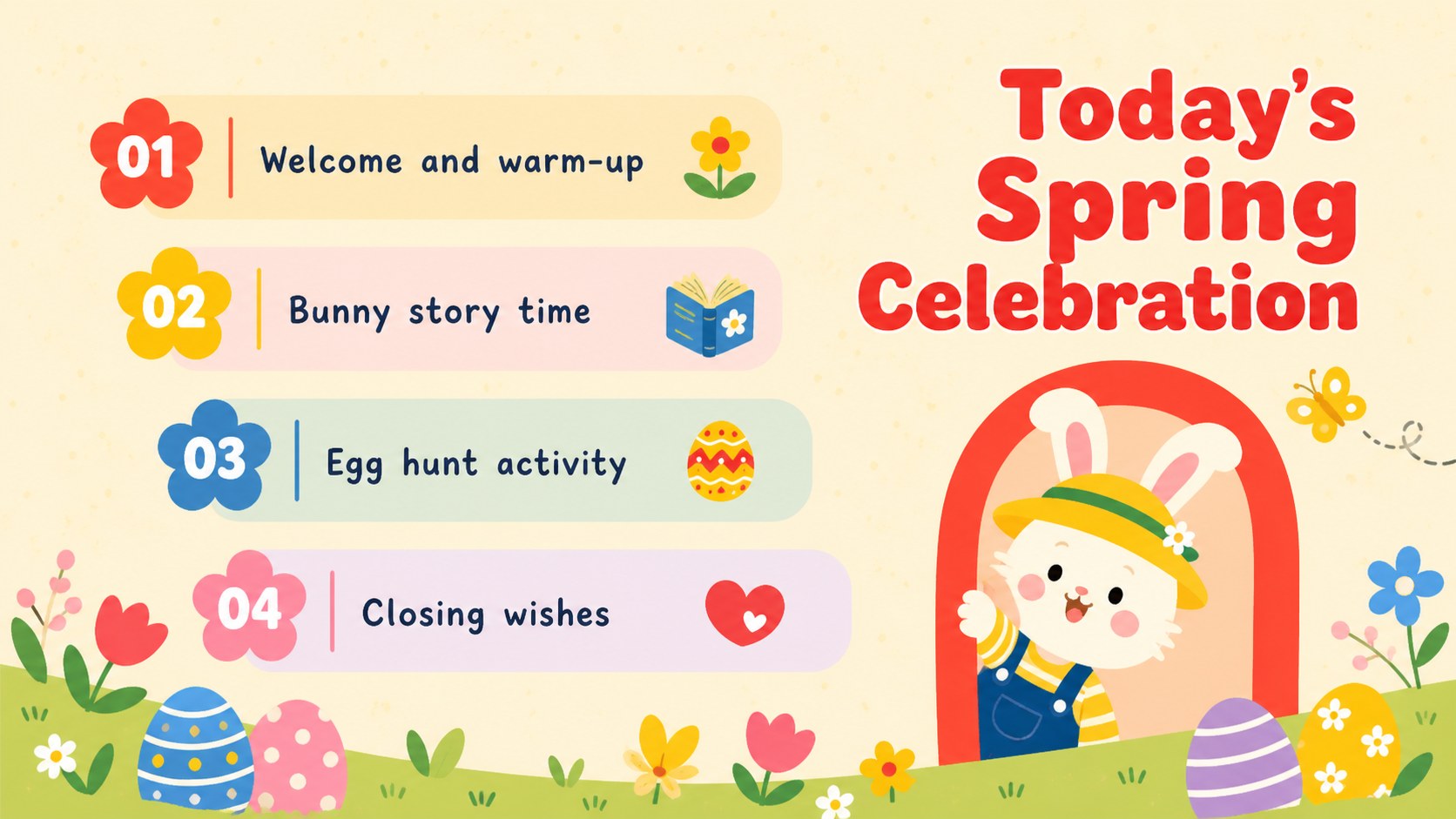
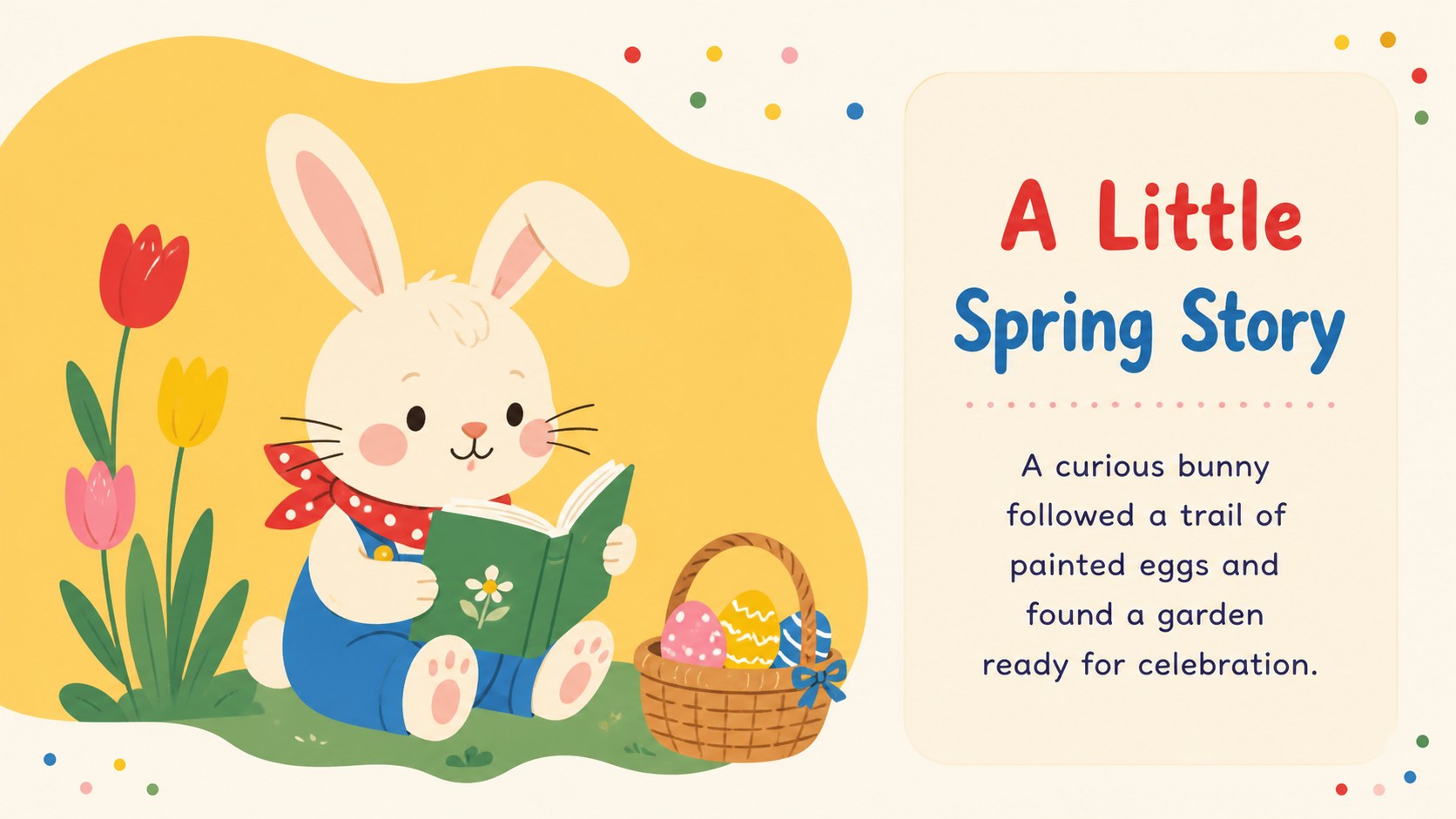
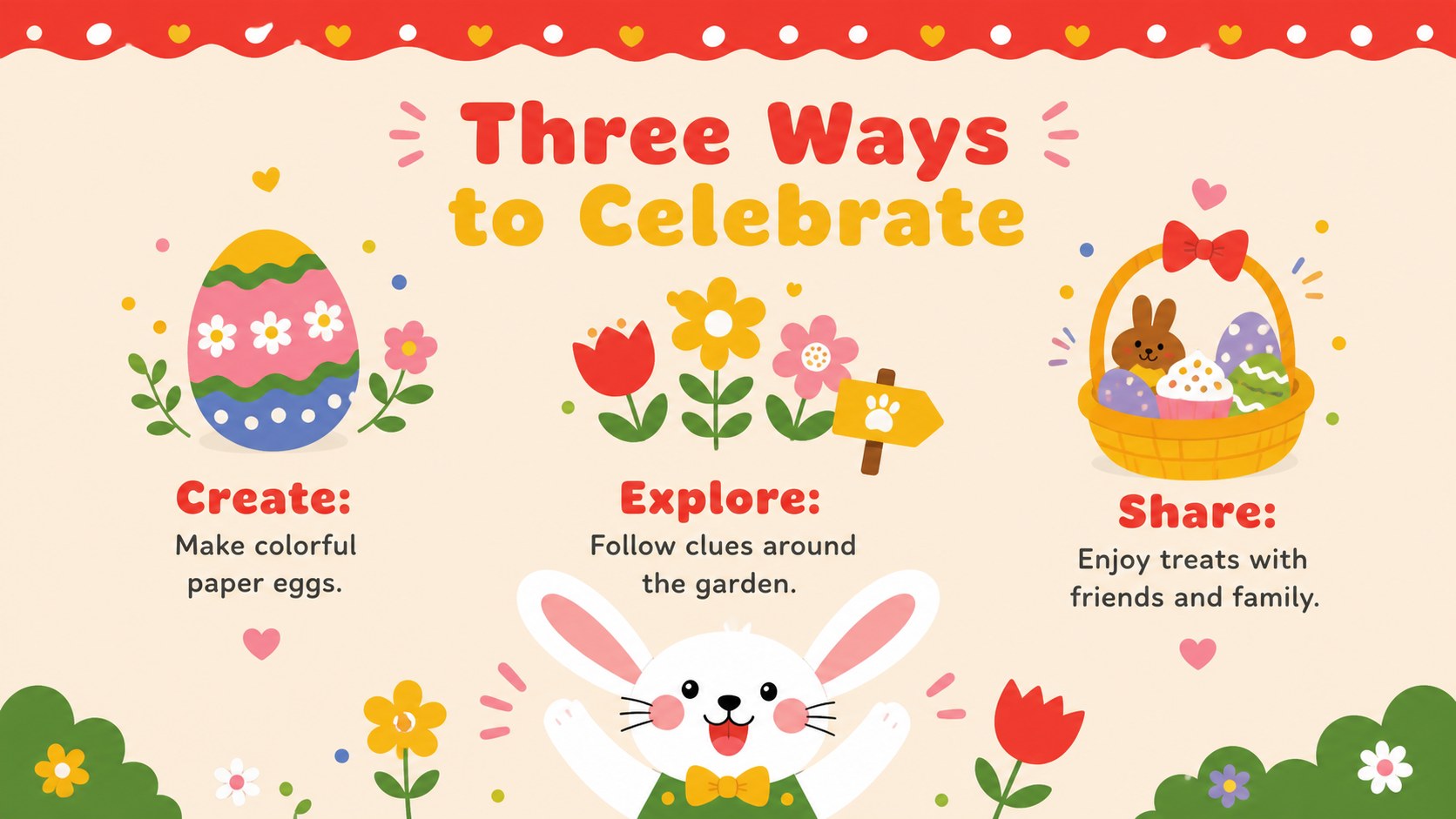
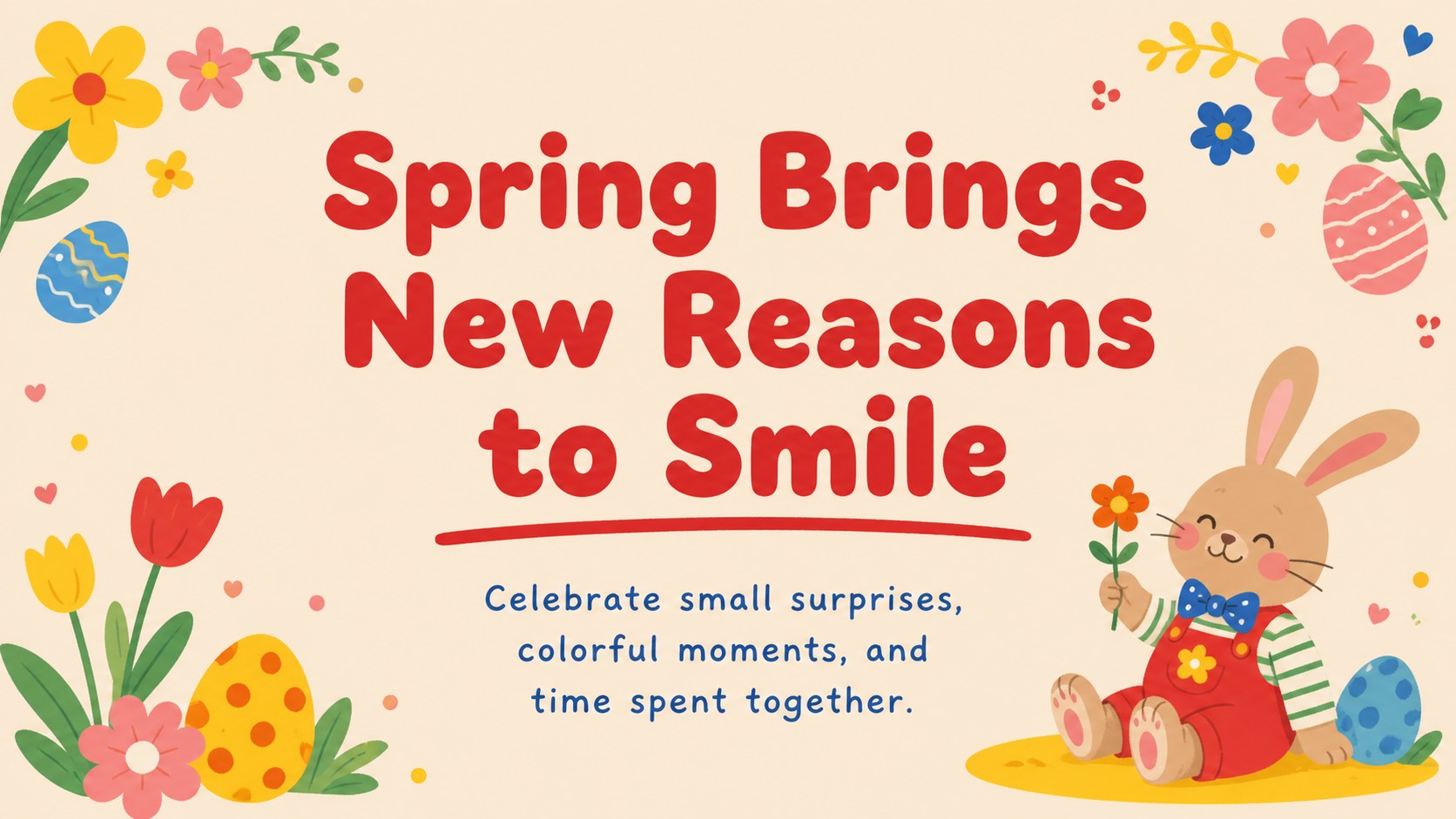
Easter Bunny Celebration Slides give seasonal messages a bright, friendly setting without overwhelming the information. Warm beige backgrounds, bold red accents, sunny yellow details, and playful cartoon artwork create a cute Easter presentation theme suited to children and adults alike. Use the layouts to introduce an activity, announce a gathering, share a spring story, or present a festive idea with personality.
The deck includes a welcoming cover, section dividers, illustrated text pages, comparison layouts, activity prompts, a simple timeline, planning checklists, and a closing message. Flexible placeholders make it easy to add photographs, schedules, quotes, key facts, or event details. The varied compositions help a spring party planning slide deck feel cohesive while giving each topic its own visual rhythm. All slides use a widescreen 16:9 format and can be customized in PowerPoint or Google Slides.
Teachers can adapt the presentation for classroom celebrations, seasonal reading prompts, or family newsletters. Event organizers can turn it into an editable Easter event presentation for egg hunts, community lunches, craft sessions, and holiday announcements. Families, clubs, and small businesses can also use the layouts for invitations, menus, promotions, and cheerful social updates. Change the wording, colors, illustrations, and layout elements to match the occasion while retaining the playful red, yellow, beige, colorful, and pastel design style.
Perfect for: classroom Easter celebration; community egg hunt announcement; spring party planning; family holiday gathering; seasonal craft activity; Easter event promotion.
Frequently asked questions
Which presentation platforms support this template? The slides are designed for PowerPoint and Google Slides. Both platforms support editing the text, colors, images, and layout elements.
Practical details
The slides are designed for PowerPoint and Google Slides. Both platforms support editing the text, colors, images, and layout elements.
Yes. You can replace the illustrations, adjust accent colors, and restyle the typography to suit your event or classroom. The original design uses beige, red, yellow, colorful, and pastel tones.
Yes. Teachers can adapt the layouts for story prompts, seasonal games, craft instructions, event schedules, or family announcements. Text can be shortened or expanded for different age groups.
Yes. The agenda, checklist, timeline, invitation, and closing layouts can support egg hunts, parties, community gatherings, and spring promotions. Replace the sample wording with your date, location, schedule, and contact details.
Keep exploring
15Build an engaging World UFO Day session with this flying saucer history lesson deck, featuring retro green-and-brown slides for PowerPoint and Google Slides.
 15
15Plan a lively animal-learning journey with this jungle zoo adventure lesson deck, ready to customize in PowerPoint and Google Slides for young learners.
 16
16Turn environmental research into a clear story with a Watercolor Ecology Presentation Theme for PowerPoint and Google Slides in calming green and blue.
 16
16Build focused fashion, literature, and humanities presentations with the Red Triangle Editorial Theme, editable in PowerPoint and Google Slides.
 15
15Turn streaming stats, favorite tracks, and concert highlights into a bold annual listening recap slide deck for PowerPoint and Google Slides.
 15
15Turn highlights, milestones, and favorite moments into a colorful year in review slide deck with bold 3D graphics for PowerPoint and Google Slides.
 3
3Build a credible endorsement with Standout Colleague Recommendation Letter Slides, featuring colorful prompts for skills, achievements, and team impact.
 4
4Build clear beginner sessions with an ice hockey fundamentals training deck for coaches, PE teachers, and clubs, ready for PowerPoint and Google Slides.