
 15
15presentation
Flying Saucer History Lesson Deck
Build an engaging World UFO Day session with this flying saucer history lesson deck, featuring retro green-and-brown slides for PowerPoint and Google Slides.
Google SlidesPowerPoint
presentation · English
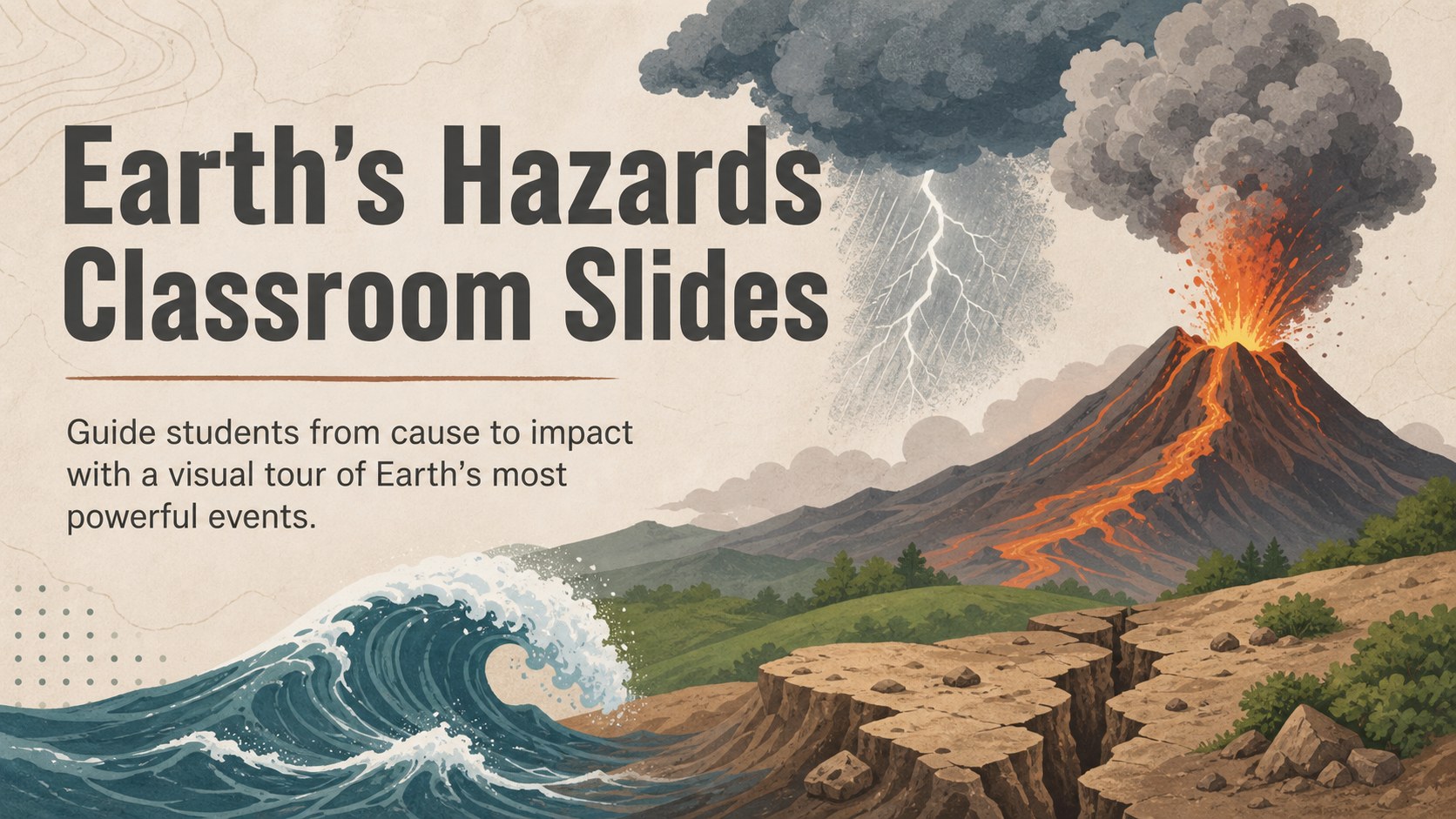
Teach earthquakes, storms, eruptions, and more with Earth's hazards classroom slides featuring clear visuals, discussion prompts, and editable activities.
Design notes
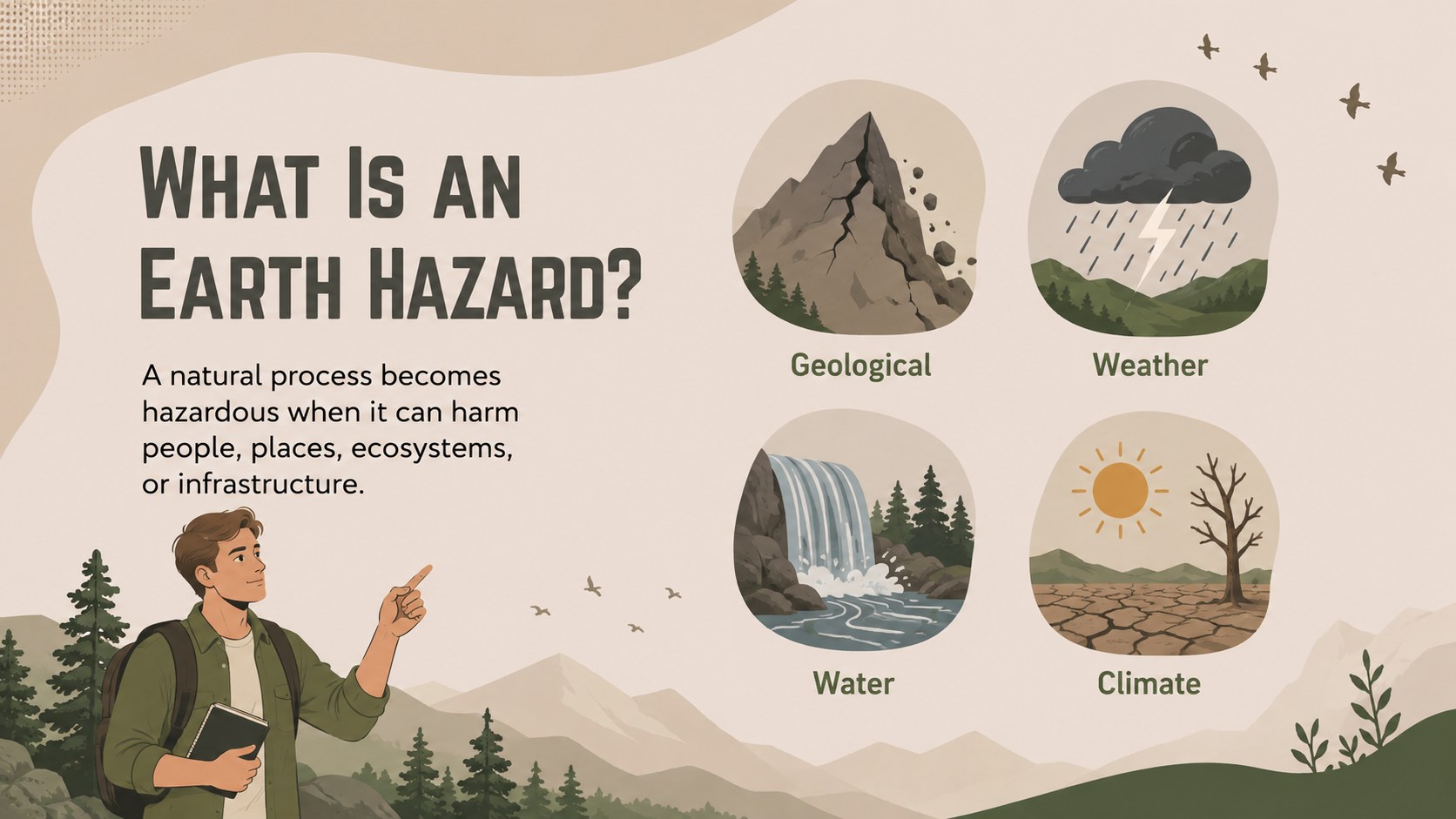
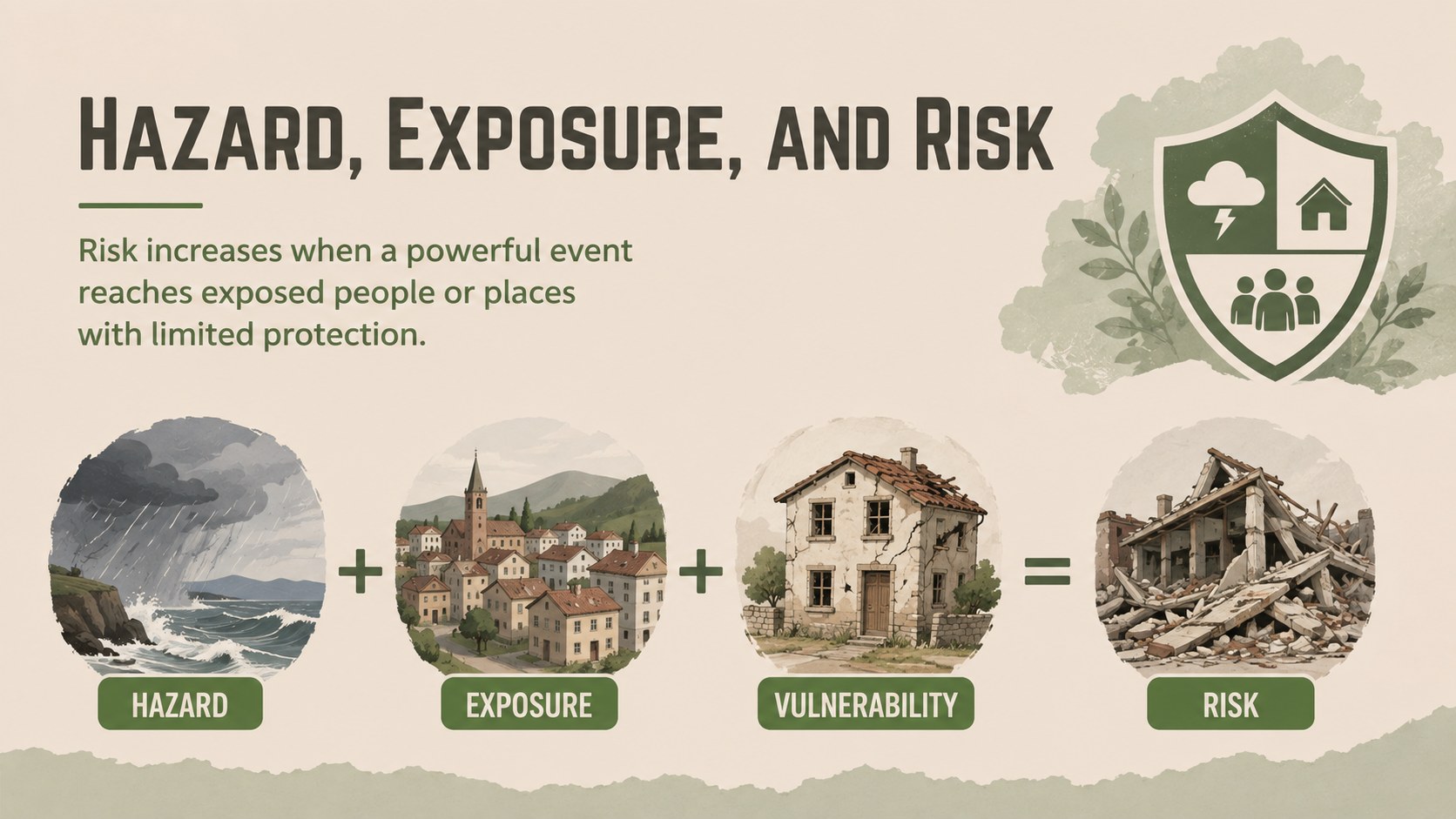
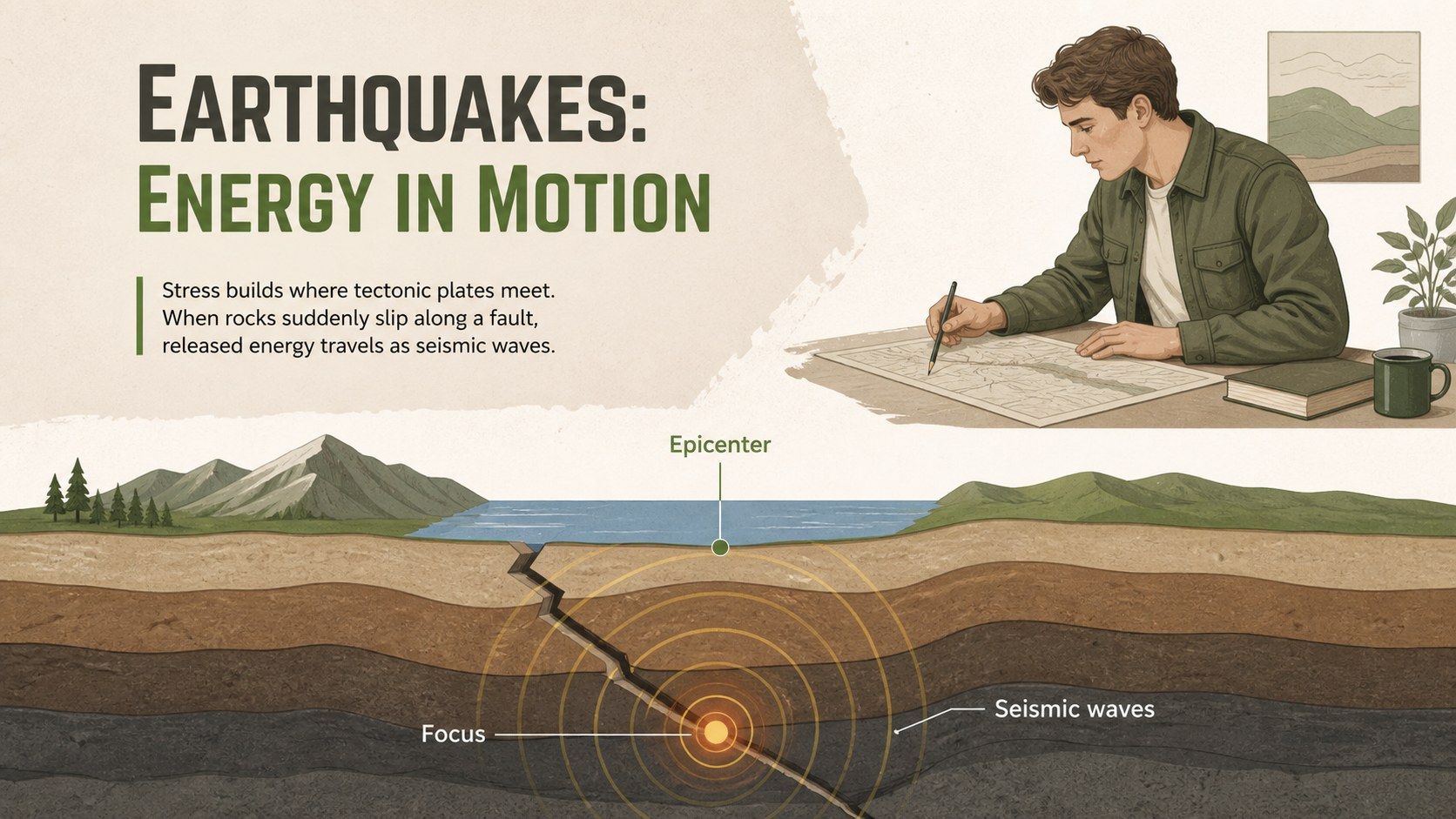
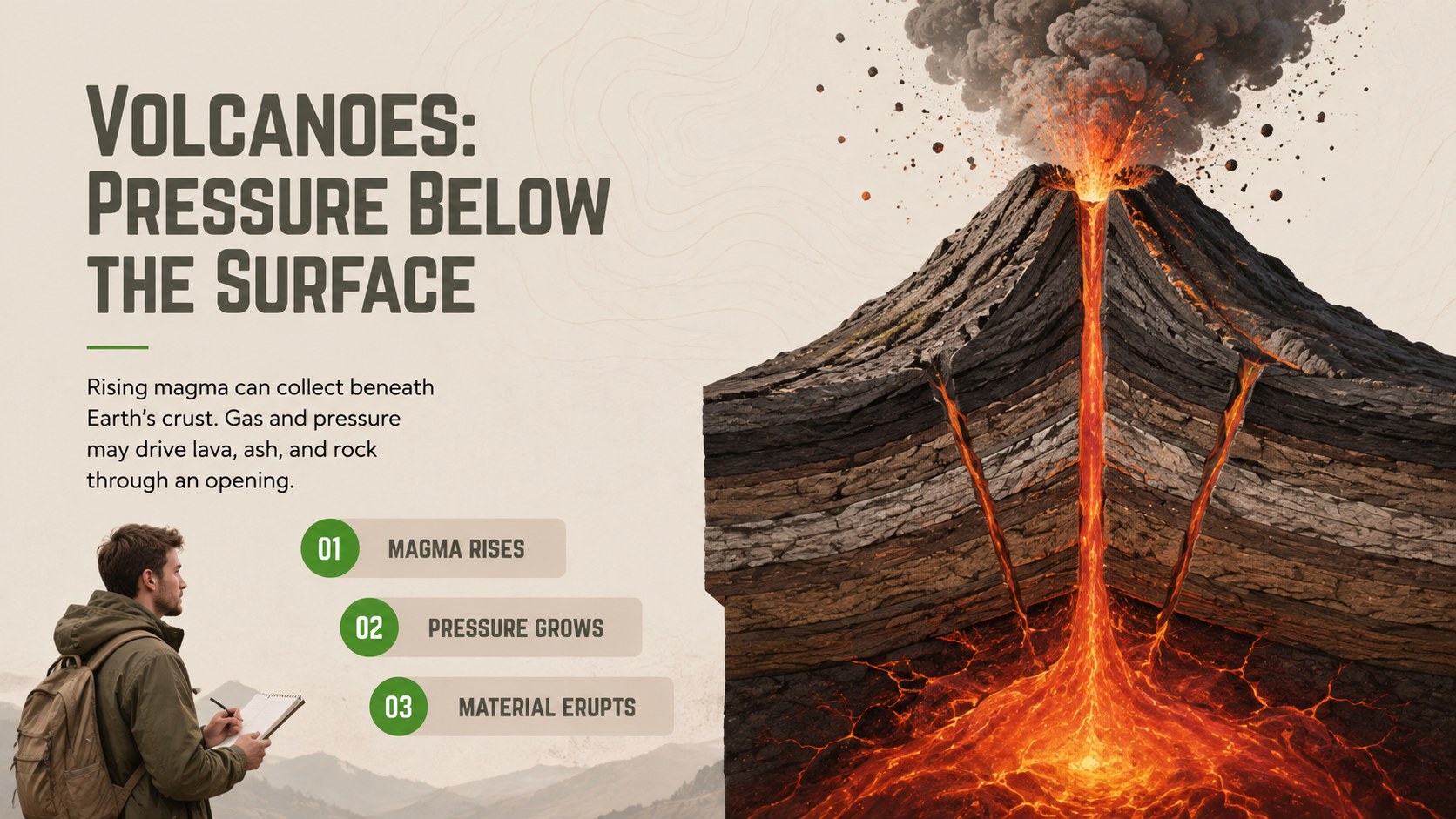
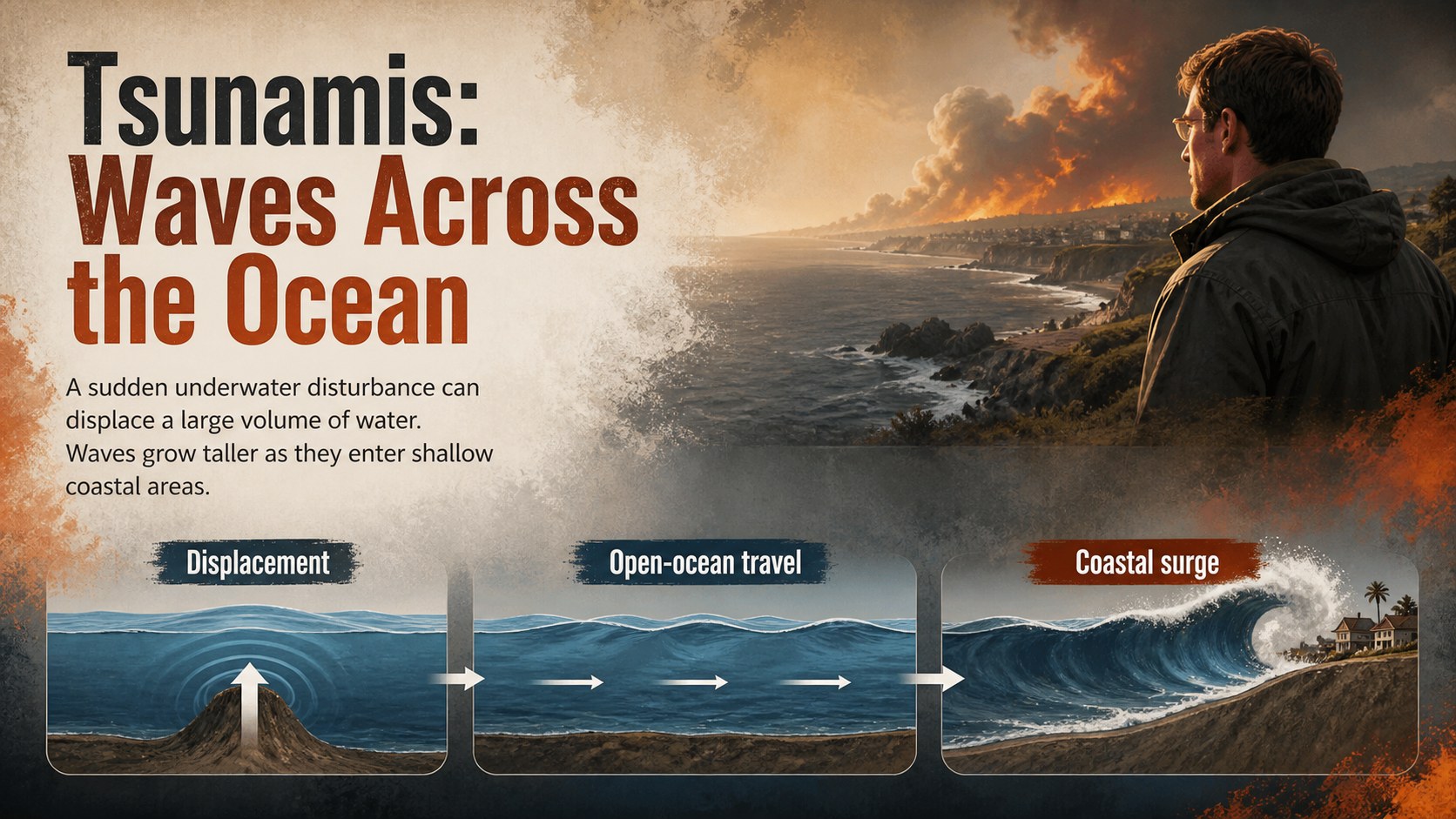
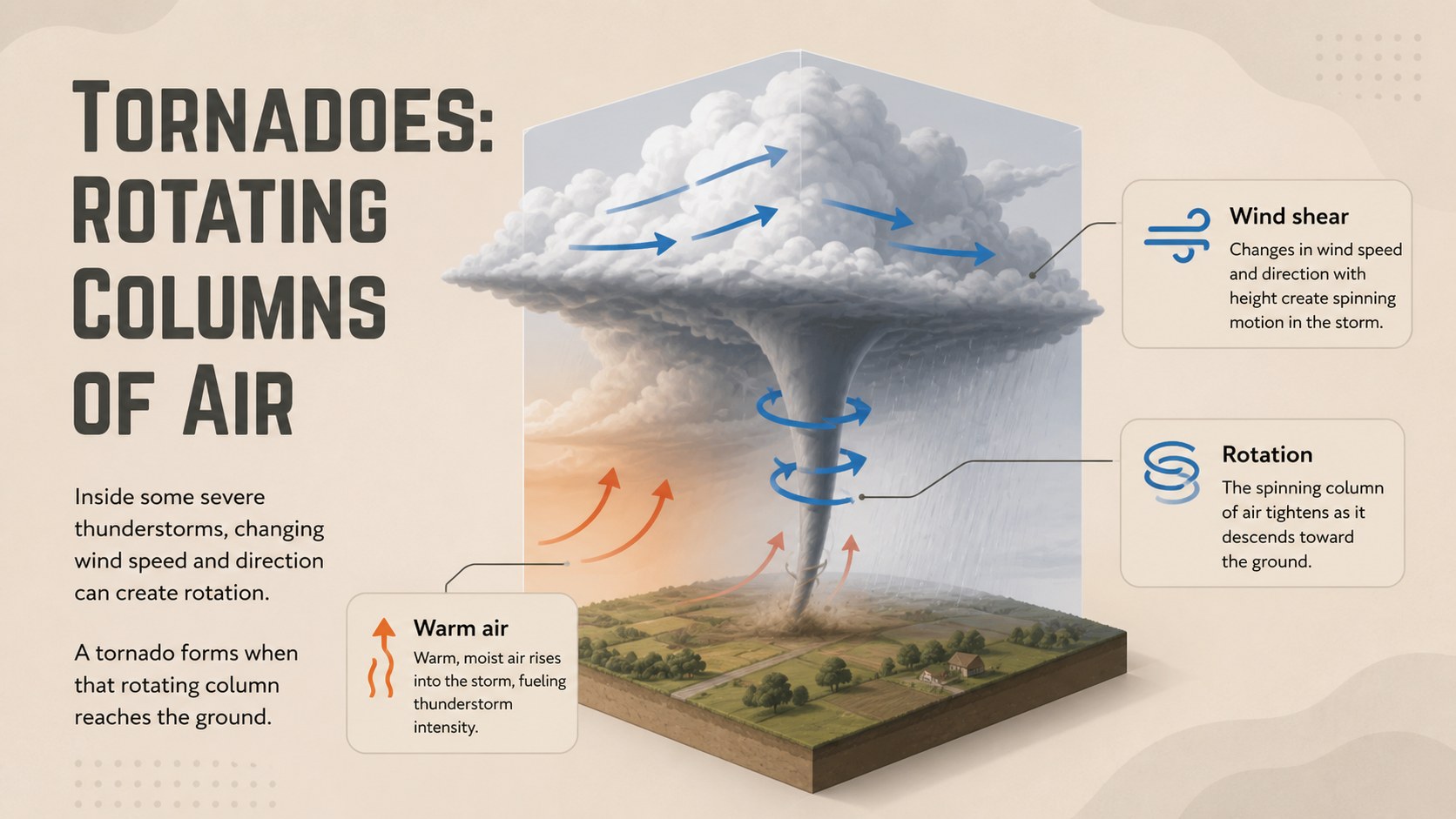
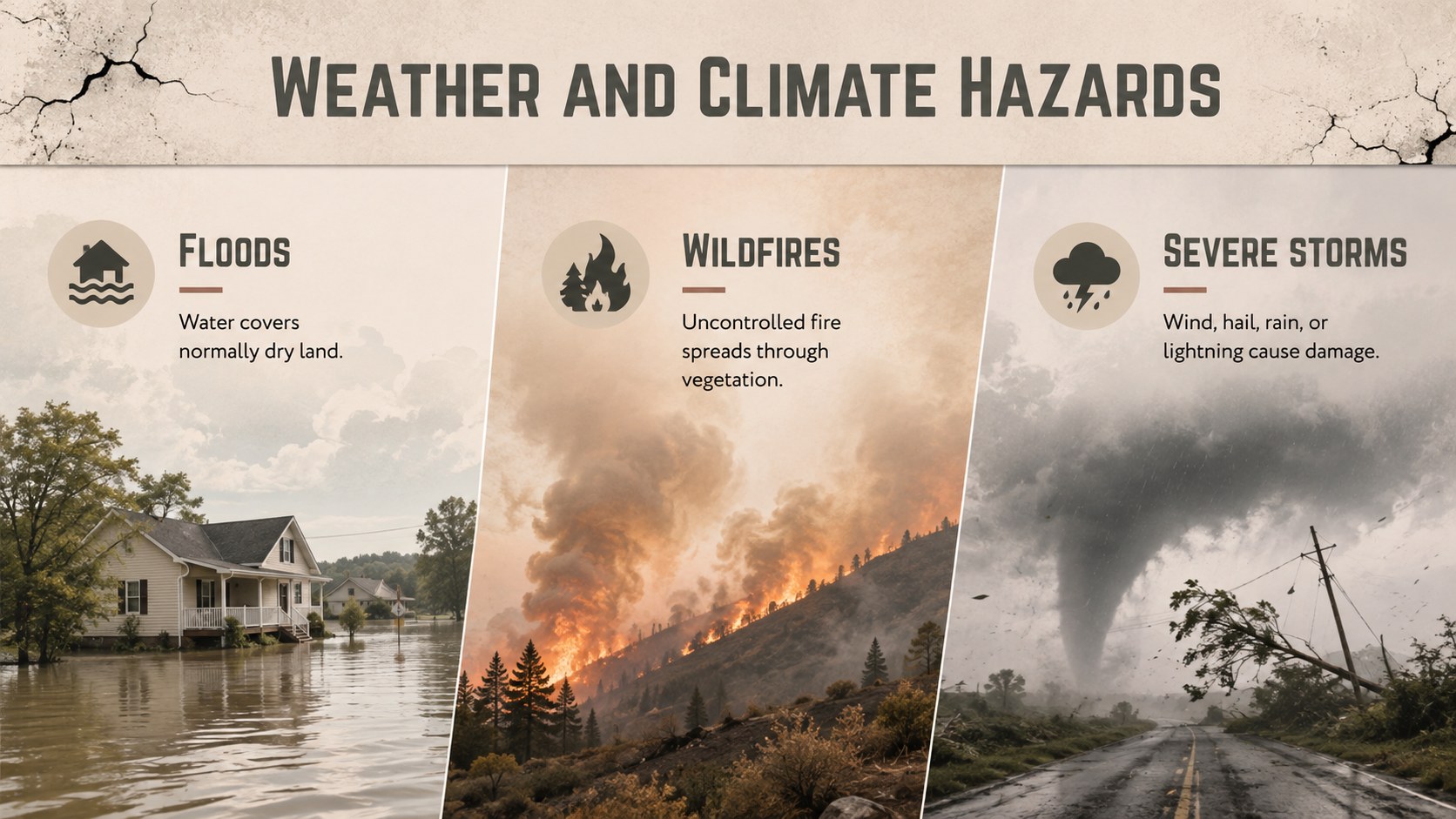
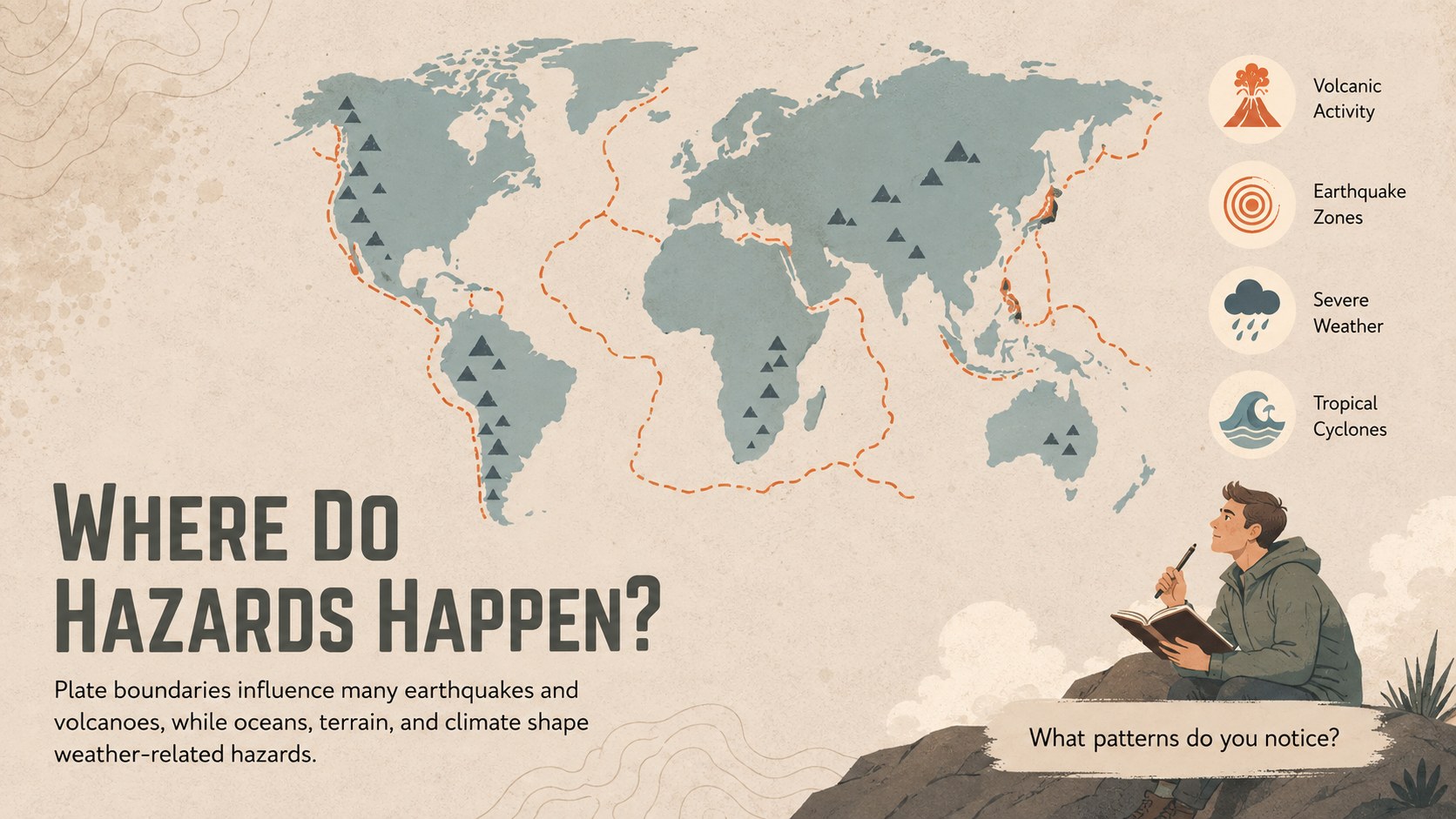
Turn dramatic Earth processes into an approachable classroom experience with Earth's hazards classroom slides. This illustrated deck helps students explore how geological and weather-related events develop, where they occur, and why their effects vary between communities. Clear explanations and memorable visuals support discussion without overwhelming learners with technical detail.
Inside, educators will find layouts for introducing hazard types, comparing causes and impacts, explaining preparedness, and checking student understanding. Topics include earthquakes, volcanic eruptions, tsunamis, tornadoes, floods, wildfires, and extreme weather. Maps, comparison tables, process diagrams, vocabulary prompts, and recap questions make this a practical earth hazards presentation for students. The editable structure also works as a hazard preparedness classroom activity or a starting point for group research.
Designed for science teachers, geography educators, and homeschool instructors, this middle school geoscience lesson deck can be adjusted for upper elementary or introductory high school classes. Change the wording, reorder sections, add regional examples, or replace statistics with current local data. Every layout is prepared for editing in PowerPoint and Google Slides, making it straightforward to build a focused lesson, emergency-awareness unit, or cross-curricular discussion about resilient communities.
Perfect for: middle school earth science lesson; natural disaster research project; classroom preparedness workshop; geography hazard comparison; science unit review.
Frequently asked questions
Can I edit these slides in PowerPoint and Google Slides? Yes. The deck is designed for editing in both PowerPoint and Google Slides, including text, colors, images, and layout elements. Some fonts or transitions may vary slightly between platforms.
Practical details
Yes. The deck is designed for editing in both PowerPoint and Google Slides, including text, colors, images, and layout elements. Some fonts or transitions may vary slightly between platforms.
Yes. Replace the examples, maps, safety guidance, and statistics with information relevant to your area. You can also remove hazard sections that do not fit your curriculum.
The content structure is best suited to middle school science and geography classes. Teachers can simplify the vocabulary for upper elementary students or add technical detail for introductory high school courses.
Yes. It includes layouts suited to discussion questions, comparisons, vocabulary review, group research, and preparedness planning. These sections can be duplicated or adapted for individual and collaborative work.
Keep exploring
15Build an engaging World UFO Day session with this flying saucer history lesson deck, featuring retro green-and-brown slides for PowerPoint and Google Slides.
 15
15Plan a lively animal-learning journey with this jungle zoo adventure lesson deck, ready to customize in PowerPoint and Google Slides for young learners.
 16
16Turn environmental research into a clear story with a Watercolor Ecology Presentation Theme for PowerPoint and Google Slides in calming green and blue.
 16
16Build focused fashion, literature, and humanities presentations with the Red Triangle Editorial Theme, editable in PowerPoint and Google Slides.
 15
15Turn streaming stats, favorite tracks, and concert highlights into a bold annual listening recap slide deck for PowerPoint and Google Slides.
 15
15Turn highlights, milestones, and favorite moments into a colorful year in review slide deck with bold 3D graphics for PowerPoint and Google Slides.
 3
3Build a credible endorsement with Standout Colleague Recommendation Letter Slides, featuring colorful prompts for skills, achievements, and team impact.
 4
4Build clear beginner sessions with an ice hockey fundamentals training deck for coaches, PE teachers, and clubs, ready for PowerPoint and Google Slides.