
 15
15presentation
Flying Saucer History Lesson Deck
Build an engaging World UFO Day session with this flying saucer history lesson deck, featuring retro green-and-brown slides for PowerPoint and Google Slides.
Google SlidesPowerPoint
presentation · English
Drug Effects Education Toolkit helps teachers and health educators explain substance categories, body responses, risks, and prevention with editable visuals.
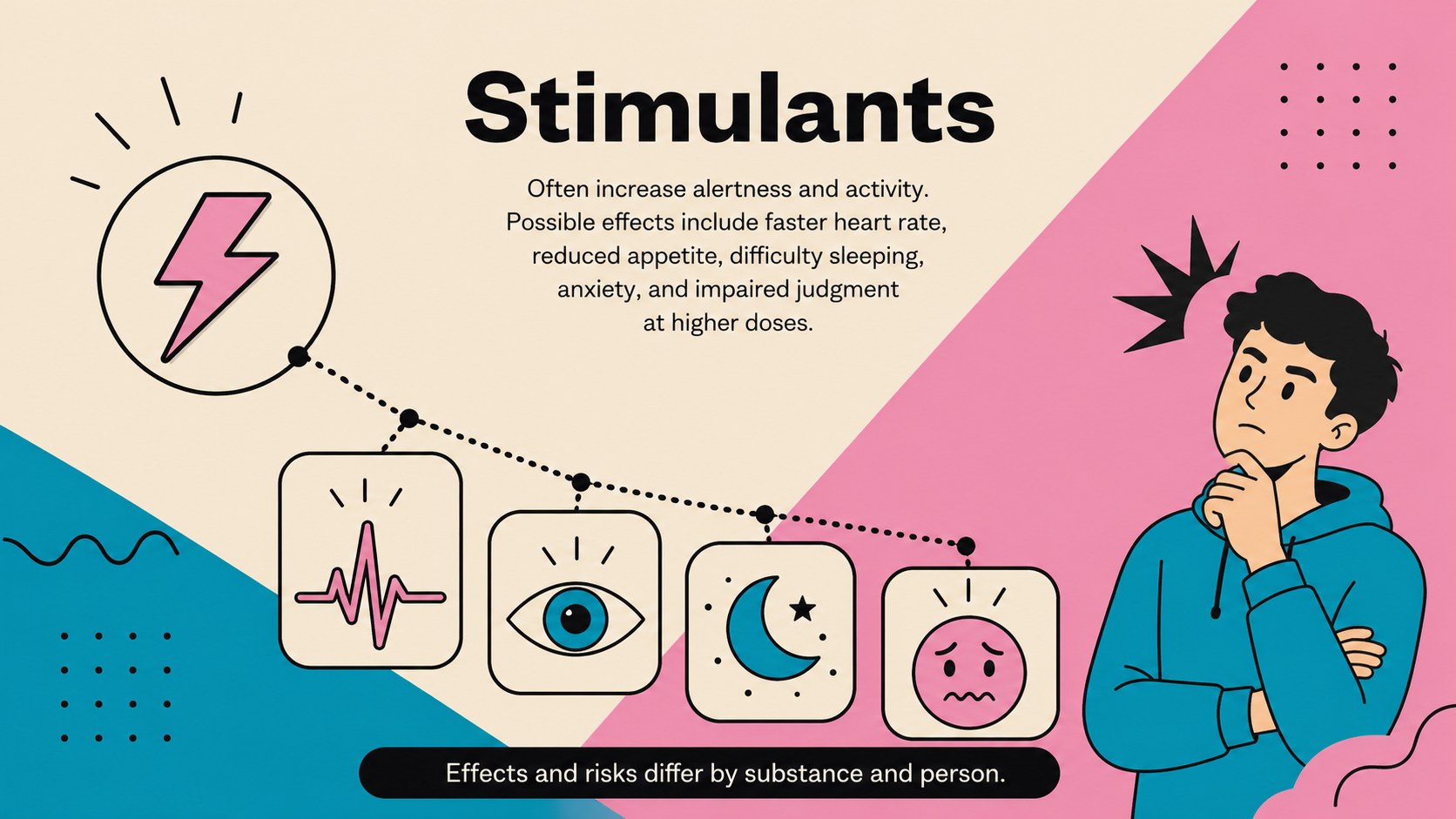
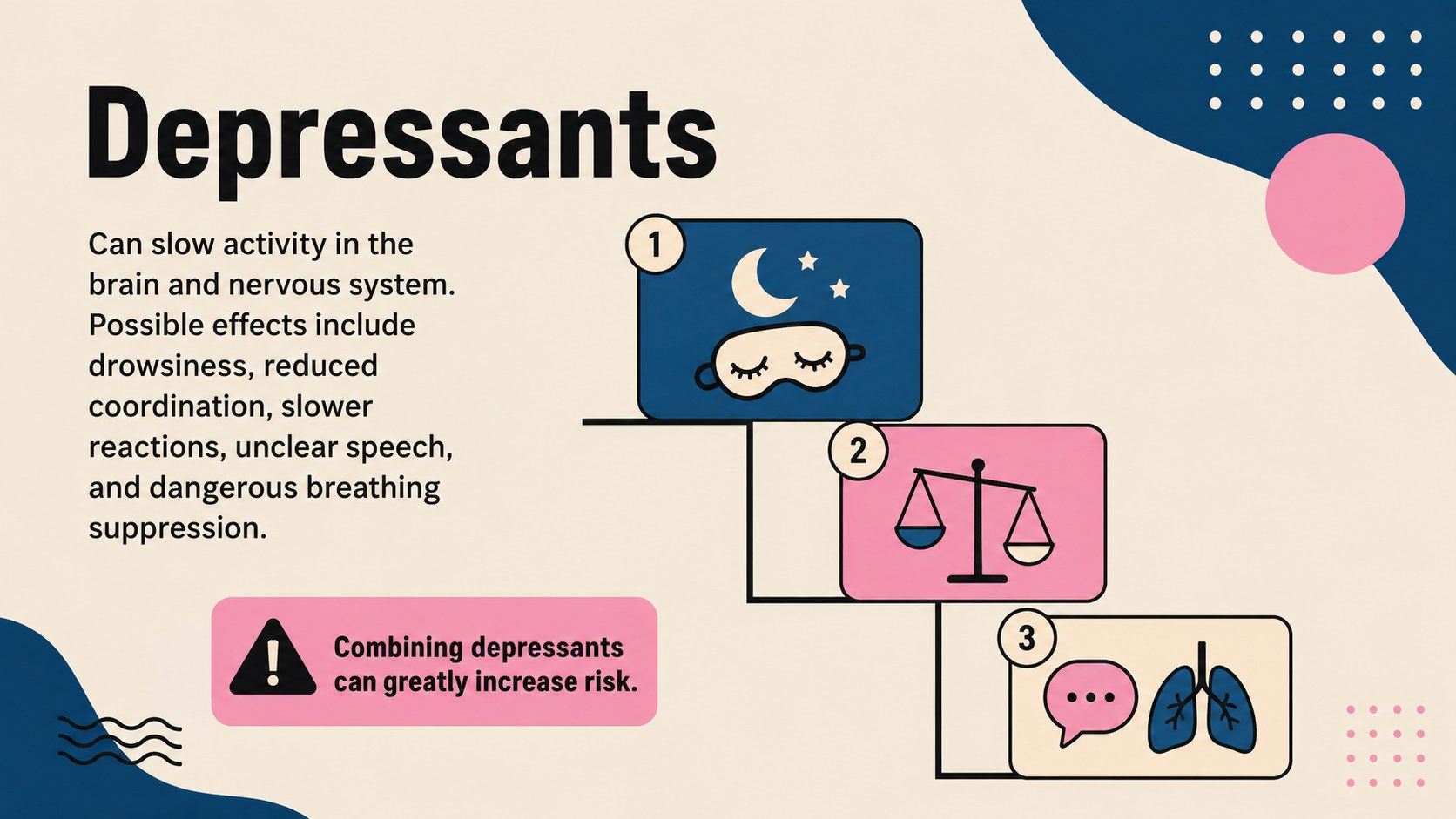
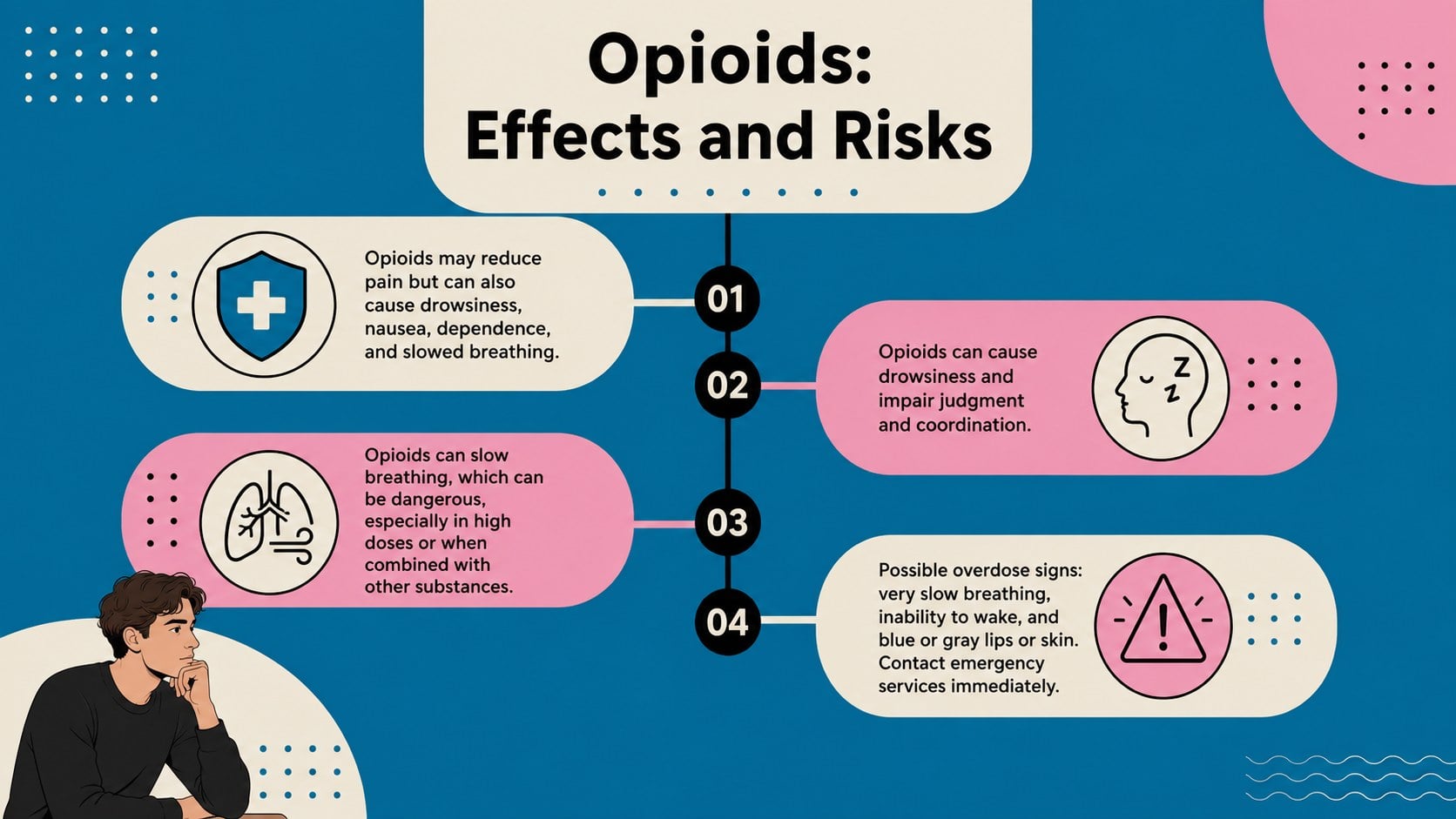
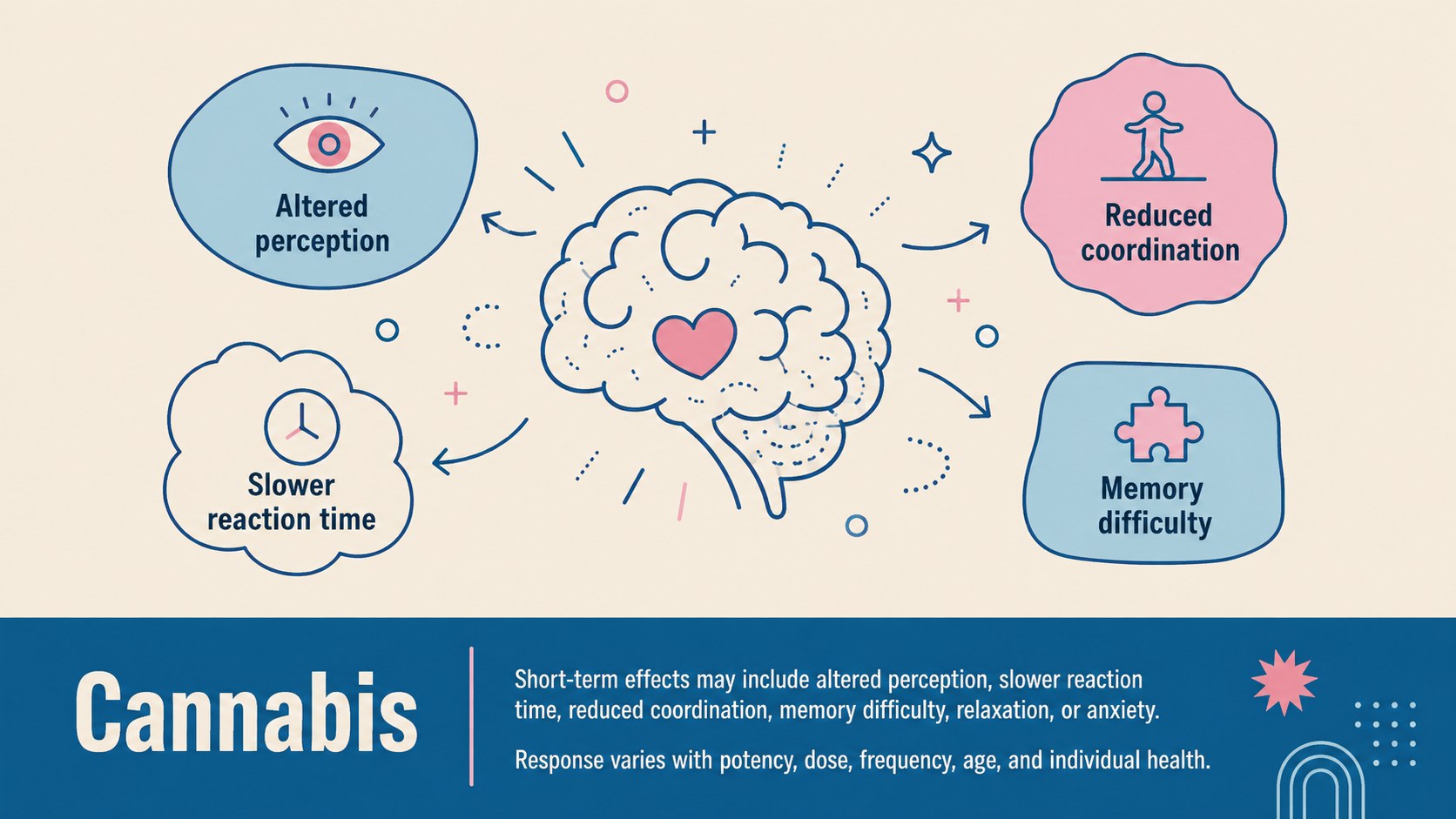
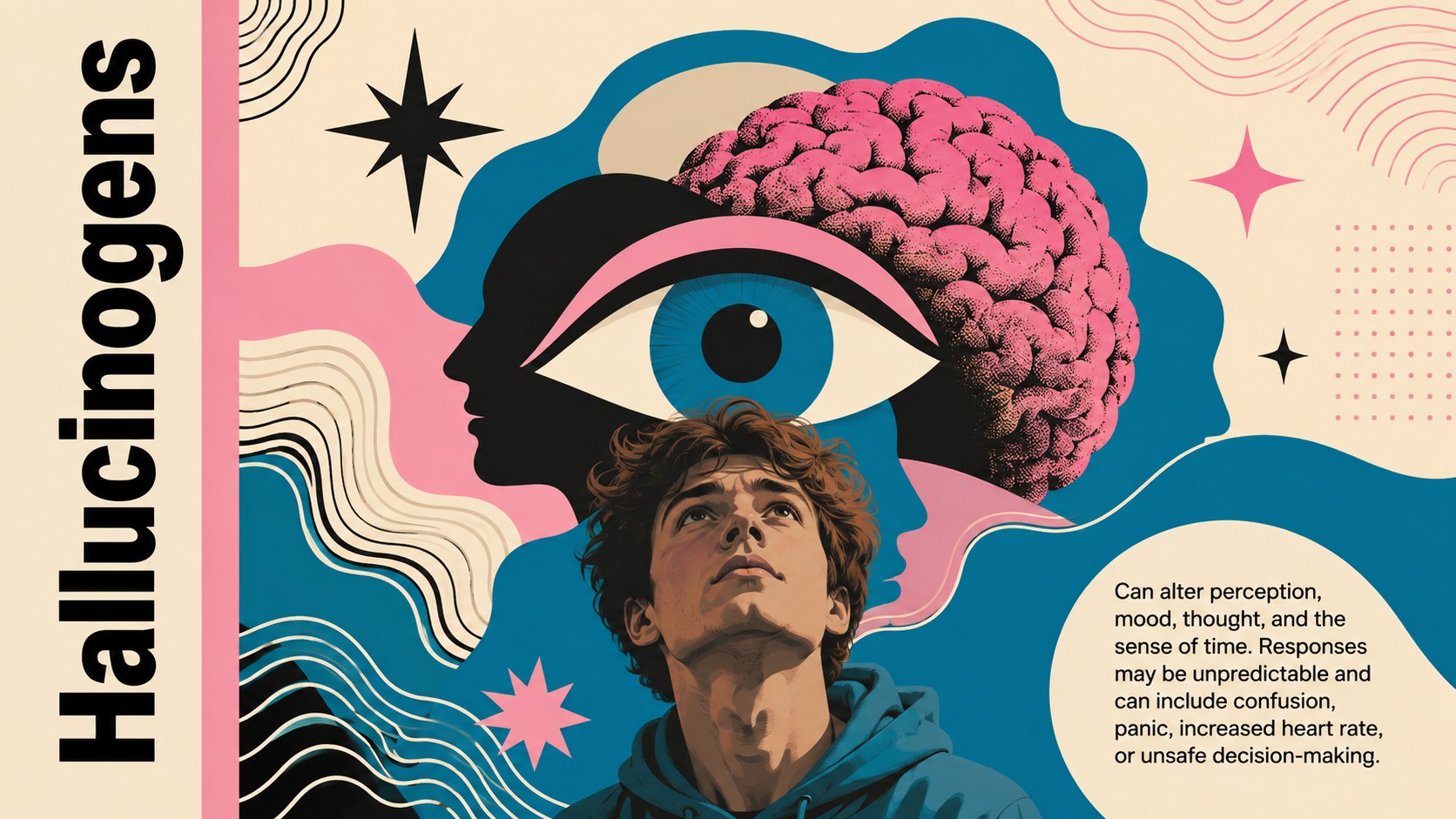
Design notes
The Drug Effects Education Toolkit gives educators a structured, visually approachable way to discuss psychoactive substances, their effects on the brain and body, associated risks, and practical prevention strategies. Its bold geometric illustrations, balanced typography, and beige, blue, pink, and black palette make sensitive health information easier to navigate without losing a serious, educational tone.
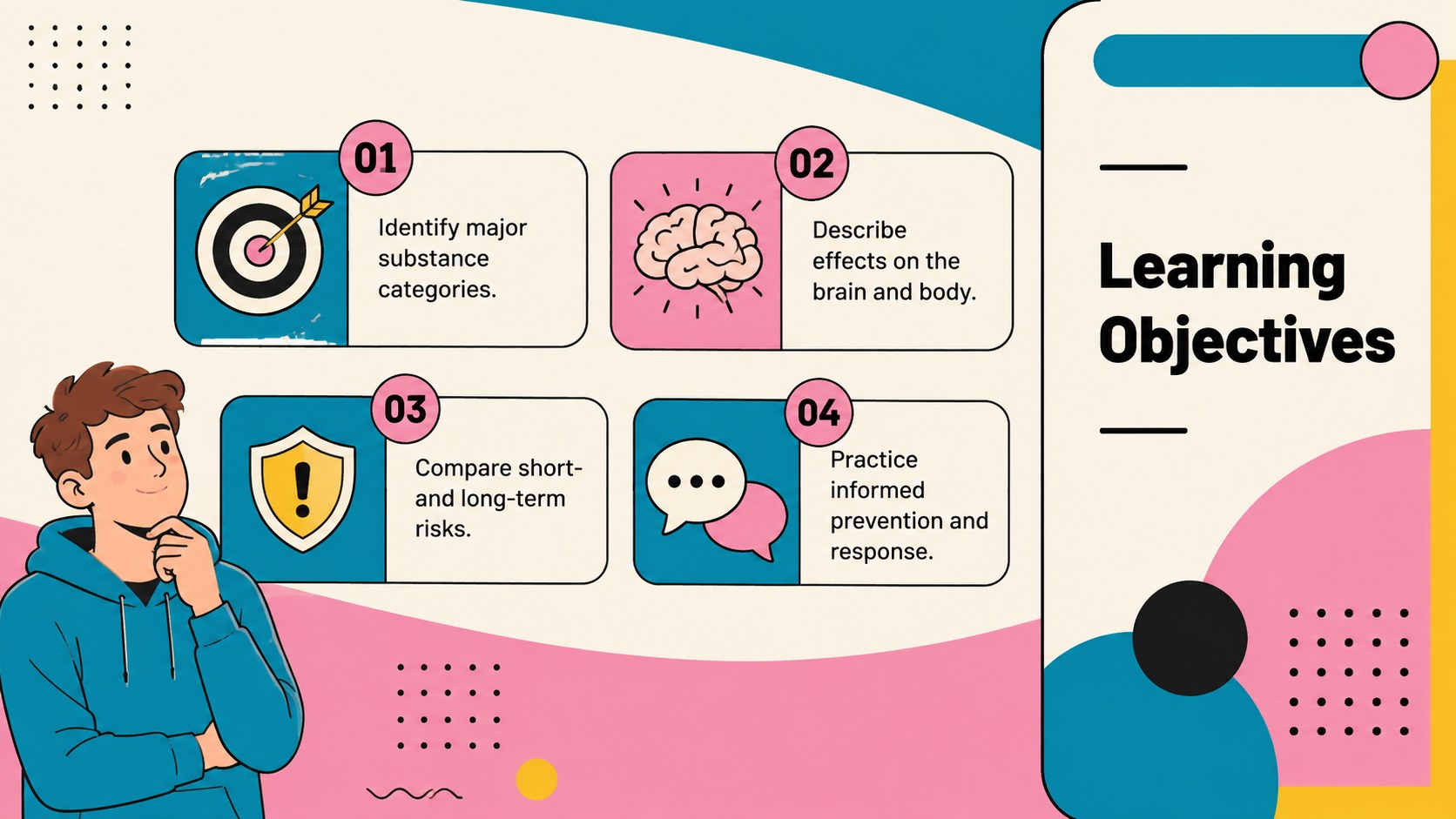
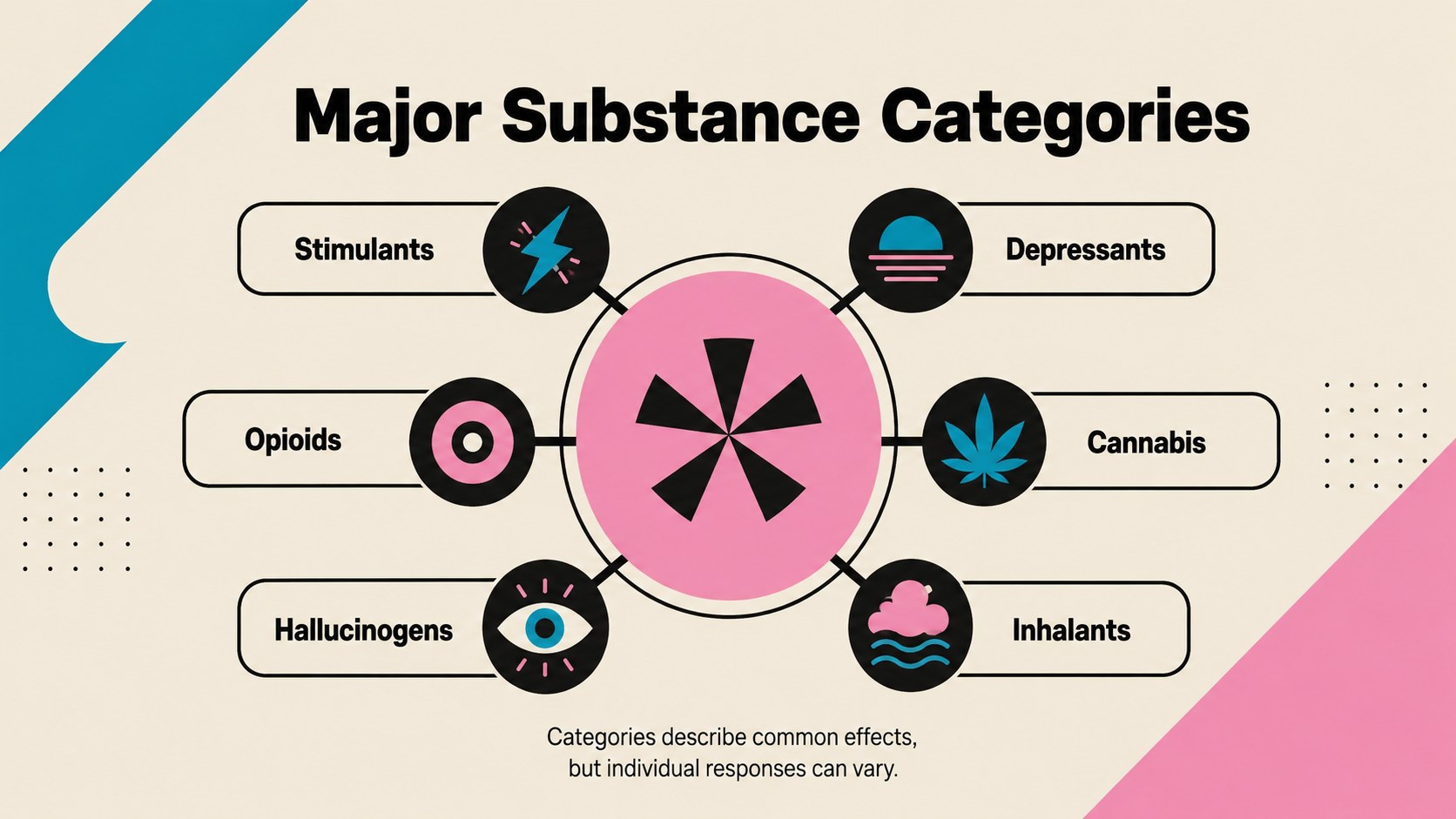
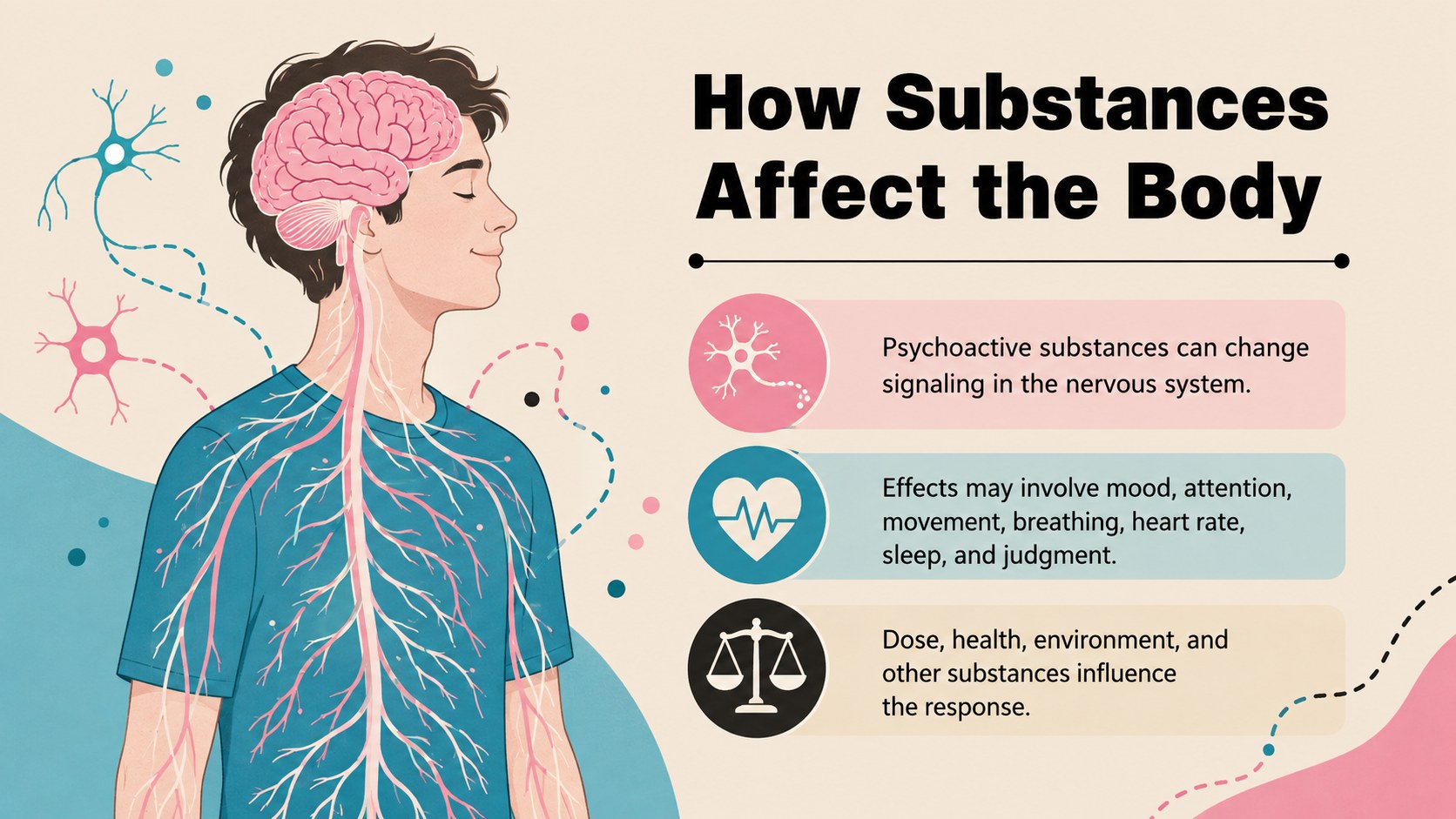
The 15-slide substance use education presentation includes learning objectives, major substance categories, brain and body responses, short- and long-term effects, interaction risks, warning signs, harm-prevention guidance, and a concise comparison chart. Dedicated layouts for stimulants, depressants, opioids, cannabis, hallucinogens, and inhalants help presenters organize key facts clearly. The drug effects on brain and body slides can be adapted with local statistics, curriculum requirements, citations, or age-appropriate terminology.
Designed for middle school and high school health classes, college seminars, community workshops, healthcare training, and prevention programs, this addiction prevention lesson template works in PowerPoint and Google Slides. Every page is editable, allowing users to replace text, adjust colors, add evidence-based sources, and tailor examples to their audience. The illustrations and structured content hierarchy support discussion while avoiding sensational or stigmatizing language.
Perfect for: secondary school health lesson; college public health seminar; community prevention workshop; healthcare staff training; parent education session.
Frequently asked questions
Which presentation platforms support this template? The deck is designed for PowerPoint and Google Slides. Layouts, text, colors, and illustrations can be edited in either platform.
Practical details
The deck is designed for PowerPoint and Google Slides. Layouts, text, colors, and illustrations can be edited in either platform.
Yes. Replace the sample wording with age-appropriate terminology, examples, and learning objectives while retaining the visual structure. Review all health information against your curriculum and current authoritative sources.
Use the theme controls in PowerPoint or Google Slides to update the beige, blue, pink, and black palette. Individual shapes, icons, text blocks, and illustrated elements can also be recolored or replaced.
It provides an editable educational framework rather than personal medical advice. Presenters should add verified local resources, current citations, and emergency guidance appropriate to their audience.
Keep exploring
15Build an engaging World UFO Day session with this flying saucer history lesson deck, featuring retro green-and-brown slides for PowerPoint and Google Slides.
 15
15Plan a lively animal-learning journey with this jungle zoo adventure lesson deck, ready to customize in PowerPoint and Google Slides for young learners.
 16
16Turn environmental research into a clear story with a Watercolor Ecology Presentation Theme for PowerPoint and Google Slides in calming green and blue.
 16
16Build focused fashion, literature, and humanities presentations with the Red Triangle Editorial Theme, editable in PowerPoint and Google Slides.
 15
15Turn streaming stats, favorite tracks, and concert highlights into a bold annual listening recap slide deck for PowerPoint and Google Slides.
 15
15Turn highlights, milestones, and favorite moments into a colorful year in review slide deck with bold 3D graphics for PowerPoint and Google Slides.
 3
3Build a credible endorsement with Standout Colleague Recommendation Letter Slides, featuring colorful prompts for skills, achievements, and team impact.
 4
4Build clear beginner sessions with an ice hockey fundamentals training deck for coaches, PE teachers, and clubs, ready for PowerPoint and Google Slides.