
 15
15presentation
Flying Saucer History Lesson Deck
Build an engaging World UFO Day session with this flying saucer history lesson deck, featuring retro green-and-brown slides for PowerPoint and Google Slides.
Google SlidesPowerPoint
presentation · English
Build memorable mythology and history lessons with this Dragon Lineage History Theme, featuring red, brown, and gold slides for PowerPoint and Google Slides.
Design notes
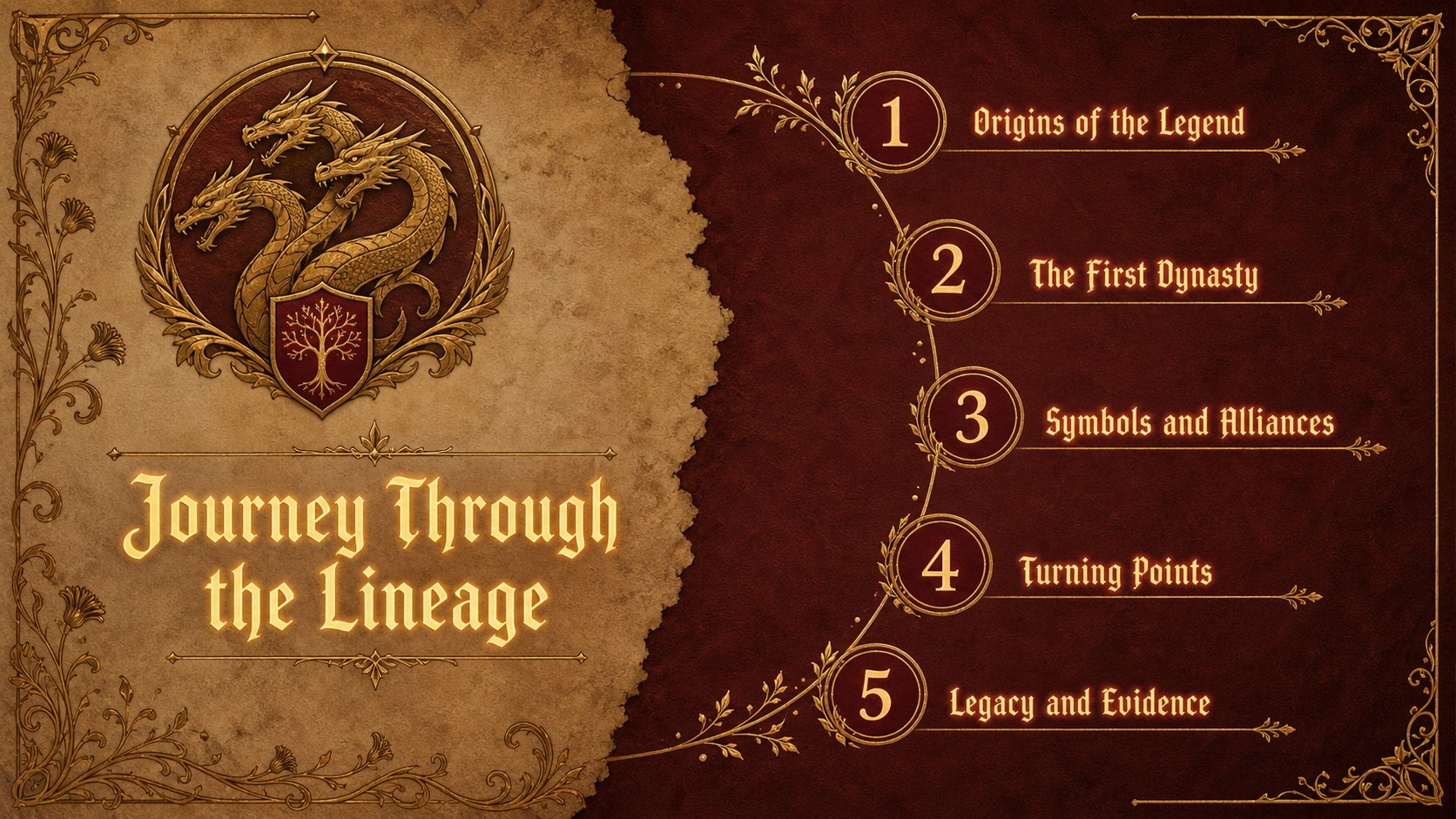
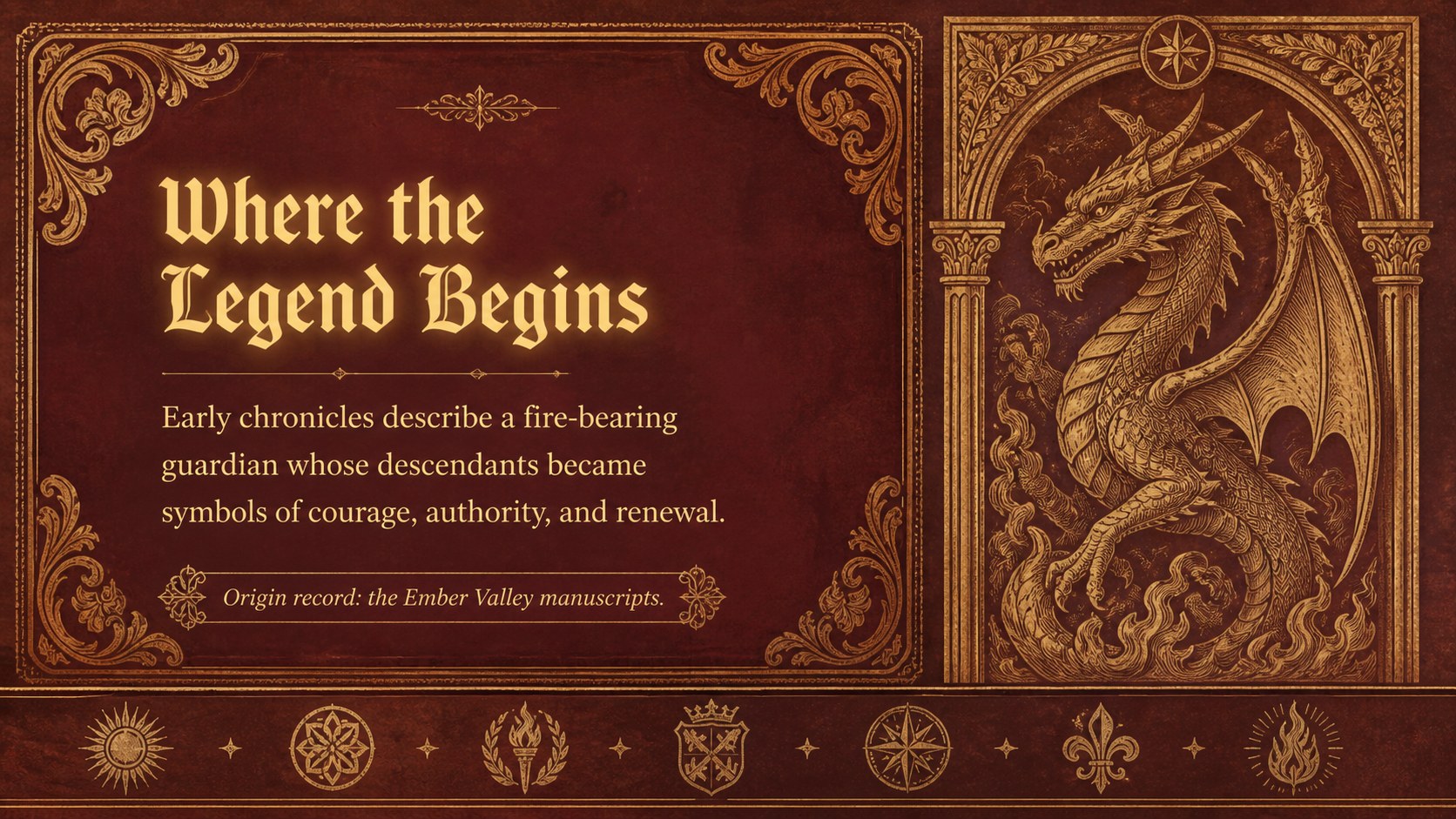
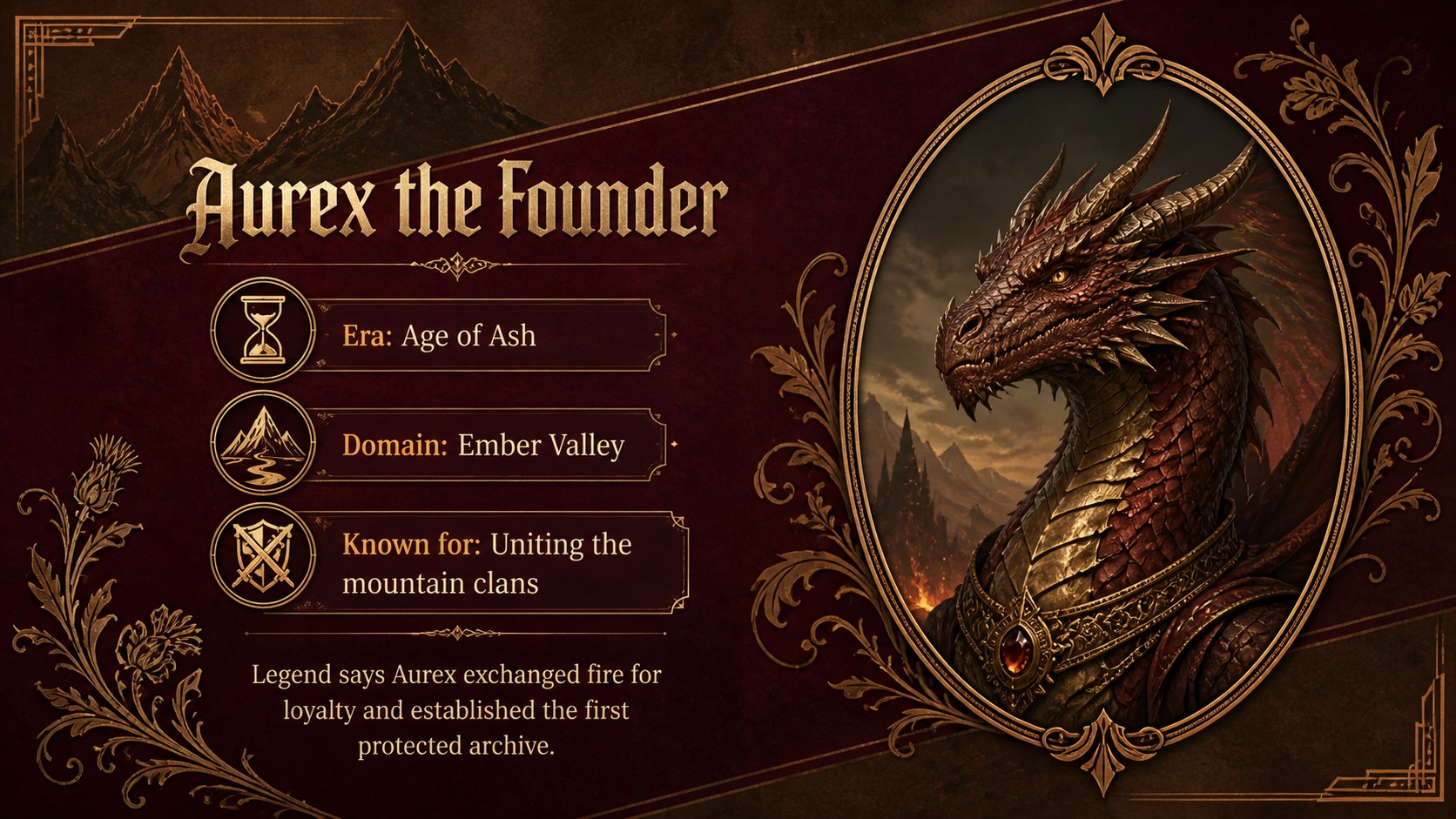
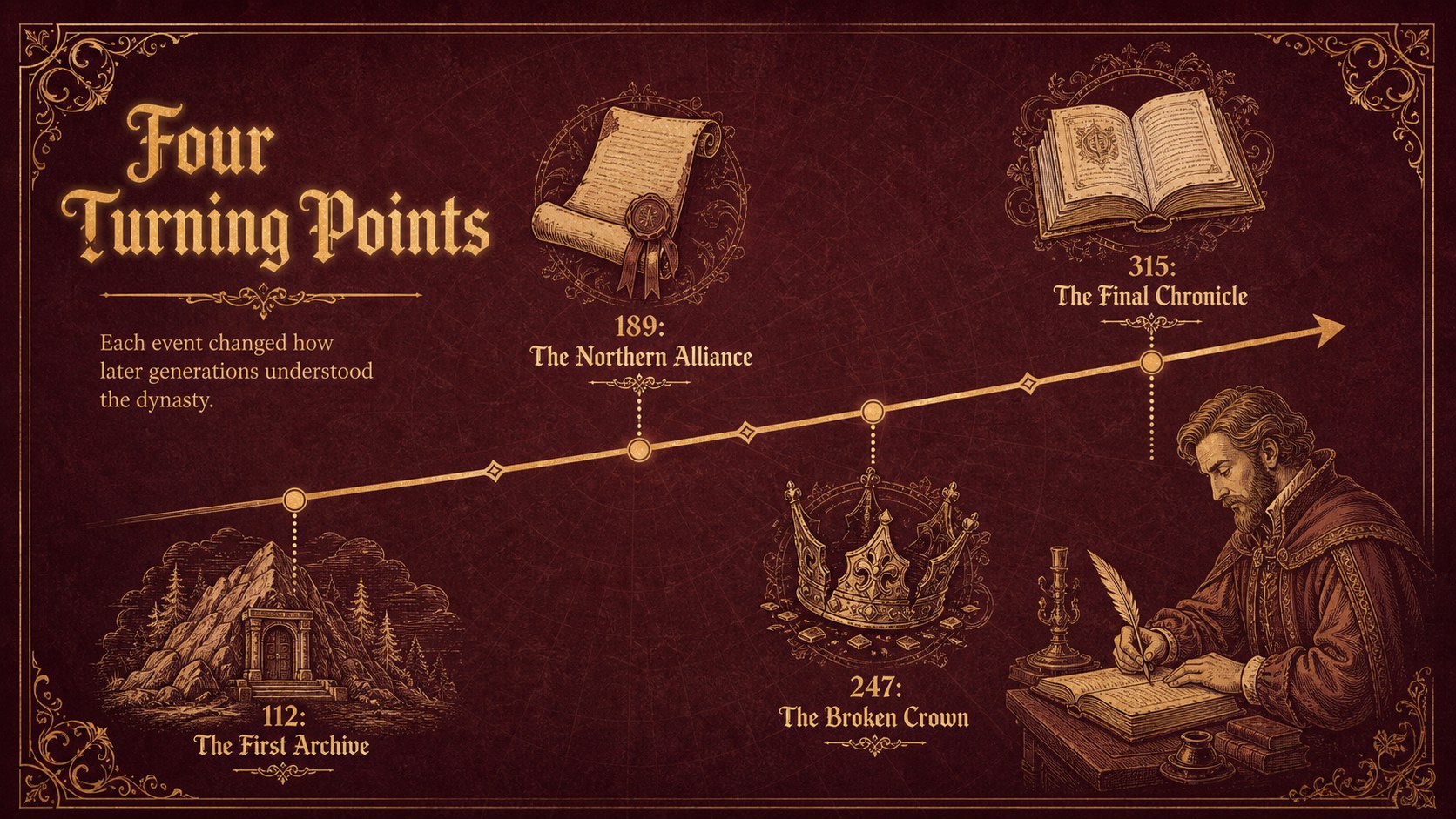
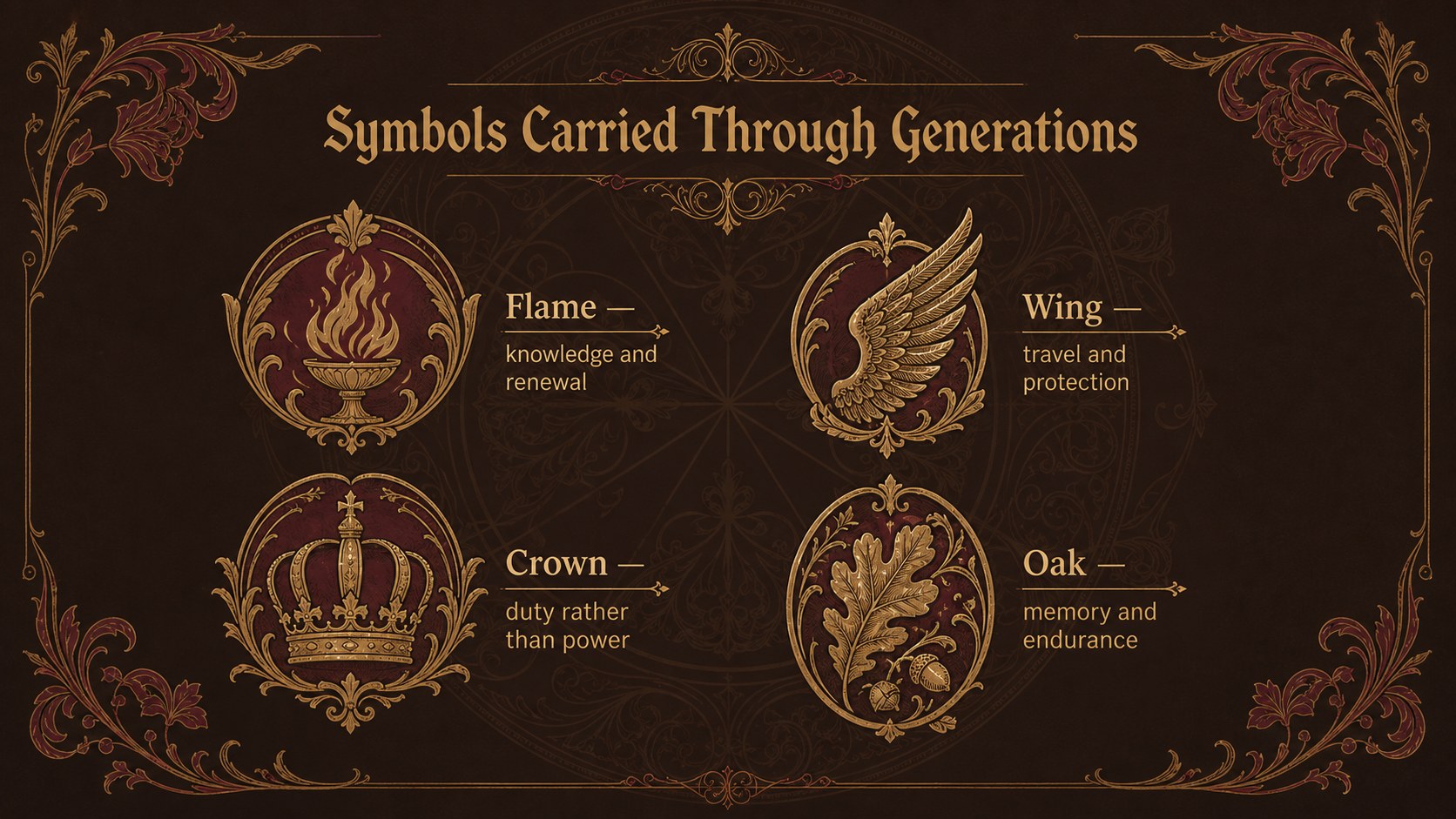
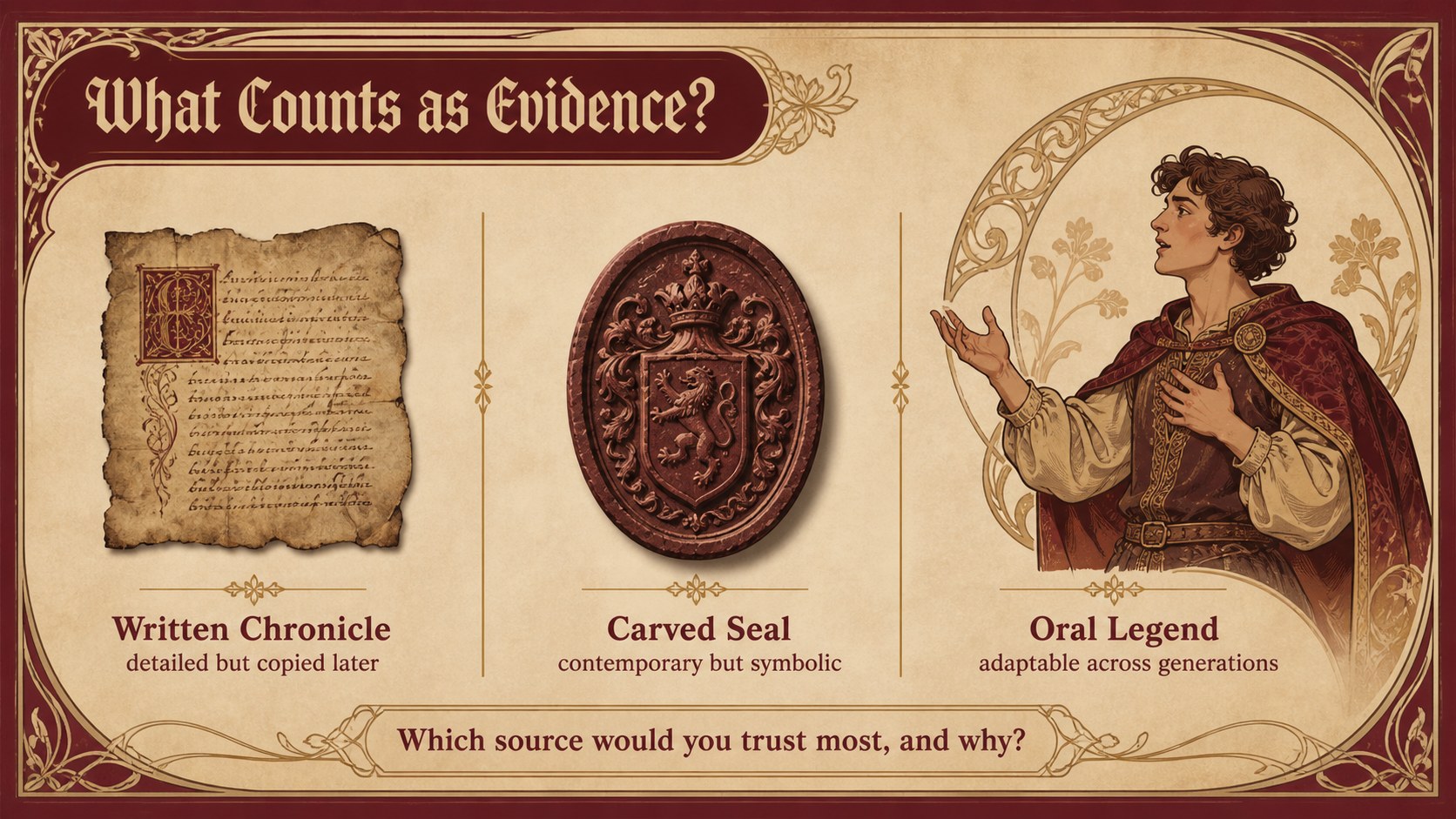
The Dragon Lineage History Theme helps educators transform legendary bloodlines, medieval chronicles, and ancient folklore into an atmospheric visual narrative. Its crimson, brown, and gold palette is paired with ornamental borders, aged-paper textures, and Art Nouveau illustrations that feel historic without sacrificing readability. Use this dragon mythology presentation for teachers to introduce a fictional dynasty, examine how legends evolve, or encourage students to compare myth with historical evidence.
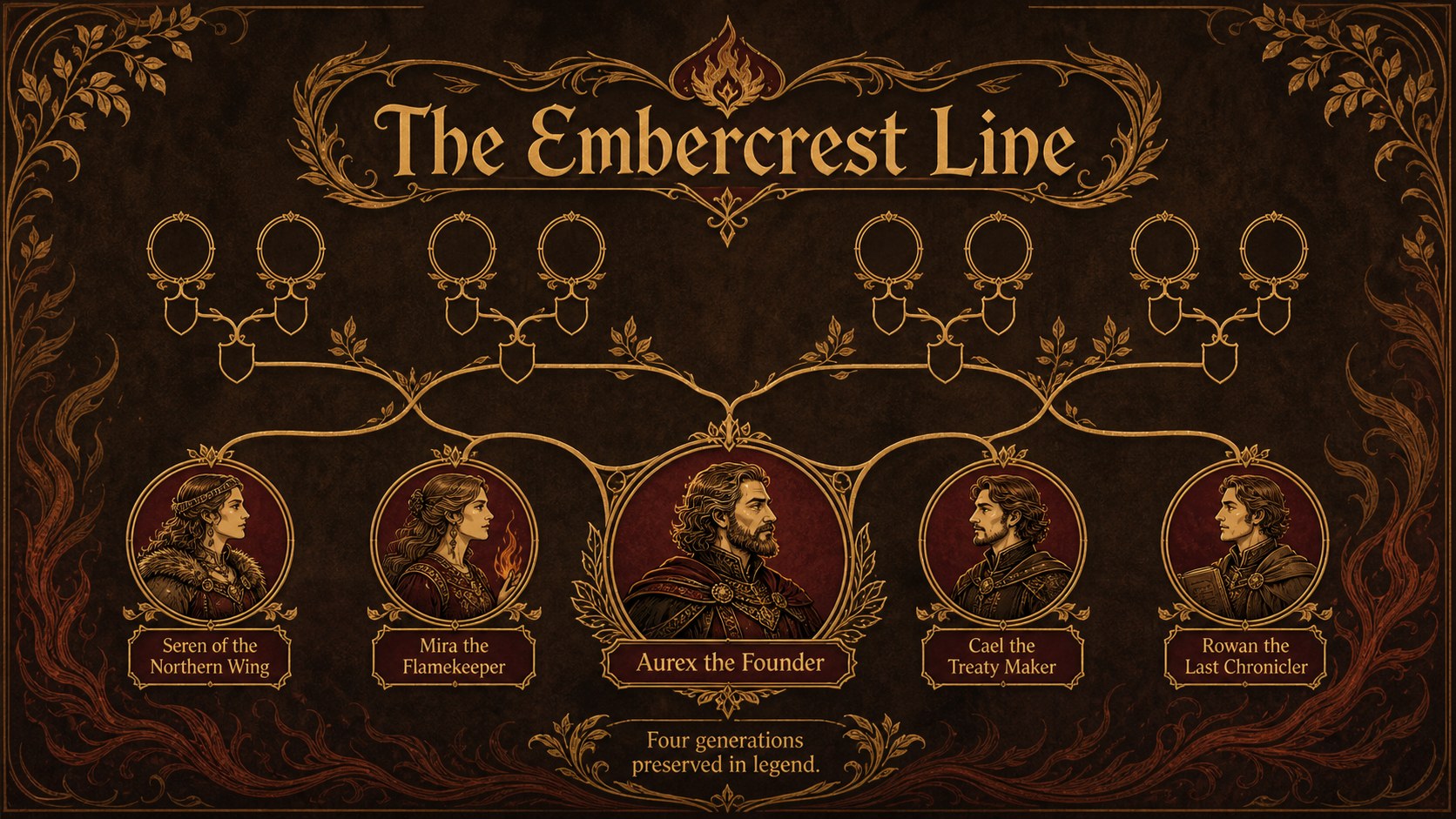
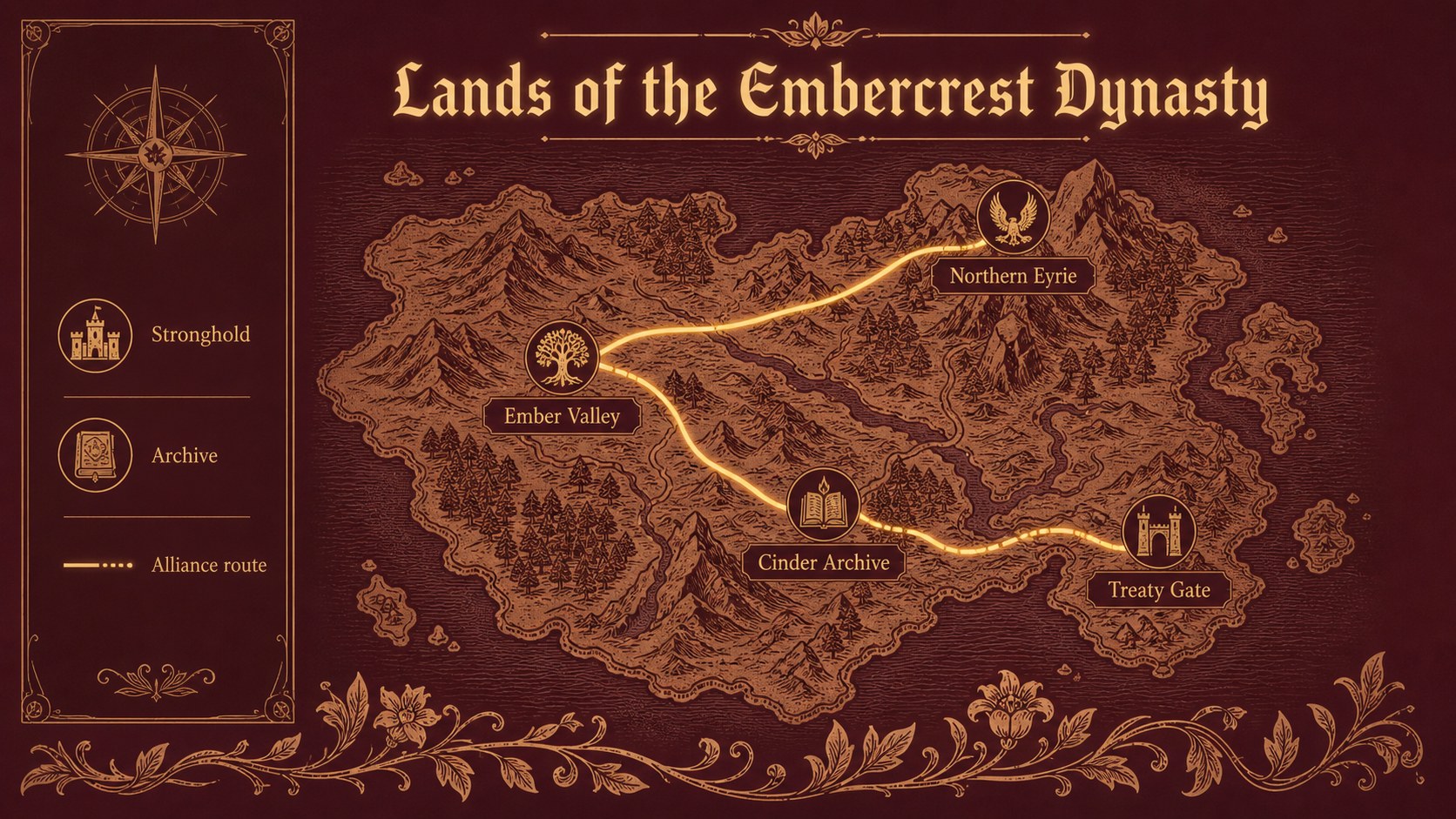
Inside, you will find more than 25 editable layouts for opening questions, lineage diagrams, historical profiles, timelines, maps, quotations, vocabulary, research findings, and lesson summaries. Coordinated transitions and animation-ready elements can bring major discoveries into focus. Charts, frames, icons, and image placeholders are arranged for quick customization in PowerPoint and Google Slides. The deck also works as an Art Nouveau history slides collection for presentations that need a warm, theatrical visual identity.
This medieval legends PowerPoint template is suited to history teachers, literature instructors, mythology clubs, museum educators, and students preparing research projects. Replace the sample wording, adjust the family tree, add primary-source images, or recolor individual accents while preserving the vintage design system. The result can support a complete classroom lesson, a short storytelling activity, or a polished report on dragons and dynastic folklore.
Perfect for: medieval folklore lesson; dragon dynasty research project; mythology family tree activity; fantasy literature analysis; museum education talk.
Frequently asked questions
Can I edit the family tree and timeline layouts? Yes. Names, dates, connecting lines, portraits, and event labels can be replaced to fit a fictional dragon dynasty or a historical research topic. The layouts are designed to remain legible as branches and entries are added.
Practical details
Yes. Names, dates, connecting lines, portraits, and event labels can be replaced to fit a fictional dragon dynasty or a historical research topic. The layouts are designed to remain legible as branches and entries are added.
The template is available for PowerPoint and Google Slides. Fonts, colors, text boxes, images, and most standard transitions can be adjusted in either platform.
Yes. Replace the dragon imagery and sample lineage content with material about medieval houses, legendary heroes, folklore, or fantasy literature. Keeping the crimson, brown, and gold palette will preserve the established Art Nouveau character.
Yes. The layouts use clear title hierarchy and high-contrast text areas over restrained vintage textures. For the best visibility, keep body copy concise and use the provided detail slides for longer evidence or quotations.
Keep exploring
15Build an engaging World UFO Day session with this flying saucer history lesson deck, featuring retro green-and-brown slides for PowerPoint and Google Slides.
 15
15Plan a lively animal-learning journey with this jungle zoo adventure lesson deck, ready to customize in PowerPoint and Google Slides for young learners.
 16
16Turn environmental research into a clear story with a Watercolor Ecology Presentation Theme for PowerPoint and Google Slides in calming green and blue.
 16
16Build focused fashion, literature, and humanities presentations with the Red Triangle Editorial Theme, editable in PowerPoint and Google Slides.
 15
15Turn streaming stats, favorite tracks, and concert highlights into a bold annual listening recap slide deck for PowerPoint and Google Slides.
 15
15Turn highlights, milestones, and favorite moments into a colorful year in review slide deck with bold 3D graphics for PowerPoint and Google Slides.
 3
3Build a credible endorsement with Standout Colleague Recommendation Letter Slides, featuring colorful prompts for skills, achievements, and team impact.
 4
4Build clear beginner sessions with an ice hockey fundamentals training deck for coaches, PE teachers, and clubs, ready for PowerPoint and Google Slides.