
 15
15presentation
Flying Saucer History Lesson Deck
Build an engaging World UFO Day session with this flying saucer history lesson deck, featuring retro green-and-brown slides for PowerPoint and Google Slides.
Google SlidesPowerPoint
presentation · English
Turn favorite moments into a lively doodle year recap video deck with editable black mixed-media layouts for PowerPoint and Google Slides.


Design notes
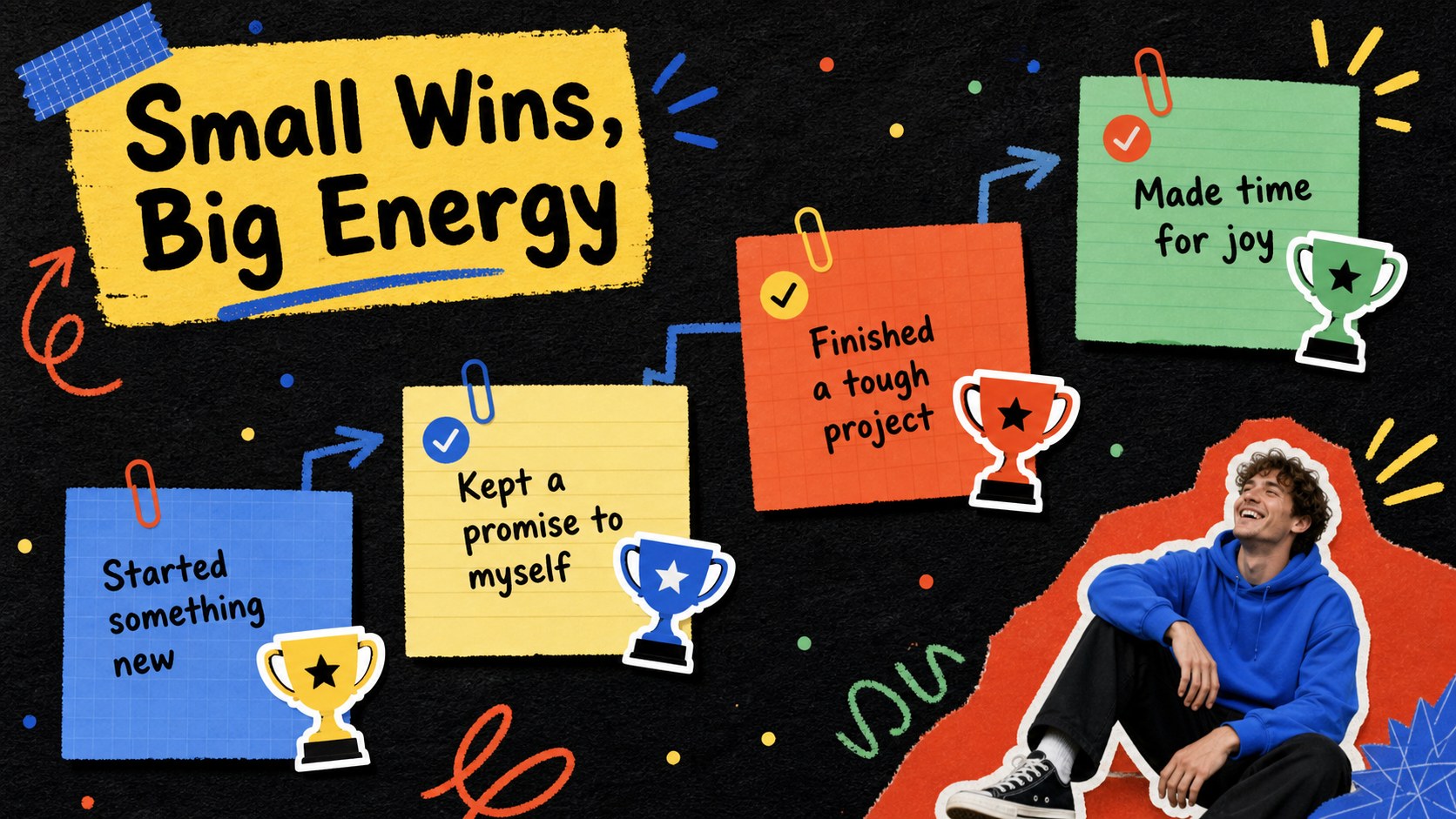
A doodle year recap video deck turns scattered photos, memorable milestones, and everyday wins into one energetic visual story. Its bold black foundation, colorful accents, handwritten marks, paper textures, and playful doodles give personal memories the lively rhythm of a highlight reel without making the pages feel cluttered.
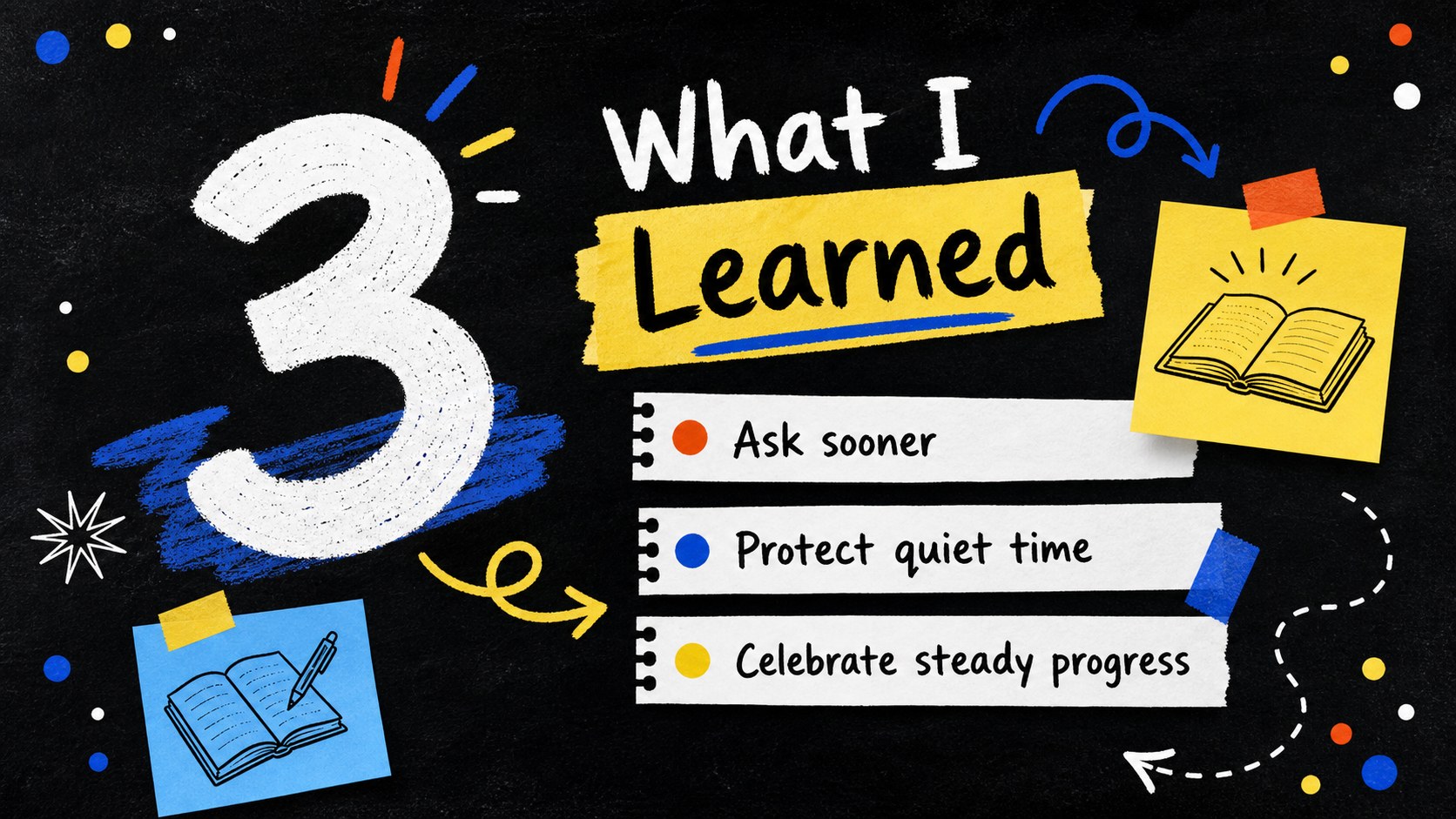
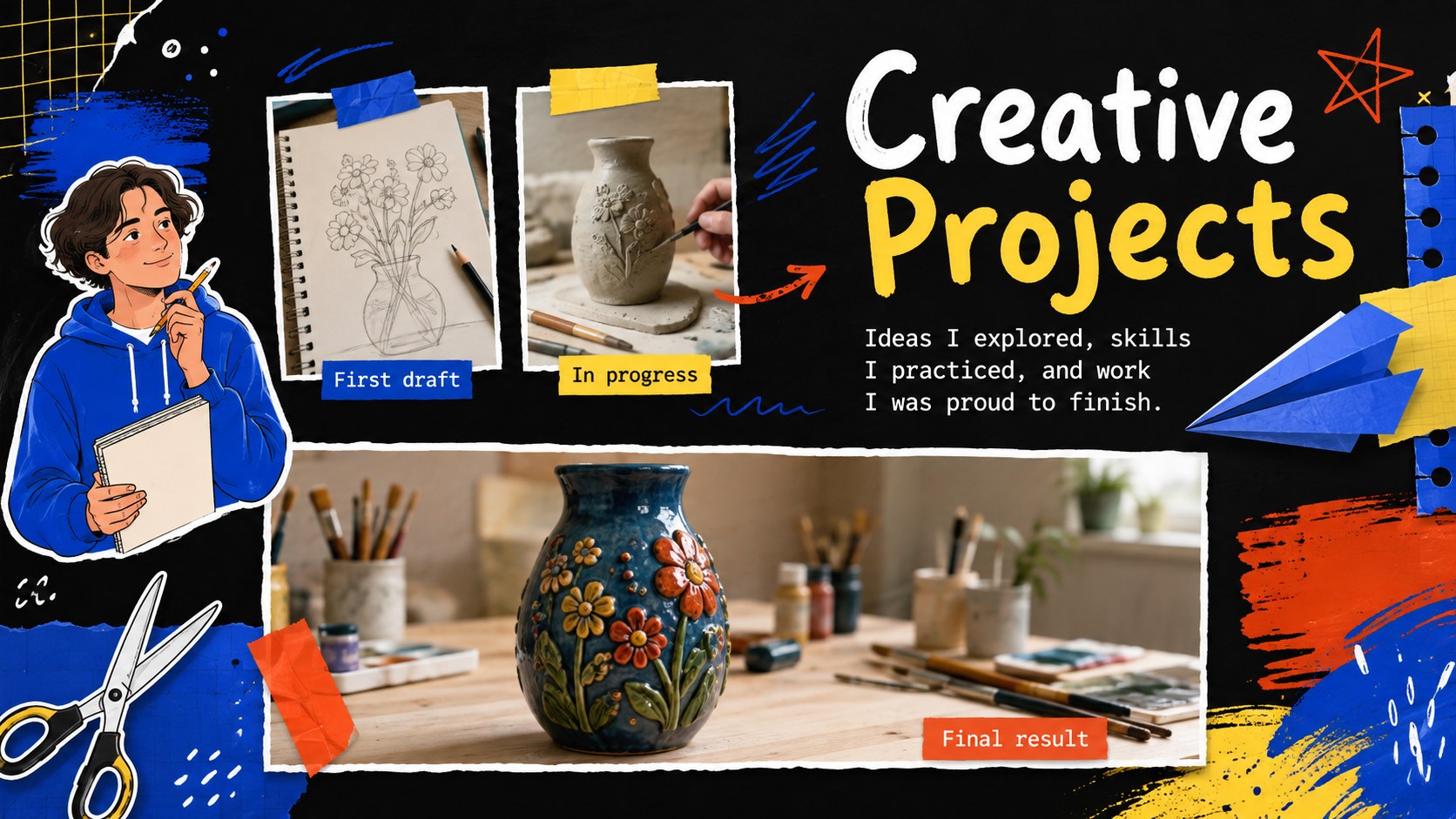
Use this black doodle memory slideshow to organize favorite snapshots, trips, friendships, creative work, lessons learned, statistics, and unexpected moments. The widescreen layouts include photo arrangements, quote pages, timelines, comparison slides, number highlights, and a closing screen. Editable text, colors, image frames, shapes, transitions, and animations make it easy to build a polished mixed media photo recap template in PowerPoint or Google Slides. Add music or narration after arranging the pages to create a shareable video presentation.
Whether you are preparing a personal highlight reel presentation for friends, documenting a student year, celebrating family memories, or recapping a creative project, the deck offers a flexible storytelling structure. The casual sketchbook styling suits teens, students, creators, families, and anyone who wants an annual recap that feels expressive, modern, and personal rather than formal.
Perfect for: personal annual highlight reel; family memory recap; student year reflection; creative project retrospective; friendship photo montage; travel memories video.
Frequently asked questions
Can I edit this deck in PowerPoint and Google Slides? Yes. The layouts, text, colors, shapes, and image placeholders can be edited in PowerPoint or Google Slides. Some fonts, transitions, or animation timing may vary slightly between platforms.
Practical details
Yes. The layouts, text, colors, shapes, and image placeholders can be edited in PowerPoint or Google Slides. Some fonts, transitions, or animation timing may vary slightly between platforms.
Select an image placeholder and use the platform's replace-image or change-picture command. Crop and reposition each photo inside its frame to keep the mixed-media composition balanced.
Yes. Change the background, accent shapes, doodles, and typography through the theme or formatting controls. Keeping a dark base with three or four bright accent colors will preserve the deck's energetic visual identity.
Add transitions, animation, narration, or music, then use PowerPoint's video export tools. In Google Slides, present or record the slideshow with a compatible screen-recording workflow.
Keep exploring
15Build an engaging World UFO Day session with this flying saucer history lesson deck, featuring retro green-and-brown slides for PowerPoint and Google Slides.
 15
15Plan a lively animal-learning journey with this jungle zoo adventure lesson deck, ready to customize in PowerPoint and Google Slides for young learners.
 16
16Turn environmental research into a clear story with a Watercolor Ecology Presentation Theme for PowerPoint and Google Slides in calming green and blue.
 16
16Build focused fashion, literature, and humanities presentations with the Red Triangle Editorial Theme, editable in PowerPoint and Google Slides.
 15
15Turn streaming stats, favorite tracks, and concert highlights into a bold annual listening recap slide deck for PowerPoint and Google Slides.
 15
15Turn highlights, milestones, and favorite moments into a colorful year in review slide deck with bold 3D graphics for PowerPoint and Google Slides.
 3
3Build a credible endorsement with Standout Colleague Recommendation Letter Slides, featuring colorful prompts for skills, achievements, and team impact.
 4
4Build clear beginner sessions with an ice hockey fundamentals training deck for coaches, PE teachers, and clubs, ready for PowerPoint and Google Slides.