
 15
15presentation
Flying Saucer History Lesson Deck
Build an engaging World UFO Day session with this flying saucer history lesson deck, featuring retro green-and-brown slides for PowerPoint and Google Slides.
Google SlidesPowerPoint
presentation · English
Turn giving data into a clear action plan with donor tier pyramid planning slides for PowerPoint and Google Slides, built for nonprofit teams and campaigns.
Design notes
Build a more focused development strategy with donor tier pyramid planning slides designed to turn complex giving structures into clear visual stories. Bright geometric forms and a clean multicolored palette help audiences understand how donor segments, contribution levels, and engagement priorities connect. Use the layouts to discuss current performance, identify gaps, or explain a path from first-time support to major giving.
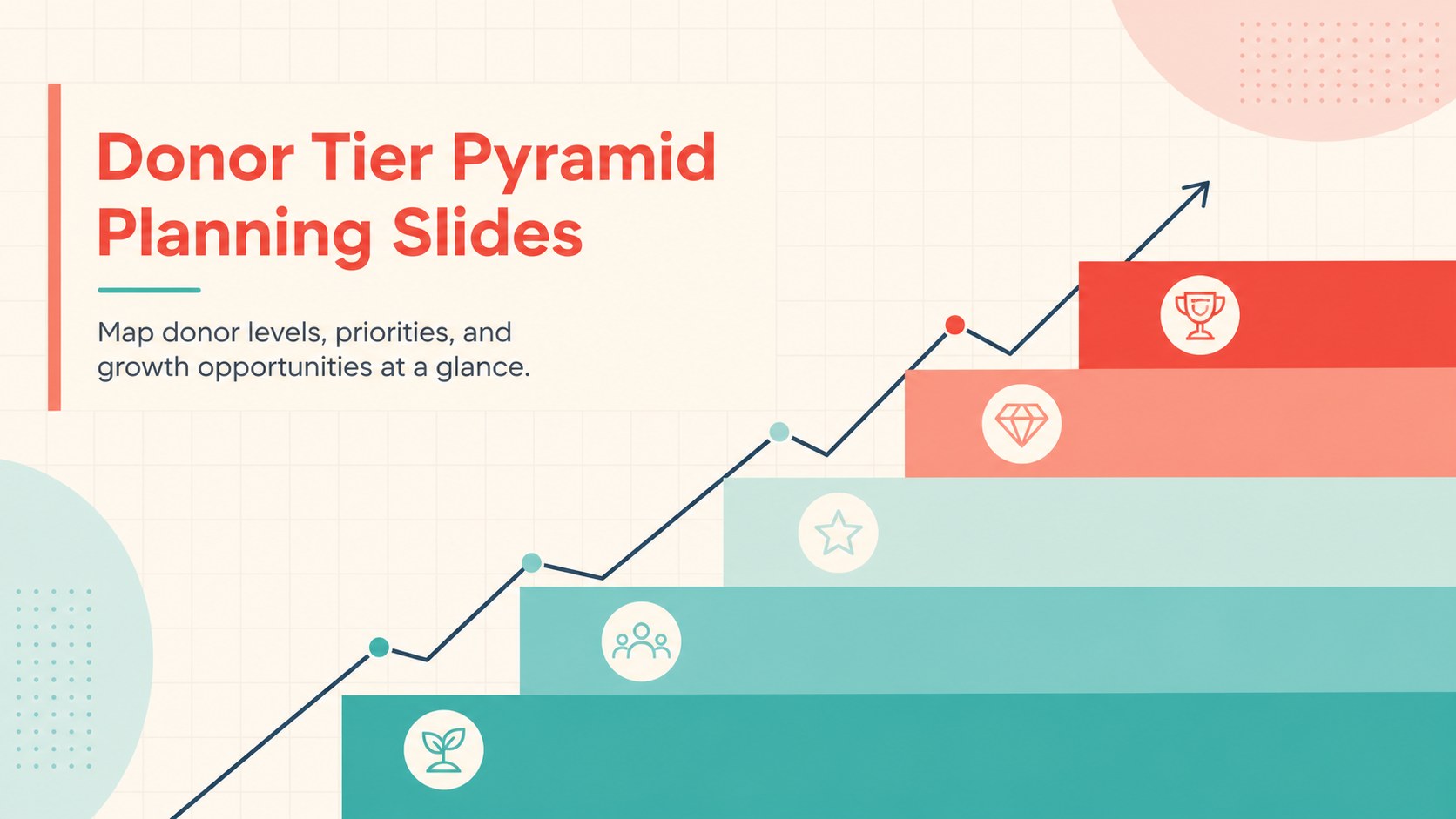
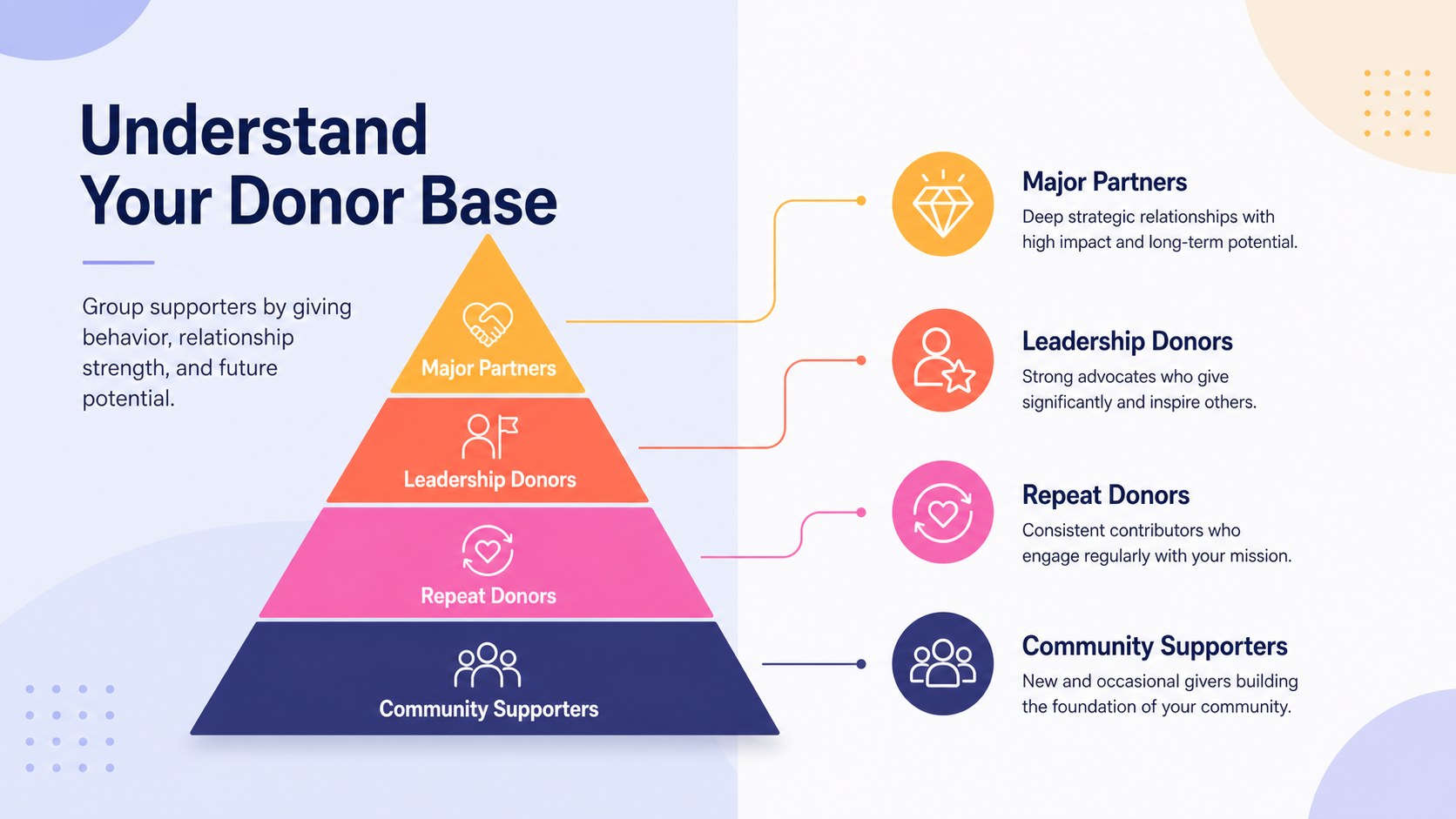
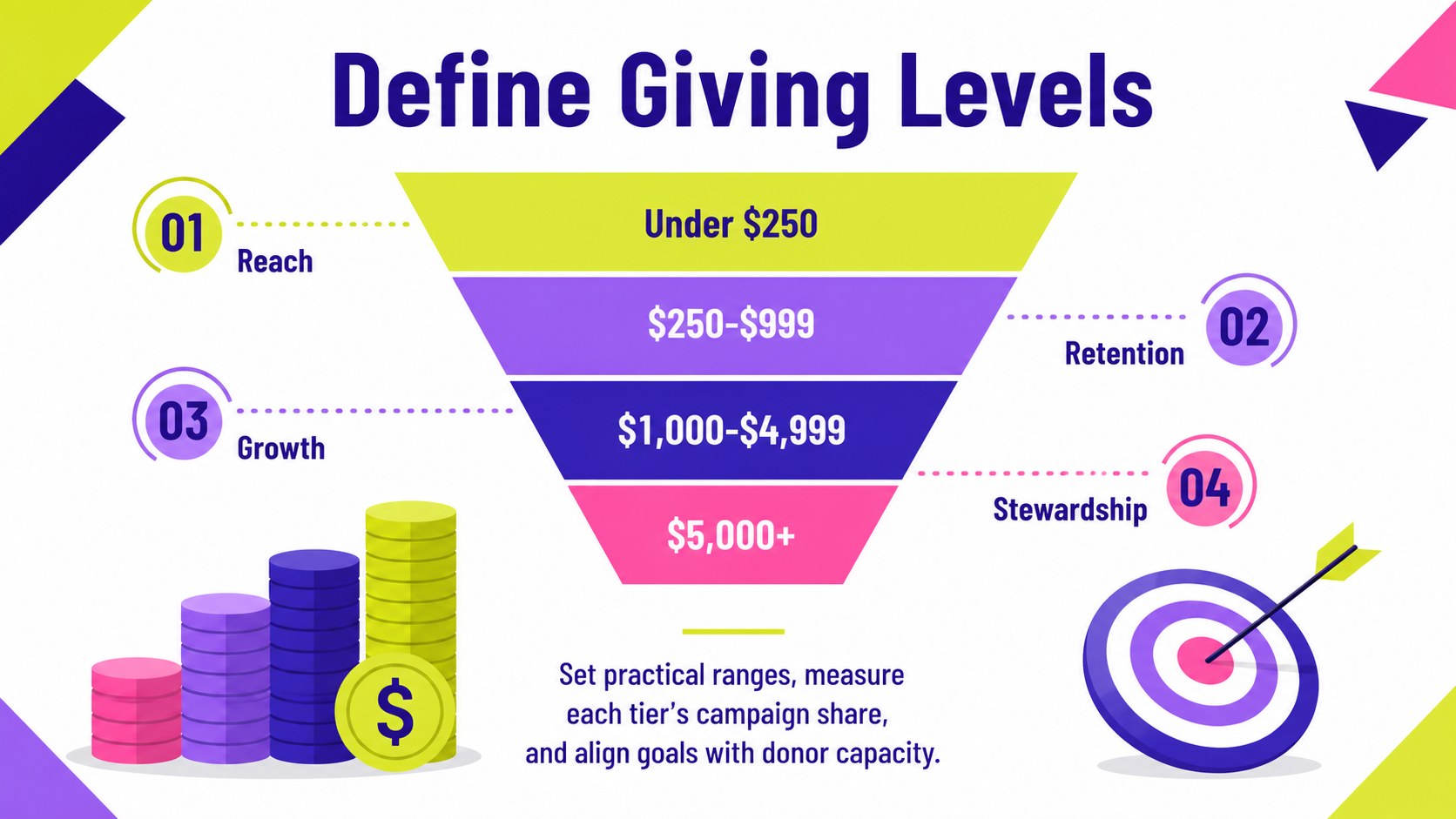
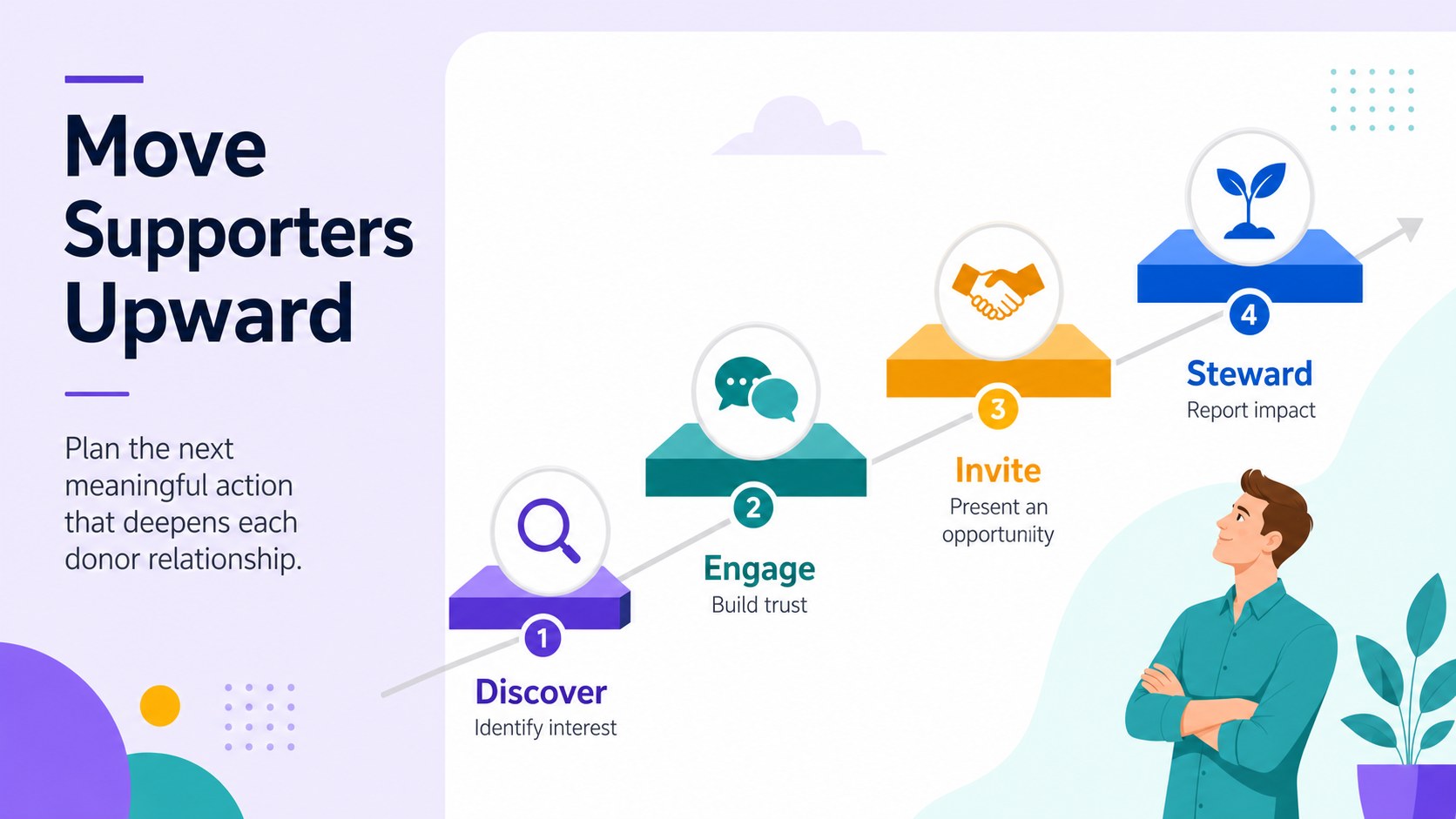
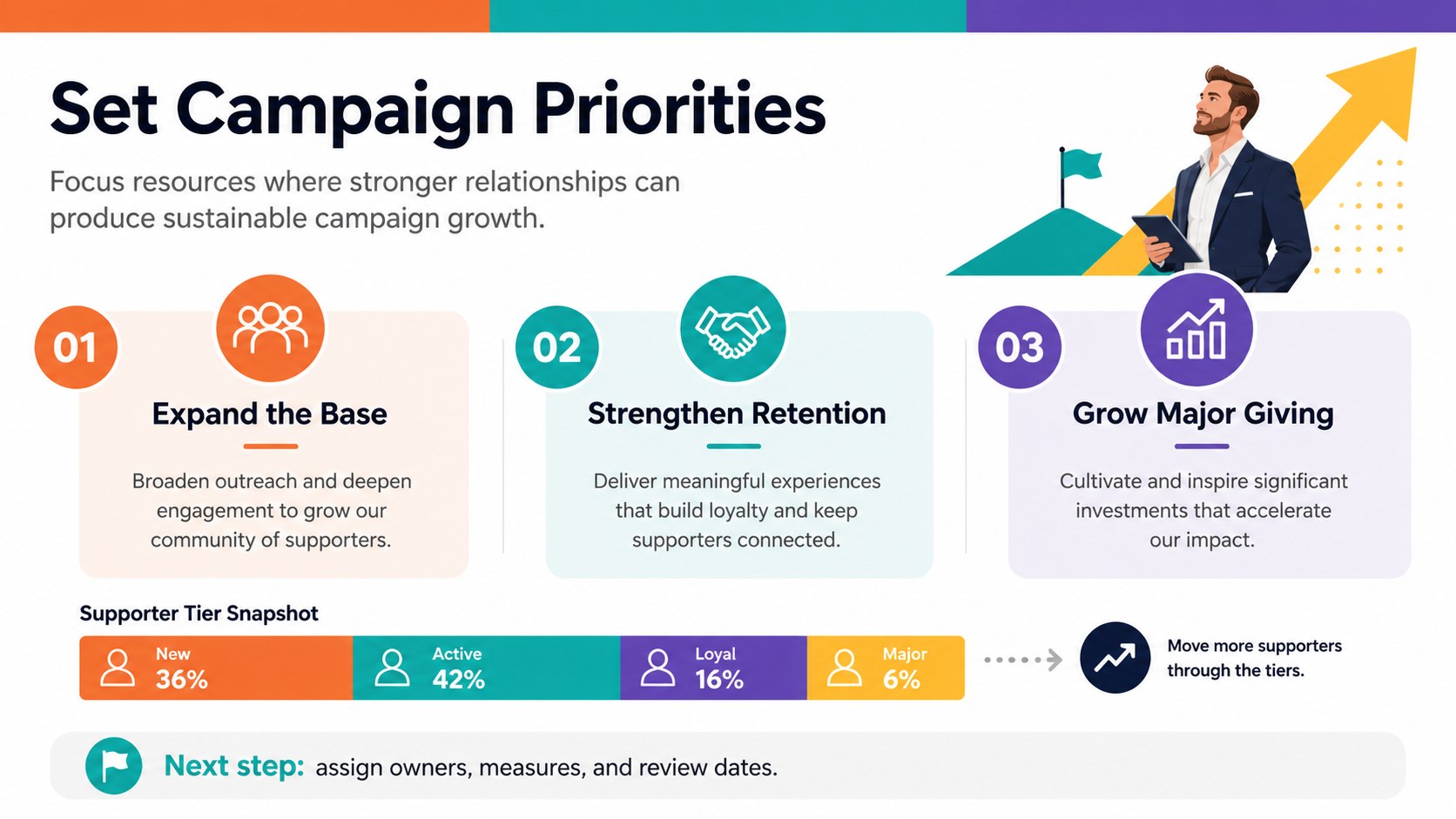
The deck includes five editable 16:9 layouts for PowerPoint and Google Slides. Inside, you will find a campaign overview cover, a nonprofit donor segmentation pyramid, a giving level breakdown, a donor cultivation pathway, and a campaign priority summary. Every page can be adapted with your own tier names, amounts, percentages, goals, and supporting notes. Simple shapes and strong typography keep the information readable in meetings, reports, and stakeholder presentations.
These slides are useful for development directors, nonprofit leaders, campaign consultants, board members, and community organizations. Apply them to a fundraising strategy presentation, a major gift donor pyramid, or a donor cultivation planning deck. The flexible structure works equally well for annual appeals, capital campaigns, membership programs, and sponsorship initiatives, giving teams a consistent visual language for discussing where support comes from and where future growth can occur.
Perfect for: capital campaign planning; board fundraising review; major gift strategy meeting; annual appeal analysis; donor cultivation workshop.
Frequently asked questions
Can I change the donor tiers and giving amounts? Yes. Edit the tier labels, contribution ranges, percentages, goals, and notes directly in PowerPoint or Google Slides. You can also add or remove levels to match your campaign structure.
Practical details
Yes. Edit the tier labels, contribution ranges, percentages, goals, and notes directly in PowerPoint or Google Slides. You can also add or remove levels to match your campaign structure.
The template is designed for Microsoft PowerPoint and Google Slides. Its text boxes, geometric shapes, and infographic elements remain editable on both platforms.
Yes. Replace the multicolored palette with your organization’s approved brand colors and adjust the background, typography, and shape fills as needed. Maintain strong contrast so every donor level remains easy to distinguish.
Yes. The pyramid framework can represent annual giving, sponsorship packages, memberships, volunteer engagement, or capital campaign tiers. Rename the levels and supporting metrics to fit the program.
Keep exploring
15Build an engaging World UFO Day session with this flying saucer history lesson deck, featuring retro green-and-brown slides for PowerPoint and Google Slides.
 15
15Plan a lively animal-learning journey with this jungle zoo adventure lesson deck, ready to customize in PowerPoint and Google Slides for young learners.
 16
16Turn environmental research into a clear story with a Watercolor Ecology Presentation Theme for PowerPoint and Google Slides in calming green and blue.
 16
16Build focused fashion, literature, and humanities presentations with the Red Triangle Editorial Theme, editable in PowerPoint and Google Slides.
 15
15Turn streaming stats, favorite tracks, and concert highlights into a bold annual listening recap slide deck for PowerPoint and Google Slides.
 15
15Turn highlights, milestones, and favorite moments into a colorful year in review slide deck with bold 3D graphics for PowerPoint and Google Slides.
 3
3Build a credible endorsement with Standout Colleague Recommendation Letter Slides, featuring colorful prompts for skills, achievements, and team impact.
 4
4Build clear beginner sessions with an ice hockey fundamentals training deck for coaches, PE teachers, and clubs, ready for PowerPoint and Google Slides.