
 15
15presentation
Flying Saucer History Lesson Deck
Build an engaging World UFO Day session with this flying saucer history lesson deck, featuring retro green-and-brown slides for PowerPoint and Google Slides.
Google SlidesPowerPoint
presentation · English
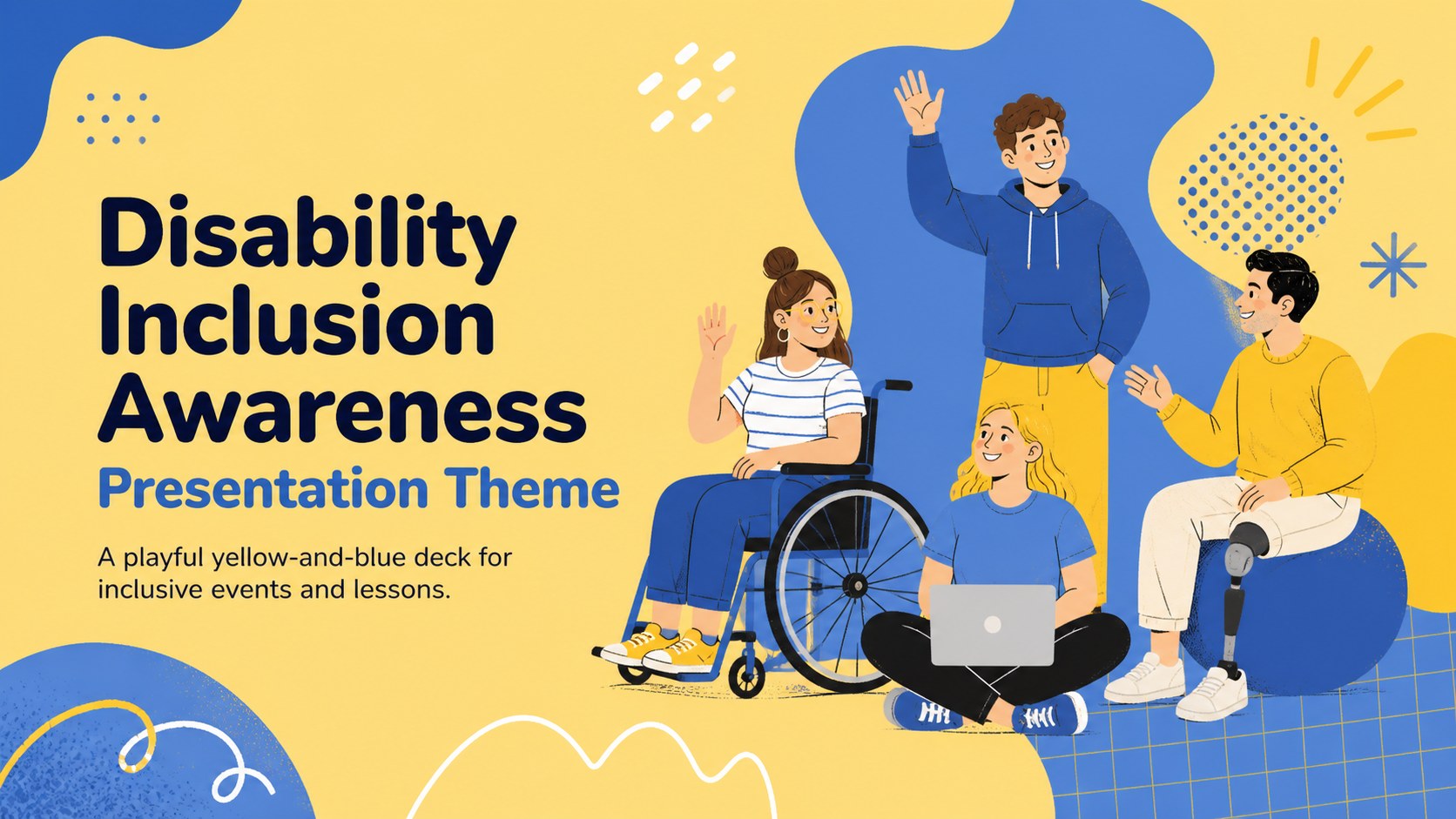
Plan an engaging International Day program with this disability inclusion awareness presentation theme, made for schools, nonprofits, and community teams.


Design notes
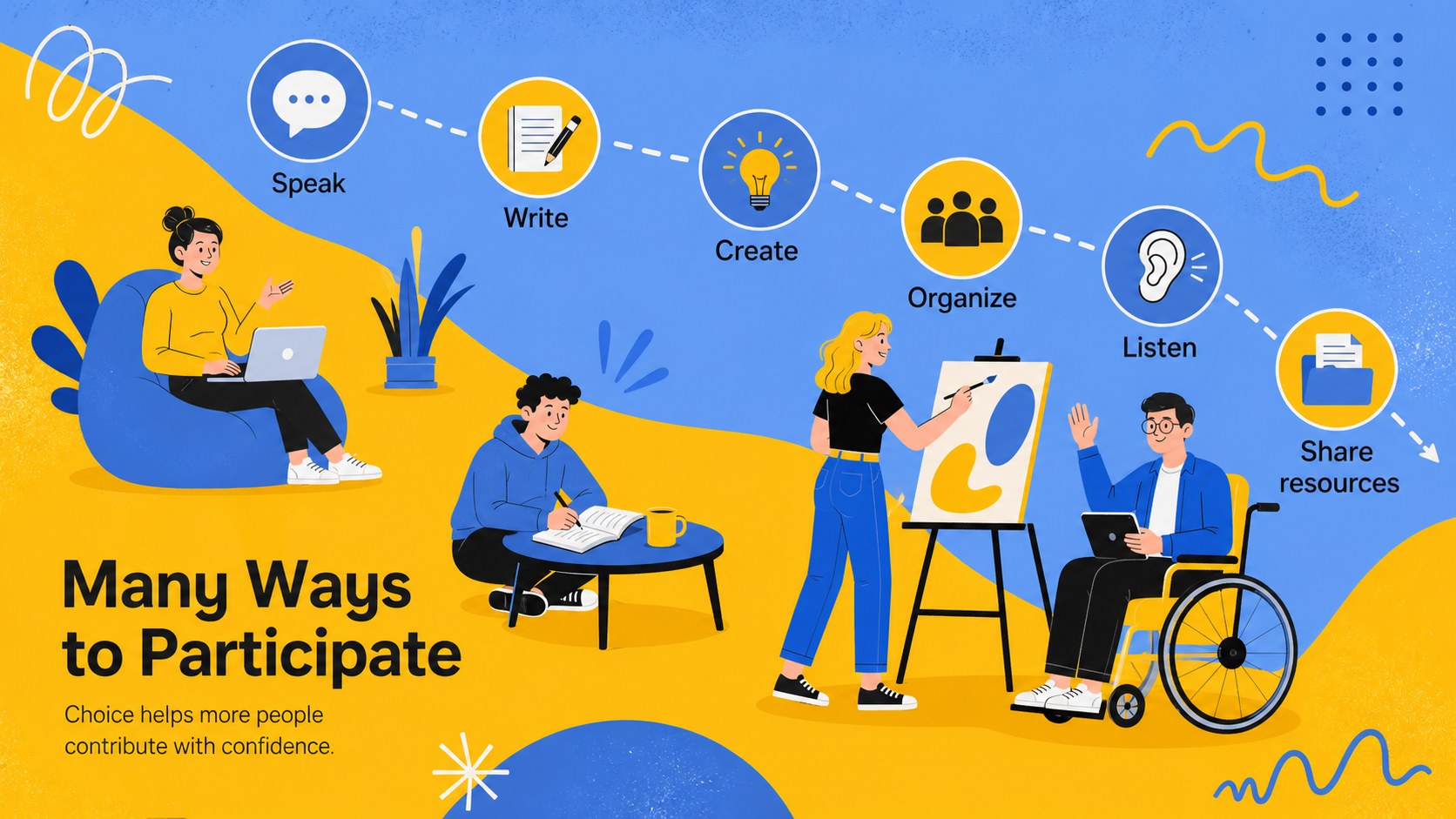
Create a thoughtful program around accessibility, participation, and belonging with this disability inclusion awareness presentation theme. Its playful yellow-and-blue palette, friendly illustrations, and clear layouts help important ideas feel approachable without losing their impact. Use it for an International Day of Persons with Disabilities presentation, an awareness event, or an inclusion-focused community conversation.
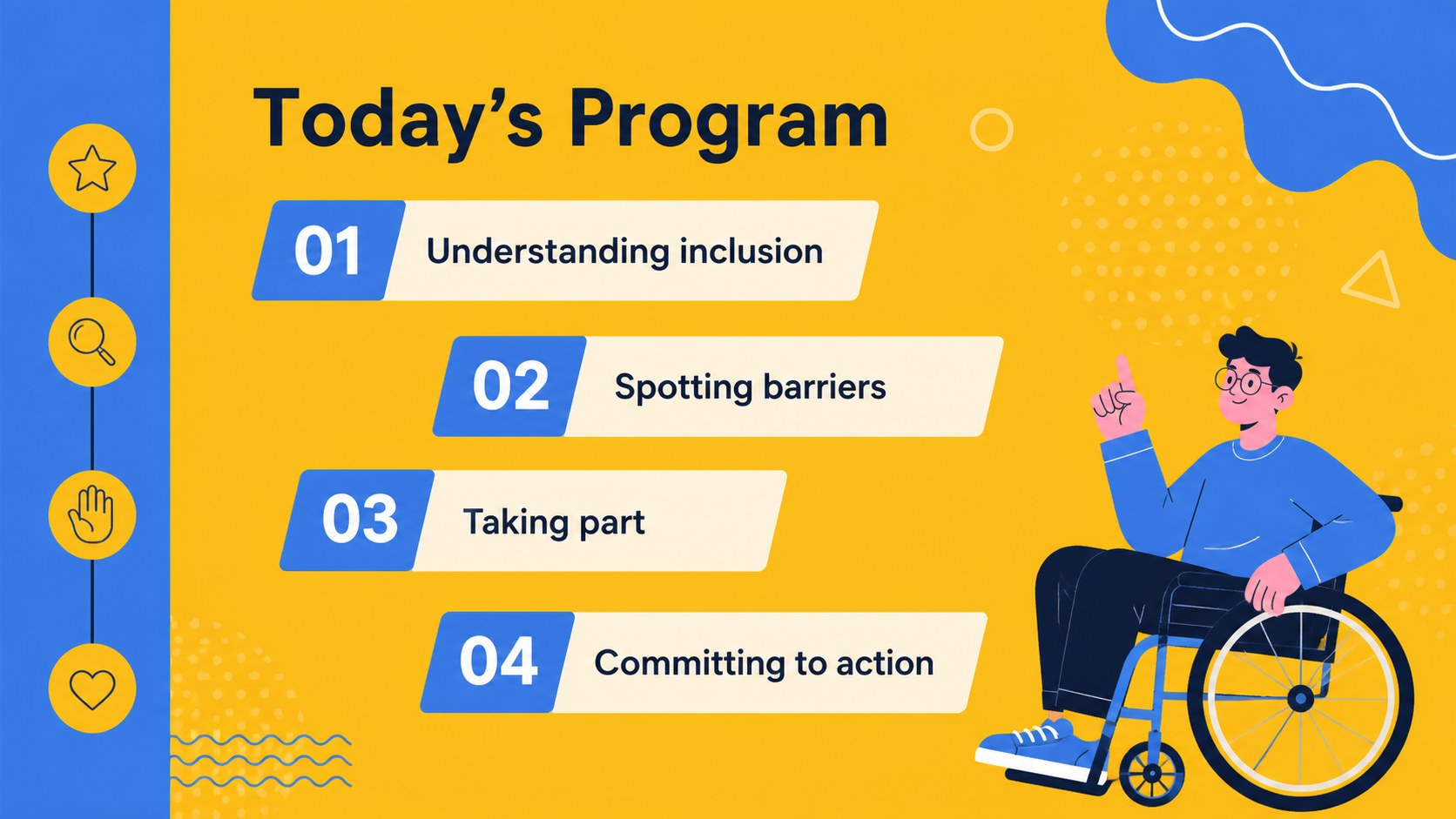
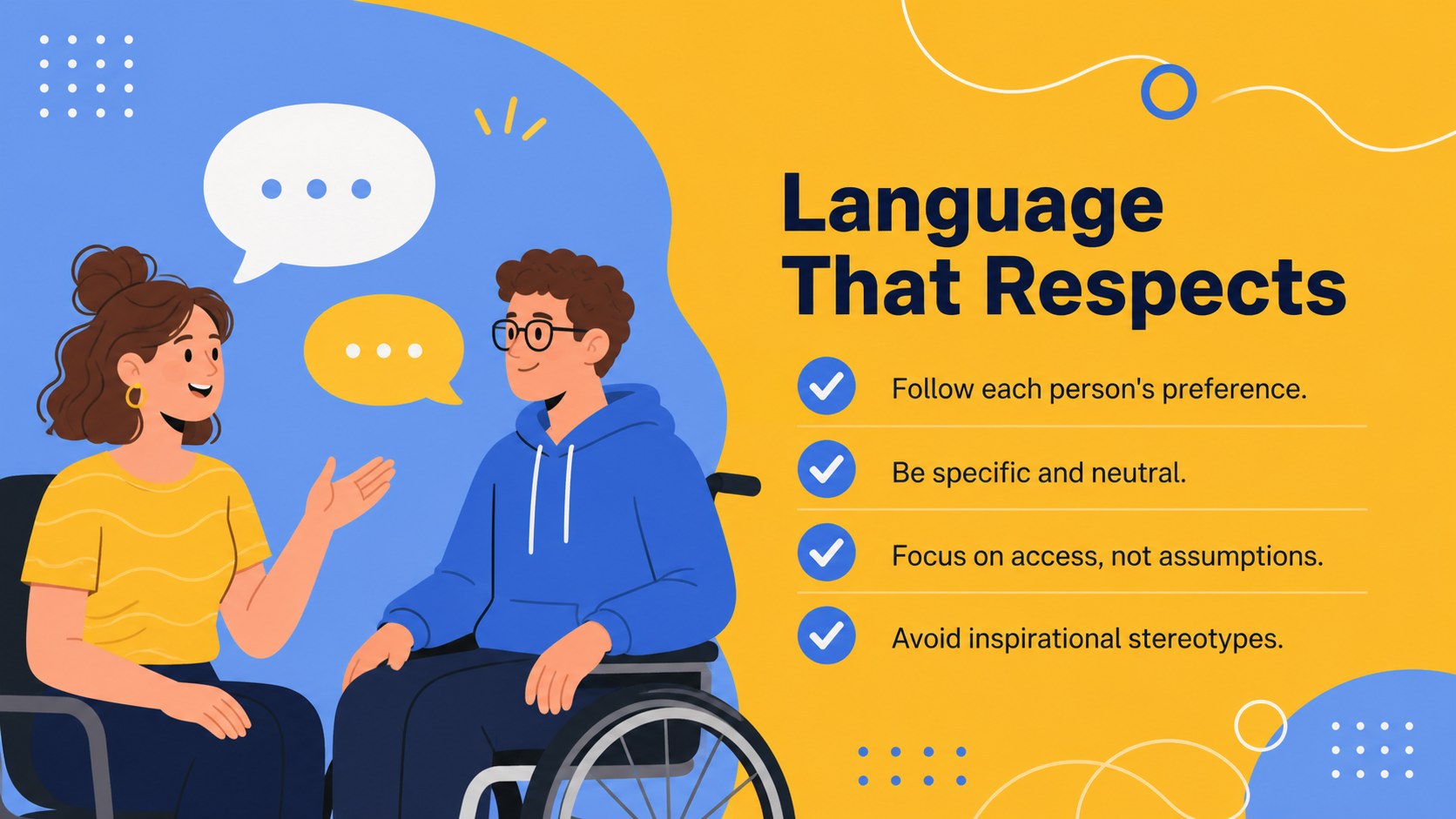
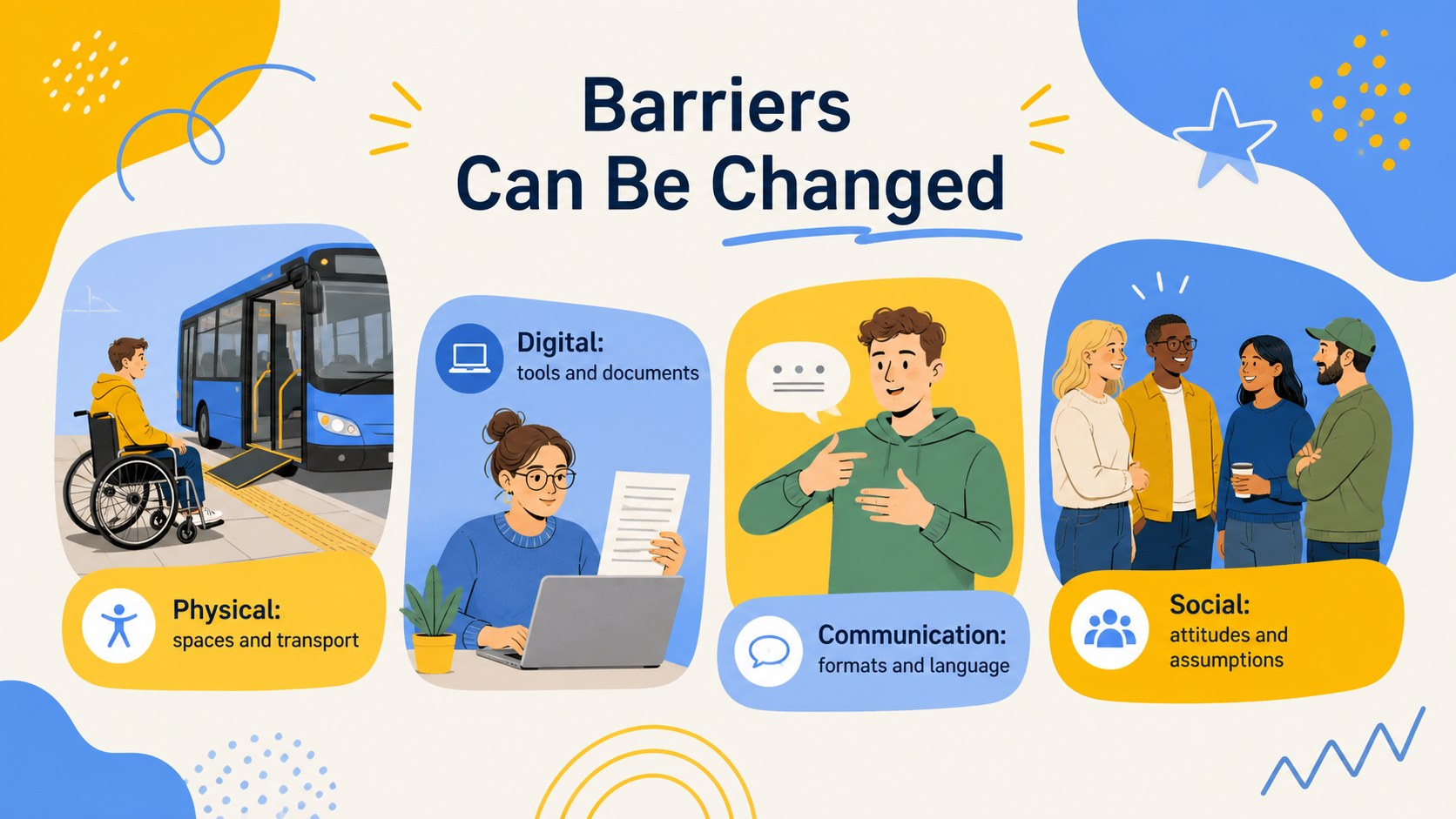
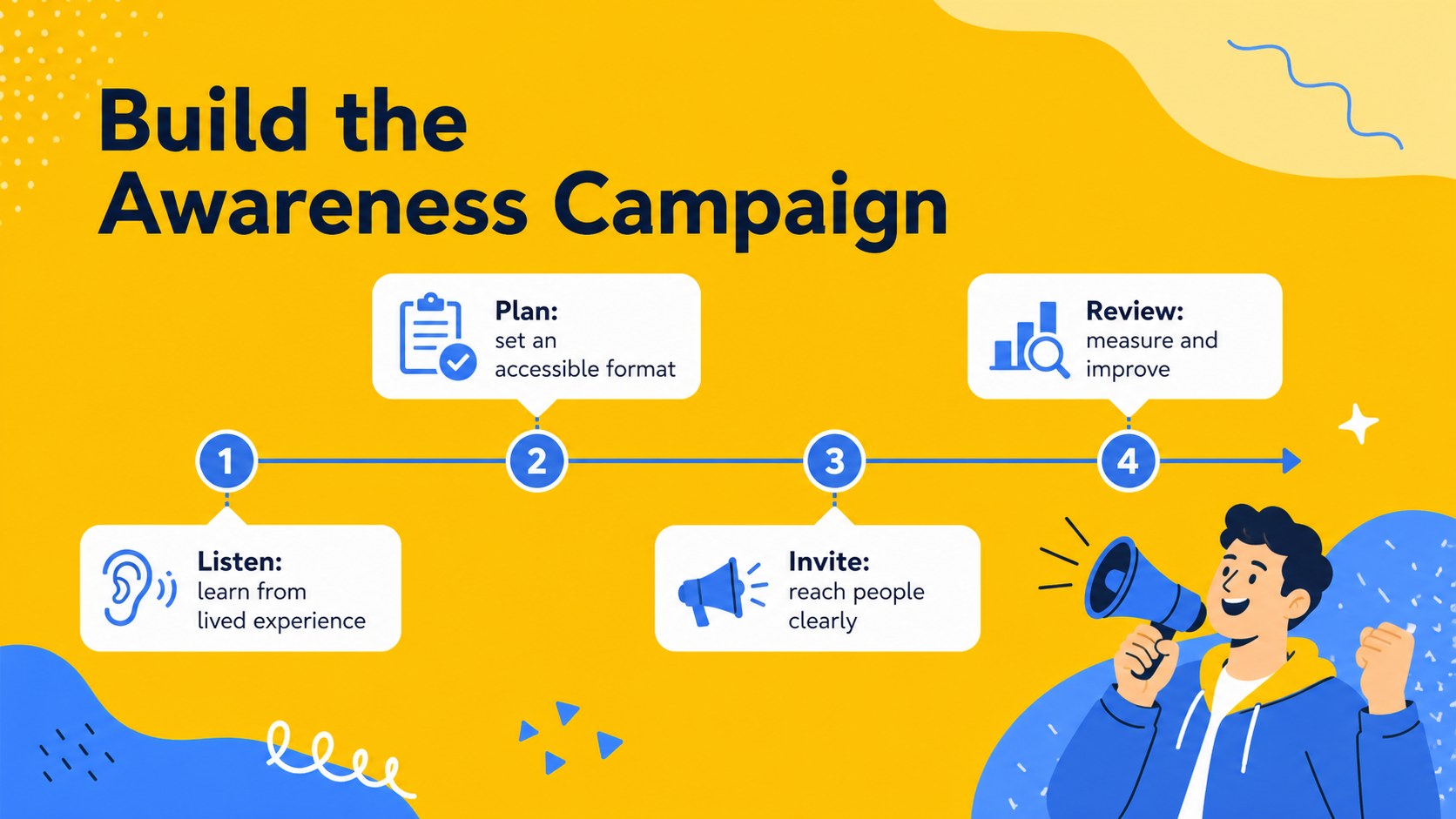
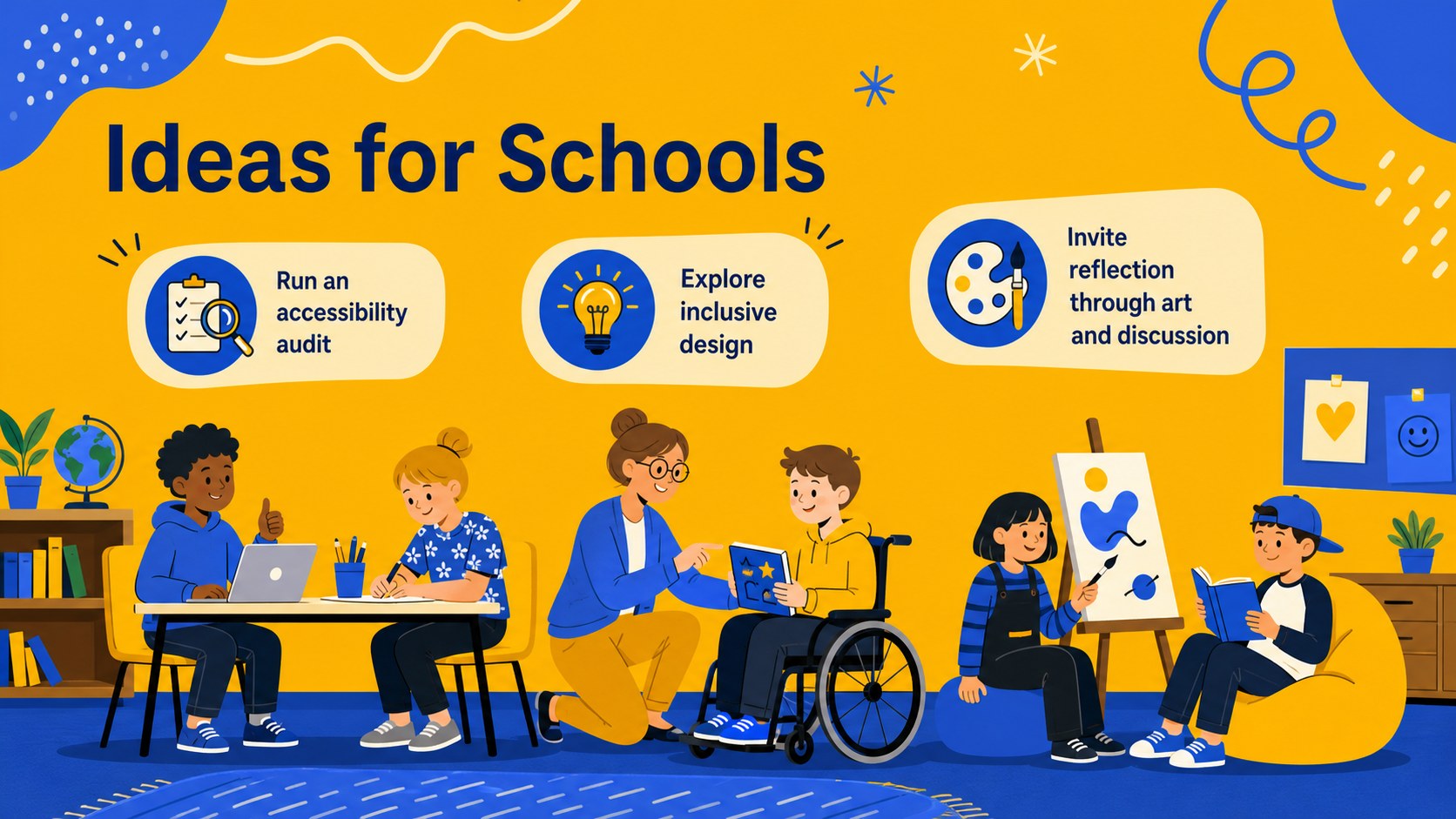
The deck includes layouts for an opening message, event agenda, respectful language guidance, accessibility barriers, participation ideas, campaign planning, school activities, workplace commitments, community perspectives, and measurable next steps. Timelines, checklists, callouts, and simple data displays make it suitable for both storytelling and practical planning. Every slide can be adapted in PowerPoint or Google Slides with your own text, images, colors, and organization details.
Educators can turn the theme into an inclusive education presentation template for classroom discussions or assemblies. Nonprofits and public-service teams can build an accessible awareness campaign presentation for outreach initiatives. Human resources teams, employee groups, and managers can also use the layouts as workplace disability inclusion slides for training, policy conversations, or International Day programming. The upbeat illustrated style supports a respectful, people-centered message while keeping information easy to scan and present.
Perfect for: International Day school assembly; nonprofit awareness campaign; workplace inclusion training; community accessibility workshop; student inclusion lesson.
Frequently asked questions
Can I edit every part of this presentation? Yes. Text, colors, illustrations, shapes, charts, and slide order can be adjusted to suit your event or organization.
Practical details
Yes. Text, colors, illustrations, shapes, charts, and slide order can be adjusted to suit your event or organization.
The template is designed for Microsoft PowerPoint and Google Slides. Use the version that best fits your editing and collaboration workflow.
Replace the sample copy with your program details, local resources, accessibility commitments, and calls to action. Review contrast, reading order, font size, and image descriptions before presenting.
Yes. The flexible layouts can support classroom lessons, assemblies, staff training, employee resource group events, and nonprofit outreach.
Keep exploring
15Build an engaging World UFO Day session with this flying saucer history lesson deck, featuring retro green-and-brown slides for PowerPoint and Google Slides.
 15
15Plan a lively animal-learning journey with this jungle zoo adventure lesson deck, ready to customize in PowerPoint and Google Slides for young learners.
 16
16Turn environmental research into a clear story with a Watercolor Ecology Presentation Theme for PowerPoint and Google Slides in calming green and blue.
 16
16Build focused fashion, literature, and humanities presentations with the Red Triangle Editorial Theme, editable in PowerPoint and Google Slides.
 15
15Turn streaming stats, favorite tracks, and concert highlights into a bold annual listening recap slide deck for PowerPoint and Google Slides.
 15
15Turn highlights, milestones, and favorite moments into a colorful year in review slide deck with bold 3D graphics for PowerPoint and Google Slides.
 3
3Build a credible endorsement with Standout Colleague Recommendation Letter Slides, featuring colorful prompts for skills, achievements, and team impact.
 4
4Build clear beginner sessions with an ice hockey fundamentals training deck for coaches, PE teachers, and clubs, ready for PowerPoint and Google Slides.