
 15
15presentation
Flying Saucer History Lesson Deck
Build an engaging World UFO Day session with this flying saucer history lesson deck, featuring retro green-and-brown slides for PowerPoint and Google Slides.
Google SlidesPowerPoint
presentation · English
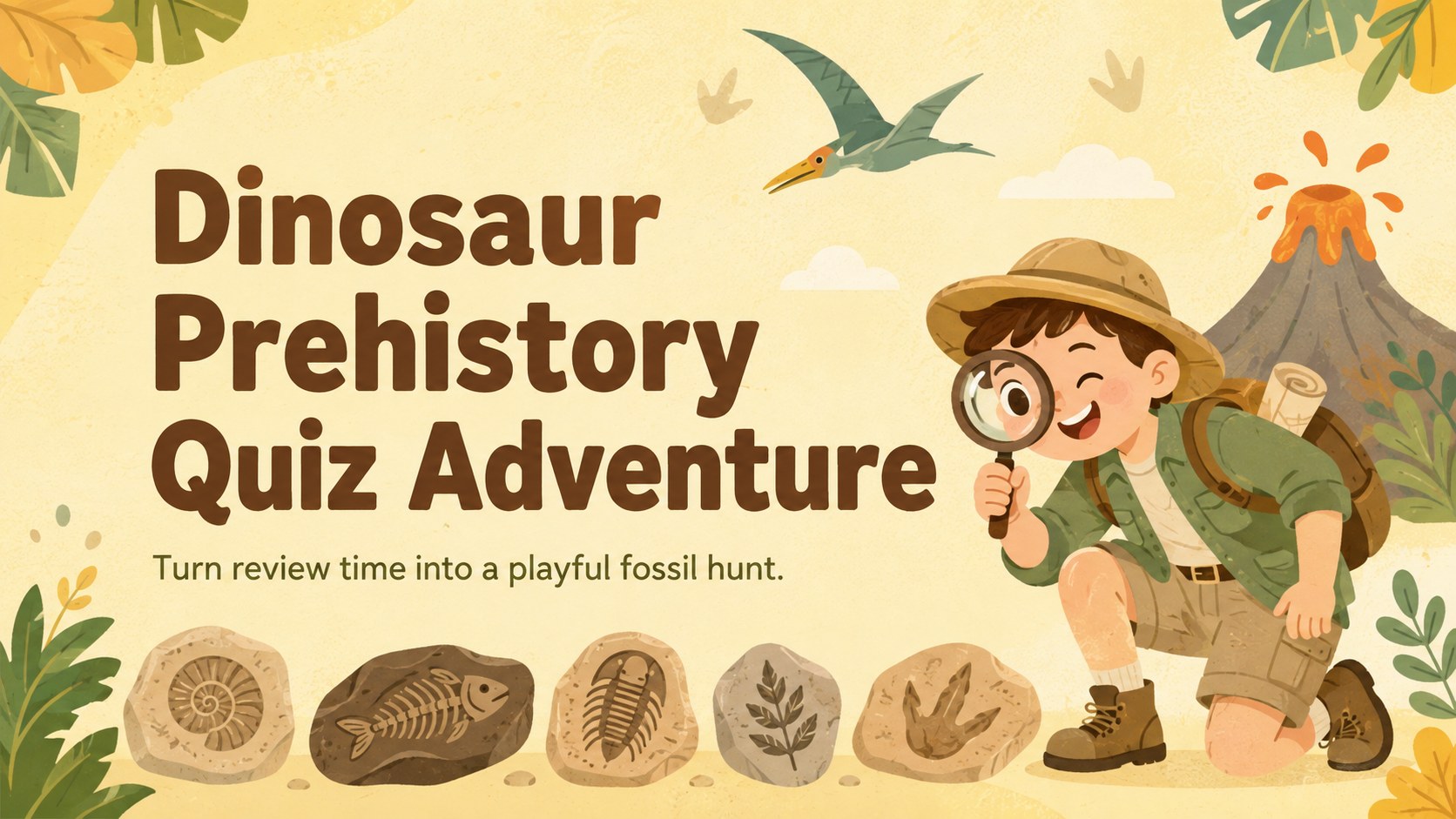
Turn review time into a playful fossil hunt with this Dinosaur Prehistory Quiz Adventure for elementary learners, editable in PowerPoint and Google Slides.
Design notes
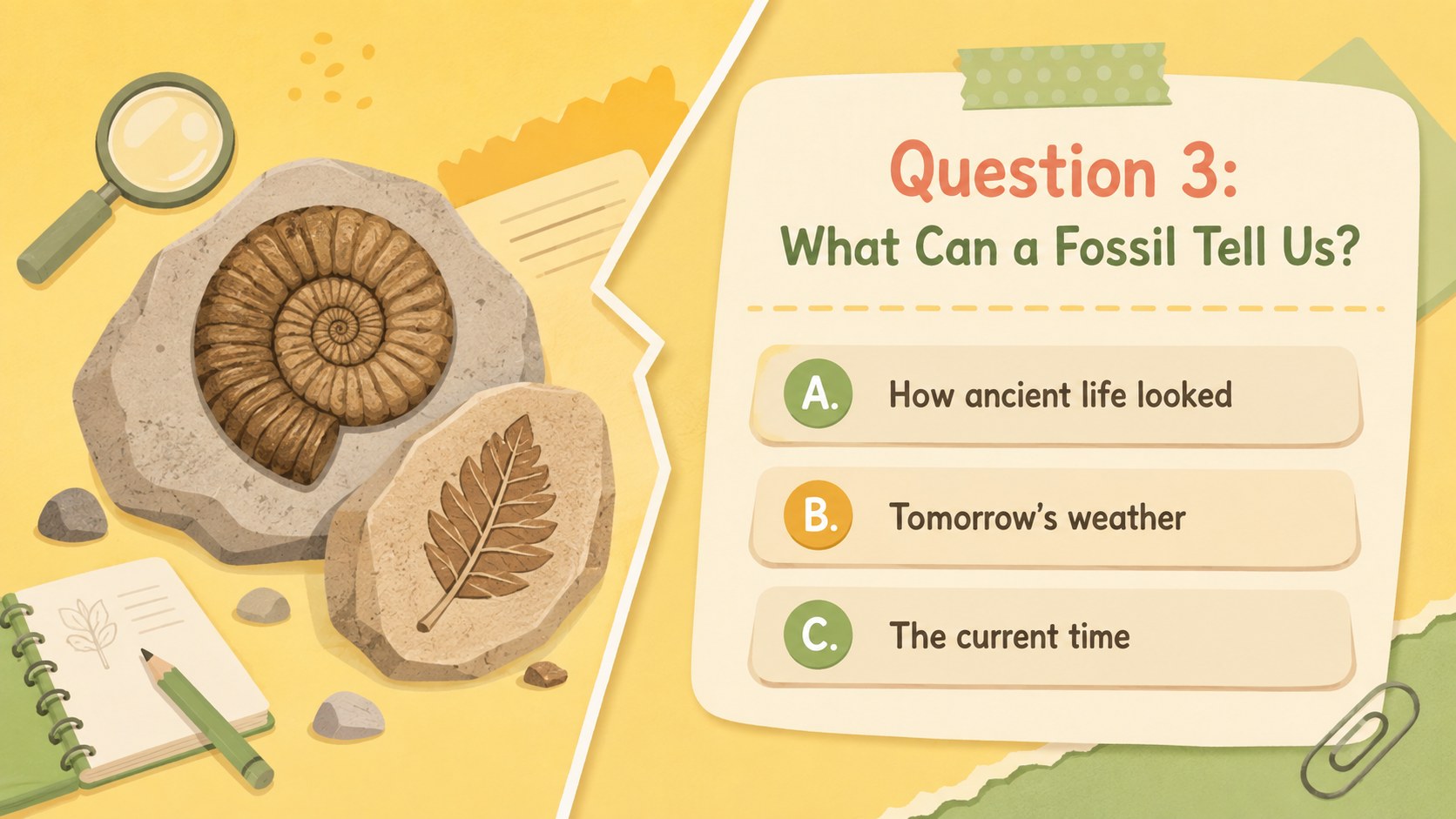
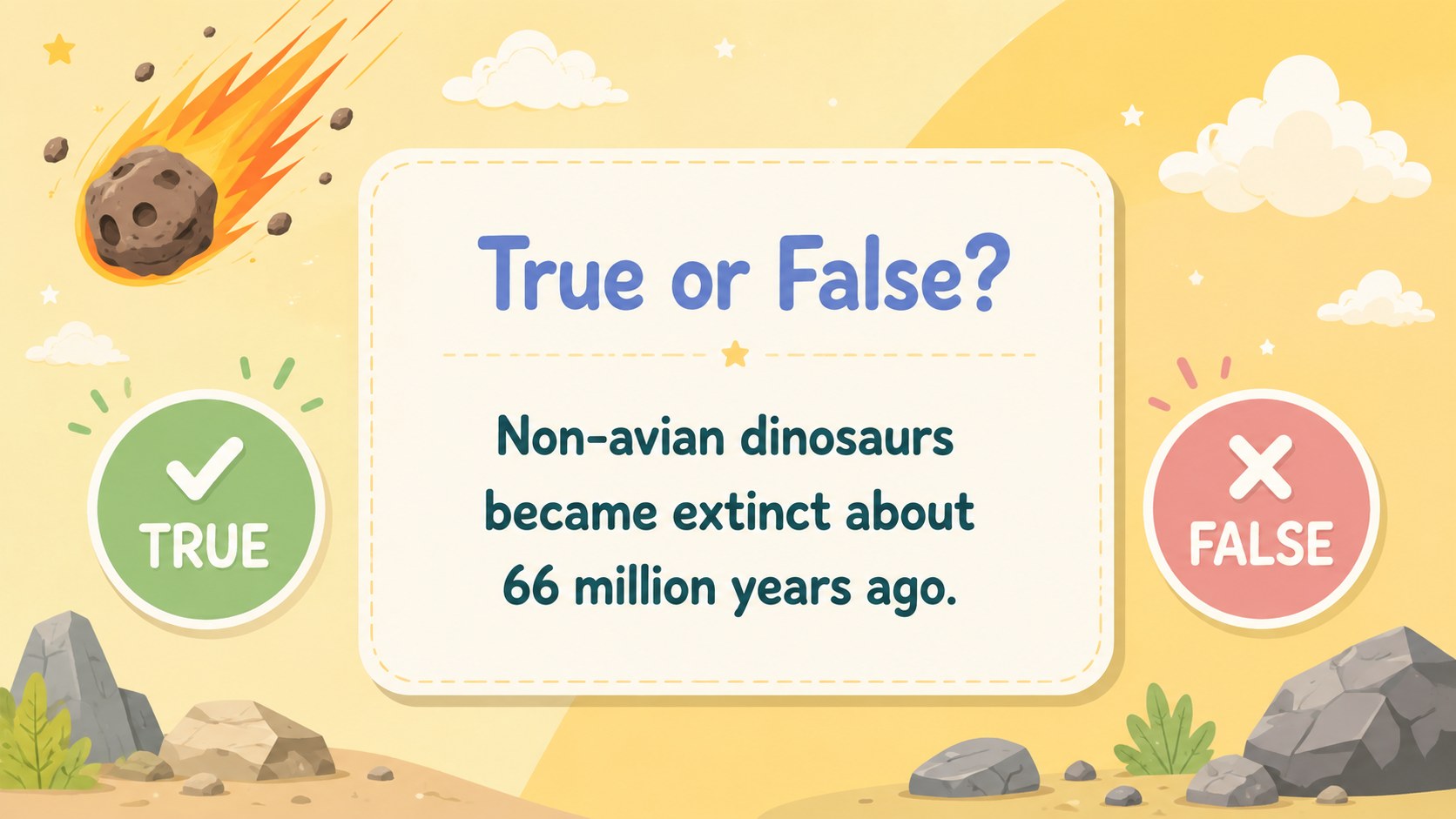
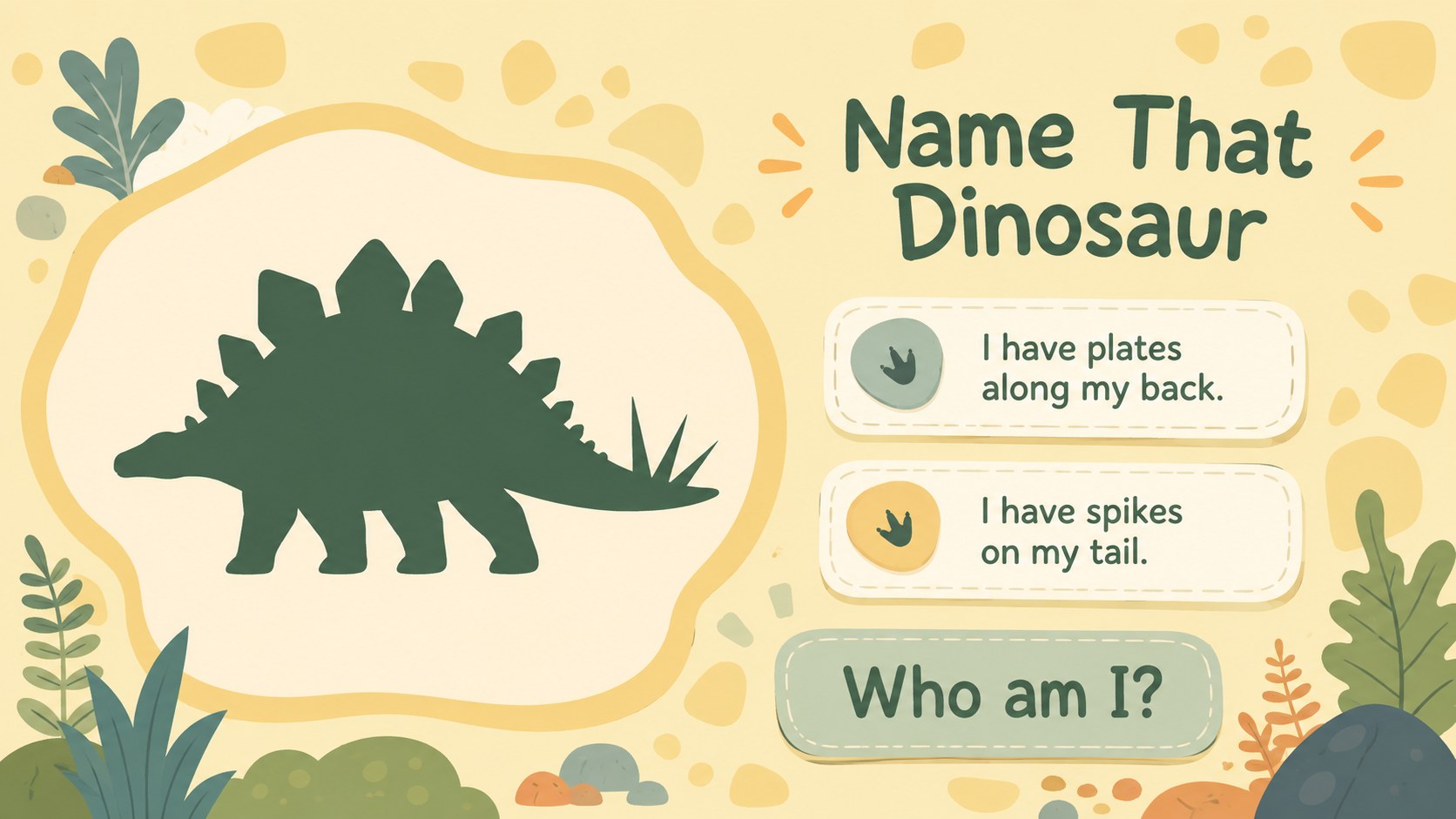
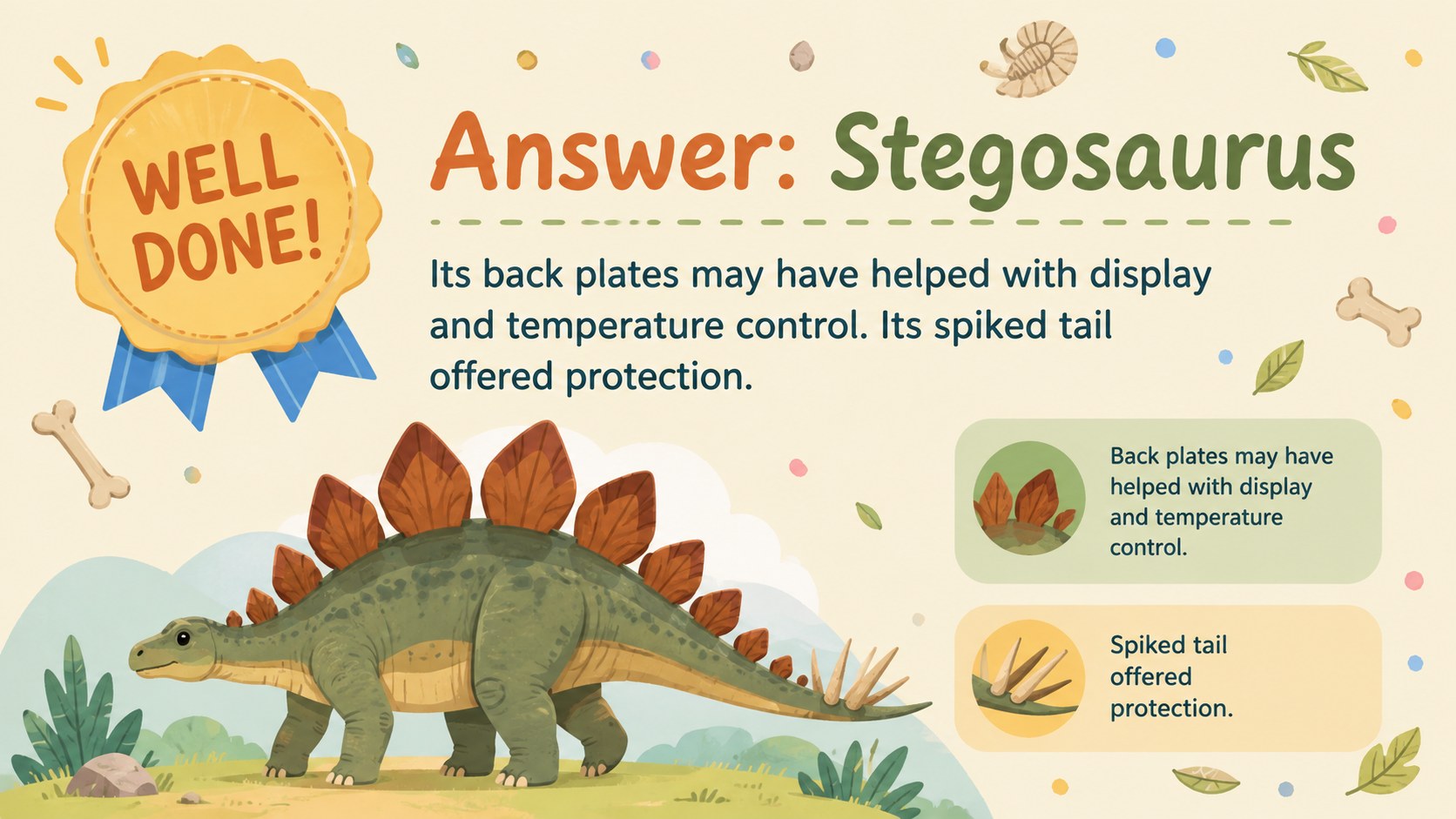
Bring energy to science or social studies review with the Dinosaur Prehistory Quiz Adventure, a pastel yellow presentation designed for curious elementary learners. Friendly prehistoric illustrations and clear question layouts turn familiar topics into an approachable classroom challenge without overwhelming young readers.
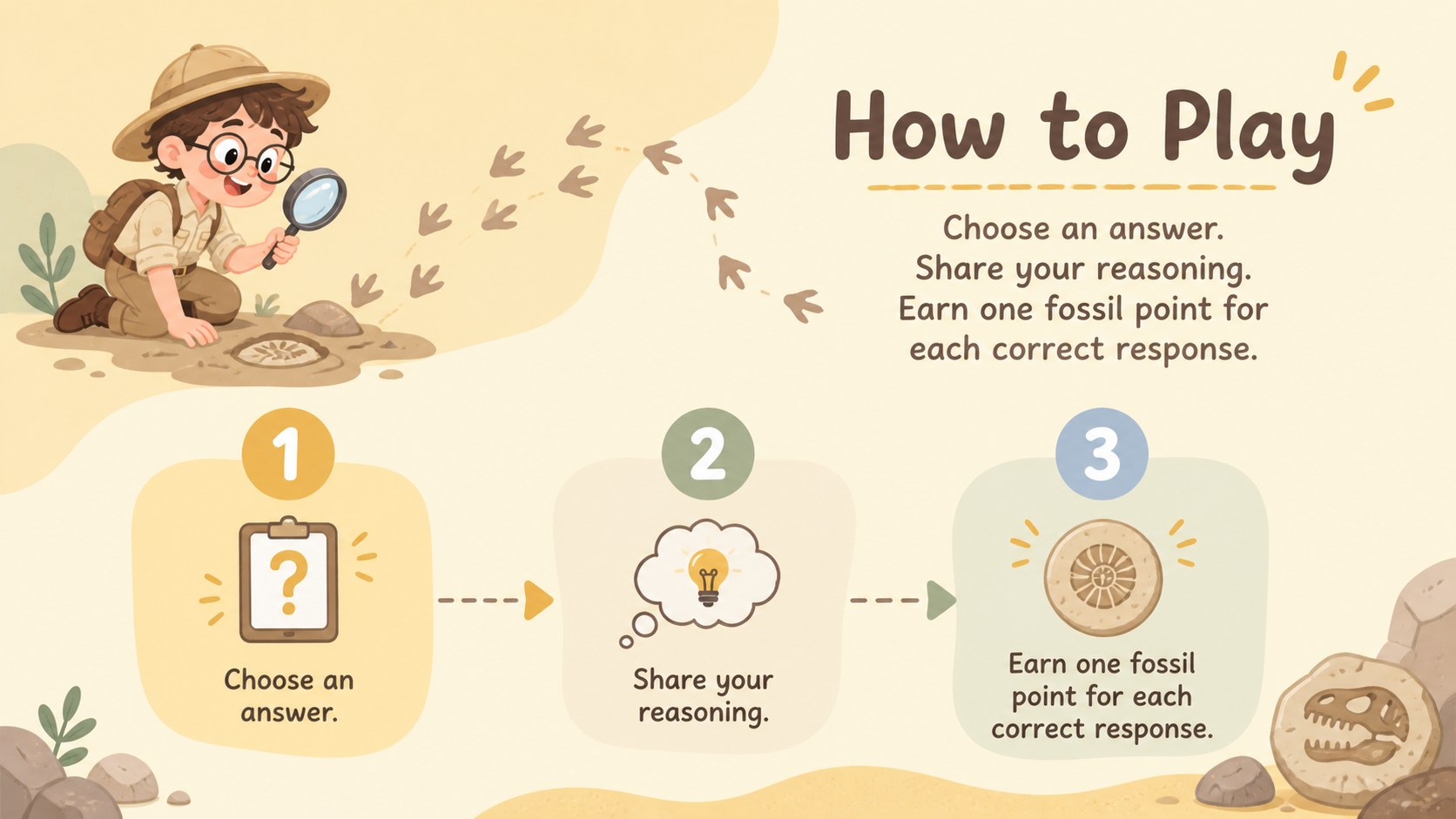
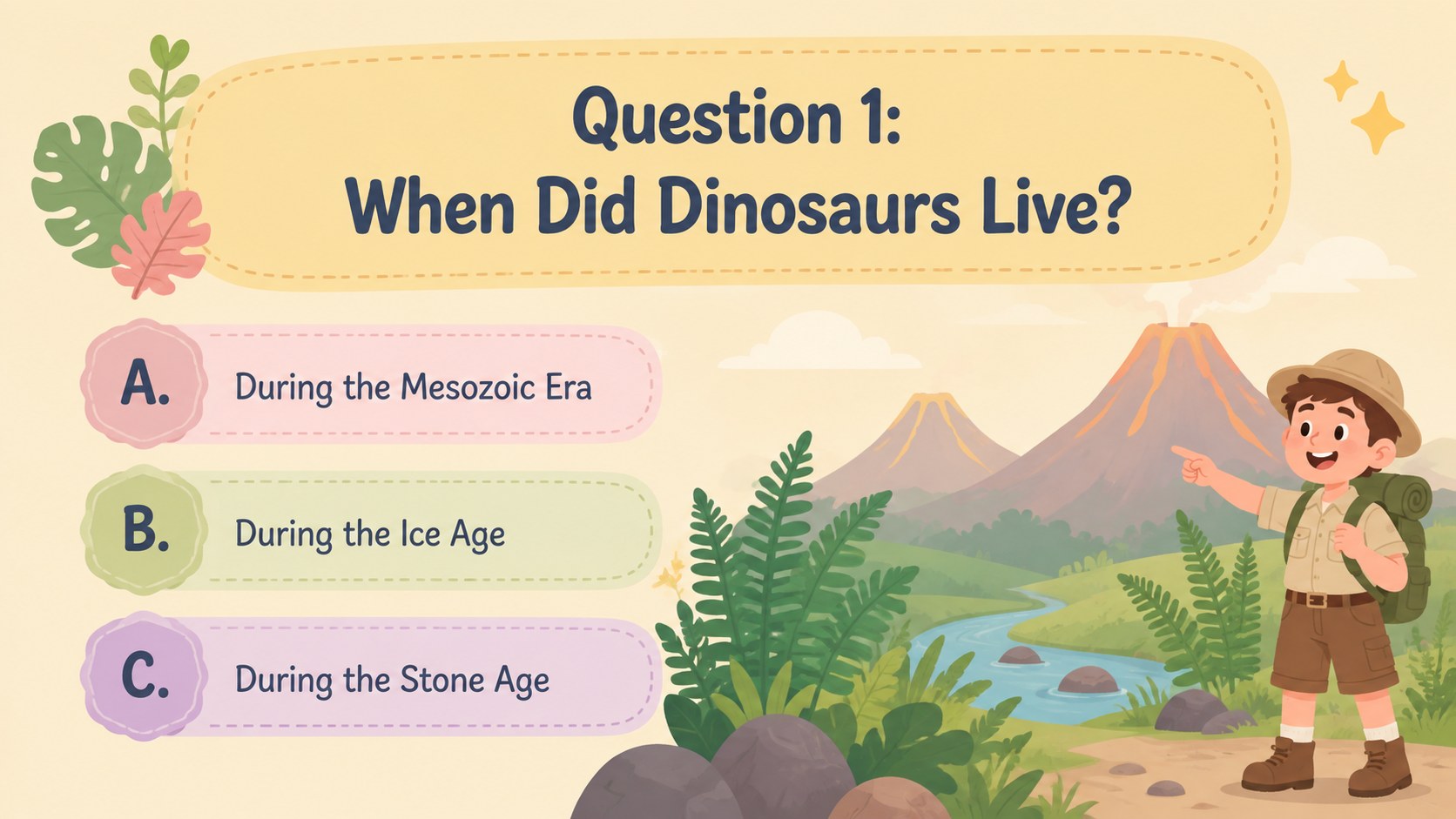
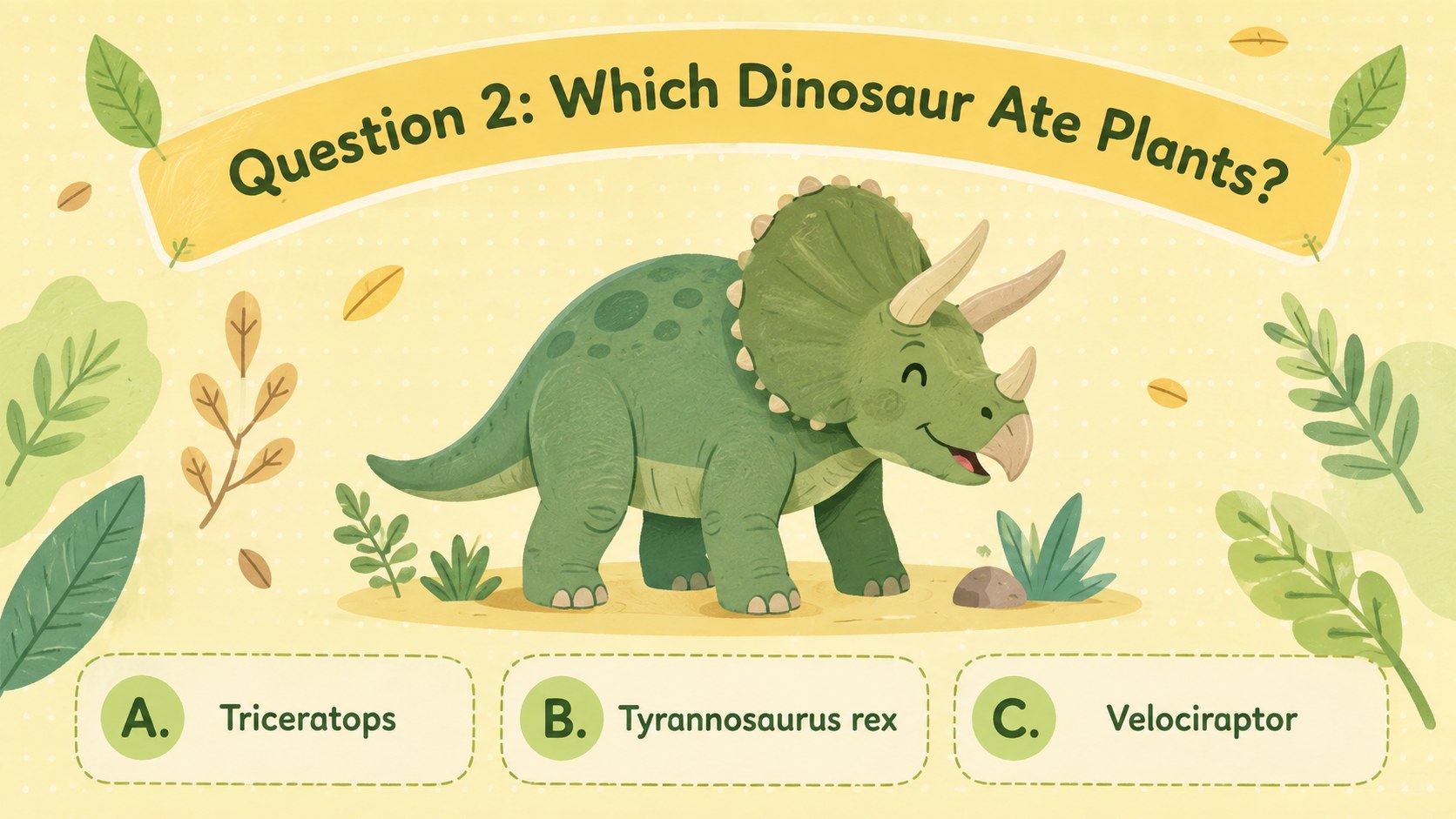
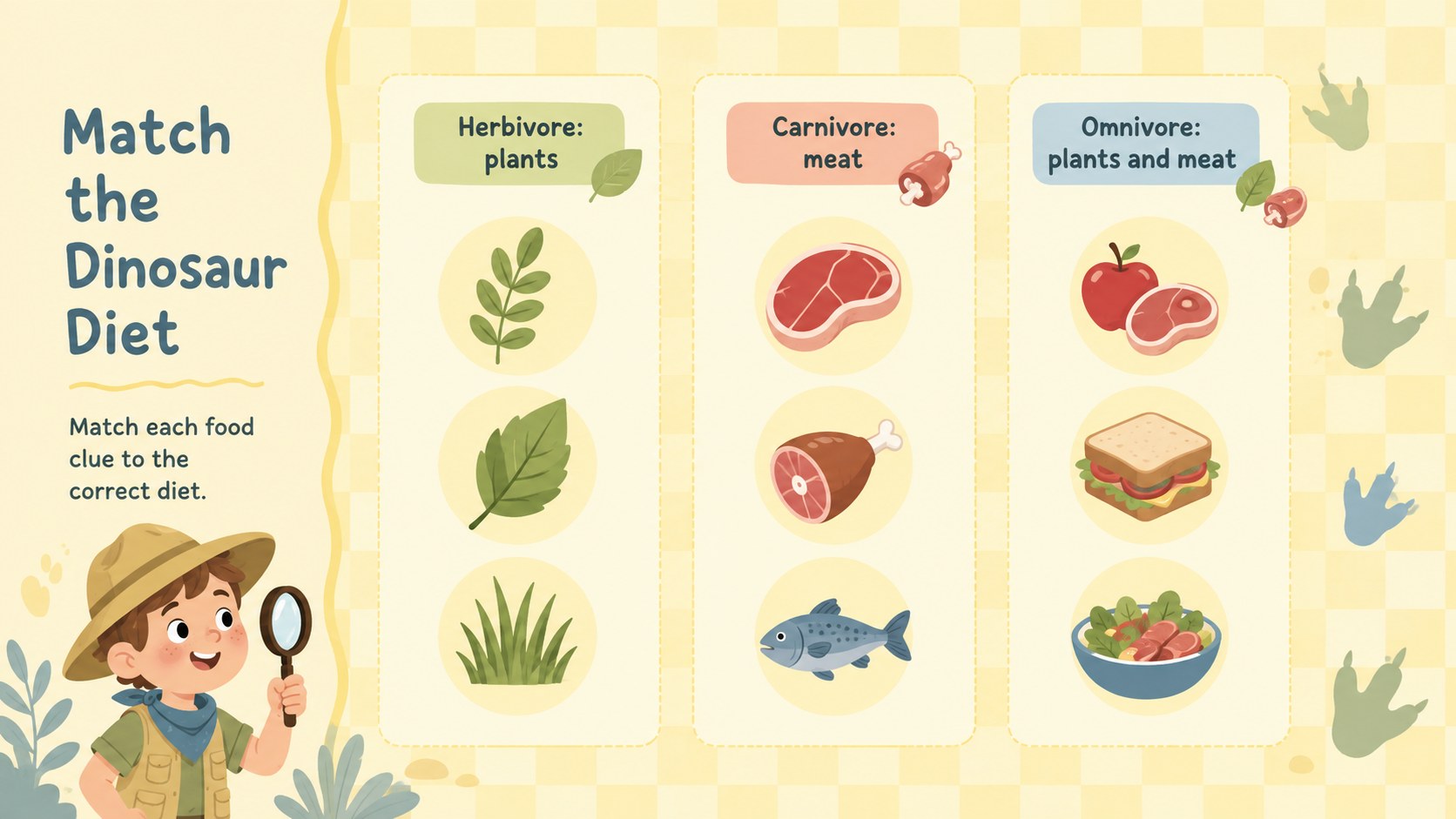
The deck includes an opening challenge, quiz instructions, multiple-choice questions, true-or-false rounds, fossil identification, dinosaur diet comparisons, a timeline activity, answer reveals, score checks, and a closing celebration. Teachers can adapt these elementary paleontology quiz slides by replacing questions, changing answer choices, moving illustrations, or adjusting the soft pastel colors. It also works as a fossil facts classroom game or a prehistoric animals multiple choice quiz for small groups.
Use the template for science warm-ups, history review, homeschool activities, team competitions, formative assessment, or an end-of-unit recap. Large headings and concise prompts support classroom projection, while playful visual cues help students follow each round. Every slide can be edited in PowerPoint or Google Slides, making it straightforward to tailor the difficulty, vocabulary, and pacing for different age groups. The result is a flexible quiz experience that combines kid-friendly design with practical teaching structure.
Perfect for: elementary science review; prehistoric life classroom quiz; fossil identification activity; homeschool dinosaur lesson; team trivia competition; end-of-unit assessment.
Frequently asked questions
Can I edit the quiz questions and answers? Yes. All question text, answer choices, headings, and score labels can be changed to match your lesson objectives and student level.
Practical details
Yes. All question text, answer choices, headings, and score labels can be changed to match your lesson objectives and student level.
The template is designed for PowerPoint and Google Slides. Open it in your preferred platform to present, duplicate rounds, or customize the content.
Yes. You can replace the prehistoric artwork and adjust the yellow pastel palette while keeping the quiz layouts intact. Use high-contrast text colors to preserve readability.
The large type, short prompts, and visual answer cues are intended for elementary learners. Teachers can simplify the vocabulary for early grades or add more detailed facts for older students.
Keep exploring
15Build an engaging World UFO Day session with this flying saucer history lesson deck, featuring retro green-and-brown slides for PowerPoint and Google Slides.
 15
15Plan a lively animal-learning journey with this jungle zoo adventure lesson deck, ready to customize in PowerPoint and Google Slides for young learners.
 16
16Turn environmental research into a clear story with a Watercolor Ecology Presentation Theme for PowerPoint and Google Slides in calming green and blue.
 16
16Build focused fashion, literature, and humanities presentations with the Red Triangle Editorial Theme, editable in PowerPoint and Google Slides.
 15
15Turn streaming stats, favorite tracks, and concert highlights into a bold annual listening recap slide deck for PowerPoint and Google Slides.
 15
15Turn highlights, milestones, and favorite moments into a colorful year in review slide deck with bold 3D graphics for PowerPoint and Google Slides.
 3
3Build a credible endorsement with Standout Colleague Recommendation Letter Slides, featuring colorful prompts for skills, achievements, and team impact.
 4
4Build clear beginner sessions with an ice hockey fundamentals training deck for coaches, PE teachers, and clubs, ready for PowerPoint and Google Slides.