
 15
15presentation
Flying Saucer History Lesson Deck
Build an engaging World UFO Day session with this flying saucer history lesson deck, featuring retro green-and-brown slides for PowerPoint and Google Slides.
Google SlidesPowerPoint
presentation · English
Build a persuasive digital forensics case review with dark violet slides for evidence timelines, incident findings, legal briefings, and training.
Design notes
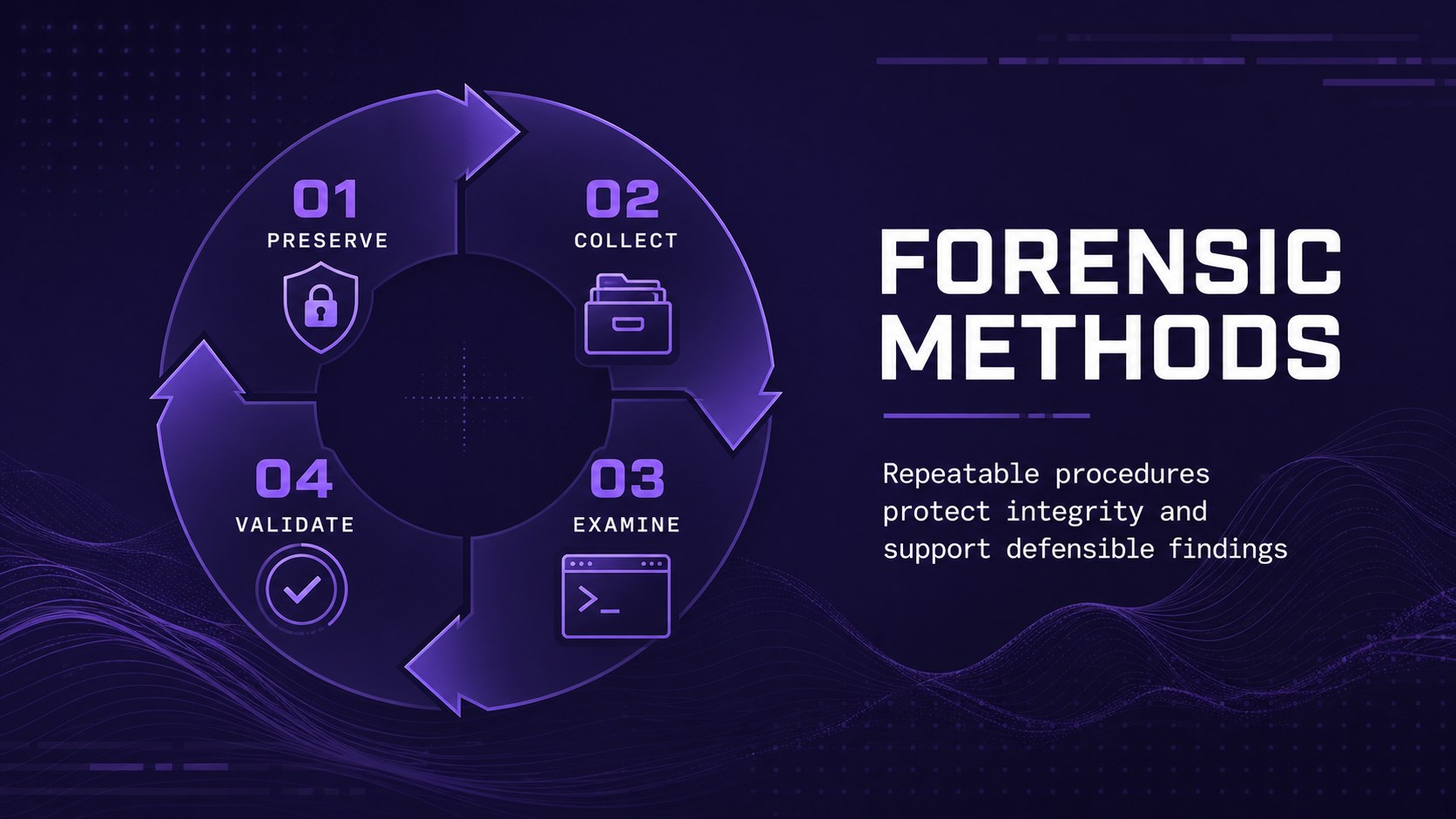
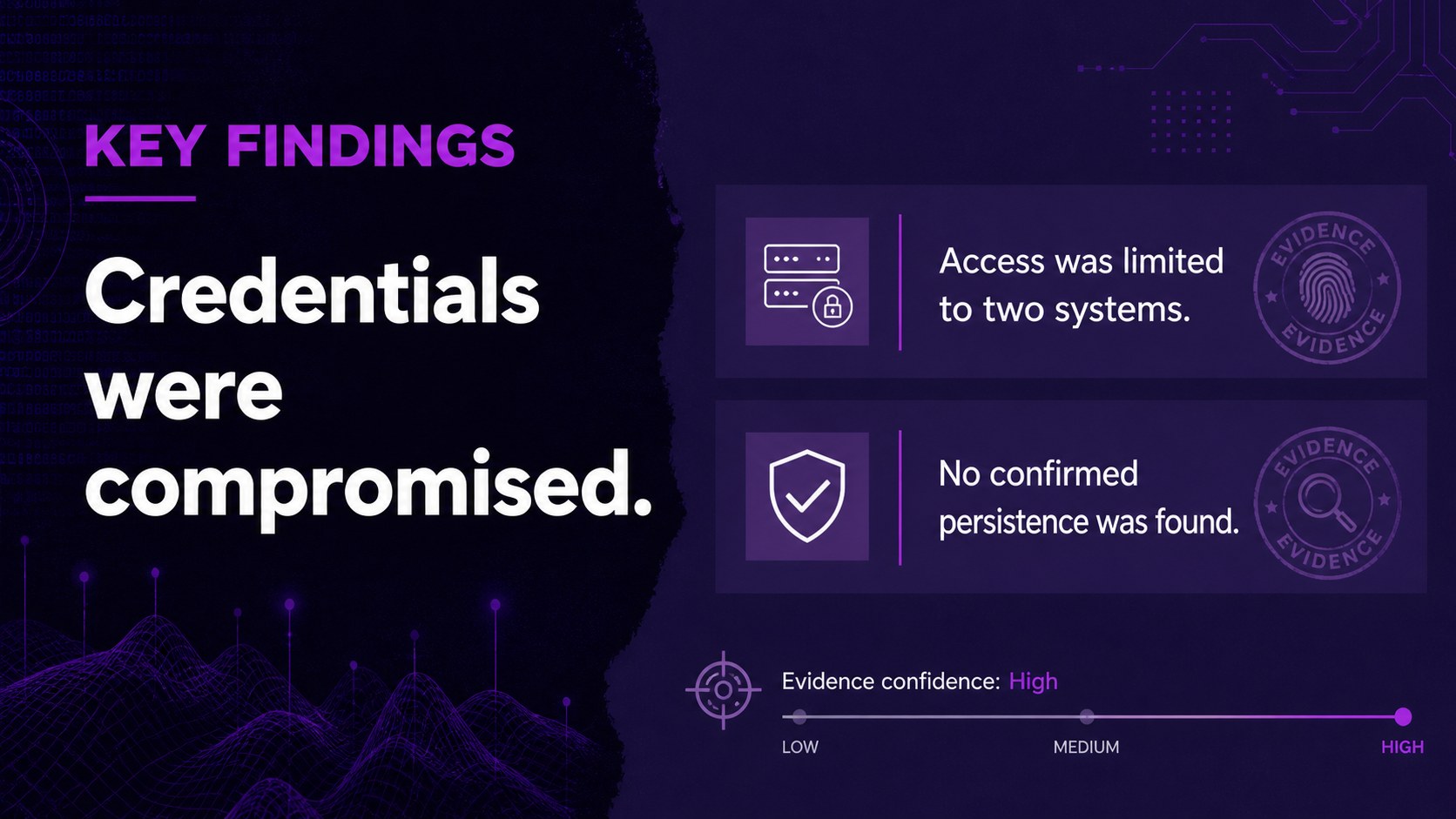
Present complex investigations with clarity using this digital forensics case review deck. Its dark backgrounds, vivid violet accents, and modern technical styling create a focused setting for explaining incidents without overwhelming the audience. Use the layouts to connect evidence, investigative methods, findings, and conclusions in one logical narrative.
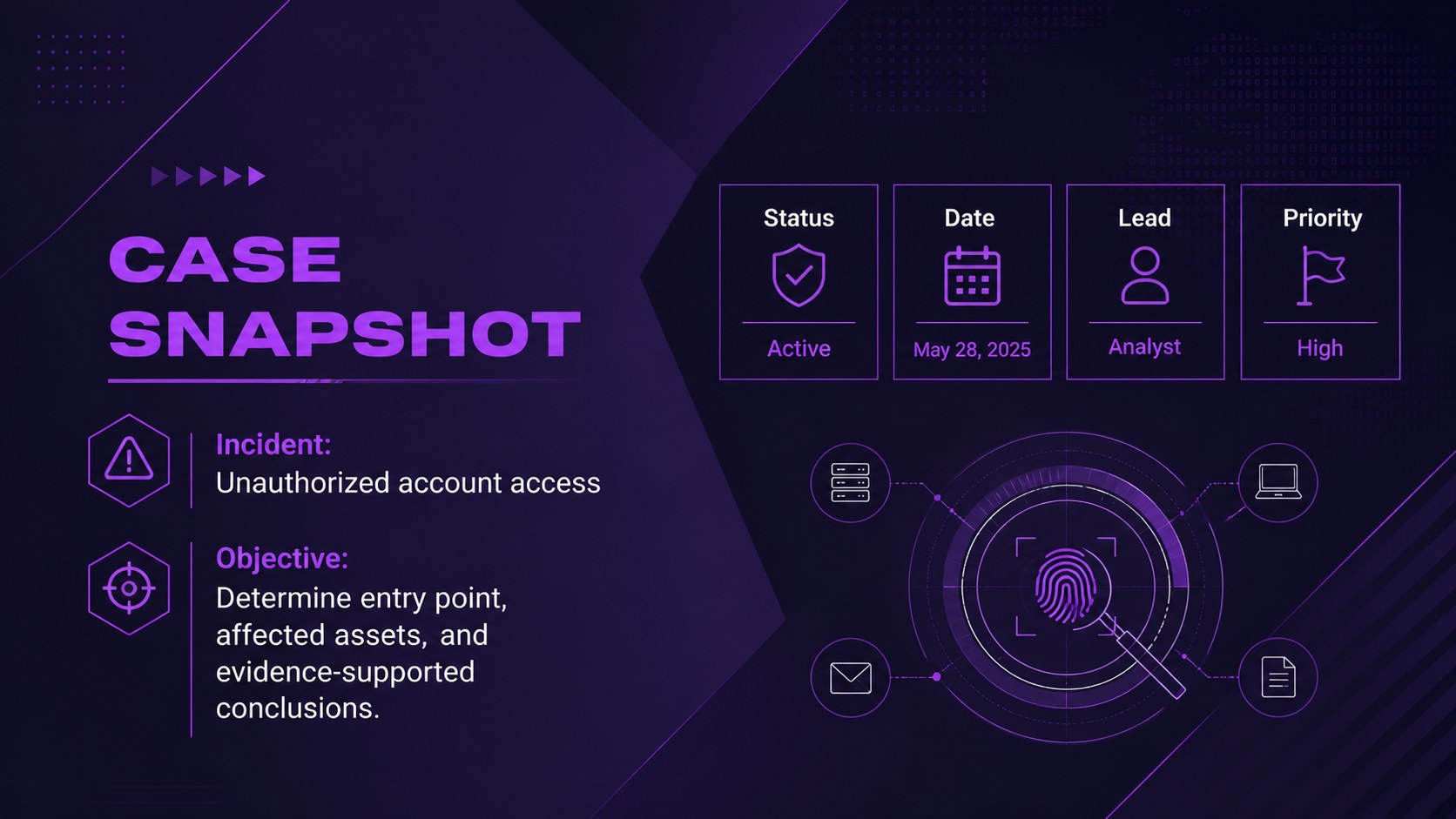
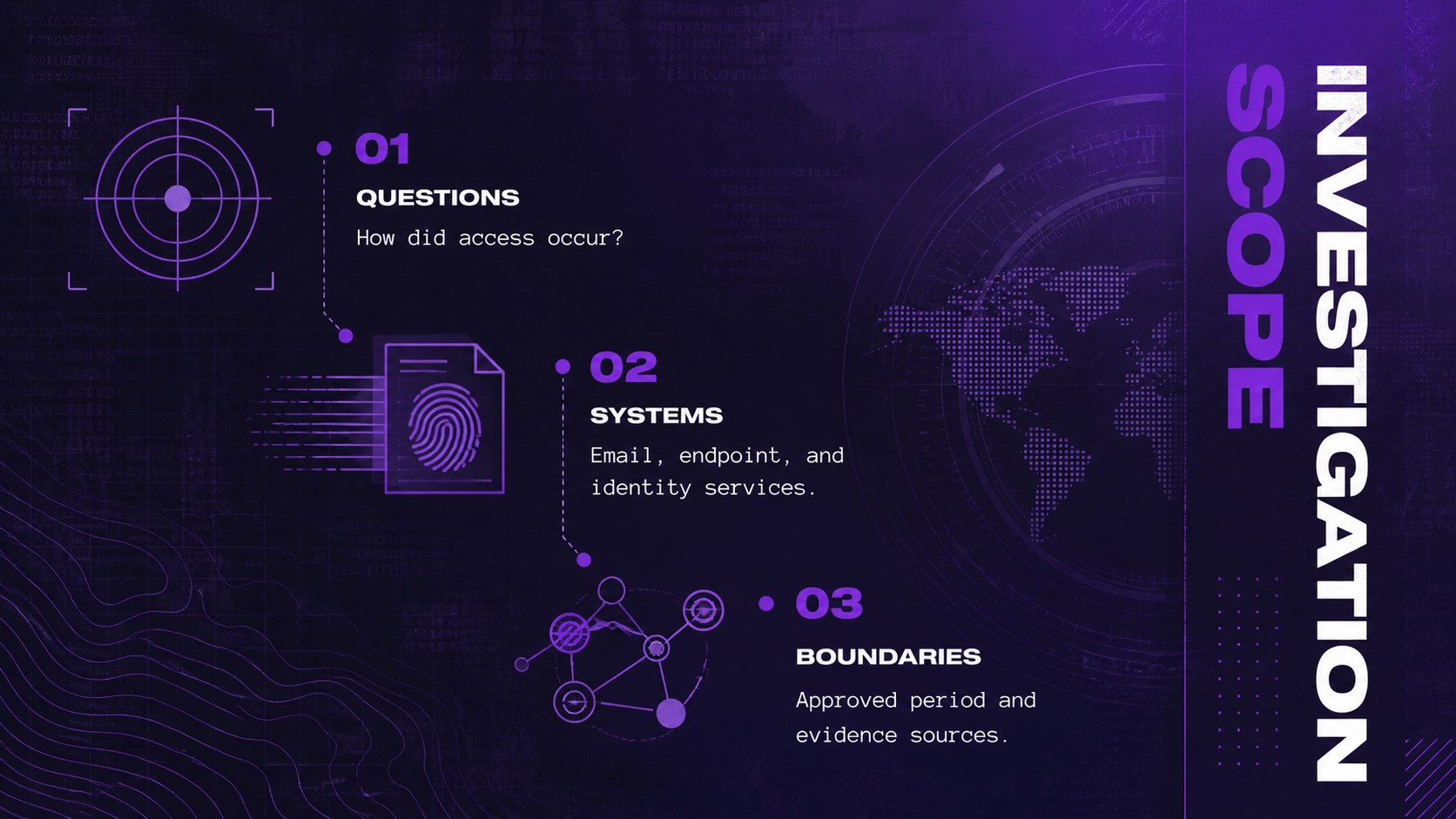
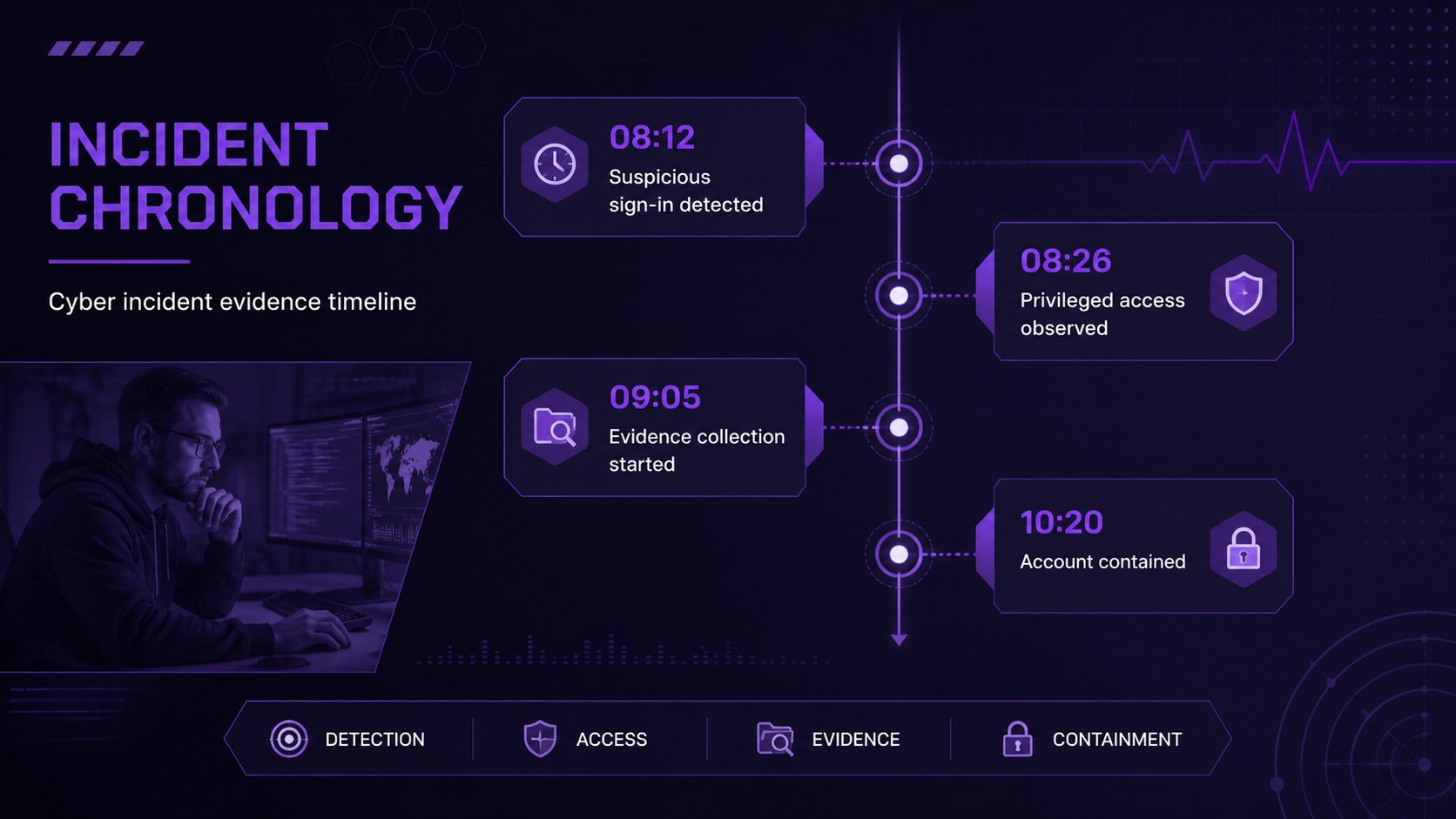
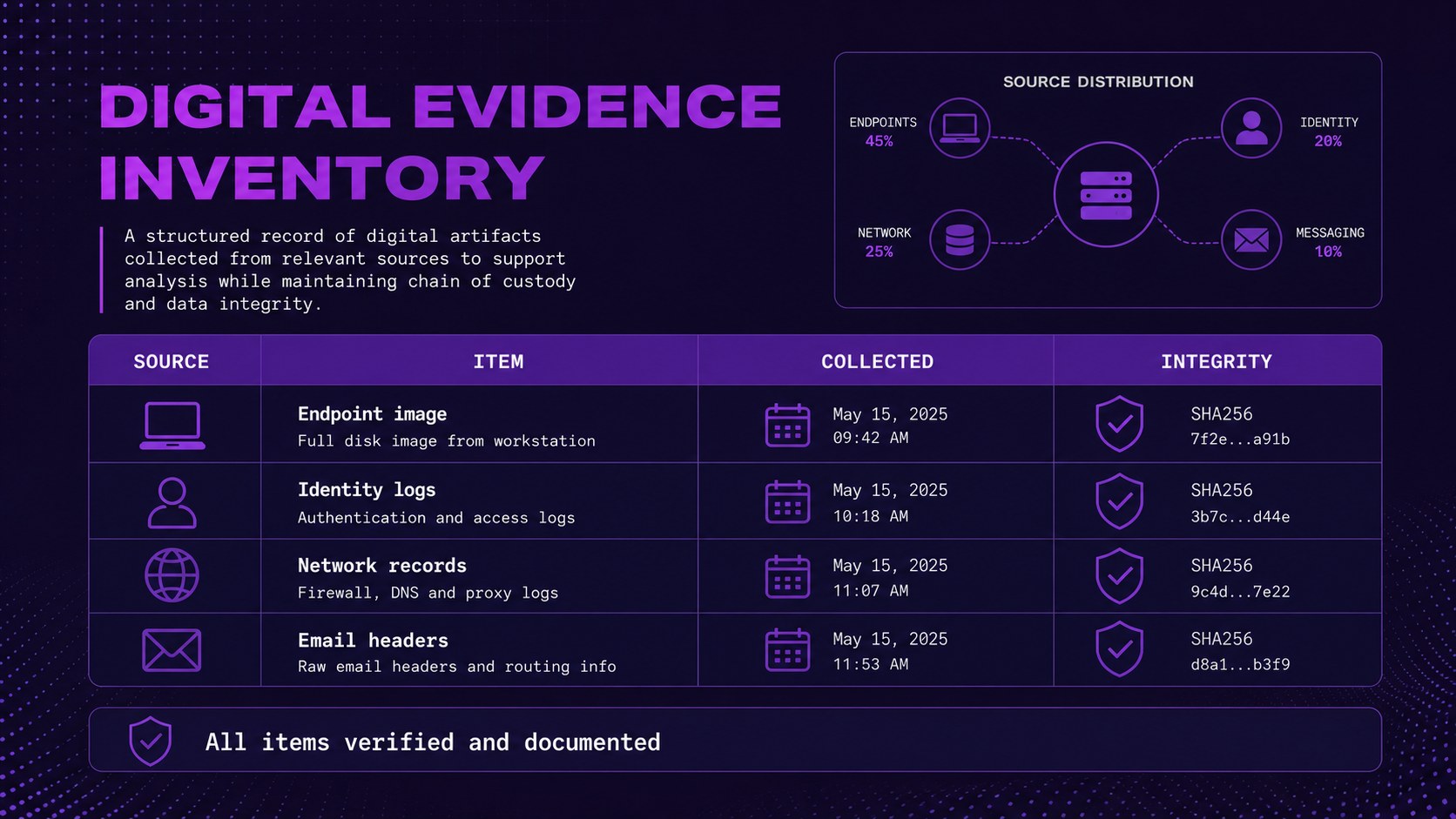
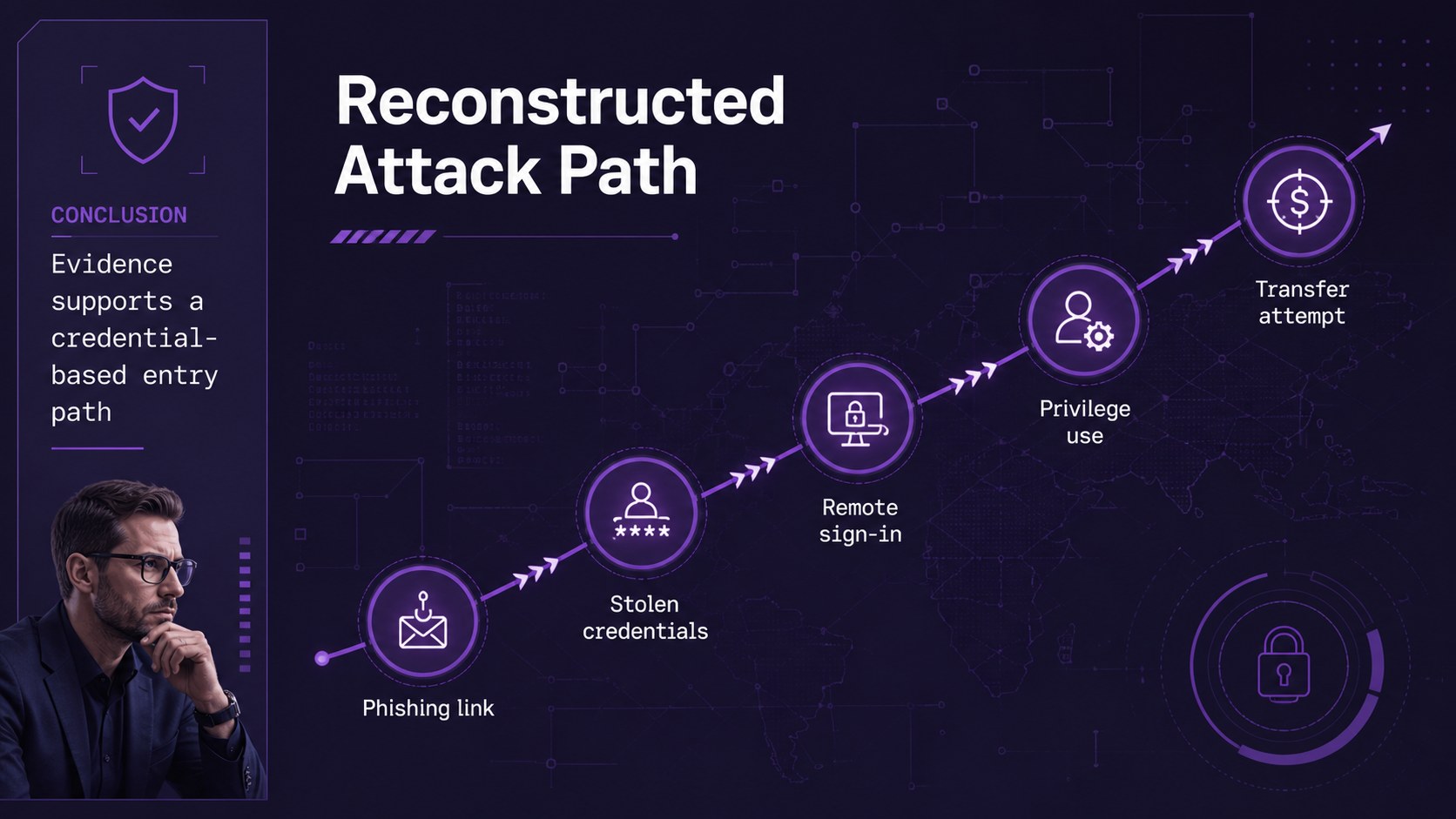
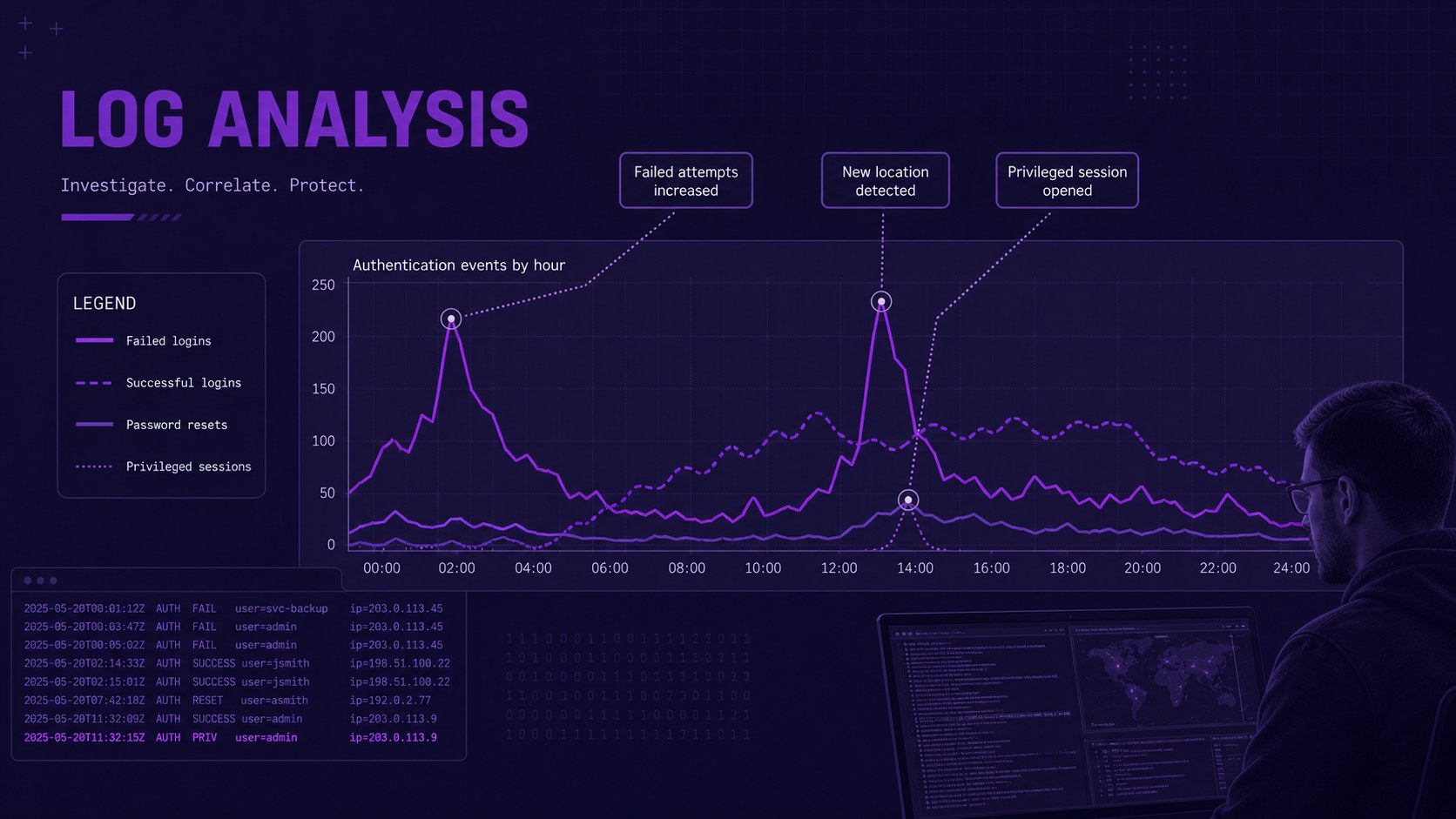
The deck includes sections for a case snapshot, investigation scope, incident chronology, digital evidence inventory, attack-path analysis, forensic methods, key findings, log review, impact assessment, attribution confidence, legal considerations, response actions, and lessons learned. A cyber incident evidence timeline helps viewers understand when key events occurred, while the digital evidence presentation slides provide organized space for devices, records, indicators, and supporting notes. Charts, diagrams, timelines, and text layouts can be edited to match the depth of your investigation.
Designed for cybersecurity analysts, digital forensics specialists, legal teams, law enforcement professionals, educators, and compliance leaders, this template works for courtroom briefings, internal reviews, academic instruction, and incident response training. It can also support a computer crime investigation briefing when technical facts need to be communicated to a nontechnical audience. Customize the wording, colors, diagrams, and data in PowerPoint or Google Slides, then add approved screenshots or redacted evidence according to your organization’s security and privacy requirements.
Perfect for: cyber incident case briefing; digital evidence classroom lecture; courtroom technical presentation; incident response findings review; law enforcement training seminar.
Frequently asked questions
Can I edit this deck in PowerPoint and Google Slides? Yes. Every slide is designed for editing in PowerPoint and Google Slides, including text, colors, diagrams, and data displays. Review font availability after importing to ensure consistent rendering.
Practical details
Yes. Every slide is designed for editing in PowerPoint and Google Slides, including text, colors, diagrams, and data displays. Review font availability after importing to ensure consistent rendering.
Replace the sample wording with approved case details, then update the timeline, evidence inventory, findings, and response actions. Redact personal, confidential, or legally protected information before presenting or sharing the file.
Yes. Use the image and evidence layouts for redacted screenshots, log excerpts, device records, and supporting exhibits. Keep each item clearly labeled and follow your organization’s chain-of-custody and disclosure procedures.
Yes. The narrative structure helps presenters translate technical evidence into timelines, diagrams, findings, and concise conclusions. Definitions and speaker notes can be added when presenting to legal teams, executives, students, or jurors.
Keep exploring
15Build an engaging World UFO Day session with this flying saucer history lesson deck, featuring retro green-and-brown slides for PowerPoint and Google Slides.
 15
15Plan a lively animal-learning journey with this jungle zoo adventure lesson deck, ready to customize in PowerPoint and Google Slides for young learners.
 16
16Turn environmental research into a clear story with a Watercolor Ecology Presentation Theme for PowerPoint and Google Slides in calming green and blue.
 16
16Build focused fashion, literature, and humanities presentations with the Red Triangle Editorial Theme, editable in PowerPoint and Google Slides.
 15
15Turn streaming stats, favorite tracks, and concert highlights into a bold annual listening recap slide deck for PowerPoint and Google Slides.
 15
15Turn highlights, milestones, and favorite moments into a colorful year in review slide deck with bold 3D graphics for PowerPoint and Google Slides.
 3
3Build a credible endorsement with Standout Colleague Recommendation Letter Slides, featuring colorful prompts for skills, achievements, and team impact.
 4
4Build clear beginner sessions with an ice hockey fundamentals training deck for coaches, PE teachers, and clubs, ready for PowerPoint and Google Slides.