
 15
15presentation
Flying Saucer History Lesson Deck
Build an engaging World UFO Day session with this flying saucer history lesson deck, featuring retro green-and-brown slides for PowerPoint and Google Slides.
Google SlidesPowerPoint
presentation · English
Build investor confidence with a digital asset risk funding deck that explains coverage, exposure, claims strategy, and growth through vivid violet slides.



Design notes
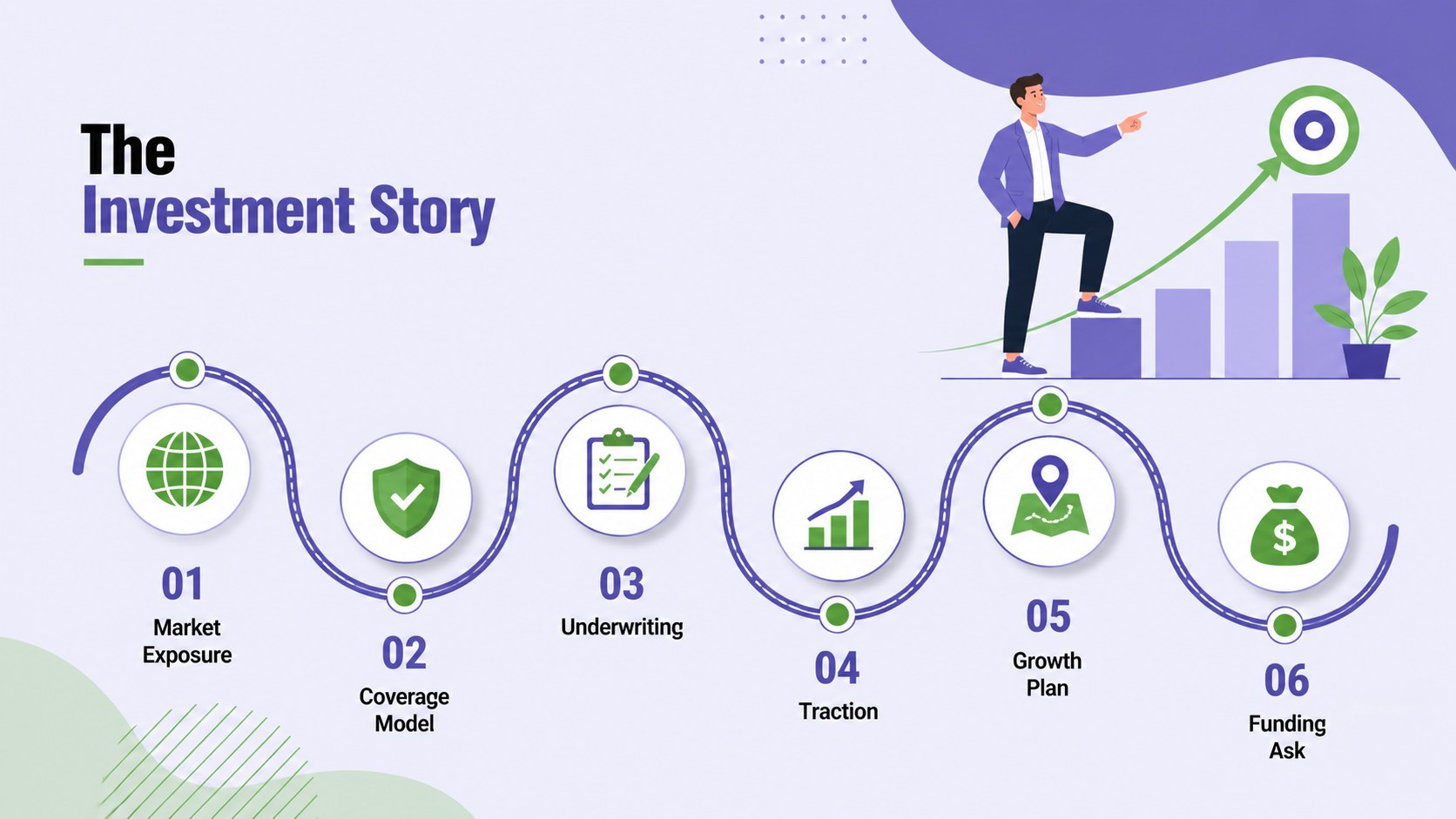
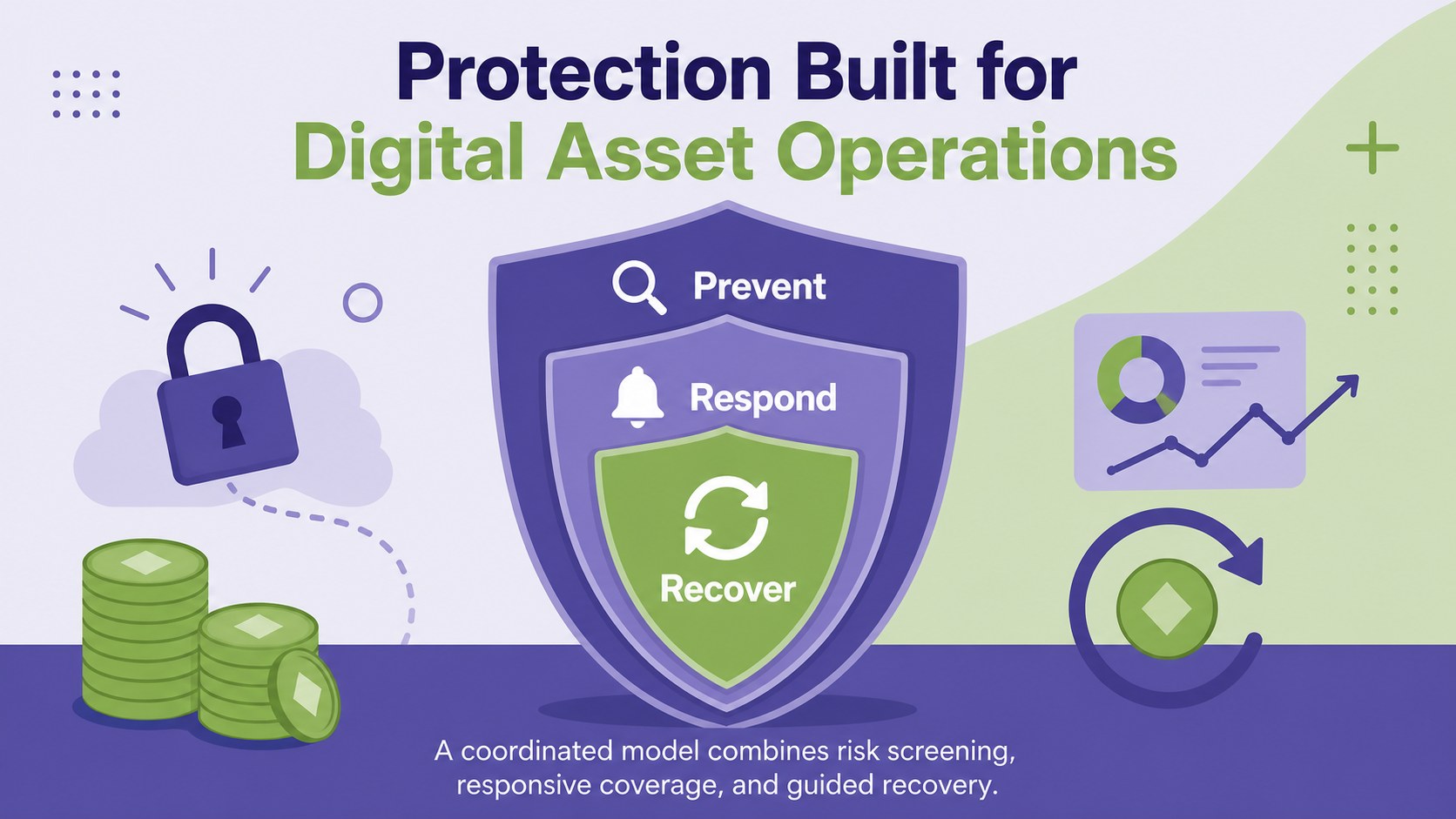
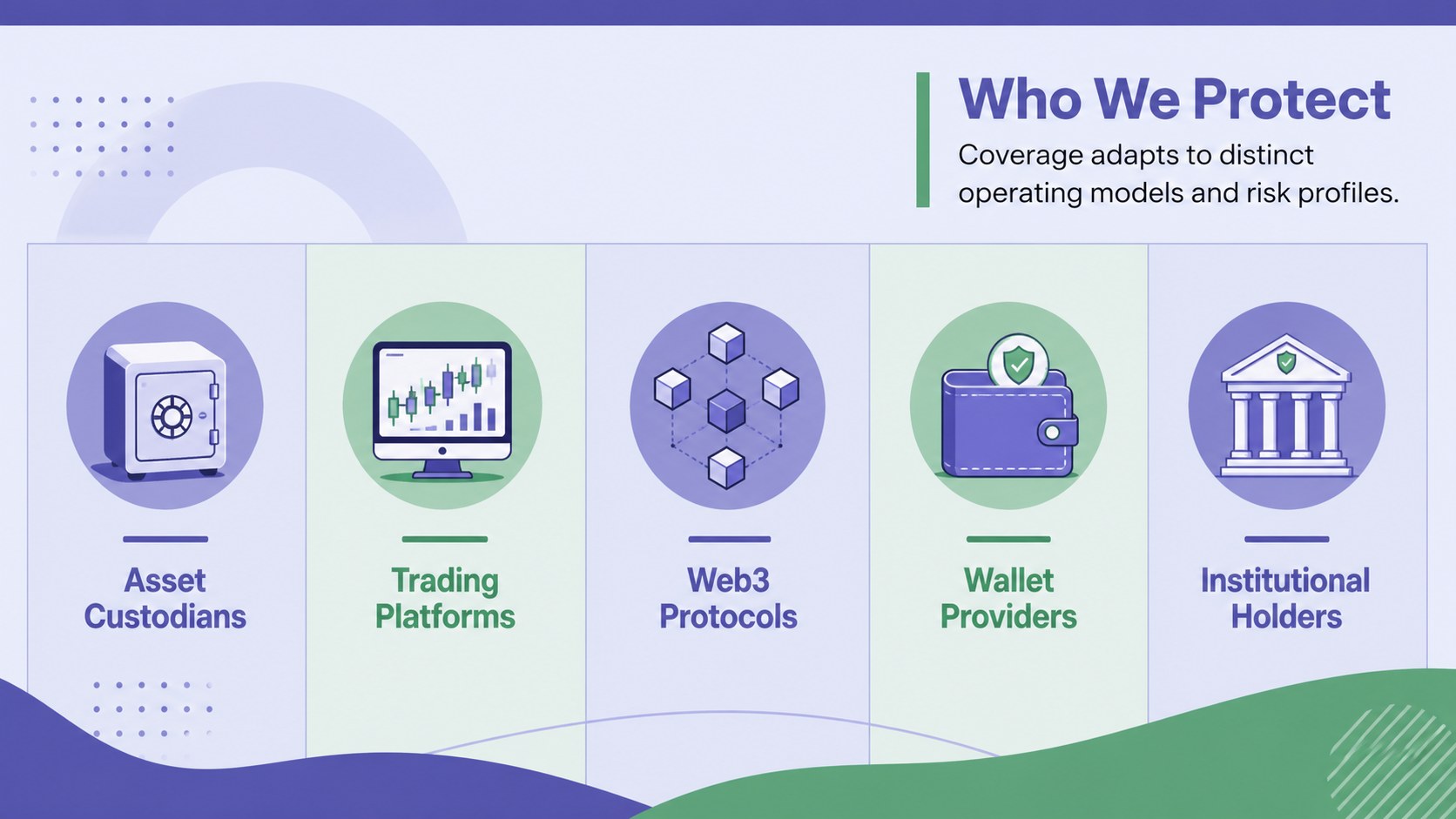
A strong digital asset risk funding deck turns technical insurance concepts into a focused investment story. This vivid violet presentation helps founders explain how their product protects exchanges, custodians, protocols, and asset holders while making the commercial opportunity easy to follow. Bold flat illustrations and energetic geometric accents keep the topic approachable without losing its professional edge.
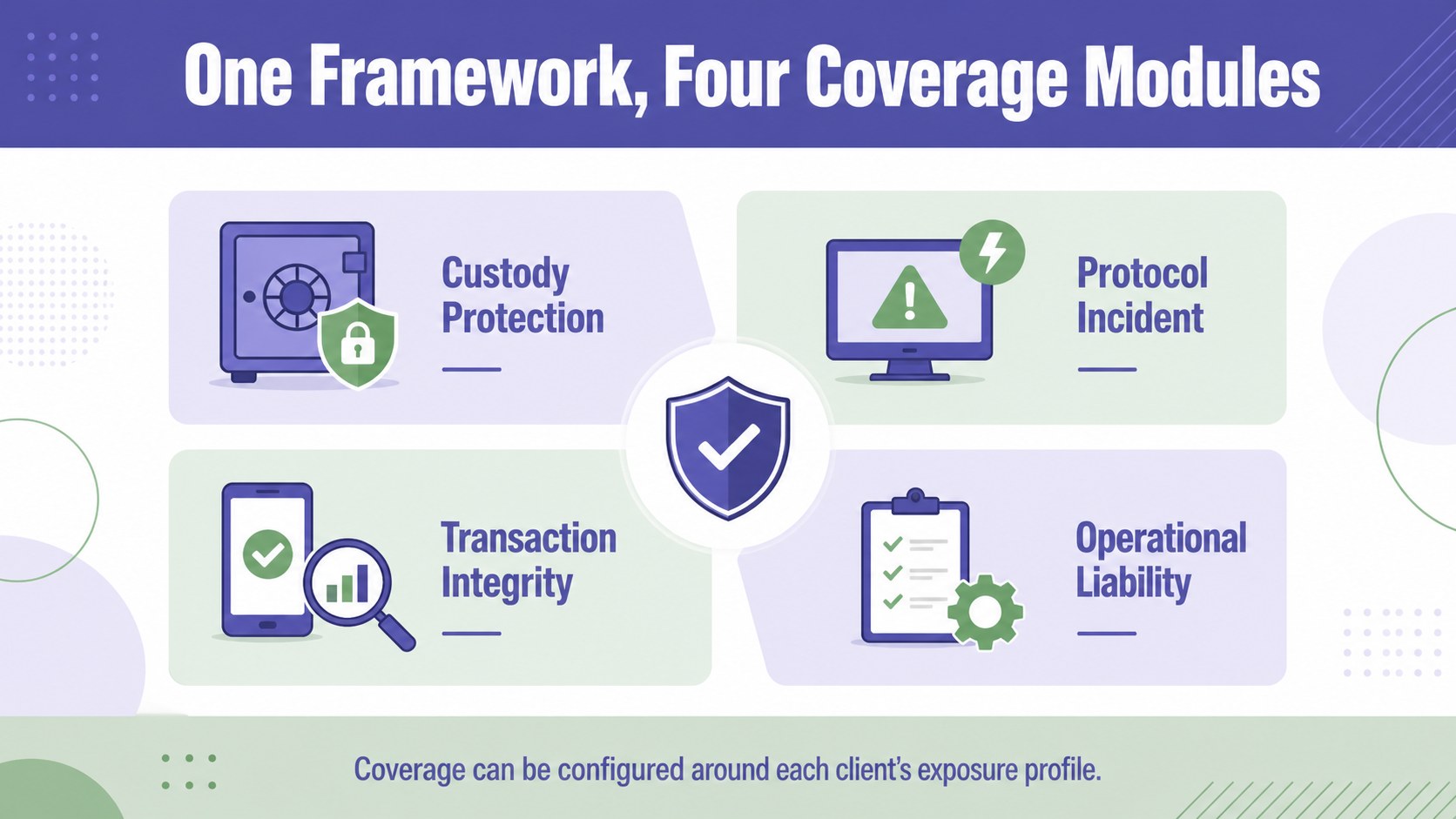
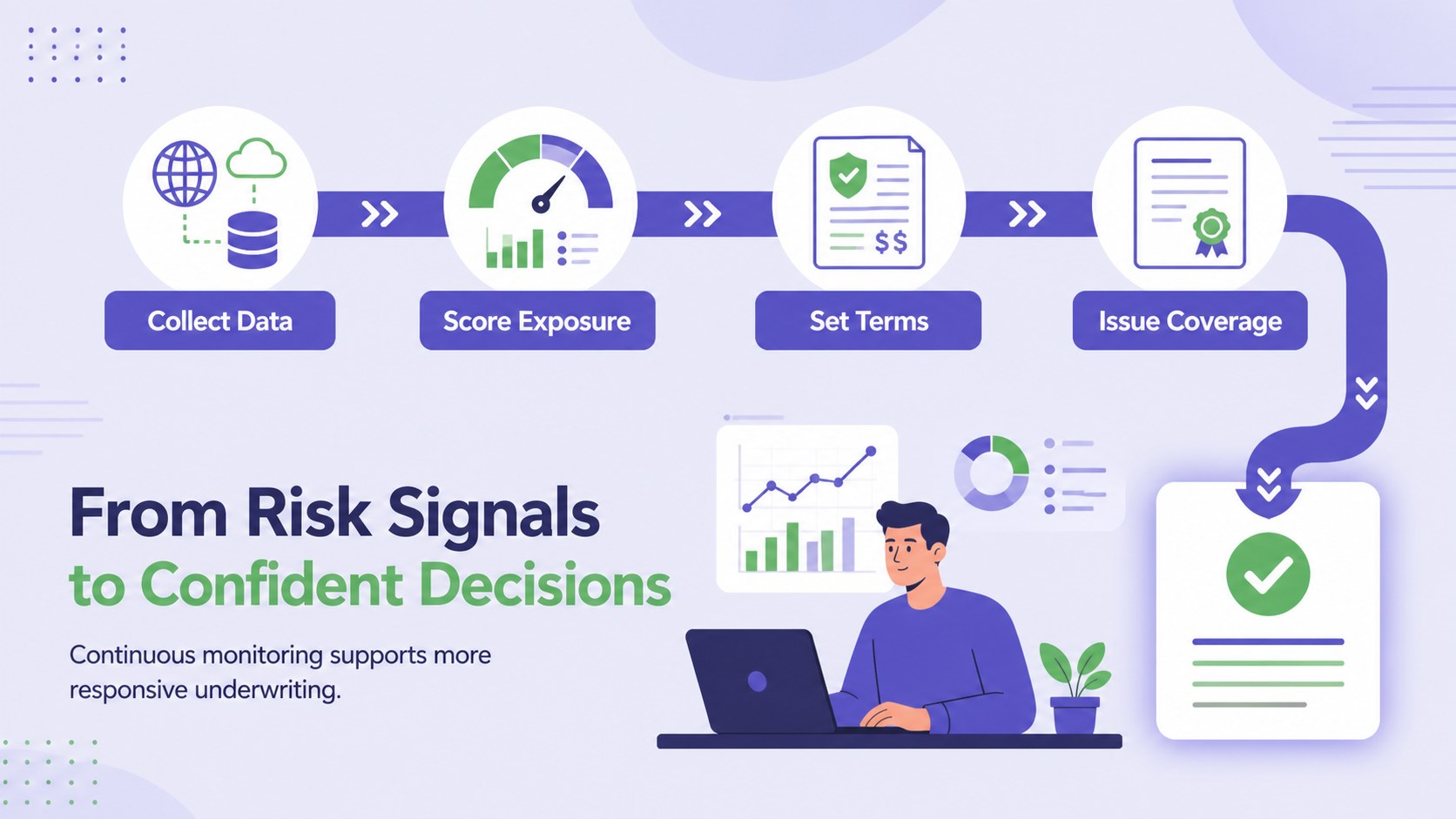
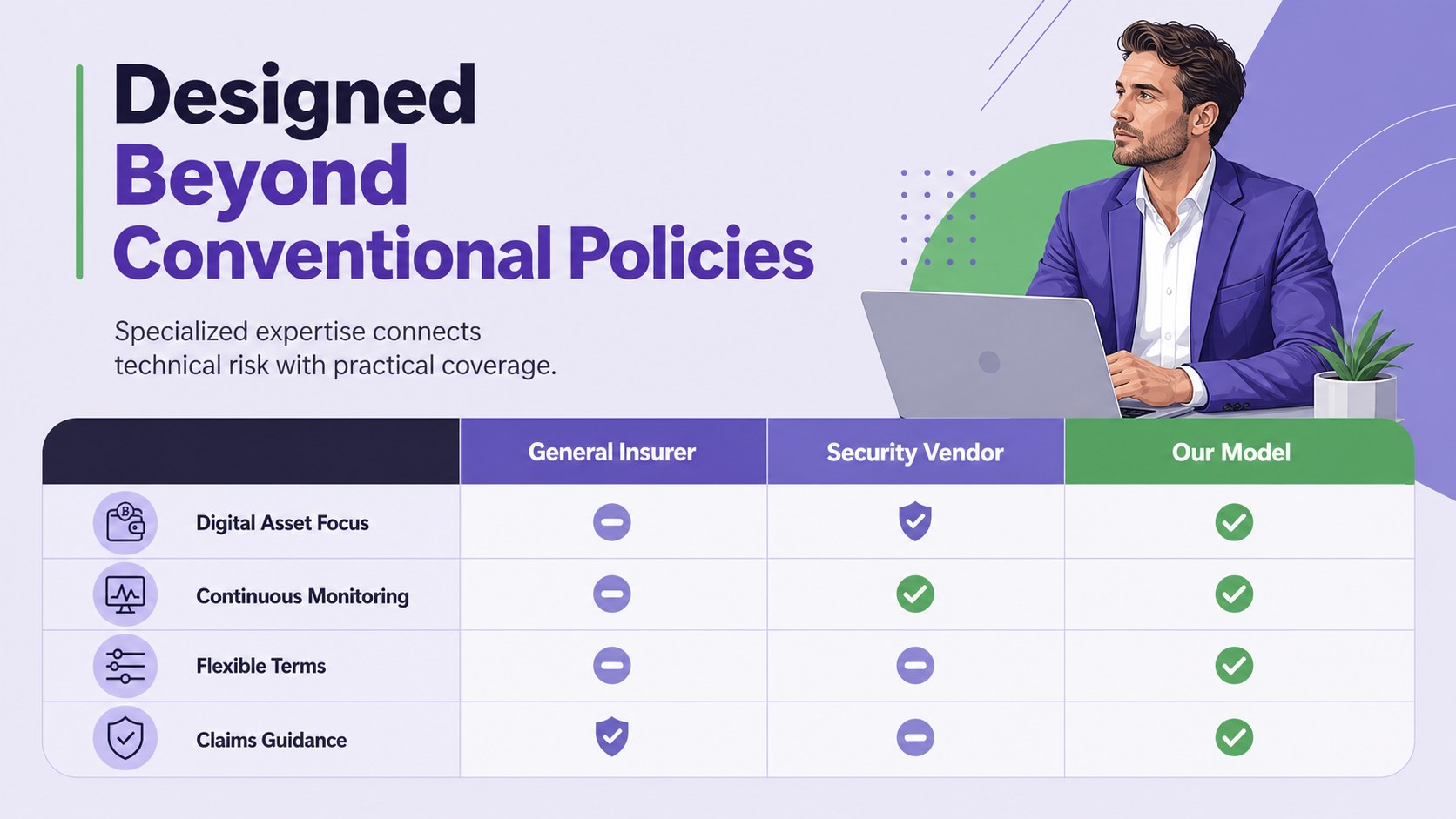
Inside, you will find 20 editable 16:9 layouts for the market problem, proposed coverage, underwriting model, risk categories, customer segments, competitive positioning, revenue strategy, claims process, roadmap, team, and funding request. Use the structured layouts as a web3 insurance investor presentation, adapt the visual frameworks into blockchain risk management slides, or build a token custody coverage presentation for prospective partners. Charts, timelines, comparison tables, diagrams, and image frames can all be customized.
Designed for insurtech founders, digital asset specialists, brokers, analysts, and innovation teams, the deck works in PowerPoint and Google Slides. Change the text, colors, data, and illustrations to match your venture while retaining the distinctive violet and green palette. The result is a polished narrative for investor meetings, accelerator demos, stakeholder reviews, and conference presentations.
Perfect for: insurtech investor pitch; digital asset coverage proposal; accelerator demo day; crypto risk partner briefing; insurance product launch; stakeholder strategy review.
Frequently asked questions
Can I edit this deck in PowerPoint and Google Slides? Yes. Every slide can be edited in PowerPoint or Google Slides, including the text, colors, charts, shapes, and image placeholders. Some fonts or transitions may render slightly differently between the two platforms.
Practical details
Yes. Every slide can be edited in PowerPoint or Google Slides, including the text, colors, charts, shapes, and image placeholders. Some fonts or transitions may render slightly differently between the two platforms.
Yes. Replace the sample coverage categories, risk data, customer profiles, and financial assumptions with information from your venture. You can also reorder or remove slides to fit custody, exchange, protocol, wallet, or token-related insurance products.
Yes. The deck includes visual structures for market data, risk categories, underwriting logic, revenue projections, competitive positioning, and funding allocation. Review all figures and disclosures before presenting them to investors or regulated organizations.
Use the existing violet and green palette, retain a limited set of illustration styles, and apply the same terminology across charts and diagrams. Short headlines and concise data labels will preserve readability on screen.
Keep exploring
15Build an engaging World UFO Day session with this flying saucer history lesson deck, featuring retro green-and-brown slides for PowerPoint and Google Slides.
 15
15Plan a lively animal-learning journey with this jungle zoo adventure lesson deck, ready to customize in PowerPoint and Google Slides for young learners.
 16
16Turn environmental research into a clear story with a Watercolor Ecology Presentation Theme for PowerPoint and Google Slides in calming green and blue.
 16
16Build focused fashion, literature, and humanities presentations with the Red Triangle Editorial Theme, editable in PowerPoint and Google Slides.
 15
15Turn streaming stats, favorite tracks, and concert highlights into a bold annual listening recap slide deck for PowerPoint and Google Slides.
 15
15Turn highlights, milestones, and favorite moments into a colorful year in review slide deck with bold 3D graphics for PowerPoint and Google Slides.
 3
3Build a credible endorsement with Standout Colleague Recommendation Letter Slides, featuring colorful prompts for skills, achievements, and team impact.
 4
4Build clear beginner sessions with an ice hockey fundamentals training deck for coaches, PE teachers, and clubs, ready for PowerPoint and Google Slides.