
 15
15presentation
Flying Saucer History Lesson Deck
Build an engaging World UFO Day session with this flying saucer history lesson deck, featuring retro green-and-brown slides for PowerPoint and Google Slides.
Google SlidesPowerPoint
presentation · English
Turn complex health facts into approachable diabetes education infographic slides for classroom lessons, wellness workshops, and community outreach.
Design notes
Help audiences understand diabetes through concise explanations, clear data displays, and approachable illustrations. These diabetes education infographic slides use a bold green-and-purple palette to organize essential information without overwhelming viewers. Every layout can be adapted for a diabetes awareness presentation for schools, a workplace wellness session, or a public health campaign.
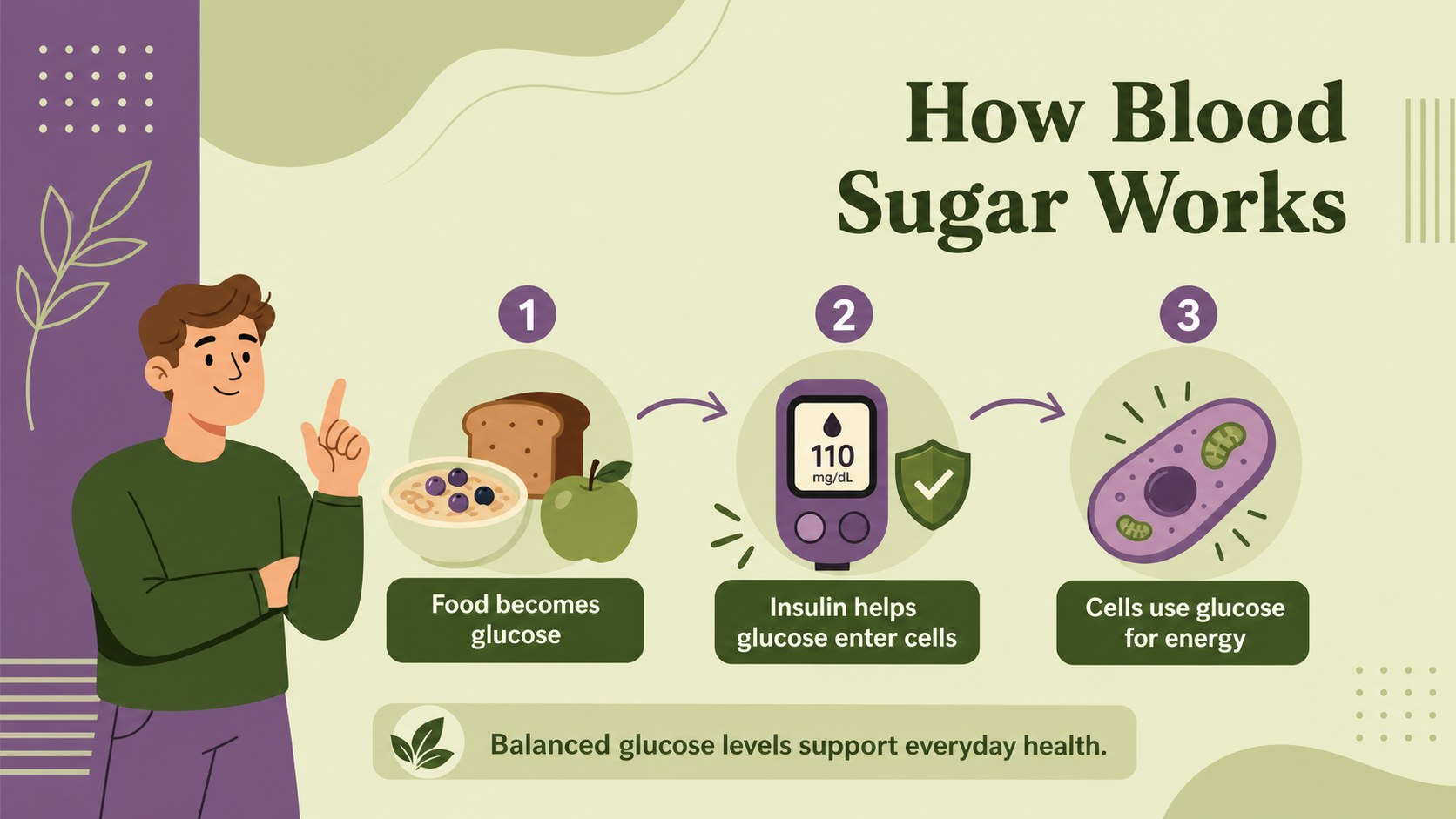
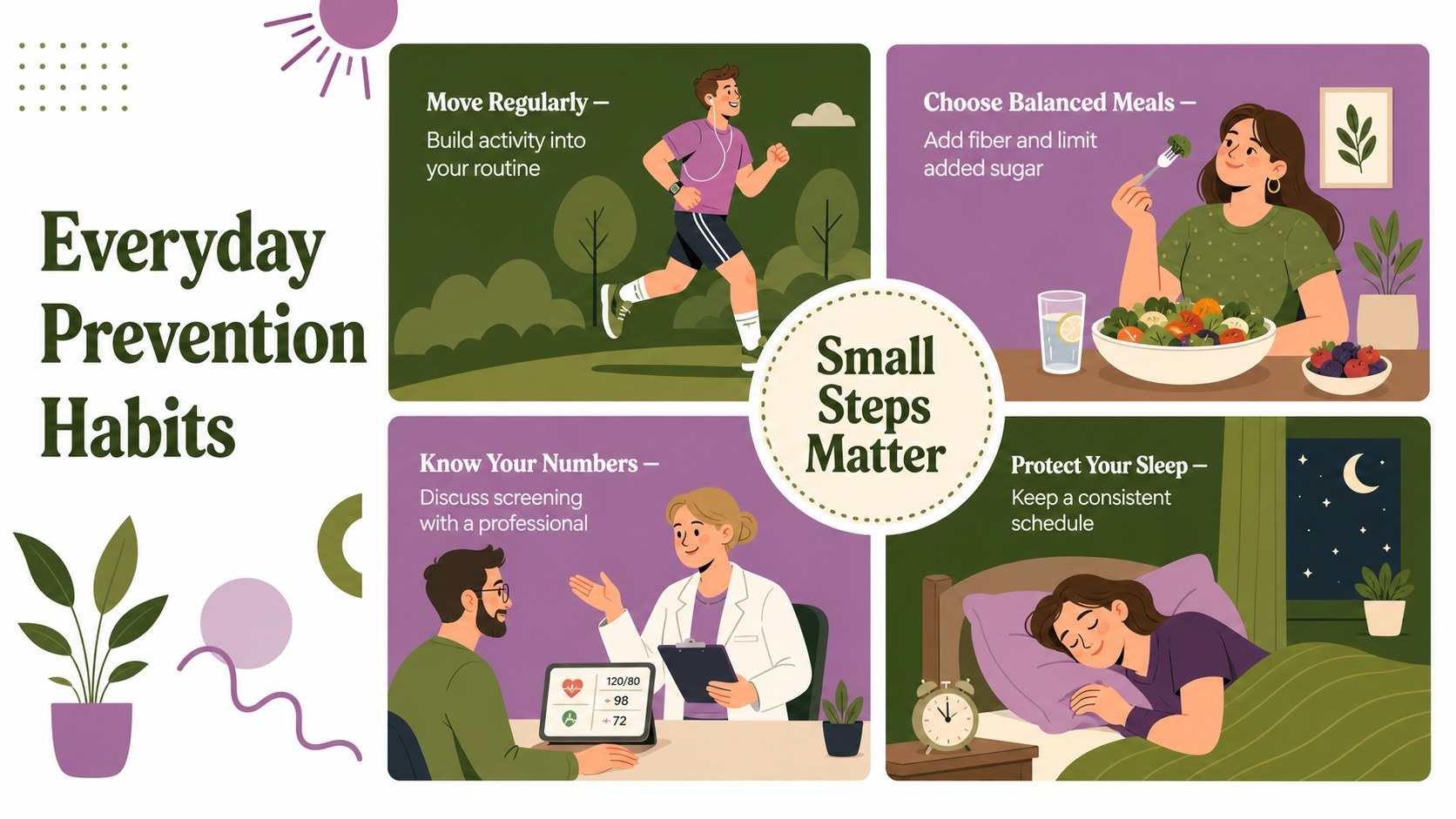
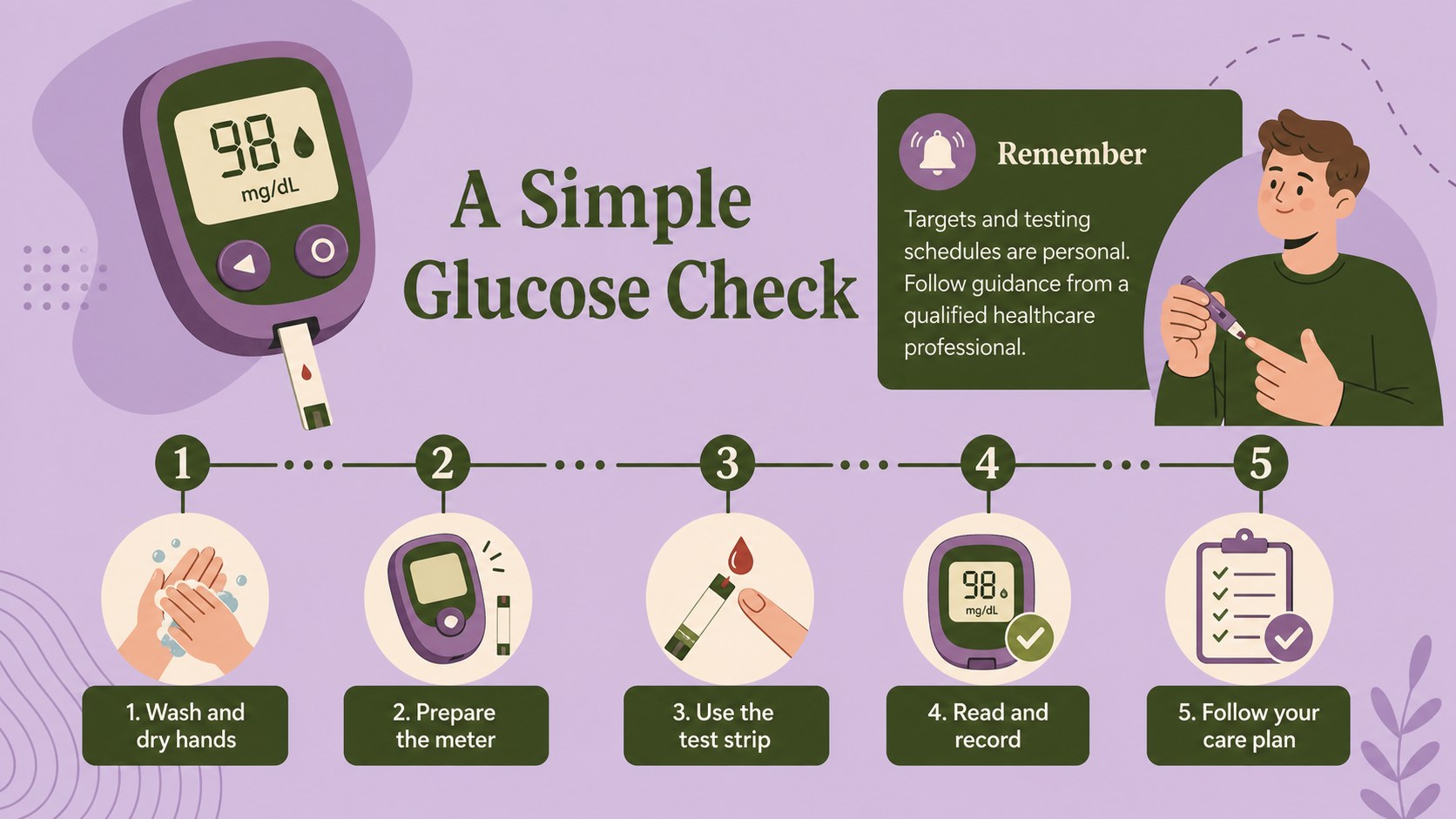
Inside the deck, you will find visual sections for explaining blood sugar basics, comparing diabetes types, highlighting common warning signs, and sharing practical prevention habits. A dedicated glucose monitoring visual guide provides space for a simple process diagram, while editable charts and fact blocks make statistics easier to scan. The flexible layouts also work as type 2 diabetes prevention infographic materials for handouts, screens, or exported PDFs.
This template is designed for teachers, nurses, health educators, nonprofit teams, clinic staff, and community organizers. Replace the sample wording, update figures from trusted sources, adjust icons, and tailor recommendations to the age and knowledge level of your audience. The illustrated style keeps medical topics welcoming while retaining a clear educational structure. Edit and present the slides in PowerPoint or Google Slides for classroom lessons, patient education, staff training, wellness workshops, and community outreach events.
Perfect for: classroom diabetes lesson; patient education session; community health workshop; workplace wellness training; diabetes awareness campaign.
Frequently asked questions
Can I edit the health facts and statistics? Yes. All sample text, figures, labels, charts, and icons can be updated to match your sources and audience. Medical information should be reviewed against current guidance before presenting.
Practical details
Yes. All sample text, figures, labels, charts, and icons can be updated to match your sources and audience. Medical information should be reviewed against current guidance before presenting.
The slides are designed for PowerPoint and Google Slides. Fonts or animations may vary slightly between platforms, so review the final deck before presenting.
Yes. You can replace the green-and-purple palette, adjust shapes, swap icons, and change illustration elements. Keep strong contrast between text and backgrounds to preserve readability.
Yes. The modular layouts support both introductory lessons and patient-facing explanations. Simplify terminology, select age-appropriate examples, and remove any sections that are not relevant to your group.
Keep exploring
15Build an engaging World UFO Day session with this flying saucer history lesson deck, featuring retro green-and-brown slides for PowerPoint and Google Slides.
 15
15Plan a lively animal-learning journey with this jungle zoo adventure lesson deck, ready to customize in PowerPoint and Google Slides for young learners.
 16
16Turn environmental research into a clear story with a Watercolor Ecology Presentation Theme for PowerPoint and Google Slides in calming green and blue.
 16
16Build focused fashion, literature, and humanities presentations with the Red Triangle Editorial Theme, editable in PowerPoint and Google Slides.
 15
15Turn streaming stats, favorite tracks, and concert highlights into a bold annual listening recap slide deck for PowerPoint and Google Slides.
 15
15Turn highlights, milestones, and favorite moments into a colorful year in review slide deck with bold 3D graphics for PowerPoint and Google Slides.
 3
3Build a credible endorsement with Standout Colleague Recommendation Letter Slides, featuring colorful prompts for skills, achievements, and team impact.
 4
4Build clear beginner sessions with an ice hockey fundamentals training deck for coaches, PE teachers, and clubs, ready for PowerPoint and Google Slides.