
 15
15presentation
Flying Saucer History Lesson Deck
Build an engaging World UFO Day session with this flying saucer history lesson deck, featuring retro green-and-brown slides for PowerPoint and Google Slides.
Google SlidesPowerPoint
presentation · English
Make dental hygiene lessons engaging with a printable black-and-white coloring activity for young learners, editable in PowerPoint and Google Slides.
Design notes
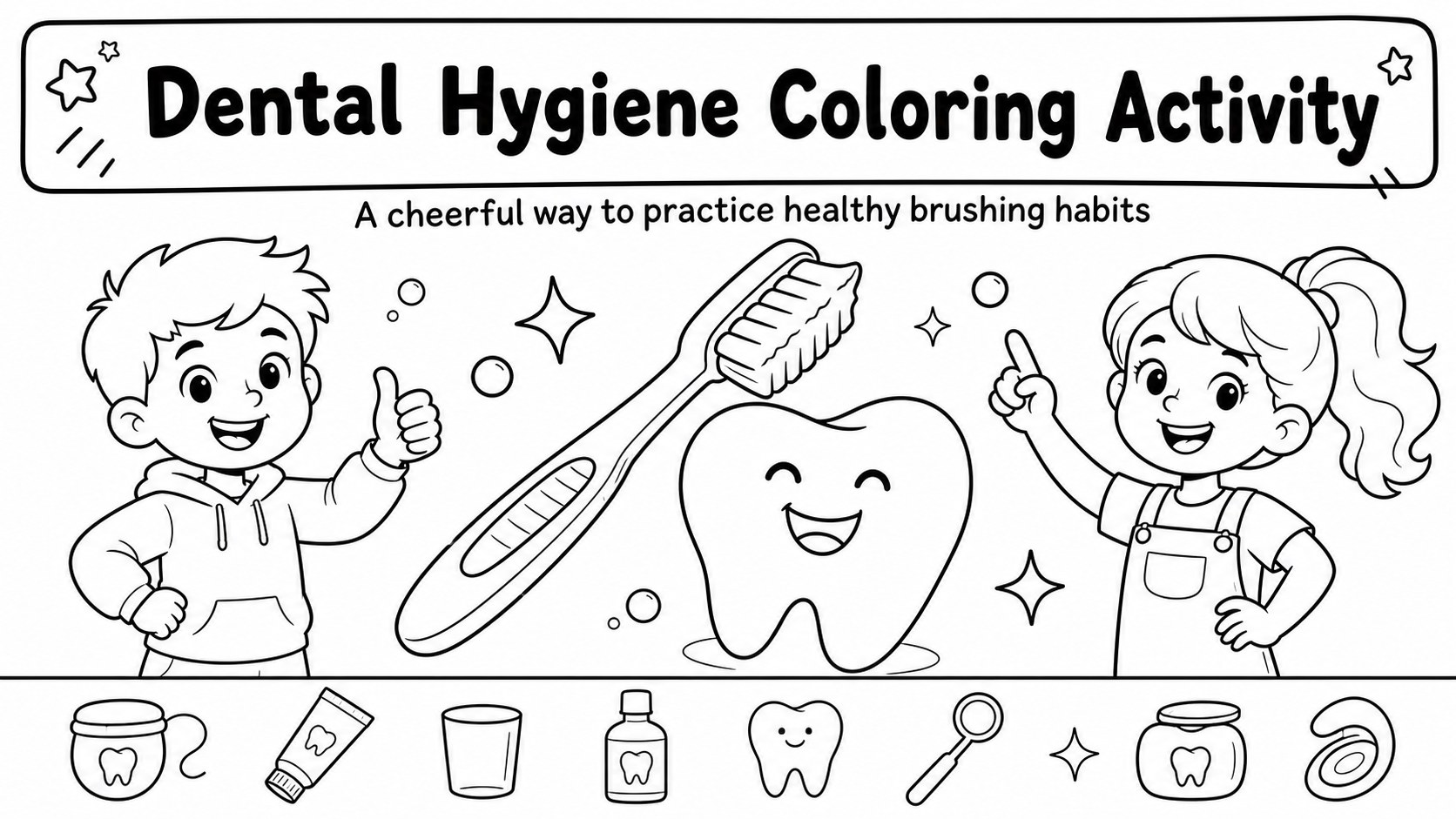
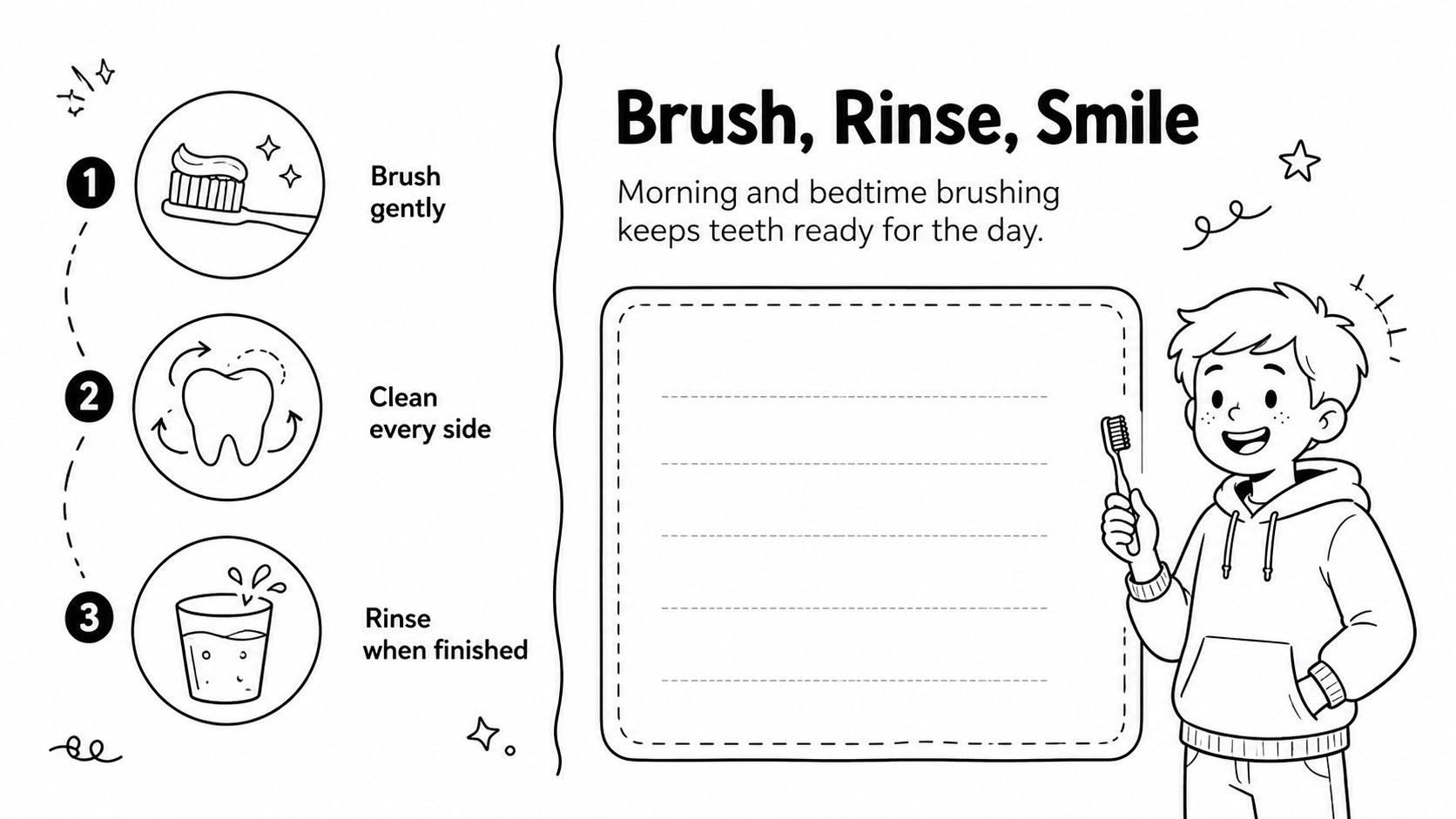
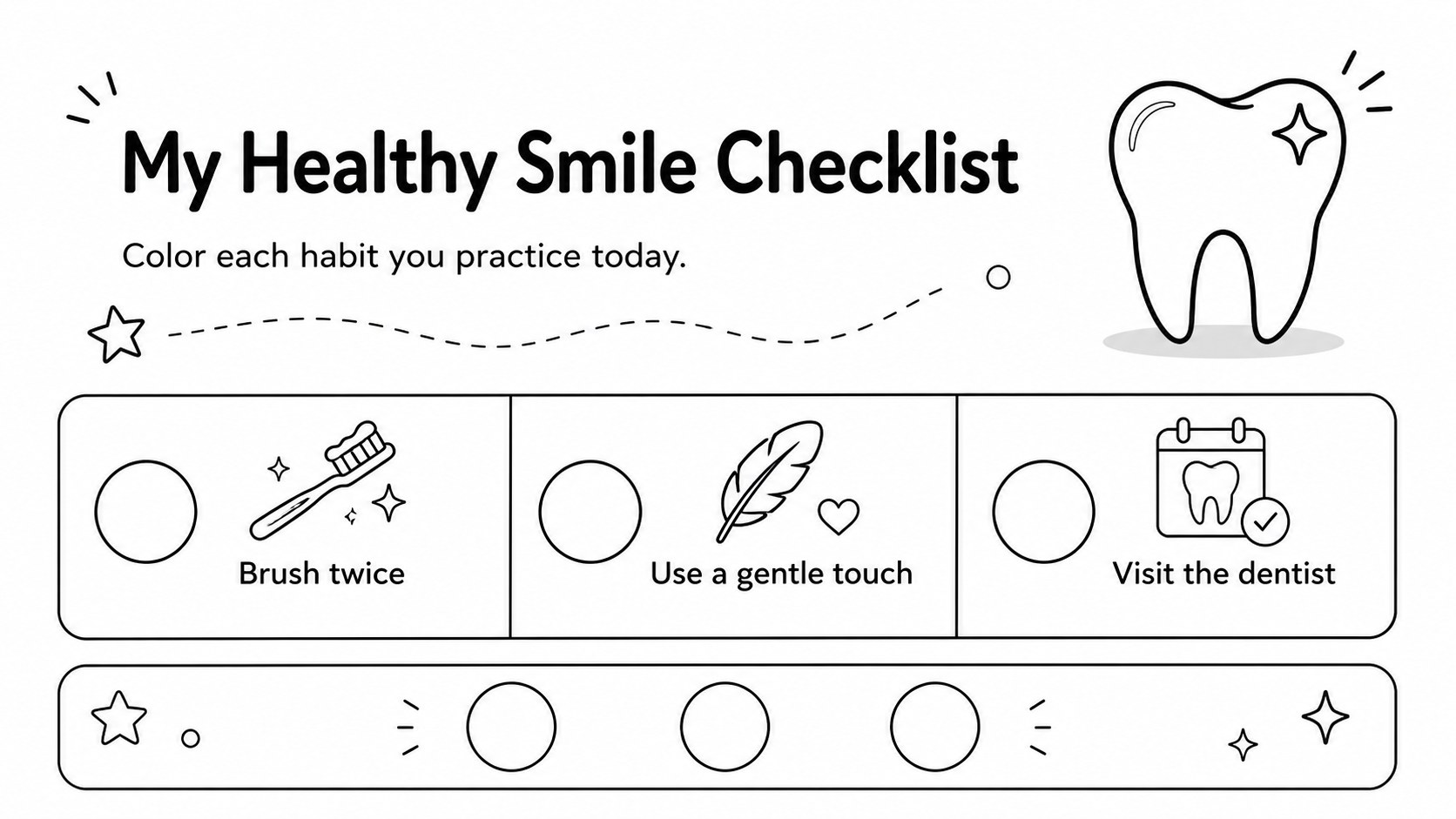
Help young learners build healthy habits with a dental hygiene coloring activity designed for early health and classroom instruction. The simple black-and-white artwork gives children room to color while teachers introduce brushing, clean teeth, and daily oral care in an approachable way. Its friendly visual style keeps the lesson light, focused, and easy to adapt.
Inside, you will find three A4-ready worksheet pages that can be printed or presented digitally. Use the pages for a printable tooth brushing worksheet station, a short discussion about dentist visits, or an independent activity after a health lesson. Each layout is fully editable in PowerPoint and Google Slides, so educators can adjust wording, add class details, or include extra prompts. The clean white background and black line illustrations also make the pages economical to print and simple for children to personalize.
This resource is suited to preschool and elementary teachers, school nurses, dental health educators, homeschool families, and caregivers planning a children’s oral care lesson. It can support classroom centers, wellness weeks, dental clinic outreach, or a take-home family activity. Pair the pages with a tooth brushing demonstration or a conversation about morning and bedtime routines.
Perfect for: preschool oral health lesson; elementary classroom activity; school nurse wellness session; dental clinic outreach; homeschool health practice.
Frequently asked questions
Can I edit these pages in PowerPoint? Yes. Open the presentation in PowerPoint and update text, shapes, line art, or page details as needed. The layouts are designed to remain clear when printed.
Practical details
Yes. Open the presentation in PowerPoint and update text, shapes, line art, or page details as needed. The layouts are designed to remain clear when printed.
Yes, the pages can be opened and customized in Google Slides. You can edit the content, present it digitally, or print completed versions for classroom use.
You can adjust line colors, add small illustrations, or introduce accent colors while keeping the worksheet easy to color. The original white background is useful for economical printing.
It is suitable for preschool and elementary learners, homeschool groups, school nurses, and dental education events. Teachers can use it during a lesson, as independent work, or as a take-home activity.
Keep exploring
15Build an engaging World UFO Day session with this flying saucer history lesson deck, featuring retro green-and-brown slides for PowerPoint and Google Slides.
 15
15Plan a lively animal-learning journey with this jungle zoo adventure lesson deck, ready to customize in PowerPoint and Google Slides for young learners.
 16
16Turn environmental research into a clear story with a Watercolor Ecology Presentation Theme for PowerPoint and Google Slides in calming green and blue.
 16
16Build focused fashion, literature, and humanities presentations with the Red Triangle Editorial Theme, editable in PowerPoint and Google Slides.
 15
15Turn streaming stats, favorite tracks, and concert highlights into a bold annual listening recap slide deck for PowerPoint and Google Slides.
 15
15Turn highlights, milestones, and favorite moments into a colorful year in review slide deck with bold 3D graphics for PowerPoint and Google Slides.
 3
3Build a credible endorsement with Standout Colleague Recommendation Letter Slides, featuring colorful prompts for skills, achievements, and team impact.
 4
4Build clear beginner sessions with an ice hockey fundamentals training deck for coaches, PE teachers, and clubs, ready for PowerPoint and Google Slides.