
 15
15presentation
Flying Saucer History Lesson Deck
Build an engaging World UFO Day session with this flying saucer history lesson deck, featuring retro green-and-brown slides for PowerPoint and Google Slides.
Google SlidesPowerPoint
presentation · English
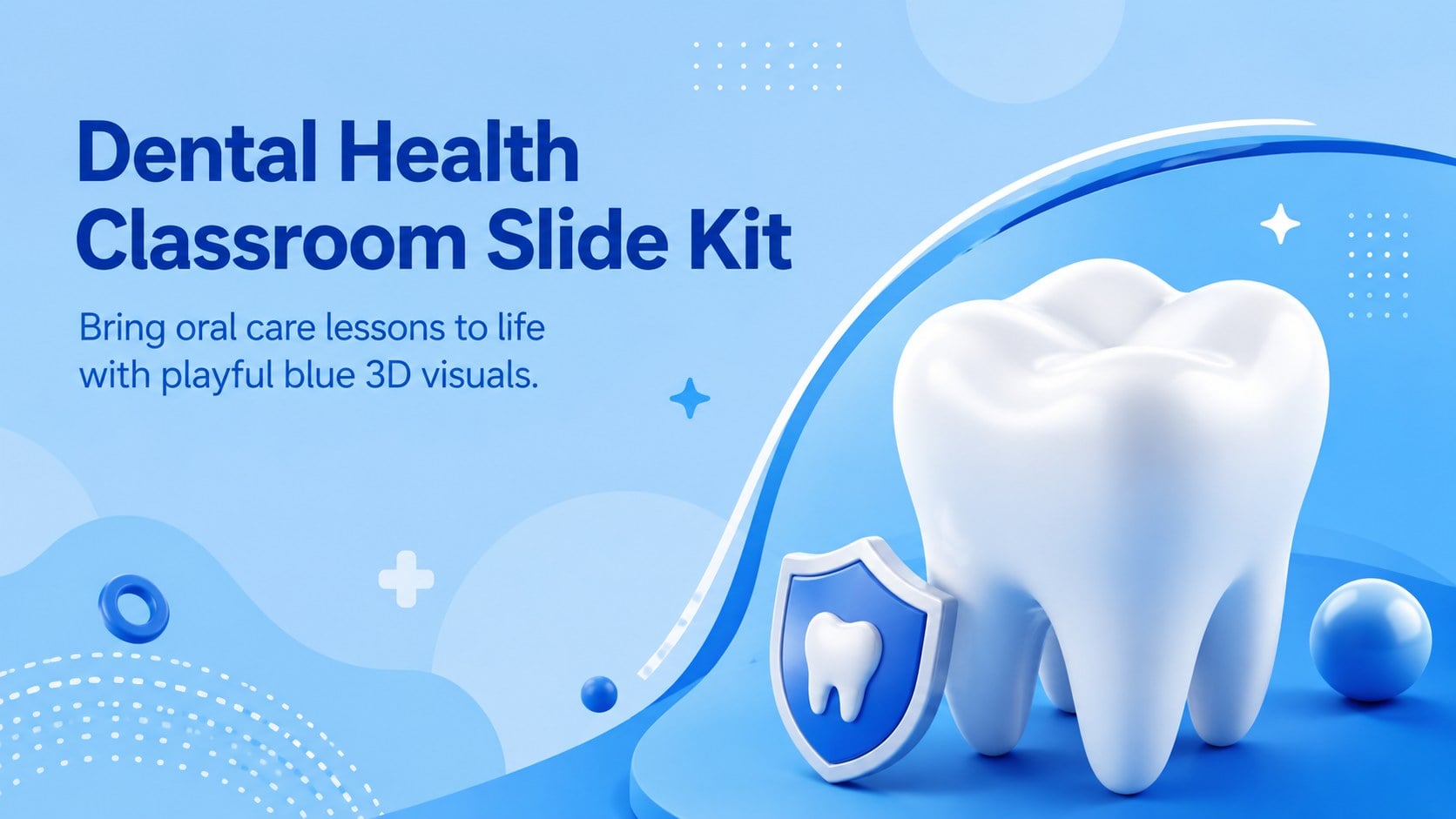
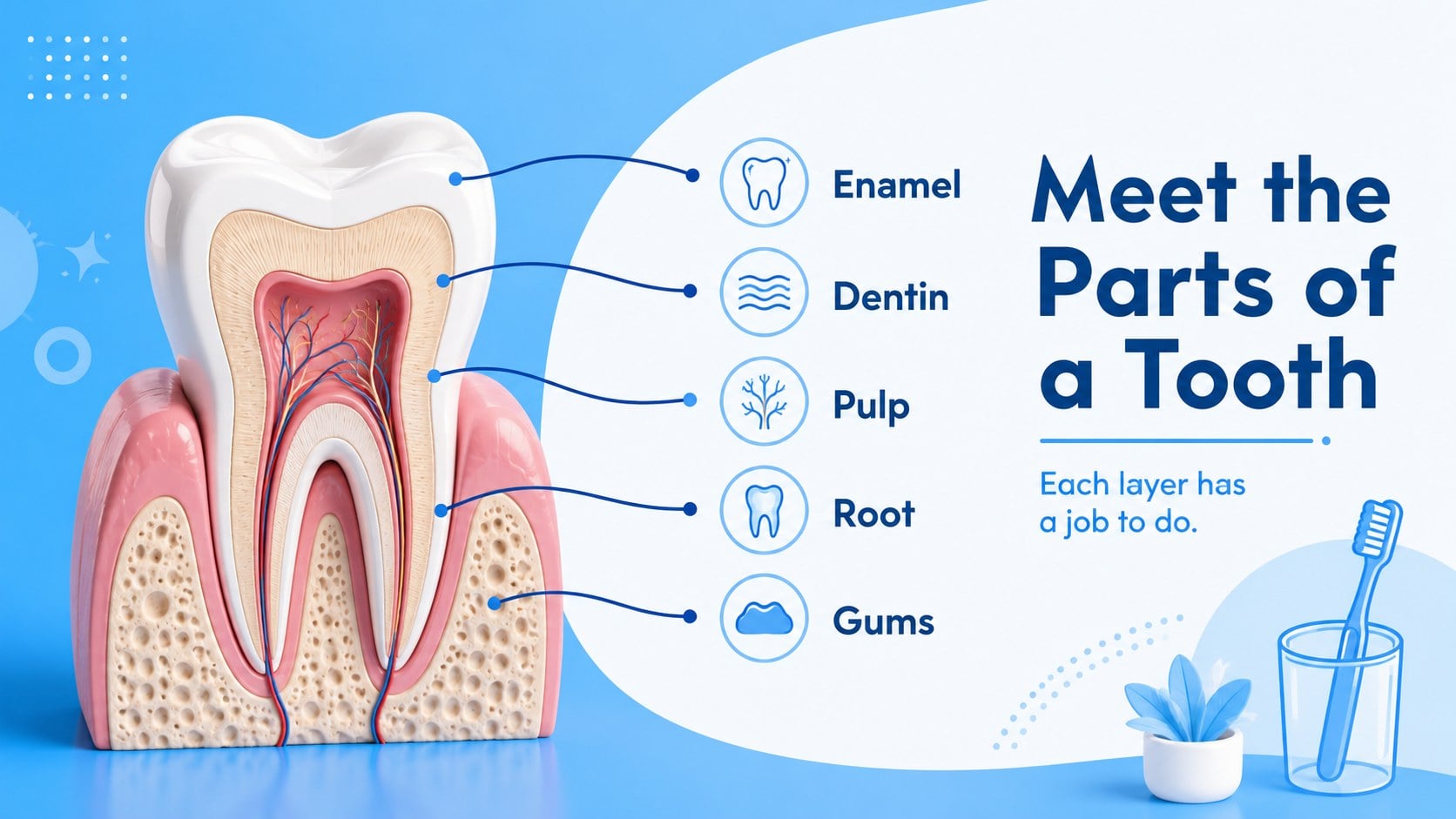
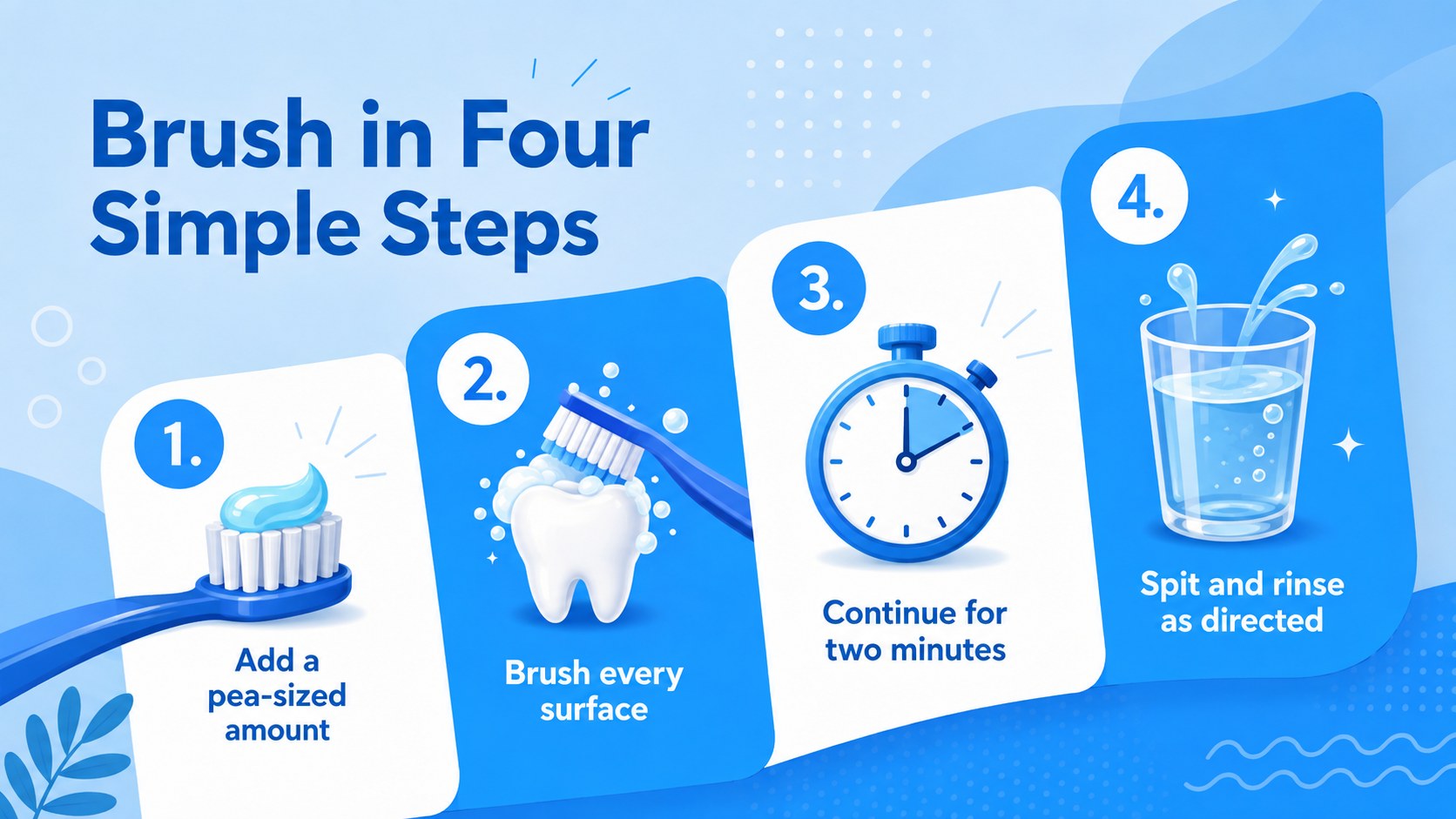
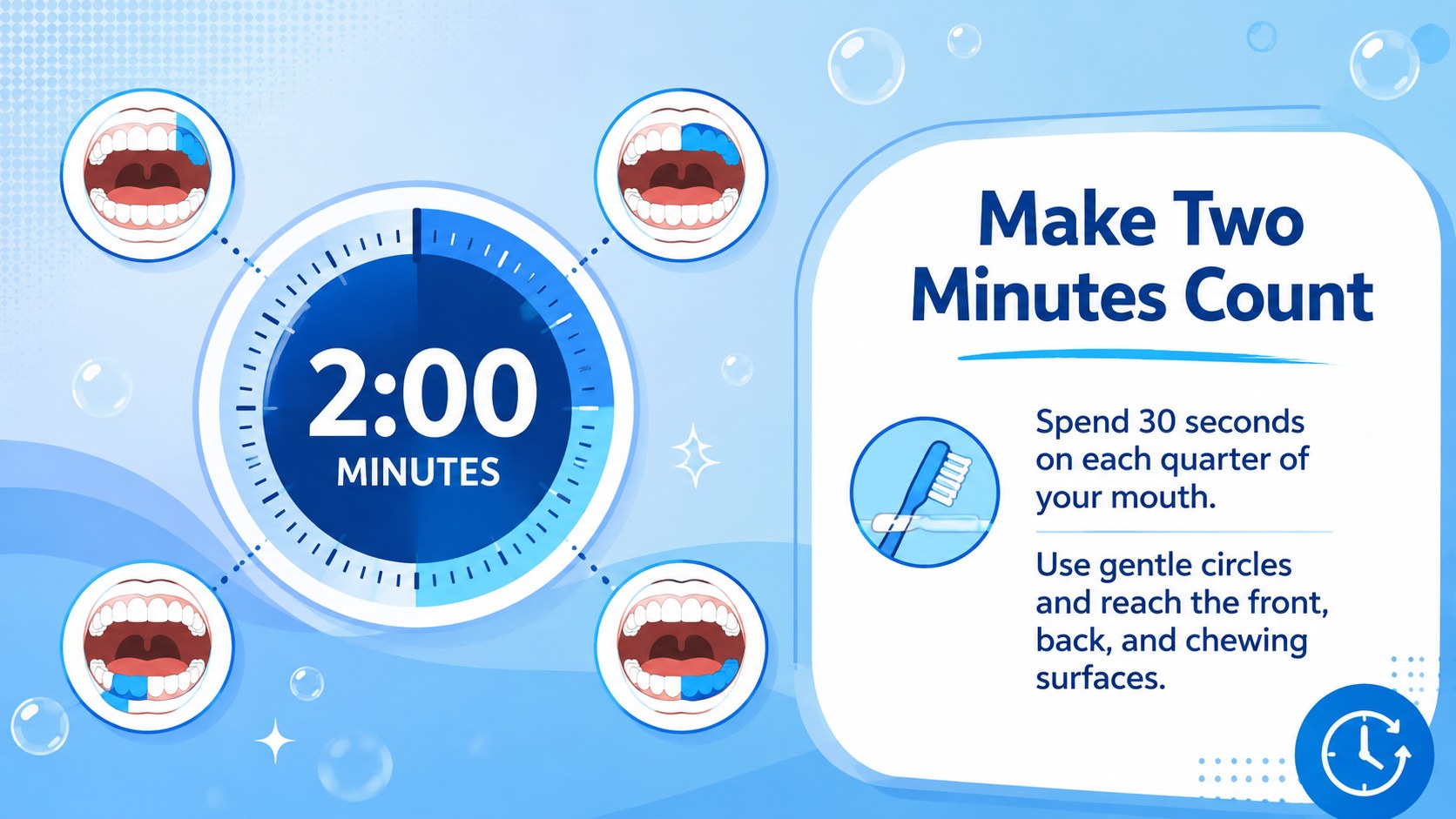
Teach brushing, tooth anatomy, and oral care with a dental health classroom slide kit featuring playful blue 3D visuals for PowerPoint and Google Slides.
Design notes
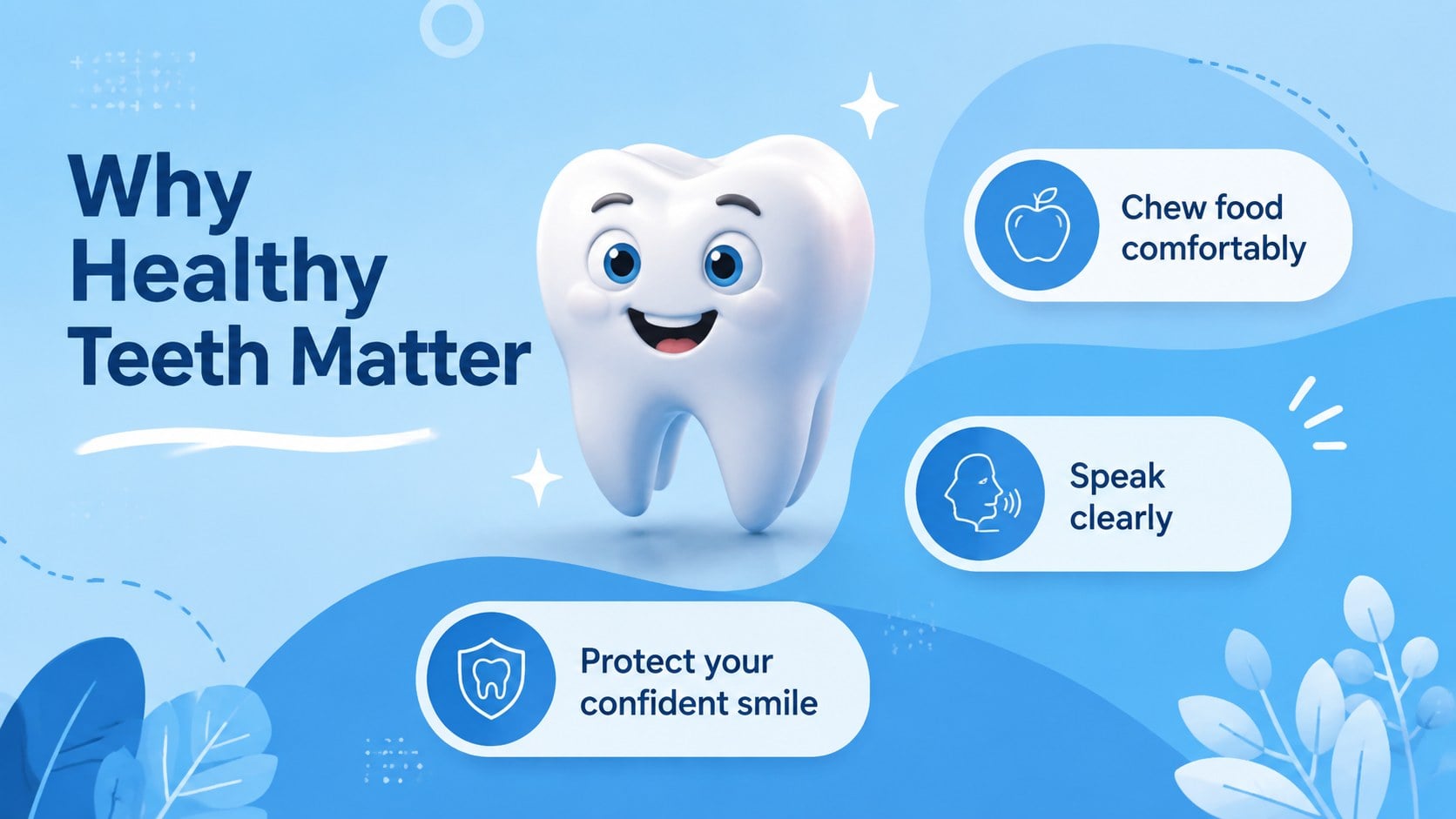
Turn an everyday health topic into a lively, approachable lesson with this dental health classroom slide kit. Friendly 3D tooth illustrations, crisp blue backgrounds, and simple typography help educators explain important ideas without making the material feel clinical or intimidating. The flexible visual system works especially well for elementary and middle school audiences.
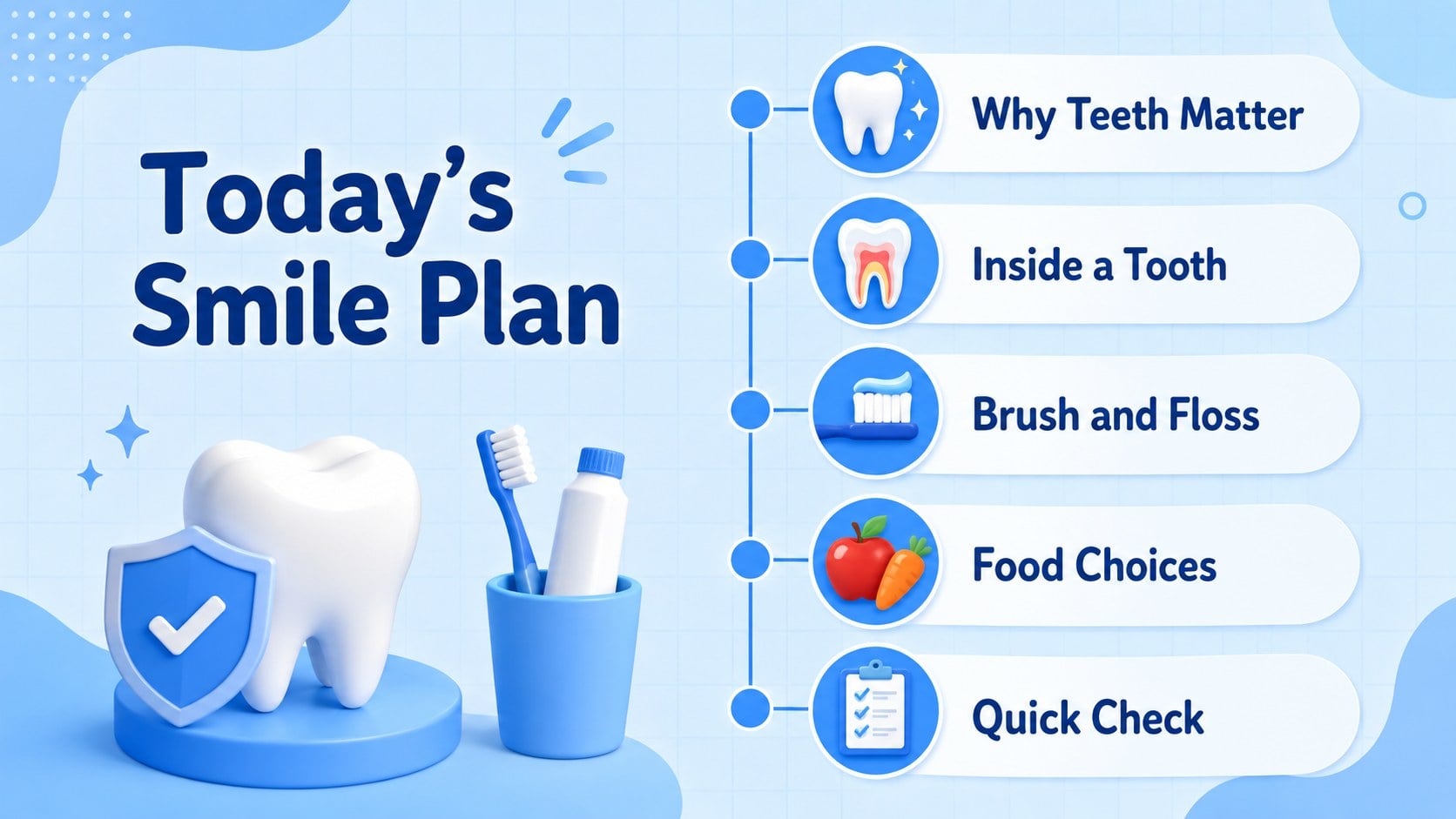
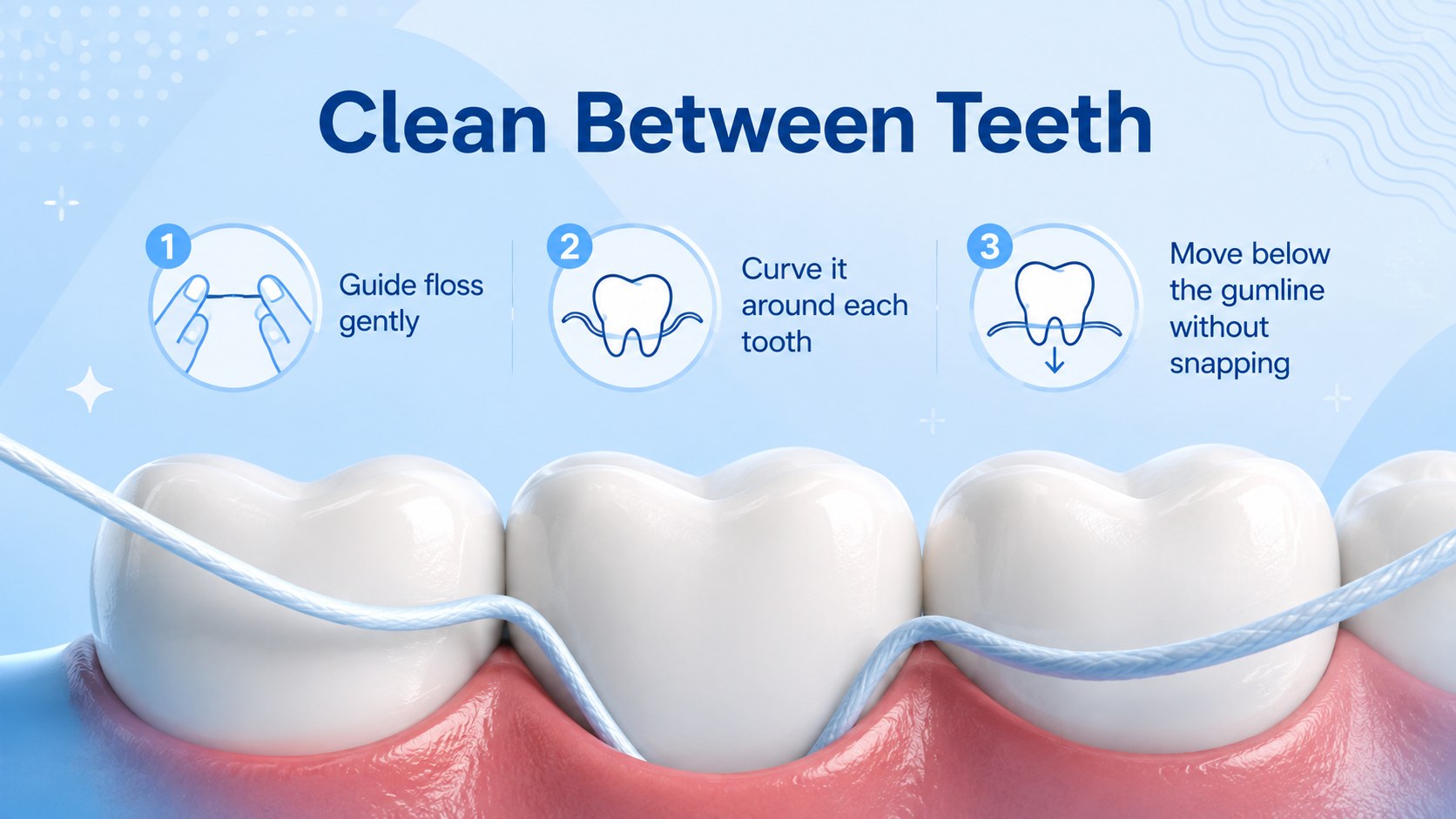
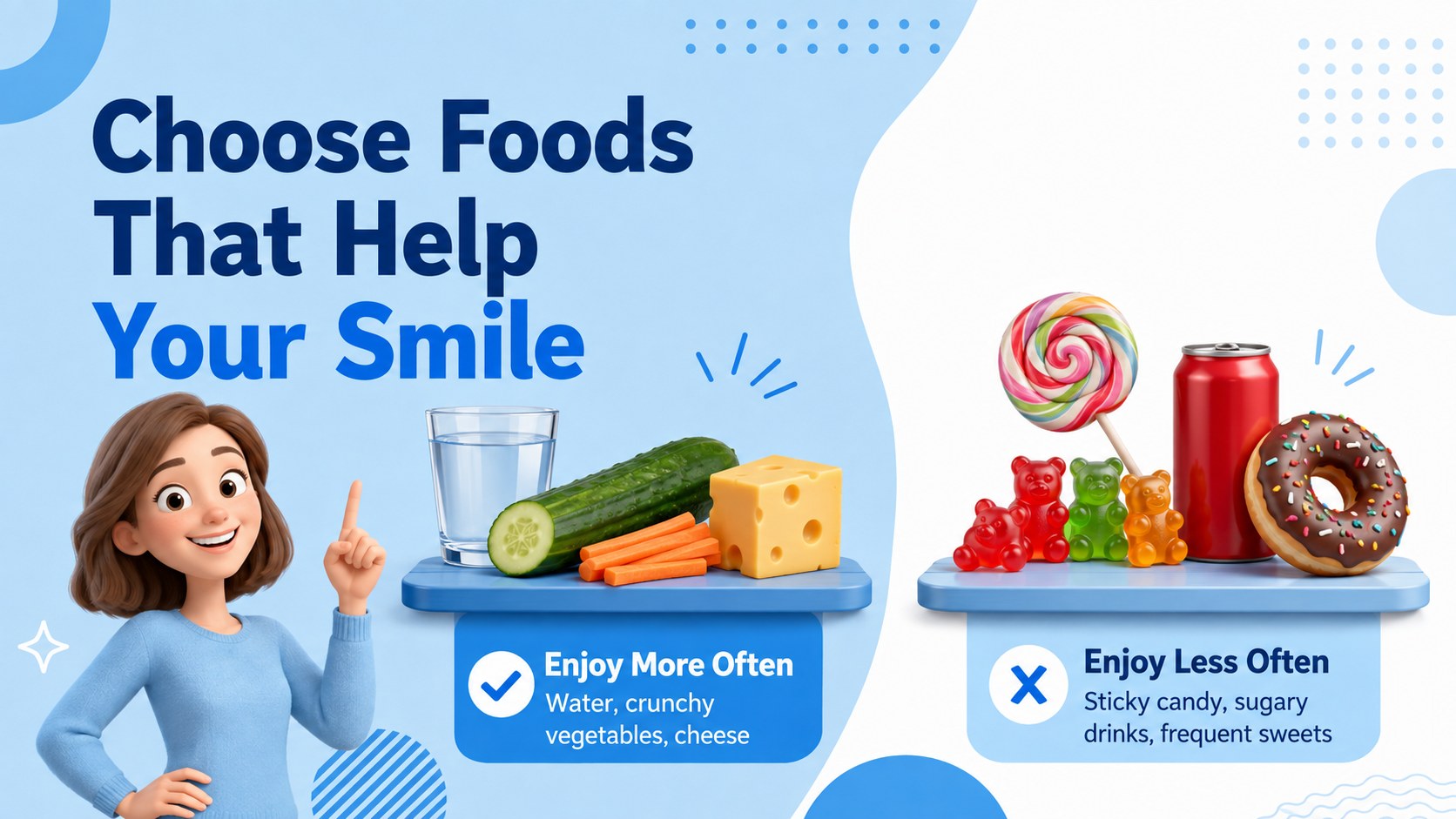
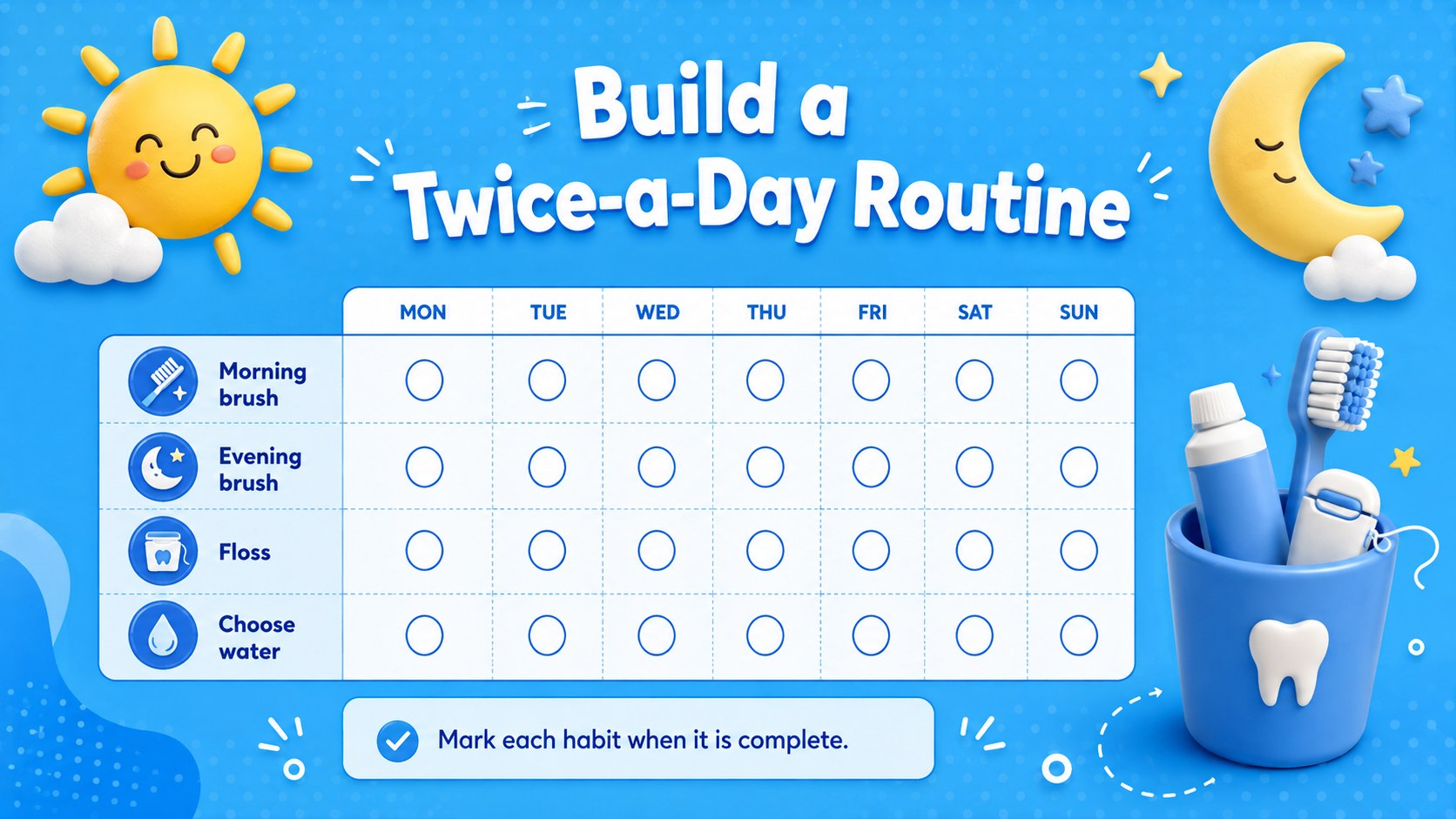
Inside, you will find ready-to-edit layouts for lesson objectives, tooth anatomy, brushing steps, flossing guidance, healthy food choices, dental visits, classroom activities, knowledge checks, and final takeaways. Use the deck as oral hygiene lesson slides for students, adapt it into a classroom brushing habits presentation, or select individual pages for a short health awareness session. Charts, comparison layouts, checklists, timelines, and image-led pages provide enough variety to keep learners attentive while maintaining a consistent look.
This template is designed for teachers, school nurses, dental educators, community health teams, and visiting oral care professionals. Every 16:9 slide can be customized in PowerPoint or Google Slides, including colors, text, illustrations, and layout elements. The blue palette and dimensional graphics support a cheerful educational tone, while the organized content structure makes the deck practical for both instructor-led lessons and independent student review.
Perfect for: elementary oral hygiene lesson; school dental health week; dentist classroom visit; tooth anatomy introduction; brushing habits workshop; community oral care session.
Frequently asked questions
Can I edit the lesson content for different age groups? Yes. You can replace the wording, rearrange sections, and simplify or expand the dental concepts for your students. The illustrations and layouts can also be adjusted to suit elementary, middle school, or community education settings.
Practical details
Yes. You can replace the wording, rearrange sections, and simplify or expand the dental concepts for your students. The illustrations and layouts can also be adjusted to suit elementary, middle school, or community education settings.
The slide kit is designed for PowerPoint and Google Slides. Text, colors, images, and layout elements can be edited in either platform.
Yes. Update the theme colors to match a school, clinic, or health campaign while keeping the original visual hierarchy. Check text contrast after changing backgrounds so every slide remains easy to read.
Yes. The template includes concepts for discussion prompts, habit checklists, comparisons, and knowledge checks. Educators can duplicate these layouts to create additional questions or group exercises.
Keep exploring
15Build an engaging World UFO Day session with this flying saucer history lesson deck, featuring retro green-and-brown slides for PowerPoint and Google Slides.
 15
15Plan a lively animal-learning journey with this jungle zoo adventure lesson deck, ready to customize in PowerPoint and Google Slides for young learners.
 16
16Turn environmental research into a clear story with a Watercolor Ecology Presentation Theme for PowerPoint and Google Slides in calming green and blue.
 16
16Build focused fashion, literature, and humanities presentations with the Red Triangle Editorial Theme, editable in PowerPoint and Google Slides.
 15
15Turn streaming stats, favorite tracks, and concert highlights into a bold annual listening recap slide deck for PowerPoint and Google Slides.
 15
15Turn highlights, milestones, and favorite moments into a colorful year in review slide deck with bold 3D graphics for PowerPoint and Google Slides.
 3
3Build a credible endorsement with Standout Colleague Recommendation Letter Slides, featuring colorful prompts for skills, achievements, and team impact.
 4
4Build clear beginner sessions with an ice hockey fundamentals training deck for coaches, PE teachers, and clubs, ready for PowerPoint and Google Slides.