
 15
15presentation
Flying Saucer History Lesson Deck
Build an engaging World UFO Day session with this flying saucer history lesson deck, featuring retro green-and-brown slides for PowerPoint and Google Slides.
Google SlidesPowerPoint
presentation · English
Turn circle time into discovery with a colorful day and night sky deck for preschool, featuring editable activities for PowerPoint and Google Slides.
Design notes
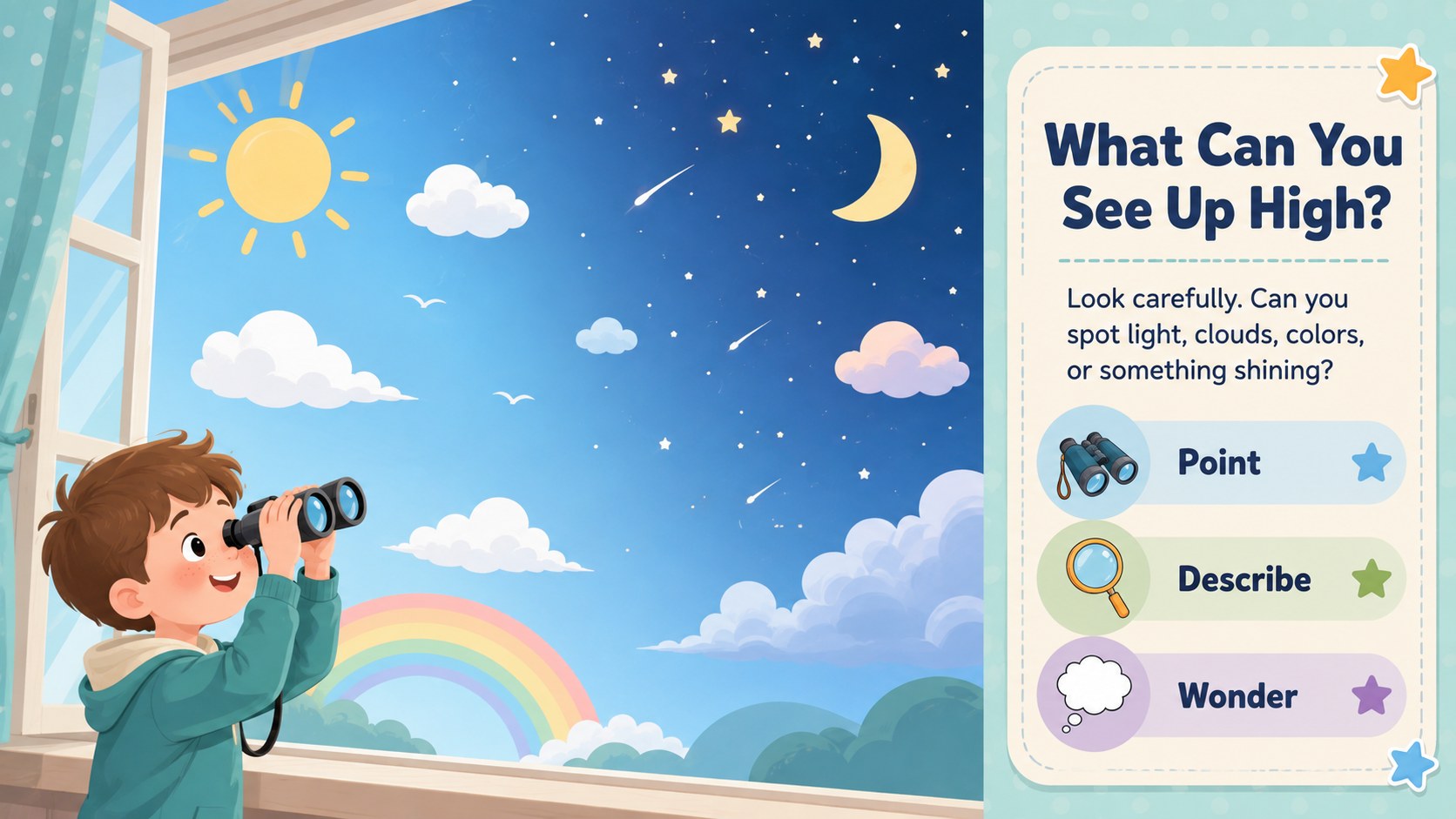
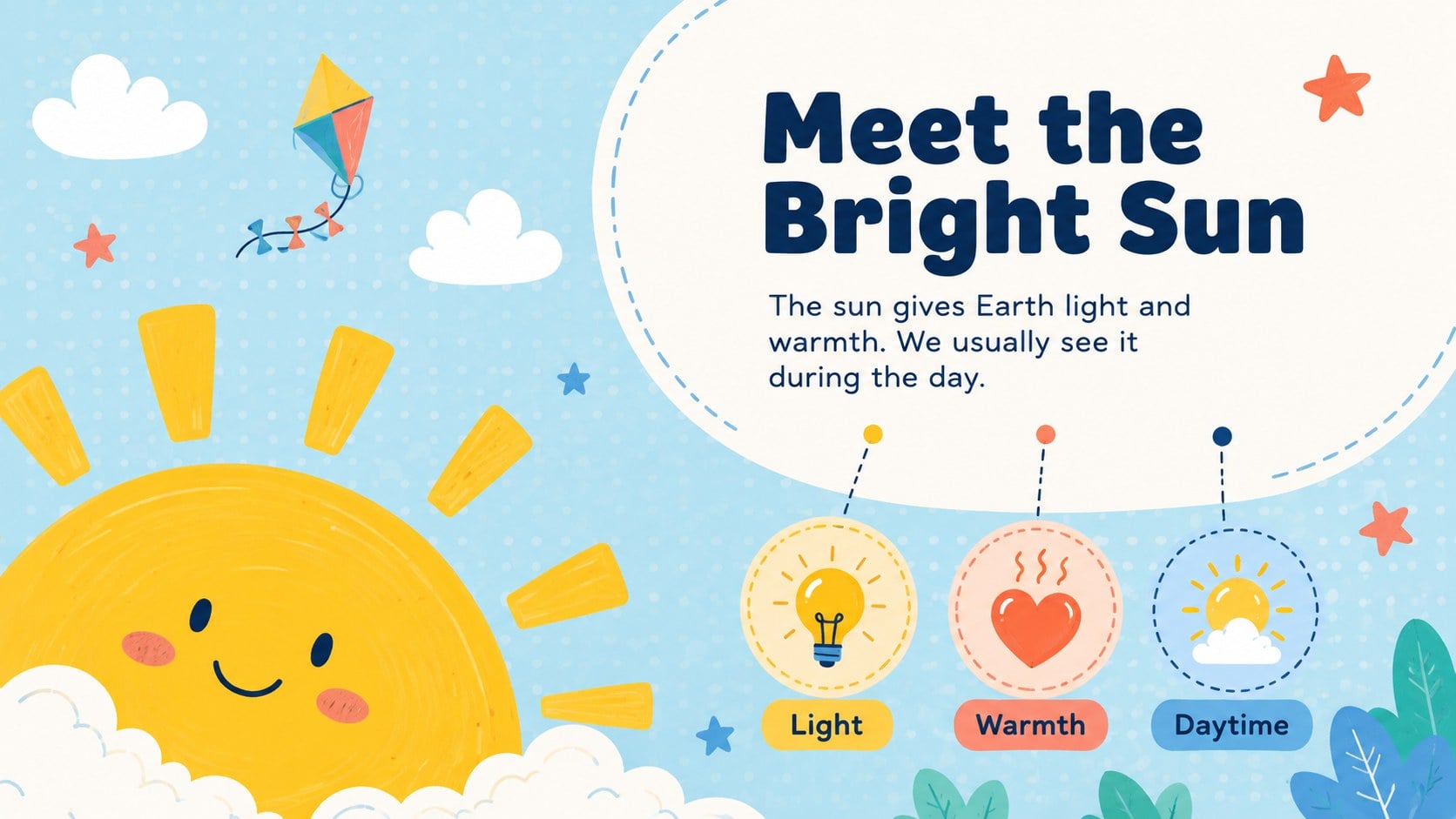
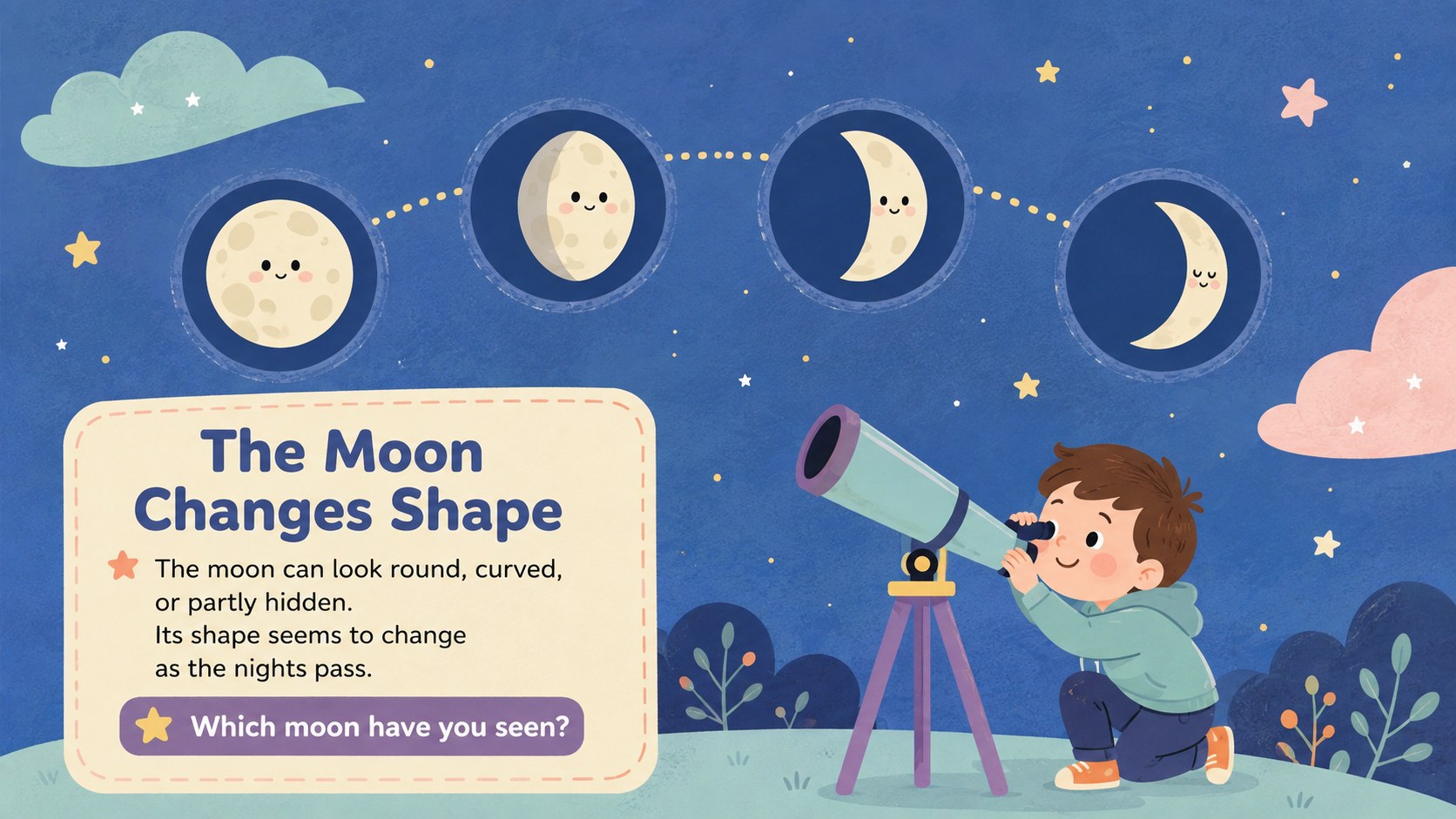
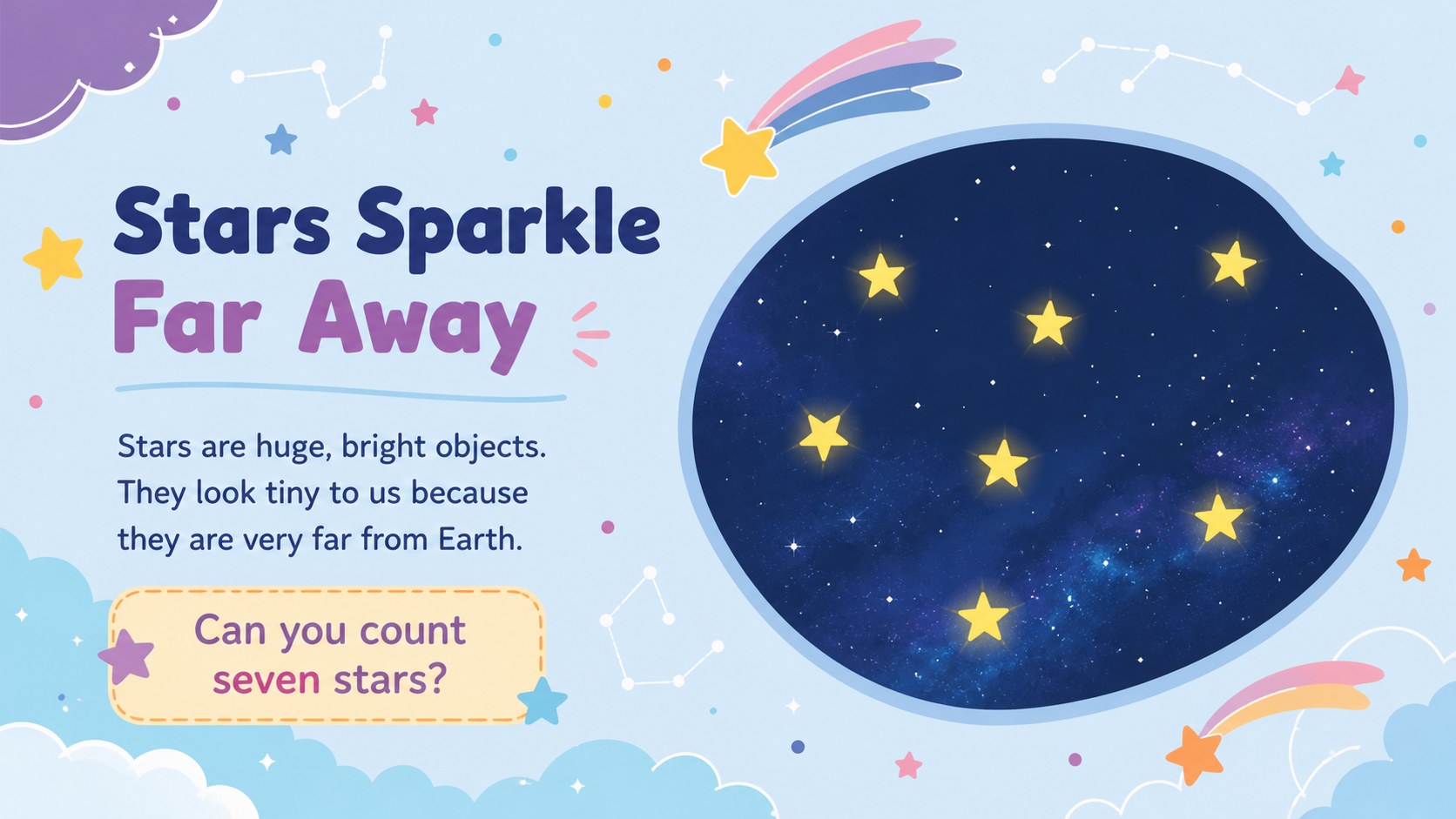
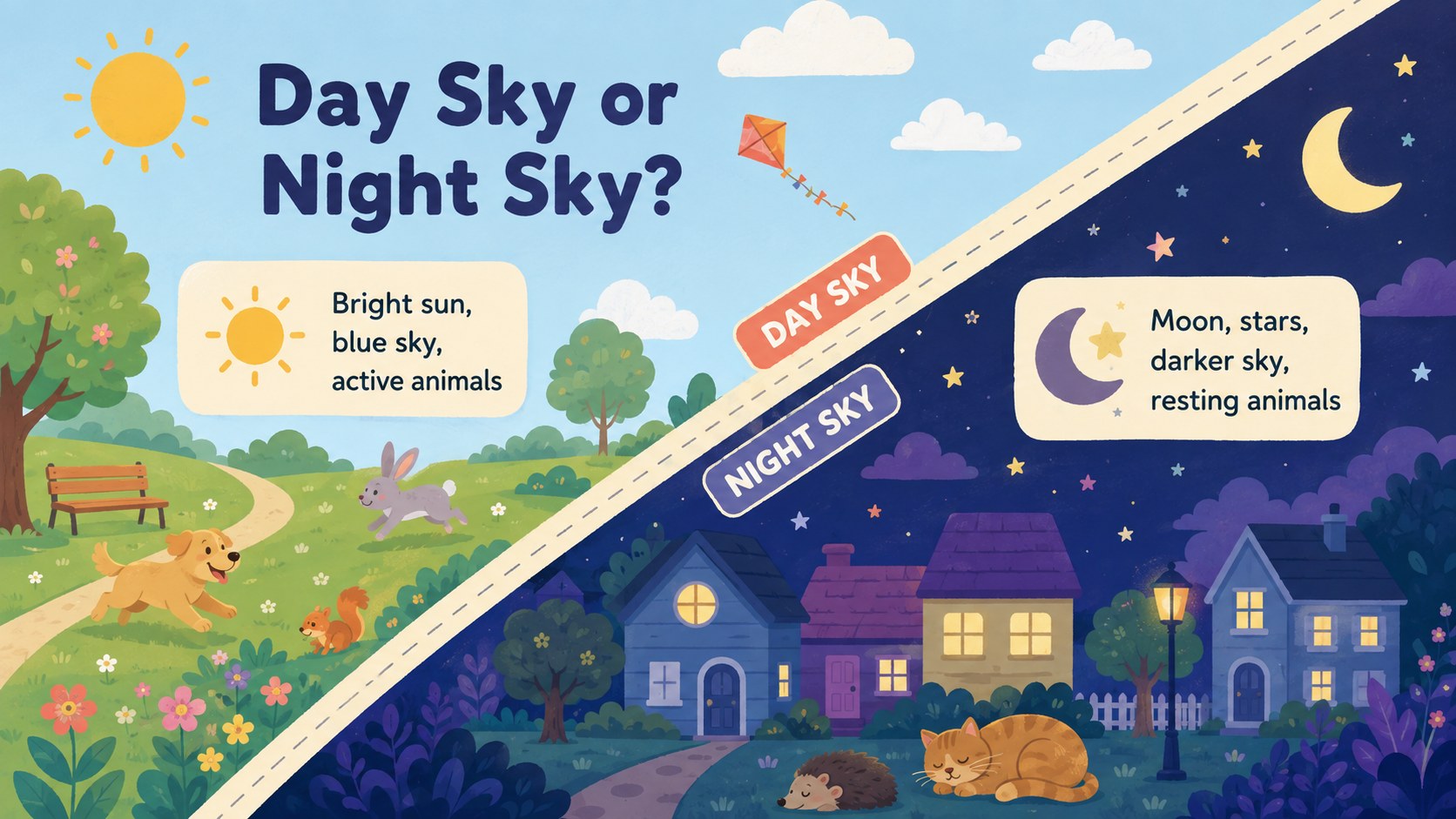
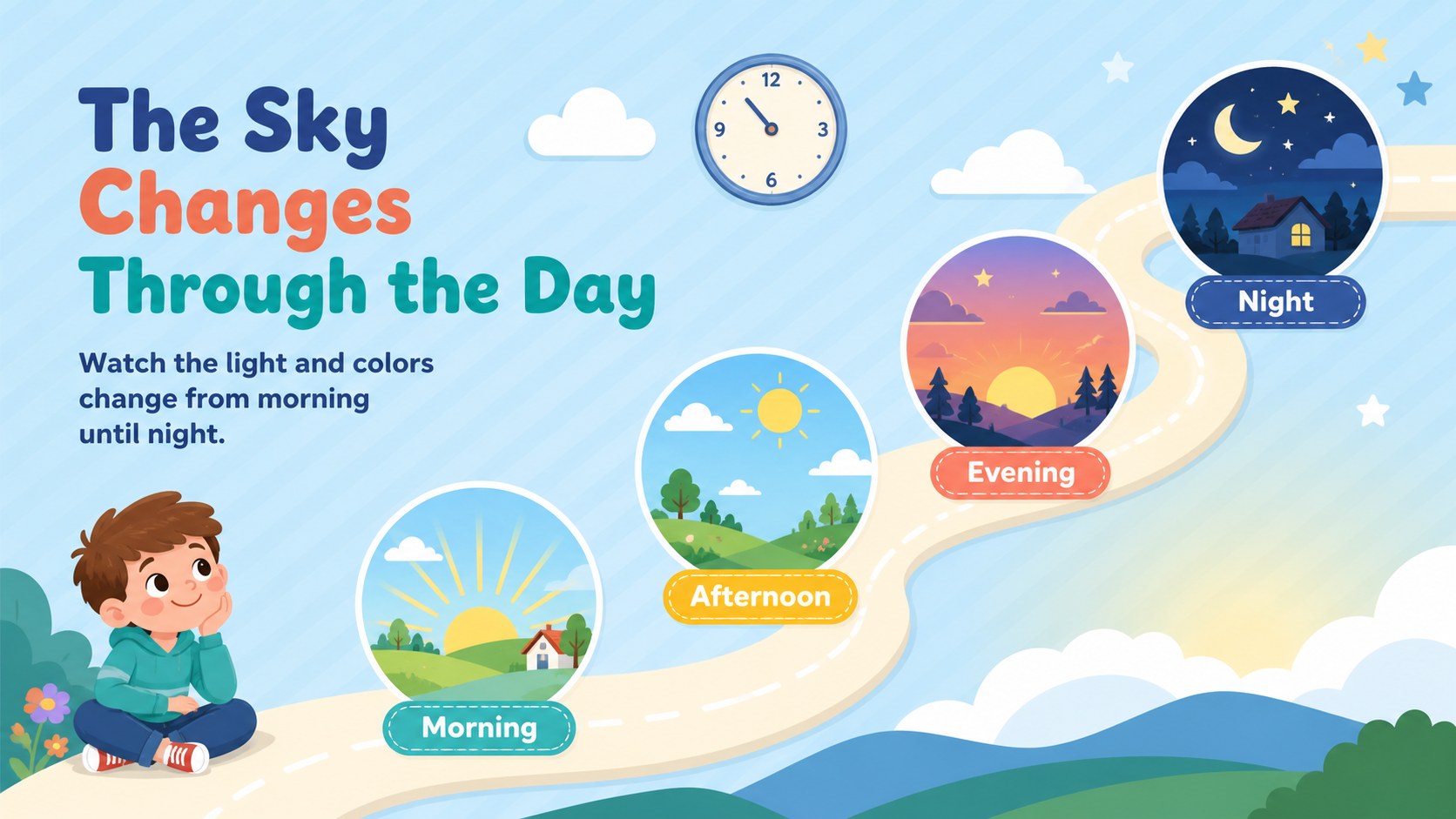
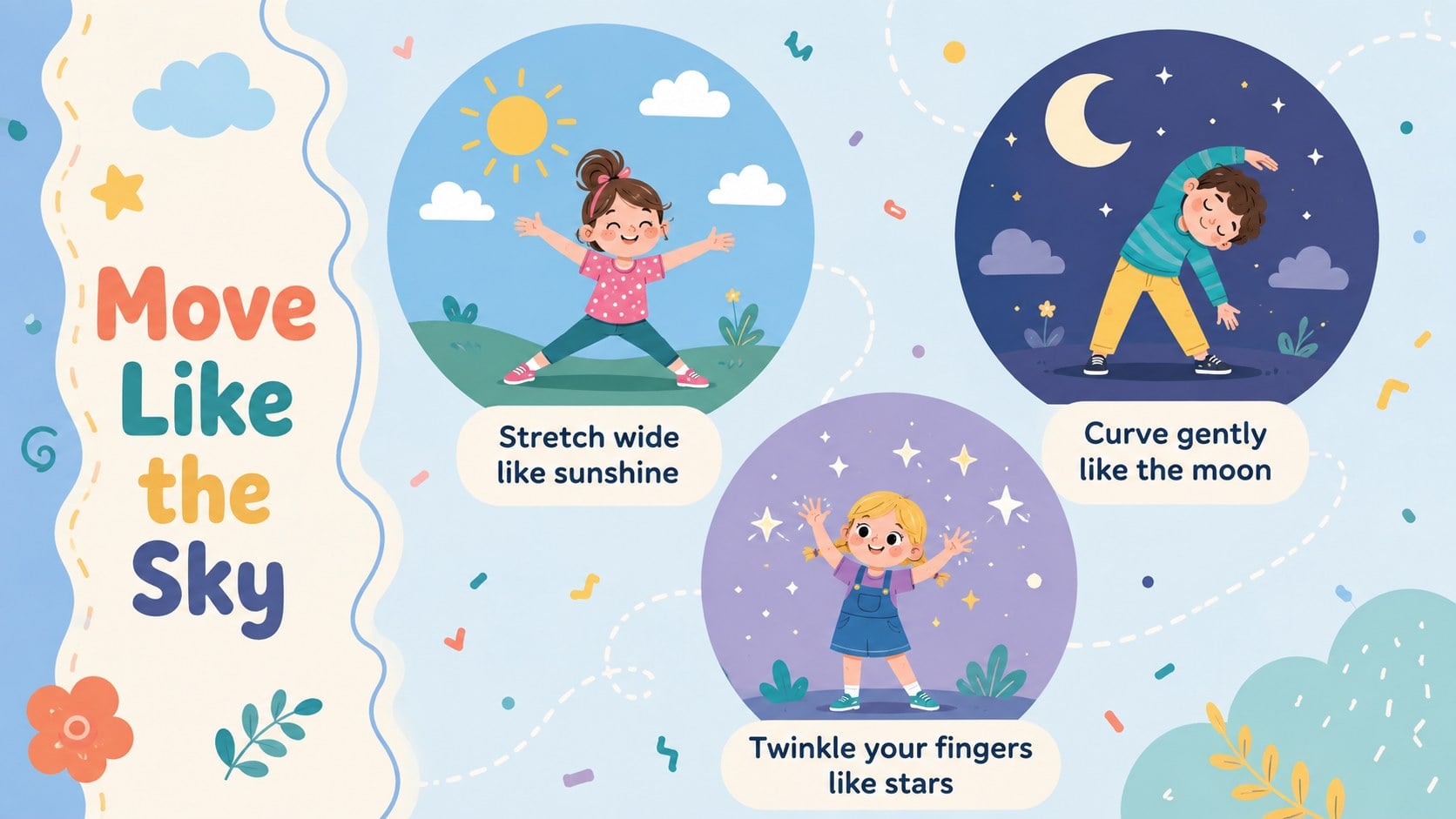
Turn everyday observations into an exciting first science experience with this day and night sky deck. Created for preschool and kindergarten learners, the presentation introduces the bright sun, changing moon, twinkling stars, and visible differences between daytime and nighttime. Friendly language, colorful illustrations, and clear visual prompts help children connect new ideas with the sky they already know.
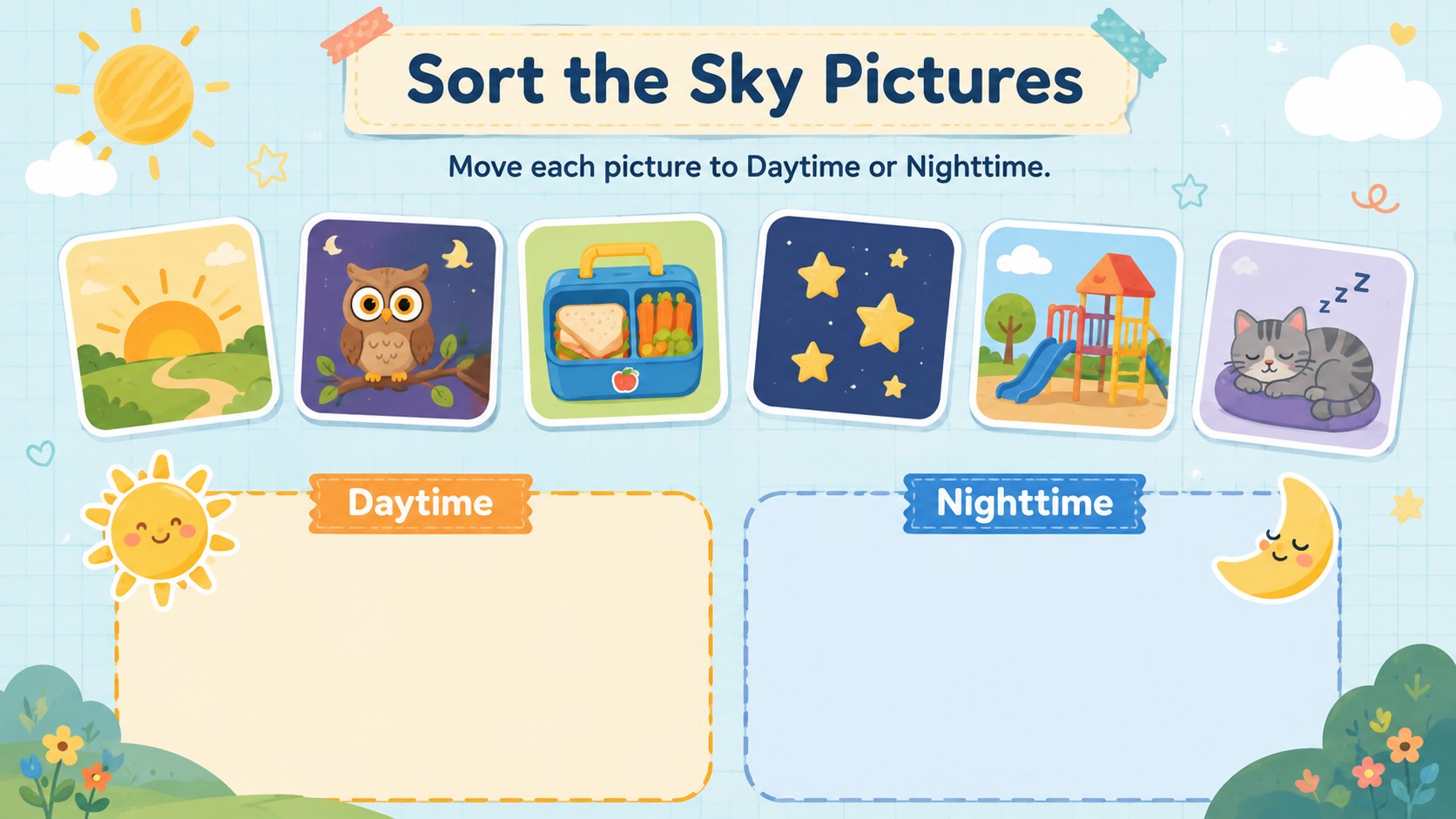
Inside, teachers will find an opening discussion, simple fact pages, day-versus-night comparisons, picture sorting, observation prompts, movement breaks, and quick review questions. The preschool day and night activities can be adapted for circle time, a science center, home learning, or a short thematic unit. Educators can replace wording, move illustrations, adjust colors, and add class photos or familiar local examples without rebuilding the layouts.
This early years astronomy presentation is designed for teachers, teaching assistants, homeschool families, and childcare educators who need an inviting introduction to space. It also works as a celestial objects lesson for kids who are beginning to describe patterns, light, and changes in their surroundings. The pastel blue base and lively multicolored accents create a playful illustrated style while keeping text easy to scan. Open the deck in PowerPoint or Google Slides, customize the activities for your group, and guide children from observation to conversation, sorting, recall, and creative response.
Perfect for: preschool circle time; kindergarten sky science lesson; daytime and nighttime sorting; homeschool astronomy introduction; childcare space theme week.
Frequently asked questions
Can I edit the lesson for different age groups? Yes. Change the vocabulary, instructions, examples, and activity difficulty to suit preschool or kindergarten learners. You can also remove slides to create a shorter circle-time lesson.
Practical details
Yes. Change the vocabulary, instructions, examples, and activity difficulty to suit preschool or kindergarten learners. You can also remove slides to create a shorter circle-time lesson.
The deck is designed for PowerPoint and Google Slides. Text boxes, colors, images, and activity prompts can be edited in either platform.
Yes. Replace illustrations, recolor decorative elements, and add classroom images while preserving the layouts. The pastel blue and multicolored palette can also be adjusted to match a school theme.
Yes. It includes observation questions, picture sorting, movement prompts, comparisons, and review tasks. Teachers can complete them as whole-group activities or adapt them for learning centers.
Keep exploring
15Build an engaging World UFO Day session with this flying saucer history lesson deck, featuring retro green-and-brown slides for PowerPoint and Google Slides.
 15
15Plan a lively animal-learning journey with this jungle zoo adventure lesson deck, ready to customize in PowerPoint and Google Slides for young learners.
 16
16Turn environmental research into a clear story with a Watercolor Ecology Presentation Theme for PowerPoint and Google Slides in calming green and blue.
 16
16Build focused fashion, literature, and humanities presentations with the Red Triangle Editorial Theme, editable in PowerPoint and Google Slides.
 15
15Turn streaming stats, favorite tracks, and concert highlights into a bold annual listening recap slide deck for PowerPoint and Google Slides.
 15
15Turn highlights, milestones, and favorite moments into a colorful year in review slide deck with bold 3D graphics for PowerPoint and Google Slides.
 3
3Build a credible endorsement with Standout Colleague Recommendation Letter Slides, featuring colorful prompts for skills, achievements, and team impact.
 4
4Build clear beginner sessions with an ice hockey fundamentals training deck for coaches, PE teachers, and clubs, ready for PowerPoint and Google Slides.