
 15
15presentation
Flying Saucer History Lesson Deck
Build an engaging World UFO Day session with this flying saucer history lesson deck, featuring retro green-and-brown slides for PowerPoint and Google Slides.
Google SlidesPowerPoint
presentation · English
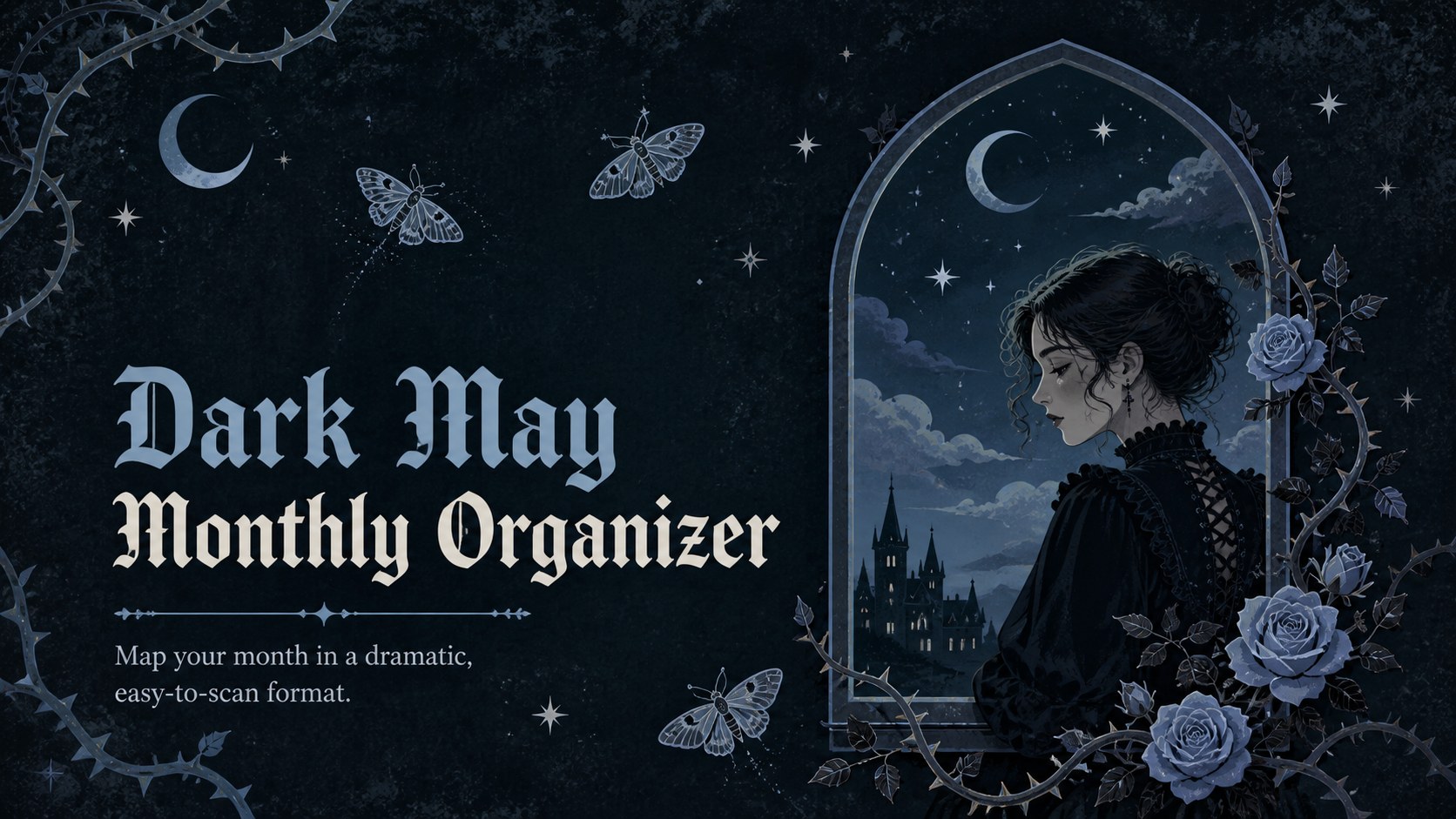
Bring structure to a busy month with the Dark May Monthly Organizer, a gothic planning deck designed for editing in PowerPoint and Google Slides.
Design notes
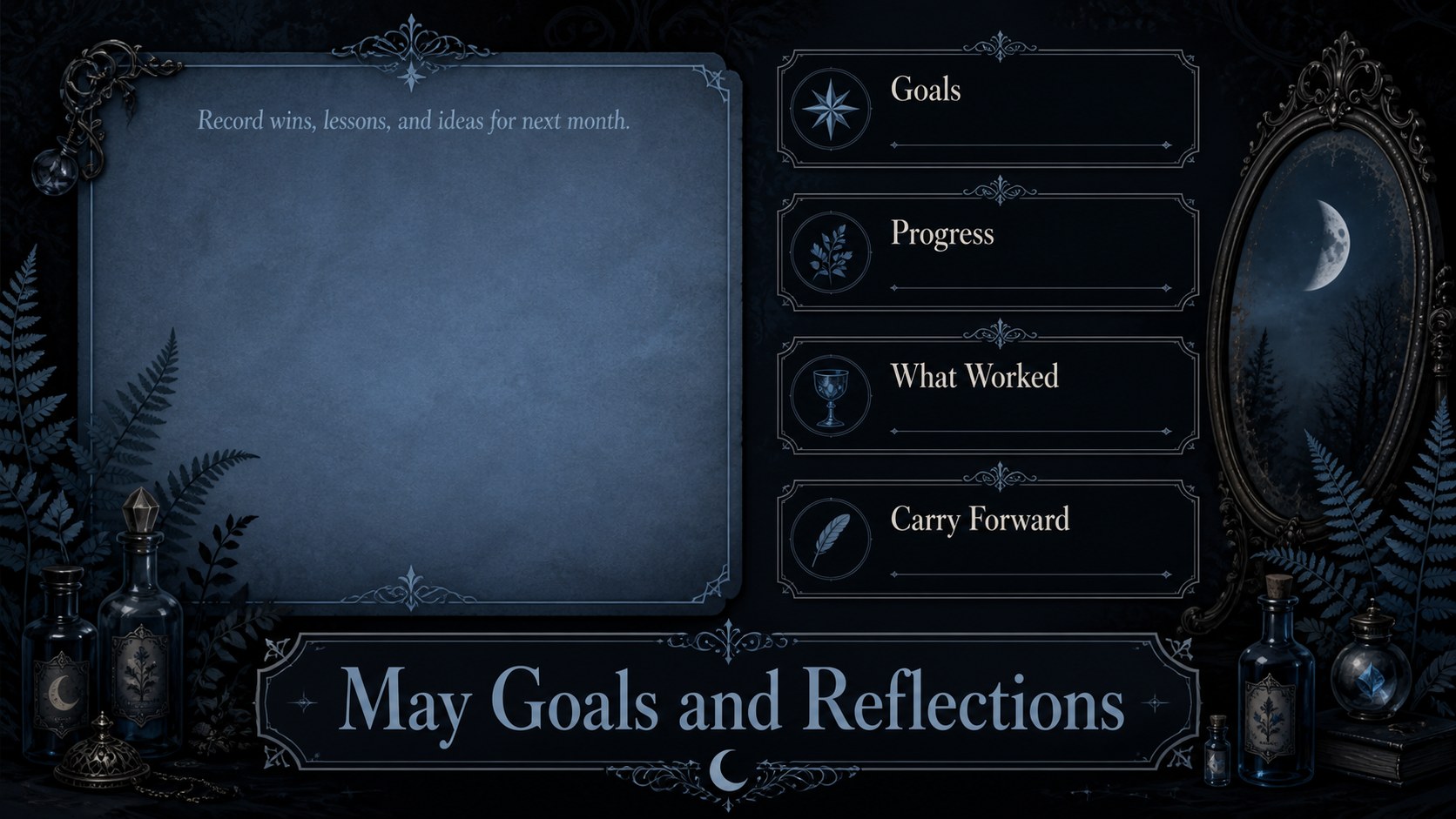
The Dark May Monthly Organizer turns everyday scheduling into a striking visual ritual. Designed with a moody black and blue palette, ornate linework, and vintage gothic illustrations, this planner gives appointments, deadlines, and personal goals a clear home. Its dramatic appearance makes it a distinctive gothic May planner template for anyone who prefers atmospheric design over a conventional spring calendar.
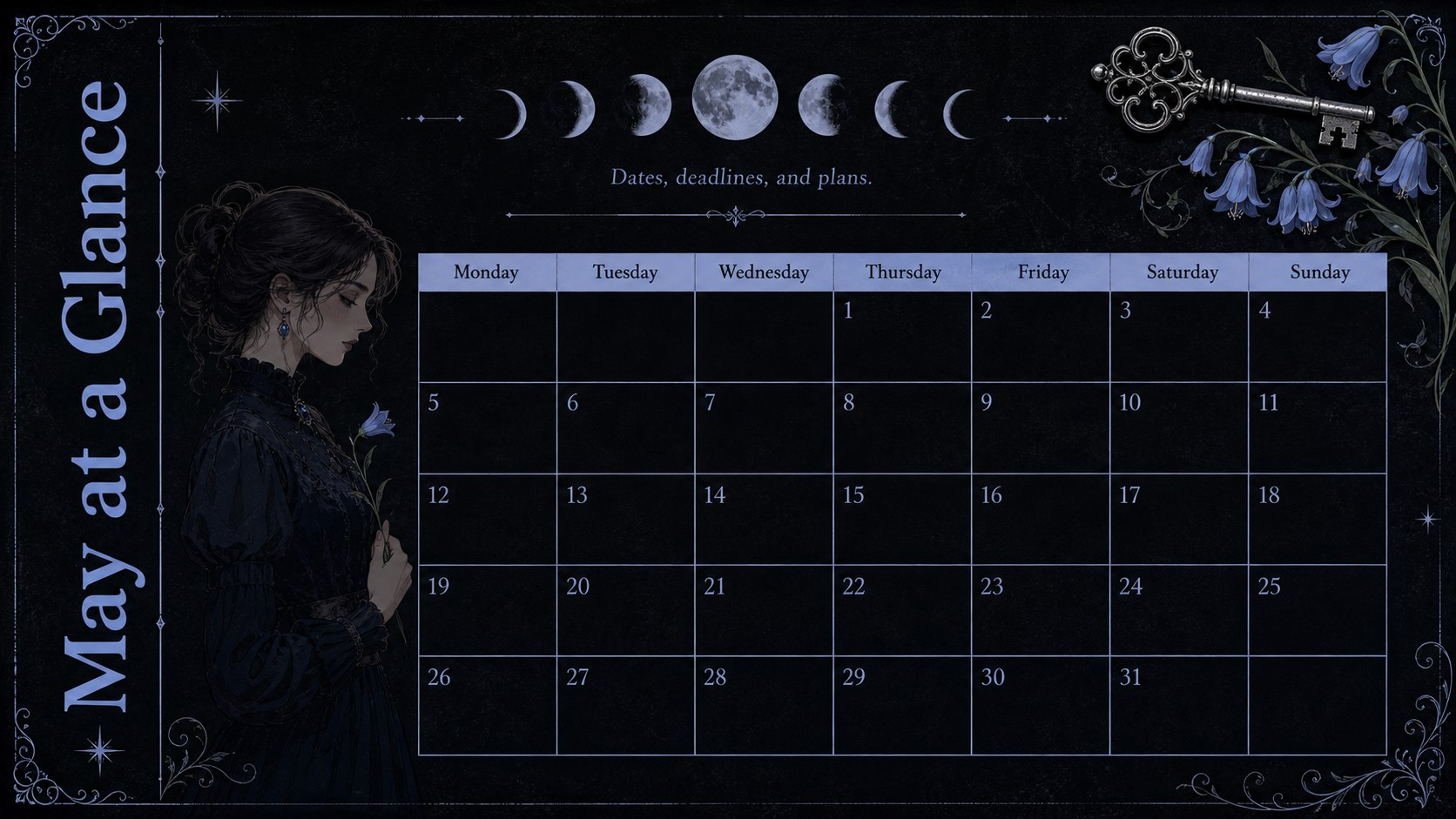
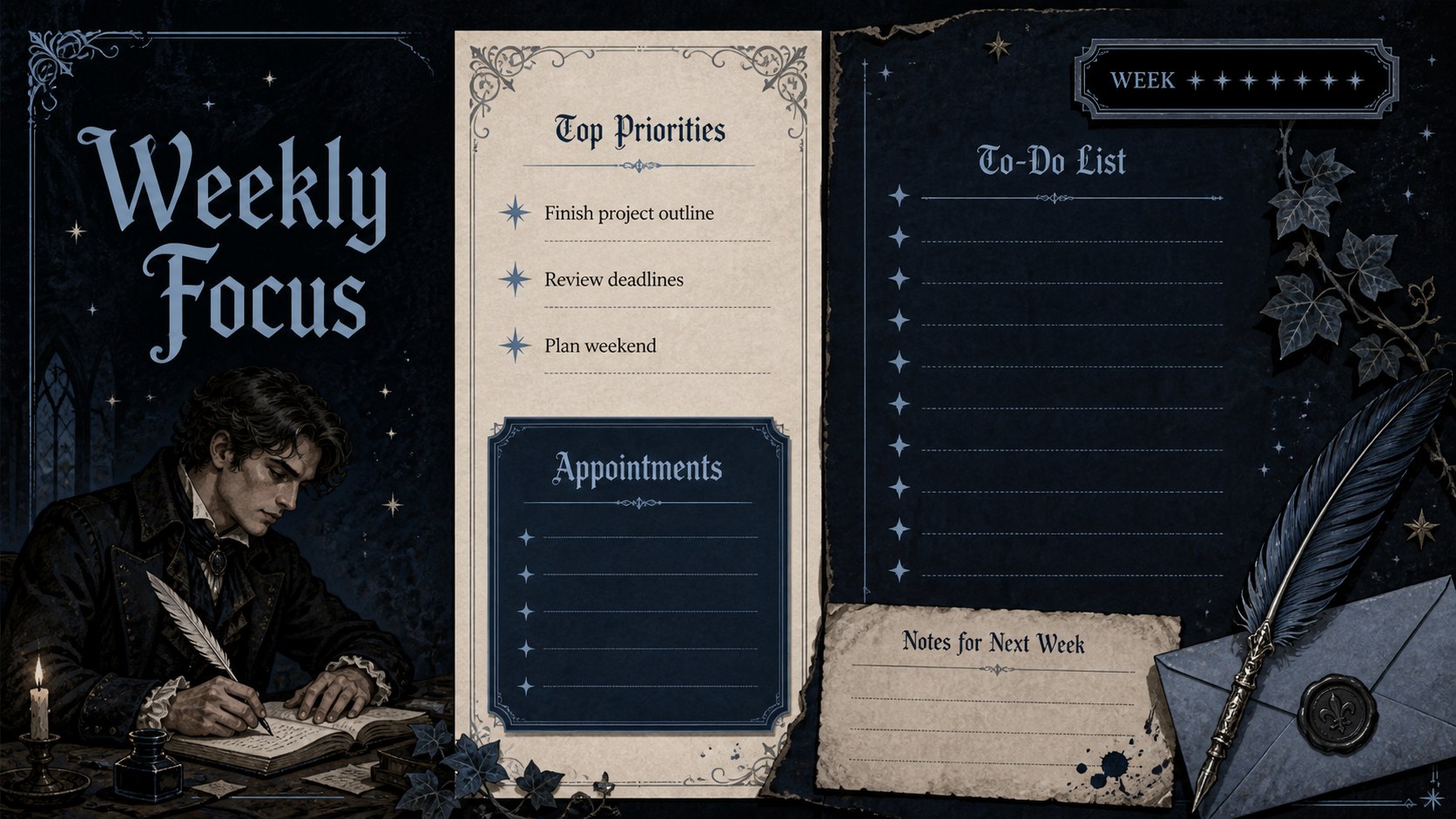
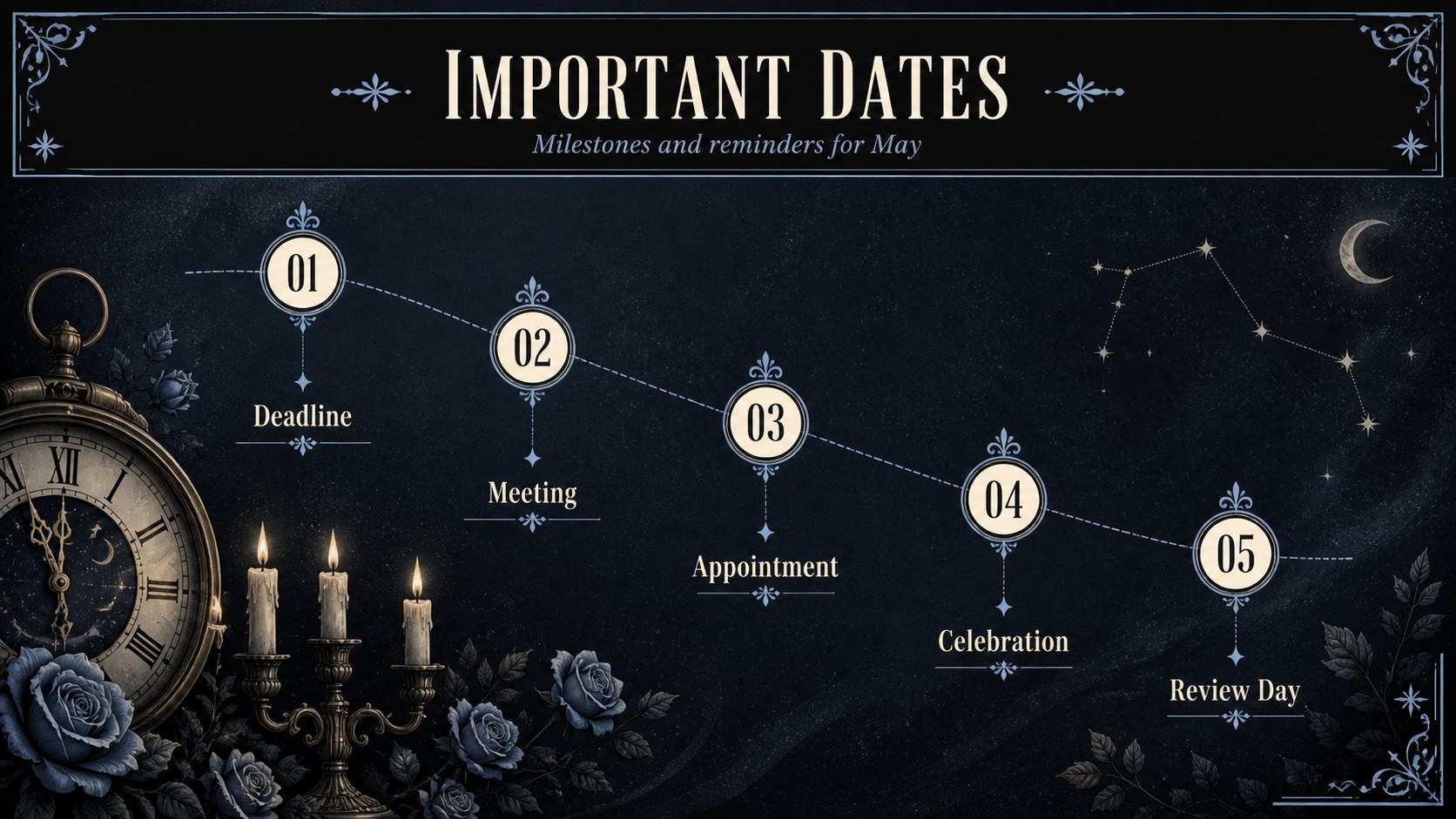
Inside are five coordinated layouts covering the month at a glance, weekly priorities, important dates, task tracking, and open notes. The dark monthly calendar slides balance decorative details with practical writing space, so plans remain easy to scan. Skulls, antique frames, celestial symbols, and botanical accents establish the theme without overwhelming the schedule. Every page can be adapted with your own dates, labels, colors, and planning categories.
Use the organizer for personal routines, creative project timelines, academic deadlines, content schedules, or household coordination. It works especially well as a May agenda for PowerPoint, while Google Slides offers a convenient option for browser-based editing and collaboration. The layouts can also be presented on screen or exported for printing. Whether you are planning one demanding week or the entire month, this deck provides a polished structure with a memorable vintage edge.
Perfect for: personal May scheduling; creative project planning; academic deadline tracking; monthly content scheduling; household calendar organization.
Frequently asked questions
Can I change the dates and planner sections? Yes. Edit the date numbers, headings, task labels, and notes directly in PowerPoint or Google Slides to match your schedule.
Practical details
Yes. Edit the date numbers, headings, task labels, and notes directly in PowerPoint or Google Slides to match your schedule.
The template is designed for Microsoft PowerPoint and Google Slides. Both platforms allow you to update text, rearrange elements, and personalize the colors.
Yes. After customizing the layouts, export them as PDF files or print them from your presentation software using the appropriate page settings.
Replace the sample labels, adjust the black and blue palette, or move the illustrated accents to create more writing space. You can also duplicate layouts for additional weeks, projects, or household members.
Keep exploring
15Build an engaging World UFO Day session with this flying saucer history lesson deck, featuring retro green-and-brown slides for PowerPoint and Google Slides.
 15
15Plan a lively animal-learning journey with this jungle zoo adventure lesson deck, ready to customize in PowerPoint and Google Slides for young learners.
 16
16Turn environmental research into a clear story with a Watercolor Ecology Presentation Theme for PowerPoint and Google Slides in calming green and blue.
 16
16Build focused fashion, literature, and humanities presentations with the Red Triangle Editorial Theme, editable in PowerPoint and Google Slides.
 15
15Turn streaming stats, favorite tracks, and concert highlights into a bold annual listening recap slide deck for PowerPoint and Google Slides.
 15
15Turn highlights, milestones, and favorite moments into a colorful year in review slide deck with bold 3D graphics for PowerPoint and Google Slides.
 3
3Build a credible endorsement with Standout Colleague Recommendation Letter Slides, featuring colorful prompts for skills, achievements, and team impact.
 4
4Build clear beginner sessions with an ice hockey fundamentals training deck for coaches, PE teachers, and clubs, ready for PowerPoint and Google Slides.