
 15
15presentation
Flying Saucer History Lesson Deck
Build an engaging World UFO Day session with this flying saucer history lesson deck, featuring retro green-and-brown slides for PowerPoint and Google Slides.
Google SlidesPowerPoint
presentation · English
Build smarter campaign reviews with a cycle-based social performance dashboard, editable in PowerPoint and Google Slides for clear team decisions.


Design notes
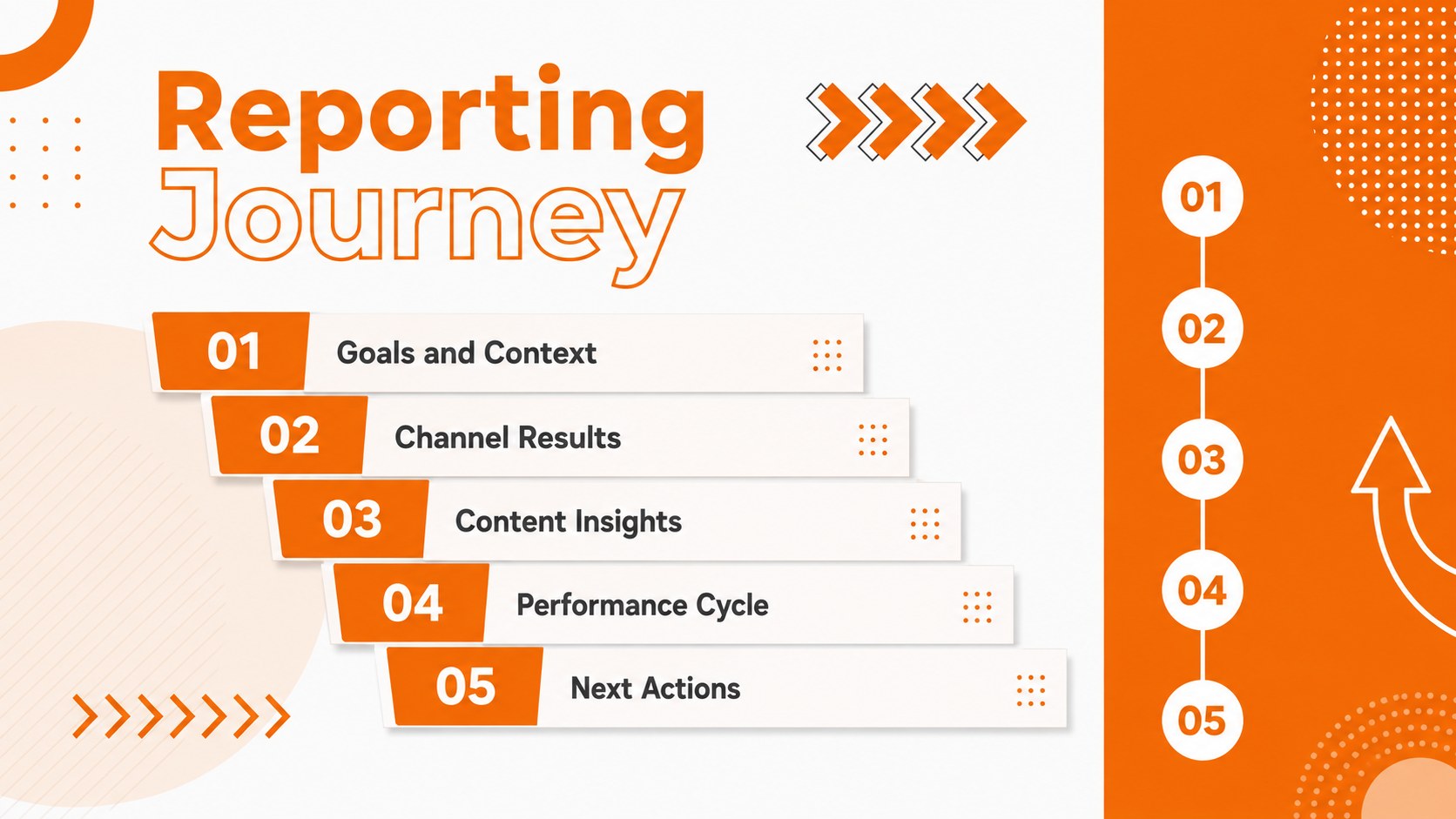
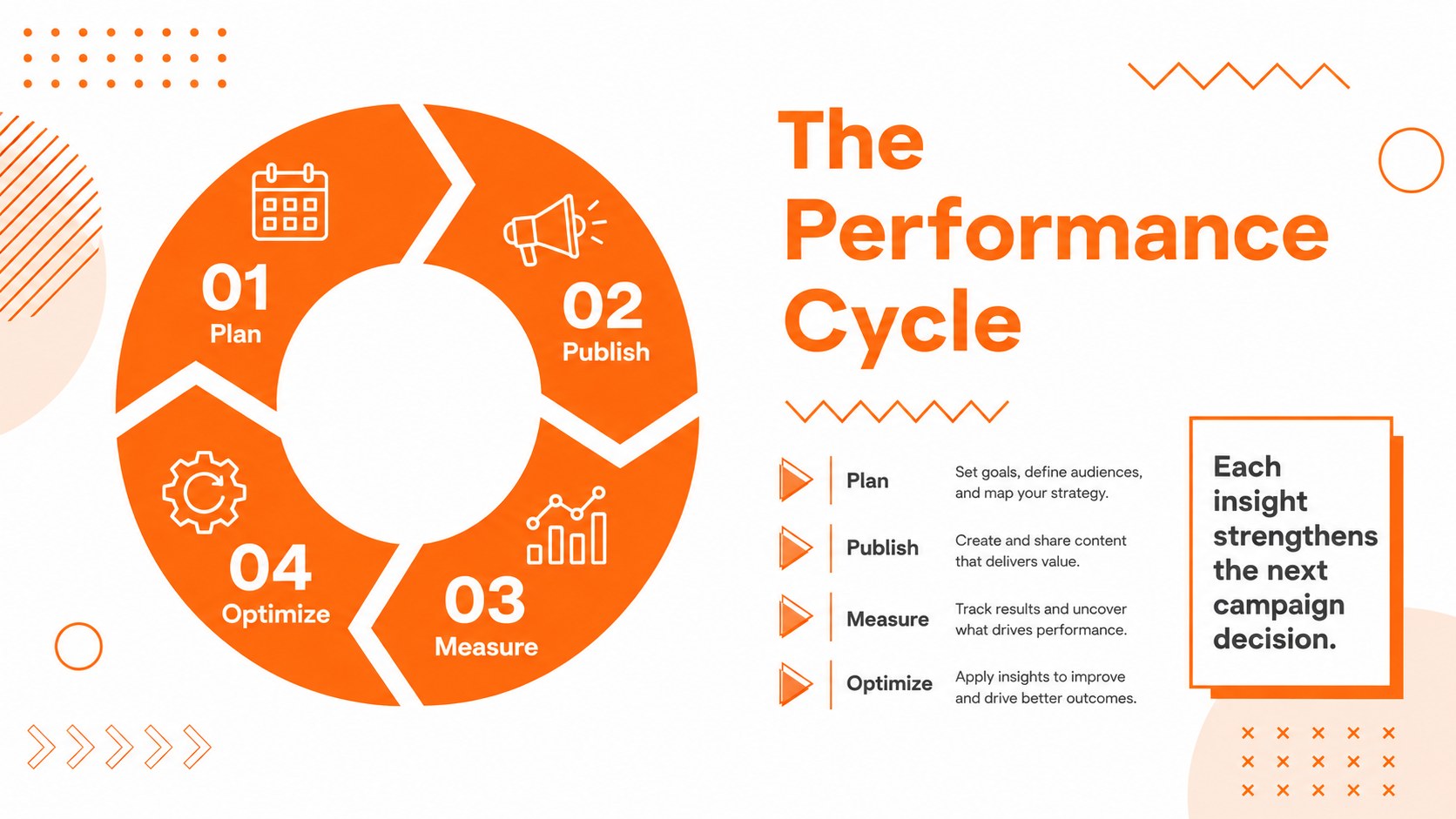
Make recurring results easier to understand with a cycle-based social performance dashboard designed for structured campaign reviews. Its energetic orange-and-white palette, bold typography, and playful Memphis-inspired graphics give routine reporting a lively edge without distracting from the data. Use the circular layouts to connect planning, publishing, measurement, learning, and optimization in one continuous story.
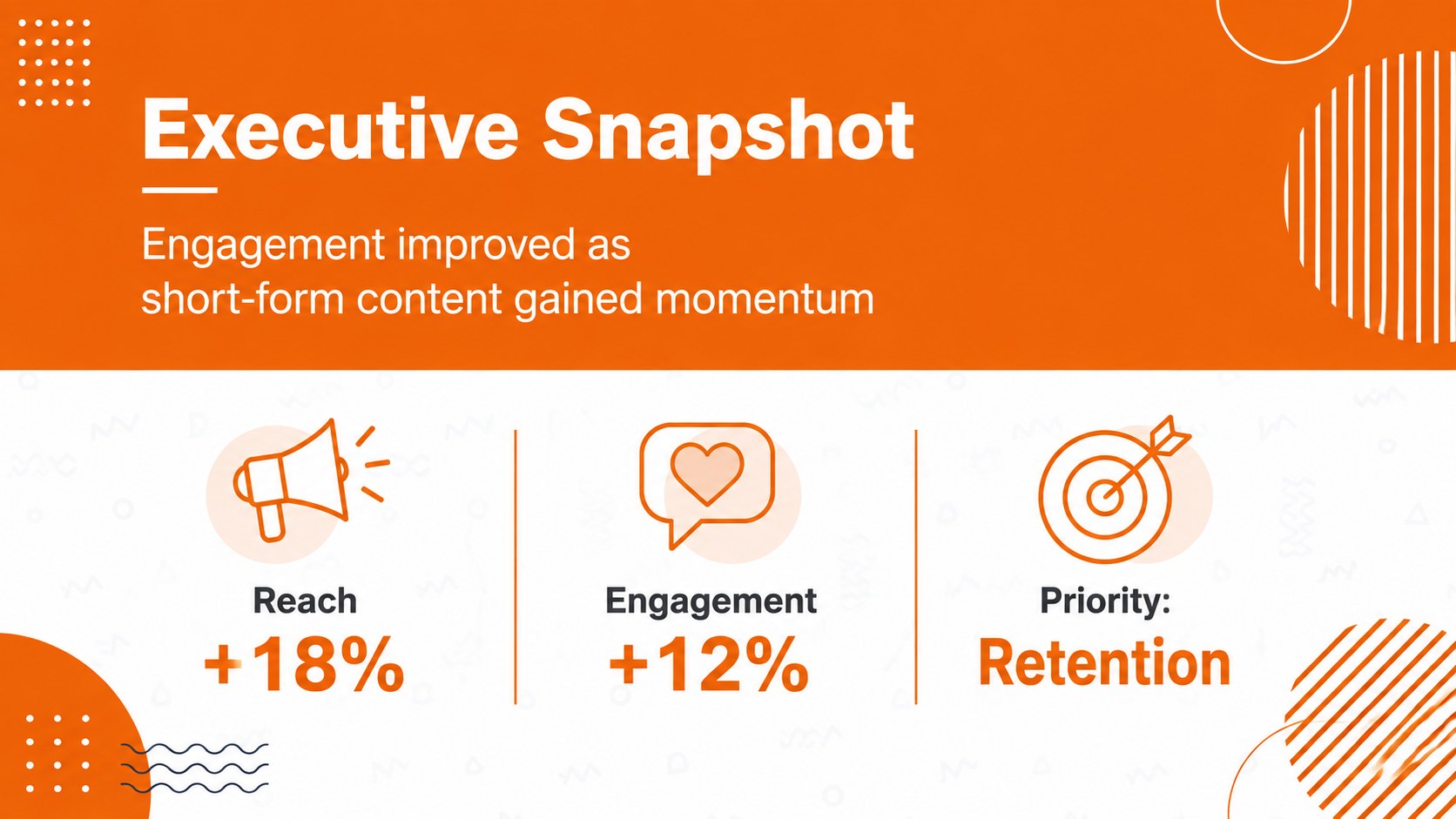
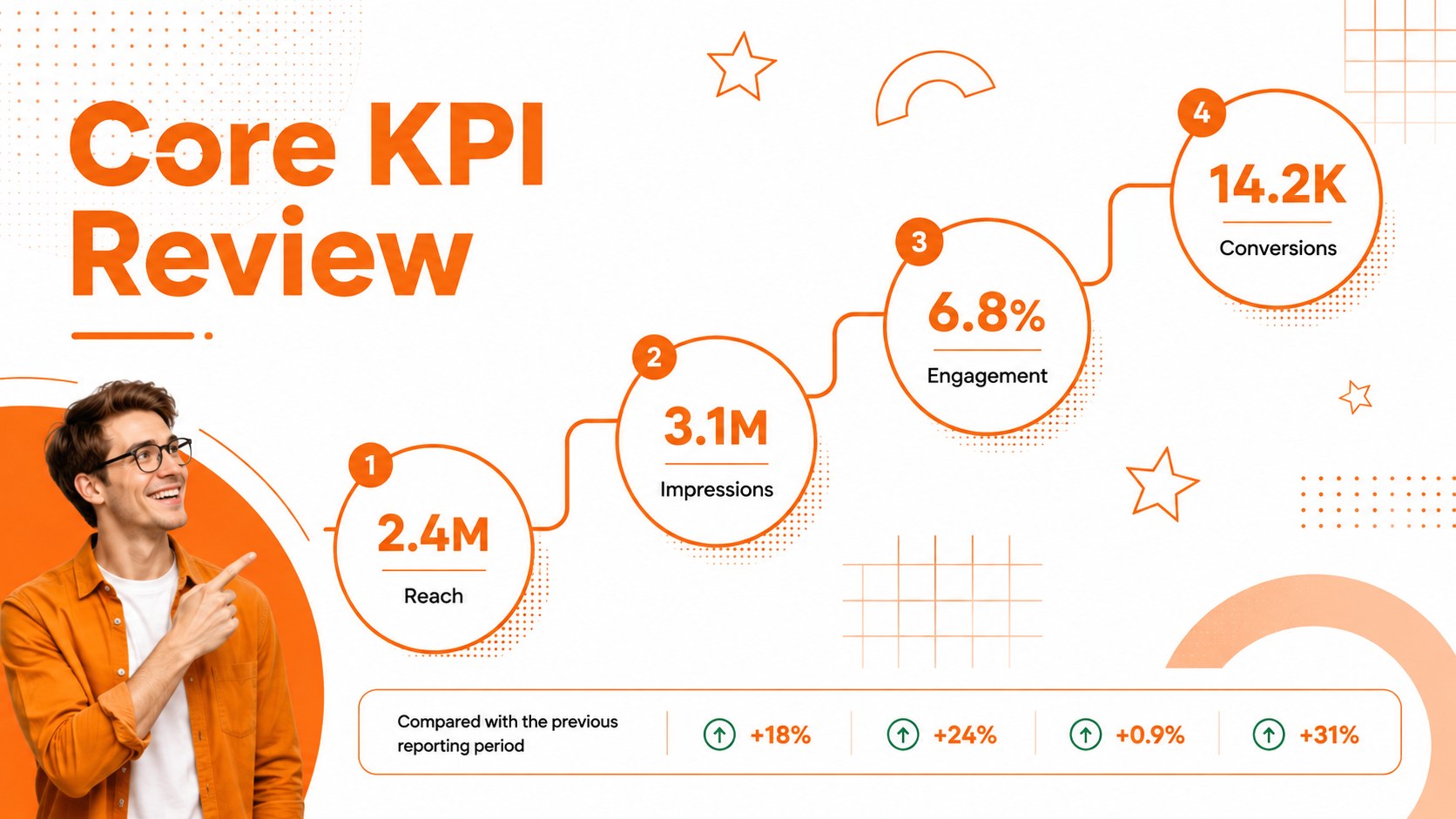
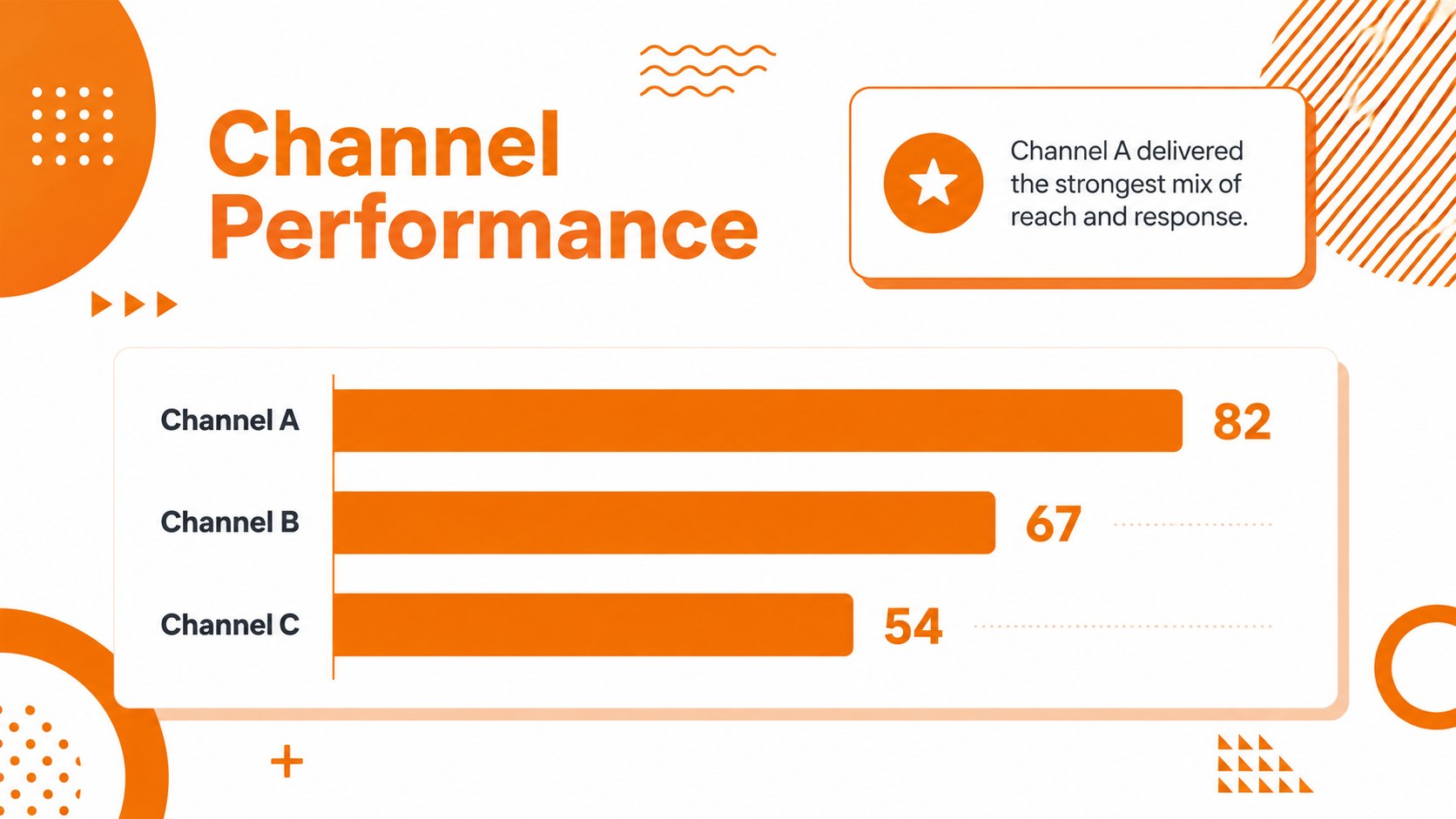
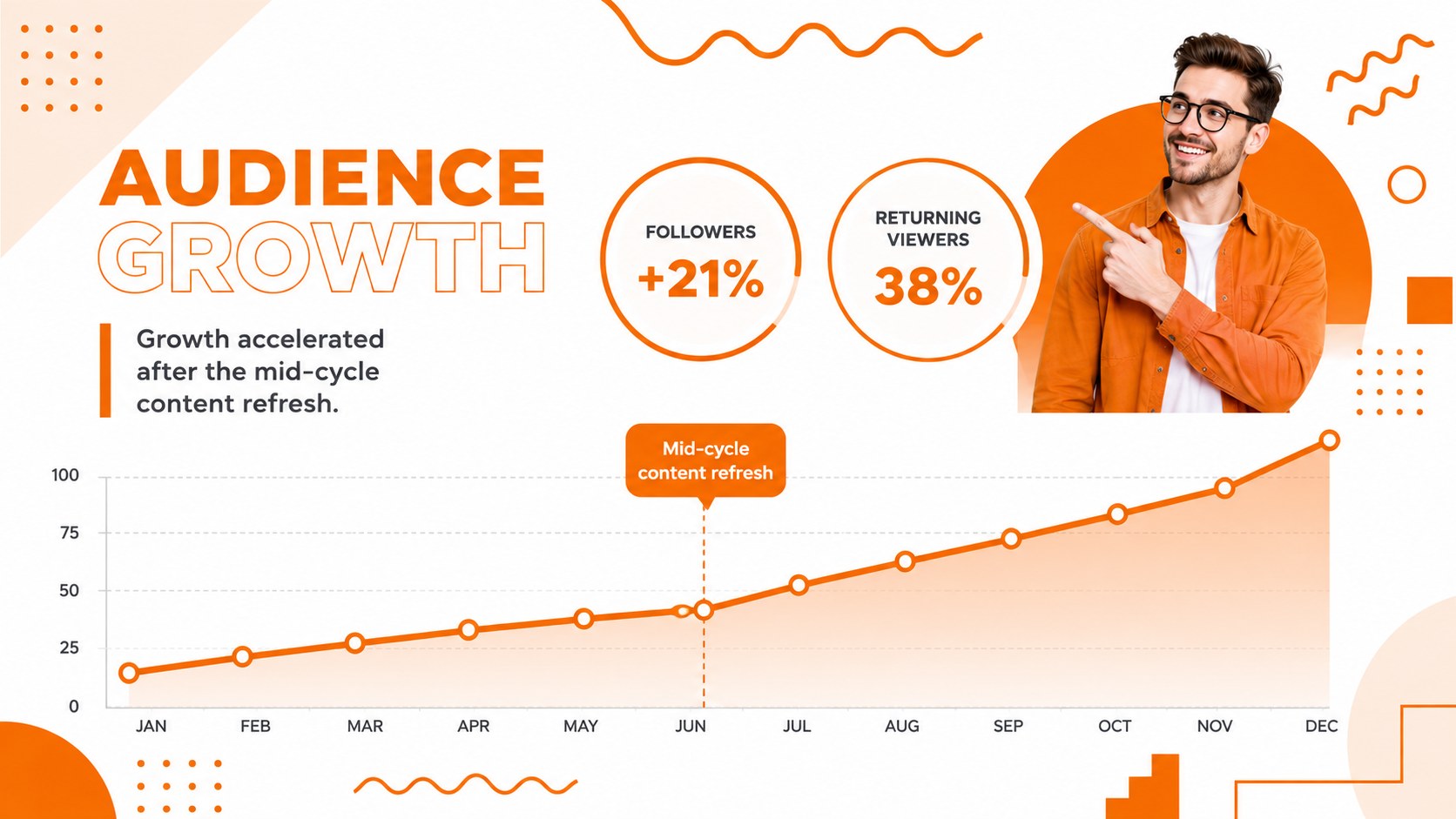
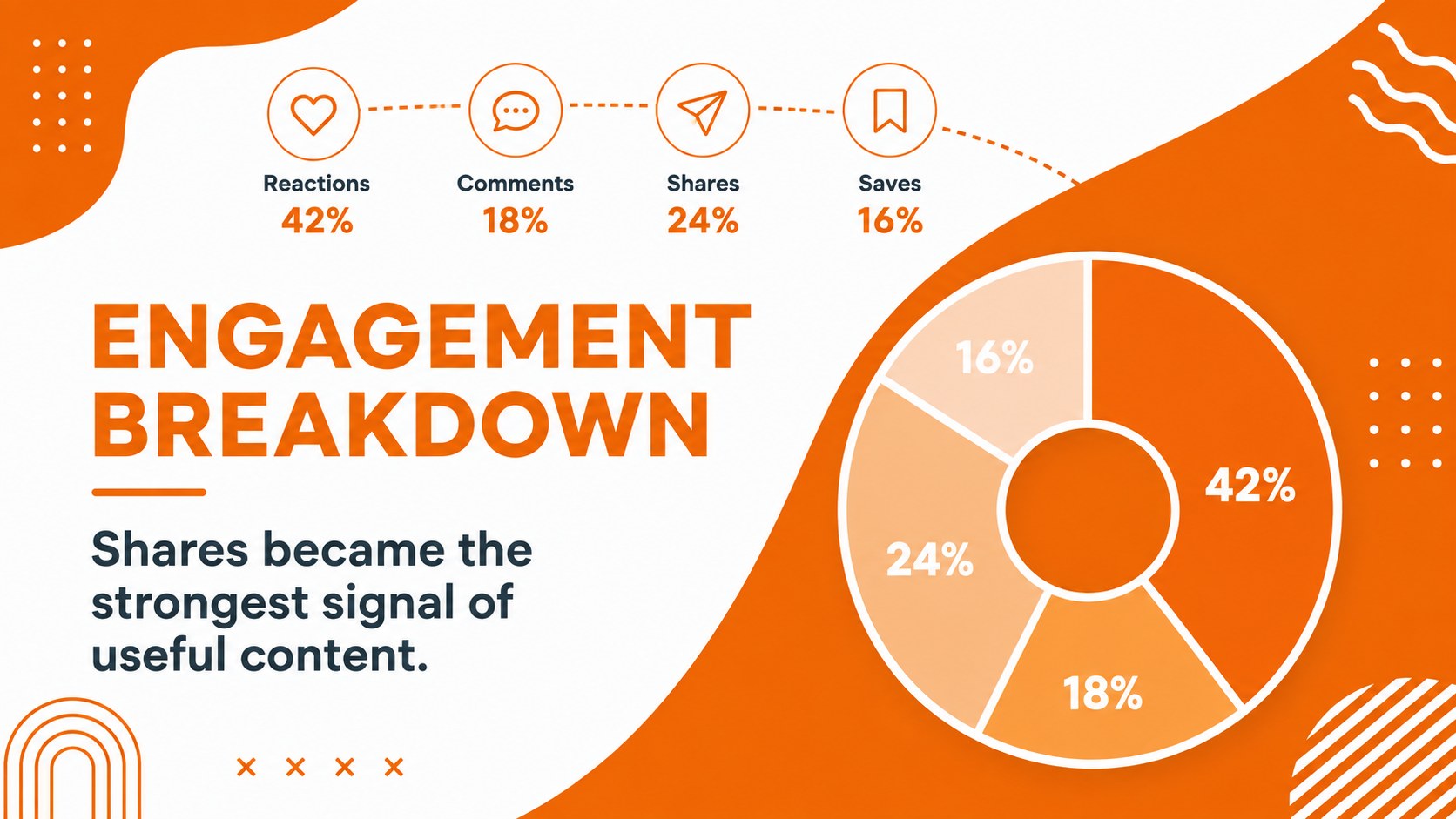
Inside, you will find adaptable layouts for an executive overview, channel snapshots, audience growth, engagement metrics, content performance, conversion paths, campaign comparisons, and action planning. The campaign performance cycle slides help explain how insights feed the next round of creative decisions, while the social analytics dashboard template provides clear spaces for charts, percentages, milestones, and concise commentary. A dedicated social media KPI review layout keeps important figures visible and easy to compare.
This deck is built for marketing teams, agencies, consultants, social strategists, and students presenting digital campaign findings. Customize the colors, labels, charts, and supporting text in PowerPoint or Google Slides, then reorganize the layouts around your reporting cadence. Whether you are preparing a monthly client update, a quarterly channel review, or an internal planning session, the presentation helps turn scattered metrics into a focused narrative with practical next steps.
Perfect for: monthly client performance review; quarterly social channel analysis; campaign optimization workshop; marketing team KPI briefing; agency results presentation.
Frequently asked questions
Can I edit the charts and cycle diagrams? Yes. The diagrams, labels, colors, and chart elements can be adjusted to match your metrics and reporting process. Replace the sample figures with campaign data and shorten or expand each stage as needed.
Practical details
Yes. The diagrams, labels, colors, and chart elements can be adjusted to match your metrics and reporting process. Replace the sample figures with campaign data and shorten or expand each stage as needed.
The template is designed for PowerPoint and Google Slides. Some fonts or transition effects may render slightly differently between platforms, so review the final deck before presenting.
Yes. Swap the orange accents, update the type styles, and add approved client colors while preserving the high-contrast white background. You can also remove decorative graphics for a more restrained reporting style.
Use it for reach, impressions, engagement, audience growth, clicks, conversions, content rankings, and channel comparisons. The cycle layouts are especially useful for connecting findings to testing and optimization plans.
Keep exploring
15Build an engaging World UFO Day session with this flying saucer history lesson deck, featuring retro green-and-brown slides for PowerPoint and Google Slides.
 15
15Plan a lively animal-learning journey with this jungle zoo adventure lesson deck, ready to customize in PowerPoint and Google Slides for young learners.
 16
16Turn environmental research into a clear story with a Watercolor Ecology Presentation Theme for PowerPoint and Google Slides in calming green and blue.
 16
16Build focused fashion, literature, and humanities presentations with the Red Triangle Editorial Theme, editable in PowerPoint and Google Slides.
 15
15Turn streaming stats, favorite tracks, and concert highlights into a bold annual listening recap slide deck for PowerPoint and Google Slides.
 15
15Turn highlights, milestones, and favorite moments into a colorful year in review slide deck with bold 3D graphics for PowerPoint and Google Slides.
 3
3Build a credible endorsement with Standout Colleague Recommendation Letter Slides, featuring colorful prompts for skills, achievements, and team impact.
 4
4Build clear beginner sessions with an ice hockey fundamentals training deck for coaches, PE teachers, and clubs, ready for PowerPoint and Google Slides.