
 15
15presentation
Flying Saucer History Lesson Deck
Build an engaging World UFO Day session with this flying saucer history lesson deck, featuring retro green-and-brown slides for PowerPoint and Google Slides.
Google SlidesPowerPoint
presentation · English
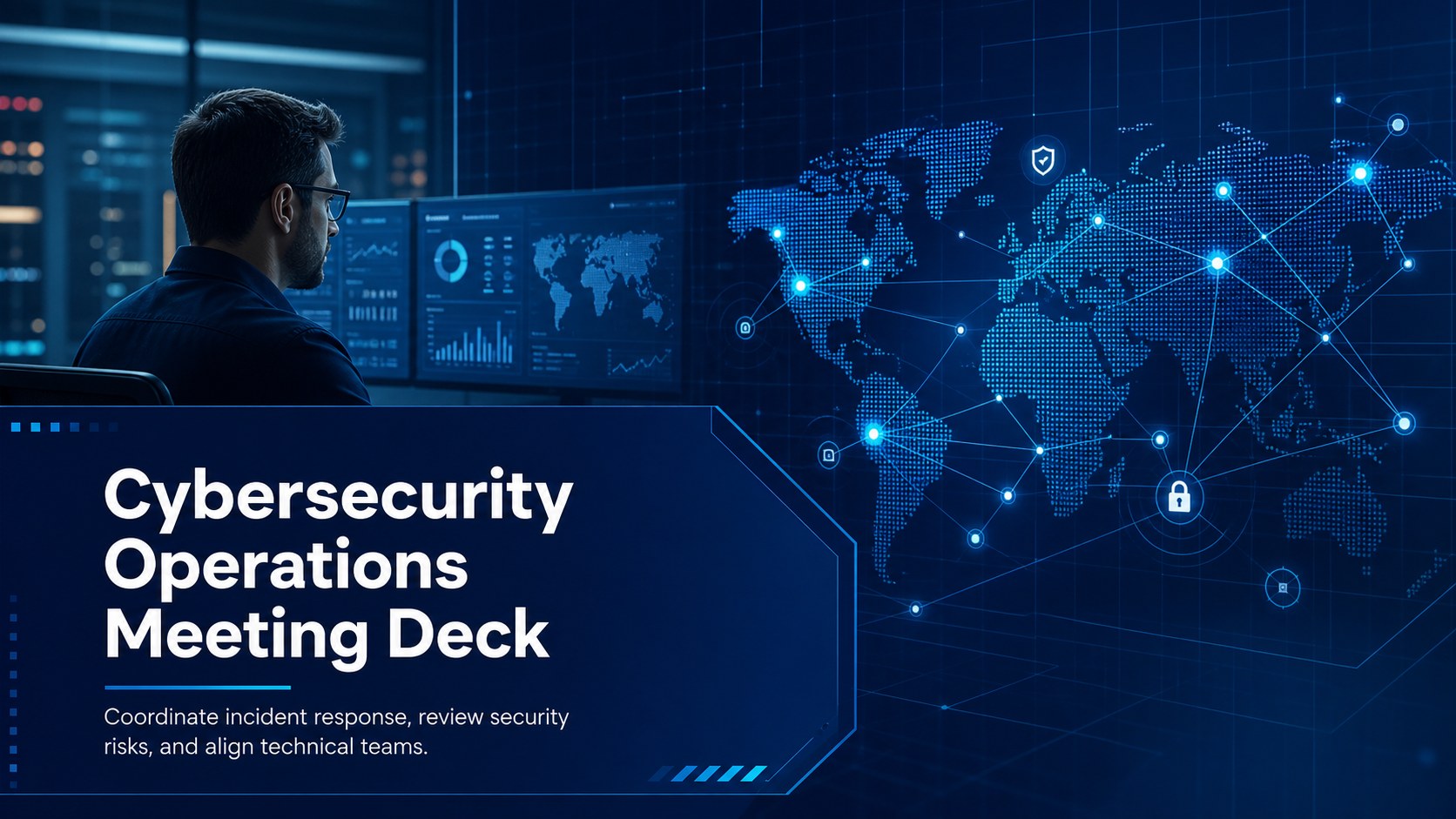
Build a focused cybersecurity operations meeting deck for incident planning, risk reviews, and team briefings with editable blue slides for PowerPoint.
Design notes
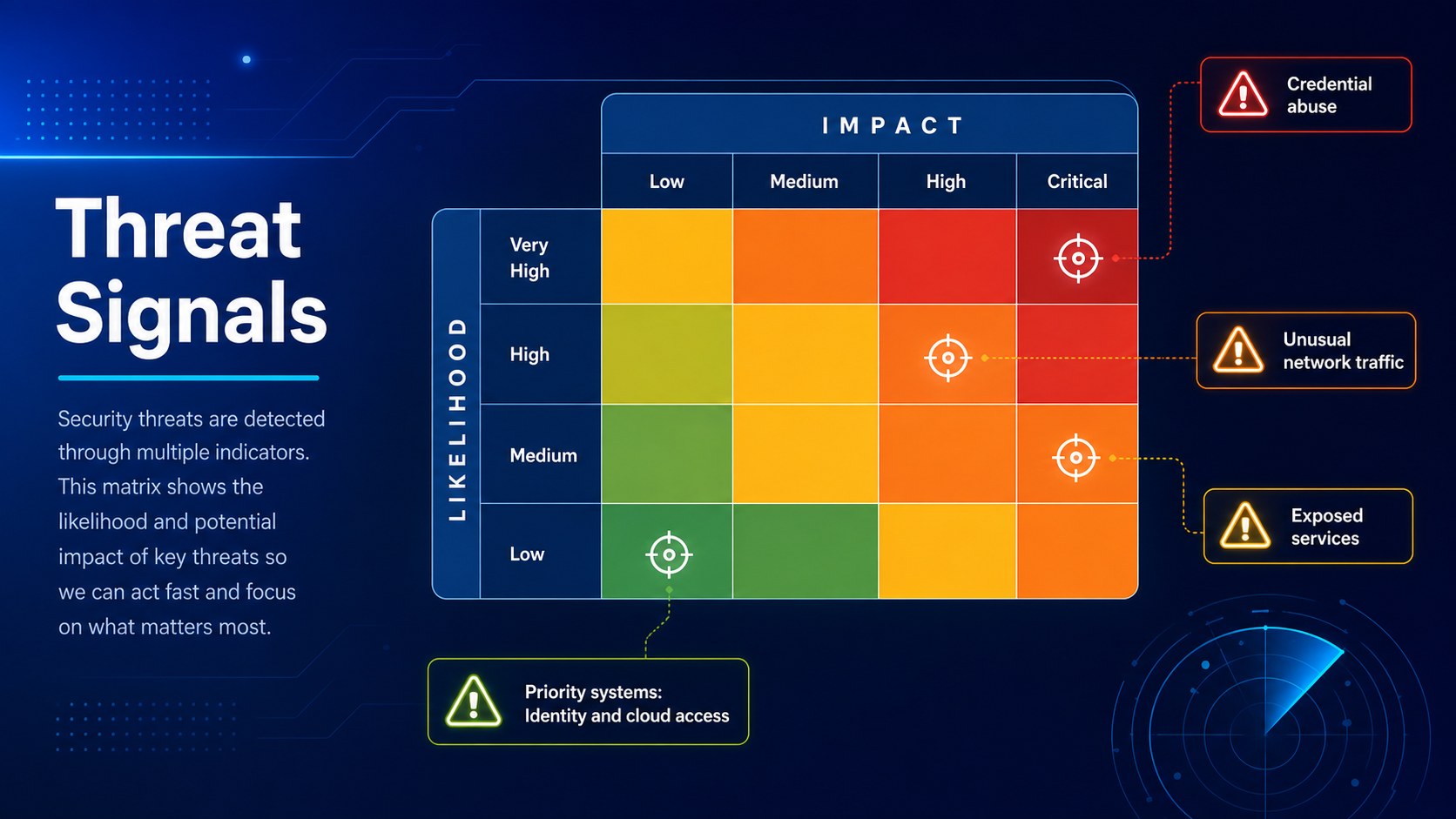
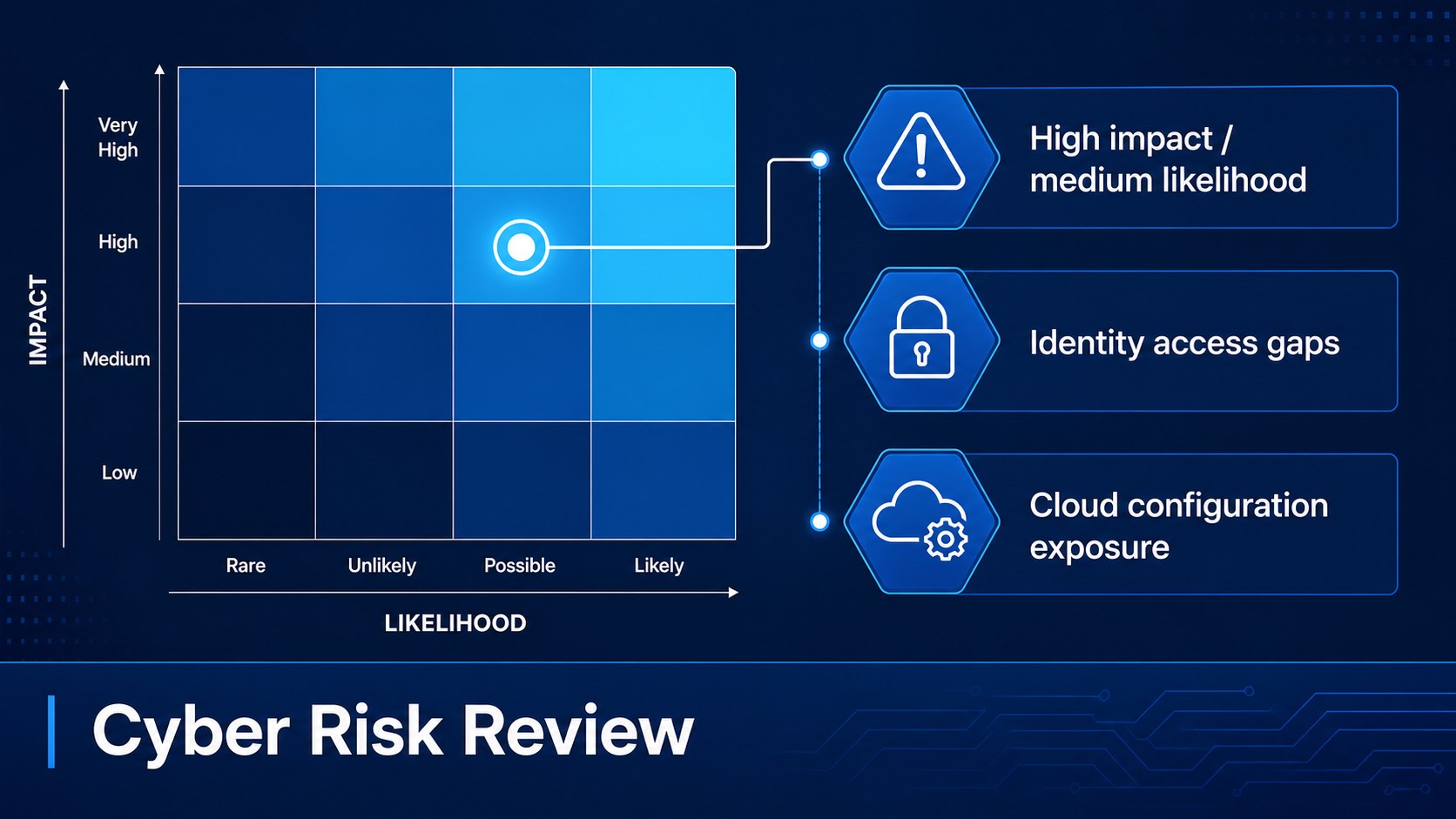
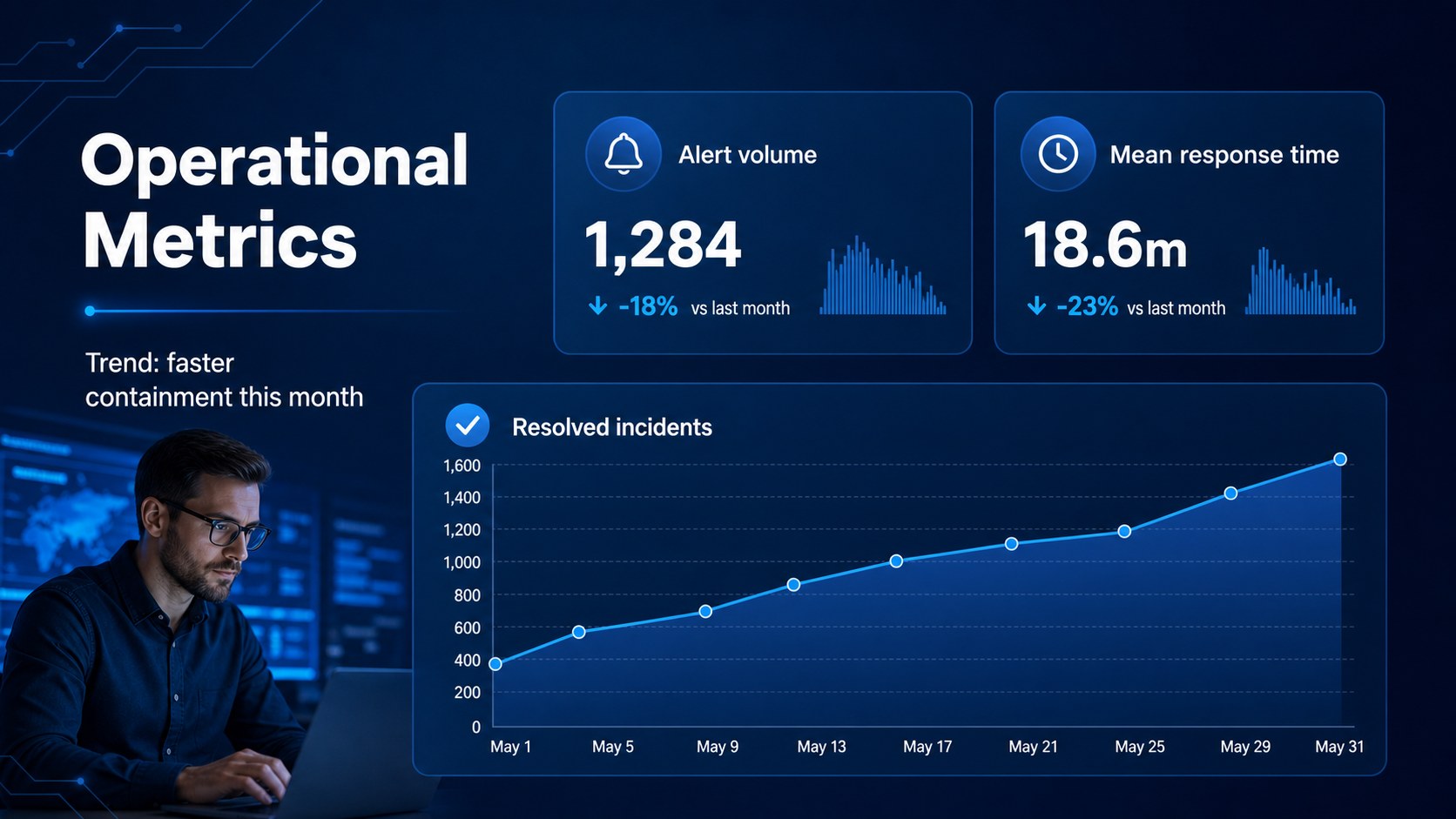
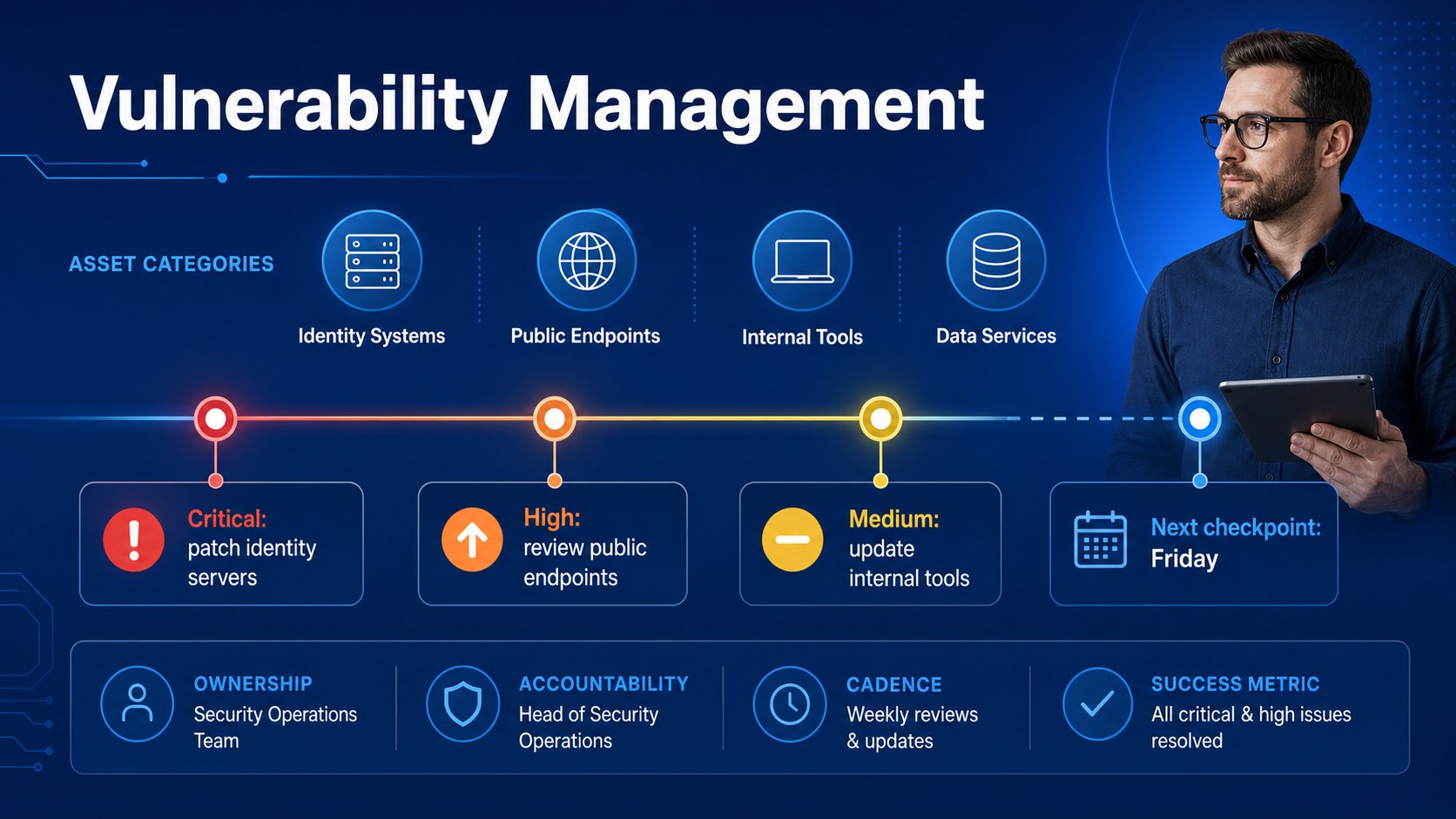
Cybersecurity Operations Meeting Deck is designed for teams that need to turn complex security information into clear, actionable conversations. Its cool blue visual system, modern geometric details, and structured layouts create a focused setting for incident reviews, planning sessions, and technical briefings.
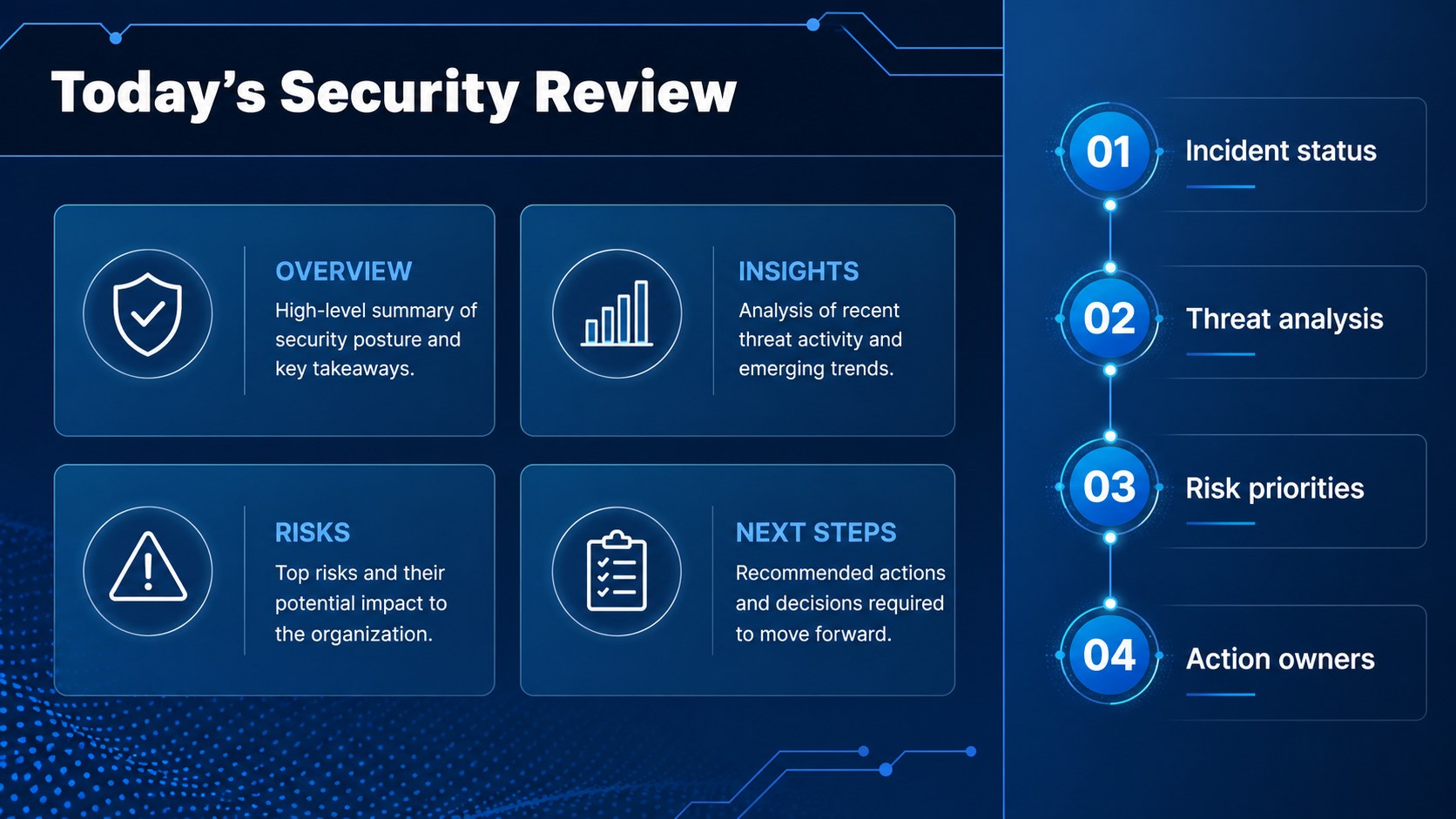
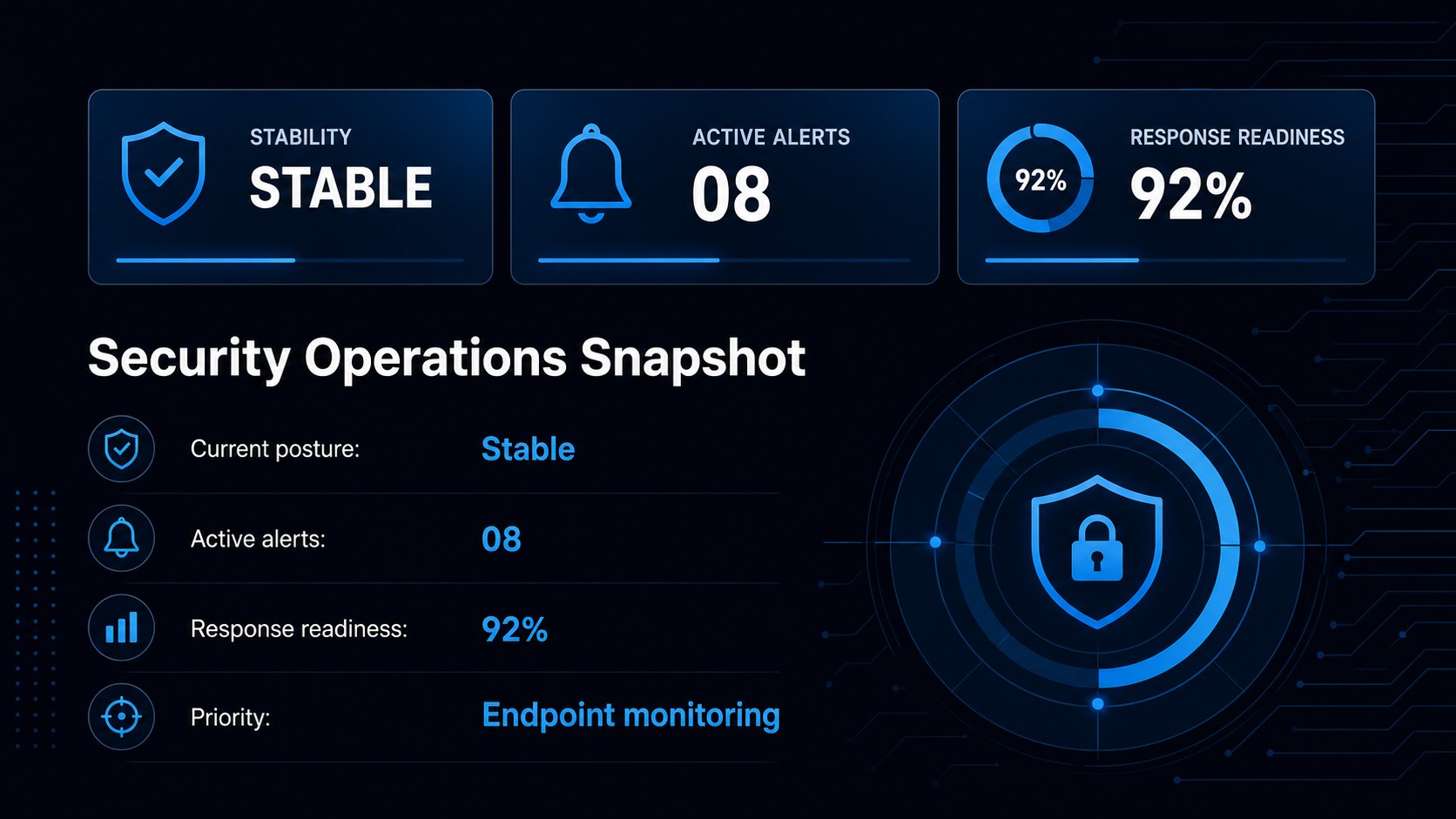
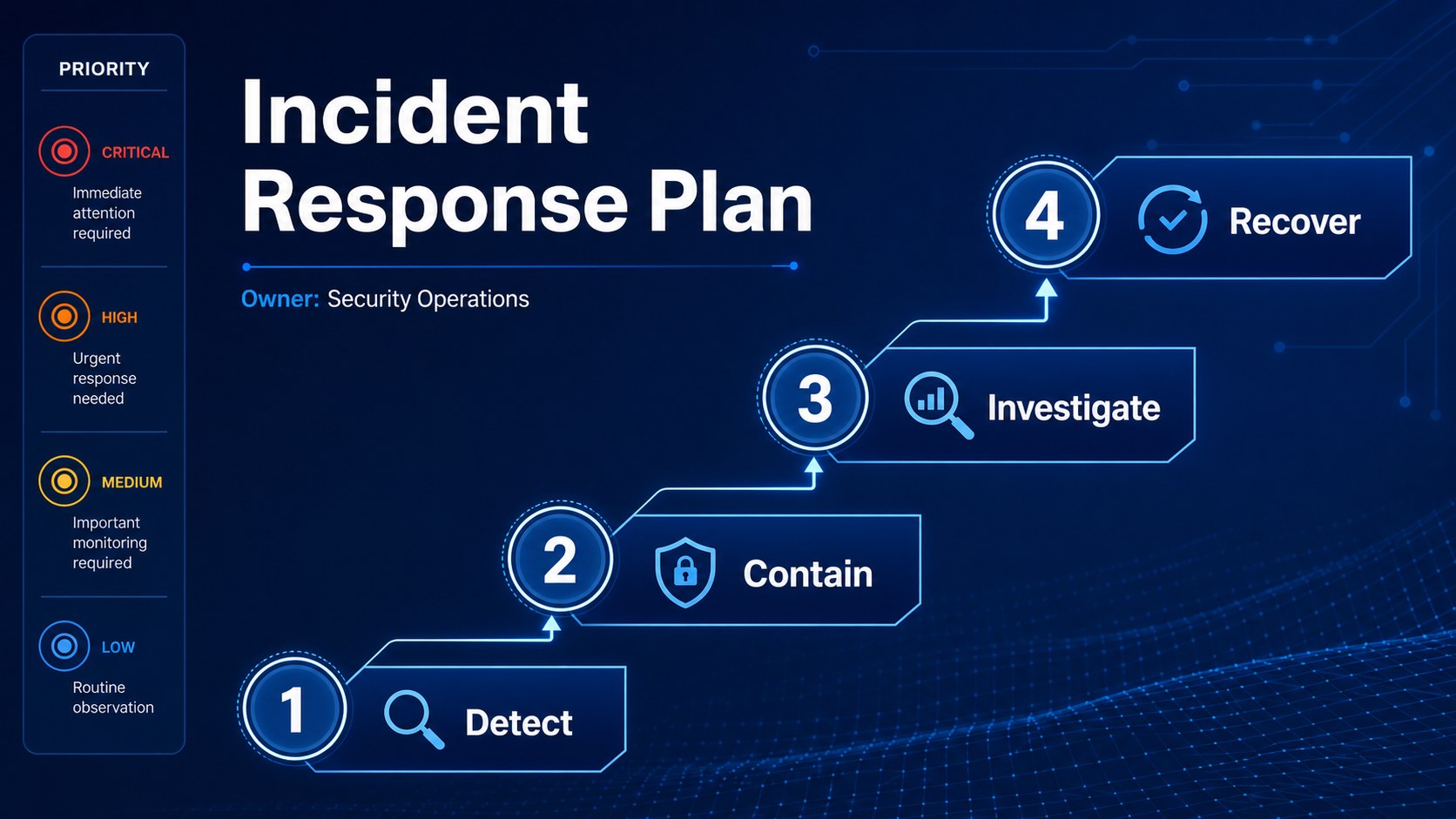
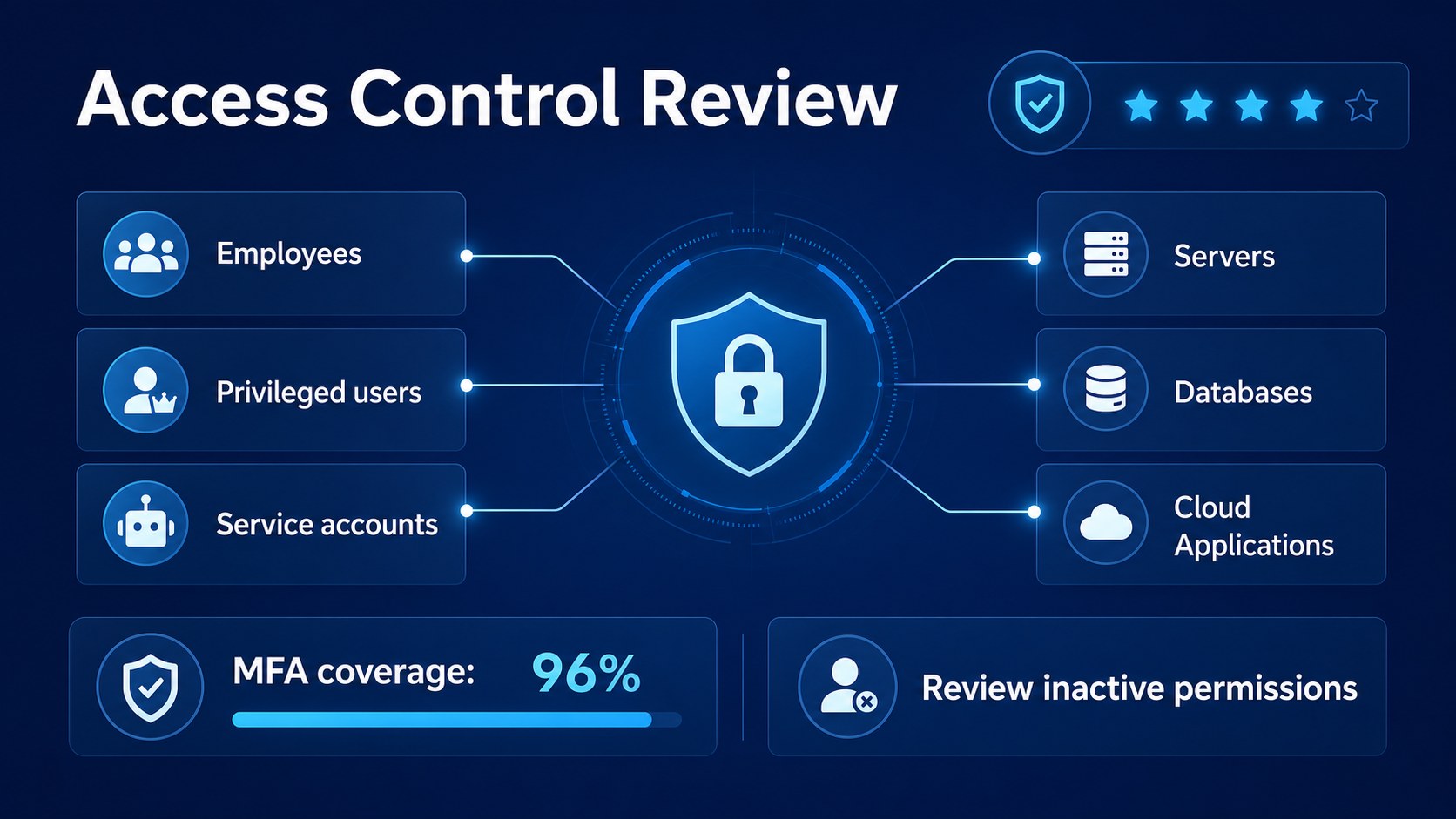
Inside, you’ll find editable slides for meeting agendas, threat summaries, response workflows, risk priorities, performance metrics, team responsibilities, and next-step planning. Use the visual blocks to simplify technical language, present key findings, compare security options, and keep discussions moving toward decisions. Charts, diagrams, timelines, tables, and image placeholders can be adapted to match your organization’s data and reporting style.
This cybersecurity operations meeting deck works well for security operations centers, IT departments, managed service providers, software teams, and business leaders who need a shared view of digital risk. It is suitable for weekly security standups, incident response planning, executive updates, vulnerability management reviews, and cybersecurity awareness sessions. Edit the files in PowerPoint or Google Slides, adjust the blue palette and typography, and replace the sample content with your own security metrics, procedures, and recommendations.
Perfect for: weekly security operations meeting; incident response planning session; executive cyber risk update; vulnerability management review; security awareness workshop.
Frequently asked questions
Can I edit this deck in PowerPoint? Yes. The presentation is designed for PowerPoint and can be customized with your own text, charts, images, and security metrics. You can also adjust colors and typography to match your organization.
Practical details
Yes. The presentation is designed for PowerPoint and can be customized with your own text, charts, images, and security metrics. You can also adjust colors and typography to match your organization.
Yes, the slides can be opened and edited in Google Slides. Review imported fonts, charts, and animations after uploading so the presentation matches the intended layout.
Use the layouts for incident timelines, threat summaries, vulnerability statistics, response procedures, risk registers, and team action items. Replace the sample wording with current findings and approved internal information.
Yes. All major visual elements are editable, so you can update the blue shades to fit your brand or reporting standards. Keep strong contrast between backgrounds, text, charts, and alert indicators for readability.
Keep exploring
15Build an engaging World UFO Day session with this flying saucer history lesson deck, featuring retro green-and-brown slides for PowerPoint and Google Slides.
 15
15Plan a lively animal-learning journey with this jungle zoo adventure lesson deck, ready to customize in PowerPoint and Google Slides for young learners.
 16
16Turn environmental research into a clear story with a Watercolor Ecology Presentation Theme for PowerPoint and Google Slides in calming green and blue.
 16
16Build focused fashion, literature, and humanities presentations with the Red Triangle Editorial Theme, editable in PowerPoint and Google Slides.
 15
15Turn streaming stats, favorite tracks, and concert highlights into a bold annual listening recap slide deck for PowerPoint and Google Slides.
 15
15Turn highlights, milestones, and favorite moments into a colorful year in review slide deck with bold 3D graphics for PowerPoint and Google Slides.
 3
3Build a credible endorsement with Standout Colleague Recommendation Letter Slides, featuring colorful prompts for skills, achievements, and team impact.
 4
4Build clear beginner sessions with an ice hockey fundamentals training deck for coaches, PE teachers, and clubs, ready for PowerPoint and Google Slides.