
 15
15presentation
Flying Saucer History Lesson Deck
Build an engaging World UFO Day session with this flying saucer history lesson deck, featuring retro green-and-brown slides for PowerPoint and Google Slides.
Google SlidesPowerPoint
presentation · English
Build safer online habits with a cyberbullying prevention lesson featuring editable purple illustrated slides for PowerPoint and Google Slides.

Design notes
Help students approach online conflict with practical knowledge through this cyberbullying prevention lesson. The purple minimalist design balances a serious subject with approachable illustrations, giving educators a clear framework for discussing digital conduct without overwhelming the class. Every slide can be edited in PowerPoint or Google Slides to reflect local policies, age groups, and school resources.
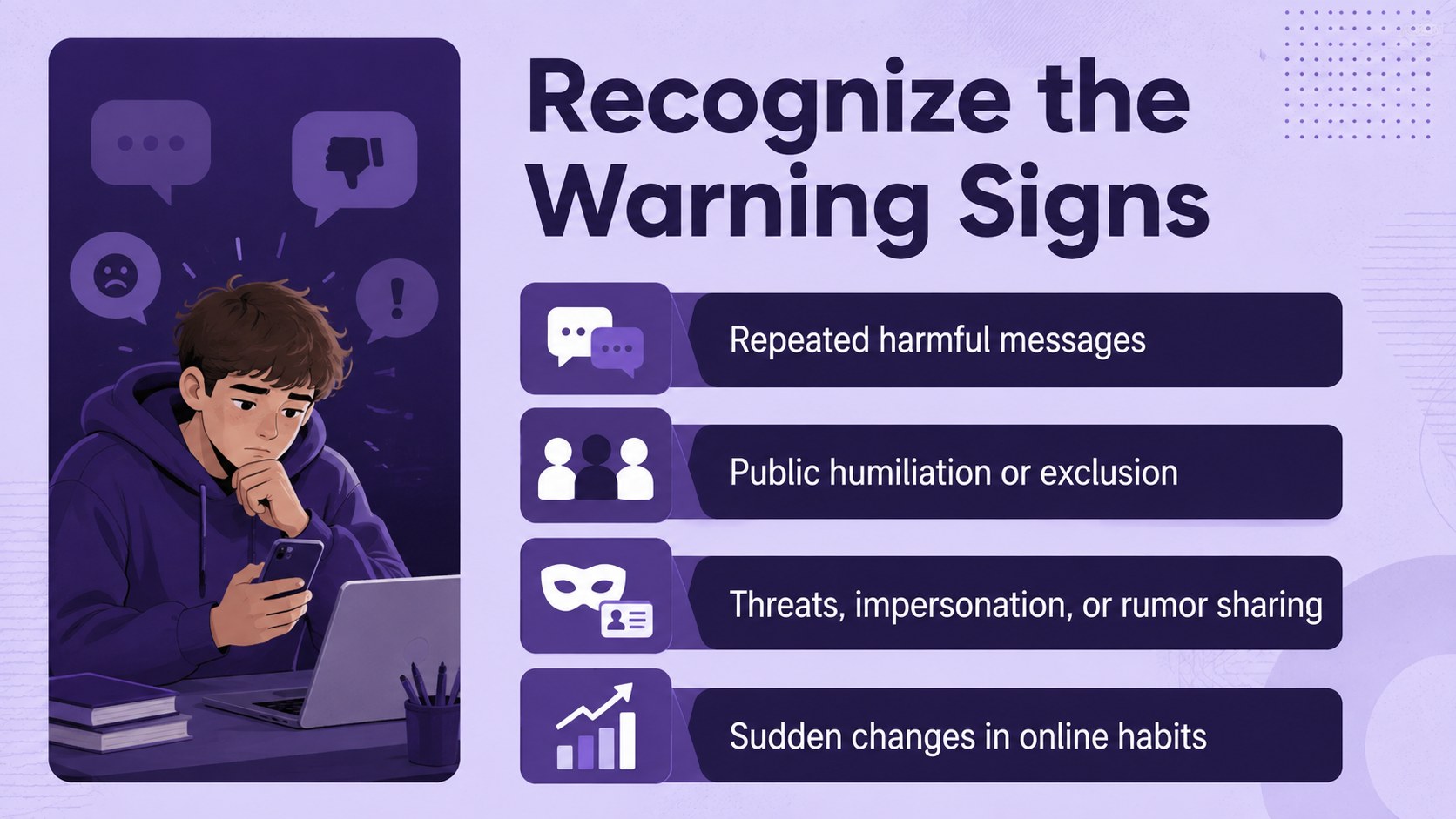
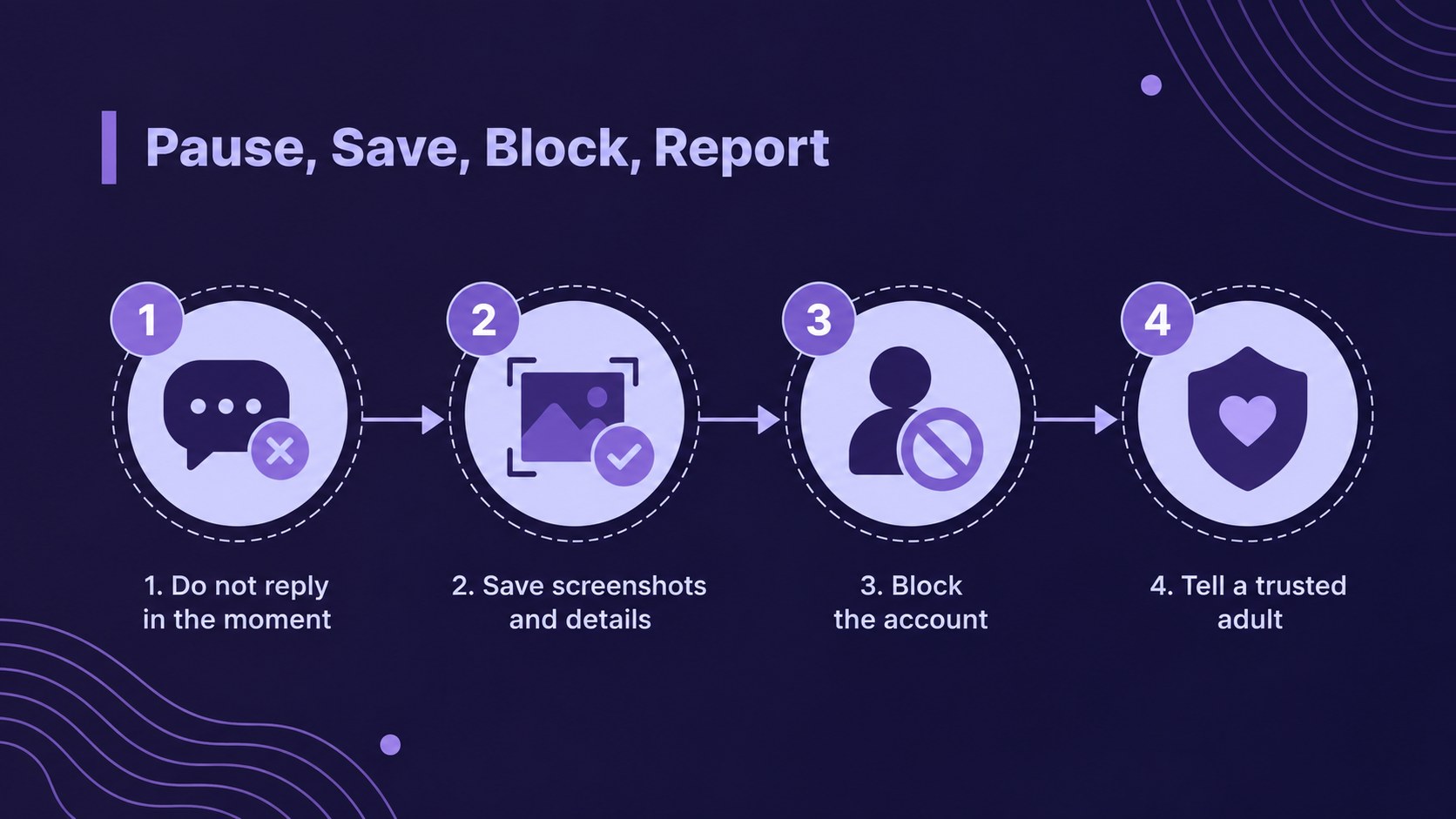
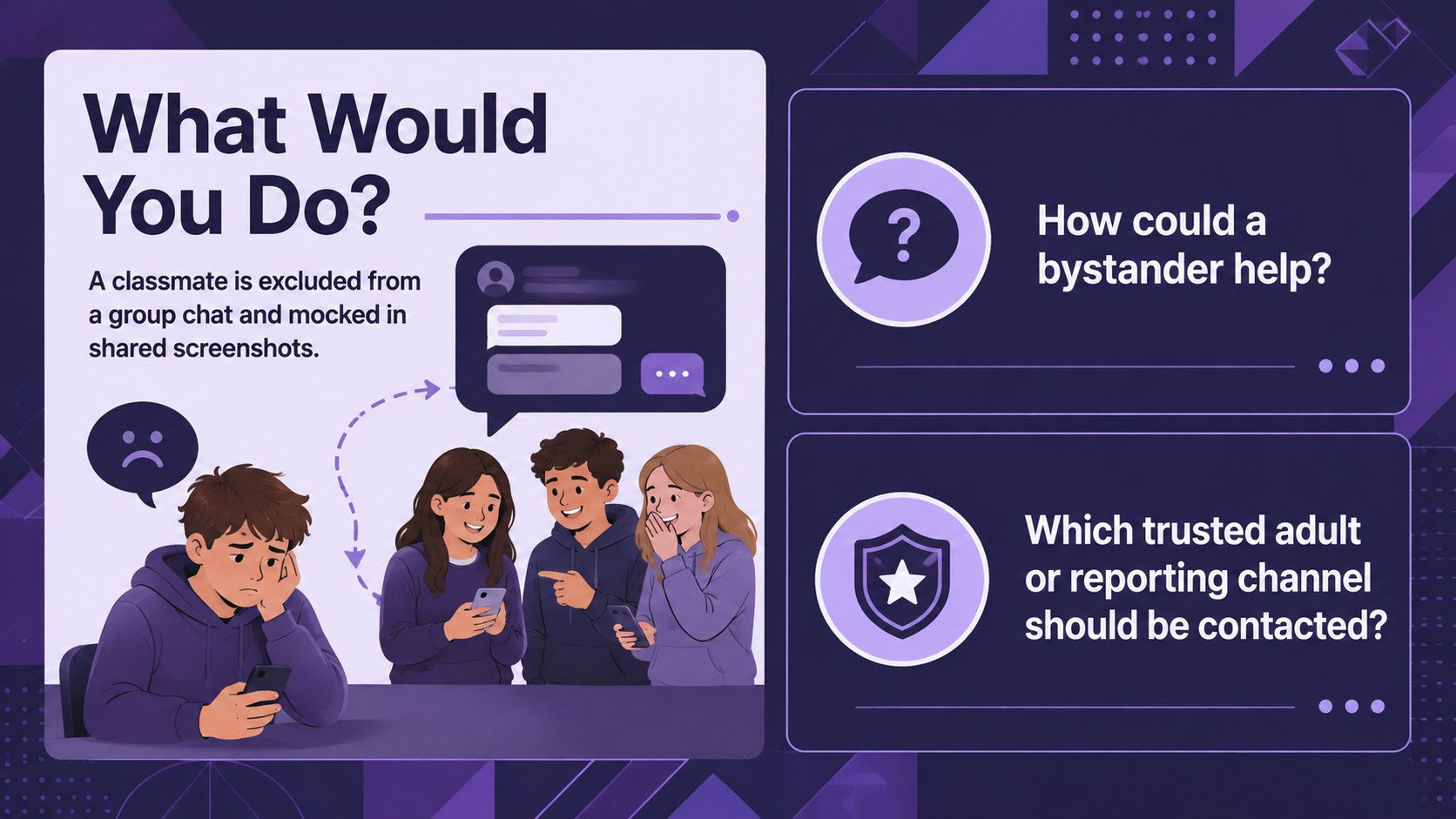
The deck includes space to define cyberbullying, distinguish conflict from repeated harassment, identify warning signs, and explore the roles of targets, bystanders, and trusted adults. It also supports scenario discussions, reporting steps, class agreements, and a simple cyberbullying response plan for schools. Use the layouts to add realistic examples, anonymous reflection questions, or contact details for counseling and safeguarding teams.
Designed for teachers, school counselors, pastoral staff, and digital citizenship coordinators, this digital citizenship classroom presentation works well with middle school and high school audiences. It can support a focused lesson, an advisory period, a family information session, or a wider online safety campaign. The online harassment awareness slides use concise prompts and structured activities to encourage participation while keeping the conversation respectful.
The 16:9 layouts are fully customizable, with editable text, colors, shapes, diagrams, and illustrated elements. Present the deck as supplied or adapt it into a longer workshop with school-specific procedures, discussion exercises, and follow-up resources.
Perfect for: middle school digital citizenship lesson; high school advisory session; parent online safety workshop; school awareness campaign; teacher safeguarding training.
Frequently asked questions
Practical details
Yes. You can replace the examples, reporting procedures, contact details, and discussion prompts with information that matches your school policies and student age group.
The template is designed for PowerPoint and Google Slides. Text, colors, shapes, diagrams, and most illustrated elements can be customized in either platform.
Yes. Simplify the language and scenarios for younger learners, or add more detailed discussions about consent, privacy, and bystander responsibility for older students.
Yes. The layouts support scenario analysis, warning-sign identification, response planning, class agreements, and individual reflection prompts.
Keep exploring
15Build an engaging World UFO Day session with this flying saucer history lesson deck, featuring retro green-and-brown slides for PowerPoint and Google Slides.
 15
15Plan a lively animal-learning journey with this jungle zoo adventure lesson deck, ready to customize in PowerPoint and Google Slides for young learners.
 16
16Turn environmental research into a clear story with a Watercolor Ecology Presentation Theme for PowerPoint and Google Slides in calming green and blue.
 16
16Build focused fashion, literature, and humanities presentations with the Red Triangle Editorial Theme, editable in PowerPoint and Google Slides.
 15
15Turn streaming stats, favorite tracks, and concert highlights into a bold annual listening recap slide deck for PowerPoint and Google Slides.
 15
15Turn highlights, milestones, and favorite moments into a colorful year in review slide deck with bold 3D graphics for PowerPoint and Google Slides.
 3
3Build a credible endorsement with Standout Colleague Recommendation Letter Slides, featuring colorful prompts for skills, achievements, and team impact.
 4
4Build clear beginner sessions with an ice hockey fundamentals training deck for coaches, PE teachers, and clubs, ready for PowerPoint and Google Slides.