
 15
15presentation
Flying Saucer History Lesson Deck
Build an engaging World UFO Day session with this flying saucer history lesson deck, featuring retro green-and-brown slides for PowerPoint and Google Slides.
Google SlidesPowerPoint
presentation · English
Build sharper cybercrime lessons with a dark neon training deck for PowerPoint and Google Slides, covering online fraud, threats, investigations, and…

Design notes
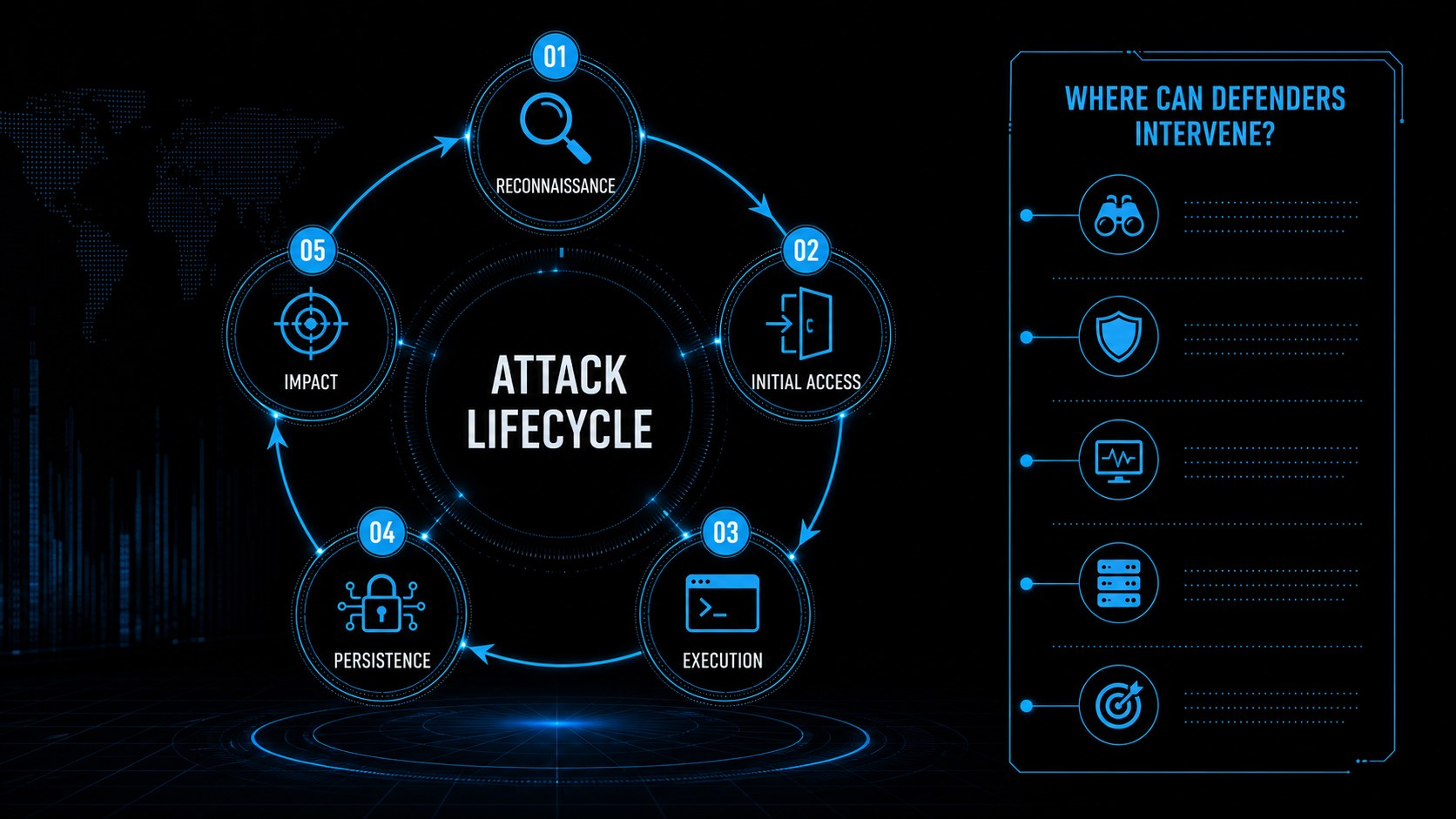
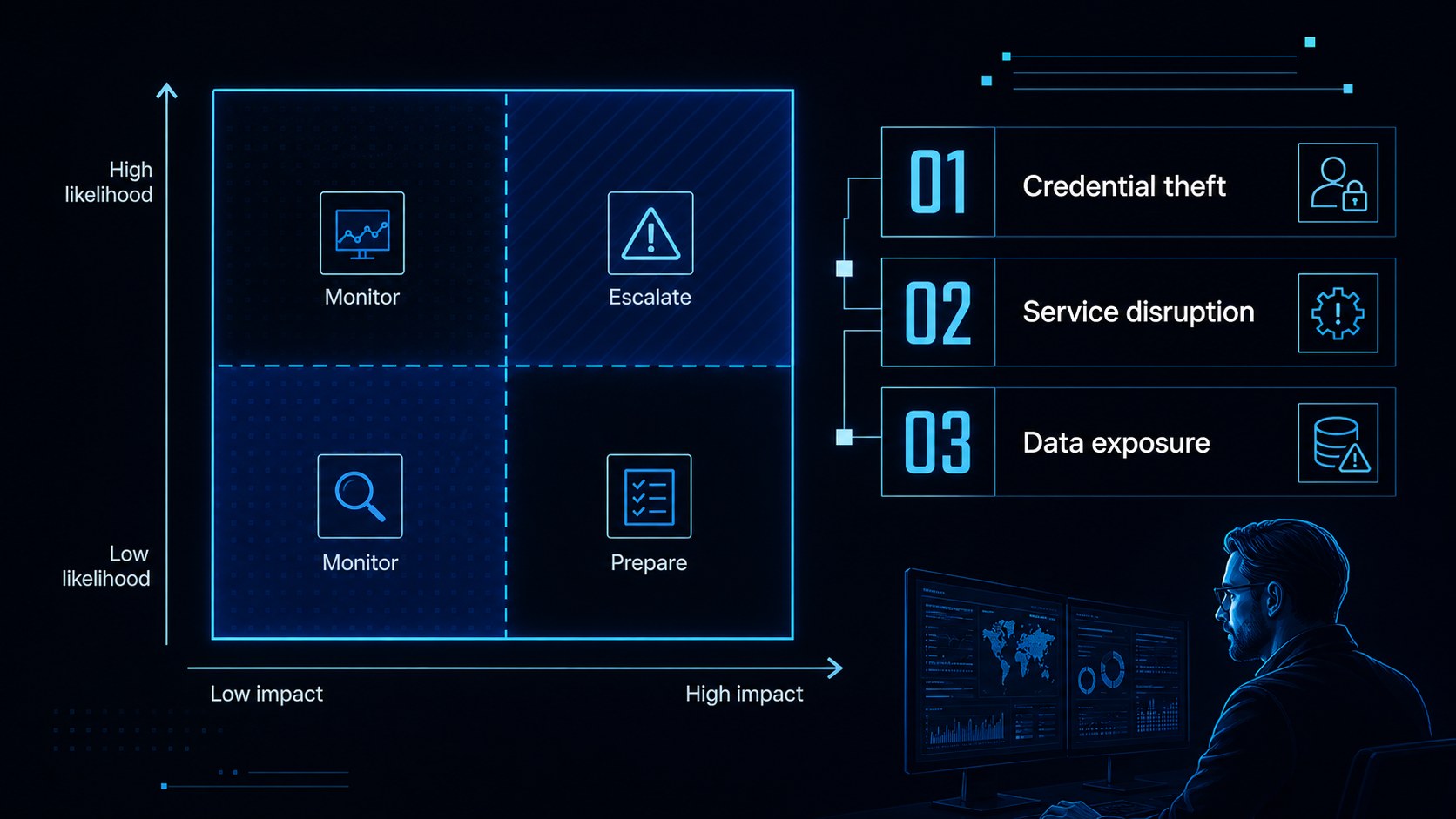
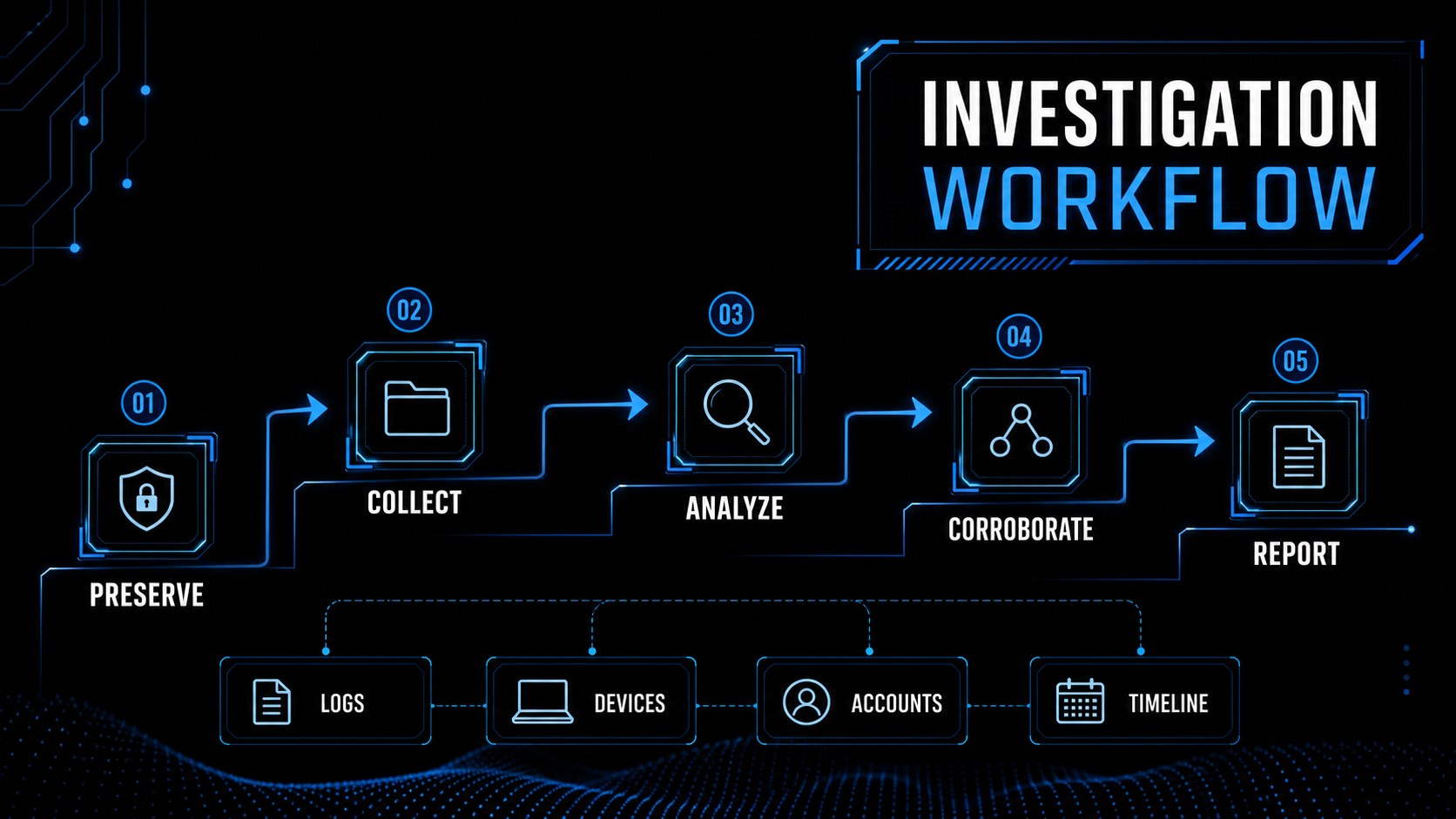
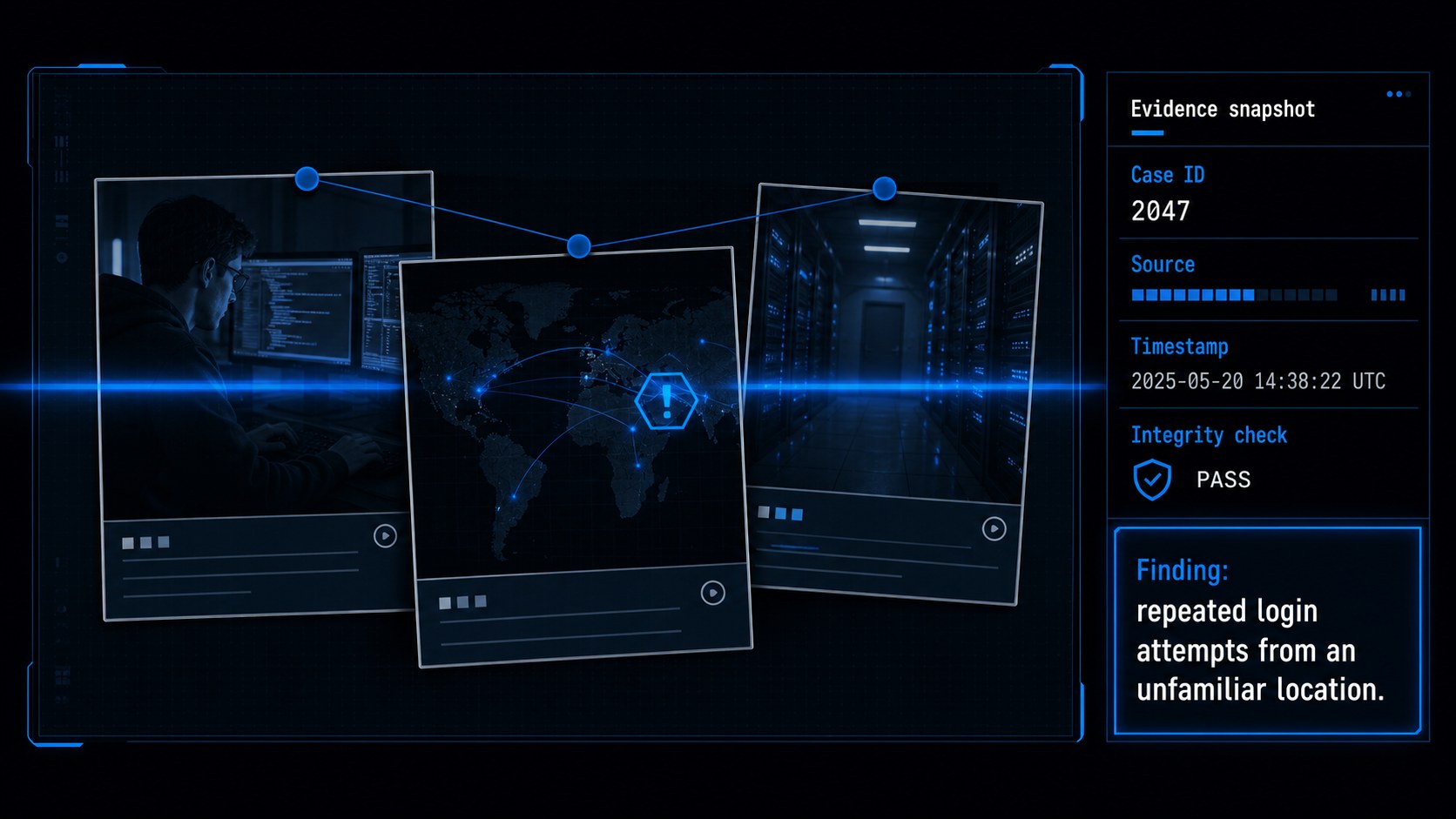
Cyber threats training deck for PowerPoint and Google Slides, designed for instructors, investigators, legal teams, and security professionals. Its dark black foundation, electric blue accents, and crisp typography create a serious visual language for explaining digital crime without overwhelming the audience.
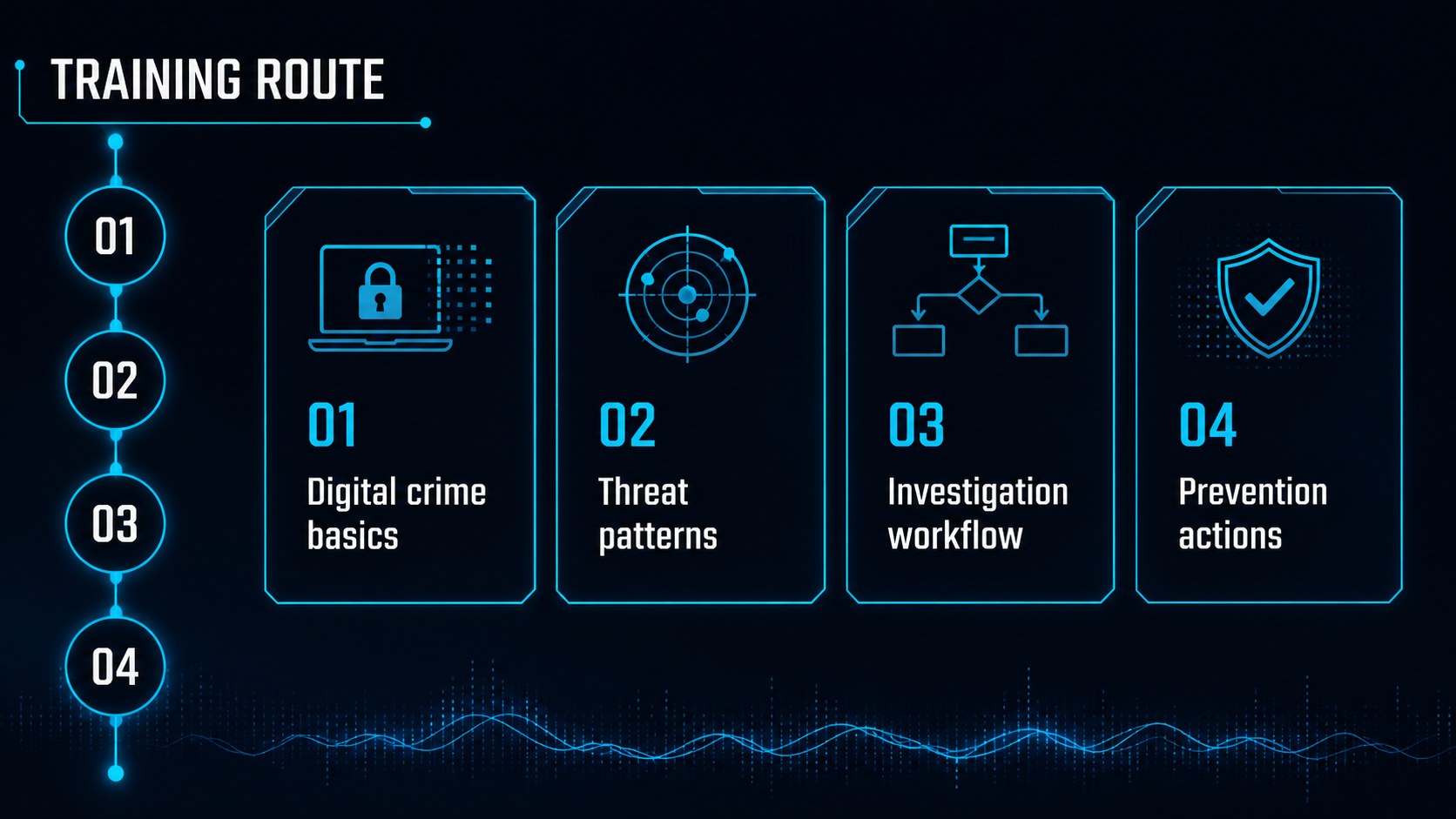
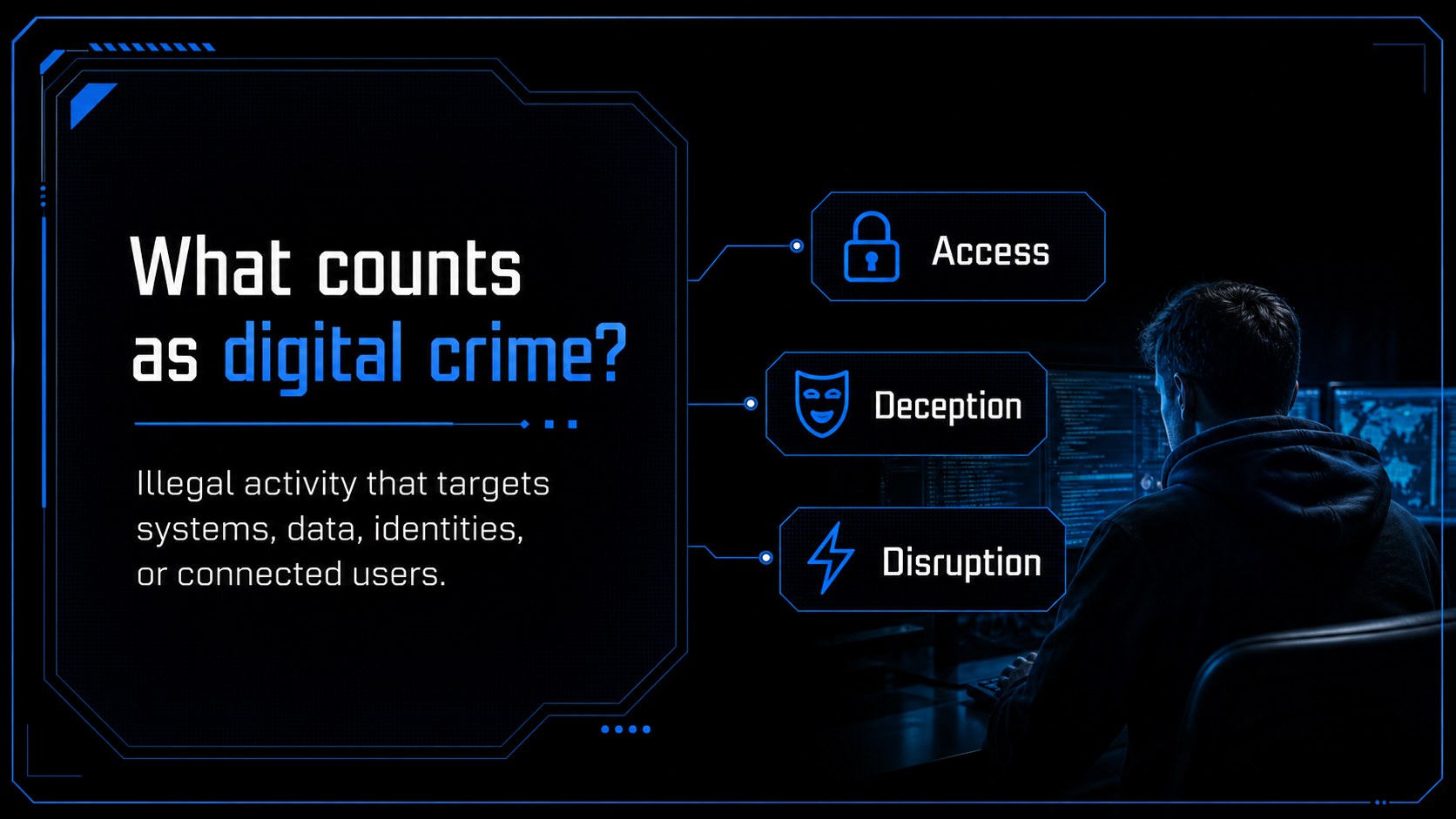
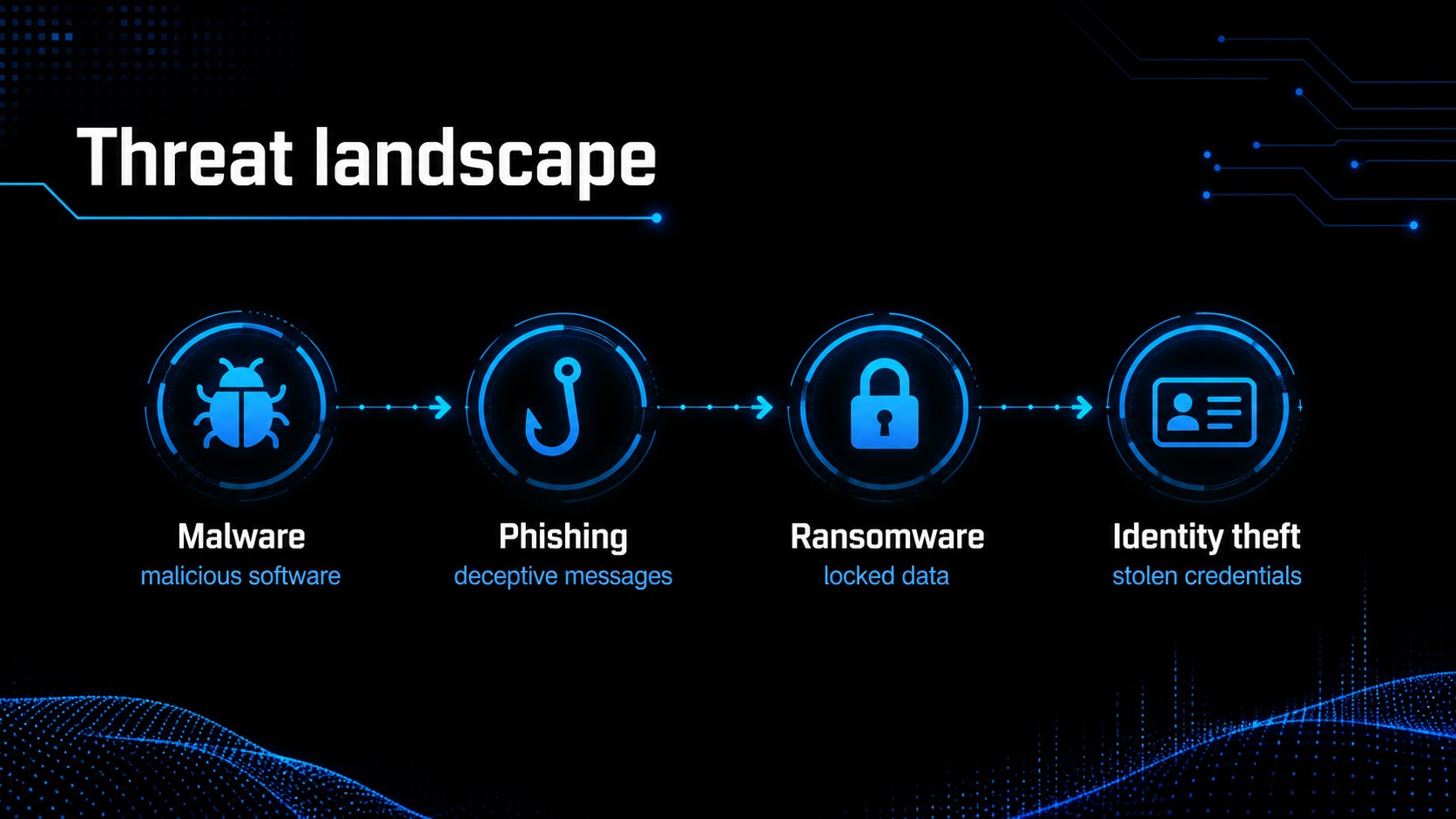
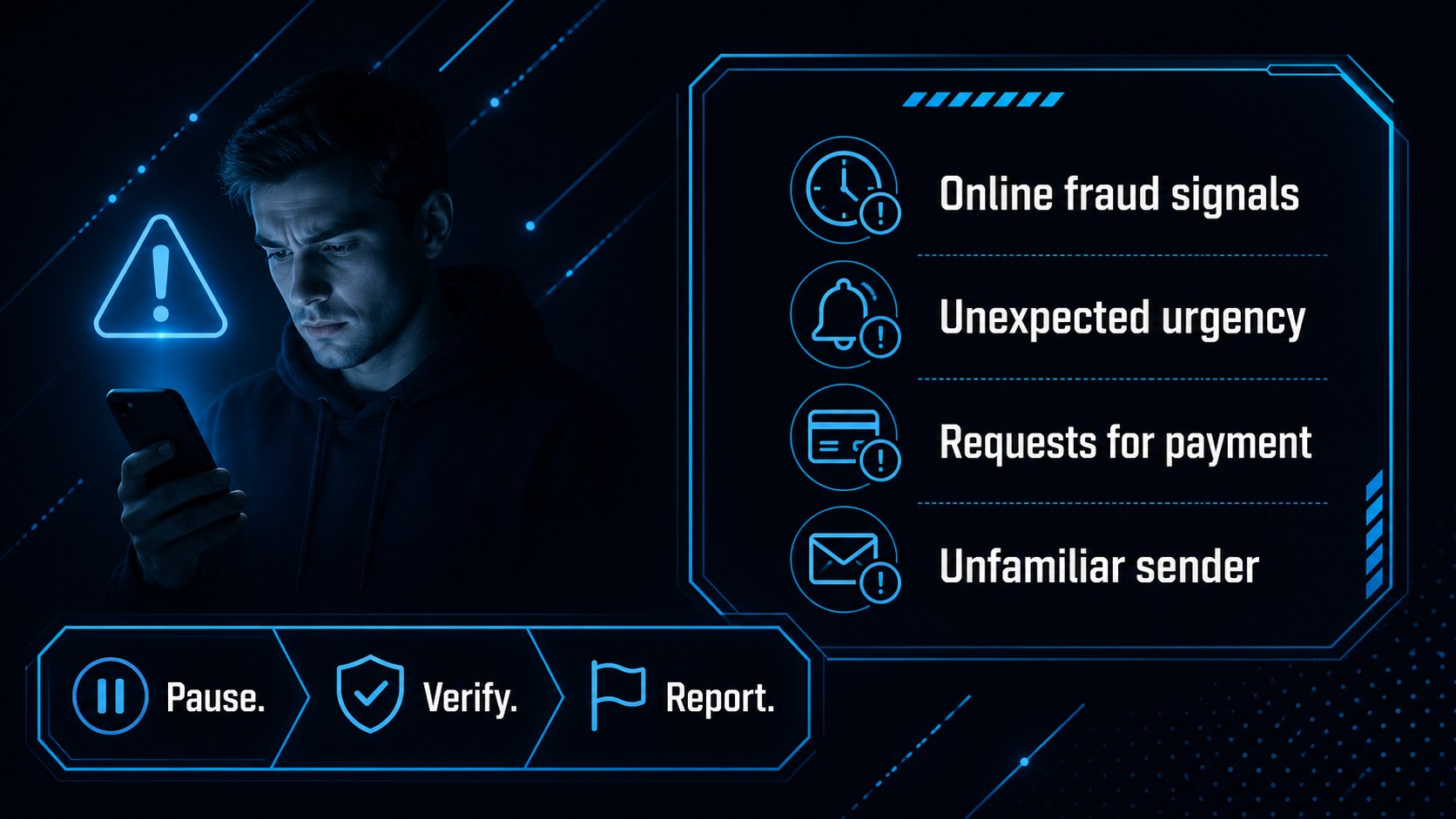
The template includes layouts for defining cybercrime, mapping attack methods, comparing risks, presenting incident timelines, organizing investigative evidence, and outlining practical prevention steps. Use charts, process diagrams, callout panels, image frames, and editable data tables to make technical or legal information easier to follow. The clean structure also works well for a cybercrime investigation presentation, an online fraud awareness session, or a digital safety workshop.
Every slide is editable in PowerPoint and Google Slides, with a widescreen 16:9 format and flexible placeholders for statistics, case studies, speaker notes, and discussion prompts. It suits law enforcement briefings, legal education, cybersecurity courses, corporate compliance training, and university seminars. Replace the sample content with local regulations, threat intelligence, investigation findings, or classroom exercises while keeping the bold black-and-blue visual identity.
Perfect for: law enforcement cybercrime briefing; online fraud awareness workshop; university cybersecurity lecture; corporate incident response training; legal investigation seminar.
Frequently asked questions
Can I edit this deck in PowerPoint? Yes. The layouts, text, charts, shapes, and image areas are designed for editing in PowerPoint. You can replace the sample case studies and statistics with your own material.
Practical details
Yes. The layouts, text, charts, shapes, and image areas are designed for editing in PowerPoint. You can replace the sample case studies and statistics with your own material.
Yes, the presentation can be used in Google Slides as well as PowerPoint. After importing it, update fonts or media only if your organization uses different brand resources.
The structure supports cyber threats, online fraud, digital investigations, incident response, evidence handling, and prevention. It can be adapted for classroom lessons, legal seminars, security briefings, or compliance training.
Yes. Change the accent color, typography, imagery, and background treatments while retaining the same layout system. The dark palette is especially useful for technical, legal, and security-focused sessions.
Keep exploring
15Build an engaging World UFO Day session with this flying saucer history lesson deck, featuring retro green-and-brown slides for PowerPoint and Google Slides.
 15
15Plan a lively animal-learning journey with this jungle zoo adventure lesson deck, ready to customize in PowerPoint and Google Slides for young learners.
 16
16Turn environmental research into a clear story with a Watercolor Ecology Presentation Theme for PowerPoint and Google Slides in calming green and blue.
 16
16Build focused fashion, literature, and humanities presentations with the Red Triangle Editorial Theme, editable in PowerPoint and Google Slides.
 15
15Turn streaming stats, favorite tracks, and concert highlights into a bold annual listening recap slide deck for PowerPoint and Google Slides.
 15
15Turn highlights, milestones, and favorite moments into a colorful year in review slide deck with bold 3D graphics for PowerPoint and Google Slides.
 3
3Build a credible endorsement with Standout Colleague Recommendation Letter Slides, featuring colorful prompts for skills, achievements, and team impact.
 4
4Build clear beginner sessions with an ice hockey fundamentals training deck for coaches, PE teachers, and clubs, ready for PowerPoint and Google Slides.