
 15
15presentation
Flying Saucer History Lesson Deck
Build an engaging World UFO Day session with this flying saucer history lesson deck, featuring retro green-and-brown slides for PowerPoint and Google Slides.
Google SlidesPowerPoint
presentation · English
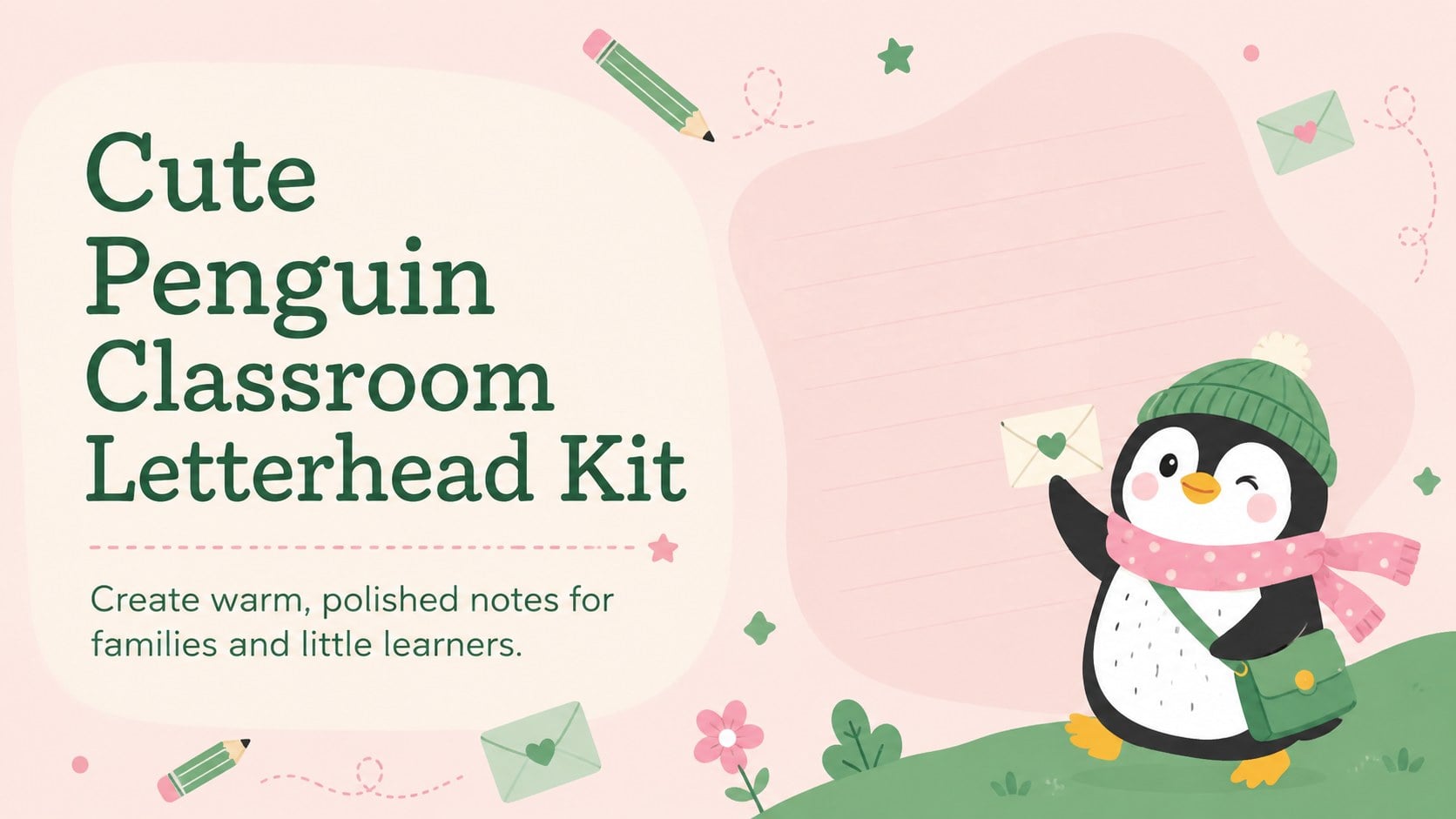
Create cheerful notes with a cute penguin classroom letterhead kit in pink and green, ready to personalize in PowerPoint or Google Slides for school messages.
Design notes
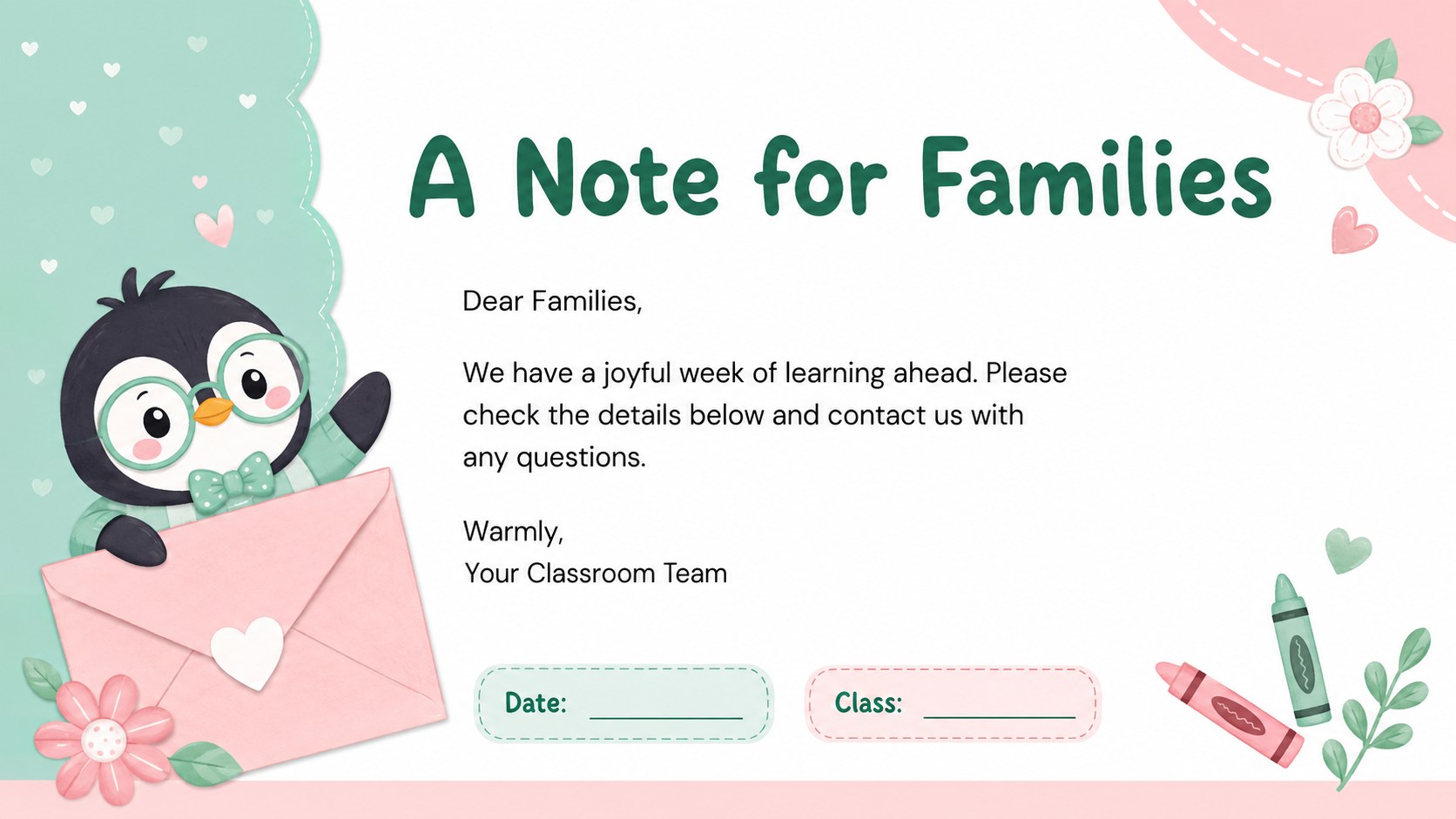
The cute penguin classroom letterhead kit gives preschool and early-years educators a cheerful way to share news, reminders, and personal messages. Soft pink and green colors, friendly typography, and original penguin artwork create a welcoming look without making important information difficult to read. Use it as an editable penguin classroom stationery set for digital messages or printed notes.
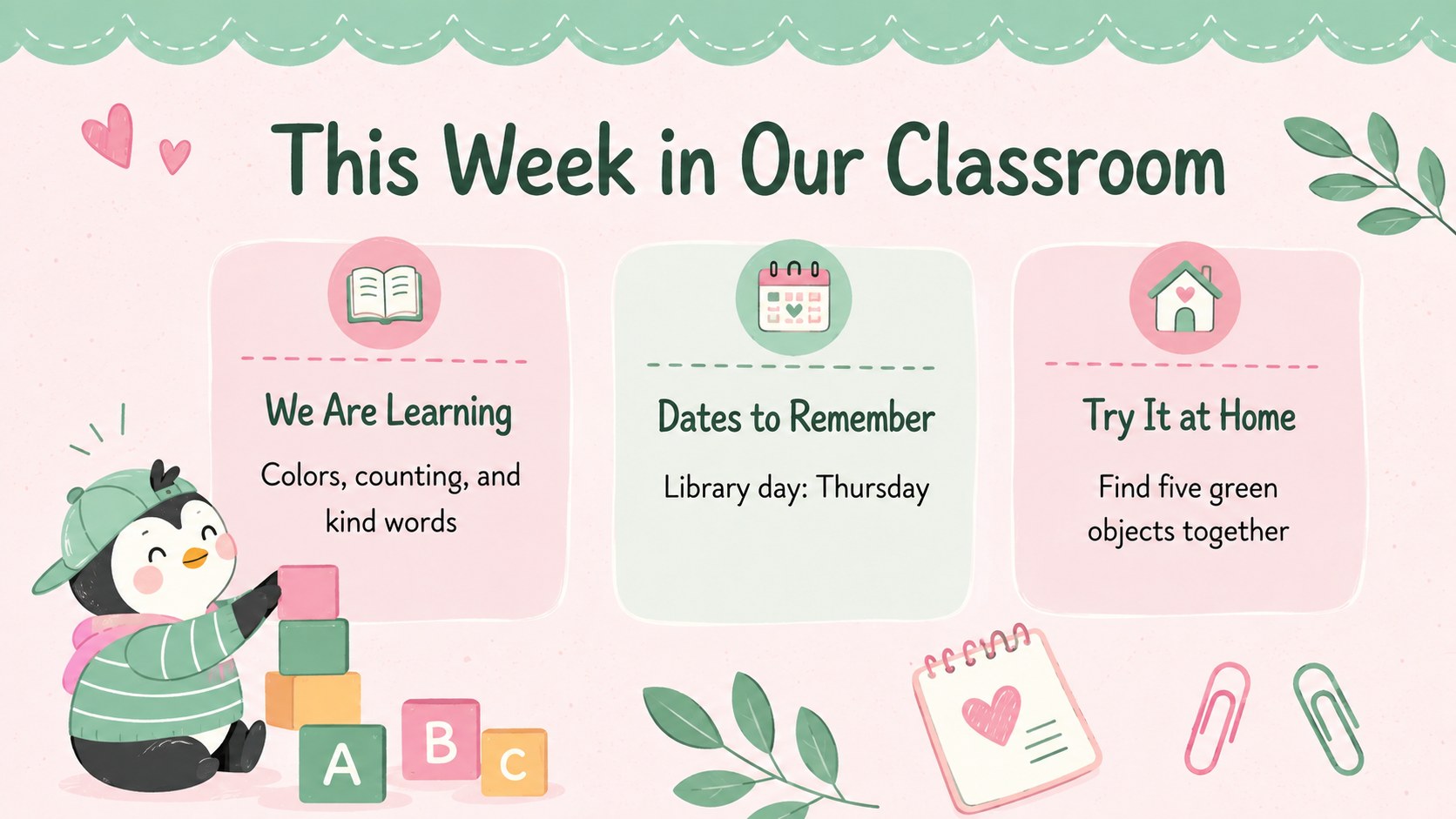
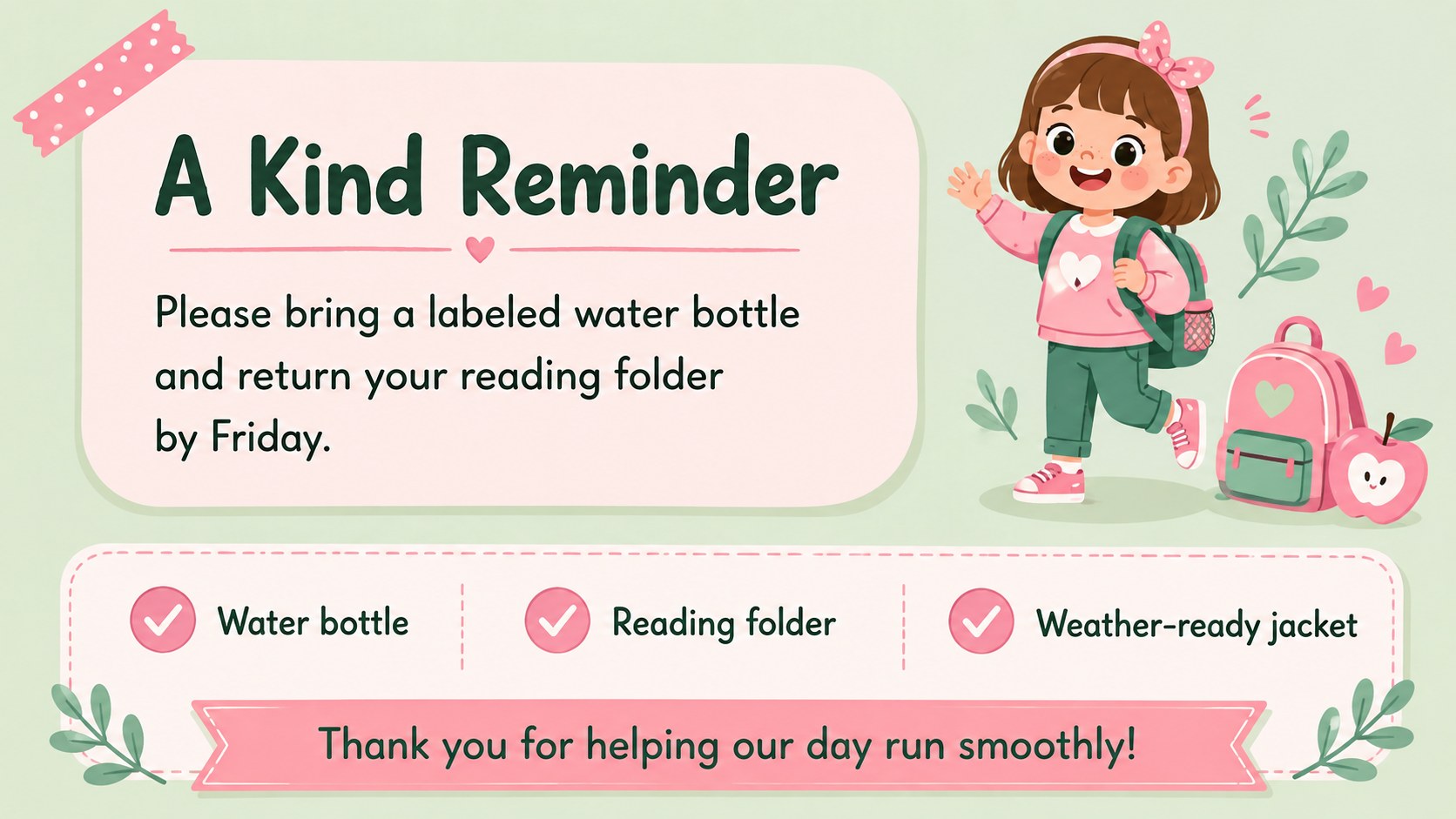
Inside are four coordinated layouts: an introductory cover, a family note, a weekly classroom update, and a friendly reminder page. Each design provides practical writing space alongside playful illustrations and decorative accents. Teachers can replace the sample wording, adjust colors, move design elements, and add a classroom name or contact details in PowerPoint or Google Slides. The layouts also work as a pink and green school letterhead collection for announcements, newsletters, event notices, and take-home messages.
This preschool parent communication template is designed for teachers, teaching assistants, childcare teams, and school administrators who want correspondence to feel approachable and consistent. It is especially useful for welcome notes, schedule changes, field trip information, celebration messages, and gentle reminders. Export completed pages for digital distribution or prepare them for printing after checking your preferred page and printer settings.
Perfect for: preschool family updates; classroom event announcements; weekly learning summaries; student take-home notes; friendly school reminders.
Frequently asked questions
Can I edit the wording and classroom details? Yes. Replace the sample text with your classroom name, message, dates, contact information, or student-specific details. Text boxes, colors, and decorative elements can also be repositioned or restyled.
Practical details
Yes. Replace the sample text with your classroom name, message, dates, contact information, or student-specific details. Text boxes, colors, and decorative elements can also be repositioned or restyled.
Yes. The layouts are prepared for editing in both PowerPoint and Google Slides. Minor font substitutions may occur if a typeface is not installed or available on your account.
Yes. Change the background, headings, borders, and illustration accents to match your classroom or school colors. Keep sufficient contrast between the message text and background for easy reading.
The designs use a 16:9 slide format and can be exported as PDF or image files. Review scaling and margins in your printer settings before producing classroom copies.
Keep exploring
15Build an engaging World UFO Day session with this flying saucer history lesson deck, featuring retro green-and-brown slides for PowerPoint and Google Slides.
 15
15Plan a lively animal-learning journey with this jungle zoo adventure lesson deck, ready to customize in PowerPoint and Google Slides for young learners.
 16
16Turn environmental research into a clear story with a Watercolor Ecology Presentation Theme for PowerPoint and Google Slides in calming green and blue.
 16
16Build focused fashion, literature, and humanities presentations with the Red Triangle Editorial Theme, editable in PowerPoint and Google Slides.
 15
15Turn streaming stats, favorite tracks, and concert highlights into a bold annual listening recap slide deck for PowerPoint and Google Slides.
 15
15Turn highlights, milestones, and favorite moments into a colorful year in review slide deck with bold 3D graphics for PowerPoint and Google Slides.
 3
3Build a credible endorsement with Standout Colleague Recommendation Letter Slides, featuring colorful prompts for skills, achievements, and team impact.
 4
4Build clear beginner sessions with an ice hockey fundamentals training deck for coaches, PE teachers, and clubs, ready for PowerPoint and Google Slides.