
 15
15presentation
Flying Saucer History Lesson Deck
Build an engaging World UFO Day session with this flying saucer history lesson deck, featuring retro green-and-brown slides for PowerPoint and Google Slides.
Google SlidesPowerPoint
presentation · English
Build clearer B2B experiences with a violet customer experience mapping deck for touchpoints, friction points, and team decisions. Edit it freely.

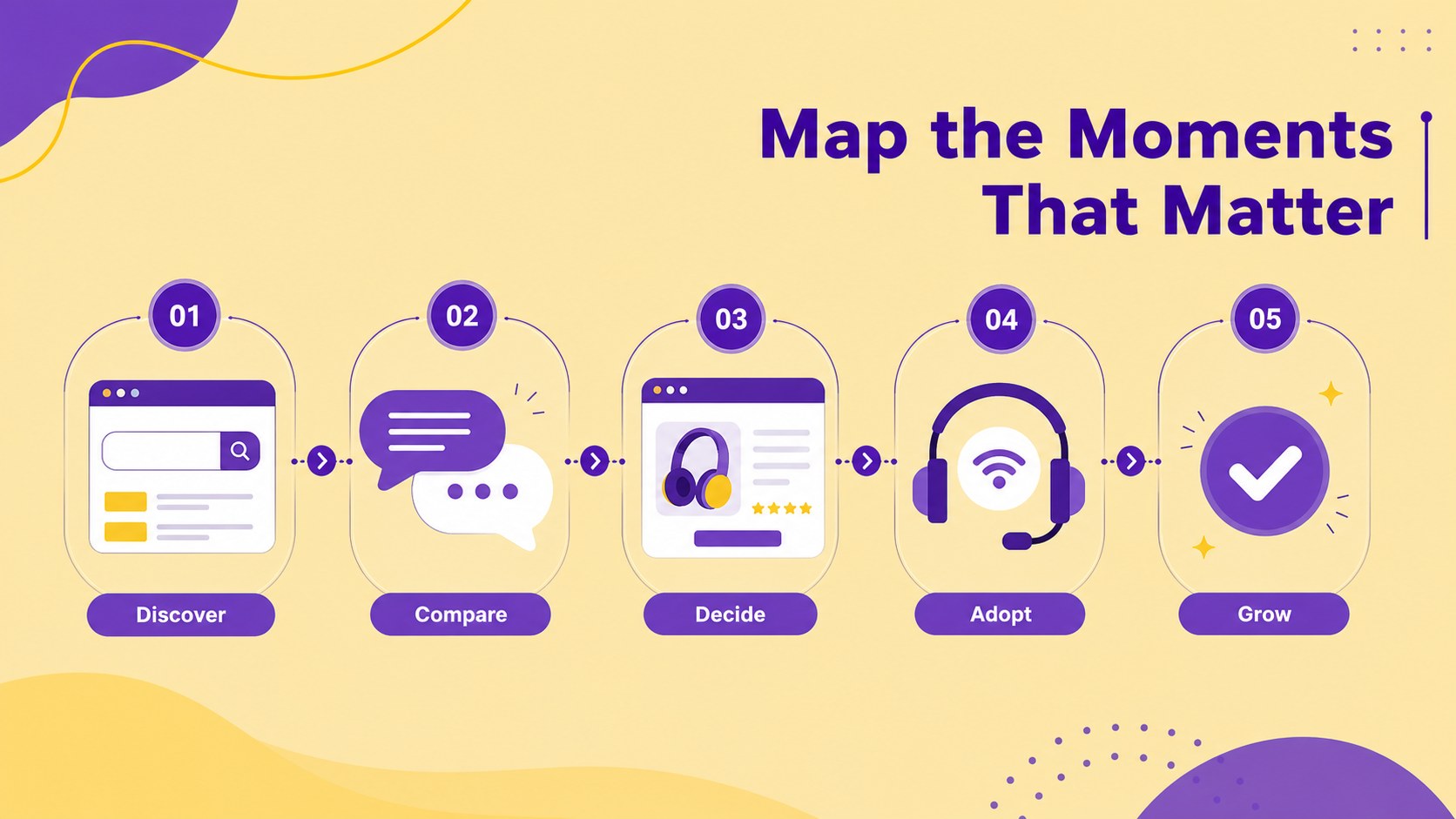
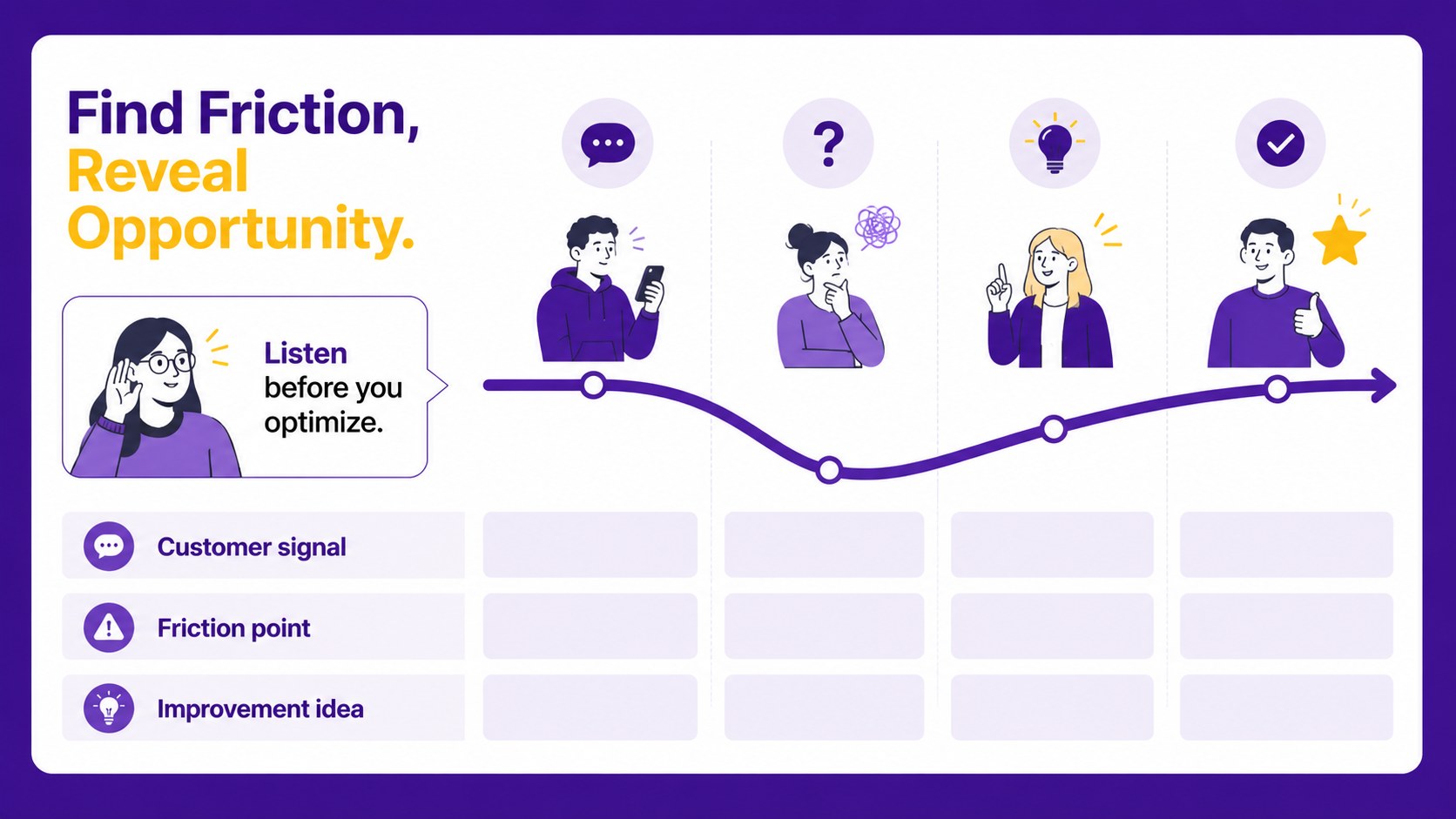
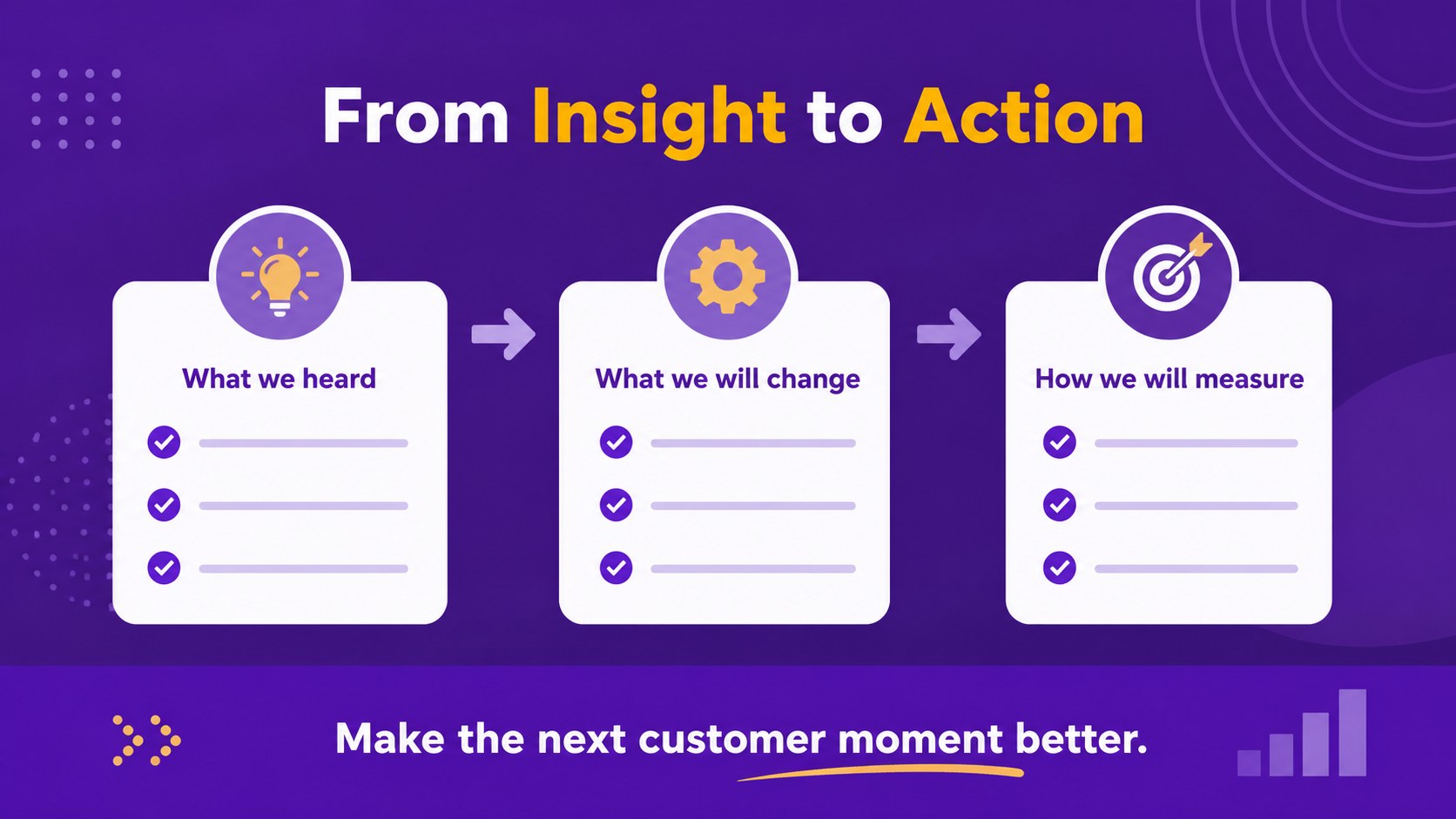
Design notes
Customer experience mapping deck for B2B teams that need to understand how prospects and customers move from first contact to long-term loyalty. The violet illustrated style gives complex service journeys a friendly, structured presentation format without losing a professional business feel. Use it to connect research, customer feedback, and internal decisions in one clear visual narrative.
Inside, you will find four customizable 16:9 slides for outlining journey stages, identifying important touchpoints, highlighting friction and satisfaction moments, and converting observations into practical next steps. The layouts support short notes, icons, charts, labels, and concise team recommendations. This customer touchpoint presentation can support discovery workshops, quarterly reviews, service design discussions, or stakeholder updates. It also works as a B2B buyer journey visualization for sales, marketing, product, and customer success teams.
Edit the deck with drag-and-drop controls, adjustable colors, fonts, illustrations, and animations. Add your own research, replace visual elements, and export the finished presentation to PowerPoint or Google Slides. Its approachable infographic format helps teams align quickly and explain customer experience priorities with less text and more structure.
Perfect for: B2B customer research workshop; service design review; sales and marketing alignment meeting; customer success strategy update; stakeholder journey briefing.
Frequently asked questions
Can I edit this deck? Yes. Open the template to change the wording, colors, fonts, illustrations, icons, and layout elements. Its drag-and-drop editor makes it suitable for teams without advanced design experience.
Practical details
Yes. Open the template to change the wording, colors, fonts, illustrations, icons, and layout elements. Its drag-and-drop editor makes it suitable for teams without advanced design experience.
Yes. In, select Share, choose Download, and select Microsoft PowerPoint to create a PPTX file. Some -specific animations or elements may need adjustment after export.
Add journey stages, customer goals, interaction channels, emotions, friction points, and improvement opportunities. Short research findings or representative quotes can make each touchpoint more meaningful.
Yes. Marketing, sales, product, UX, and service operations teams can use it to align around the B2B buyer and customer experience. Adapt the labels to match your research process or internal terminology.
Keep exploring
15Build an engaging World UFO Day session with this flying saucer history lesson deck, featuring retro green-and-brown slides for PowerPoint and Google Slides.
 15
15Plan a lively animal-learning journey with this jungle zoo adventure lesson deck, ready to customize in PowerPoint and Google Slides for young learners.
 16
16Turn environmental research into a clear story with a Watercolor Ecology Presentation Theme for PowerPoint and Google Slides in calming green and blue.
 16
16Build focused fashion, literature, and humanities presentations with the Red Triangle Editorial Theme, editable in PowerPoint and Google Slides.
 15
15Turn streaming stats, favorite tracks, and concert highlights into a bold annual listening recap slide deck for PowerPoint and Google Slides.
 15
15Turn highlights, milestones, and favorite moments into a colorful year in review slide deck with bold 3D graphics for PowerPoint and Google Slides.
 3
3Build a credible endorsement with Standout Colleague Recommendation Letter Slides, featuring colorful prompts for skills, achievements, and team impact.
 4
4Build clear beginner sessions with an ice hockey fundamentals training deck for coaches, PE teachers, and clubs, ready for PowerPoint and Google Slides.